Ethical Considerations of AI-Generated Presentations


Discover the ethical considerations of AI-generated presentations, including originality, accuracy, and bias, while exploring MagicSlides.app for seamless, AI-powered presentation creation.
Artificial Intelligence (AI) has revolutionized multiple industries, and presentations are no exception. Tools like MagicSlides.app have made it possible to generate AI presentations instantly, saving time and effort. However, as with any AI-driven innovation, there are ethical considerations that users must keep in mind when leveraging AI for presentations.
Ethical Concerns of AI-Generated Presentations
1. Intellectual Property and Plagiarism
AI-generated presentations pull data from various sources, which raises concerns about originality. Users must ensure:
- The content is properly credited when sourced from external references.
- AI is used as an assistive tool rather than a means to copy information without verification.
2. Accuracy and Misinformation
AI tools, including those that generate presentations, rely on algorithms that fetch and summarize data. However:
- AI can misinterpret data, leading to inaccurate or misleading content.
- Users should cross-check facts before using AI-generated slides.
3. Over-Reliance on AI
AI-generated presentations are convenient, but over-reliance on them can:
- Reduce creativity and critical thinking.
- Result in generic content that lacks a personal touch.
- Limit the learning experience for students or professionals who rely solely on AI for their presentations.
4. Bias in AI-Generated Content
AI learns from existing datasets, which may contain biases. This means:
- Content generated may reflect cultural, political, or ideological biases.
- Users must review and refine AI-generated slides to ensure fairness and inclusivity.
5. Confidentiality and Data Security
When using AI-powered tools, there is a risk of data privacy issues, especially if sensitive or proprietary data is used. Users should:
- Be cautious about sharing confidential business or academic information on AI tools.
- Check the privacy policies of the AI presentation tool they are using.
How to Use MagicSlides.app for AI-Generated Presentations
For those looking for a powerful AI-driven tool for presentation creation, MagicSlides.app simplifies the process.
Step-by-Step Guide to Creating AI Presentations Using MagicSlides.app
- Visit MagicSlides.app.
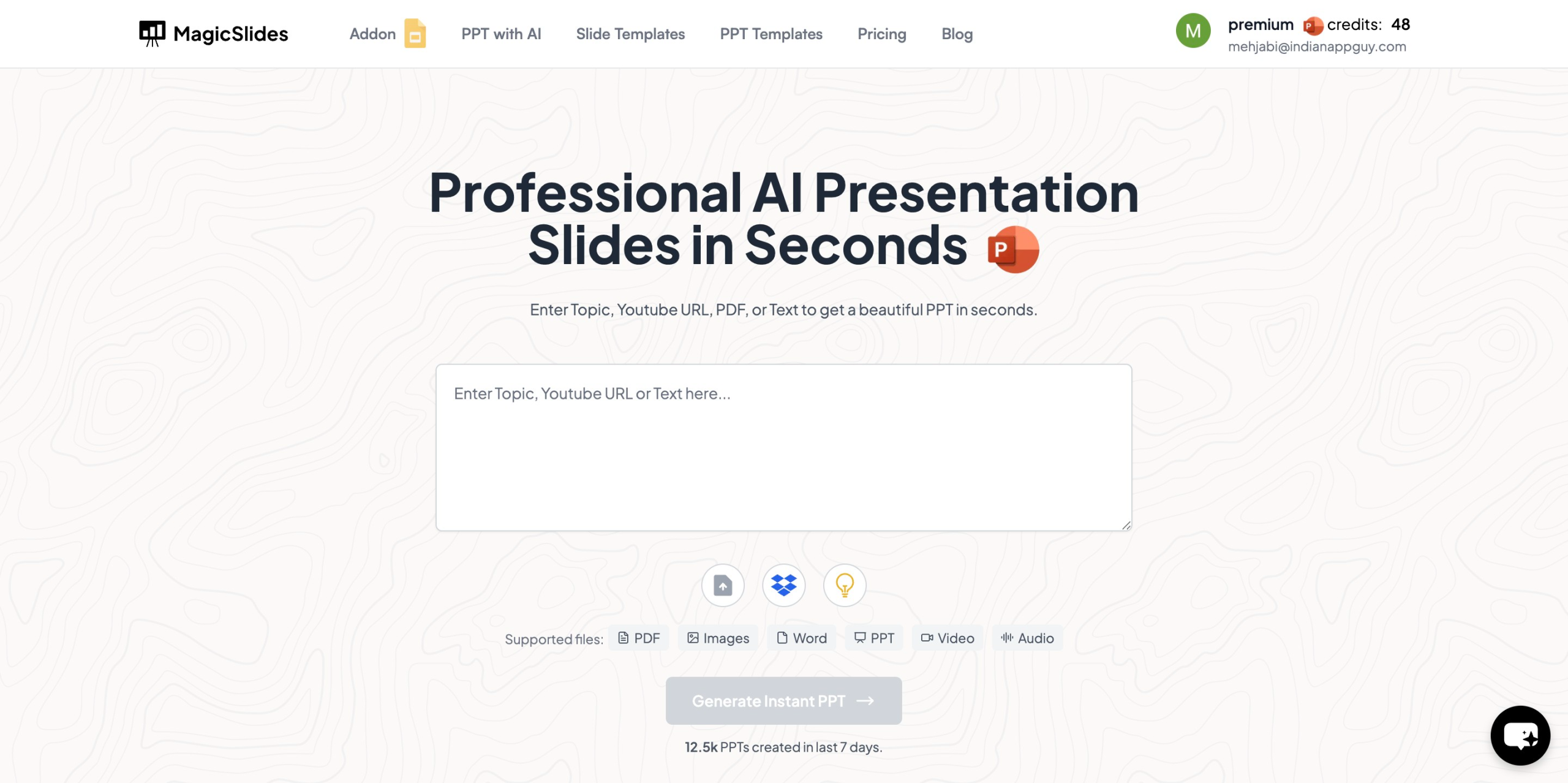
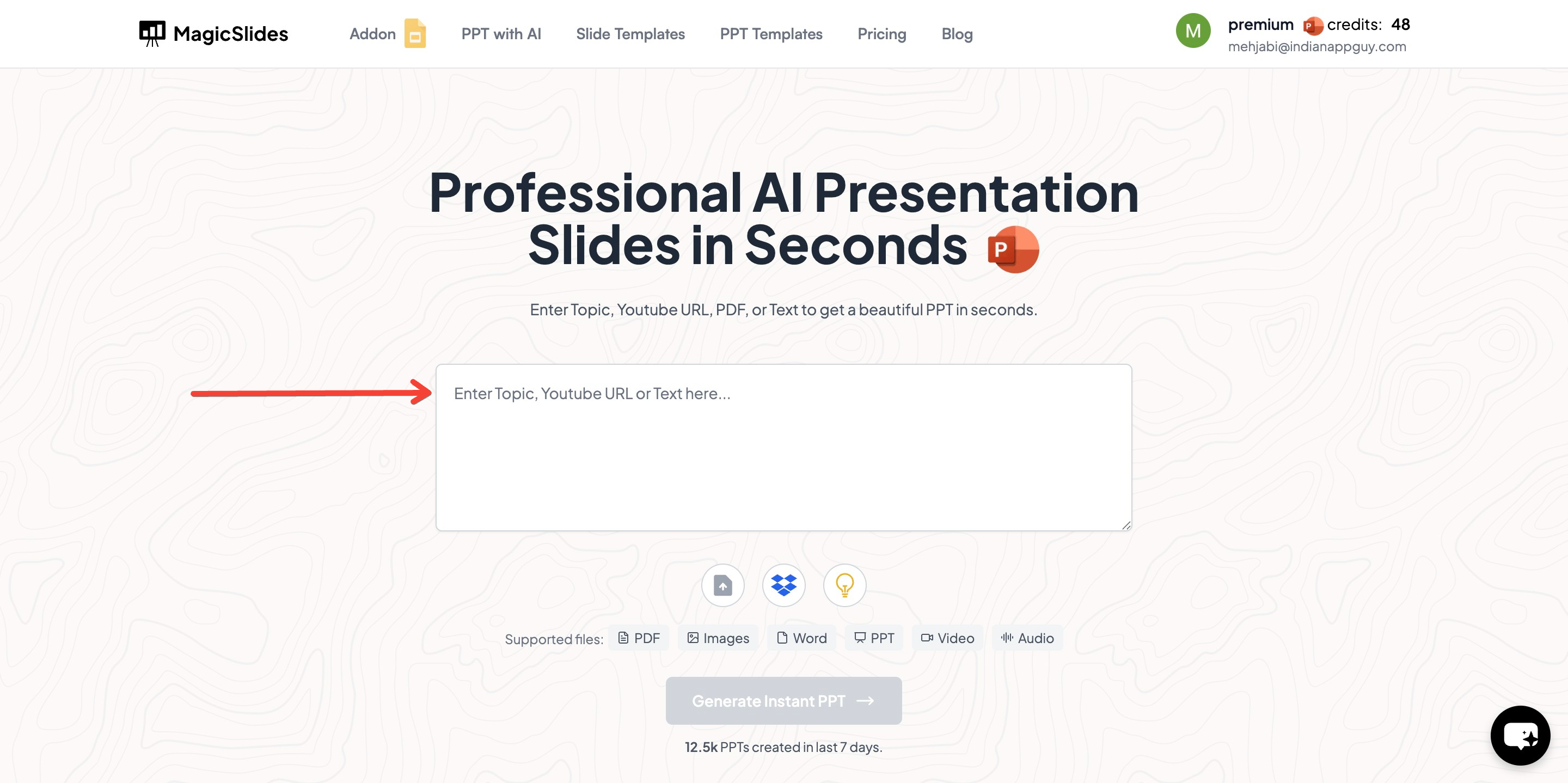
- Enter your topic in the provided space.
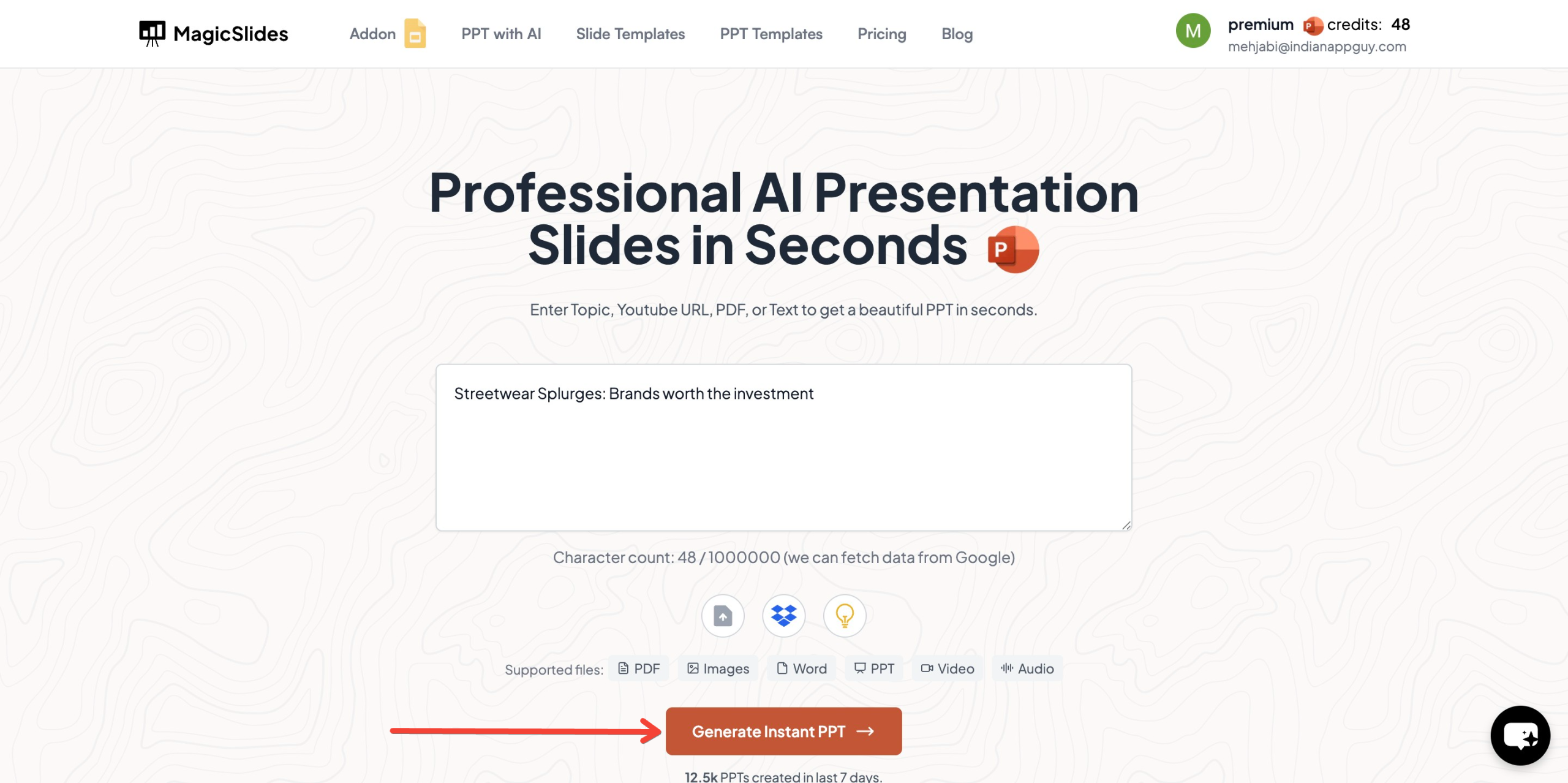
- Click on ‘Generate Instant PPT’ to let AI start creating your presentation.
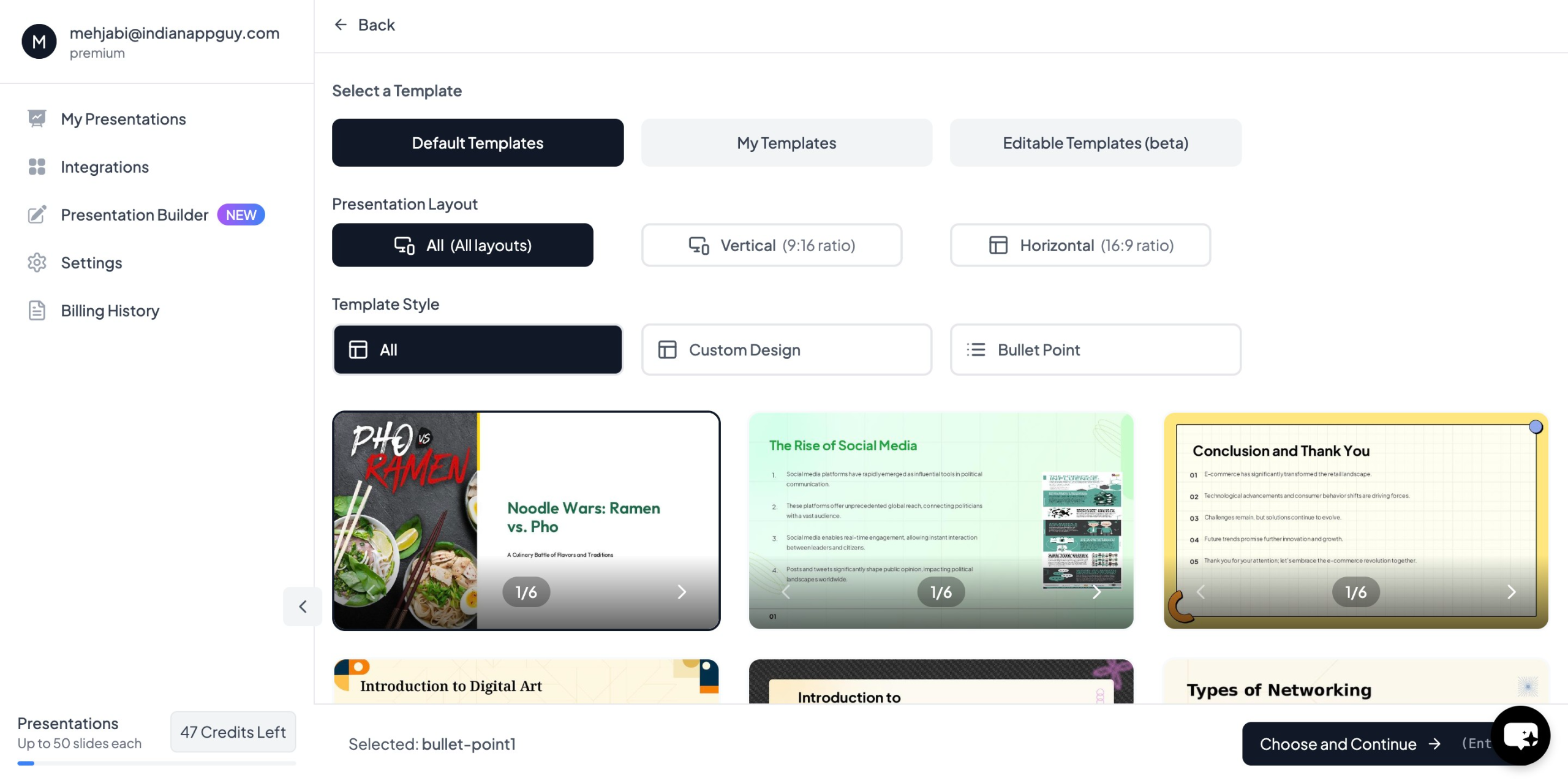
- Choose your template and the number of slides as per your needs. Fill in additional details (if needed) to customize your presentation further.
- Click ‘Generate Instant PPT’ to finalize the process.
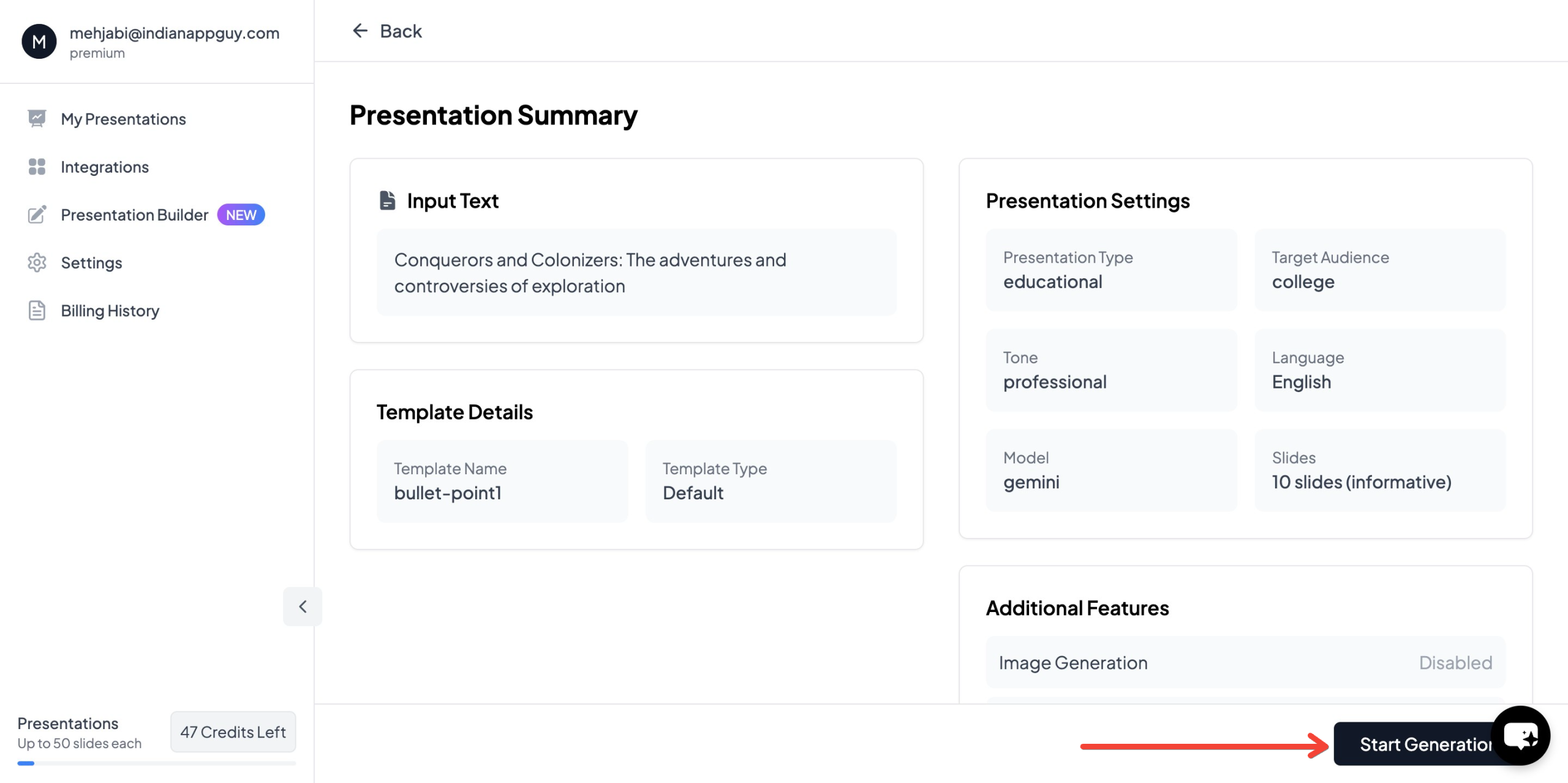
- Download and review your AI-generated presentation.

Key Features of MagicSlides.app
- AI-powered slide creation.
- Supports data from Google, Wikipedia, and YouTube.
- Customizable templates for professional presentations.
- Integration with Google Slides, Figma, and Zapier.
- Supports multiple languages and AI-driven image generation.
MagicSlides.app Pricing
For those considering MagicSlides.app for AI-generated presentations, here’s an overview of the pricing plans:
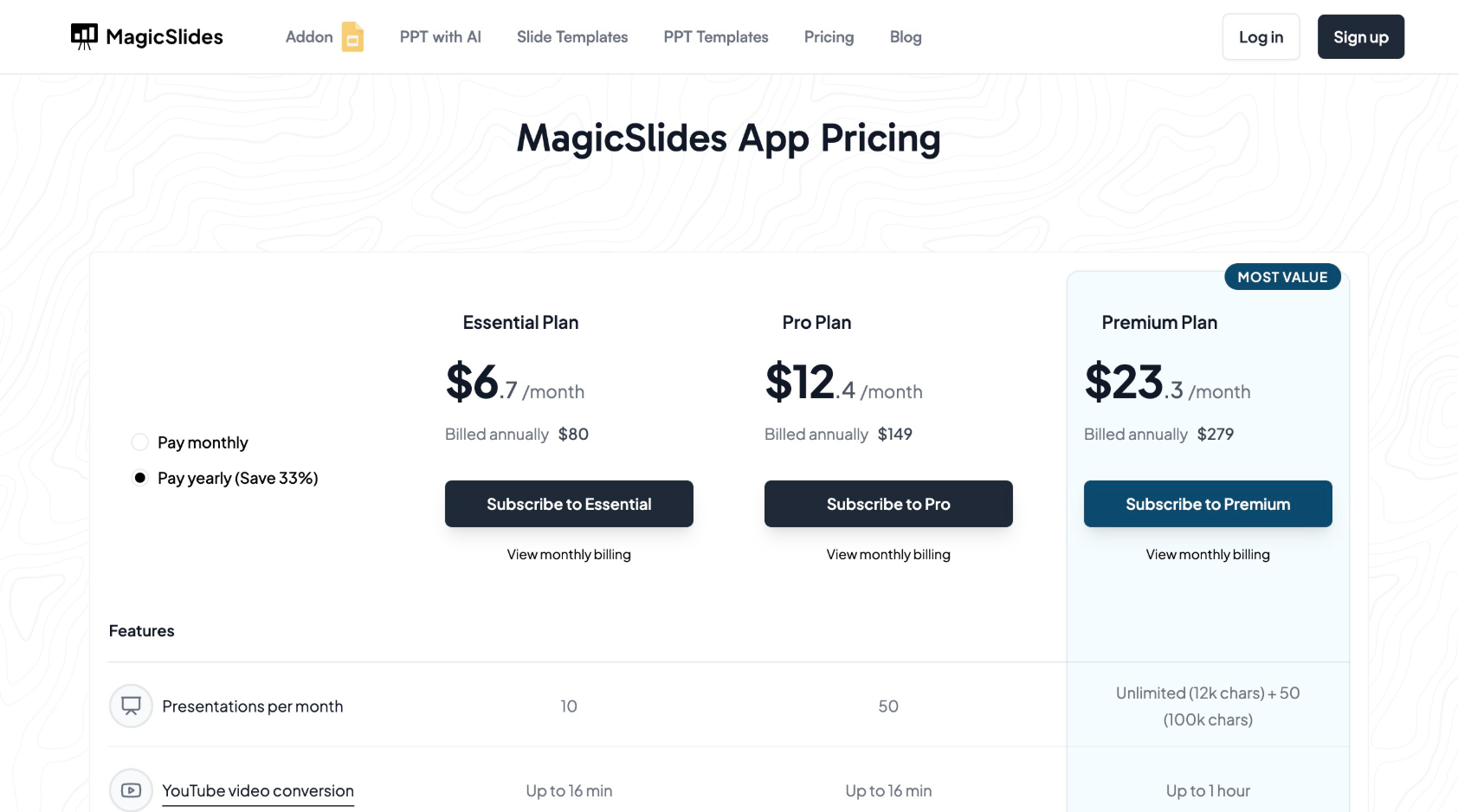
The Essential plan is great for casual users, while Pro and Premium plans offer advanced features, making them ideal for businesses and professionals.
Final Thoughts
AI-generated presentations offer convenience, speed, and enhanced productivity. However, ethical considerations such as accuracy, originality, and data privacy must be carefully addressed. MagicSlides.app provides a powerful AI-driven presentation tool with flexible pricing plans to suit different needs.
While AI can assist in creating compelling AI presentations, human oversight is essential to ensure credibility, originality, and ethical use. Before presenting AI-generated slides, always review, refine, and fact-check to ensure quality and ethical integrity.
Would you like to try MagicSlides.app for your next presentation? Visit MagicSlides.app today! 🚀


