How to fix unsupported image type in Google Slides


Often while working with images in Google Slides, we might encounter unsupported images, here is a possible guide to fix them.
If you come across an error stating "unsupported image type" while attempting to insert an image into your Google Slides presentation, it generally indicates that the image format you're utilizing isn't compatible with Google Slides. Google Slides typically works well with popular image formats such as JPEG, PNG, GIF, and SVG.
Here's are few possible sloution to the issue:
Solution 1: Check Image Format: Make sure the image you're trying to add is in a supported format like JPEG, PNG, GIF, or SVG. If it's in a different format, you might need to convert it to one of the supported formats using image editing software.
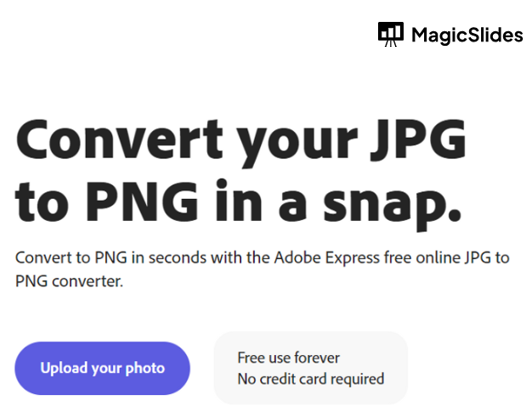
Solution 2: Convert Image Format: If your image is in an unsupported format, you can use image editing tools like Adobe Photoshop, GIMP, or online converters to change the format to a supported one.
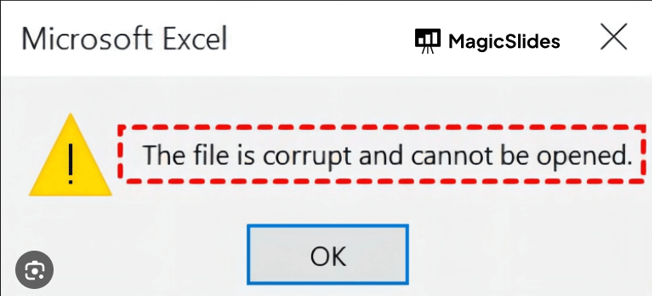
Solution 3: Verify Image File: Sometimes, the image file itself might be corrupted. Try opening the image in an image viewer to make sure it's not damaged.
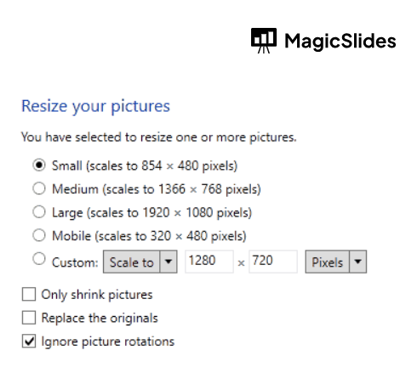
Solution 4: Resize Image: Extremely large images might also cause issues. Try resizing the image to a reasonable size before adding it to your presentation.
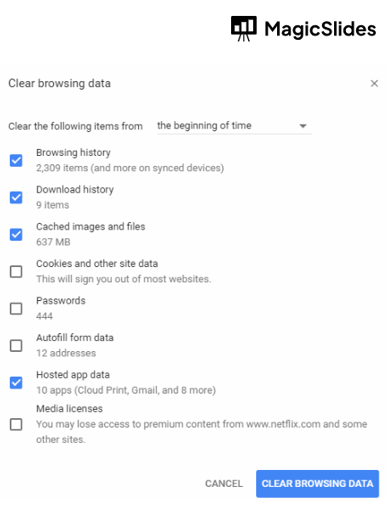
Solution 5: Clear Browser Cache: If you're using Google Slides in a web browser, clearing your browser's cache and cookies might help resolve any temporary issues.
Solution 6: Use Different Browser: If you're encountering the issue in one browser, try using a different one to see if the problem persists.
Solution 7: Use a Different Device: If possible, try uploading the image from a different device or computer to see if the issue is related to the device or network.
Solution 8: Upload to Google Drive: If you're still facing issues, you can try uploading the image to your Google Drive first, and then insert it into your Google Slides presentation from there. This can sometimes bypass format-related issues.
Finally : Contact Google Support: If none of the above solutions work, you might want to reach out to Google Support for further assistance. They can provide guidance and solutions specific to your situation.


