How to Find Starred Templates on Canva (Step-by-Step)


Learn how to find starred templates on Canva quickly. Follow this step-by-step guide to access saved designs, stay organized, and create faster.
If you want to know where your starred templates are in Canva I can tell you the way to find them. Canva puts everything you star in a folder so you can easily go back to your favorite designs without having to look for them again.
To find your starred templates in Canva go to your dashboard click on the Canva Projects folder then go to Folders and pick Starred. This part is like your personal collection of saved templates and pictures and things you use to make your designs.
When you are making presentations or posts for media being able to get to your starred templates quickly helps you work smoothly and stay organized. You can get to your starred templates in Canva easily which is great, for your Canva design workflow.
What Are Starred Templates in Canva?
Before you learn how to find templates on Canva lets first understand what they are. Starred templates are designs that you have marked with a star so you can easily find them later. You can think of them as your personal collection in Canva.
While trying to remember where you found a template or doing the same search over and over you just save the templates you like. Canva then stores them in one place for you. This is really helpful when you are working on things like media posts, presentations or marketing designs that you do over and over.
The place where Canva saves your templates is not just, for designs. You can also save things like elements, images and layouts that you use a lot. Anything you star becomes part of your saved items. This makes it faster and easier to design things.
In short starring templates is a way that Canva helps you bookmark and reuse things. It helps you work efficiently.
Why You Should Use the Star Feature in Canva?
Understanding how to find starred templates on Canva is useful, but knowing why to use the feature can completely change how you work. The star feature is more than a simple save button it’s a practical way to improve your Canva design workflow and stay organized.
When you regularly create content, searching for the same layouts again and again wastes time. By starring templates, you build a ready-to-use library inside your Canva content organization system. This makes it easier to maintain consistency across designs, especially for branding, presentations, or social media posts.
Another benefit is speed. Instead of browsing through hundreds of options, you can instantly find starred templates Canva users rely on daily. It also reduces decision fatigue because your best designs are already saved.
In simple terms, the star feature helps you work smarter, stay organized, and design faster without unnecessary repetition.
Step 1. Log into Your Canva Account
Open Canva in your browser or on the app and log in to your account.
Ensure you’re logged into the correct account where you starred your templates.
Step 2. Go to the “Projects” Section
On the left-hand sidebar, locate and click on the “Projects” tab.
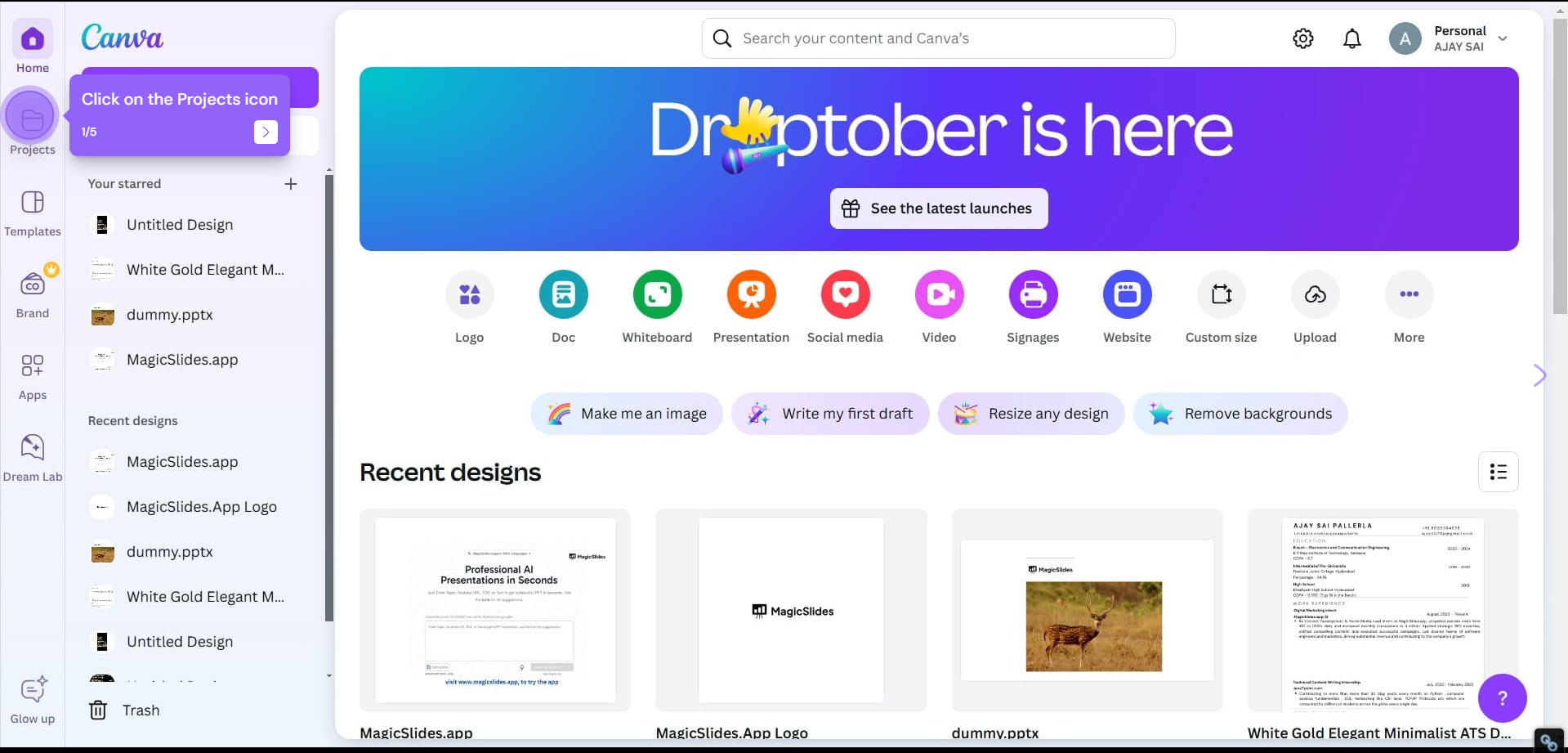
This section serves as your main workspace where you can access all saved projects, folders, and templates.
Step 3. Open the “Starred” Folder
Inside the Projects section, scroll down until you see the “Starred” folder.
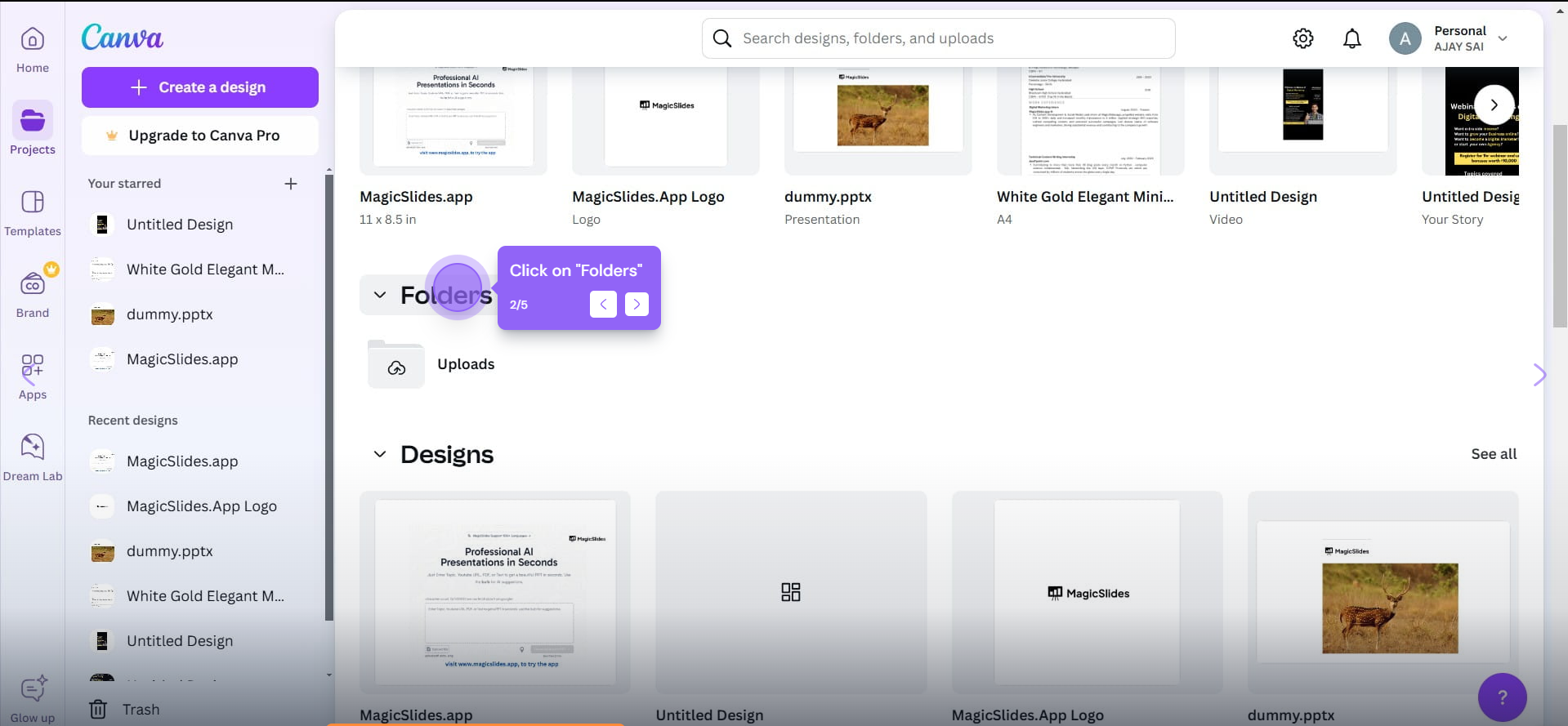
This is where all your starred templates and other saved items are stored for quick access.
Step 4. Find Your Starred Templates
Click on the “Starred” folder to view a list of all your starred items, including templates, images, and other design assets.
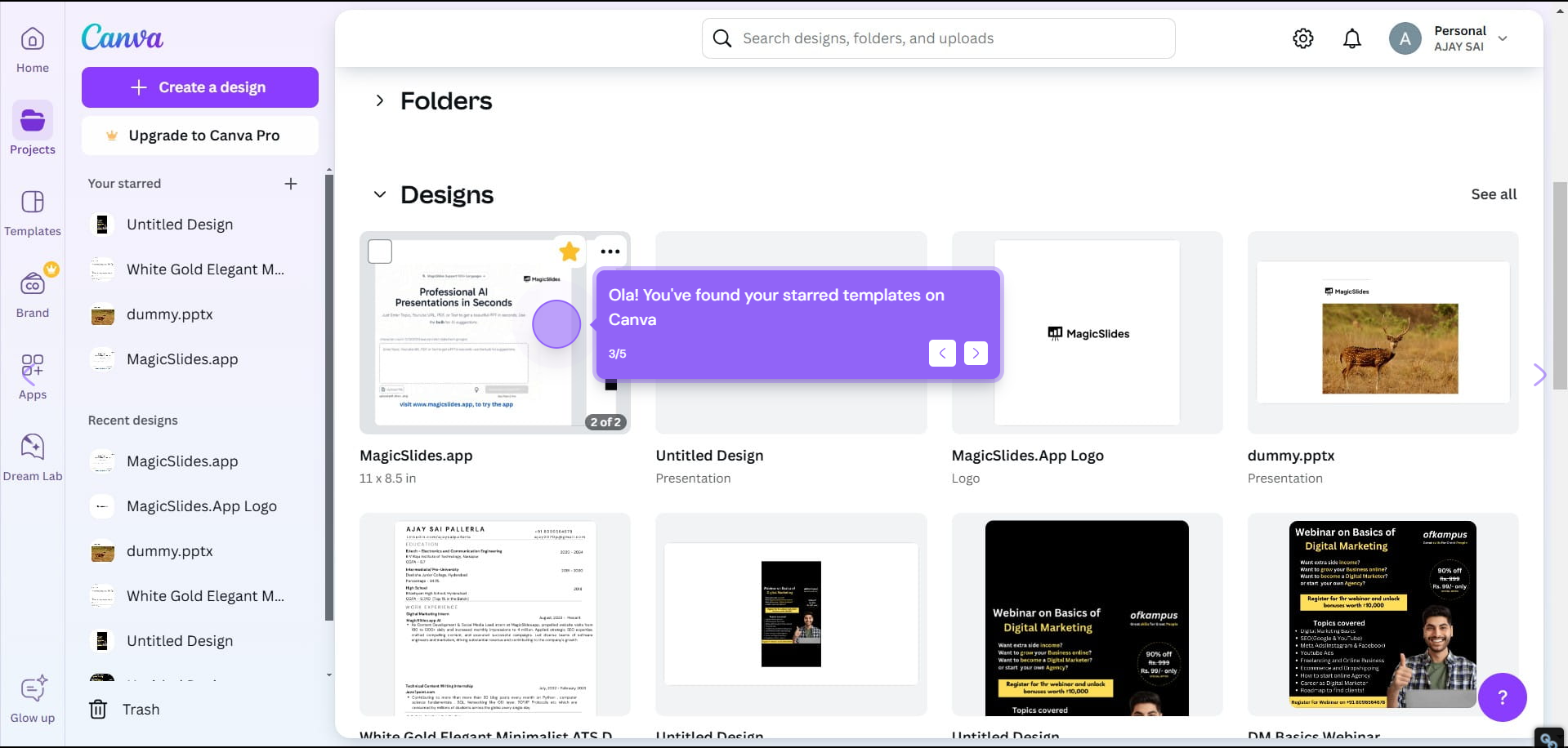
Browse through your starred collection and select the template you want to use or edit.
Step 5. Open and Customize Your Starred Template
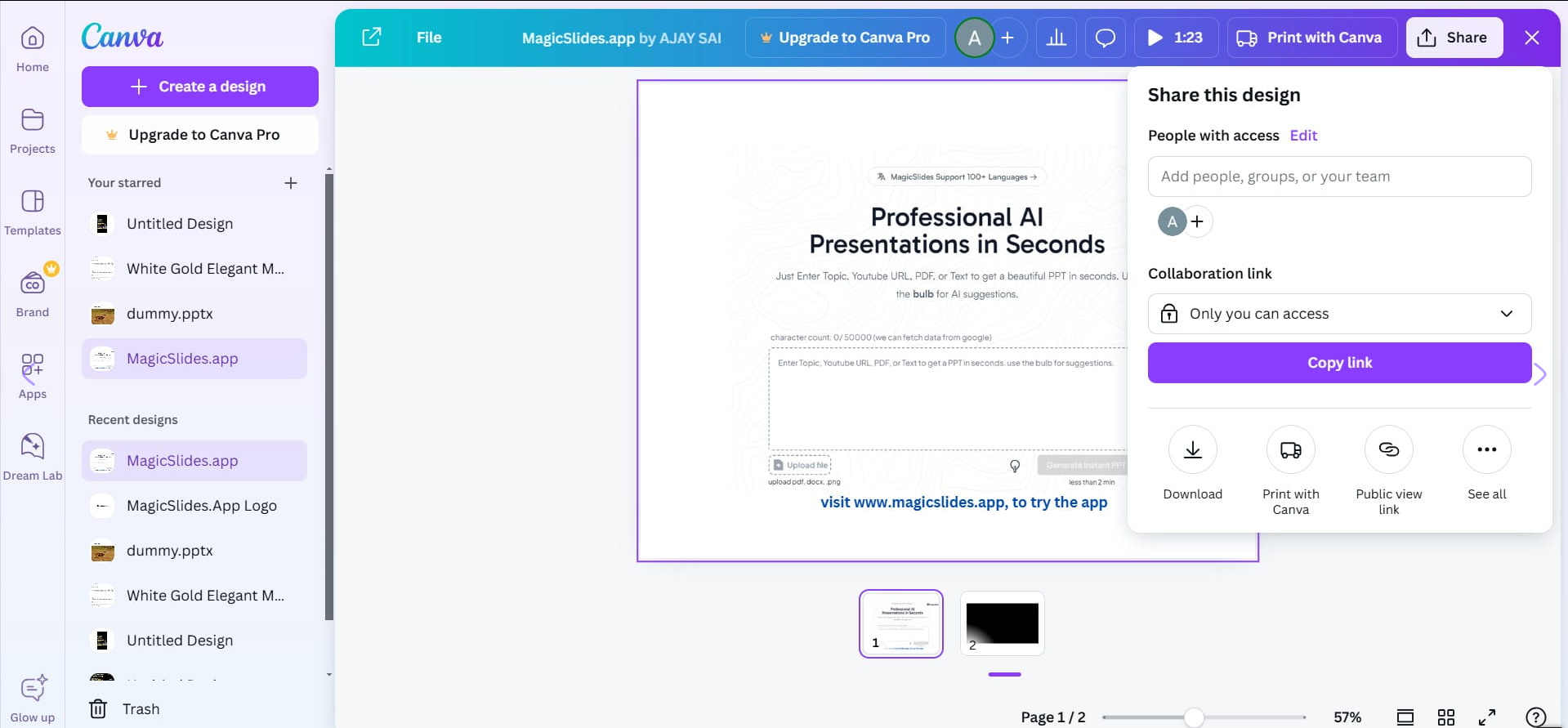
Once you’ve located the desired template, click on it to open it in the Canva editor.
From here, you can start customizing it to fit your project’s needs, whether that’s for social media posts, presentations, or other design types.
Once you’ve found starred templates on Canva, explore how to change margins in Canva to create a layout that fits your design needs perfectly.
Turn Your Canva Designs into Presentations Instantly
If you’re using Canva templates for presentations, you can take things a step further with MagicSlides AI PPT Maker.

Instead of manually creating slides, MagicSlides helps you generate complete presentations from text, documents, or even URLs in seconds.
This means you can:
- Convert your Canva ideas into structured presentations instantly
- Save hours on slide creation and formatting
- Focus more on content rather than design
It’s especially useful if you frequently work with slides and want to speed up your workflow.
Also read: How to Narrate Google Slides? Step-by-Step Guide with Voiceover Tips
Conclusion
Finding starred templates on Canva is simple and helps you quickly access your favorite designs.
With your templates organized in the “Starred” folder, you can focus on creating beautiful content without wasting time searching.
And if you’re creating presentations, combining Canva with tools like MagicSlides can make your workflow even faster and more efficient.
FAQs
Q. Can I remove templates from the starred folder if I no longer need them?
Yes, to remove a template from the starred folder, open the template and click the star icon again to un-star it.
Q. Can I star templates directly from Canva’s template library?
Yes, you can star templates directly from Canva’s template library by hovering over the template and clicking the star icon on its preview.
Q. Can I organize starred templates into different folders?
While starred templates are saved in a single “Starred” folder, you can create additional folders in the “Projects” section to further organize templates if needed.


