How to Generate Professional PPTs with AI Quickly?


Explore how AI simplifies creating professional PowerPoint presentations with tools like MagicSlides for quick, efficient results.
Creating a professional PowerPoint presentation (PPT) can be a daunting task, especially if you're pressed for time or lack design skills. Fortunately, advancements in artificial intelligence (AI) have made it possible to streamline this process, allowing anyone to generate high-quality presentations quickly and efficiently. In this detailed guide, we'll explore how AI can assist you in crafting professional PPTs and introduce you to tools like MagicSlides that facilitate this process.
Understanding AI in Presentation Design
Before diving into the specifics of AI-powered PPT creation, it's essential to understand what AI can do in this context. AI in presentation design primarily helps in the following areas:
1. Automated Template Selection
AI analyzes the content of your presentation and suggests templates that align with the theme and content type. This ensures that the design complements the presentation's purpose without the need for manual browsing through countless options.
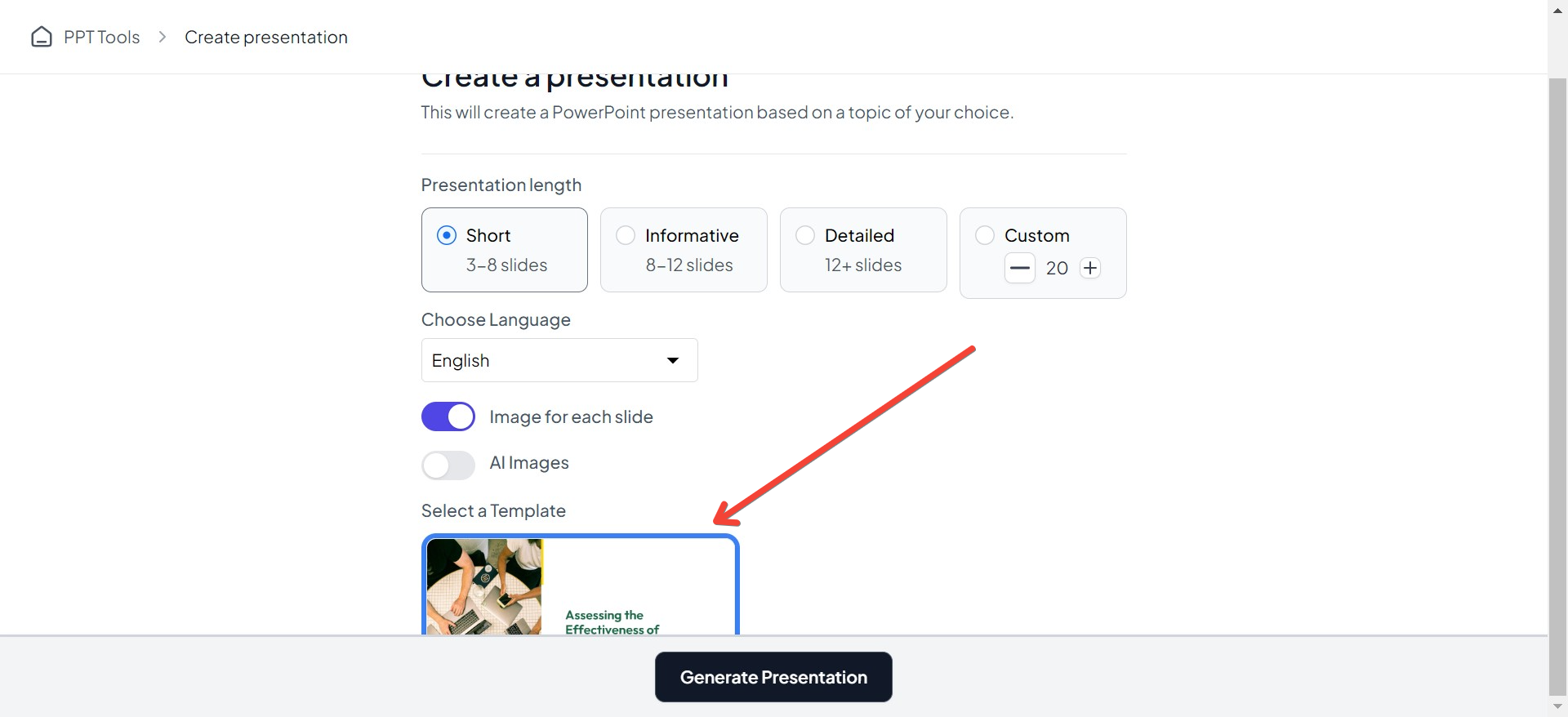
Using an AI PPT Maker, you can choose the type of template you want for your presentation.
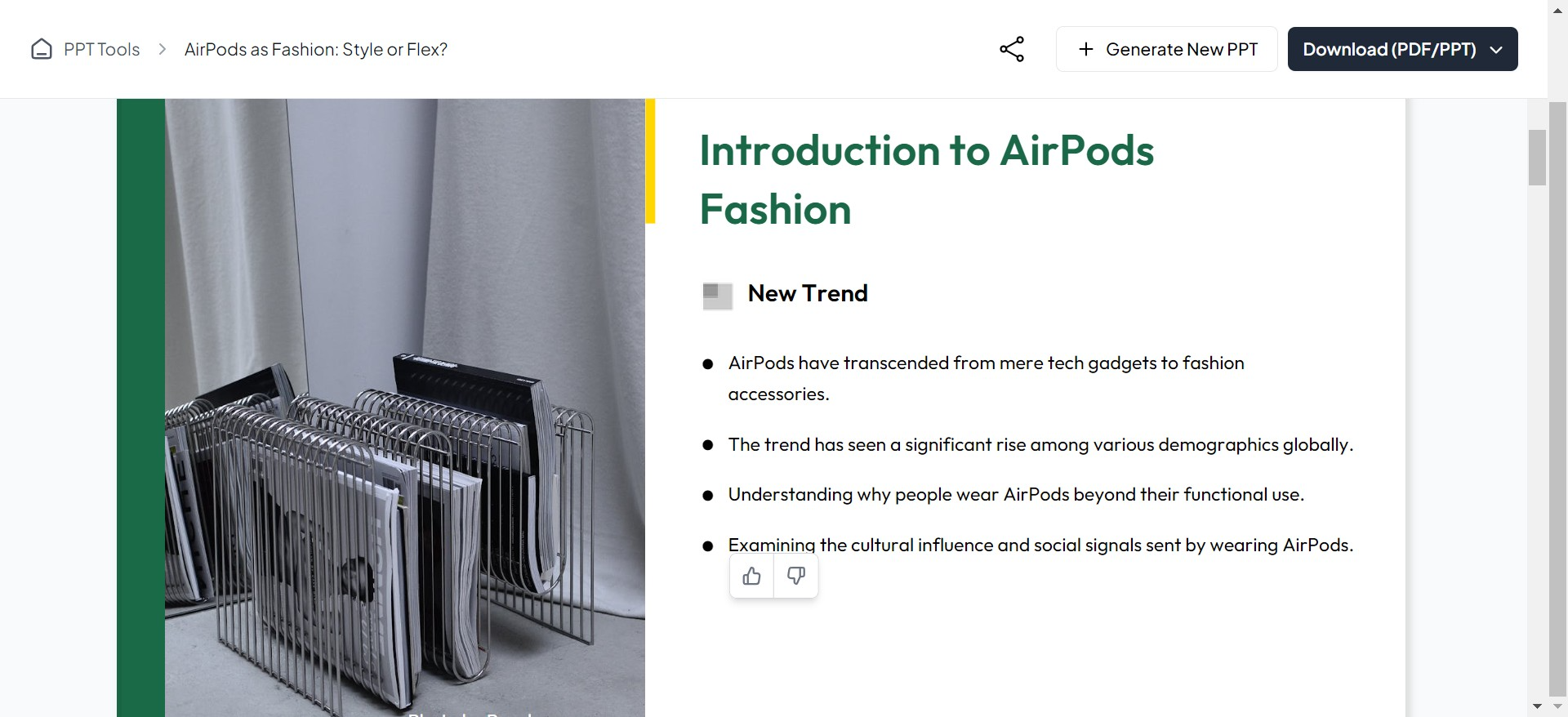
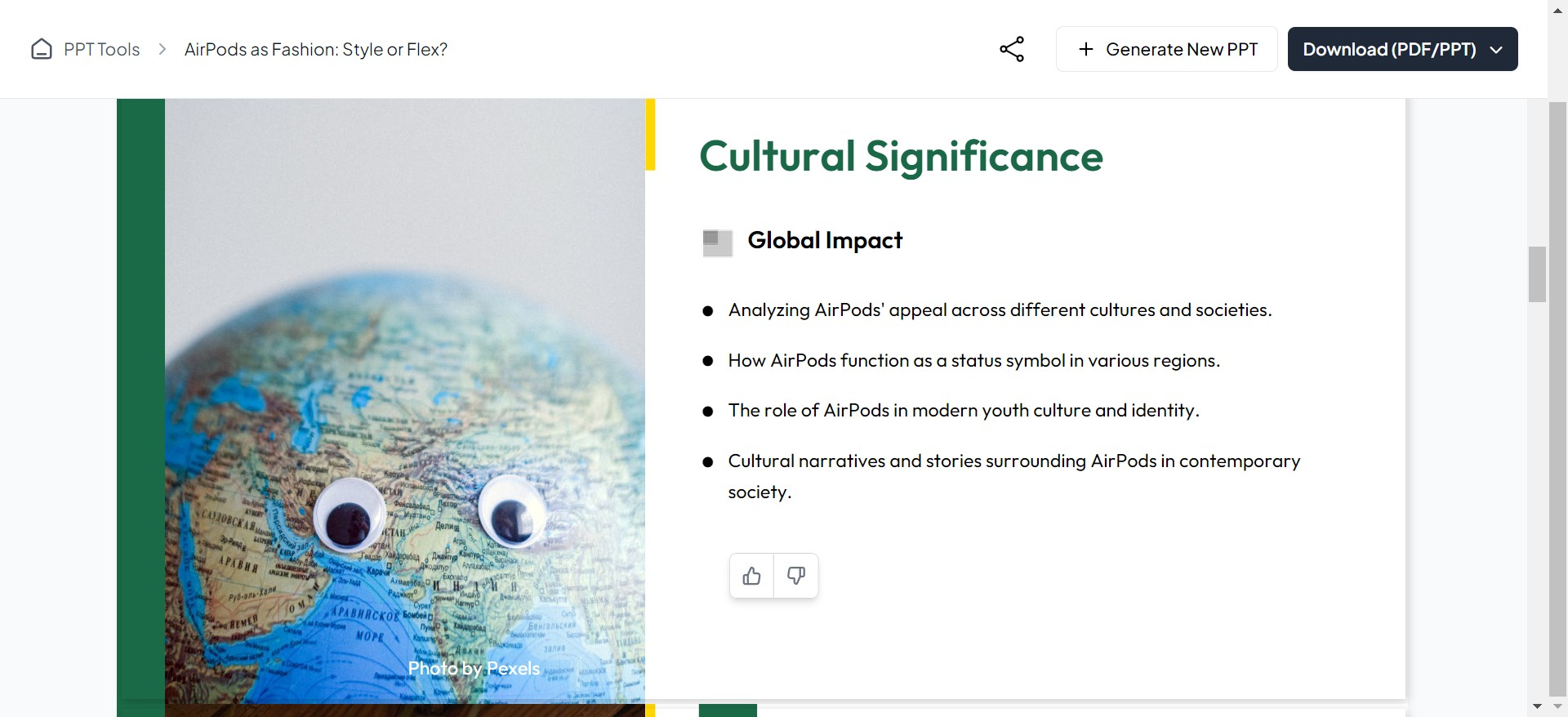
Below is an example of a PPT generated using MagicSlides.app:
2. Content Optimization
AI tools can suggest improvements and edits to the text in your slides. This includes grammar corrections, concise language, and even altering the tone to match the intended audience.
3. Dynamic Layout Adjustments
Depending on the amount of content on each slide, AI can automatically adjust the layout to ensure that the information is presented clearly and attractively, enhancing readability and viewer engagement.
4. Image and Element Suggestion
AI can recommend images and other visual elements like graphs and charts that enhance the visual appeal of your presentation. These recommendations are based on the text content and the overall theme of your slides.
How to Use AI to Create PPTs Quickly
Using AI to create your PowerPoint presentations involves a few straightforward steps which can significantly reduce the time and effort required:
Visit a Reliable AI PowerPoint Maker
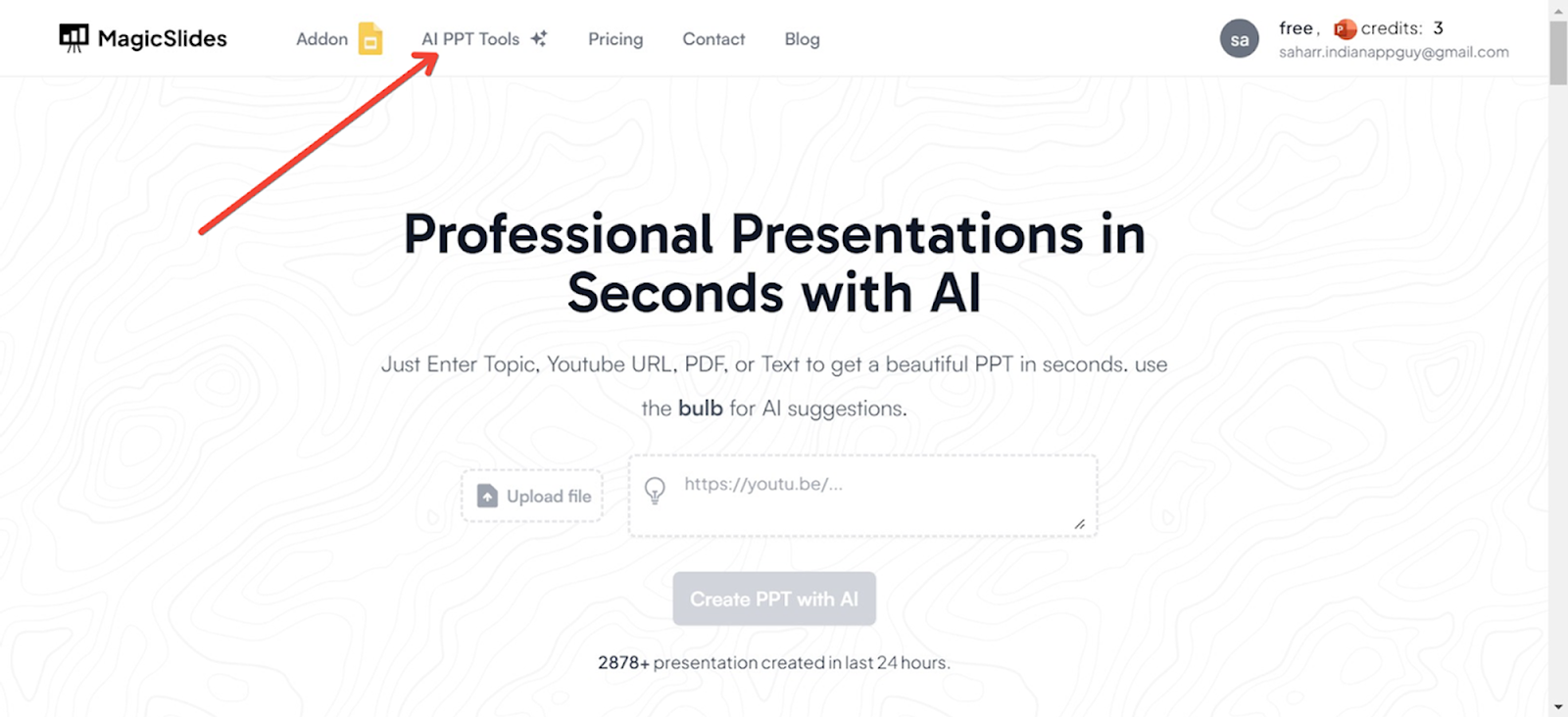
Start by navigating to a trusted AI-powered presentation tool like Magicslides.app.

Access AI PowerPoint Tools
On the Magicslides.app homepage, locate and click on the ‘AI PPT Tools’ section.
Choose Your Creation Method
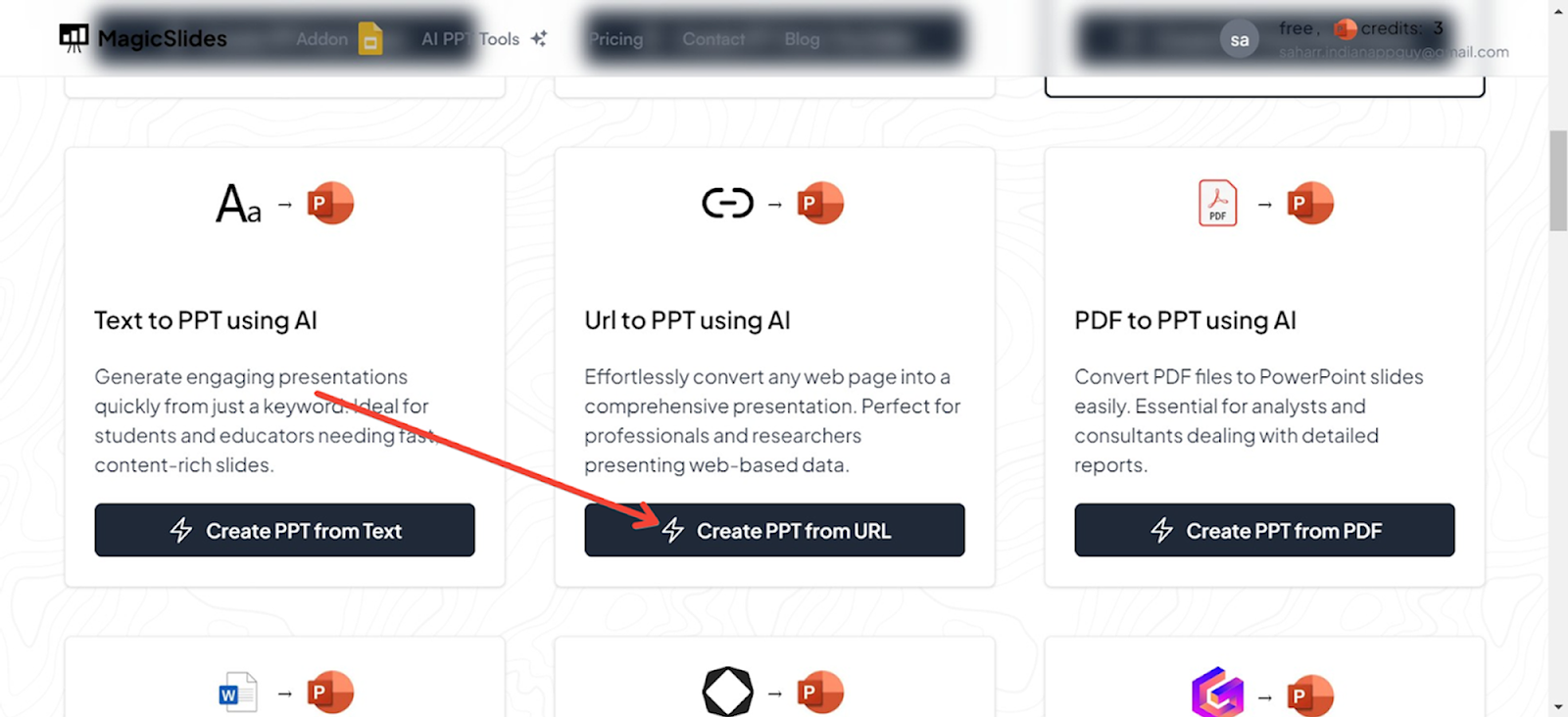
Magicslides.app offers several innovative options to create your PowerPoint:
- Topic to PPT: Generate slides based on a specific subject.
- YouTube to PPT: Convert video content into a presentation.
- URL to PPT: Turn web content into a visually appealing PowerPoint.
- Additional features include a pitch deck generator and enhancements for existing presentations.

Using URL to PPT for This Guide
For this demonstration, we will use the URL to PPT feature. This option is particularly useful for converting articles, blog posts, and other web content directly into PowerPoint slides.
Enter the URL
Input the URL of the web page you want to convert into a PowerPoint presentation in the designated field.
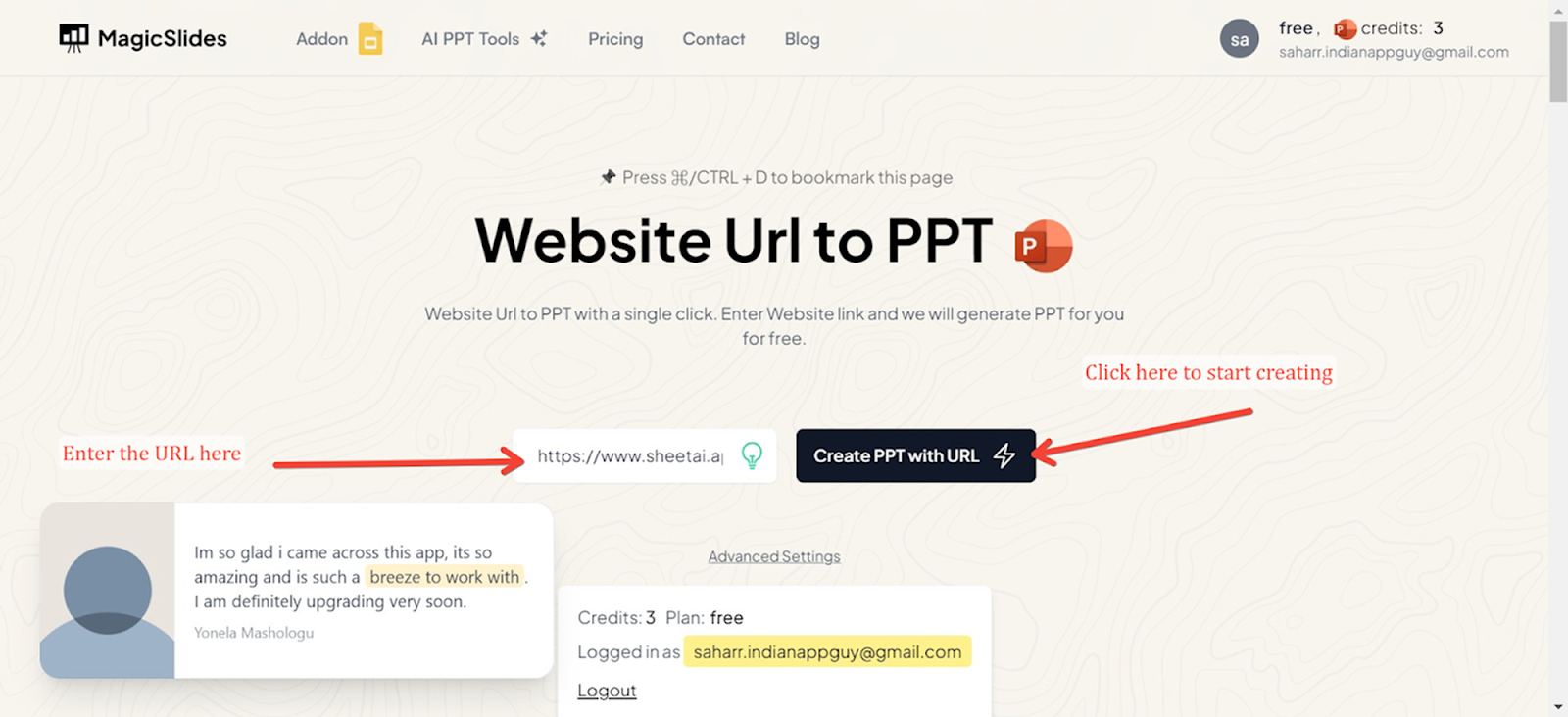
Generate Your Presentation
Click the generate button, and Magicslides.app will process the URL, extracting key information and organizing it into a beautifully designed PowerPoint presentation. The result is a ready-to-use slide deck that you can edit further if needed.
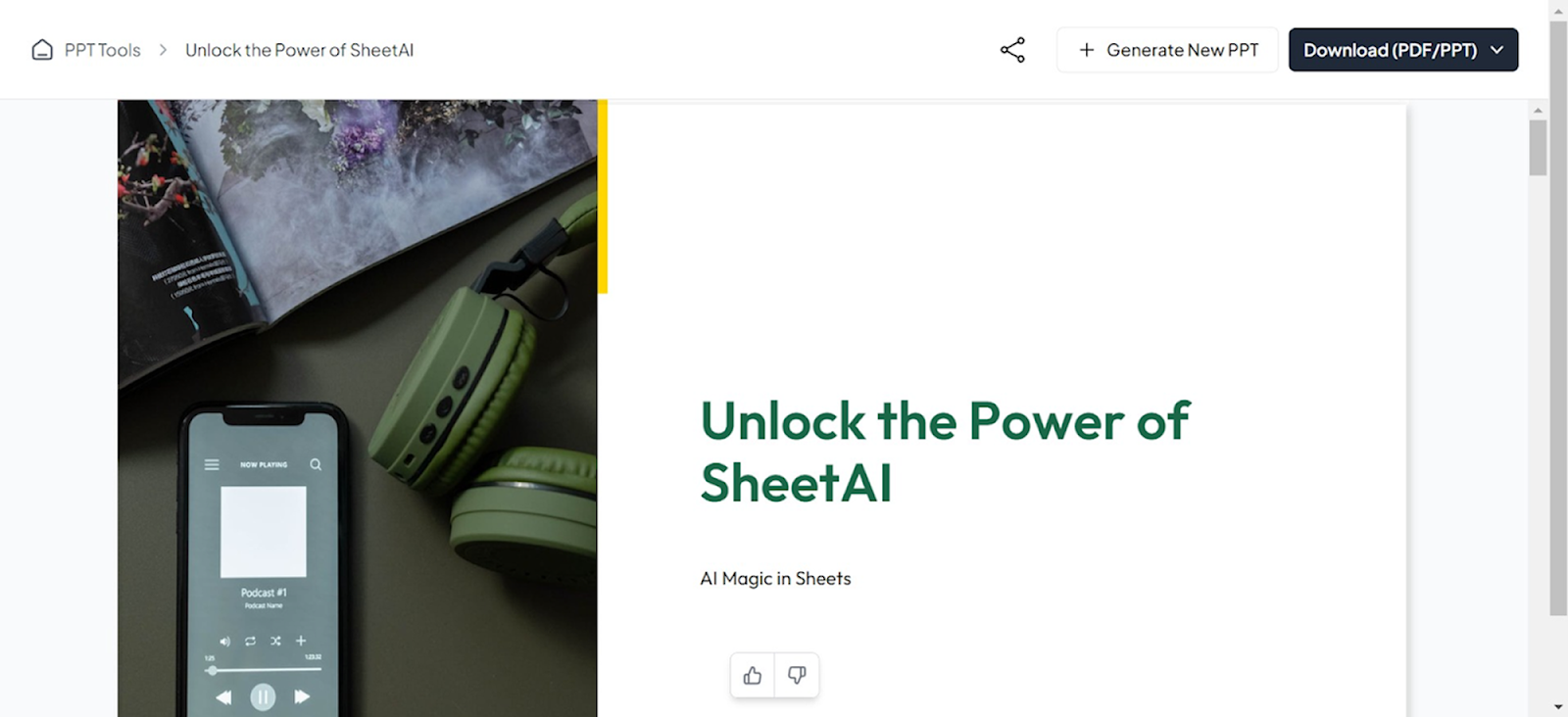
Introducing MagicSlides
MagicSlides.app is an example of an AI-driven tool that facilitates the creation of professional PowerPoint presentations. While it does not provide template selection, it excels in offering a user-friendly interface that simplifies the presentation-making process. Here’s what makes MagicSlides stand out:
- Ease of Use: The platform is designed to be intuitive, allowing users of all skill levels to produce quality presentations without prior design experience.
- Content Assistance: MagicSlides can help refine your content, ensuring it’s clear and impactful.
- Customization Options: Even though the template selection is manual, the customization features ensure that every presentation can be tailored to specific needs and preferences.
Conclusion
The ability to quickly generate professional-looking PowerPoint presentations using AI is a game-changer for students, educators, and professionals alike. It not only saves time but also ensures a level of polish that might be hard to achieve manually. Tools like MagicSlides serve as valuable aids in this process, helping users focus more on their content and less on the intricacies of design. As AI technology continues to evolve, we can expect even more sophisticated tools to emerge, making professional presentation creation accessible to everyone.


