How to change google slides size pixels in few simple clicks


Changing Google Slides pixels enhances image clarity and alignment, ensuring visuals appear sharp and fit precisely within the slide layout.
Step 1: Open Your Presentation: Go to Google Slides and open the presentation you want to edit.
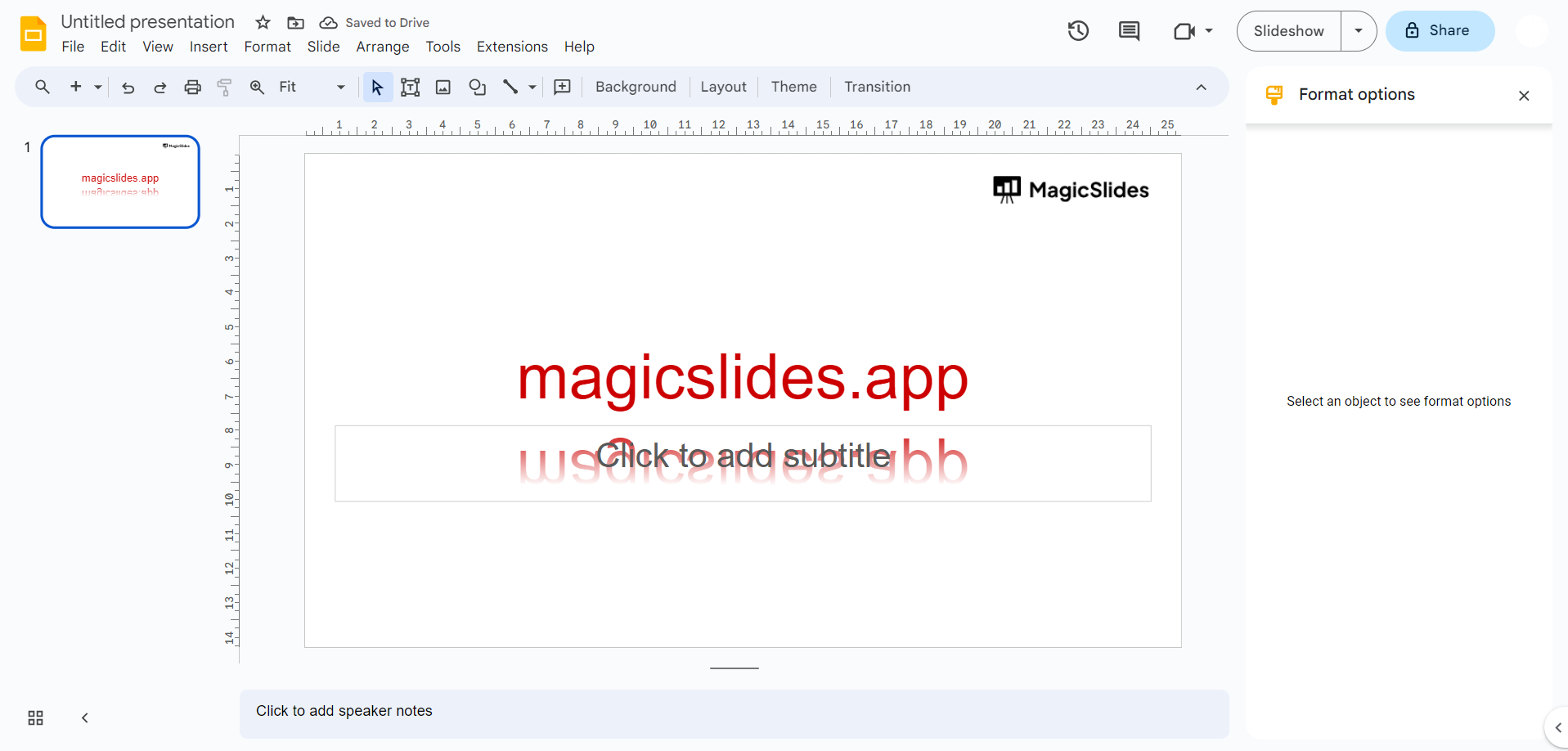
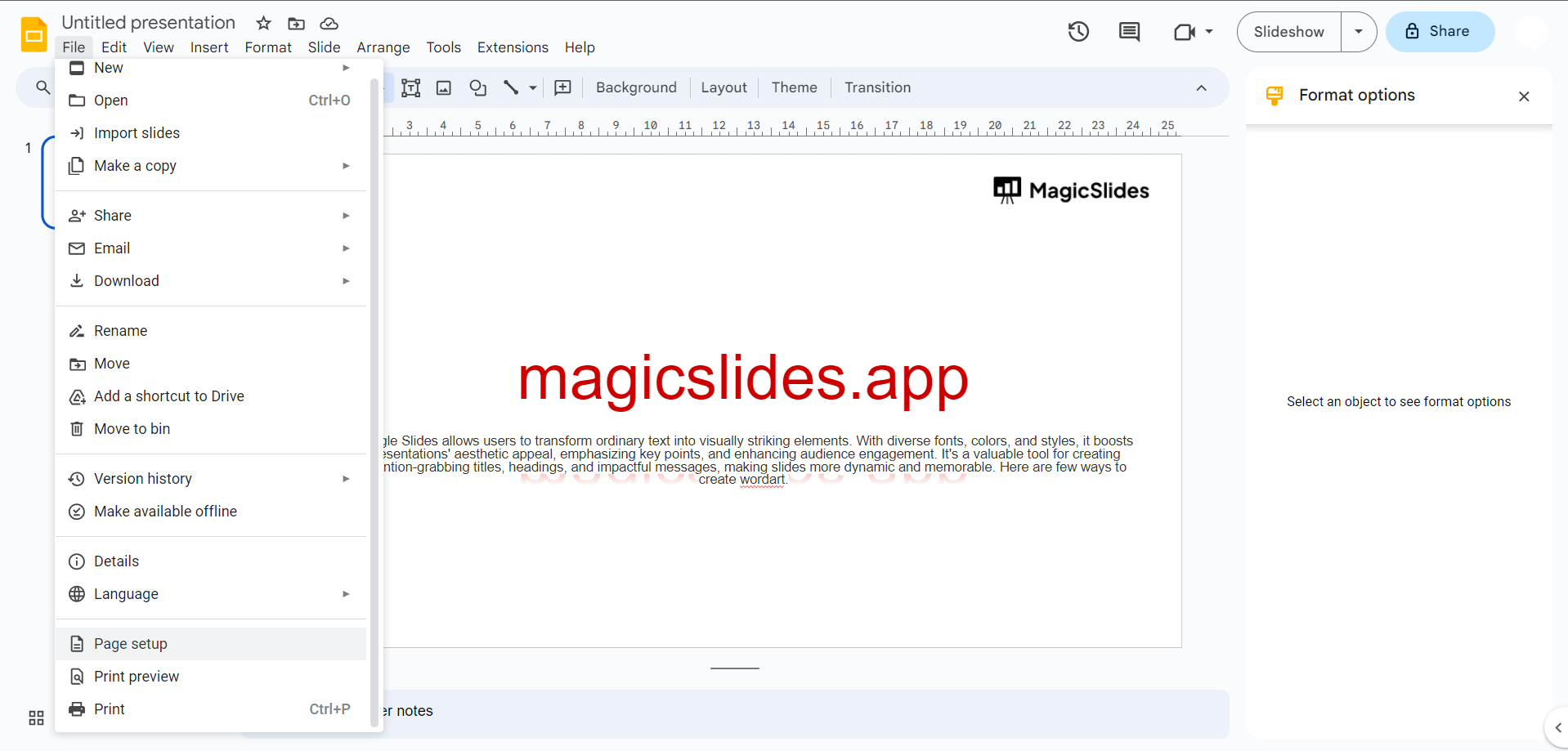
Step 2: Go to Slide Size Options:
- Click on the "File" menu in the top left corner.
- Select "Page setup" from the dropdown menu.
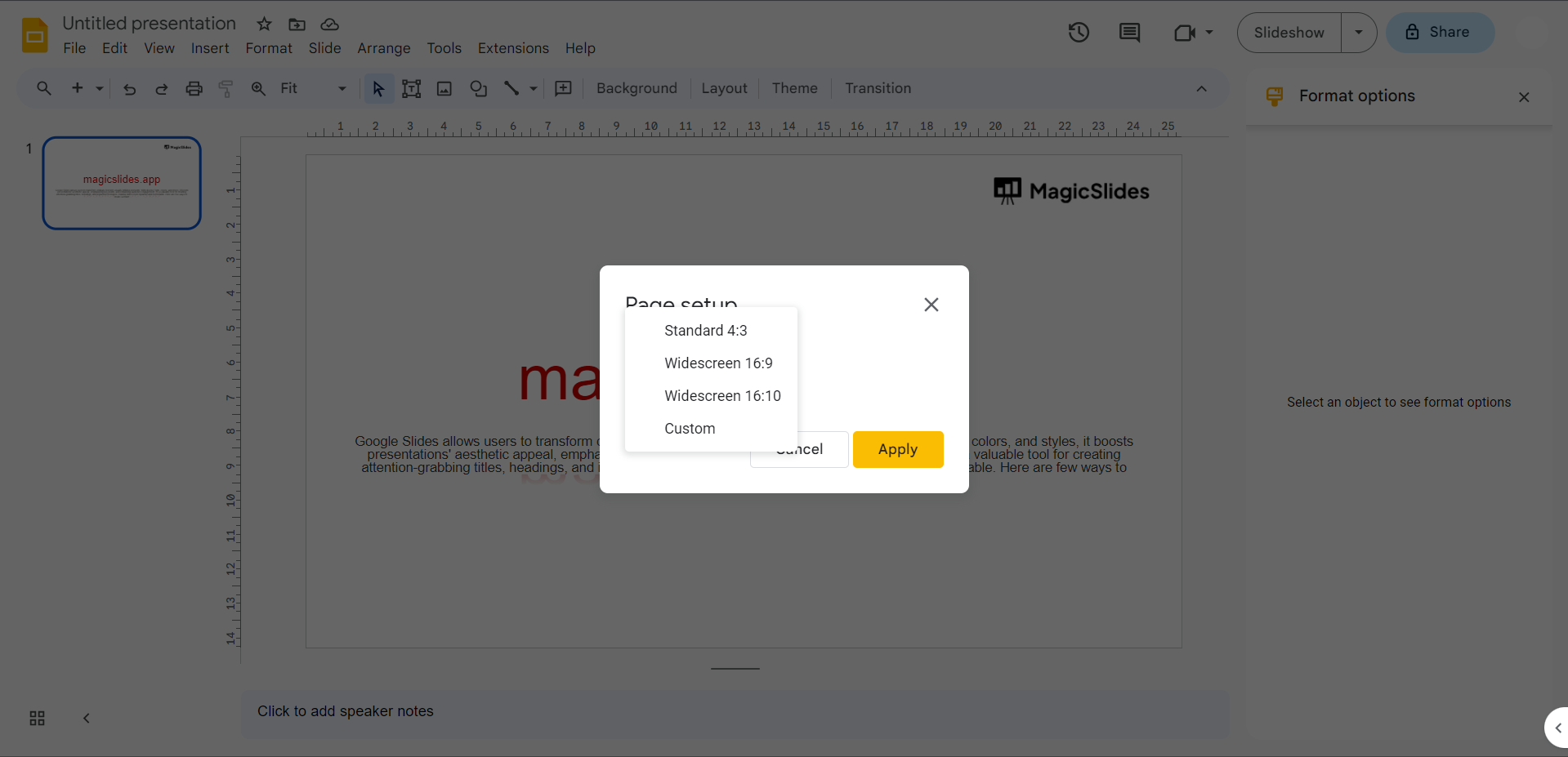
Step 3: Choose Aspect Ratio: In the Page setup dialog box, you'll see options for "Slide size" and "Aspect ratio." You can choose one of the following options:
- Widescreen (16:9): This is the default and commonly used aspect ratio. It's wider and works well for most modern displays.
- Standard (4:3): This is a more traditional aspect ratio, which is slightly less wide.
Choose the one that suits your needs. Note that these options are predefined and won't provide you with the exact pixel dimensions.
Step 4: Custom Slide Size in Pixels (Advanced Option): If you need specific pixel dimensions, you'll have to create a custom slide size indirectly through the following steps:
- Choose "Custom" under the "Aspect ratio" section.
- In the "Width" and "Height" fields, enter your desired dimensions in pixels. Google Slides will automatically calculate the aspect ratio based on the values you enter.
Keep in mind that the pixel dimensions will depend on your monitor's resolution. For example, a common widescreen resolution is 1920×1080 pixels, while a common standard resolution is 1024×768 pixels. You can enter these values directly if they match your requirements.
Step 5: Apply Changes: After selecting your desired aspect ratio or entering custom dimensions, click the "OK" button to apply the changes to your presentation.
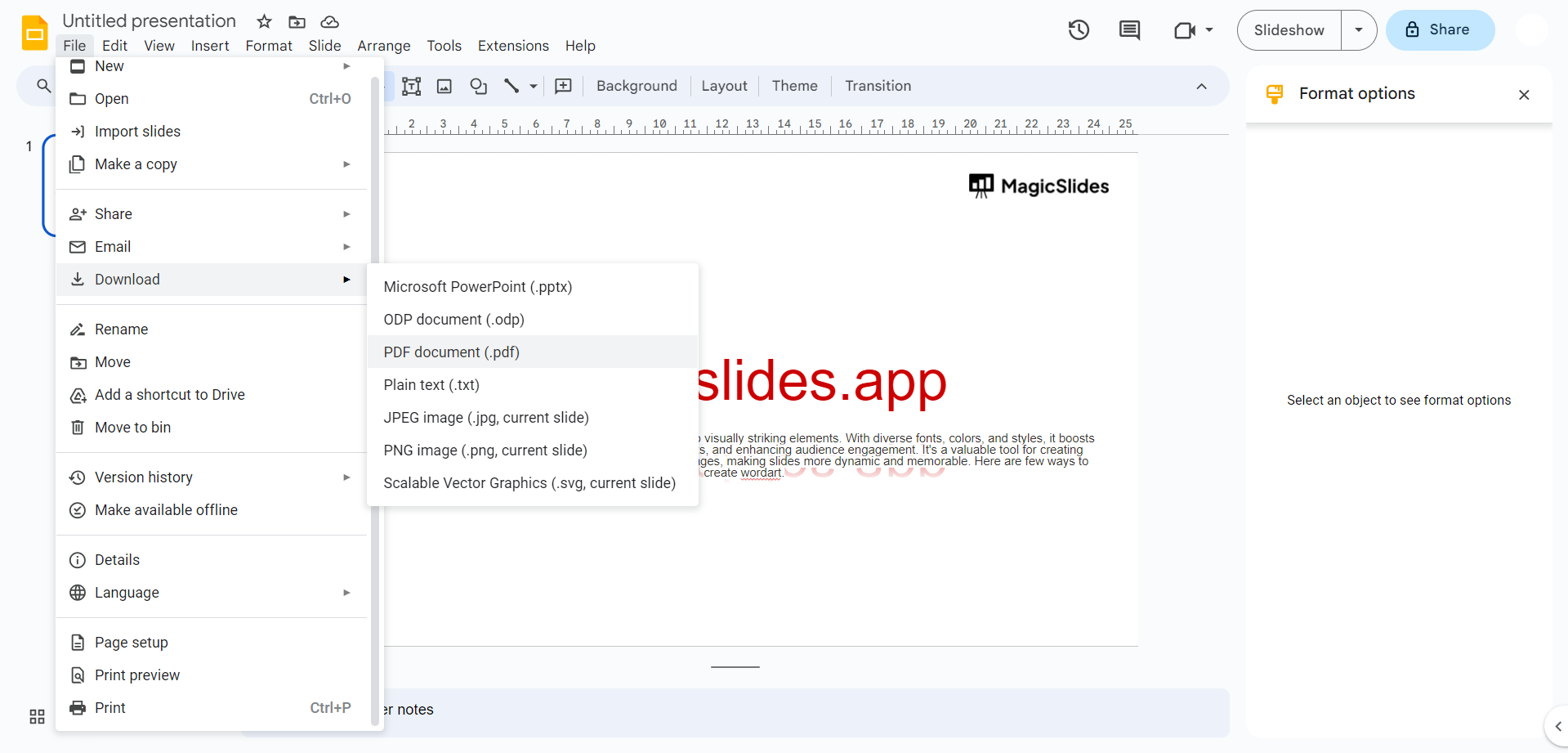
Step 6: Adjust Content: Once you've changed the slide size, you may need to adjust the content on your slides to fit the new dimensions properly.
Changing the slide size can affect the layout and formatting of your slides, so be prepared to make adjustments to ensure your presentation looks the way you want it to.


