how big is a power point slide


Before crafting your next PowerPoint masterpiece, explore the canvas dimensions to ensure a perfect fit.
The world of PowerPoint presentations is a canvas for creativity and communication. Yet, before you unleash your creative prowess, it's essential to understand the fundamental canvas on which your slides will be crafted.
In this article, we'll explore the dimensions of a PowerPoint slide, including standard sizes and how to customize them to your needs. Let's dive into the world of slide dimensions and discover what's behind the canvas.
The Anatomy of a PowerPoint Slide: Dimensions and Aspect Ratios
- Standard (4:3 Aspect Ratio):
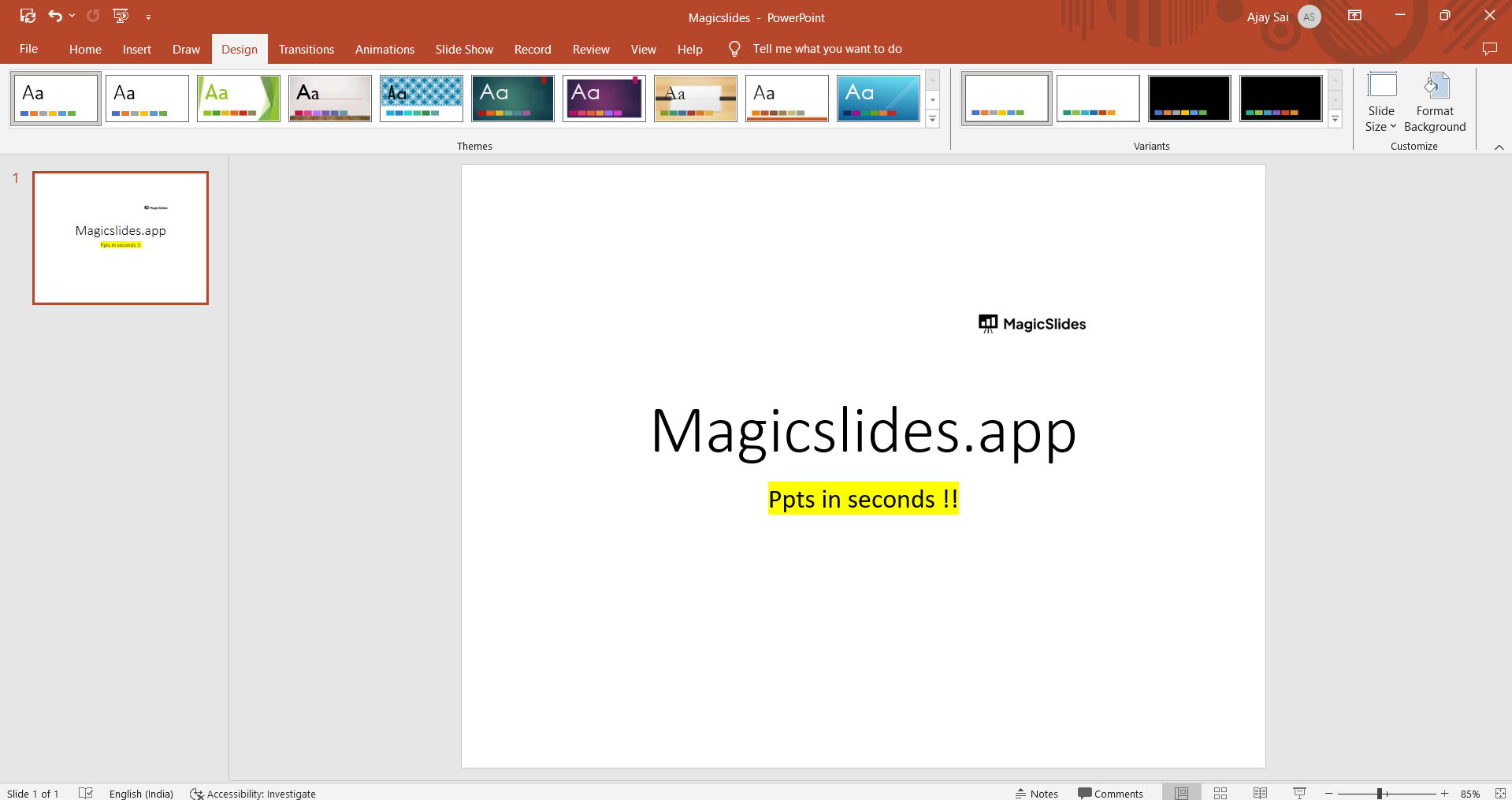
- Width: 10 inches
- Height: 7.5 inches
- Explanation: The classic choice for presentations until widescreen displays gained popularity.
- Widescreen (16:9 Aspect Ratio):
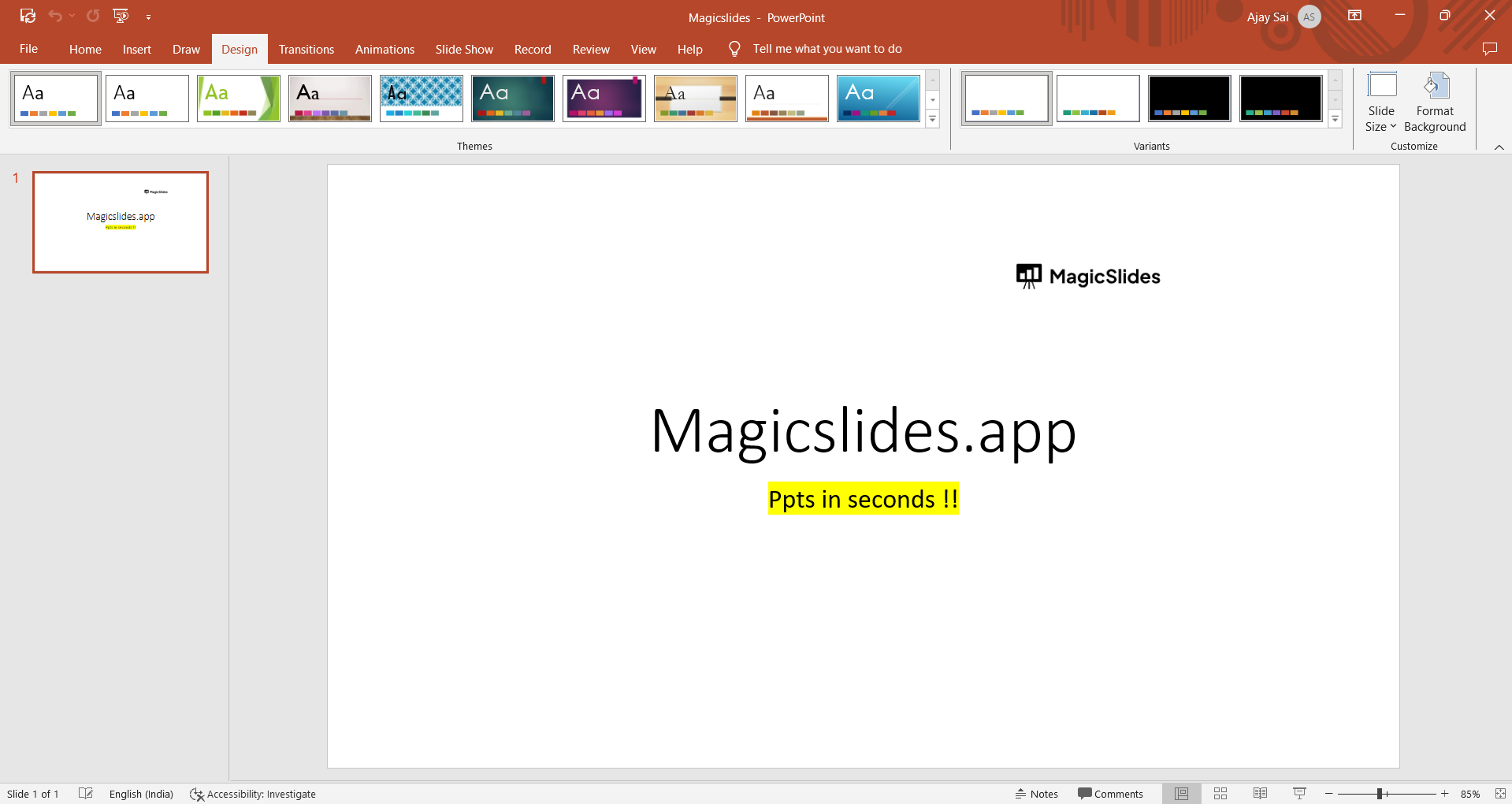
- Width: 13.33 inches
- Height: 7.5 inches
- Explanation: The modern choice for presentations, perfectly suited for widescreen monitors and projectors.
- Custom Slide Sizes:
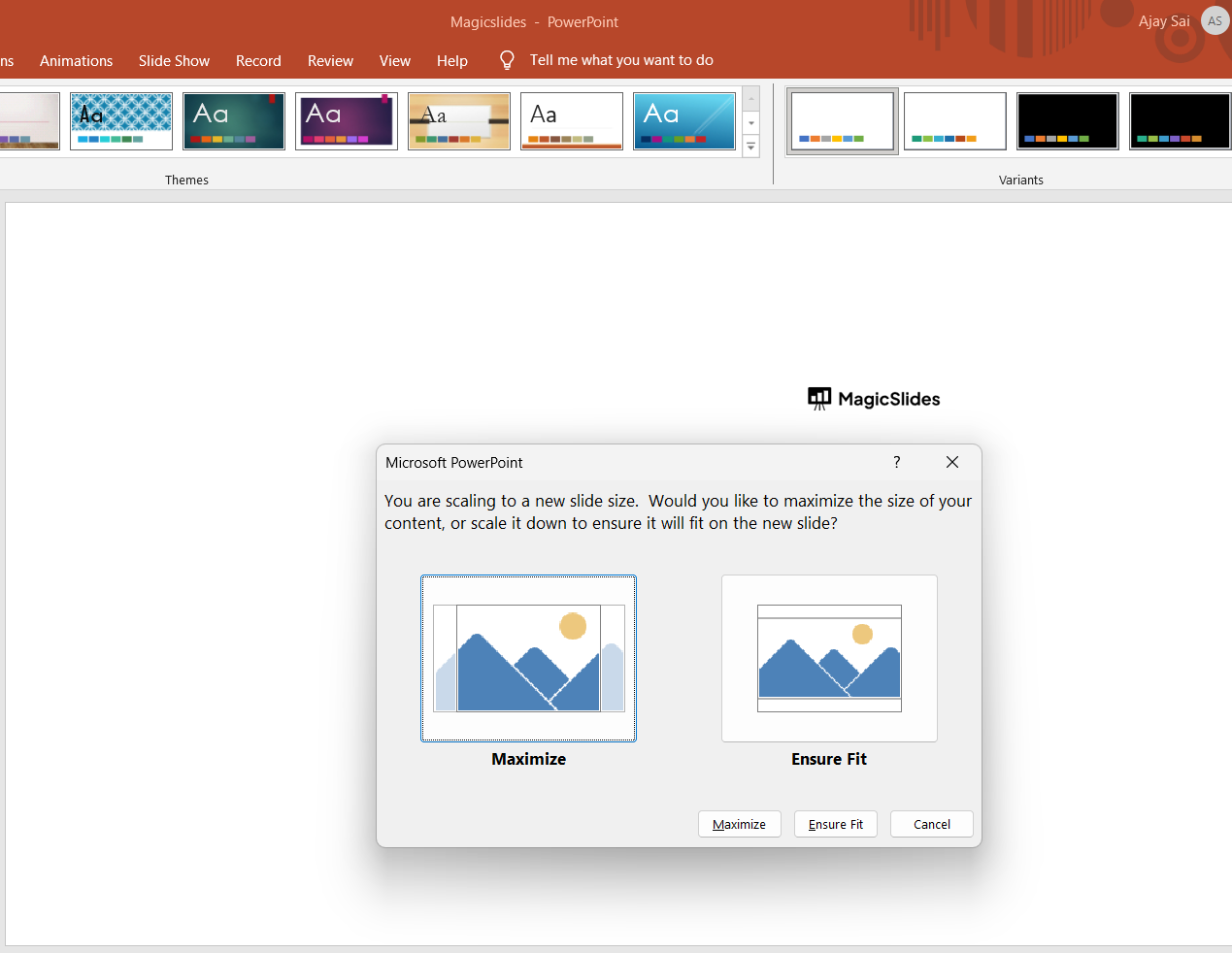
- Explanation: Don't be confined to defaults. Customize slide dimensions to meet your specific requirements. Whether it's a square presentation or a vertical one, PowerPoint allows flexibility in choosing dimensions.
Choosing the Right Slide Size: Considerations
- Audience and Display:
- Explanation: Consider where and how your presentation will be displayed. Widescreen is the go-to choice for most modern scenarios.
- Content and Design:
- Explanation: The content and design elements play a significant role. More complex content may benefit from the larger canvas of a widescreen slide.
- Printing:
- Explanation: If you plan to print your presentation as handouts or posters, the slide size can affect the final printed appearance.
Customizing Slide Dimensions: A World of Possibilities
- Creating Custom Slides:
- Explanation: Want to design a unique presentation format? Learn how to create custom slide dimensions to match your vision.
- Conversion:
- Explanation: Discover how to switch between standard and widescreen aspect ratios without losing content.
Conclusion:
The size of a PowerPoint slide is a fundamental decision in the world of presentations. Whether you opt for the classic 4:3 aspect ratio or embrace the modern 16:9 widescreen format, understanding your canvas is key to creating effective and engaging slides.
PowerPoint's flexibility in custom slide dimensions allows you to tailor your presentation to your specific needs, ensuring that your message and creativity shine through on the perfect canvas.
So, as you embark on your next presentation journey, remember, the dimensions of your canvas are a reflection of your creative vision.


