How to add bullet points in powerpoint


Elevate your presentations by mastering the art of adding bullet points in PowerPoint effortlessly.
Bullet points are the unsung heroes of presentation design, providing a structured and digestible format for your audience. In this comprehensive guide, we'll delve into the art of seamlessly incorporating bullet points into your PowerPoint presentations. Elevate your communication and captivate your audience with a polished and organized visual approach.
How to add bullet points in powerpoint
Step 1: Open Your PowerPoint Presentation:
Launch PowerPoint and open the presentation where you want to incorporate bullet points. Navigate to the specific slide or create a new one.
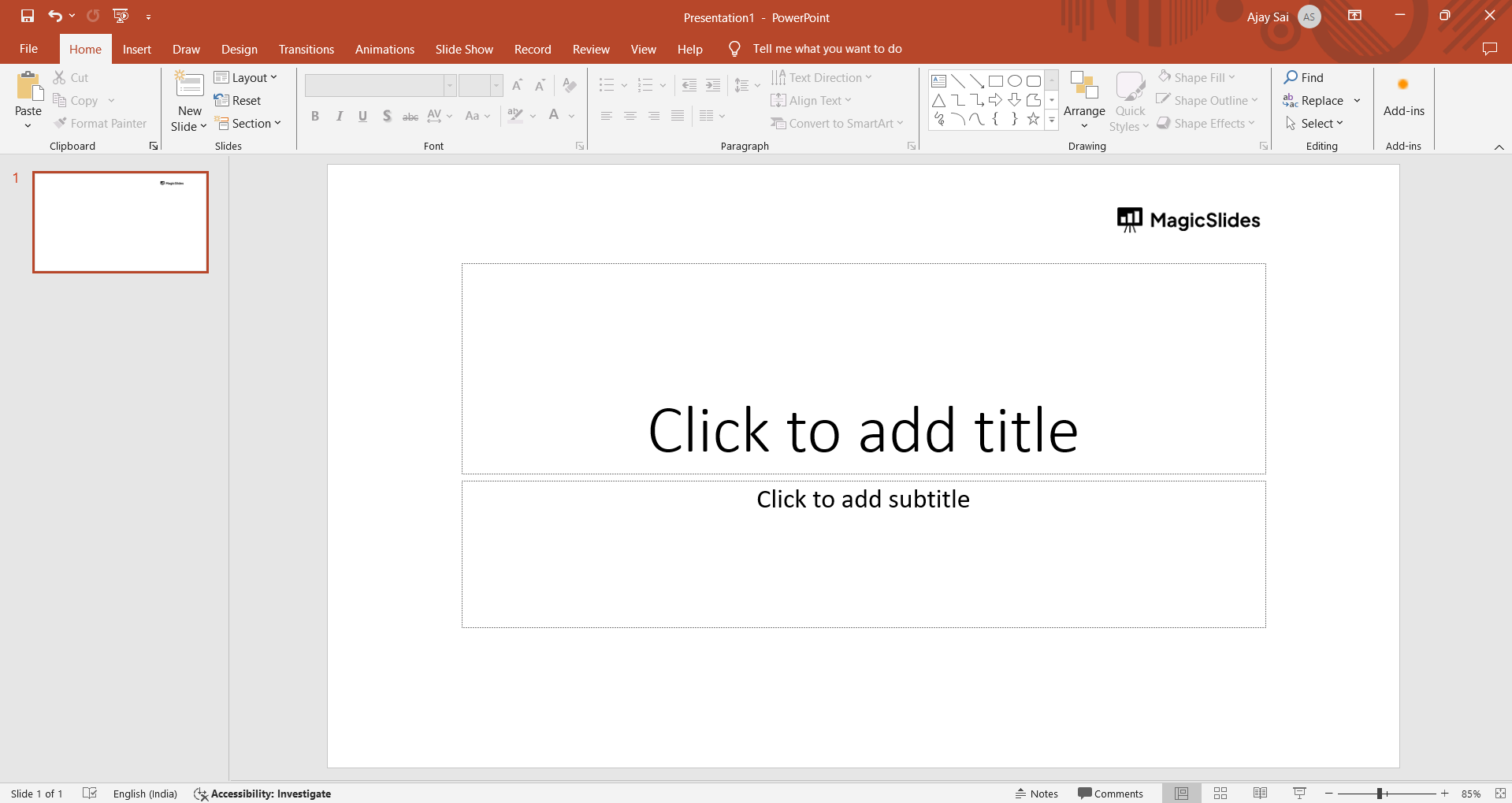
Step 2: Select Text Box or Content Area:
Click on the text box or content area where you wish to add bullet points. Ensure your cursor is in the desired location for text input.
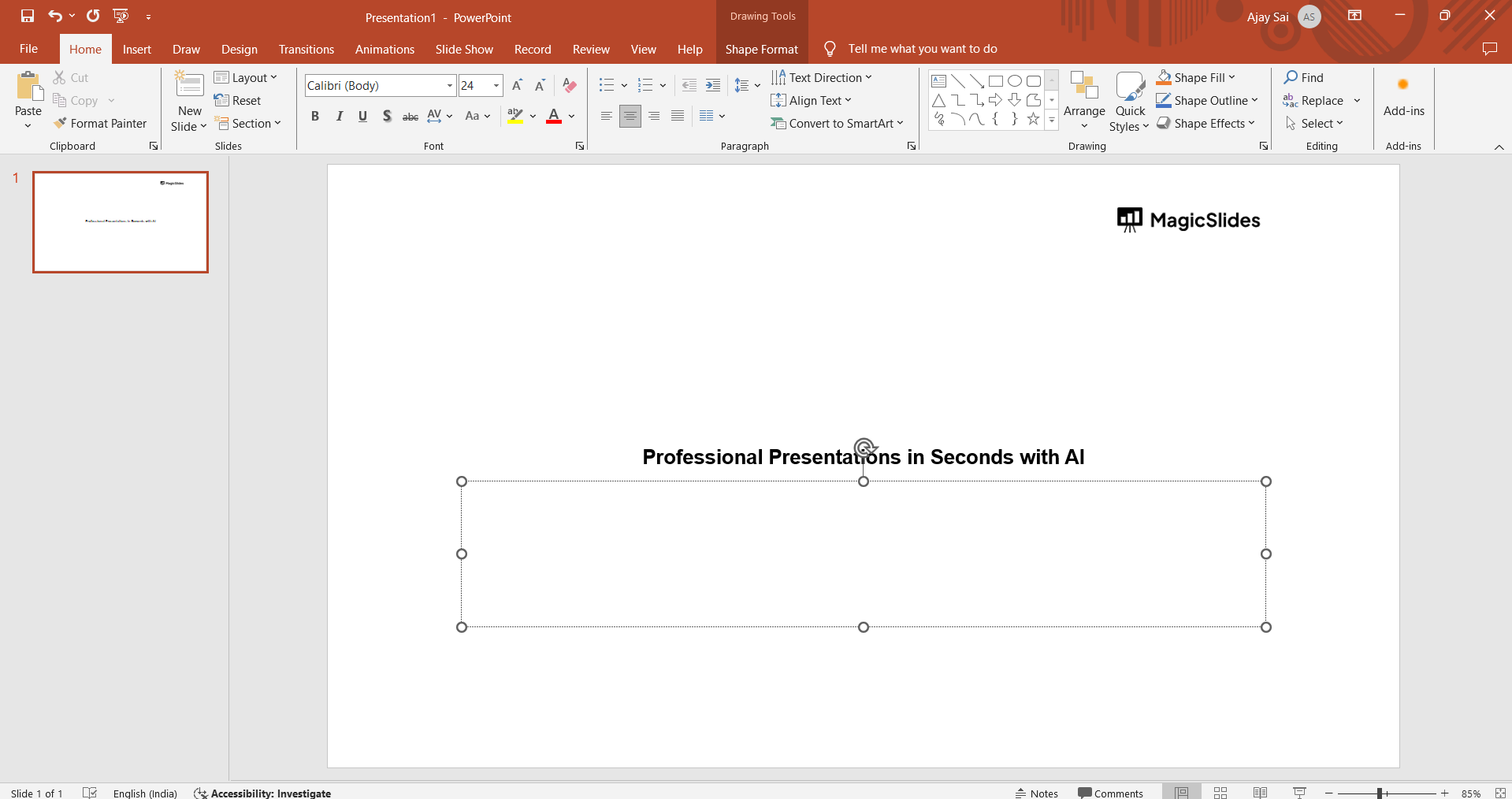
Step 3: Access the Bullet Points Feature:
Locate the "Home" tab on the PowerPoint ribbon. Within this tab, find the "Bullet Points" icon. Clicking on it will activate the bullet point formatting for your selected text.
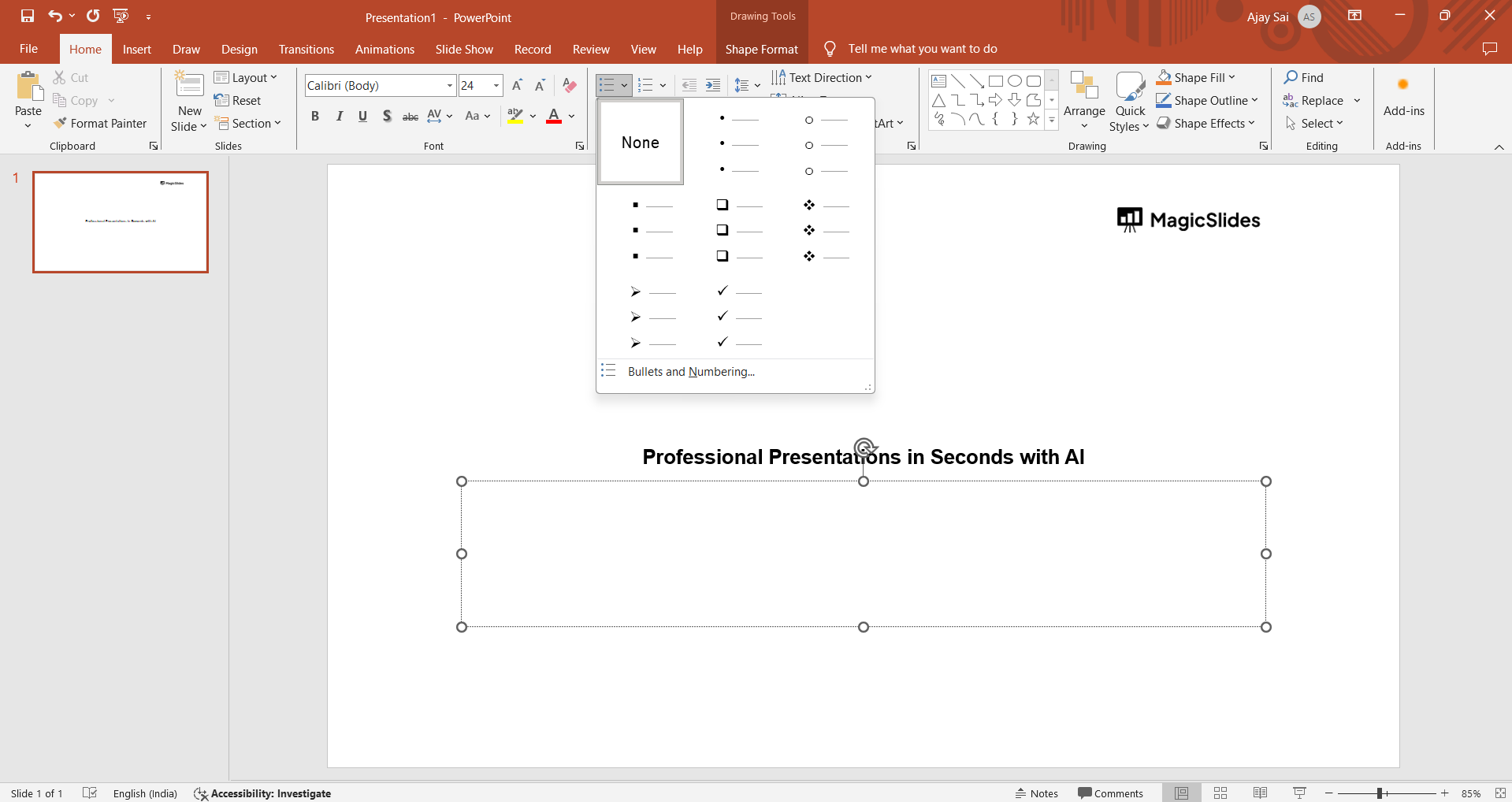
Step 4: Customize Bullet Points:
Experiment with different bullet point styles and formats. PowerPoint offers a variety of options, allowing you to tailor the appearance to align with your presentation theme.
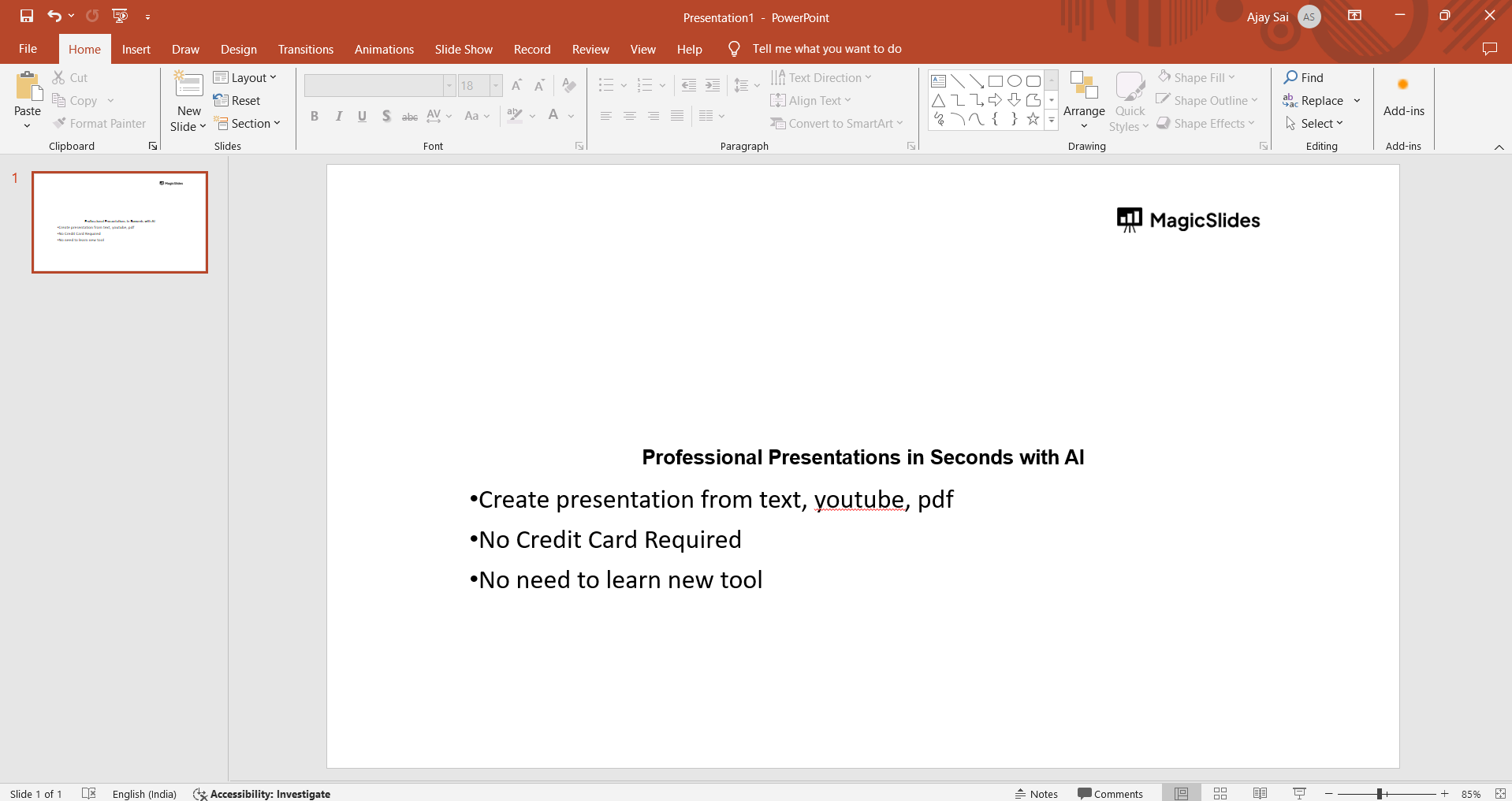
Why Mastering Bullet Points Matters:
- Enhanced Readability: Bullet points break down information into digestible chunks, preventing information overload and enhancing readability.
- Visual Hierarchy: Utilize bullet points to establish a visual hierarchy, emphasizing key points and guiding your audience through the content.
- Focused Delivery: Bullet points allow for a focused and organized delivery, ensuring that each point receives the attention it deserves.
Conclusion:
The strategic use of bullet points in PowerPoint is a fundamental skill for effective communication. By incorporating these concise markers, you create a visual roadmap for your audience, enhancing comprehension and engagement. Master the art of bullet points, and witness how your presentations become more polished, impactful, and audience-friendly.
Frequently Asked Questions:
Q1: Can I customize the appearance of bullet points in PowerPoint?
A: Absolutely! PowerPoint provides a range of customization options, including different styles, colors, and sizes for your bullet points.
Q2: Is there a limit to the number of bullet points I can use in a slide?
A: While PowerPoint doesn't strictly limit the number of bullet points, it's advisable to maintain clarity and avoid overwhelming your audience.
Q3: Can I use bullet points for all types of content in a presentation?
A: Bullet points are versatile and work well for various content types. However, consider the context and adjust the level of detail based on your audience's needs.
Q4: How do I align bullet points with my presentation theme?
A: PowerPoint offers theme-compatible bullet points. Experiment with different styles under the "Home" tab to find the ones that seamlessly integrate with your presentation's aesthetic.
Have a look @these info blogs:
- How To Mirror Images In Powerpoint: https://www.magicslides.app/blog/How-to-mirror-images-in-powerpoint
- How To Add Gif In Google Slides: https://www.magicslides.app/blog/How-to-add-gif-in-google-slides
- How To Turn A Powerpoint Into Google Slides: https://www.magicslides.app/blog/How-to-turn-a-powerpoint-into-google-slides
- How To Group Objects In Powerpoint: https://www.magicslides.app/blog/How-to-group-objects-in-powerpoint


