How to Convert PDF Conference Proceedings into PowerPoint Summaries


Effortlessly transform PDF conference proceedings into dynamic PowerPoint summaries with our step-by-step guide. Elevate your presentations and engagement seamlessly.
In the dynamic world of presentations, converting dense PDF conference proceedings into concise and visually appealing PowerPoint summaries has never been easier. This step-by-step guide will walk you through the process using the MagicSlides extension for Google Slides.
How to Convert PDF Conference Proceedings into PowerPoint Summaries
Open Google Slides and a Blank Presentation
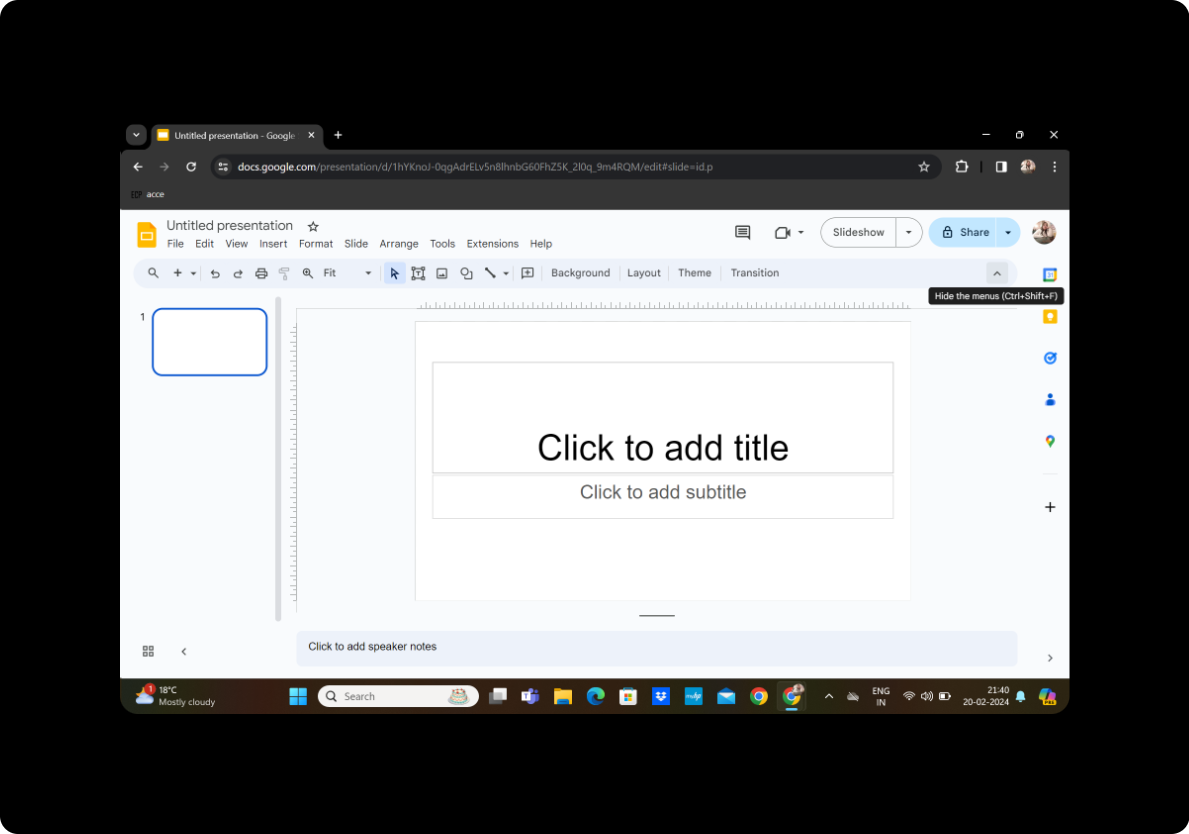
Begin by opening Google Slides and creating a new blank presentation. If you're not already signed in, sign in with your Google account.
Click on Extensions and MagicSlides GPT
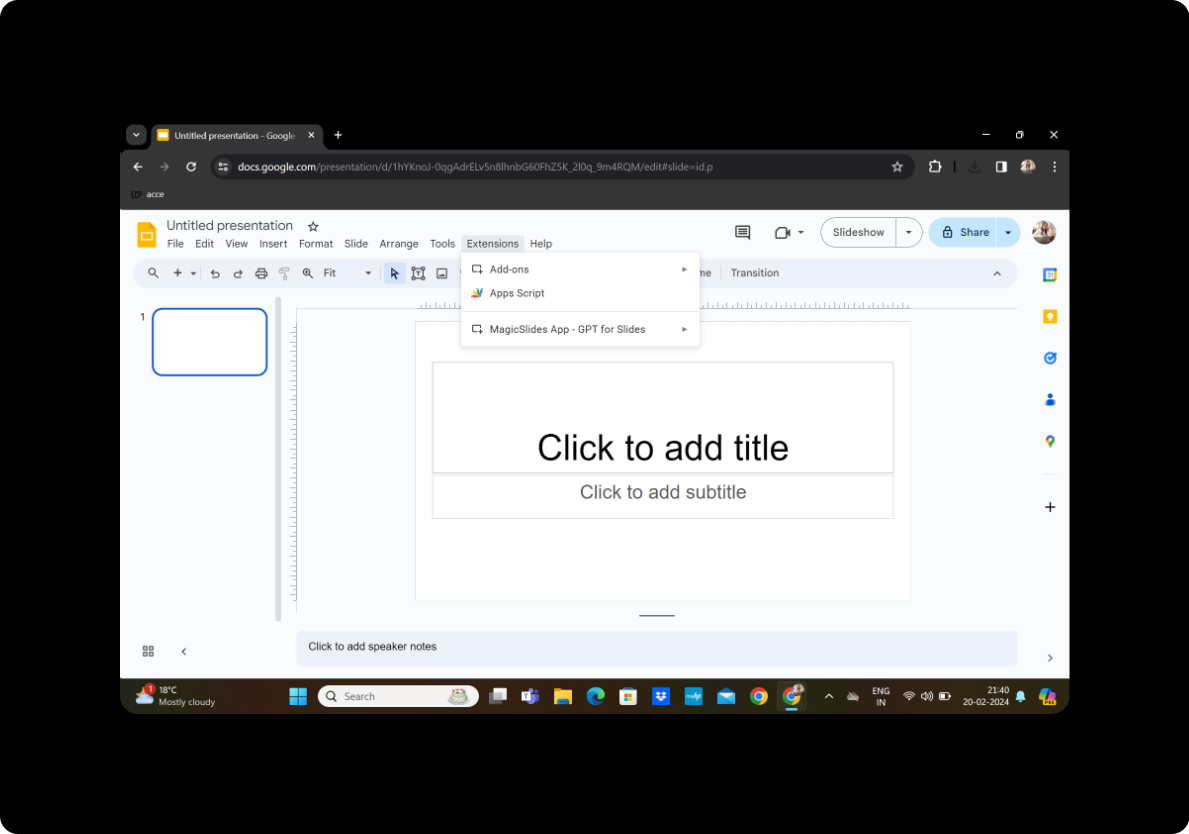
In the Google Slides toolbar, find the "Extensions" option. Click on it and choose "MagicSlides GPT" from the drop-down menu to activate the MagicSlides tool.
Click on 'PDF/DOCX to PPT'
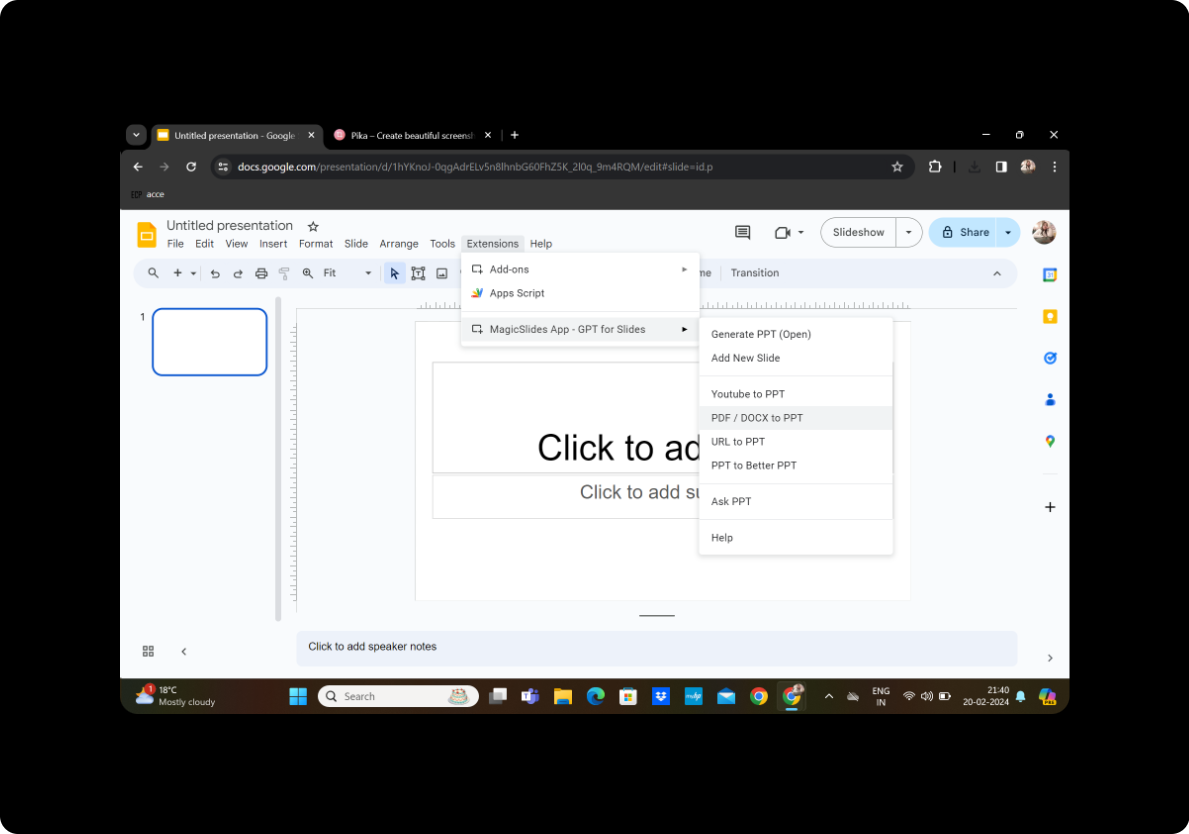
Within the MagicSlides interface, locate and click on the 'PDF/DOCX to PPT' option. This will initiate the process of converting your PDF conference proceedings into a PowerPoint presentation.
Upload the PDF and Click on Fetch Transcript
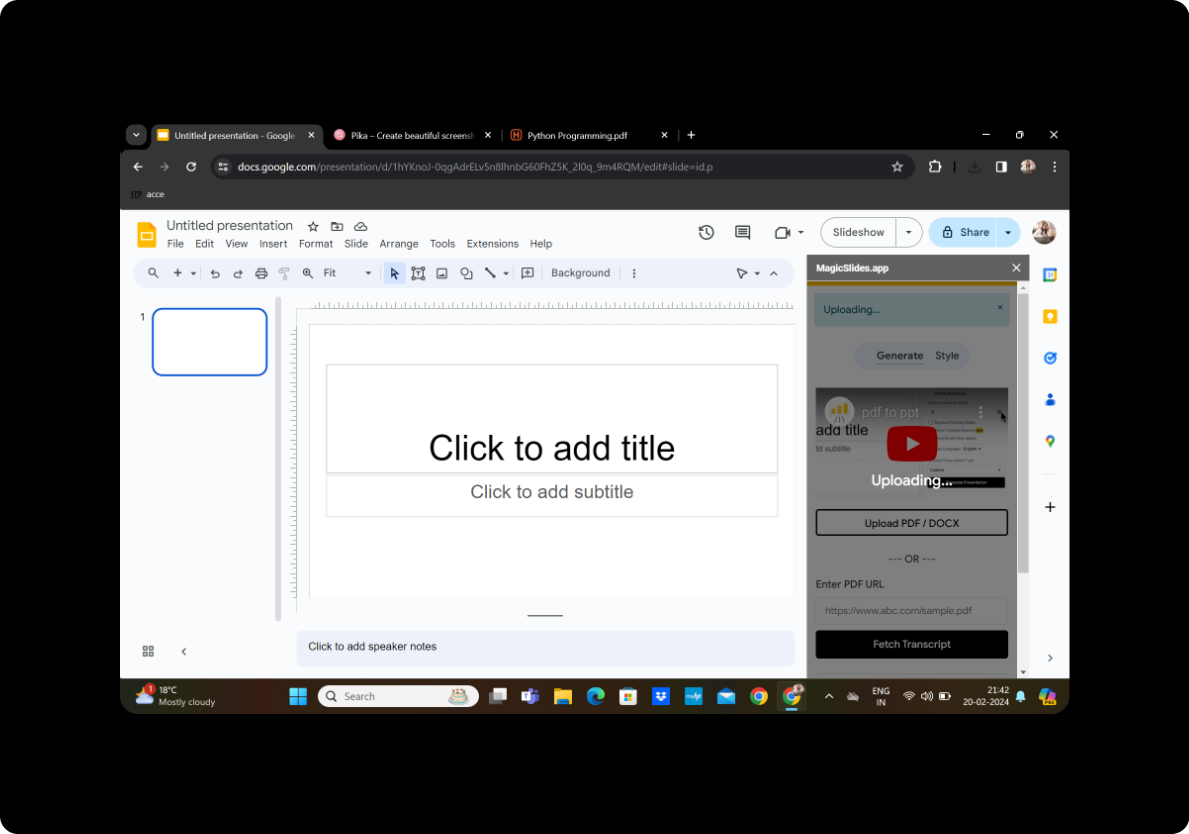
Upload the PDF file containing the conference proceedings. MagicSlides will automatically fetch the transcript, extracting the essential content from the document.
Select the Number of Slides
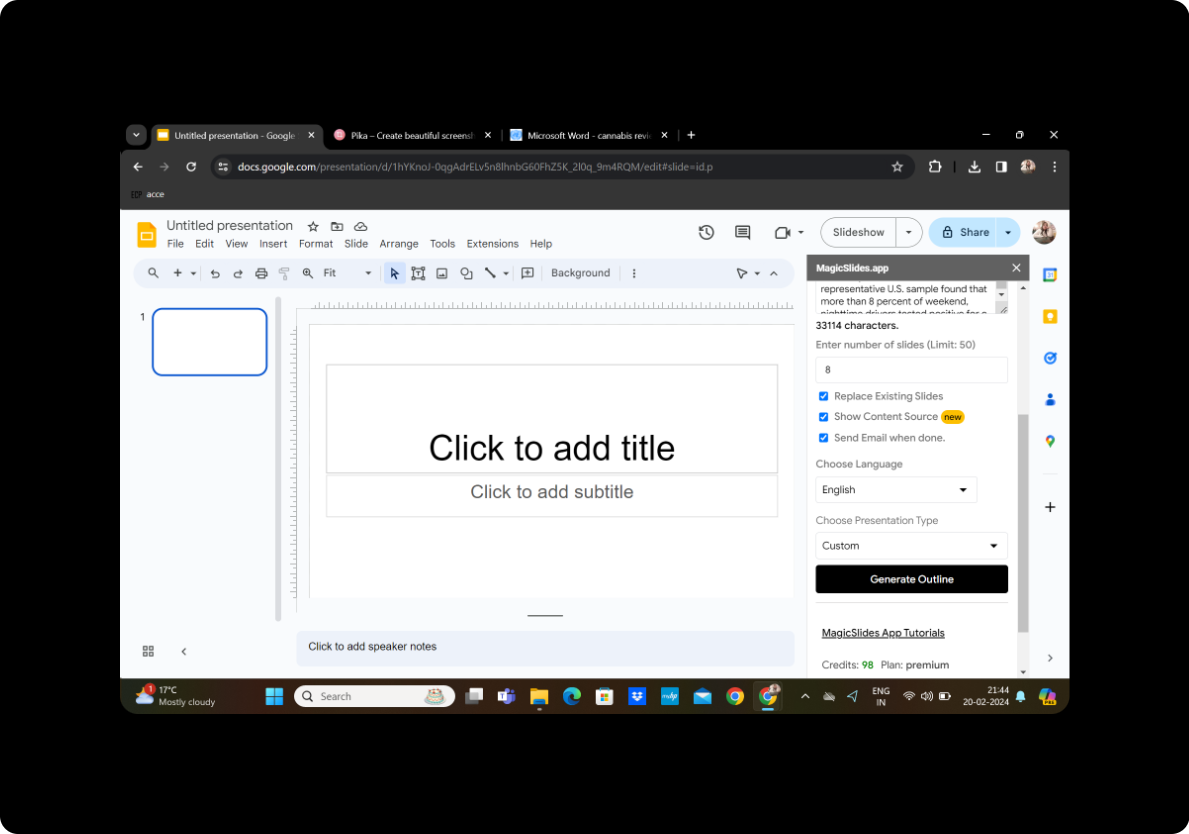
Customize the conversion by choosing the number of slides you want for your PowerPoint summary. This step allows you to control the granularity of information on each slide.
Click on Generate Outline
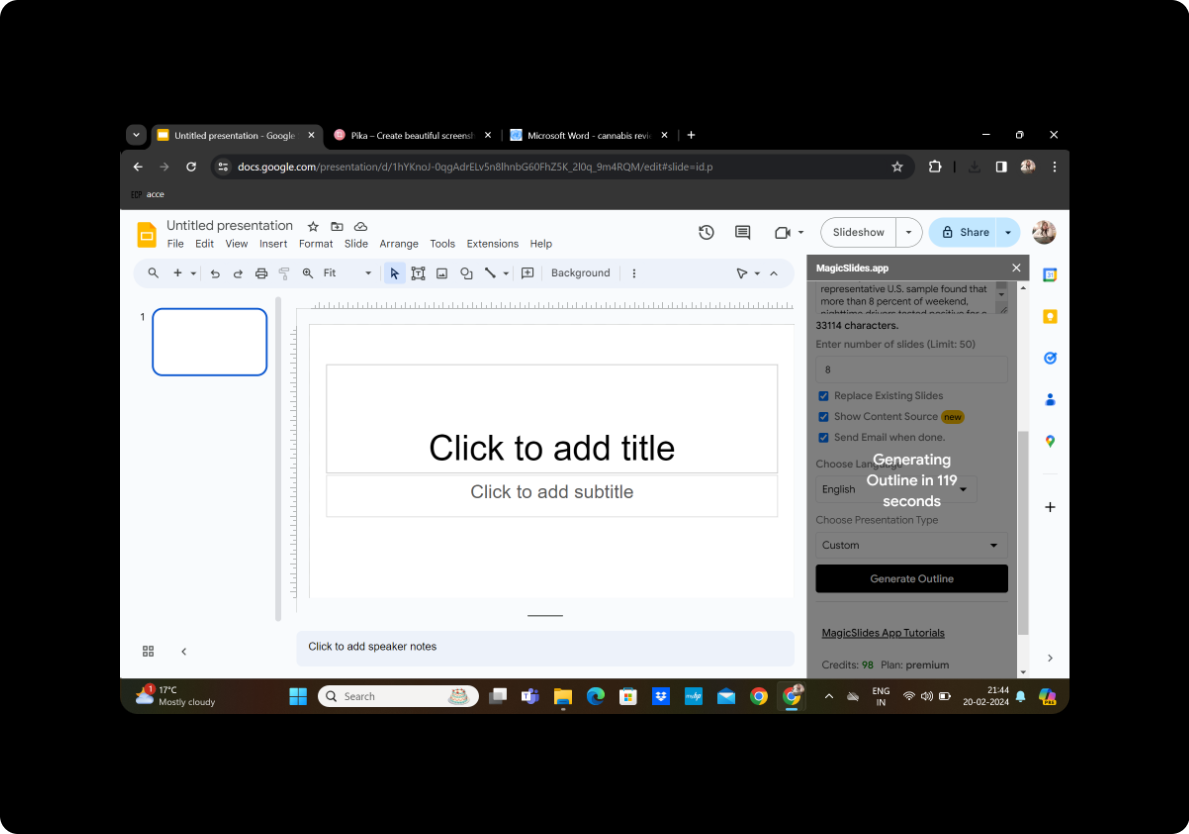
MagicSlides provides a generated outline based on the extracted content. Review the outline and ensure it captures the key points from the conference proceedings.
Once Satisfied with the Given Outline, Click on Generate Presentation
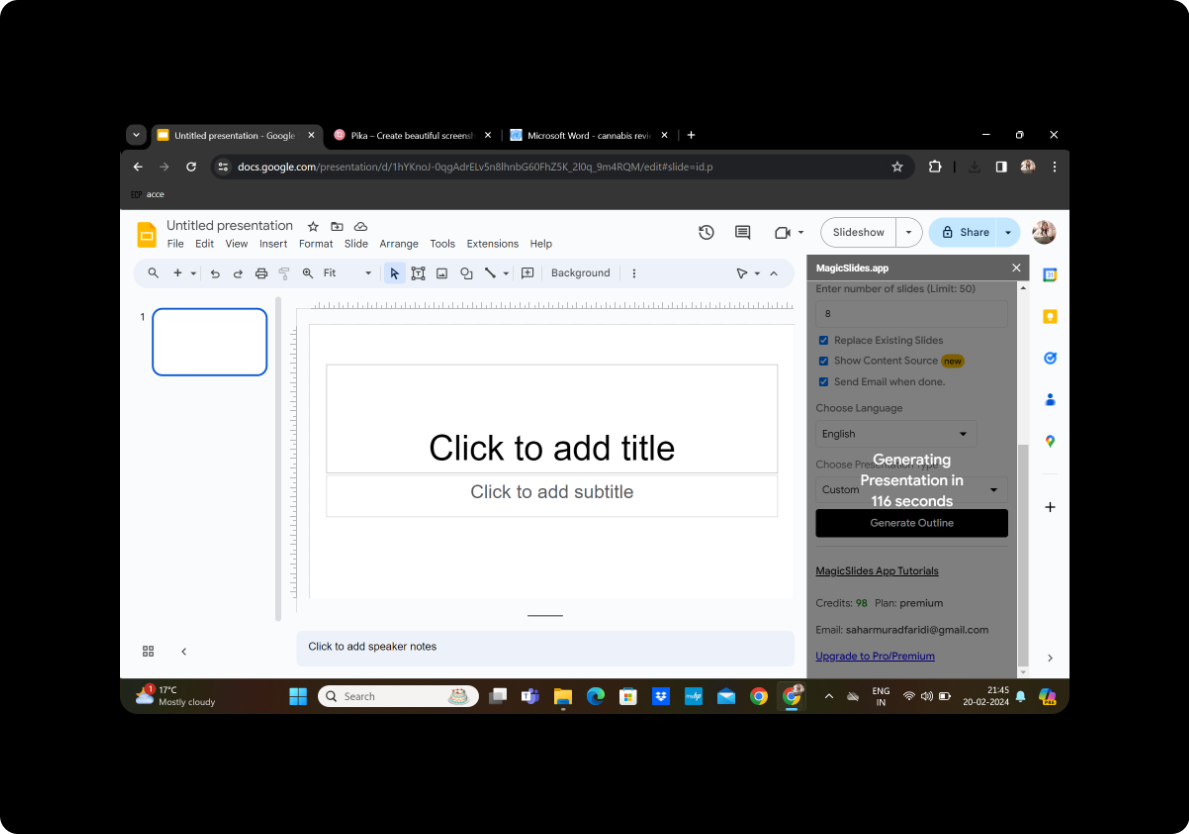
If the outline meets your expectations, proceed to click on 'Generate Presentation.' MagicSlides will transform the outline into a visually appealing PowerPoint summary.
Your Presentation is Ready
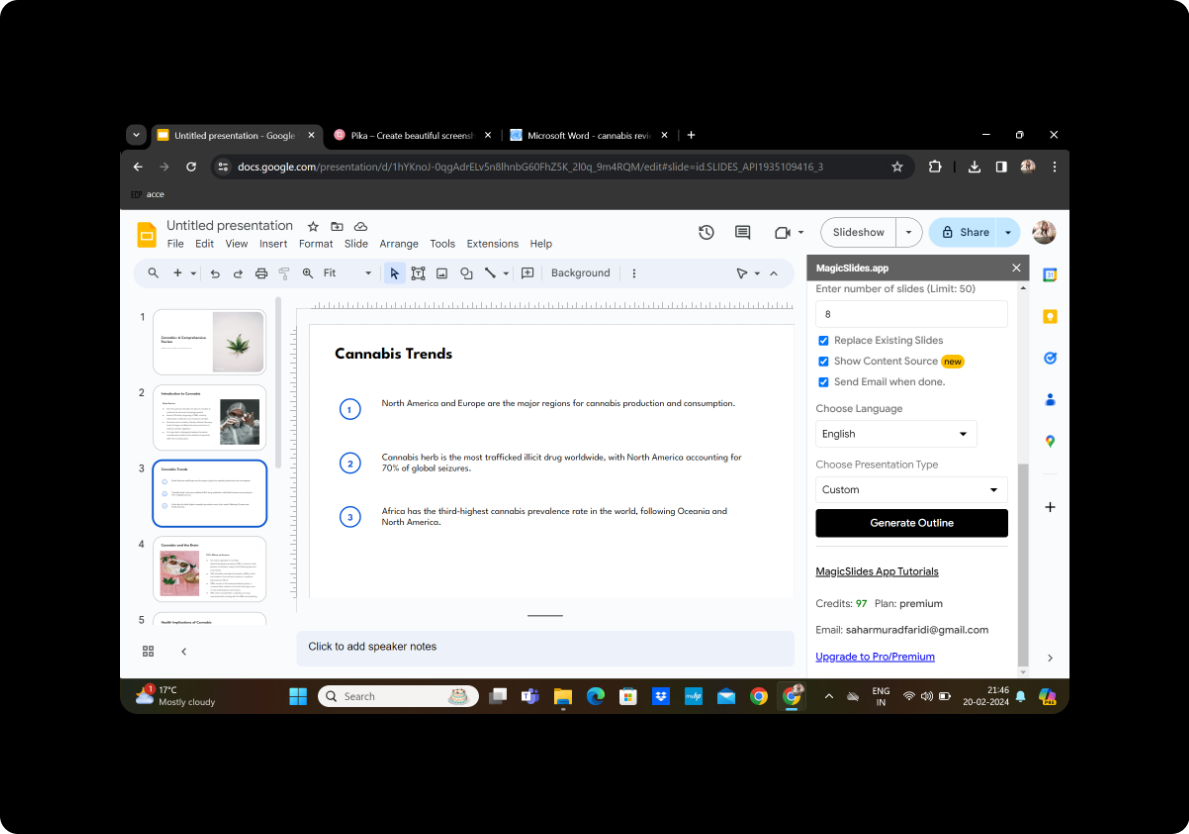
Congratulations! Your PowerPoint presentation, summarizing the conference proceedings, is now ready for use.
Conclusion
In conclusion, the MagicSlides extension for Google Slides simplifies the conversion of PDF conference proceedings into impactful PowerPoint summaries. This user-friendly tool streamlines the process, allowing you to focus on delivering engaging presentations without the hassle of manual creation.
Frequently Asked Questions
How accurate is MagicSlides in summarizing content? MagicSlides utilizes advanced algorithms for content extraction, resulting in accurate and coherent summaries. However, it's recommended to review the generated outline to ensure it aligns with your preferences.
Can I edit the slides after they are generated? Yes, MagicSlides provides editing capabilities within Google Slides. You can refine and customize the presentation according to your specific requirements.
Is MagicSlides compatible with other document formats besides PDF? MagicSlides supports both PDF and DOCX formats, providing flexibility in converting various document types into PowerPoint presentations.
How can I share the generated PowerPoint summary with others? You can easily share the presentation by using Google Slides' sharing features. Invite collaborators or generate a shareable link for seamless collaboration.
Are there any limitations on the number of slides MagicSlides can generate? The number of slides generated depends on the content and the preferences you set. MagicSlides is designed to accommodate a wide range of document lengths while maintaining coherence in the presentation.


