How to create PPT Slides using AI


Create professional PPT slides effortlessly using AI-powered MagicSlides web app for fast and stunning presentations
How to Create PPT Slides Using AI
AI-powered tools like MagicSlides.app make creating PowerPoint presentations easier and faster than ever.
Instead of manually designing slides, you can generate professional-quality presentations in just a few clicks.
In this guide, we’ll show you how to use MagicSlides.app Web App to create stunning PPT slides effortlessly.
Steps to Create PPT Slides Using MagicSlides.app Web App
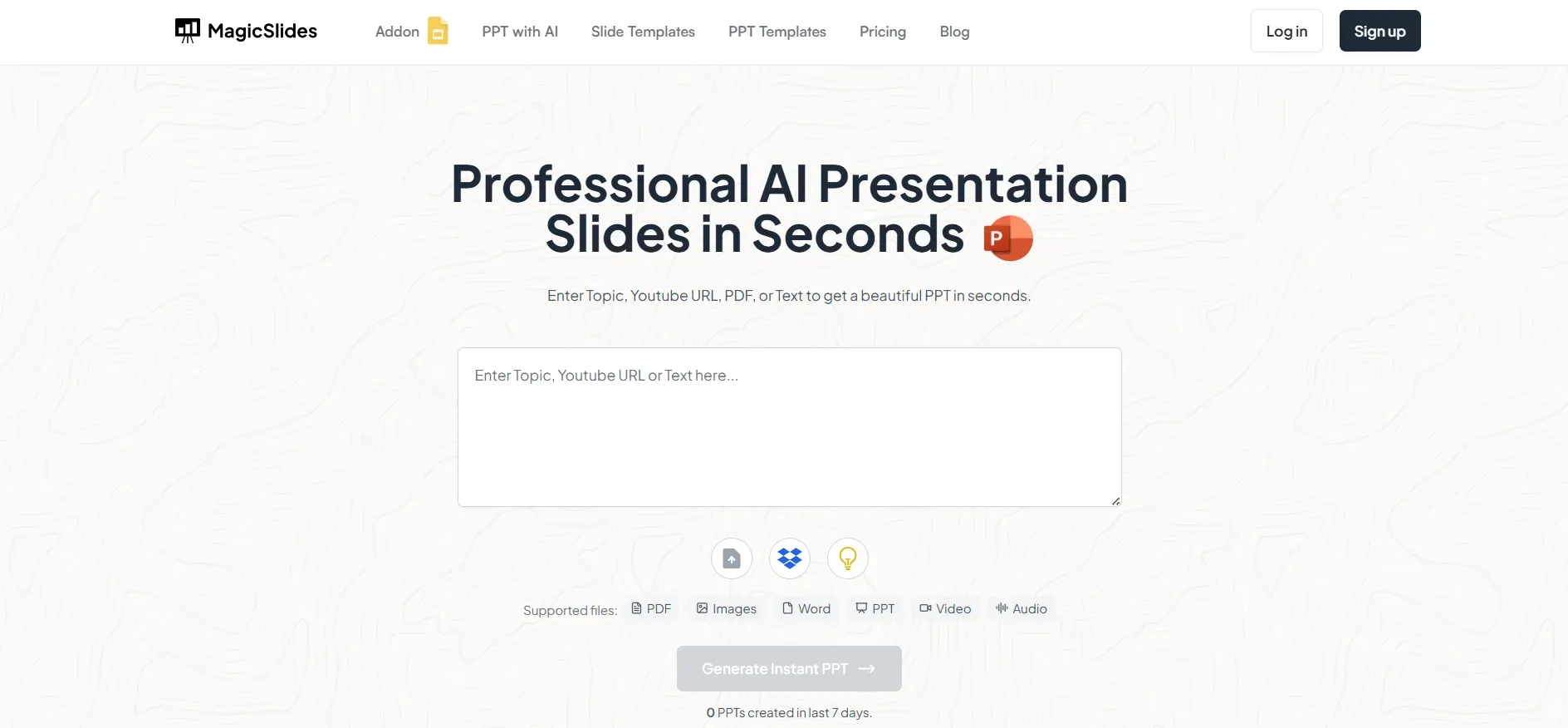
Step 1: Visit MagicSlides.app
Go to www.magicslides.app to start creating AI-generated presentations. The web app provides a simple and intuitive interface to generate high-quality PowerPoint slides instantly.
Step 2: Log in to Continue
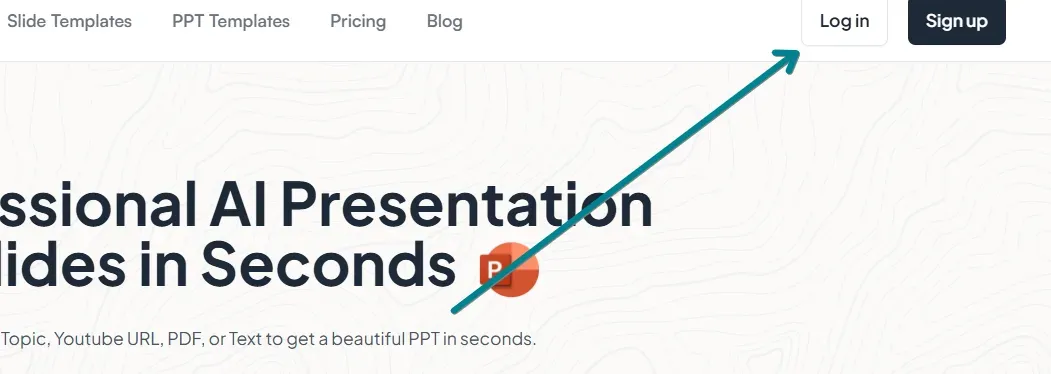
To use MagicSlides.app, you need to log in with your Google or email account. This allows you to access your presentations and save progress for future use.
Step 3: Enter Your Presentation Topic
Once logged in, you’ll see an AI input bar where you can enter your presentation topic. For best results, be specific about your topic. Example:
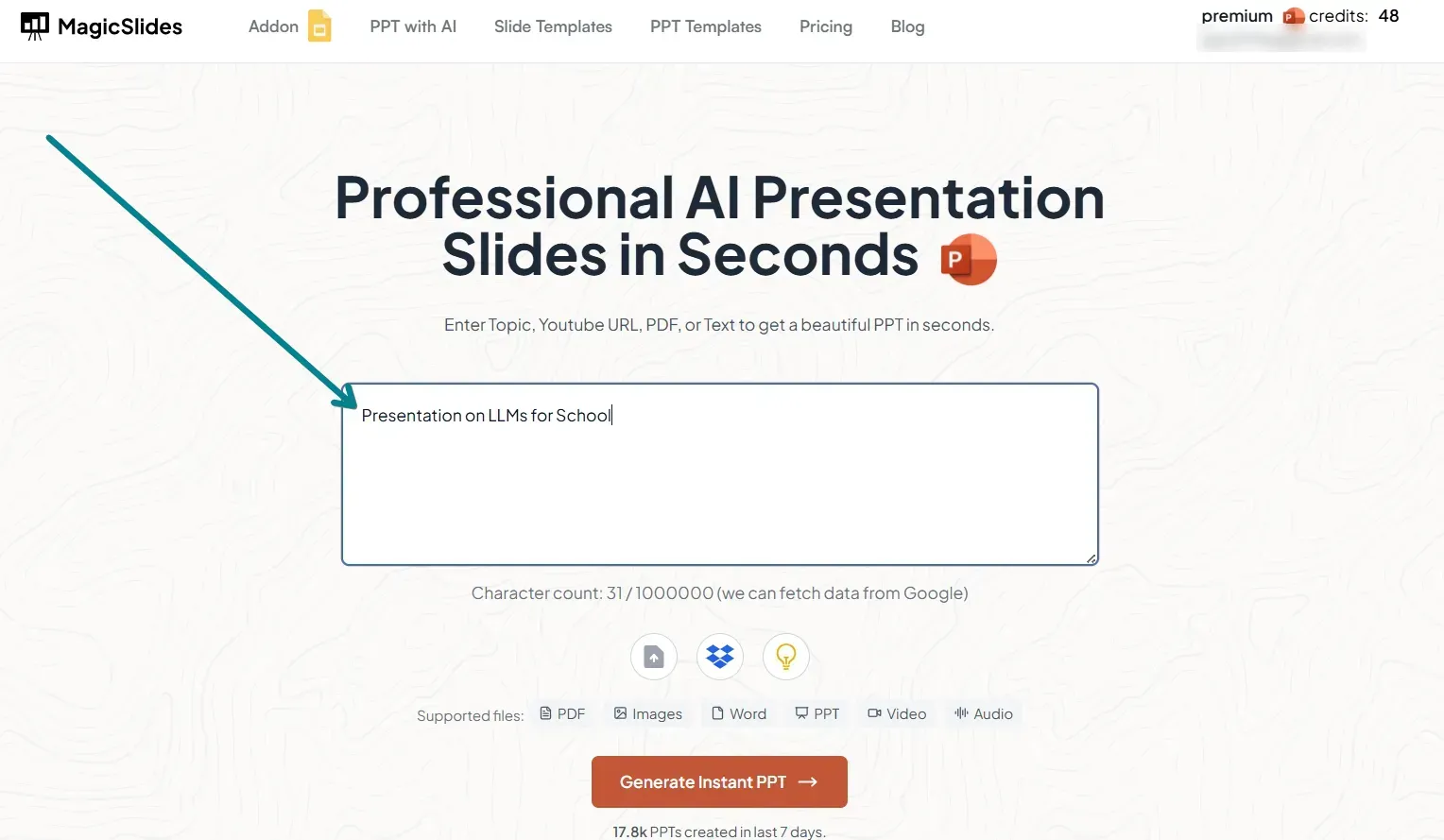
- "The Future of Artificial Intelligence"
- "10 Tips for Effective Digital Marketing"
- "The Impact of Climate Change on Agriculture"
Step 4: Click on 'Generate Presentation'
After entering your topic, click on 'Generate Presentation'. MagicSlides.app AI will process your input and create a fully structured presentation with slides, key points, and visual elements.
Step 5: Review and Download Your Presentation
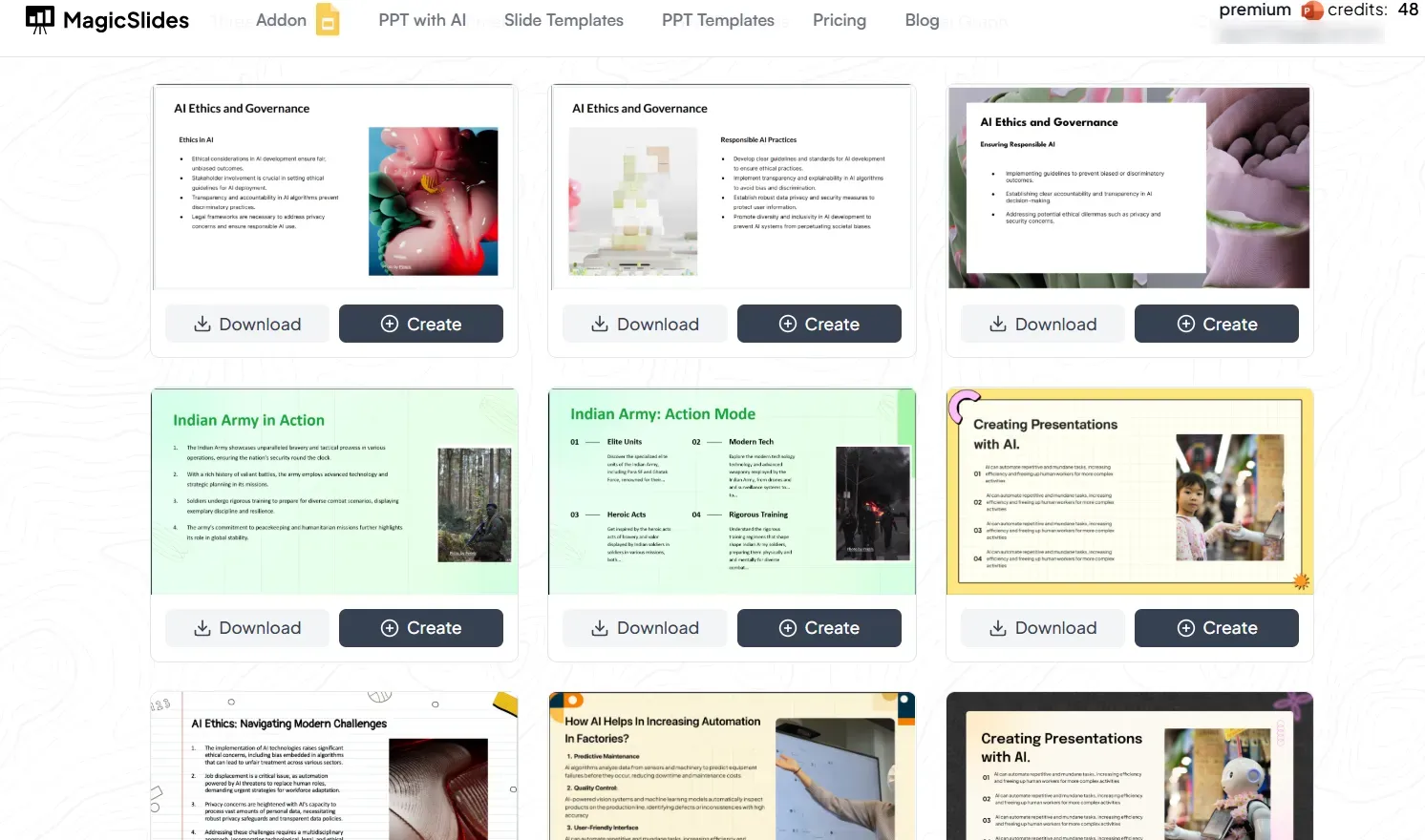
Once your slides are generated:
- Review the content for accuracy and relevance.
- Make any necessary edits or refinements.
- Click 'Download' to save your PowerPoint presentation.
Step 6: Upgrade for More Features
For additional features like YouTube video to PPT, URL to PPT, advanced customization, and AI-powered design enhancements, you can upgrade to MagicSlides.app Pro or Premium.
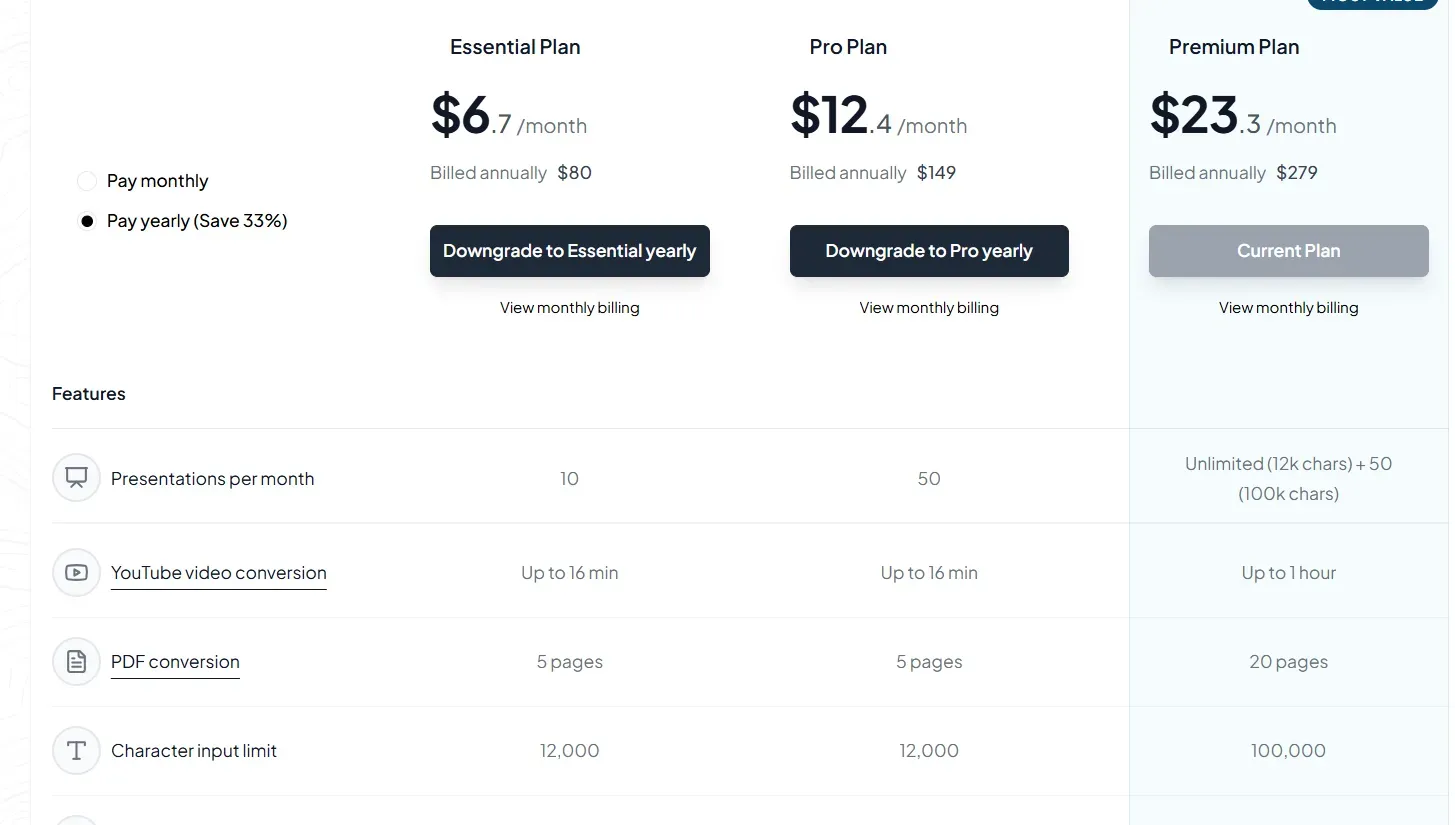
Visit MagicSlides Pricing to explore all available plans.
Conclusion
Creating professional PowerPoint slides has never been easier, thanks to MagicSlides.app.
Whether you're preparing for a business meeting, academic presentation, or marketing pitch, AI-driven automation can save time and enhance productivity.
Try MagicSlides.app today and experience the power of AI-generated presentations!
Frequently Asked Questions (FAQs)
Can AI create an entire PowerPoint presentation?
Yes! MagicSlides.app can generate complete PowerPoint presentations, including structured slides with key points, images, and layouts.
Is MagicSlides.app free to use?
MagicSlides.app offers a free version with basic features. Advanced AI capabilities are available in Pro and Premium plans.
Can I edit AI-generated slides?
Yes! After downloading the PPTX file, you can edit slides in PowerPoint, Google Slides, or any compatible software to personalize your presentation.
Start using MagicSlides.app today and transform the way you create presentations with AI!


