How to create PPT using AI


Create stunning presentations instantly using MagicSlides AI web app – your smartest way to design PPTs effortlessly
How to Create PPT Using AI
Creating PowerPoint presentations manually can be time-consuming and creatively exhausting.
With the help of AI tools like MagicSlides, you can now generate professional and well-structured presentations in just a few clicks.
Whether you're preparing for a business meeting, a school project, or a webinar, MagicSlides Web App makes it incredibly easy to build presentations that stand out.
Step-by-Step Guide to Create PPT Using AI
Here’s how you can use MagicSlides Web App to generate presentations with the power of AI:
Step 1: Go to MagicSlides Web App
Visit www.magicslides.app on your browser. This is where you’ll start creating your presentation with AI. If you don’t have an account, sign up it only takes a few seconds.
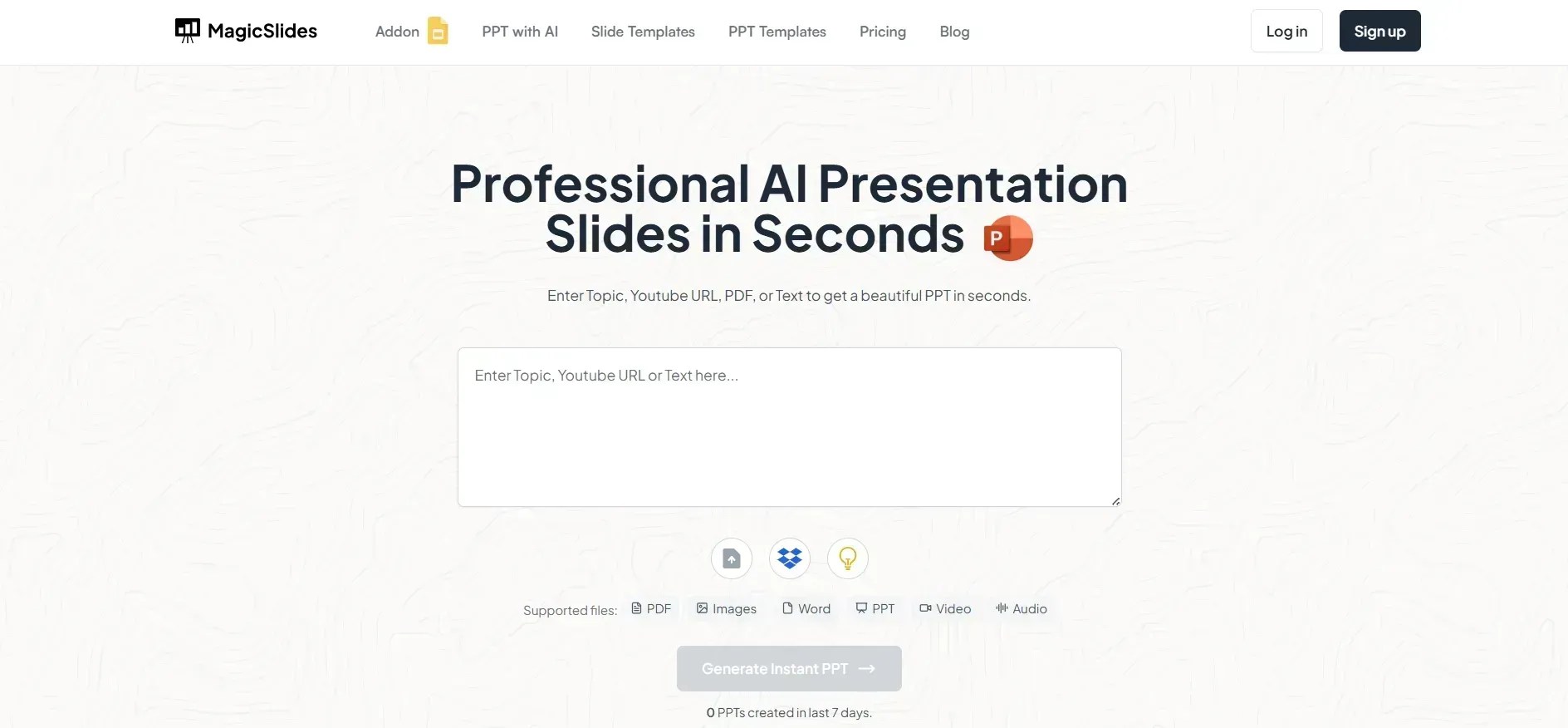
Step 2: Log in to Your Account
After signing up or logging in, you’ll land on the dashboard. This is your control panel to input topics and generate presentations instantly.
Step 3: Enter Your Presentation Topic
In the provided input bar, type the topic of your presentation. Be clear and specific to help the AI generate the most relevant content.
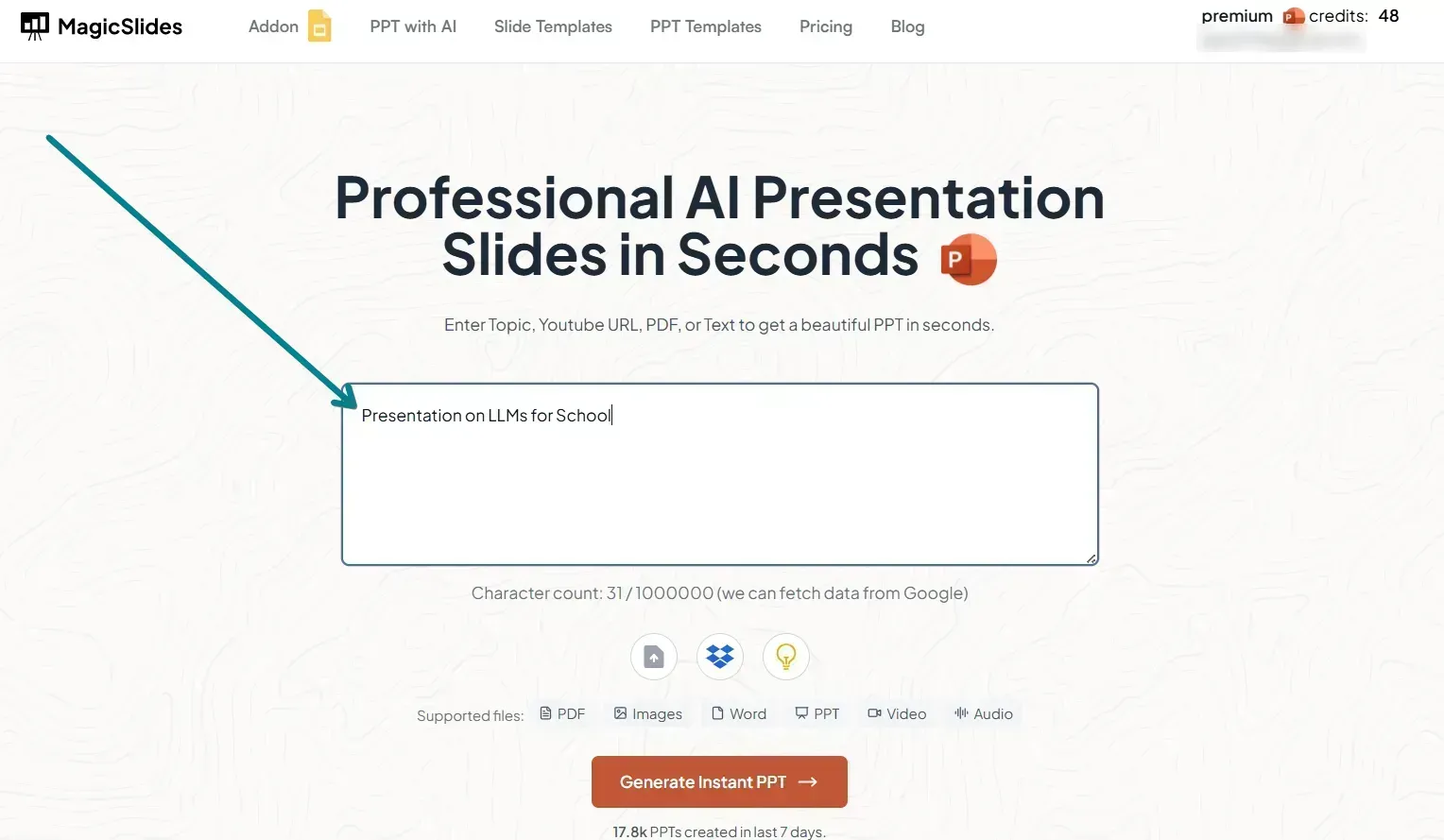
Example: “The Future of Electric Vehicles” or “Digital Marketing Strategies for Startups.”
Step 4: Click on 'Generate Presentation'
Once you enter the topic, click the “Generate Presentation” button.
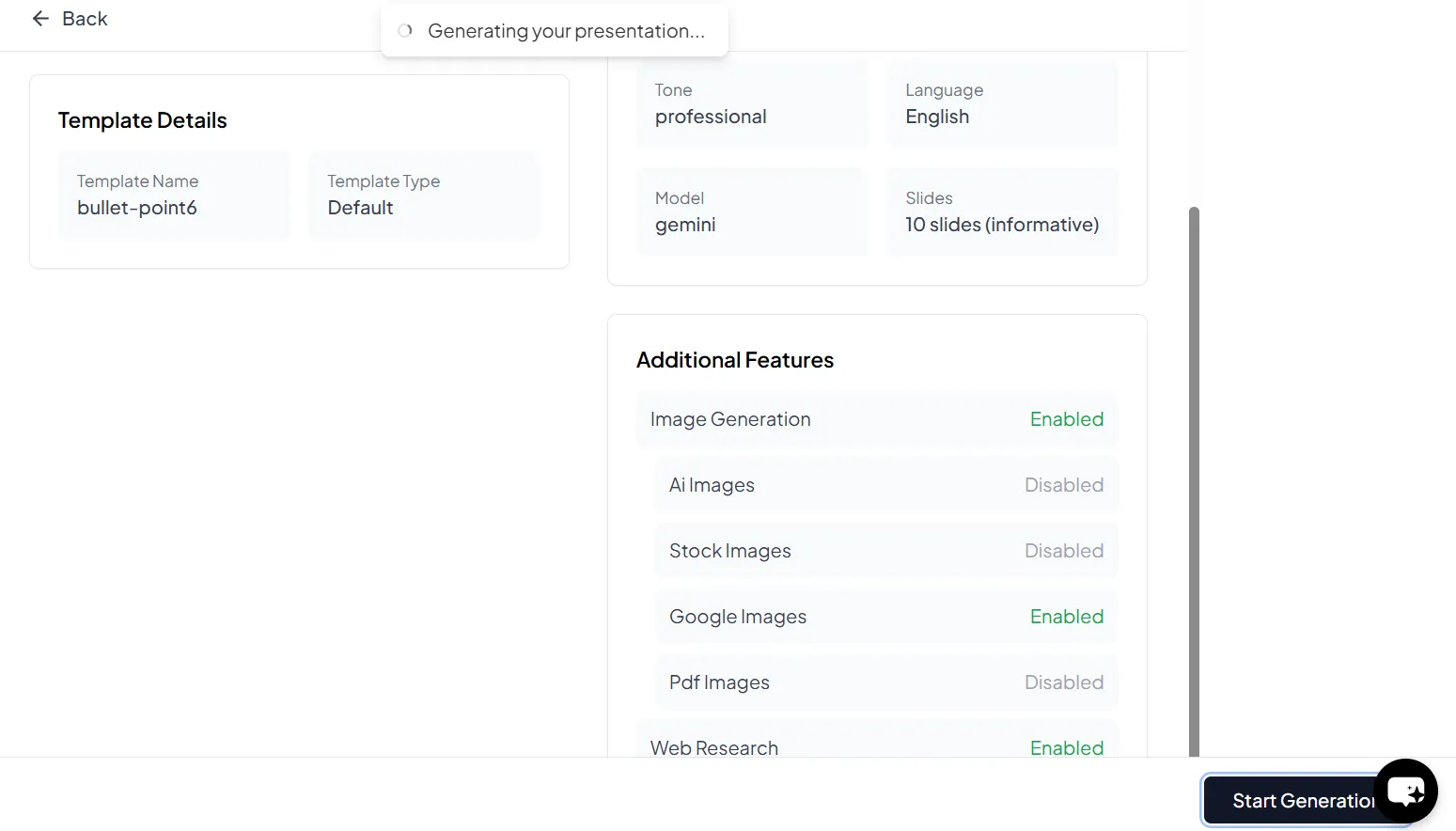
The AI will take a few seconds to process your topic and create a set of well-designed, content-rich slides for you.
Step 5: Review and Customize Your Slides
MagicSlides will present you with a full PPT. Go through each slide to ensure the content aligns with your expectations.
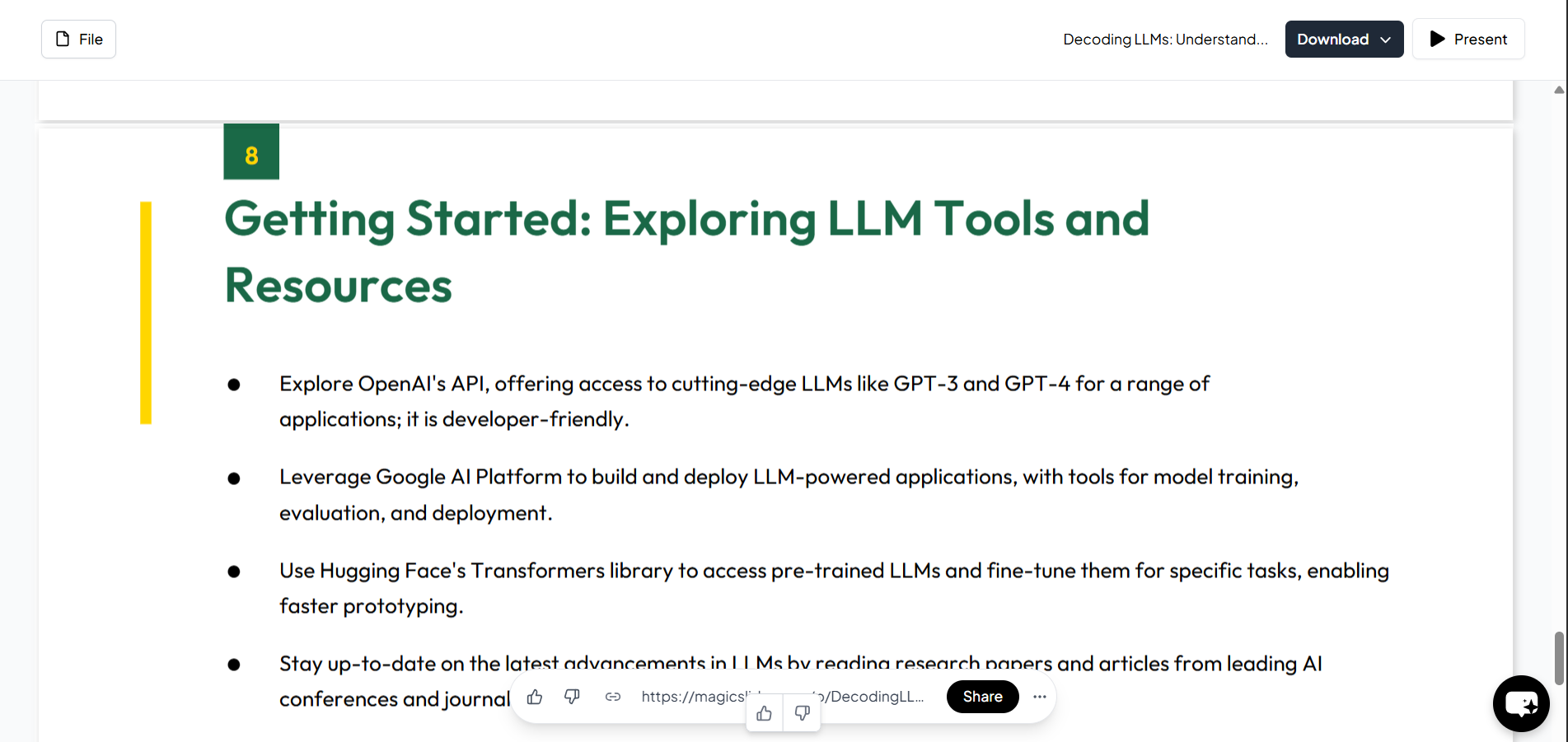
You can make quick edits or tweaks within the tool or download and modify the presentation later.
Step 6: Download Your Presentation
Once you're happy with the presentation, download it in .pptx format. You can now open it in PowerPoint, Google Slides, or any other compatible presentation software.
Why Use AI to Create PPT?
- ✅ Saves Time – No need to manually write and design slides.
- ✅ Enhances Creativity – AI suggests content and designs you may not think of.
- ✅ Professional Output – Consistent formatting and visually appealing layouts.
- ✅ User-Friendly – Just enter your topic and let AI do the rest.
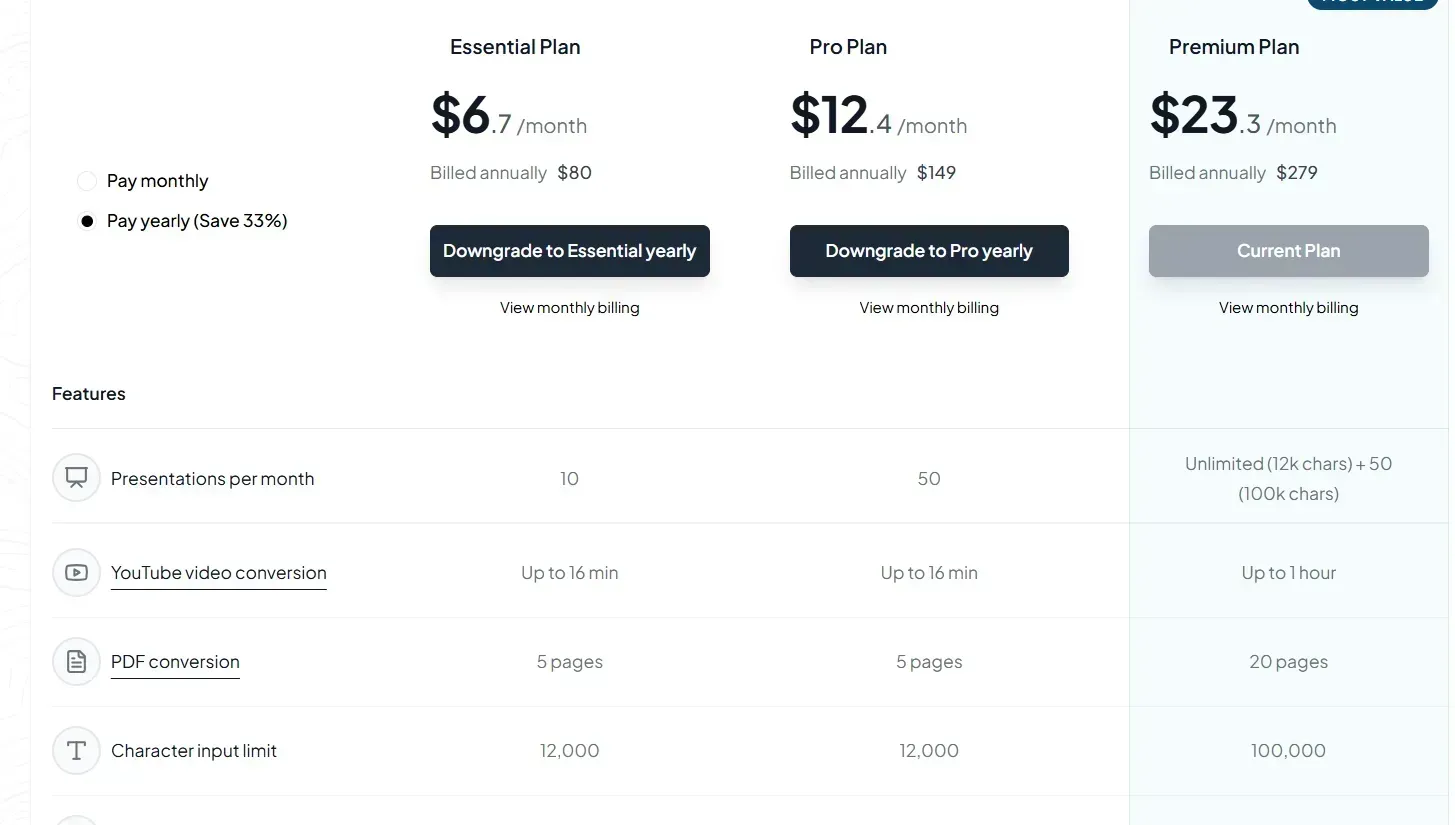
Explore More with MagicSlides Premium
Unlock extra features like:
- 🌐 Convert YouTube videos and URLs into presentations
- 🔍 Generate topic-wise outlines instantly
- 🎯 AI-powered customization and formatting
Visit MagicSlides Pricing to learn more.
Conclusion
If you’re looking to create a PPT using AI, the MagicSlides Web App is your best bet.
It simplifies the process, saves time, and delivers high-quality, engaging presentations.
Whether you're a student, teacher, or professional, MagicSlides can transform how you present ideas.


