How to create technical interview questions using artificial intelligence?


Upgrade hiring with AI: Craft precise technical interview questions effortlessly using MagicForms for tailored assessments.
Conducting effective technical interviews is crucial for hiring top talent. Artificial intelligence can streamline this process, making it efficient and tailored. In this blog post, we'll guide you through using AI to create technical interview questions with ease.
How to create technical interview questions using artificial intelligence?
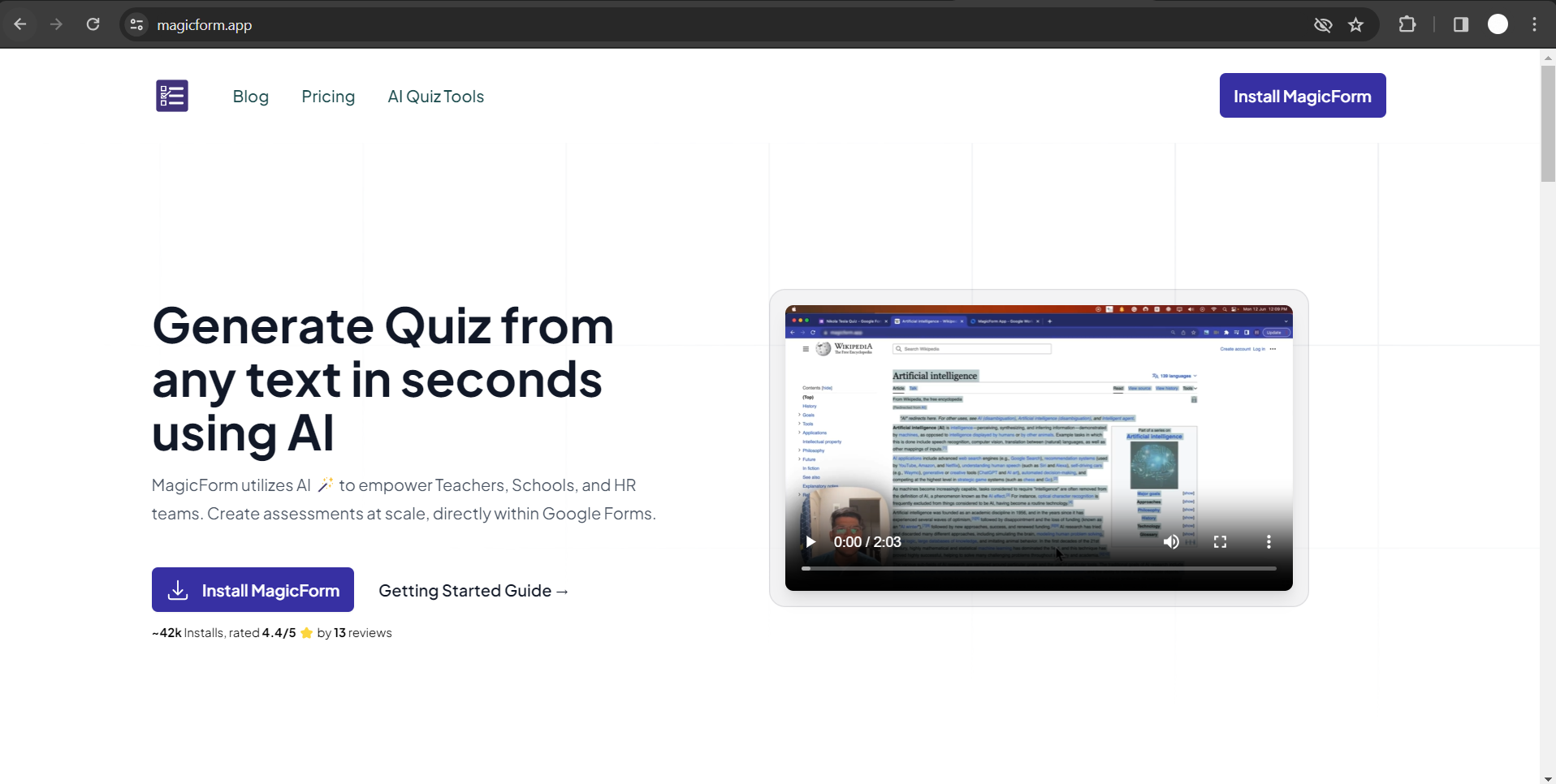
Step 1: Visit MagicForm.app Website
Begin your journey by exploring the potential of AI in crafting technical interview questions. Head over to the MagicForm.app website, a tool designed to simplify and enhance the question creation process.
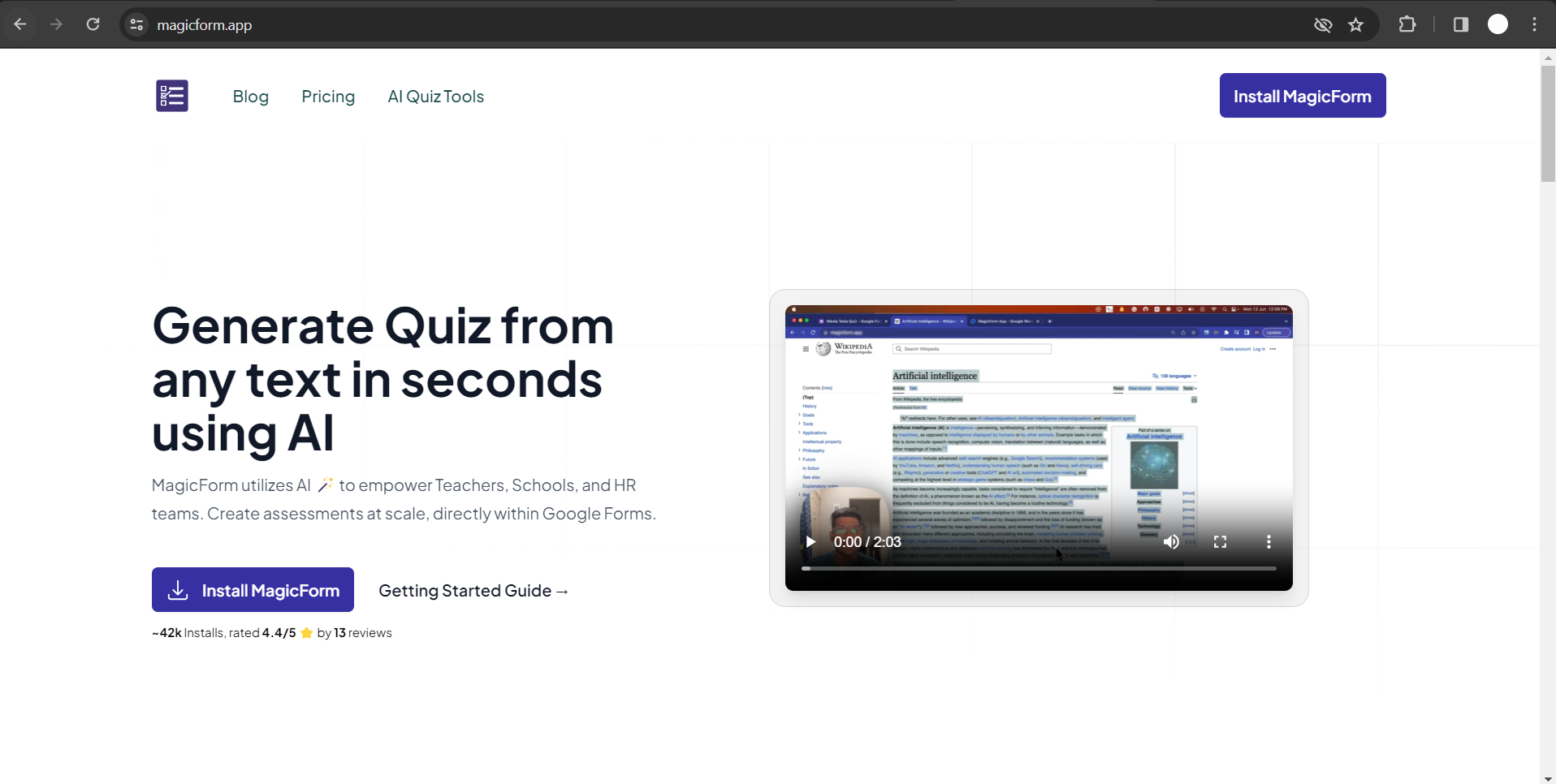
Step 2: Install the App
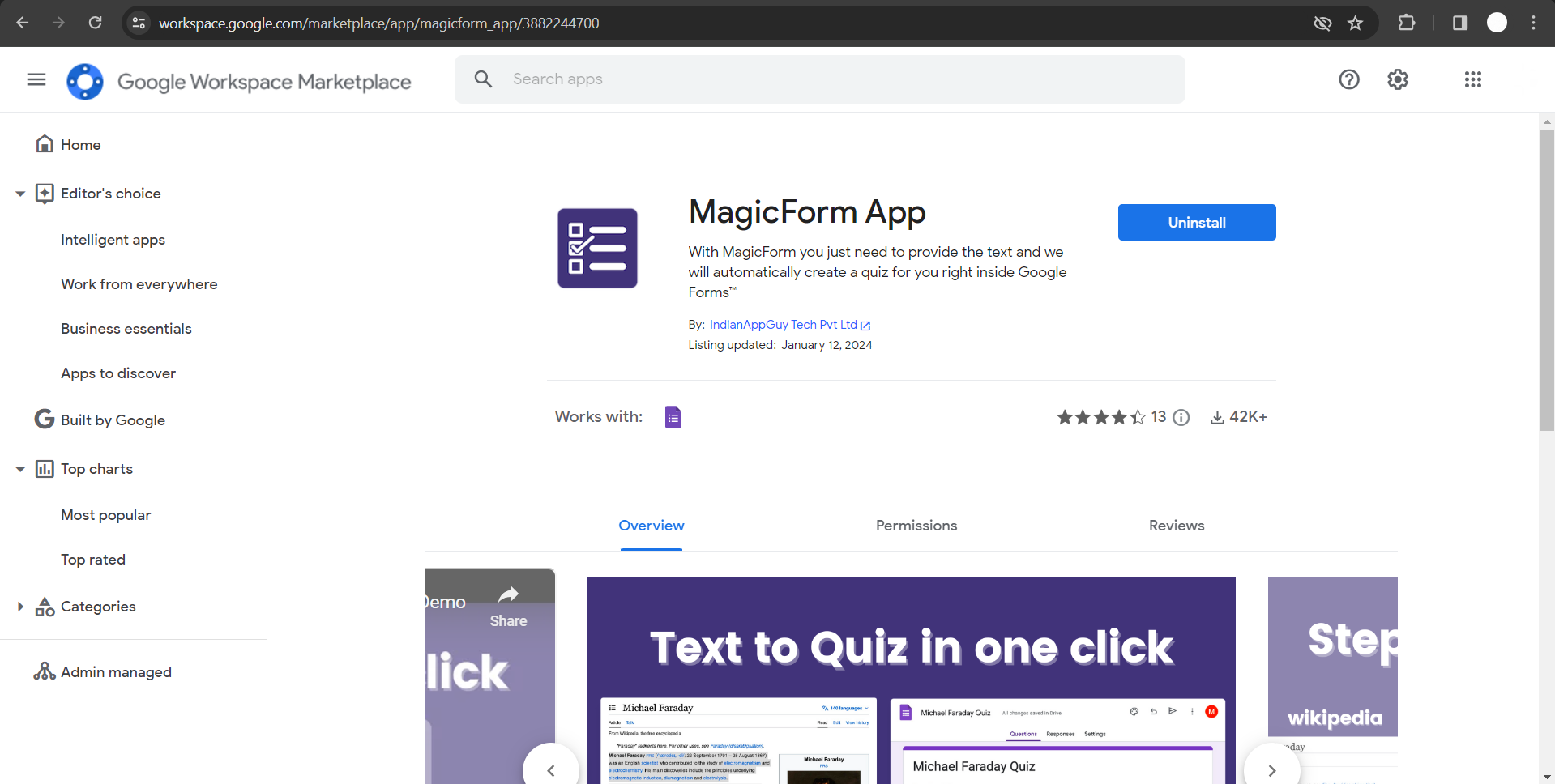
Click on "Install the App" to seamlessly integrate MagicForms with Google Workspace.
Follow the prompts to ensure a smooth installation process. This step establishes the foundation for leveraging AI in your technical interviews.
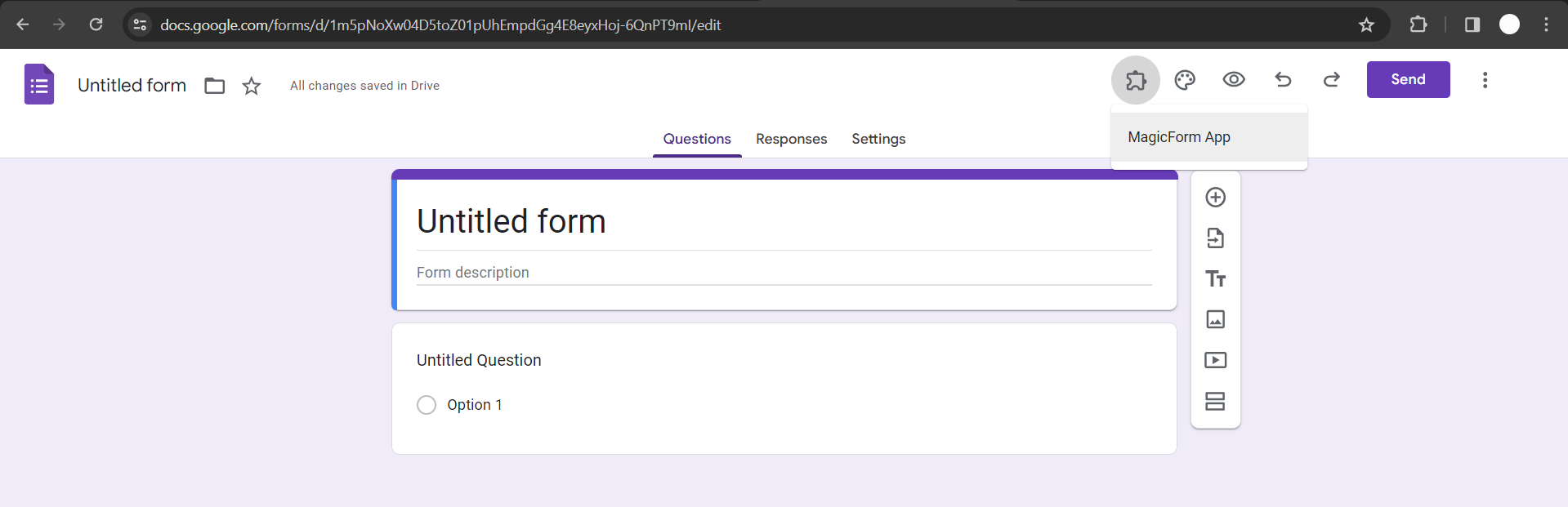
Step 3: Run MagicForms in Google Forms
Navigate to Google Forms and access MagicForms through the Add-ons menu. Running the app within Google Forms unlocks its features, providing you with a user-friendly interface for crafting technical questions.
Step 4: Choose Question Type
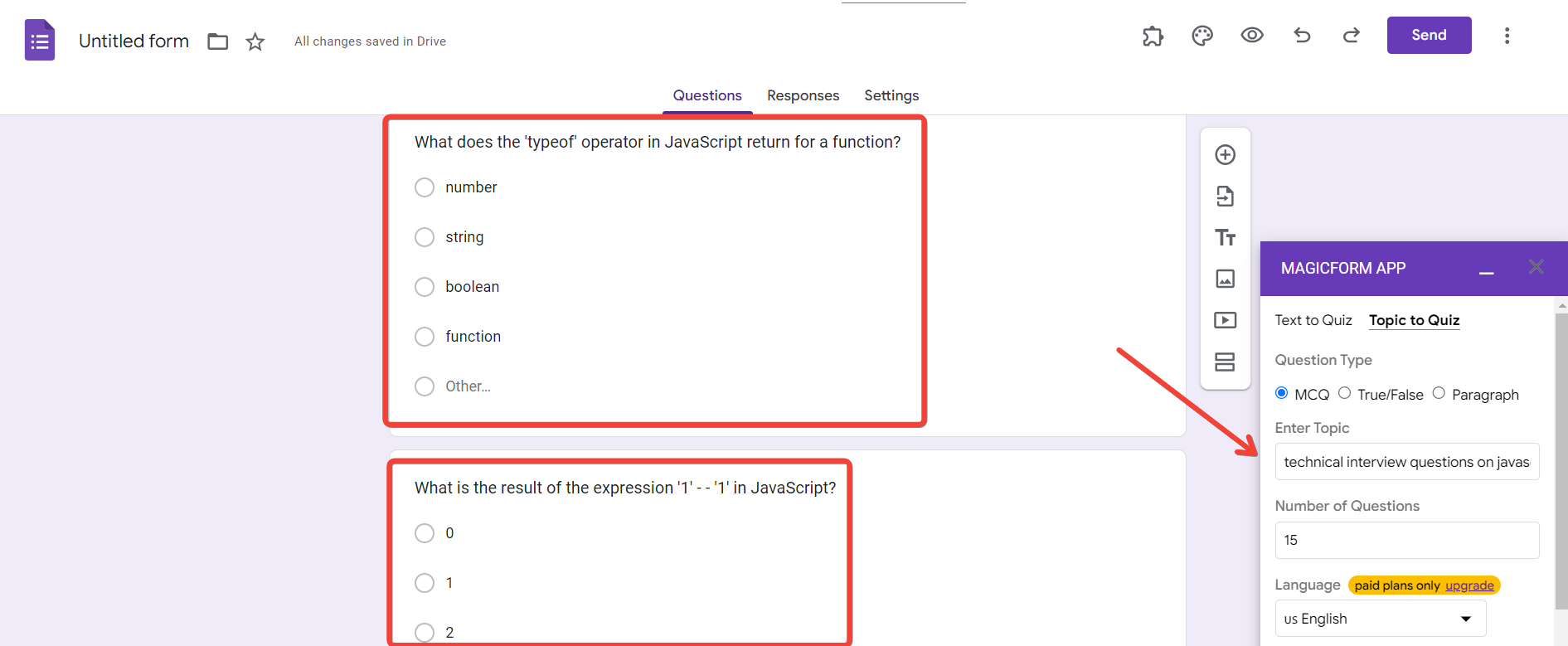
Tailor your technical interview questions by selecting the appropriate question type. Whether it's multiple-choice, true or false, or paragraph-based questions, MagicForms ensures flexibility to suit your interview style.
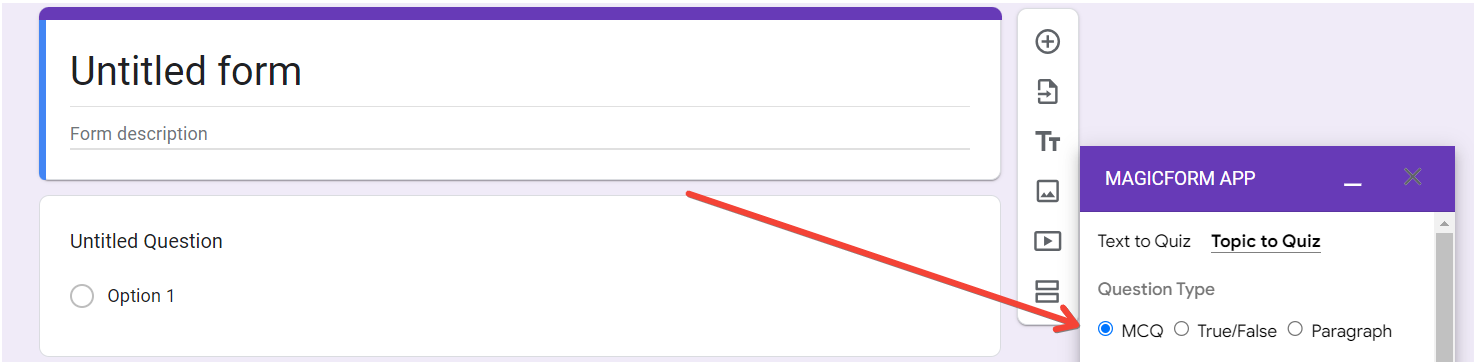
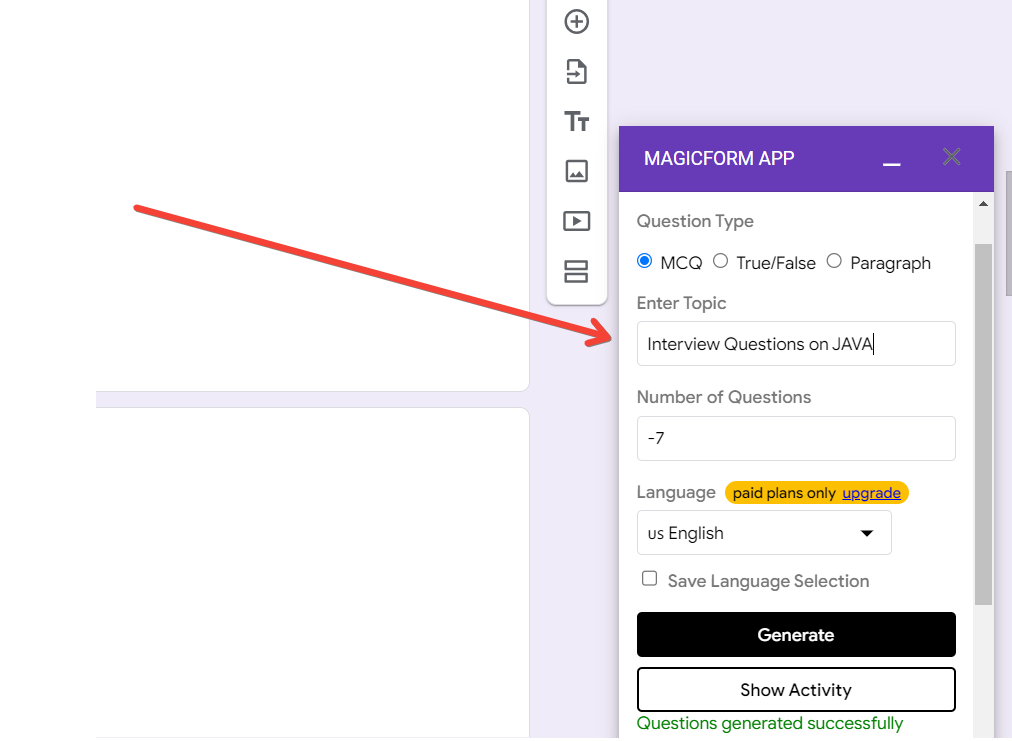
Step 5: Enter the Topic (Technical Interview Topics)
Specify the technical interview topics you want the questions to cover. This step ensures that the generated questions are relevant, testing candidates on the skills crucial for the positions you're hiring.
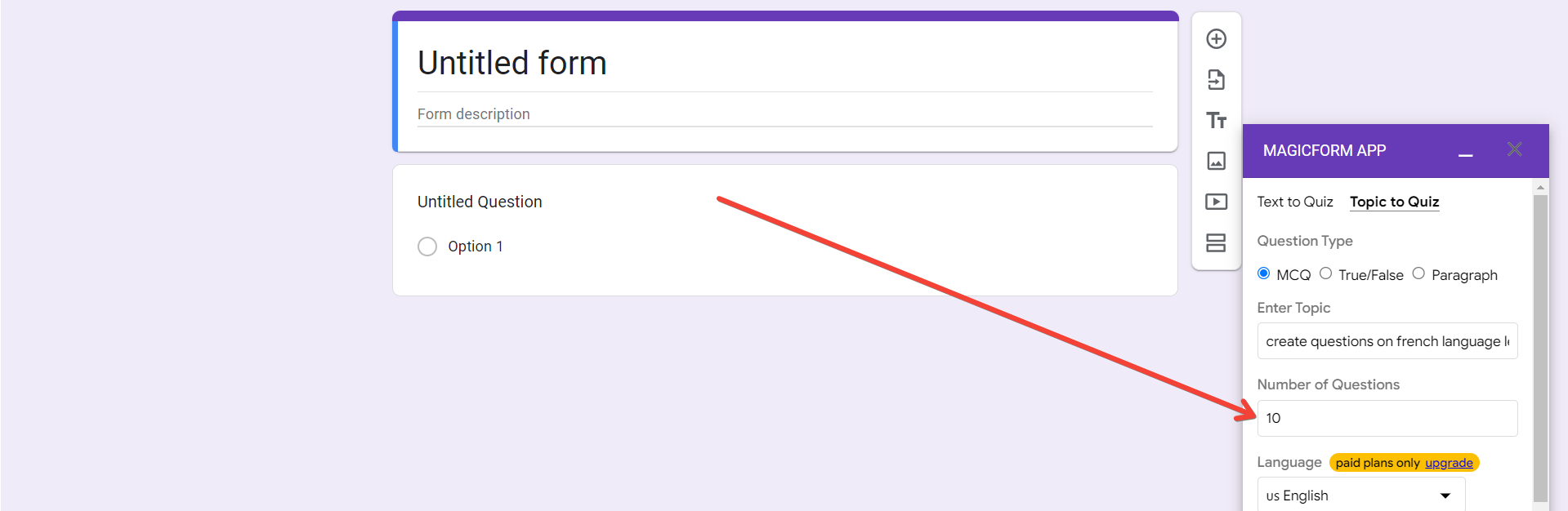
Step 6: Set the Parameters
Define the number of questions needed and choose the language for the interview. MagicForms allows you to customize the interview based on your company's requirements, ensuring a well-rounded assessment of candidates.
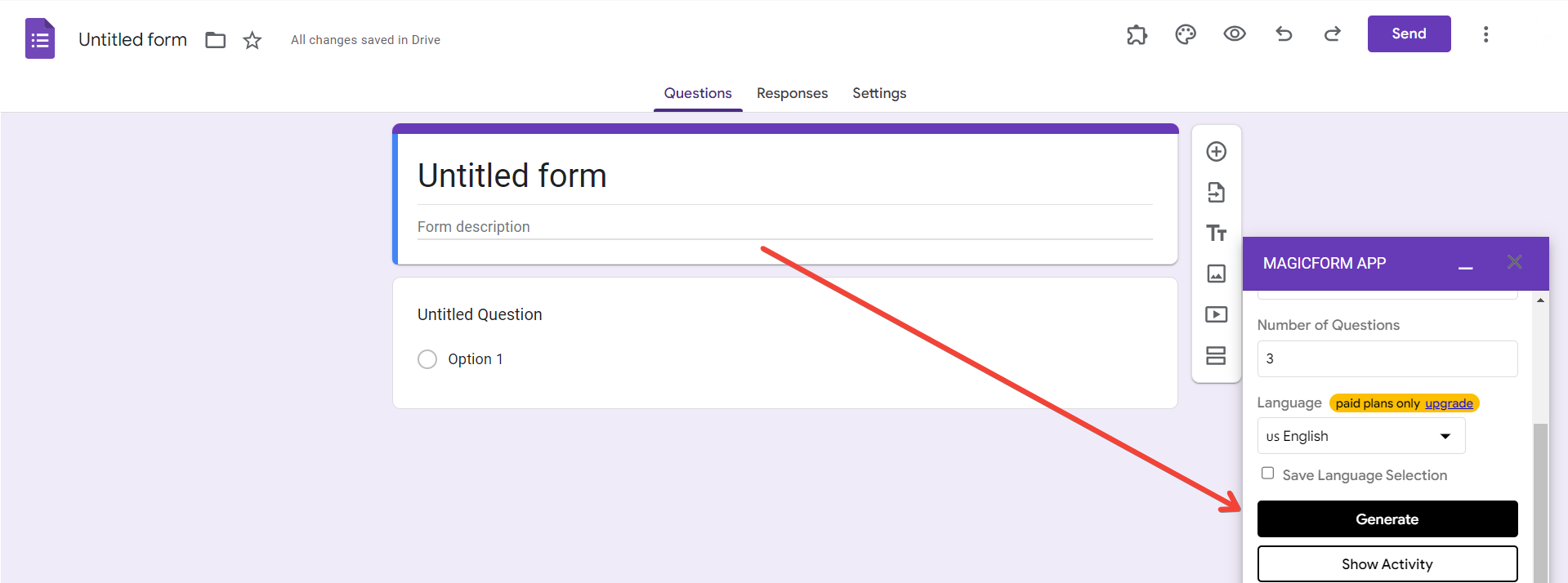
Step 7: Generate Questions
Click "Generate Questions," and let MagicForms utilize its AI capabilities to create a set of technical interview questions. The AI ensures diversity and relevance, providing a comprehensive test for candidates' technical proficiency.
Step 8: Your Technical Interview Questions Are Ready!
Congratulations! The technical interview questions have been generated, offering a tailored and efficient tool to assess candidates. These questions can be used confidently to evaluate the skills and knowledge needed for the position.
Conclusion:
Integrating AI into the creation of technical interview questions transforms the hiring process, saving time and ensuring a targeted evaluation. Embrace the power of technology with MagicForms to conduct interviews that are not only effective but also streamlined and tailored to your company's specific needs. Happy hiring!
Frequently Asked Questions:
How does using AI for technical interview questions benefit the hiring process?
Integrating AI into technical interviews streamlines question creation, ensuring relevance and diversity, ultimately leading to more efficient and targeted candidate assessments.
Can I use MagicForms for technical interviews even if I'm not tech-savvy?
Absolutely! MagicForms is designed with user-friendliness in mind. Just follow the step-by-step guide outlined in this blog post to seamlessly integrate AI into your technical interview question creation process.
What types of technical questions can I generate using MagicForms?
MagicForms offers flexibility in question types, including multiple-choice, true or false, and paragraph-based questions. This versatility allows you to tailor the interview to specific technical roles and skills.
How does AI ensure the relevance of the generated technical interview questions?
MagicForms uses AI to understand the specified technical interview topics, creating questions that are not only diverse but also directly aligned with the skills and knowledge required for the positions you are hiring.


