How to draw on google slides presentation


Enhance your Google Slides with creativity learn how to draw and annotate for engaging and interactive presentations.
In the realm of presentations, visual engagement is key. Unleash your creativity on Google Slides by mastering the art of drawing. This guide will walk you through the steps, empowering you to add personalized annotations and illustrations that breathe life into your slides.
How to draw on google slides presentation
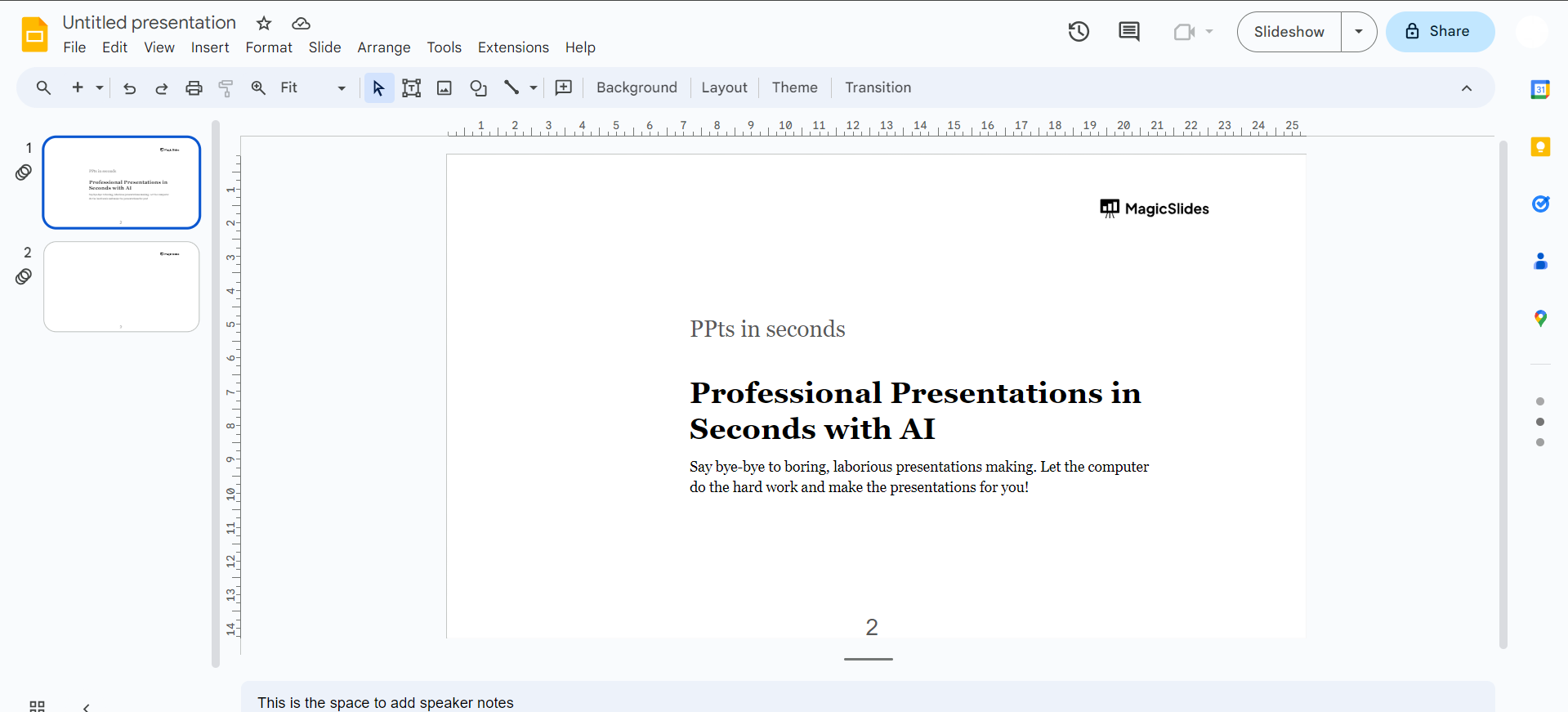
Open Google Slides:
Go to Google Slides (https://slides.google.com/) and open the presentation where you want to add drawings.
Access Drawing Tools:
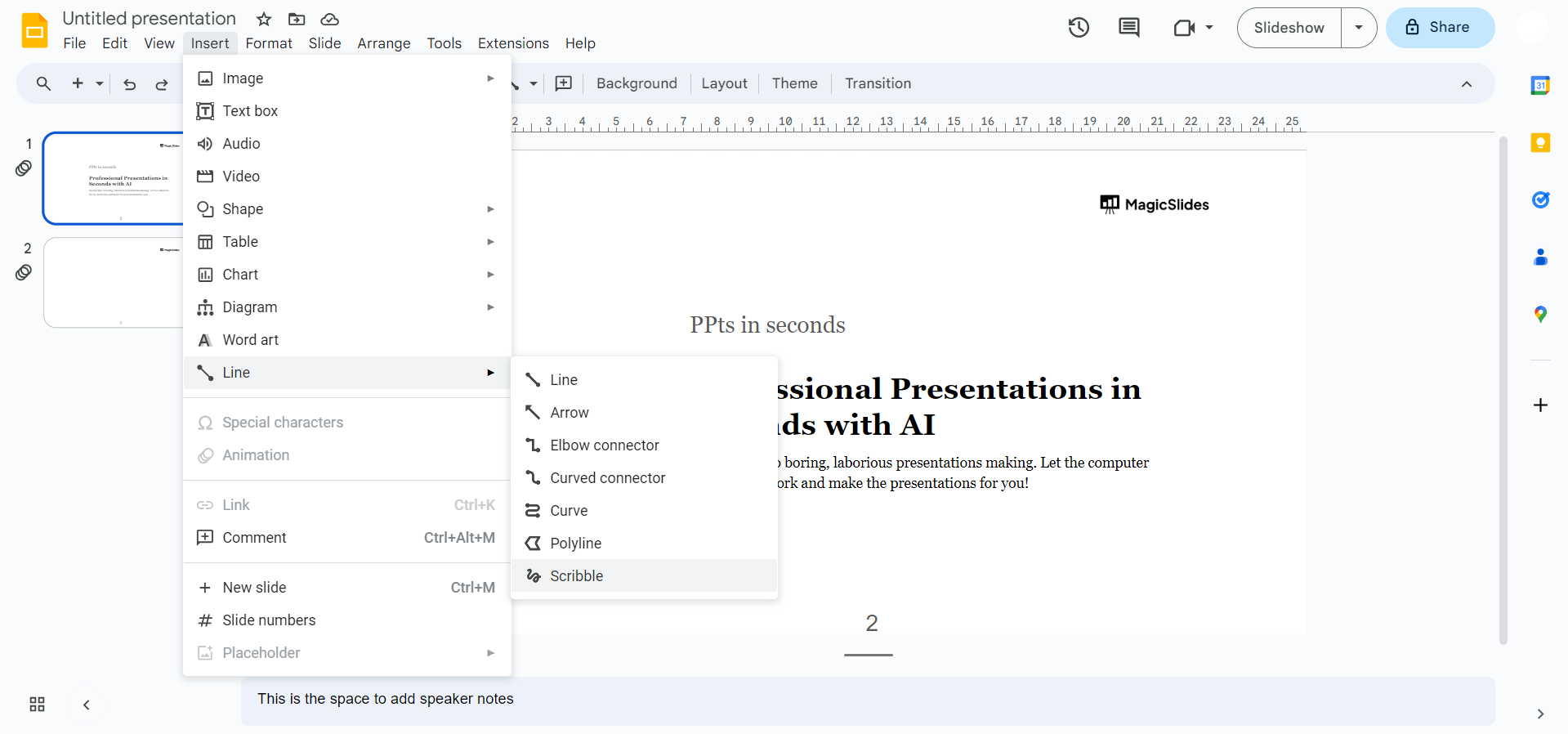
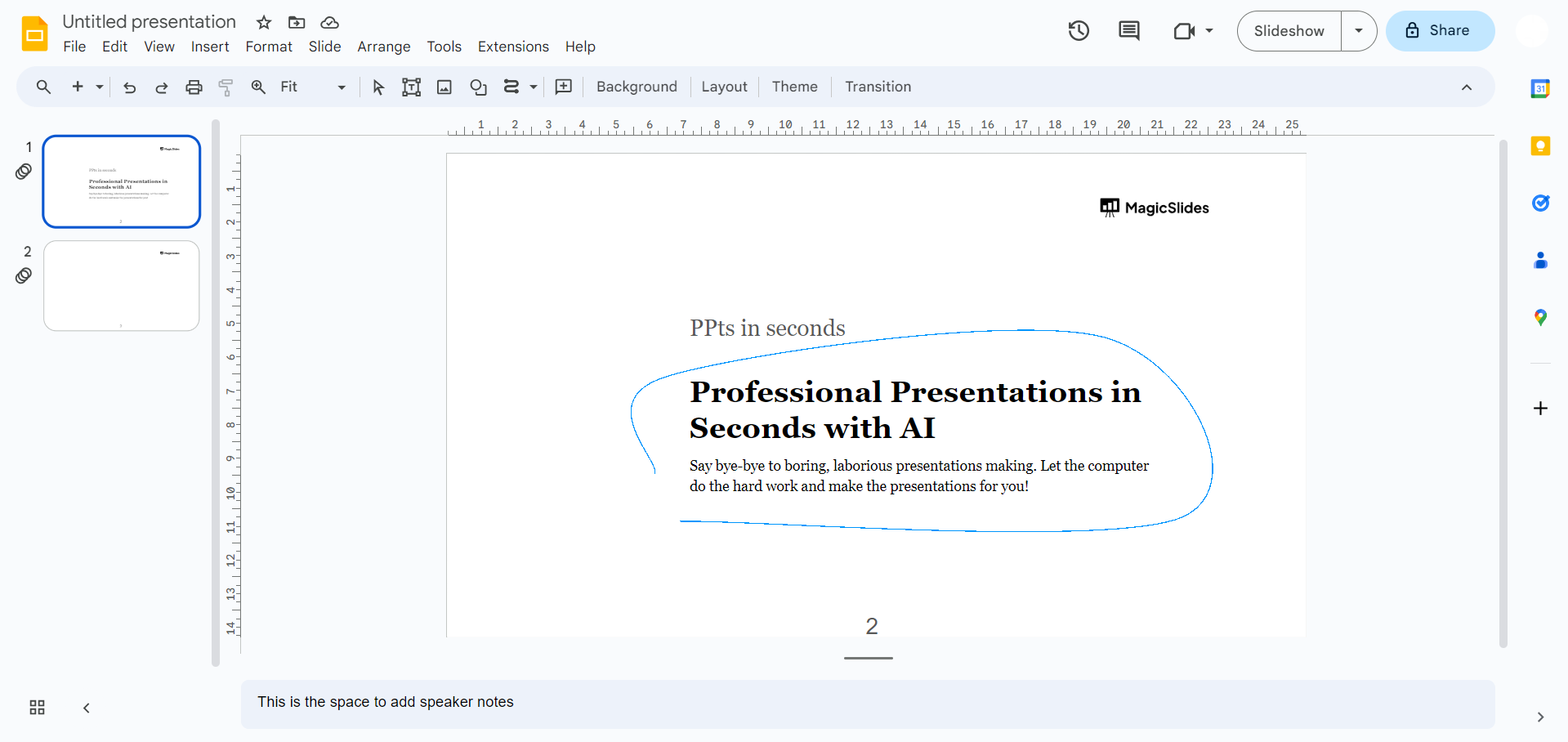
In the top menu, click on "Insert," then choose "Drawing" and select "New." If these options are unvailable in the newer version of Google Slides you can click on line and choose scribble to freely draw.
Choose Drawing Type:
In the Drawing dialog box, click on the icon that looks like a pencil. This opens up the drawing canvas.
Use Drawing Tools:
Utilize the drawing tools provided. You can draw freehand, create shapes, lines, and add text. Select colors and line thickness from the toolbar.
Resize and Move:
Click and drag the corners of the drawing to resize it. To move it, click and hold the center, then drag it to the desired location.
Conclusion:
By following these steps, you can easily draw on Google Slides, adding a layer of customization and interactivity to your presentations. Whether you're emphasizing key points, creating custom graphics, or fostering audience interaction, the ability to draw adds a dynamic layer to your storytelling. With newfound skills in hand, your slides are poised to captivate and communicate with a level of visual finesse that leaves a lasting impression on your audience.
Frequently Asked Questions:
Q1: Can I draw on Google Slides using a stylus or touchscreen device?
Ans: Yes, Google Slides supports drawing with a stylus or touchscreen for a more natural experience.
Q2: Is it possible to undo or erase a drawing mistake in Google Slides?
Ans: Certainly! Use the undo button (Ctrl + Z or Command + Z) or the eraser tool to correct mistakes.
Q3: Can I collaborate on a drawing in real-time with others in Google Slides?
Ans: Absolutely! Multiple users can collaborate simultaneously, making real-time drawings and annotations a collaborative and interactive experience.
Check out these AI Blogs by us:
- How AI Tool For Book Summaries Is Revolutionizing The Way We Absorb Information: https://www.magicslides.app/blog/how-ai-tool-for-book-summaries-is-revolutionizing-the-way-we-absorb-information
- The Future Of Web Analytics: Exploring The Role Of AI: https://www.magicslides.app/blog/the-future-of-web-analytics-exploring-the-role-of-ai
- 3 Surprising Benefits Of Artificial Intelligence In The Workplace: https://www.magicslides.app/blog/3-Surprising-Benefits-of-Artificial-Intelligence-in-the-Workplace


