How to Generate Studio Style Ghibli Image – Complete Guide


Create stunning Studio Ghibli-style images using AI tools, digital painting, and soft, dreamy aesthetics
How to Generate Studio Ghibli-Style Images – Complete Guide
Studio Ghibli is known for its breathtaking animation, rich colors, and hand-drawn aesthetic.
If you want to create images inspired by this iconic style, there are several techniques and tools available, including AI generators, digital painting, and photo manipulation.
This guide will walk you through step-by-step methods to generate Studio Ghibli-style images effortlessly.
Steps to Generate Studio Ghibli-Style Images
Step 1: Generate a Ghibli-Style Image Using ChatGPT & AI Tools
One of the easiest ways to create a Studio Ghibli-style image is by using AI-generated art.
You can input a detailed prompt into AI tools like ChatGPT (DALL·E), MidJourney, or Stable Diffusion to create a stunning visual.
Example Prompt:
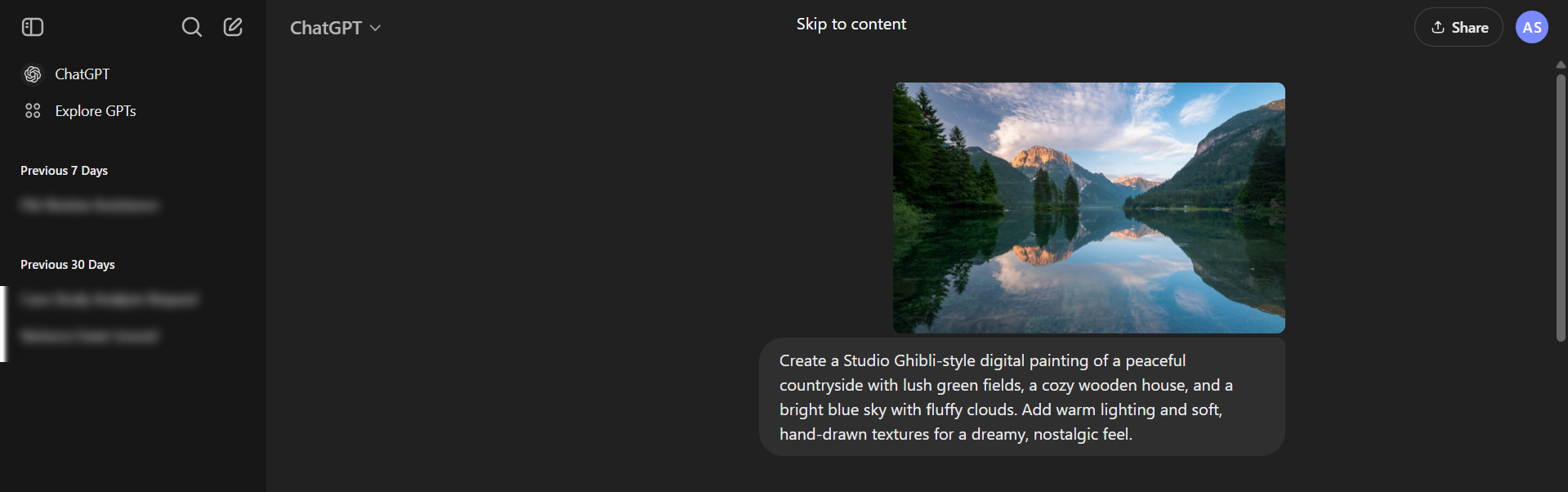
"Create a Studio Ghibli-style digital painting of a peaceful countryside with lush green fields, a cozy wooden house, and a bright blue sky with fluffy clouds. Add warm lighting and soft, hand-drawn textures for a dreamy, nostalgic feel."
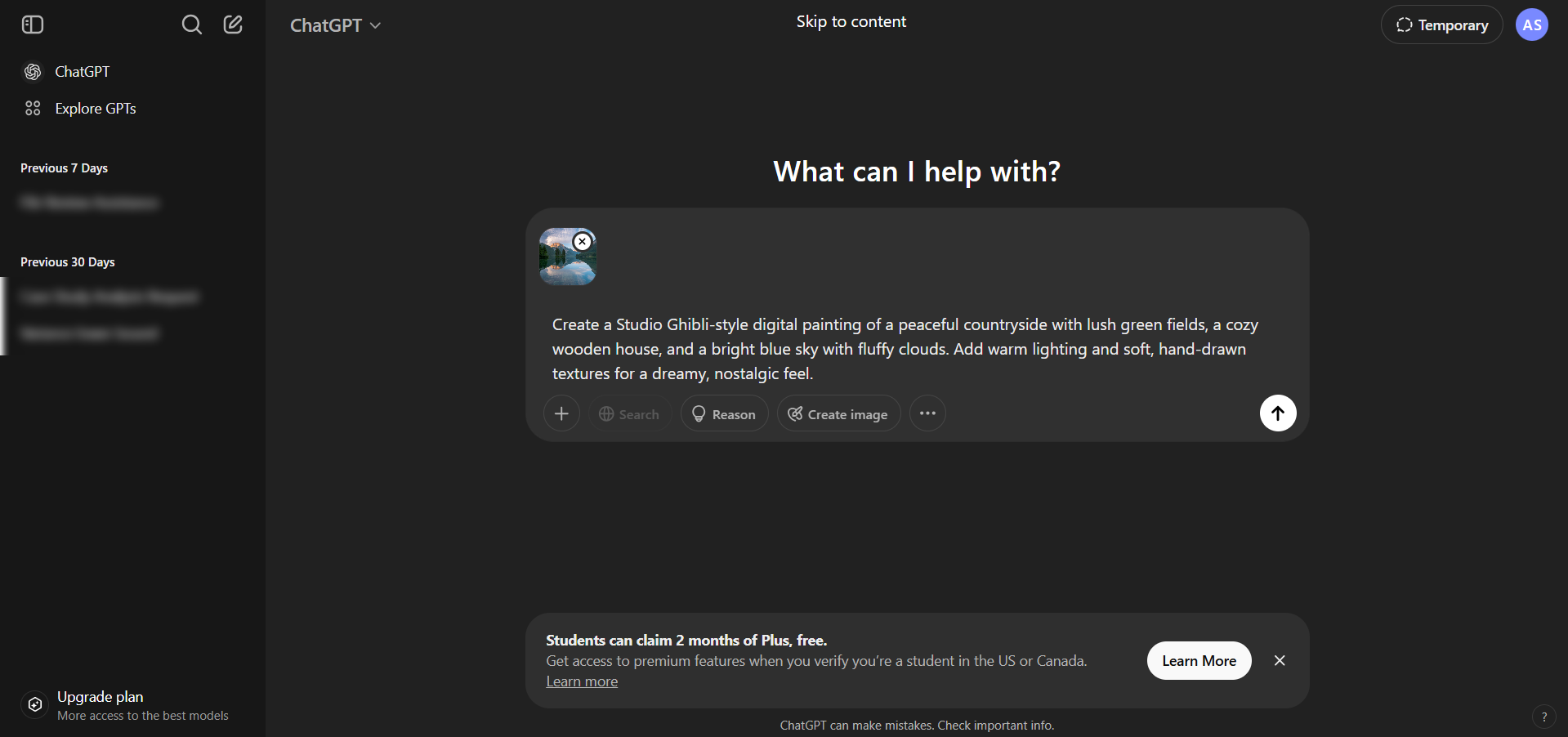
Once generated, you can further refine the image using digital painting techniques.
Step 2: Choose Your Concept and References
- Decide what scene, character, or background you want to create.
- Look at references from Studio Ghibli films like Spirited Away or My Neighbor Totoro for inspiration.
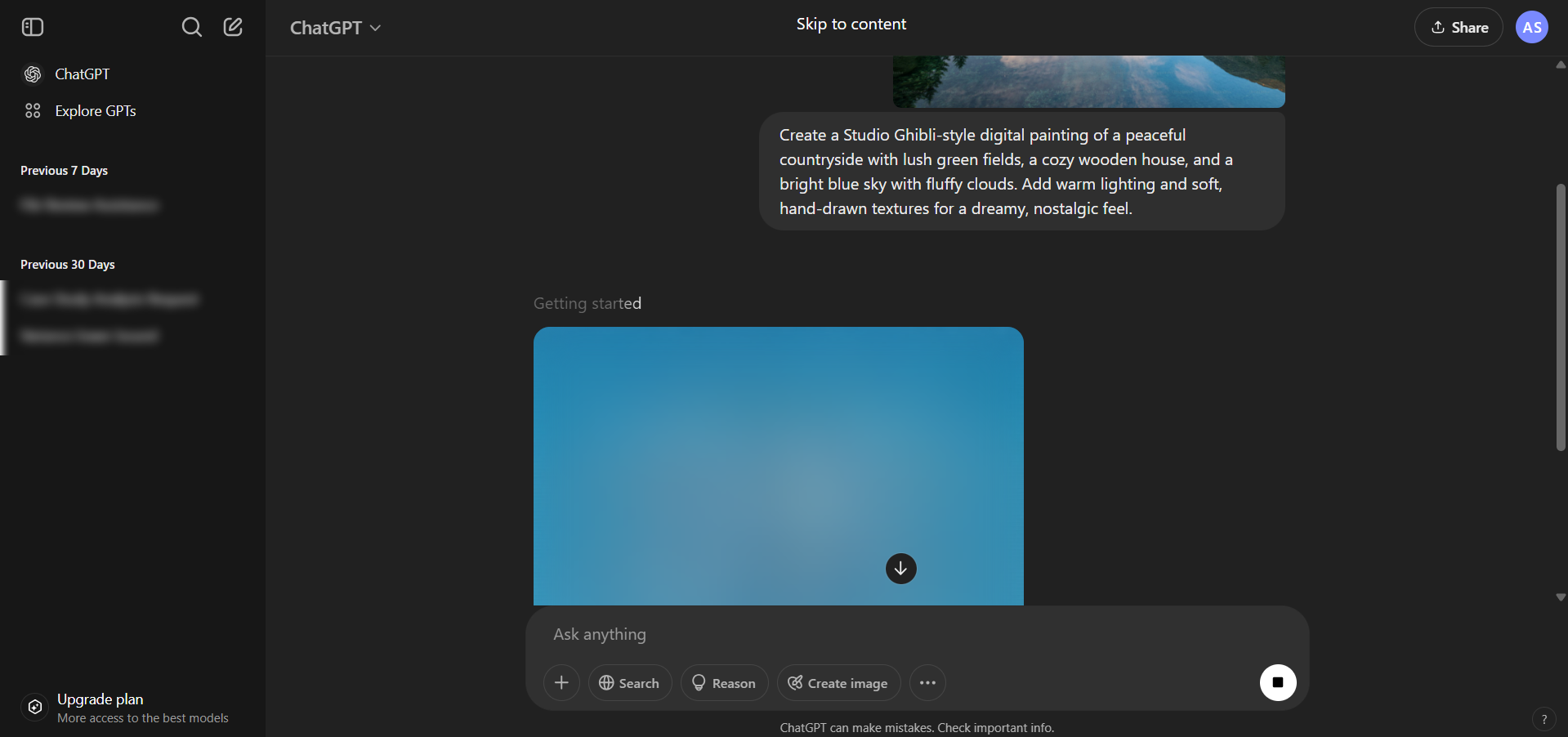
Step 3: Refine Your Image with Digital Painting Tools
- Use software like Procreate, Adobe Photoshop, or Krita to add details and enhance the AI-generated image.
- Adjust colors, shading, and textures to mimic Ghibli’s soft, painted look.
- Use warm color palettes, soft lighting, and hand-drawn textures for a more authentic feel.
Step 4: Add Ghibli-Style Backgrounds
- Backgrounds are a key part of the Ghibli aesthetic. Create lush landscapes, cozy towns, or magical forests.
- Use watercolor brushes and soft gradients to achieve a hand-painted effect.
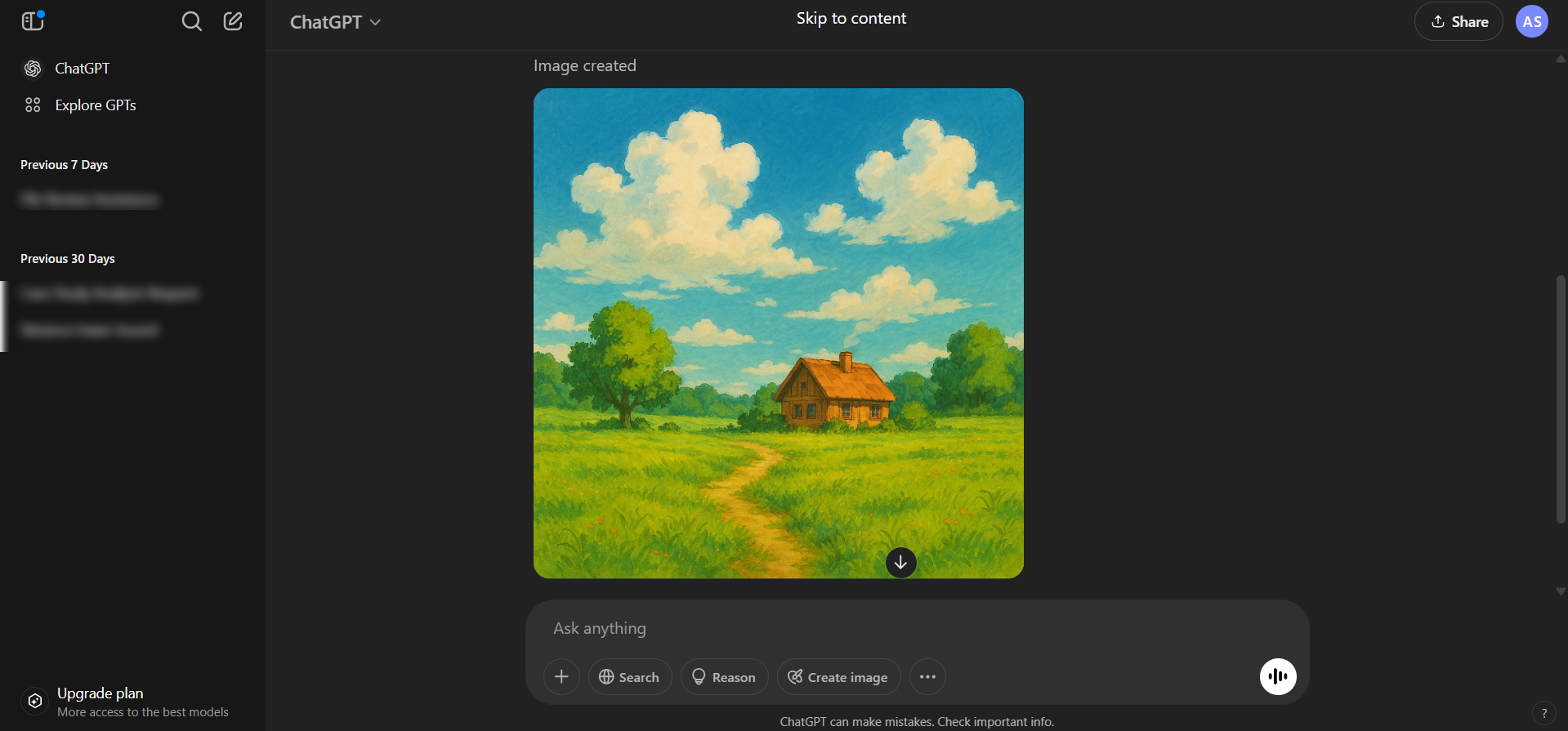
Step 5: Apply Final Touches
- Add film grain, subtle noise, and light effects to enhance the nostalgic feel.
- Adjust the contrast and saturation to match the warm, rich hues found in Ghibli films.
- If using AI, refine the details manually to make it look more like a traditional illustration.
Creating Ghibli-style images for your presentations can be a fun addition. But if you're looking for a more efficient way to design AI-powered slides, check out MagicSlides.app generate beautifully structured presentations in seconds!
Conclusion
Creating a Studio Ghibli-style image requires a combination of AI tools, digital painting, and a keen eye for detail.
Whether you use AI-generated art as a base or paint from scratch, focusing on soft lighting, vibrant colors, and dreamy backgrounds will help you achieve that classic Ghibli look.
FAQs are here to help!
What is the best AI tool for generating Studio Ghibli-style images?
AI tools like Stable Diffusion, MidJourney, and DALL·E can create anime-style images resembling Ghibli aesthetics.
Can I create a Studio Ghibli-style image without AI?
Yes! You can use Photoshop, Procreate, or Krita to hand-paint an image with the right brushes and techniques.
What colors and textures should I use to match the Ghibli style?
Use warm, natural colors, soft shading, and watercolor-like textures to create an authentic Ghibli feel.


