How to get Webhook URL for Slack Channel


Slack webhooks enable seamless integration, allowing external services to automate and send messages to channels effortlessly.
Setting up a webhook for your Slack channel enables seamless integration with external services and automates message posting.
By creating a Slack app, activating incoming webhooks, and selecting a target channel, you can generate a unique webhook URL for programmatically sending messages, enhancing collaboration and communication within your workspace.
Before we begin, if you are looking to send Google form submissions directly to Slack, check SlackNotify.app
To set up a webhook for a Slack channel, you need to follow these steps:
How to get Webhook URL for Slack Channel
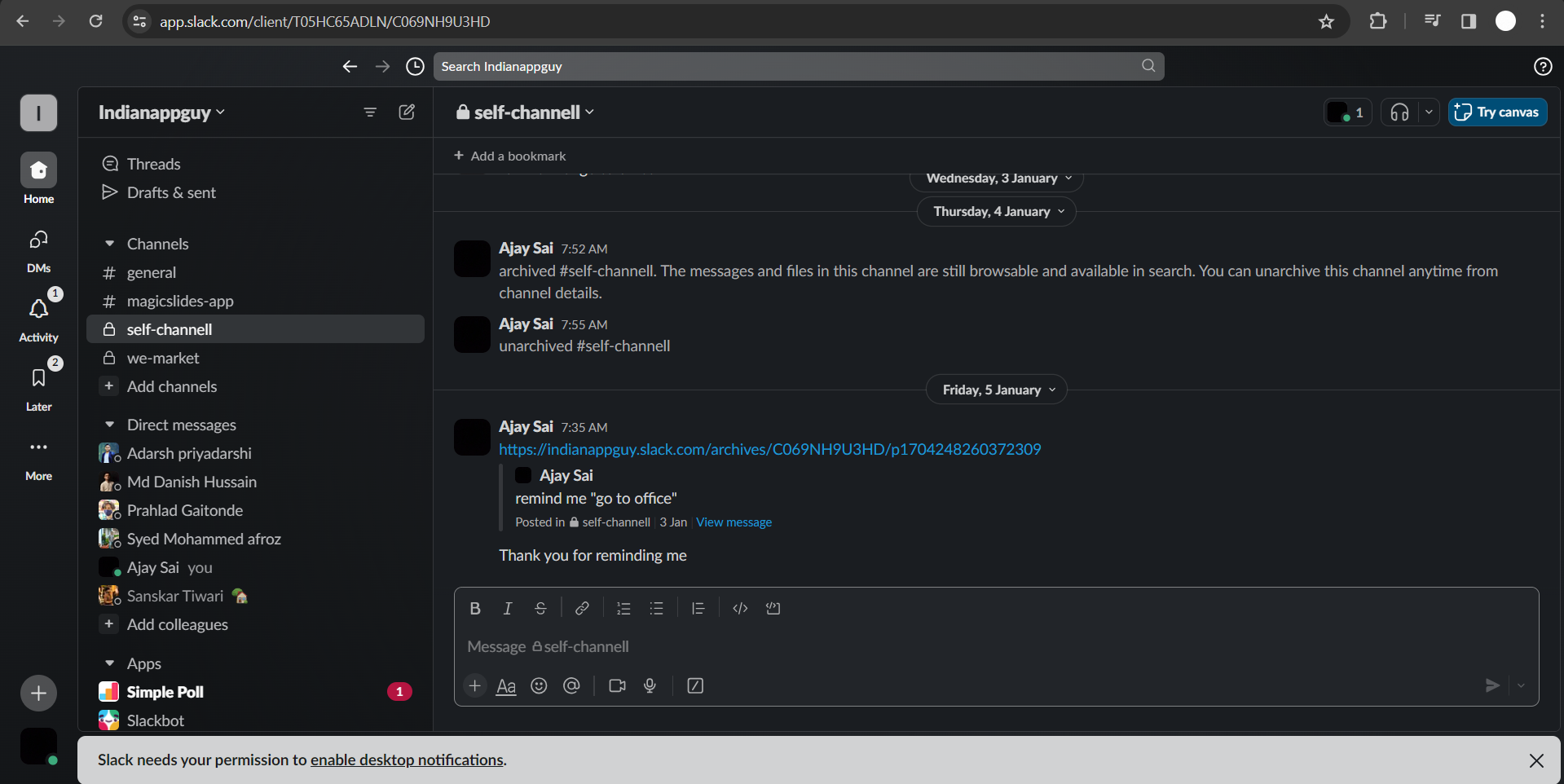
Sign in to your Slack workspace:
Go to the Slack workspace where you want to set up the webhook. If you don't have a Slack workspace, you'll need to create one.
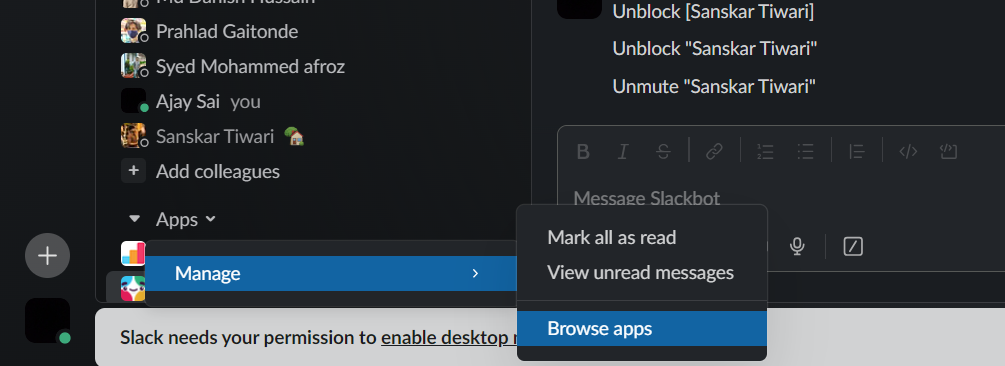
Create a new Slack app:
Visit the Slack App Management page. Click on the "Create New App" button.
Fill in the App Name and choose the workspace you want to install the app into.
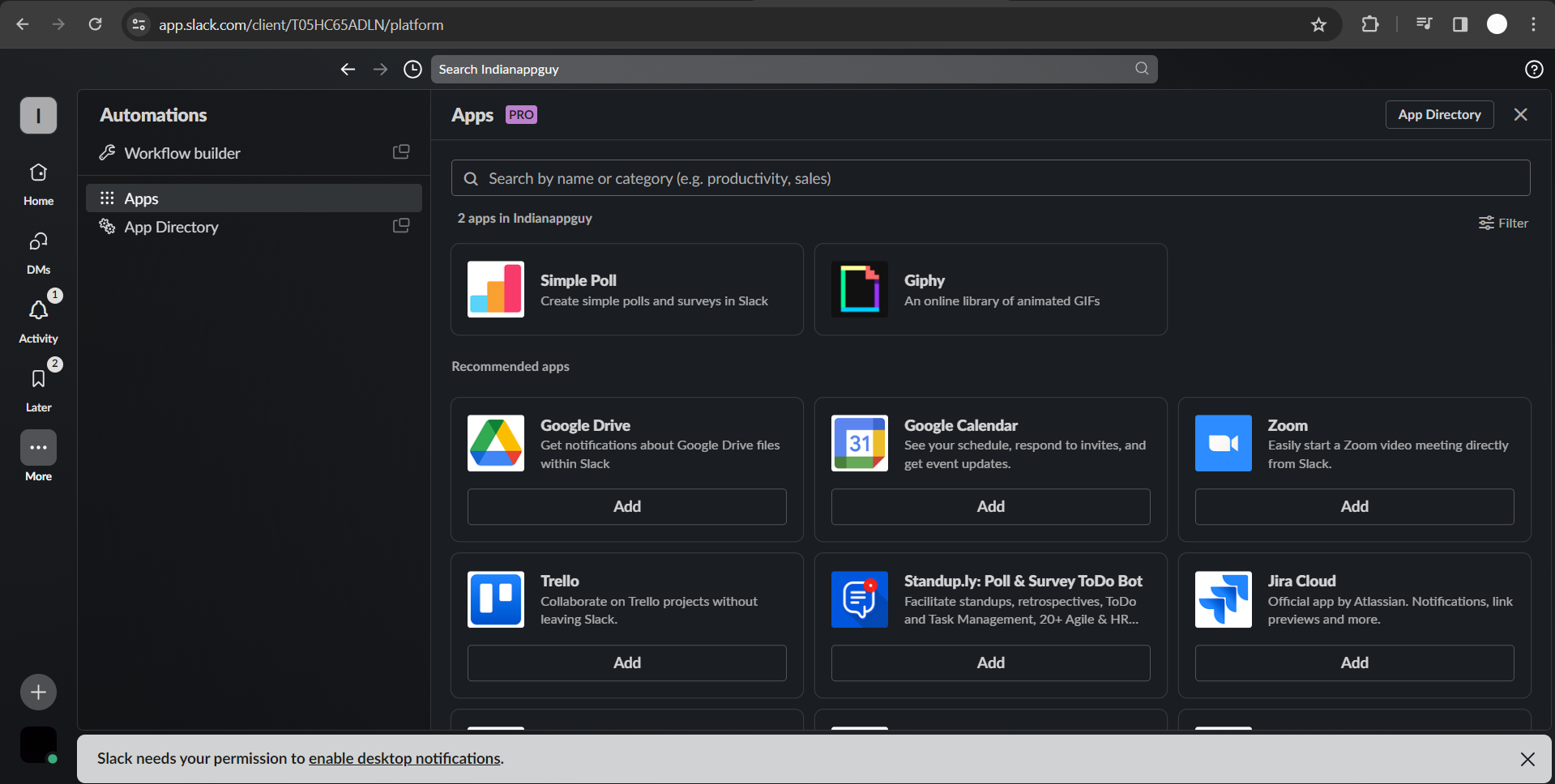
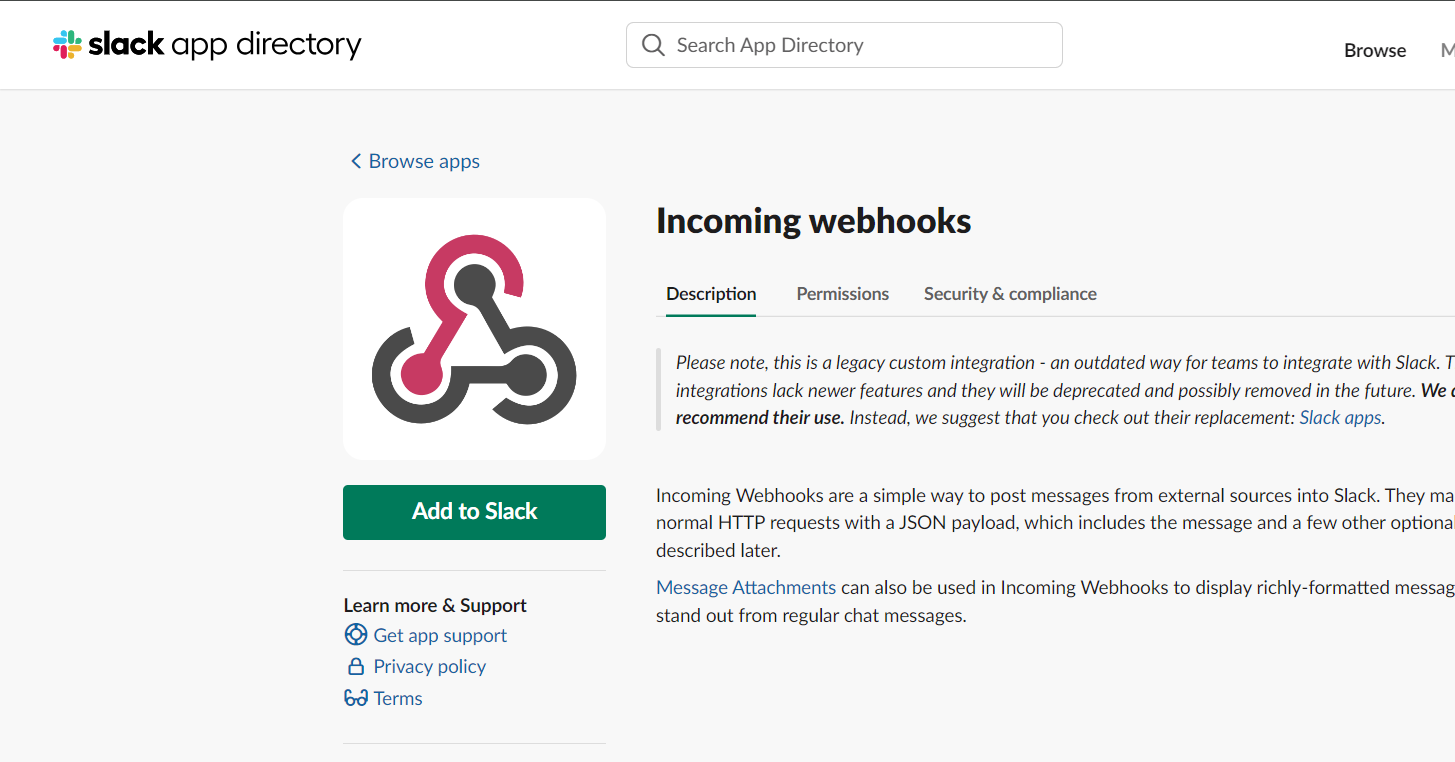
Add a Incoming Webhooks to your app:
After creating the app, go to the "Features" section in the app dashboard. Find and click on "Incoming Webhooks."
Turn on the "Activate Incoming Webhooks" toggle. Scroll down to the "Add New Webhook to Workspace" section and click on the "Add to Workspace" button.
Select a channel for the webhook:
After authorization, you will be redirected to a page where you can choose the channel where you want to post messages with the webhook.
Select a channel and click "Allow."
Copy the Webhook URL:
Once added to the channel, you will see a "Webhook URL." Copy this URL as it will be used to send messages to your Slack channel.
Once you've set up your Slack Webhook, consider connecting Google Forms to Slack via Webhook.
This integration lets you send custom notifications for each Google Form submission directly to your Slack channels.
Conclusion:
Now you have the webhook URL, and you can use it to send messages to the selected Slack channel programmatically or through third-party services.
Keep the webhook URL secure, as it acts as an authentication token for posting messages to your Slack channel.
If the URL is compromised, someone could post messages to your channel without authorization.
Frequently Asked Questions:
What is a Slack webhook?
A Slack webhook is a URL that allows external services to send messages directly to a specific channel in Slack.
It facilitates automated communication and integration between different platforms.
How do I create a webhook for my Slack channel?
Create a Slack app, activate incoming webhooks, and select a channel for the webhook.
Copy the generated URL, and you can then use it to programmatically post messages to your chosen channel.
Is the webhook URL secure?
Yes, the webhook URL acts as an authentication token. Keep it confidential, as anyone with access to the URL can post messages to the associated Slack channel.
Treat it like a password and share it only with trusted parties.
Can I customize messages sent via a webhook?
Yes, you can customize messages sent through a webhook by including parameters such as text, attachments, and formatting options.
This allows you to tailor the content and appearance of the messages posted to your Slack channel.


