How to import theme to Google Slides


Unleash creativity in your presentations discover how to effortlessly import personalized themes into Google Slides!
Google Slides offers a range of themes to enhance your presentations, but sometimes you might want to bring a personalized touch. Importing themes allows you to infuse your creativity into the design. In this step-by-step guide, we'll walk you through the process of seamlessly importing themes into Google Slides, helping you create presentations that stand out.
Steps to Import a Theme in Google Slides:
Open Your Presentation:
Launch Google Slides and open the presentation to which you want to apply a new theme.
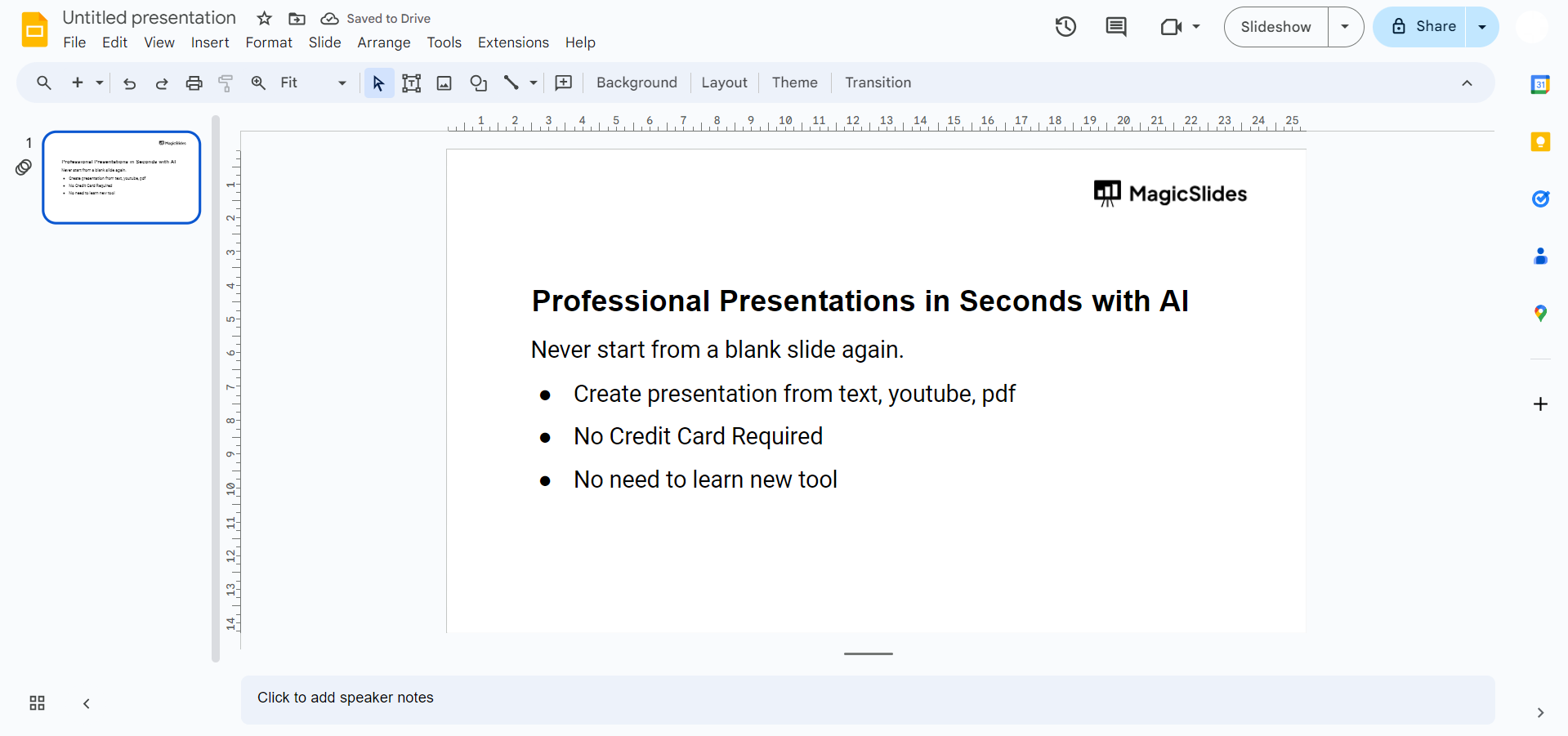
Access the Slide Menu:
In the left-hand panel, click on the slide you want to start with or choose the "Slide" menu from the top toolbar.
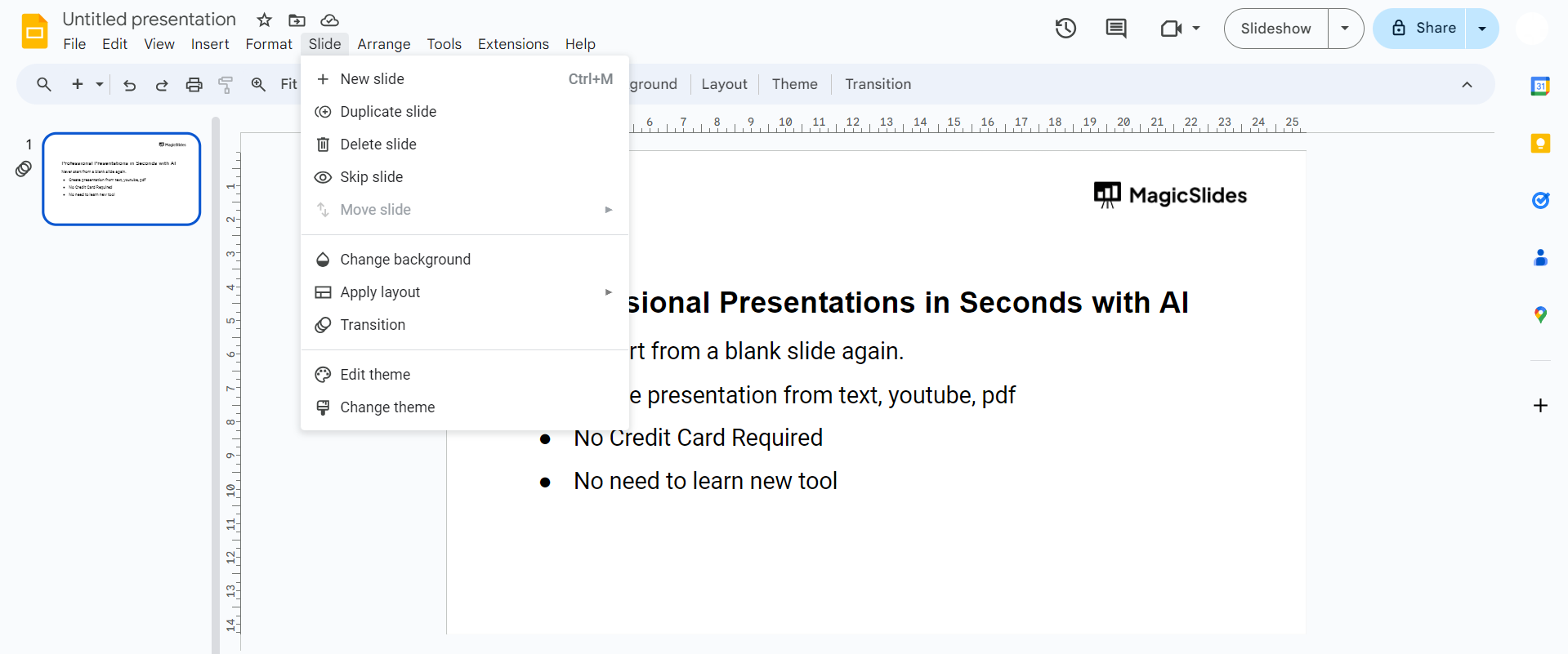
Select "Change Background":
From the slide menu, select "Change background." This opens the background customization panel on the right.
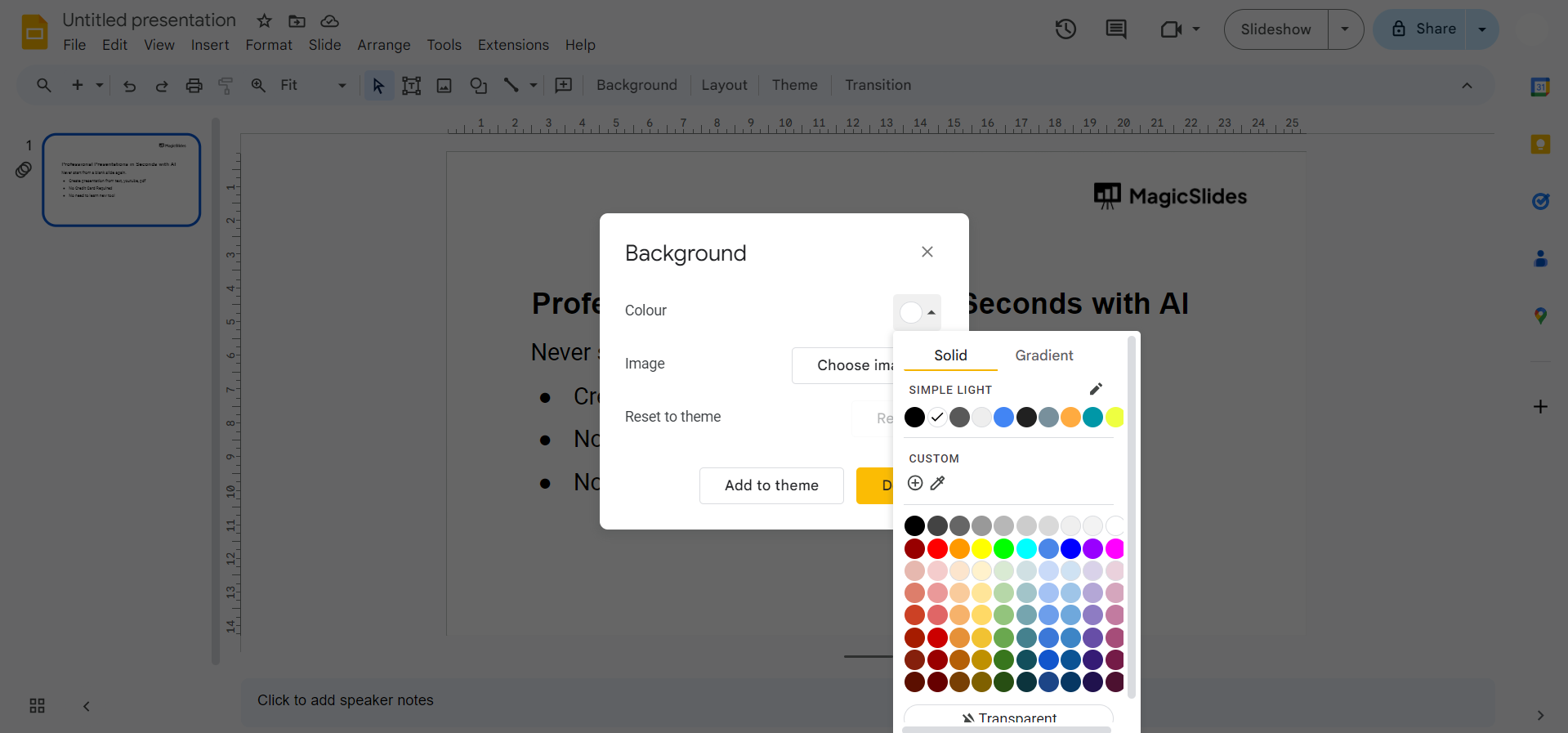
Click on "Import Theme":
Within the background customization panel, find and click on "Import theme" located at the bottom of the theme options.
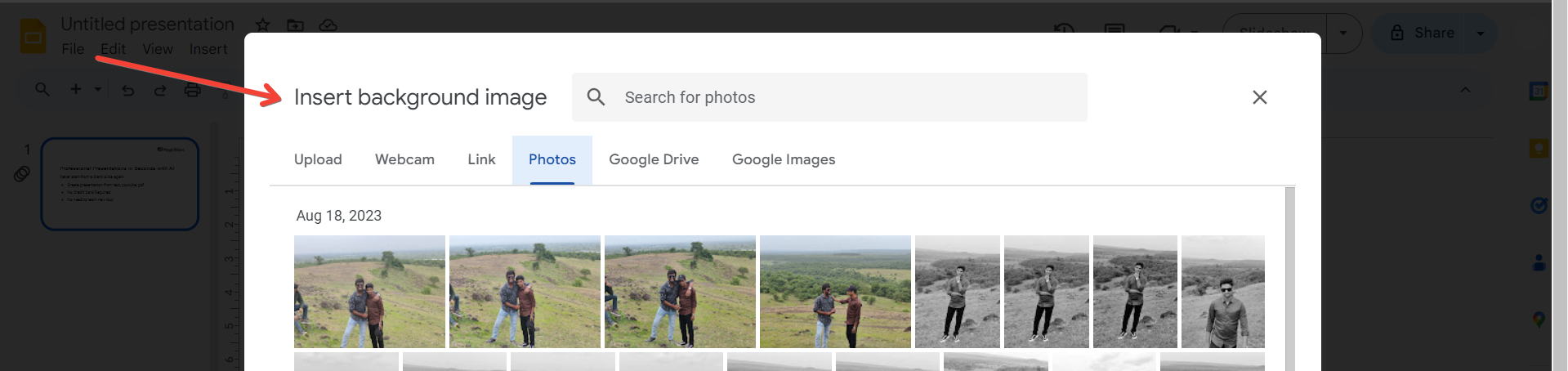
Choose Your Theme File:
A window will appear prompting you to upload a theme file. Select the theme file from your device and click "Open."
Apply Theme to All Slides (Optional):
If you want to apply the imported theme to all slides, click on "Apply to all slides" in the bottom right corner of the customization panel.
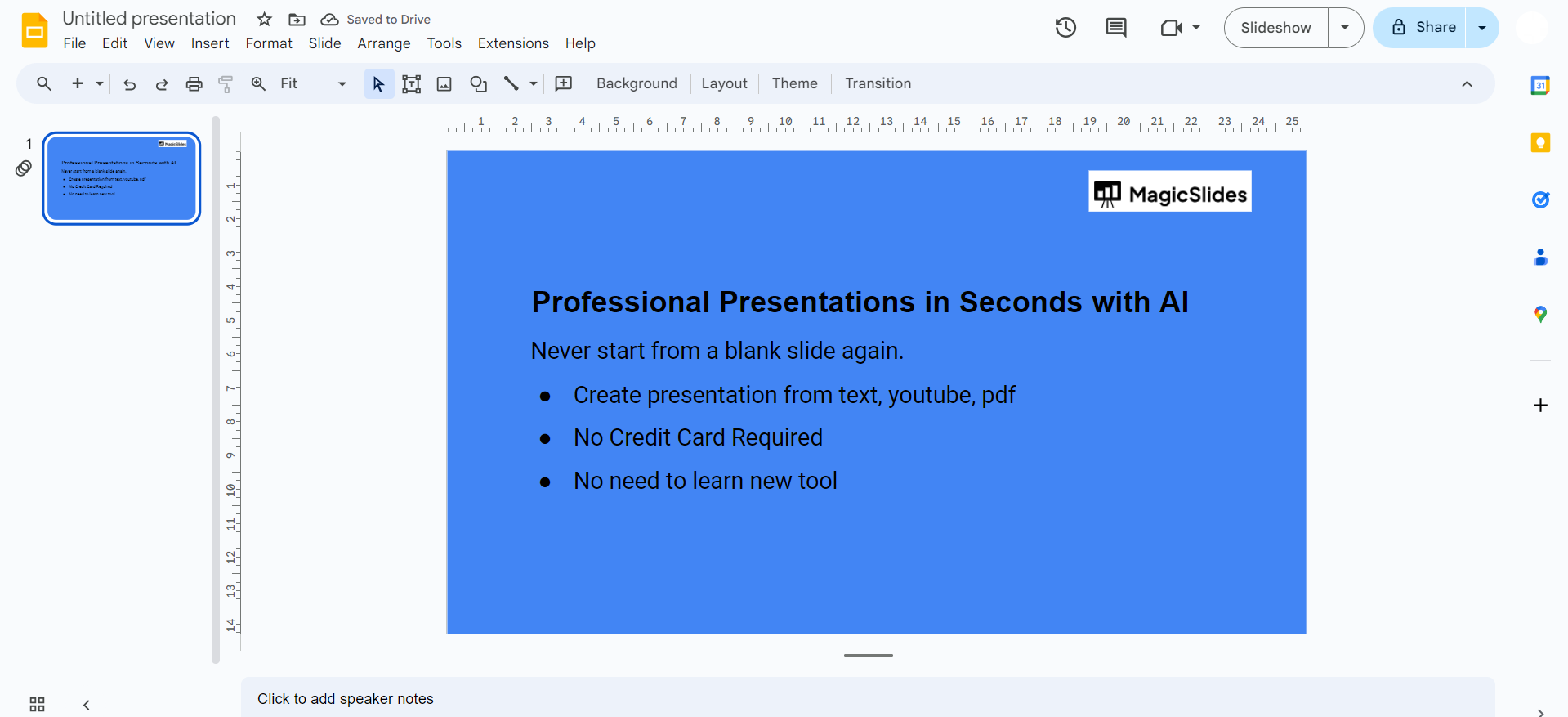
Review and Save Changes:
Take a moment to review the changes. If satisfied, click "Done" to save the imported theme to your presentation.
Conclusion:
Importing themes into Google Slides is a fantastic way to infuse your presentations with a unique and personalized flair. Whether you're aiming for a professional look or a creative vibe, the process is straightforward. By following these simple steps, you can seamlessly import themes and transform the visual appeal of your slides. Experiment with different themes to find the perfect match for your content and style, ensuring your presentations leave a lasting impression on your audience. Elevate your presentations by making them a true reflection of your creativity and vision.
Frequently Asked Questions:
Can I import themes created in other presentation software into Google Slides?
While direct imports may not be supported, you can recreate similar themes manually for customization.
Do imported themes affect existing content in my Google Slides presentation?
No, importing a theme doesn't alter existing content. You can adjust theme elements without affecting your content.
Can I share presentations with imported themes, and will others see them correctly?
Yes, when you share a presentation, the imported themes are retained, ensuring a consistent visual experience for viewers.
Are there restrictions on the type of files I can use for importing themes?
Google Slides supports various image formats for theme imports, such as JPEG, PNG, and SVG.


