How to link to a specific slide in Google Slides


Linking to specific slides in Google Slides enhances interactivity and simplifies navigation for dynamic presentations
Linking to a specific slide in Google Slides is a powerful way to make your presentations interactive and user-friendly.
This feature is especially useful for creating navigational menus, quizzes, or non-linear slideshows.
Follow this step-by-step guide to learn how to link to a specific slide in Google Slides effectively.
How to Link to a Specific Slide in Google Slides: A Step-by-Step Guide
Step 1: Open Your Google Slides Presentation
Log into your Google account and open the presentation you want to edit.
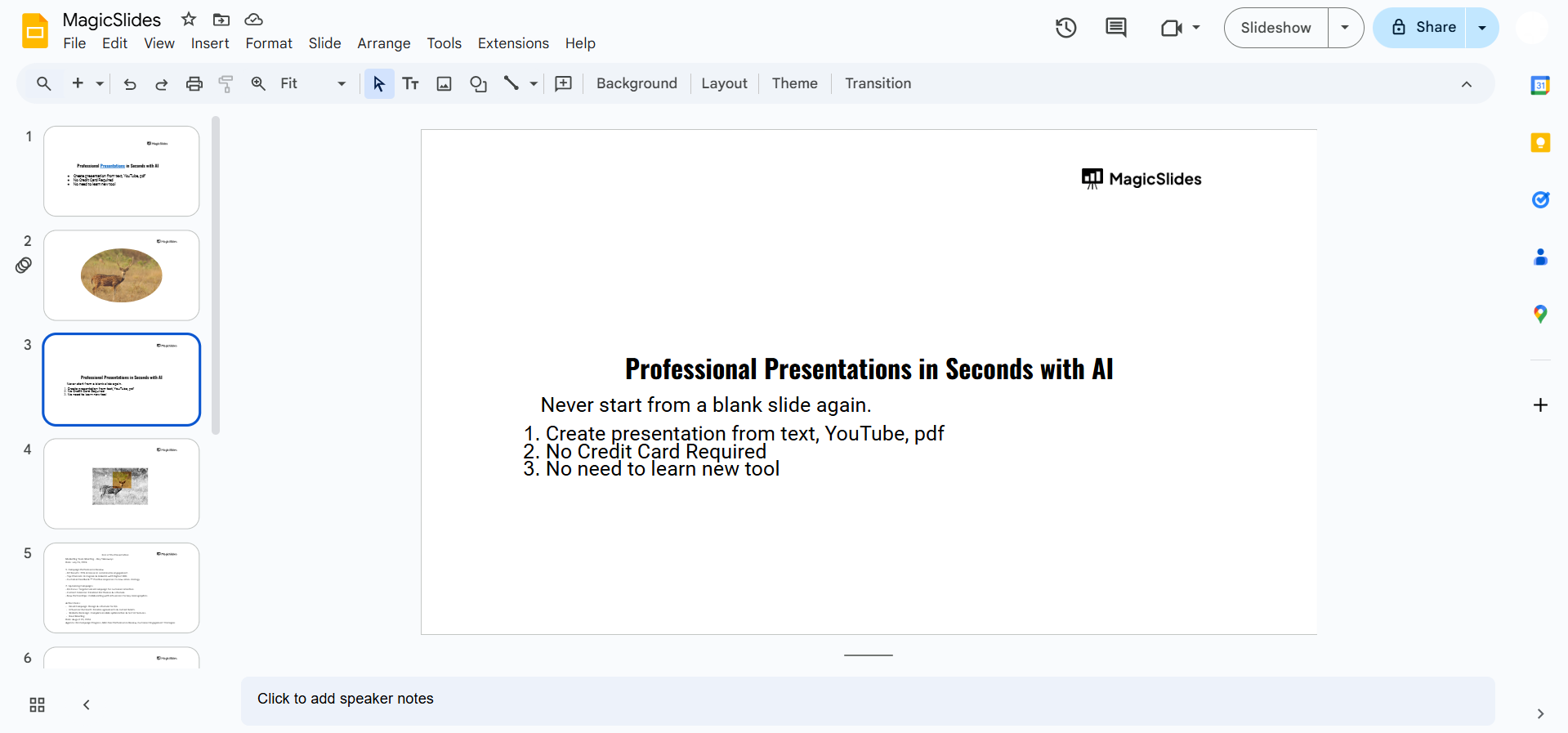
Ensure all the slides you want to link are created and arranged as needed.
Step 2: Select the Text or Object to Add a Link
Click on the text box, image, or shape you want to use as the clickable link.
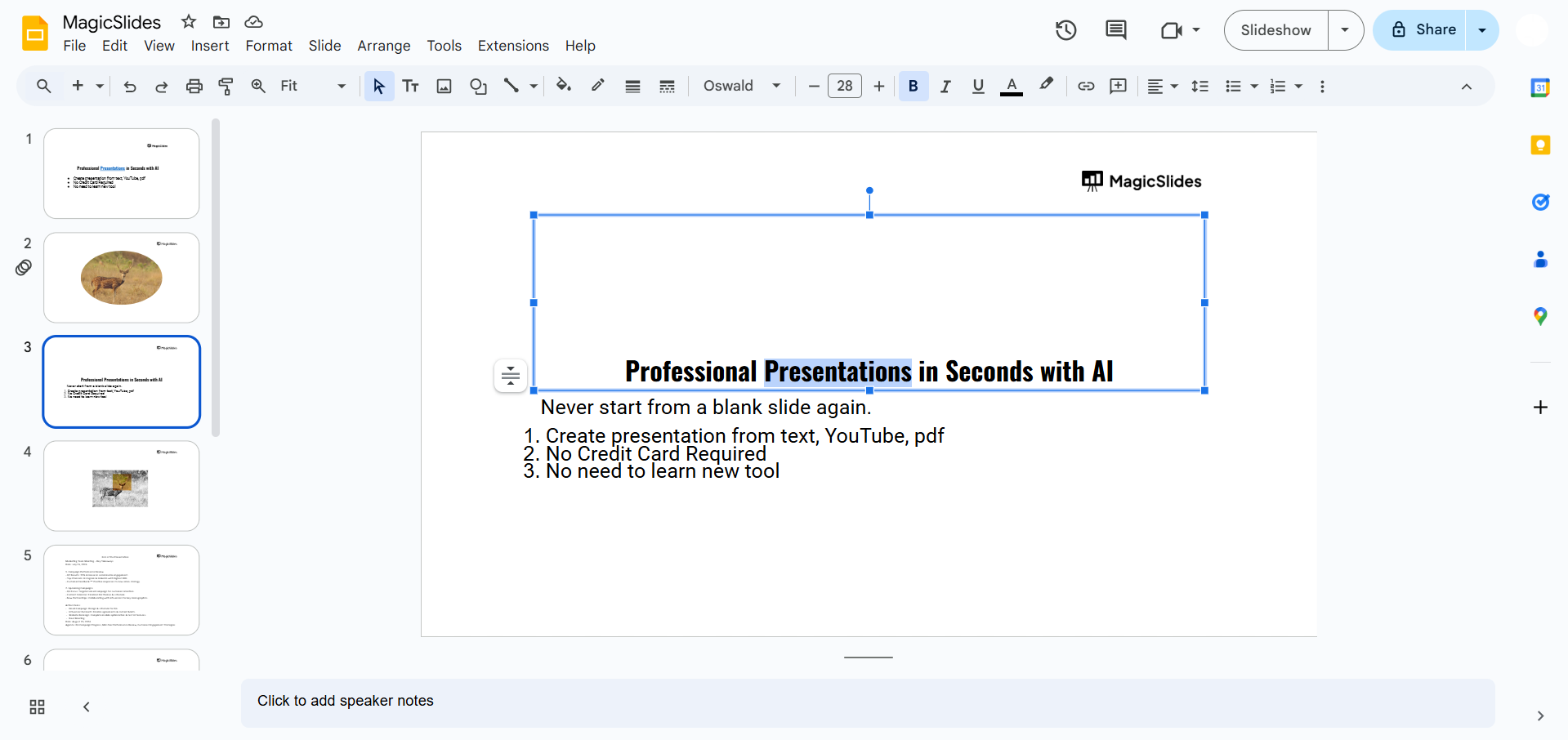
Ensure the element is clearly visible and relevant to the slide you're linking to.
Step 3: Open the Link Option
Right-click on the selected text or object and choose the "Insert Link" option from the context menu.
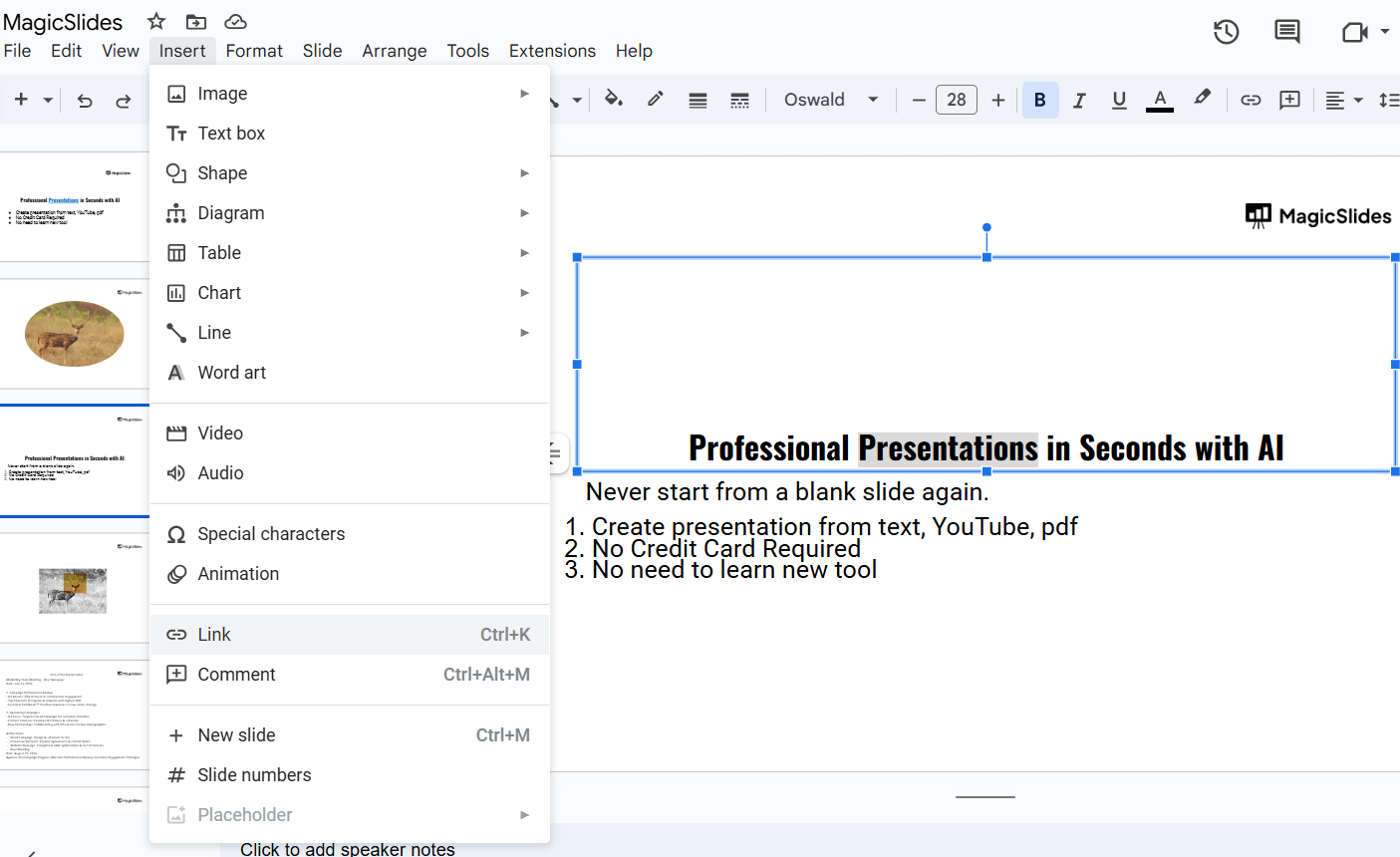
Alternatively, you can use the shortcut Ctrl + K (Windows) or Cmd + K (Mac).
Step 4: Link to a Specific Slide
In the link dialog box, click on the dropdown arrow beside "Slides in this presentation."
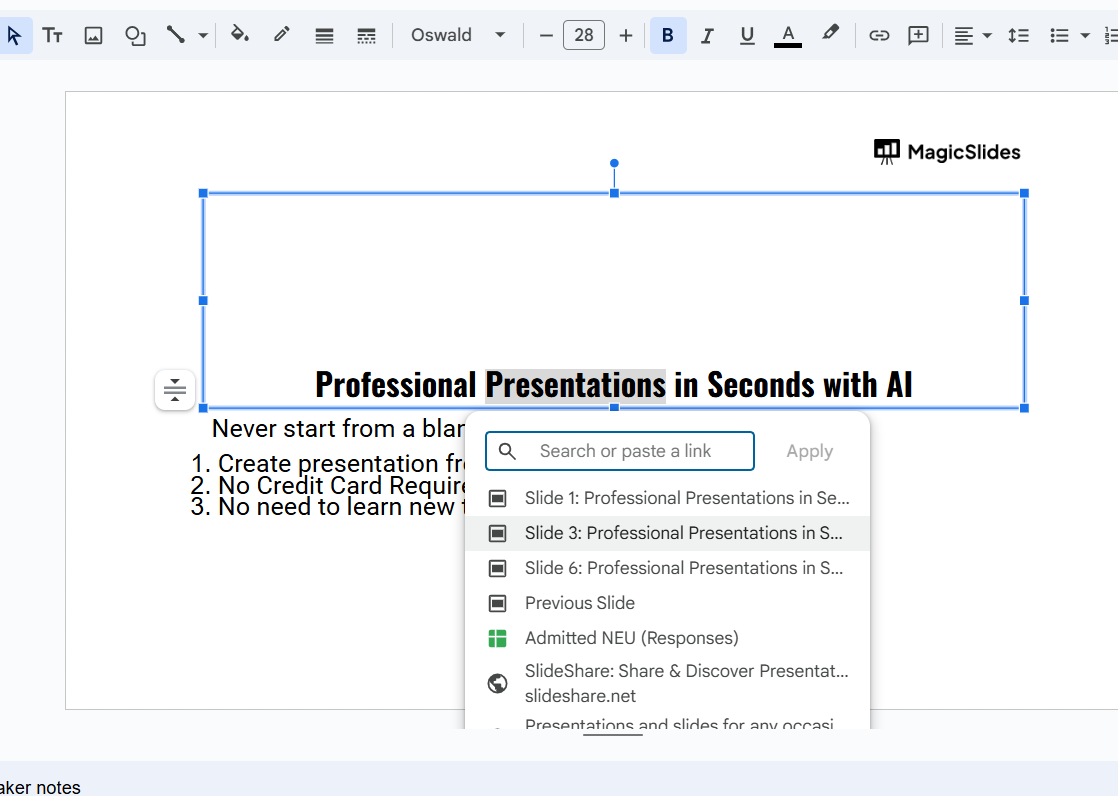
This will display a list of all the slides in your presentation. Select the slide you want to link to by its title or number, then click “Apply.”
Step 5: Test the Link
Click the "Present" button to enter presentation mode. Click on the linked text or object to verify that it navigates to the correct slide.
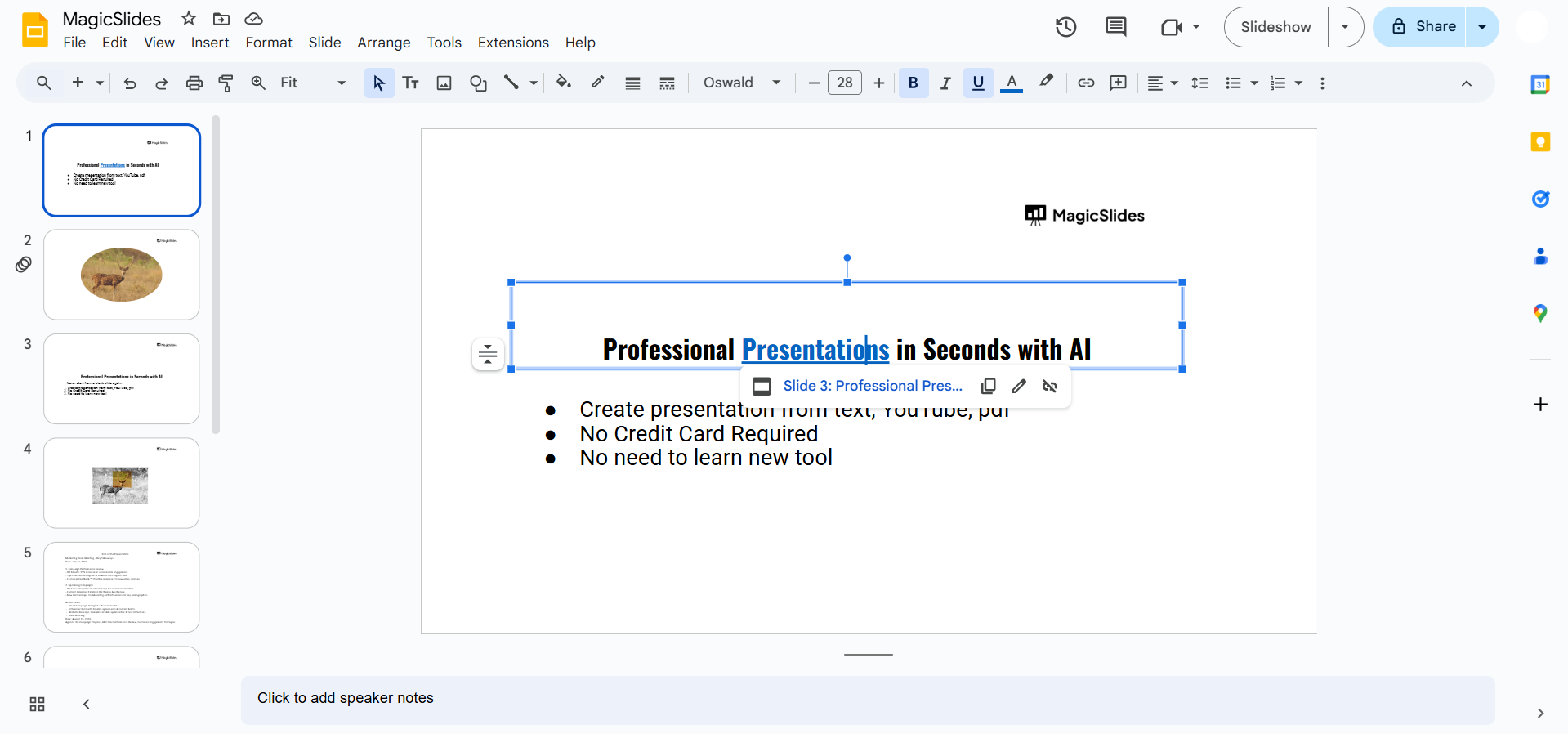
If it doesn’t work, revisit the steps to ensure the link was set correctly.
Conclusion
Linking to specific slides in Google Slides can elevate your presentations by improving navigation and interactivity.
Whether you're creating a quiz, an interactive guide, or a structured menu, this feature allows you to tailor the presentation experience to your audience’s needs.
Mastering this tool can make your slideshows more engaging and efficient.
FAQs can come handy!
Can I link to a specific slide using the free version of Google Slides?
Yes, linking to specific slides is a built-in feature available in the free version of Google Slides.
Can I link to slides in a different Google Slides presentation?
No, you can only link to slides within the same presentation. However, you can link to another presentation’s URL.
What happens if I delete a slide I’ve linked to?
If the linked slide is deleted, the link will no longer work and needs to be updated.


