how to make a picture slide show in power point


In this blog post we will deep dive into making the pictures in the presentation to slide show not just presentation!
Creating a picture slideshow in PowerPoint is a great way to showcase your images, whether for a personal album, a portfolio, or a business presentation. Here's a step-by-step guide on how to make a picture slideshow in PowerPoint:
Open PowerPoint: Start by opening Microsoft PowerPoint on your computer.
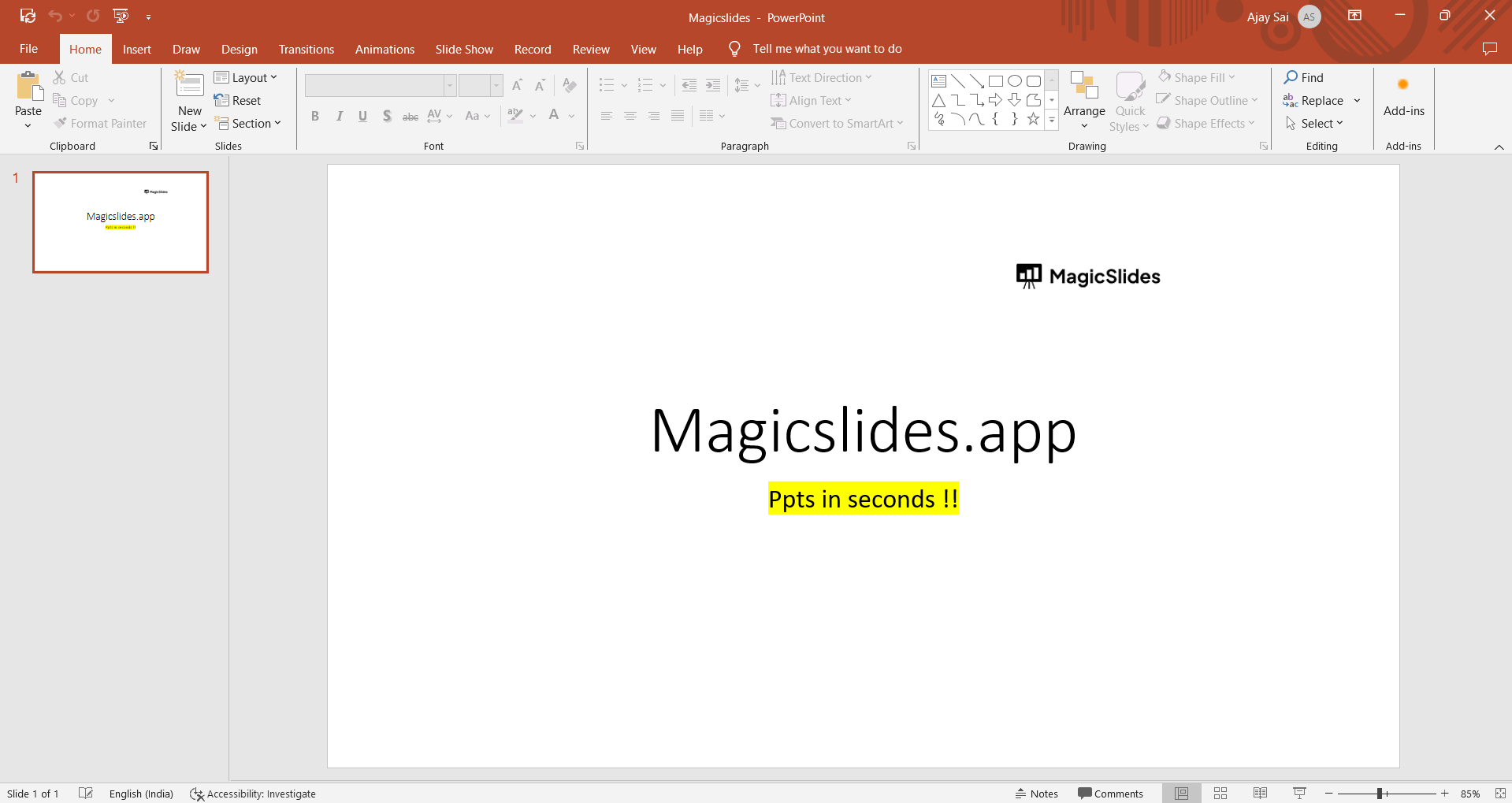
Create a New Presentation: Click on "File" or the Office button (the exact label depends on your PowerPoint version) and select "New" to create a new presentation.
Choose a Blank Presentation: Typically, you'll want to choose a blank presentation with no predefined themes or content.
Insert a Slide: Click on the "Home" tab and then "New Slide." Choose a blank slide layout (usually titled 'Title Slide' or 'Title and Content').
Add Images to the Slides: To insert your images, click on the slide where you want to add the picture. Then, go to the "Insert" tab, and select "Picture." Choose the image you want to add from your computer, and click "Insert."
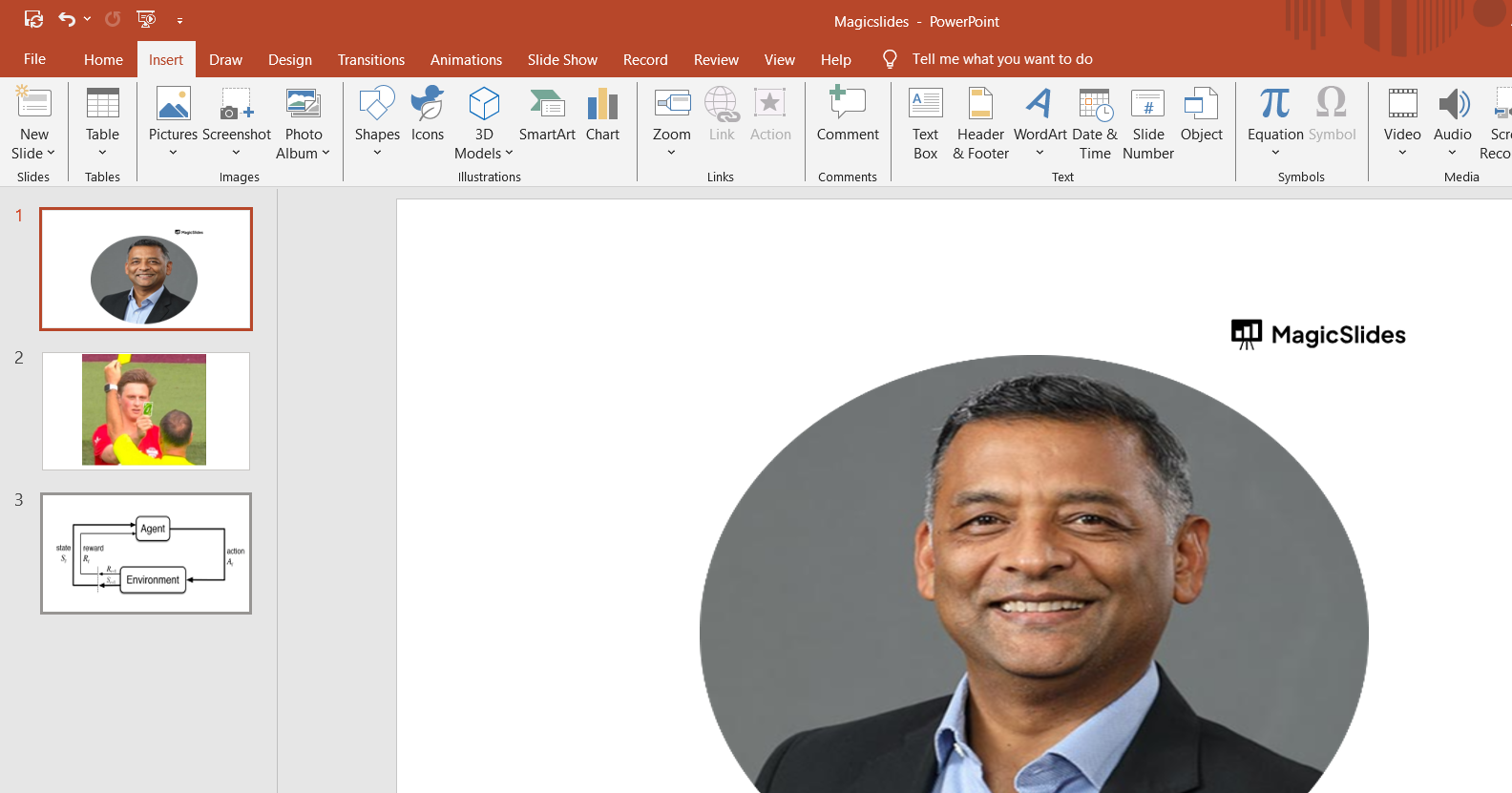
Adjust the Image Size: Resize and reposition your image on the slide as needed. You can click and drag the image to reposition it and use the corner handles to resize it. You can fit the image to the size of the slide to make it look like a photo album.
Repeat for Additional Slides: To create additional slides with images, select your current slide on the left-hand pane (the slide sorter), right-click, and choose "Duplicate Slide." Then, replace the image on the new slide with the next one.
View Your Slideshow: To view your picture slideshow, click the "Slide Show" tab and select "From Beginning." This will start your presentation.

Save Your Slideshow: After you've created and reviewed your picture slideshow, don't forget to save it by clicking "File" and selecting "Save" or "Save As."
Conclusion:
Creating a picture slideshow in PowerPoint is a straightforward process, and it allows you to showcase your images in an organized and visually appealing manner.
By following the steps outlined in this guide, you can craft a professional and engaging picture slideshow suitable for various purposes, from personal events to business presentations.


