How To Make A Timeline On Google Slides


Unlock the power of visual storytelling with Google Slides – Learn how to create engaging timelines!
Visual timelines are powerful tools for presenting information, telling a story, or showcasing a project's progress. Google Slides provides an easy and effective way to create interactive and engaging timelines. In this guide, we'll walk you through the process of making a timeline on Google Slides, from start to finish.
Step 1: Open Google Slides
1.1. Sign in to your Google account or create one if you don't have it.
1.2. Access Google Slides by visiting slides.google.com.
1.3. Click on "Blank" to create a new presentation.
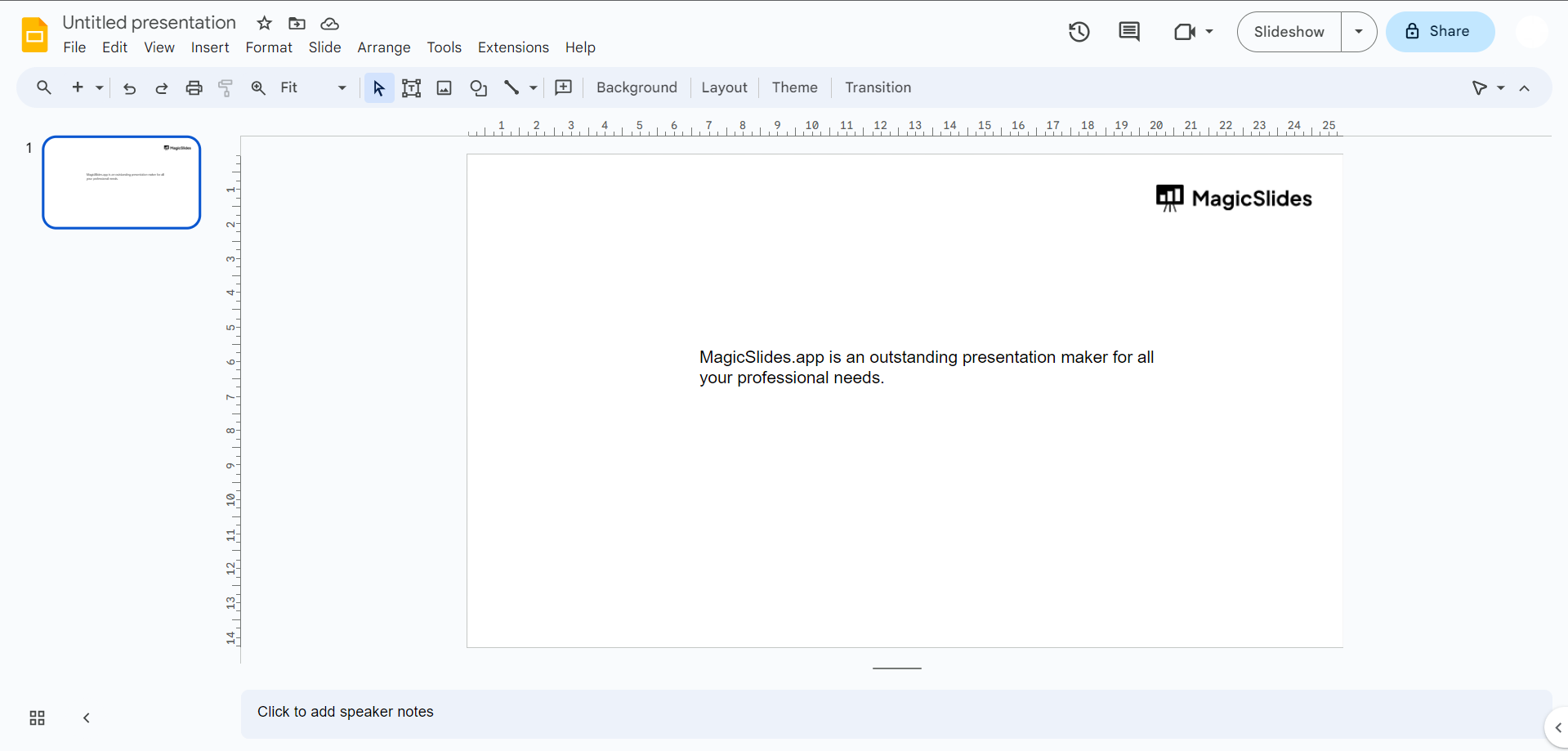
Step 2: Choose a Timeline Template (Optional)
2.1. If you prefer a template to save time, click on "Template Gallery" and select a timeline template.
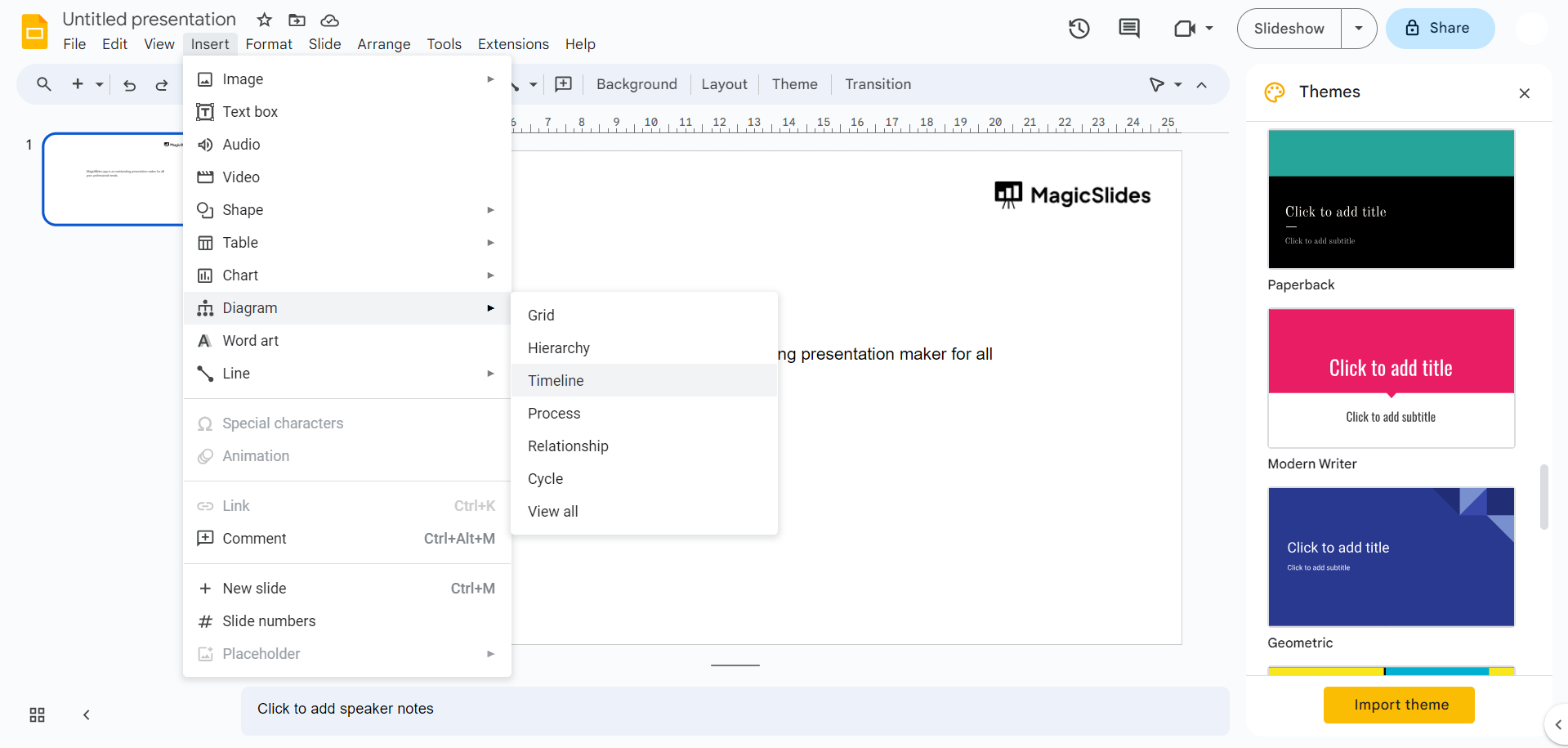
Step 3: Set Up Your Slide
3.1. Title Slide: Create a title slide that introduces your timeline.
3.2. Timeline Design: Customize slide layout, background, and fonts to match your project's style.
Step 4: Add Text and Details
Include text boxes with details, dates, and any relevant information for each event.
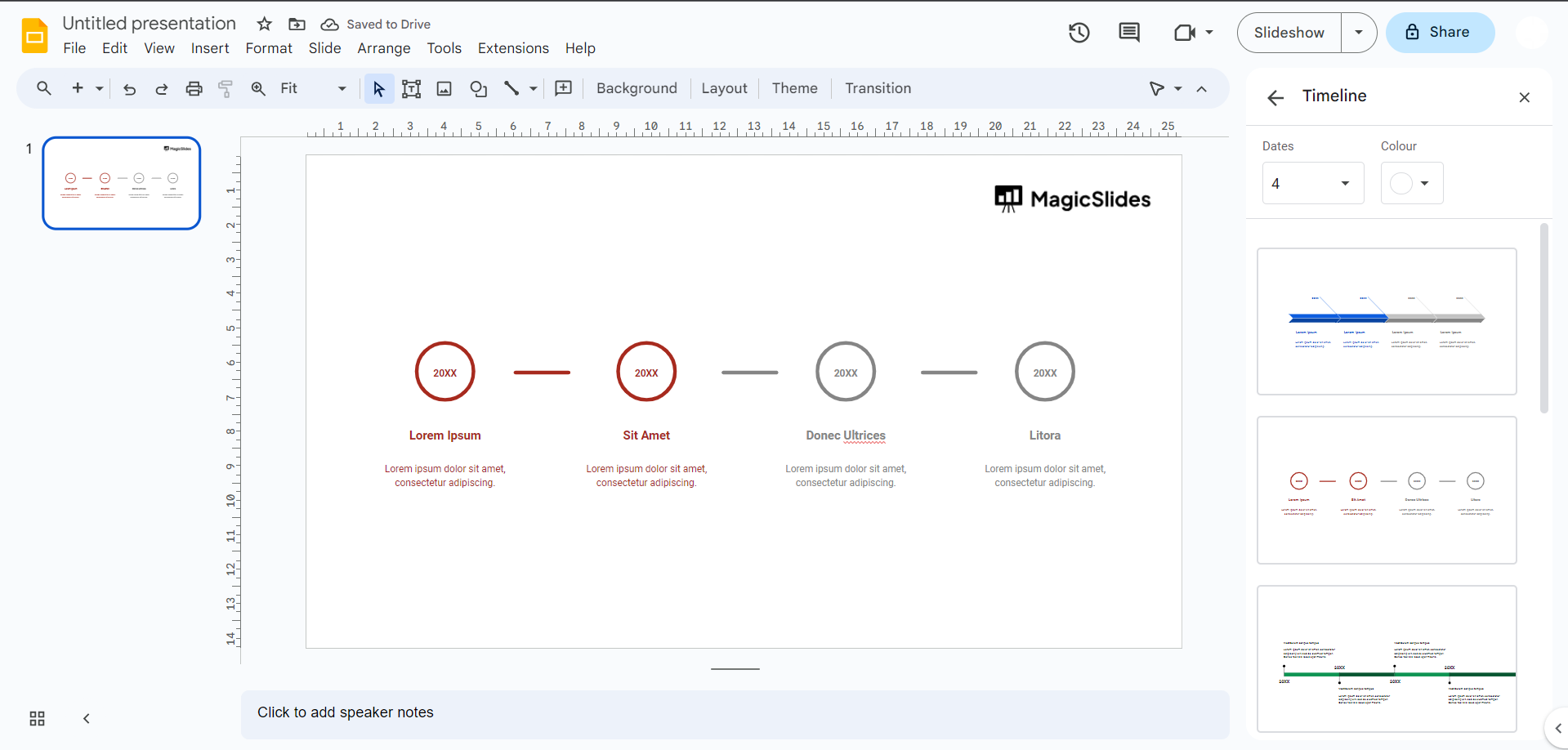
Step 5: Format and Style
Use the "Format" menu to change the color, fonts, and alignment of your timeline components.
Step 6: Present or Share Your Timeline
Click on "Present" to give a live presentation, or share the timeline with collaborators by clicking the "Share" button in the upper right corner.
Conclusion: Creating a timeline in Google Slides is a straightforward process that allows you to visually represent data, project progress, or storytelling in a compelling way.
By following the steps outlined in this guide, you can create an attractive and informative timeline that engages your audience and effectively conveys your message. Whether for educational, professional, or personal purposes, Google Slides is a versatile tool for crafting impressive timelines.
Now, go ahead and start making your own timelines in Google Slides, and watch your information come to life in a visually captivating manner!


