how to pass a psychometric test


psychometric tests have become increasingly competitive in the recent job market, this article will help you in psychometric test.
As job markets become increasingly competitive, job seekers are constantly searching for that extra edge to stand out from the crowd. One such edge is acing psychometric tests—a crucial step in many hiring processes. In this blog post, we'll delve into the world of psychometric tests, explore their importance, and introduce you to an invaluable tool, MagicForm, that can significantly boost your chances of success.
Cracking the Code of Psychometric Tests:
Psychometric tests are a common tool used by employers to evaluate the skills, abilities, and personality traits of job applicants. These tests can cover a wide range of areas, from numerical and verbal reasoning to personality assessments. Excelling in these assessments can be the key to securing your dream job.
Introducing MagicForm: Your Job-Seeking Ally:
Enter MagicForm, an add-on for Google Forms that simplifies the process of generating practice questions for psychometric tests. Whether you're a seasoned job seeker or just starting your career journey, MagicForm can be your secret weapon to help you prepare effectively and perform your best in psychometric assessments.
How It Works:
1. Installing the Add-On:
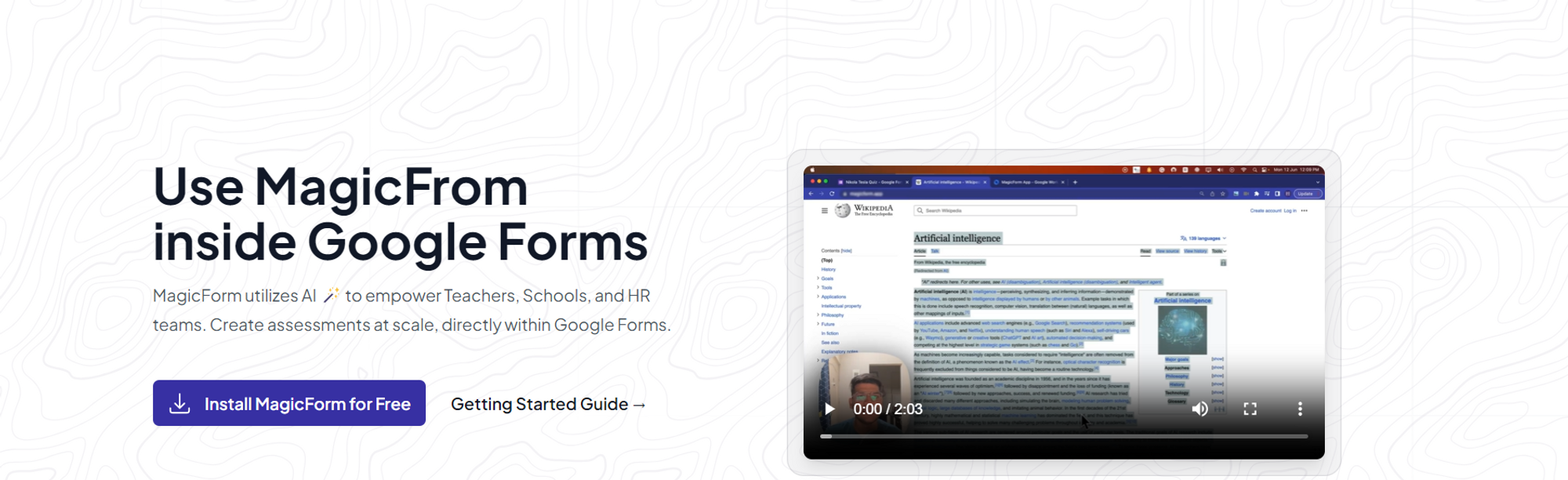
Begin your journey by installing the user-friendly MagicForm add-on, available at https://www.magicform.app/. This seamless installation process ensures that you can quickly integrate it into your toolkit for job-seeking success.
2. Open Google Forms:
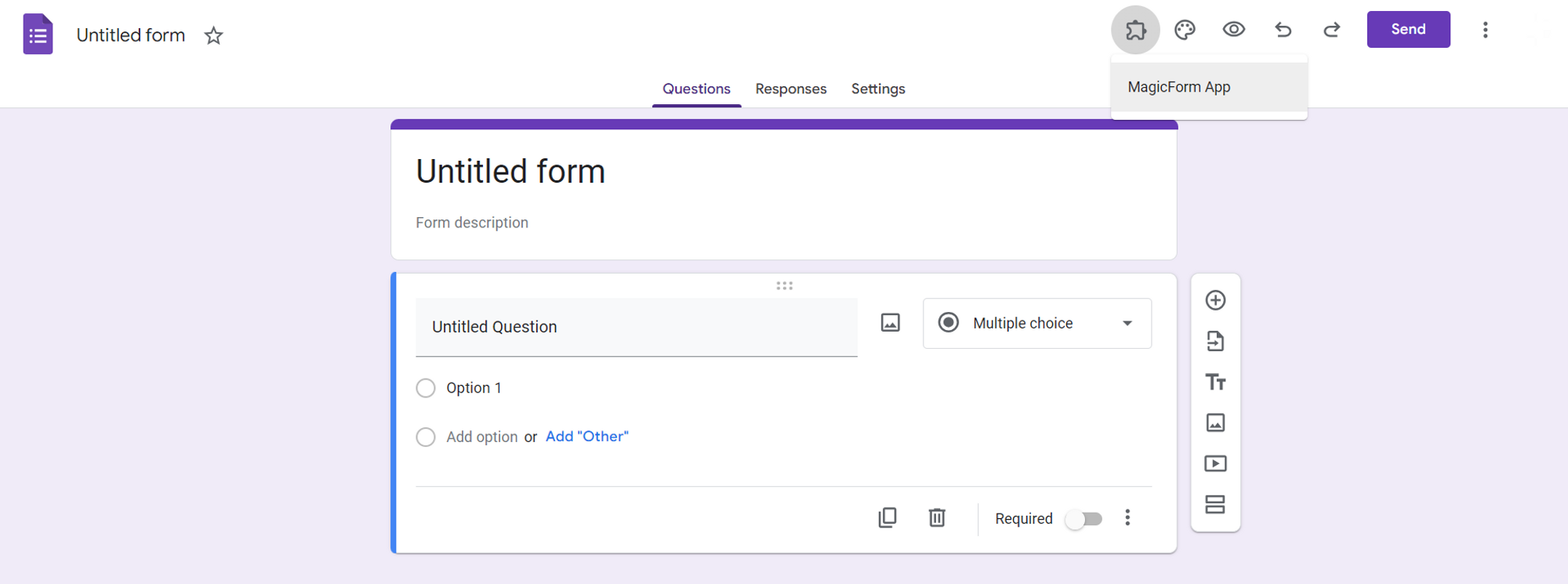
After installation, open Google Forms, and you'll find MagicForm conveniently located in the extensions tab.
3. Specify the Topic:
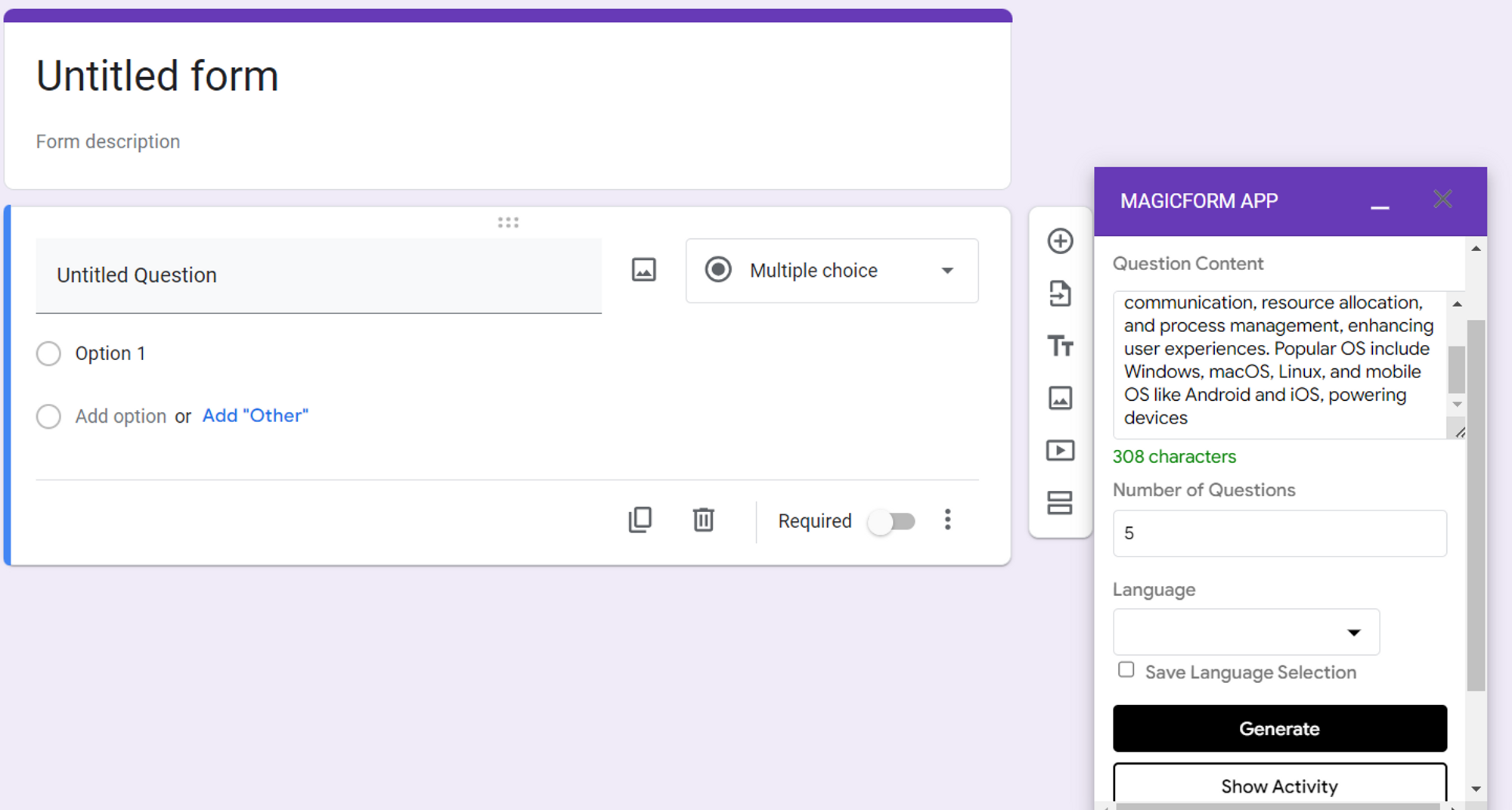
Tell MagicForm the specific psychometric test area you want to focus on. Whether it's numerical reasoning, verbal comprehension, or personality assessments, MagicForm can tailor practice questions to your needs.
4. Generate Questions:
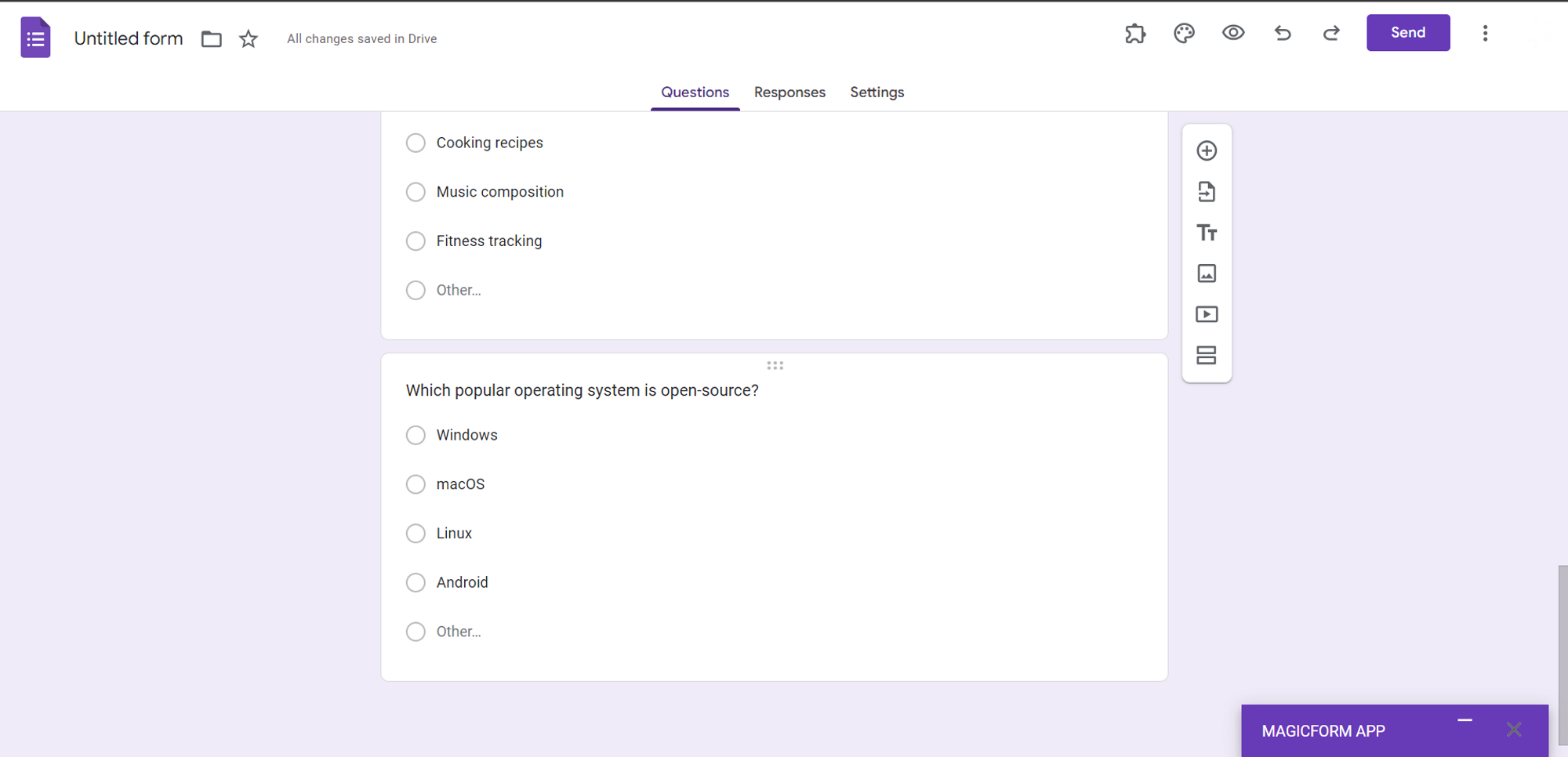
Indicate how many practice questions you'd like, and click the "Generate" button. MagicForm will create a set of questions aligned with your chosen test area.
5. Sharpen Your Skills:
Use the generated questions to hone your skills and familiarize yourself with the test format, ensuring you're well-prepared for the real assessment.
Benefits of Using MagicForm:
Here are the key benefits of integrating MagicForm into your job-seeking strategy:
- Efficiency: Save time and effort by automating the process of generating practice questions.
- Precision: MagicForm tailors questions to your specific psychometric test area, enhancing your readiness.
- Confidentiality: Your practice and progress remain private, ensuring you can focus on improvement.
Conclusion:
Psychometric tests can be intimidating, but with the right preparation and tools like MagicForm, you can increase your chances of success in the job market. By simplifying the practice question generation process, MagicForm empowers job seekers to perform their best in psychometric assessments, ultimately helping you secure that dream job. Incorporate MagicForm into your job-seeking toolkit and gain the confidence you need to ace those psychometric tests and advance your career.


