How to put a Visio Diagram in PowerPoint


Easily insert a Visio diagram into PowerPoint to enhance presentations with clear, professional visuals
Adding a Visio diagram to PowerPoint helps in presenting complex data visually.
Follow these simple steps to seamlessly insert a Visio diagram into your PowerPoint slides.
How to Insert a Visio Diagram into PowerPoint
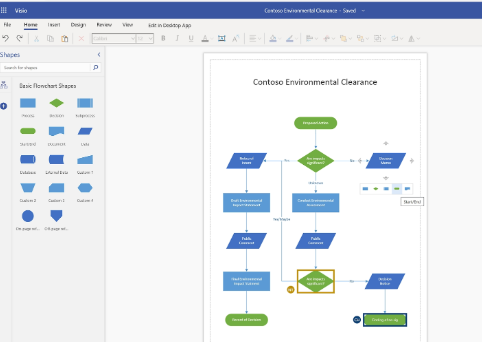
Step 1: Open Your Visio Diagram
Launch Microsoft Visio. Open the diagram you want to insert into PowerPoint.

Make any necessary edits before transferring it.
Step 2: Copy the Visio Diagram
Click on the diagram to select it. Press Ctrl + C (Windows) or Cmd + C (Mac) to copy it.
Step 3: Open PowerPoint and Select a Slide
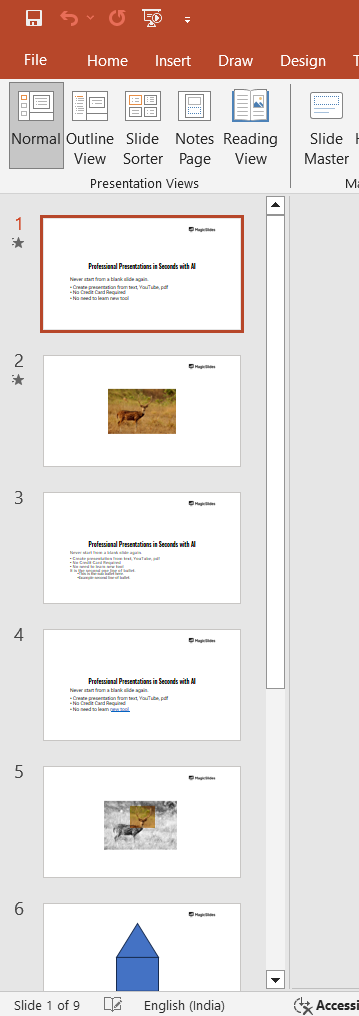
Open Microsoft PowerPoint. Navigate to the slide where you want to insert the Visio diagram.
Step 4: Paste the Diagram into PowerPoint
Click on the slide. Press Ctrl + V (Windows) or Cmd + V (Mac) to paste the diagram.
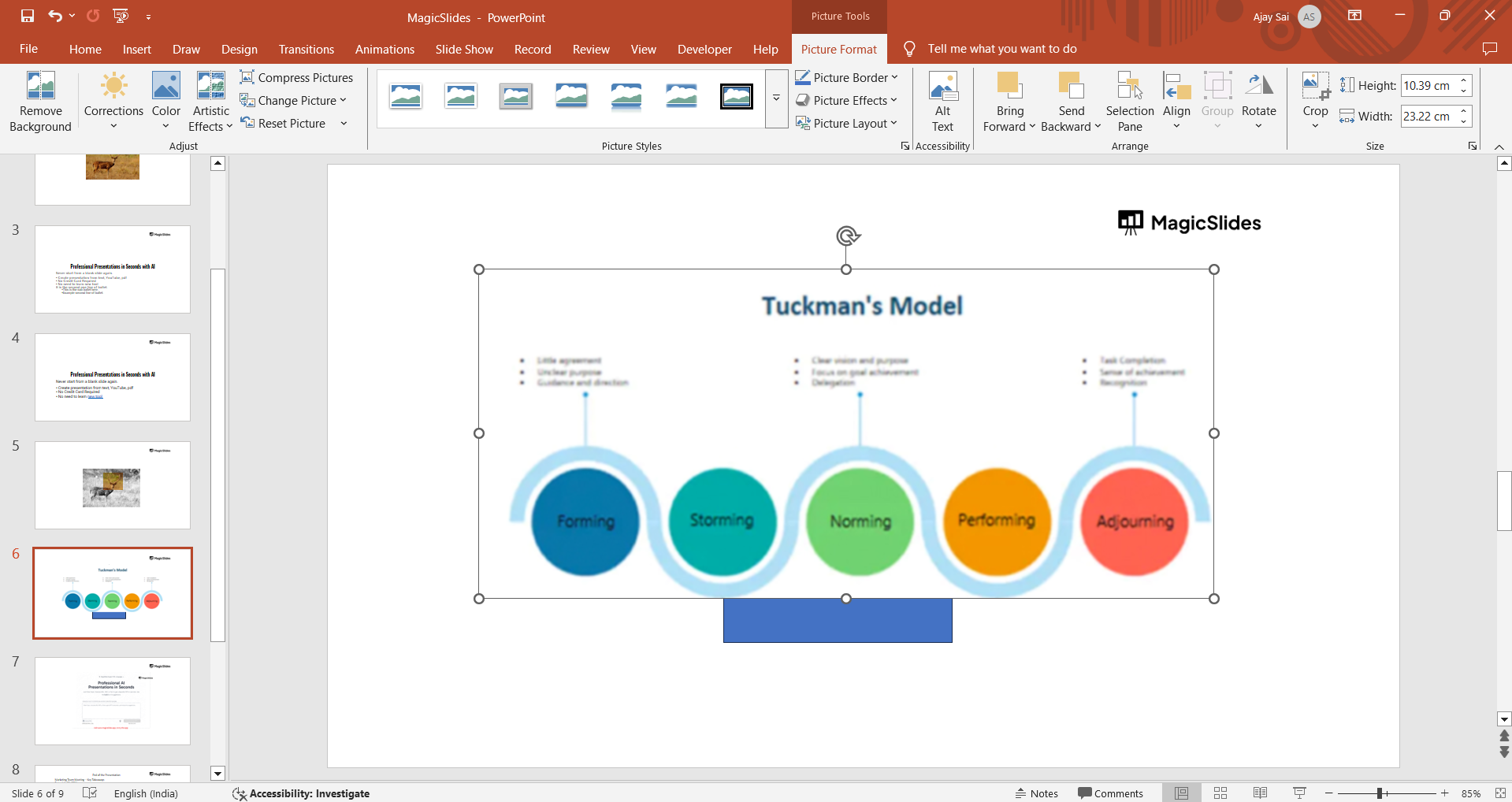
Resize and adjust the position as needed.
Step 5: Insert as an Image (Optional for Better Compatibility)
In Visio, go to File > Save As and select PNG or JPEG format. Save the image file to your computer.
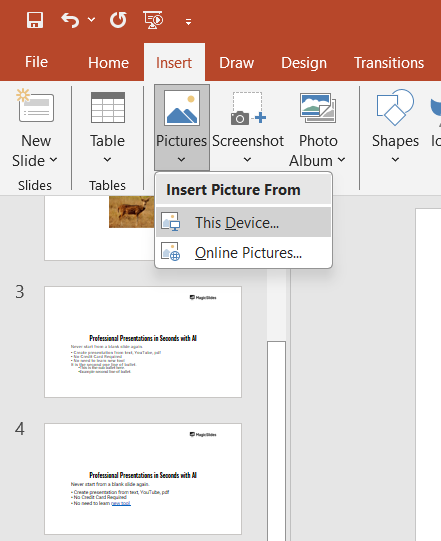
In PowerPoint, go to Insert > Pictures > This Device and select the saved image.
Adjust the size and position as required.
Step 6: Insert as an Object (Alternative Method)
In PowerPoint, go to Insert > Object. Select Create from File and browse for the Visio file.
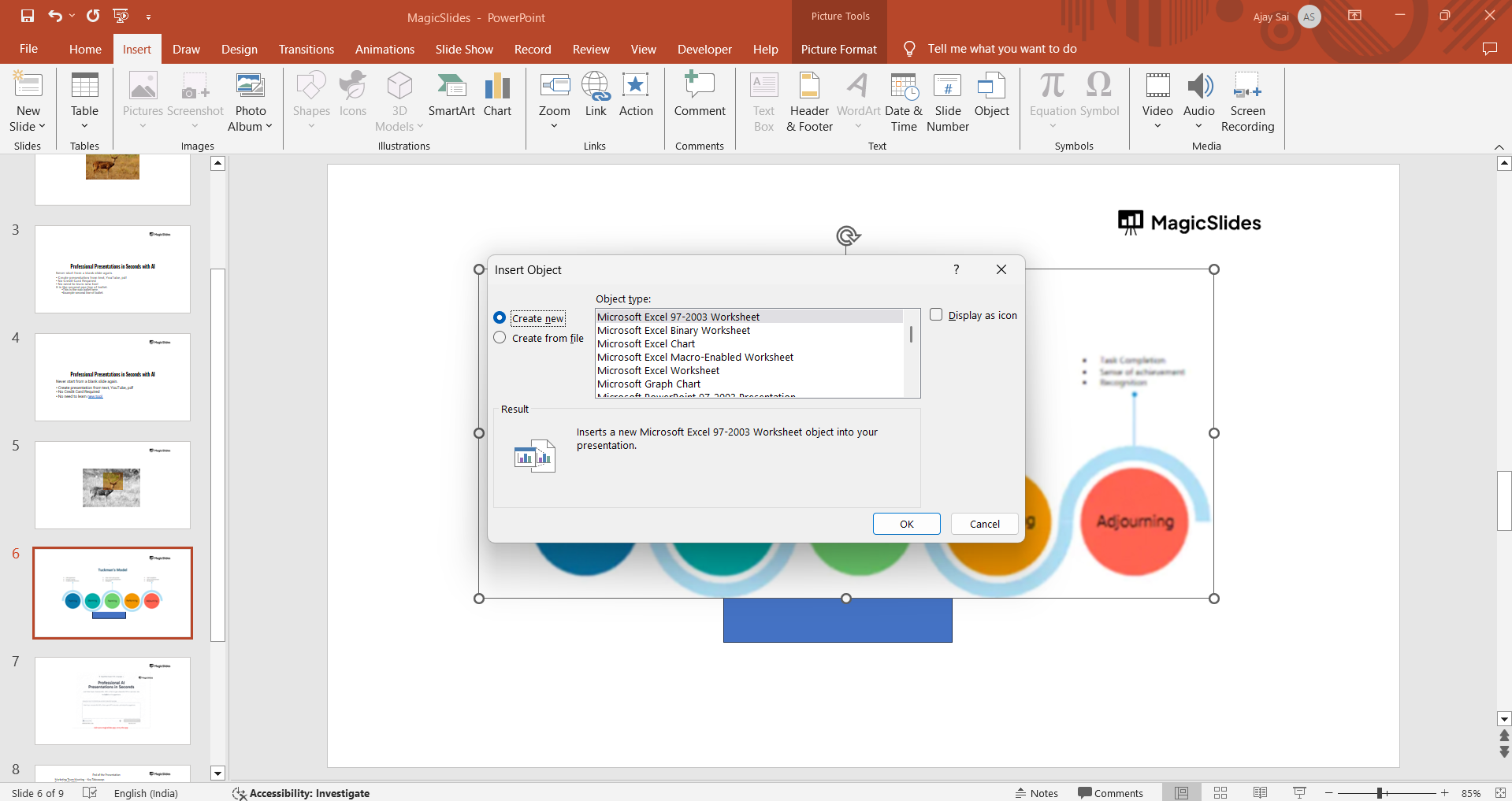
Click OK to embed the Visio diagram into the slide.
Now that you’ve learned how to insert a Visio diagram into PowerPoint, why not streamline your entire presentation process? With MagicSlides.app , you can instantly generate professional slides from text, PDFs, or even YouTube links try it today!
Conclusion
Adding a Visio diagram to PowerPoint enhances visual presentations.
You can either copy and paste, insert as an image, or embed the file for better integration. Choose the method that best suits your needs.
FAQs are here to help!
Can I edit a Visio diagram after inserting it into PowerPoint?
If pasted as an object, you can double-click to edit in Visio. If pasted as an image, it remains static.
Does PowerPoint support Visio files directly?
PowerPoint does not open Visio files, but you can insert them as objects or images.
Which format is best for inserting a Visio diagram?
For high quality and easy editing, insert it as an object. For better compatibility, use an image format.


