How to Round the Corners of an Image in Google Slides


Easily round image corners in Google Slides to enhance presentations with a sleek, professional look
How to Round the Corners of an Image in Google Slides
Rounding the corners of an image in Google Slides adds a smooth and professional touch to your presentation.
Whether you're designing slides for work, school, or personal projects, this simple technique enhances the visual appeal.
Follow the step-by-step guide below to round image corners in Google Slides.
https://guidejar.com/guides/1ac1a7ba-864c-4bb7-b42c-c98db2248410
Step 1: Open Google Slides and Insert an Image
- Open Google Slides and create or open a presentation.
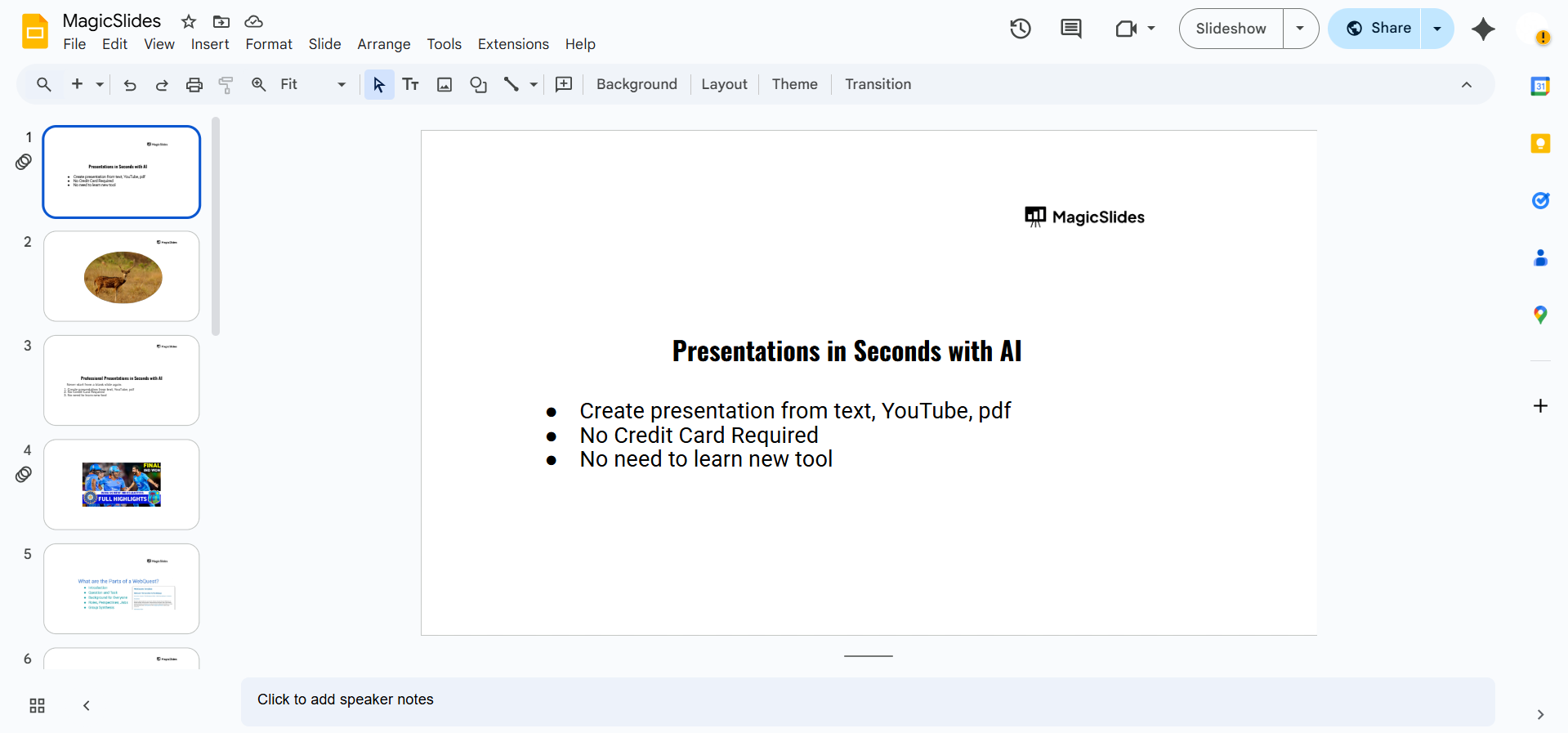
- Click on "Insert" > "Image" and choose an image from your computer, Google Drive, or the web.
Step 2: Select the Image
- Click on the image you inserted to highlight it.
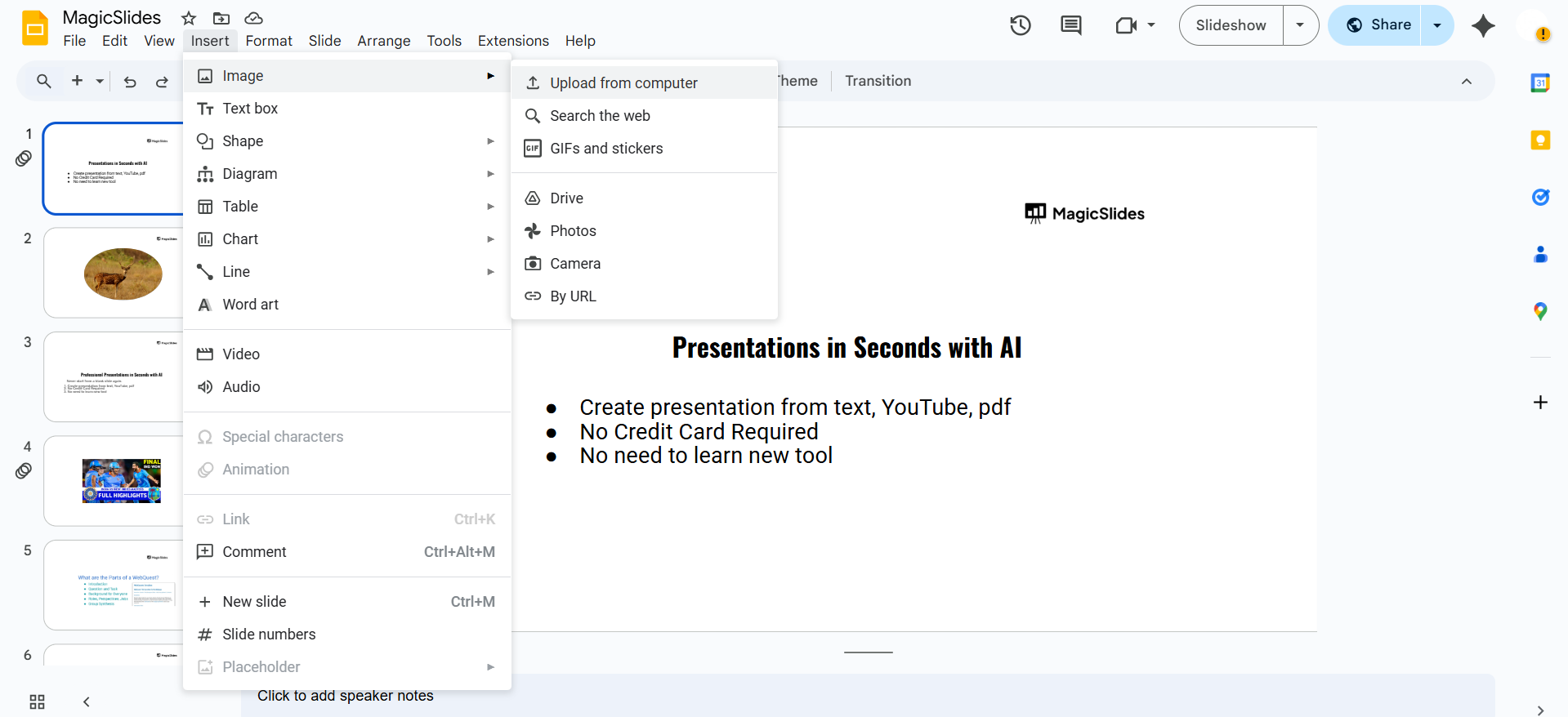
- You'll see a blue border around the image, indicating it's selected.
Step 3: Apply the Masking Tool
- Click on the "Crop" icon in the toolbar (it looks like a square with diagonal lines).
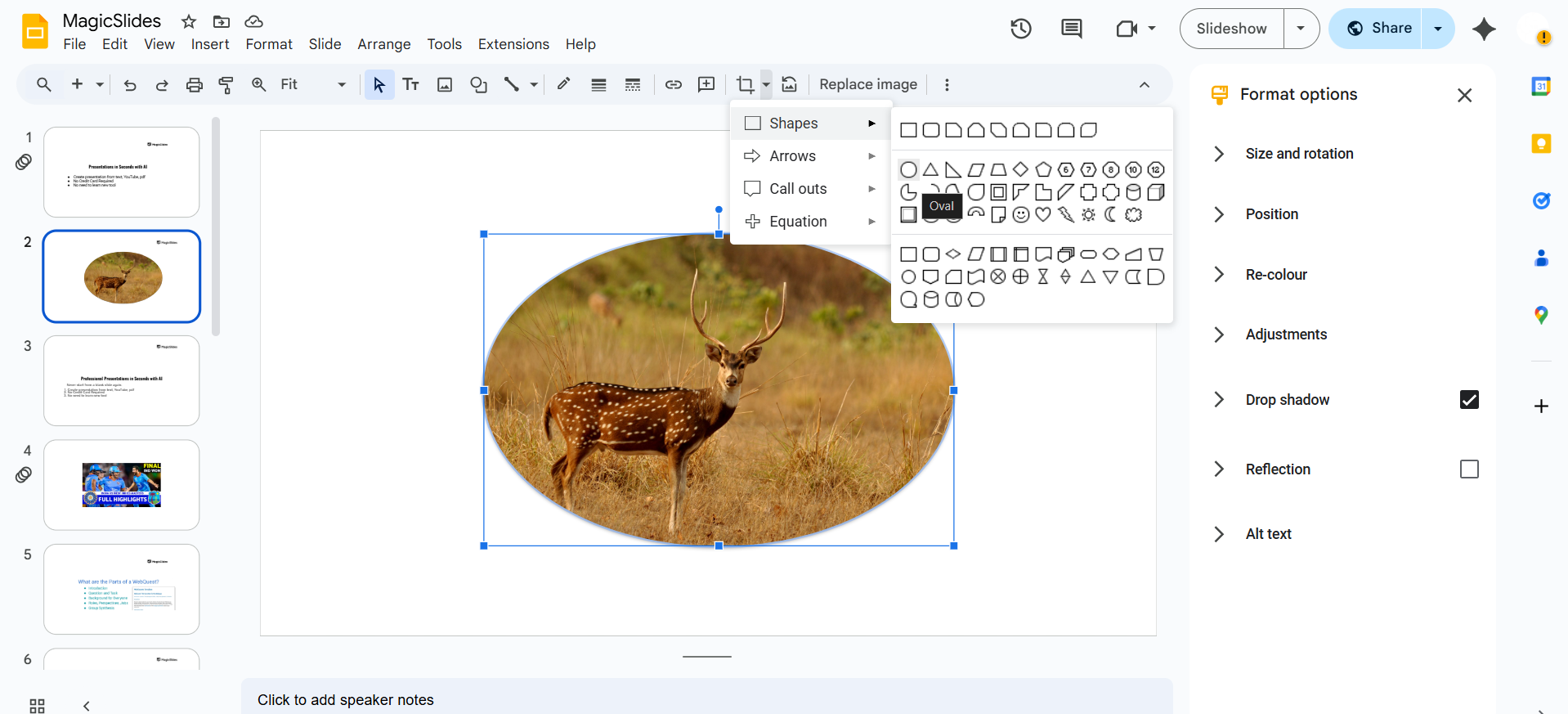
- Instead of cropping, click on the small drop-down arrow next to the crop icon.
- Select "Shapes", then scroll down and choose the rounded rectangle shape.
Step 4: Adjust the Rounded Corners
- After applying the rounded rectangle mask, drag the image handles to adjust the curve.
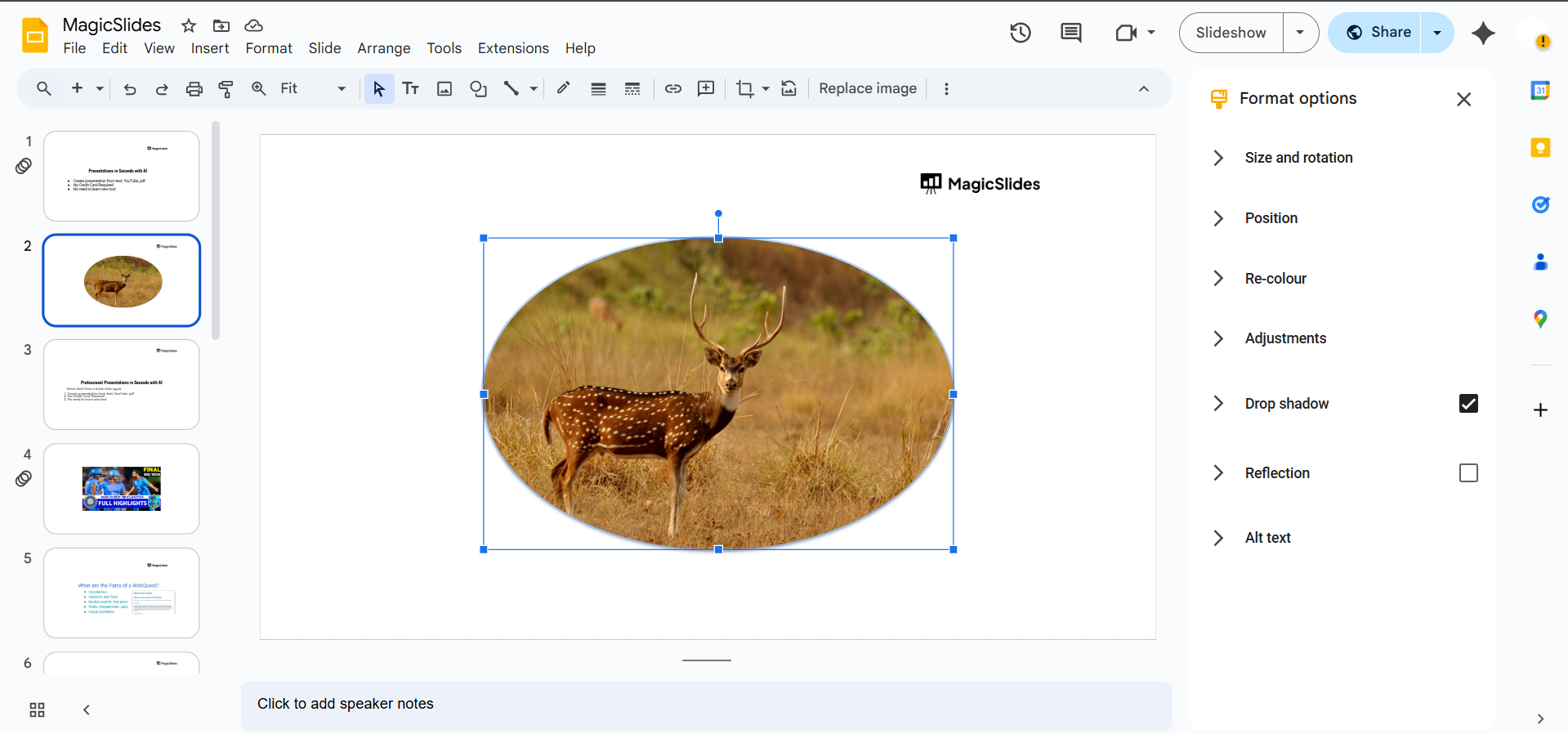
- Resize the image as needed while maintaining the rounded corners.
Step 5: Fine-Tune the Image (Optional)
- Click on "Format options" in the toolbar.
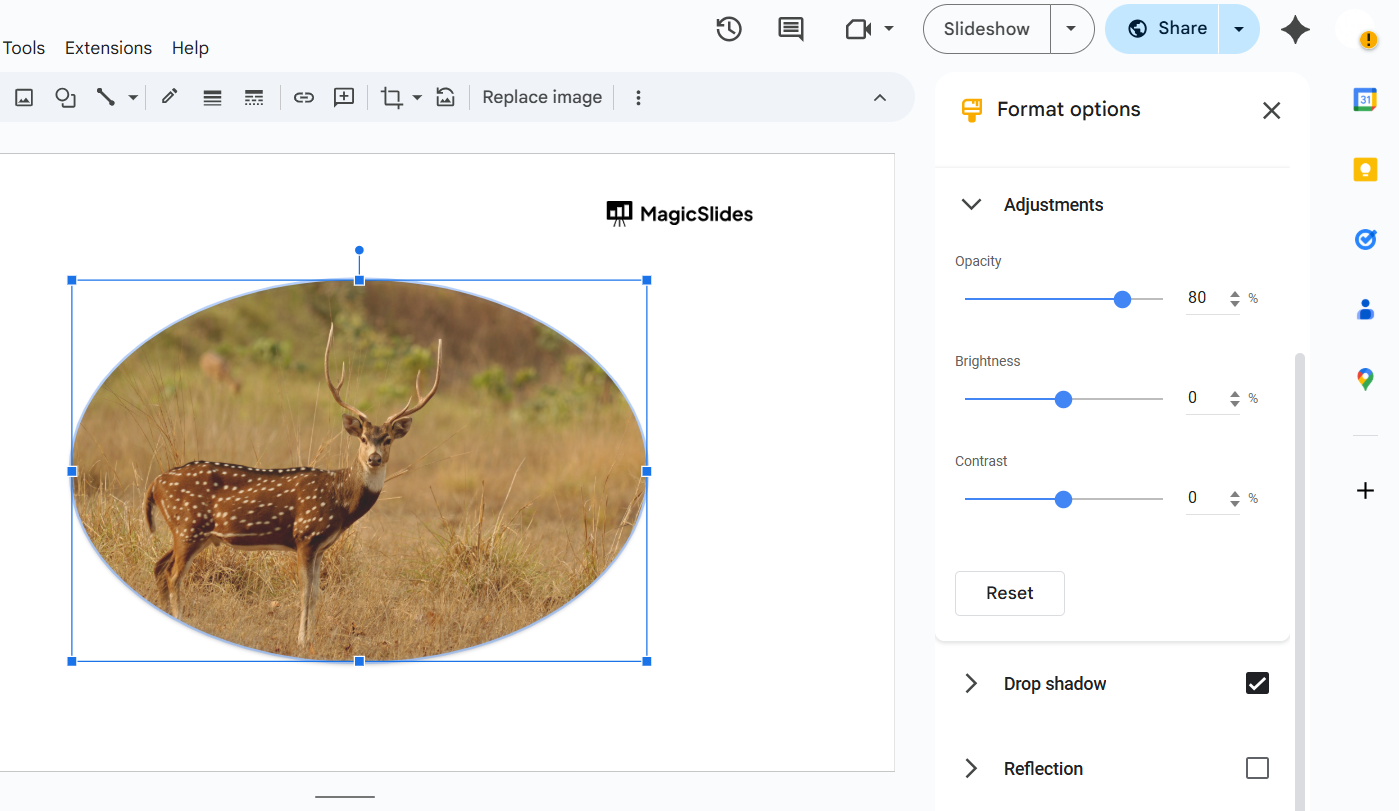
- Adjust brightness, contrast, and transparency to refine the look.
Step 6: Save or Export Your Slide (Optional)
- If you want to use the rounded image elsewhere, right-click > "Download as PNG" to save it.
Rounding image corners in Google Slides enhances the visual appeal, but if you want an AI-powered tool to create beautifully formatted slides instantly, try MagicSlides.app generate professional presentations in seconds!
Conclusion
Rounding the corners of an image in Google Slides is a quick and effective way to enhance your presentation’s design.
With just a few clicks, you can achieve a professional and polished look.
FAQs are here to help!
Can I adjust how rounded the corners are?
No, Google Slides doesn’t allow manual control over the curve degree, but resizing the image helps.
Can I apply rounded corners to multiple images at once?
No, you need to repeat the process for each image separately.
Will the rounded corners remain if I export my slide?
Yes, but make sure to download the slide as an image (PNG or JPG) to maintain the effect.


