How to save Google forms


Safeguard your Google Forms data with this simple guide on how to securely save responses.
Google Forms is a versatile tool for creating surveys, quizzes, and feedback forms, but ensuring the safety of your valuable data is crucial. In this step-by-step guide, we'll explore how to save Google Forms, allowing you to safeguard your information and maintain a record of your form's responses. Whether you're a teacher, business professional, or anyone utilizing Google Forms, these simple steps will help you securely store your data for future reference.
How to save Google forms
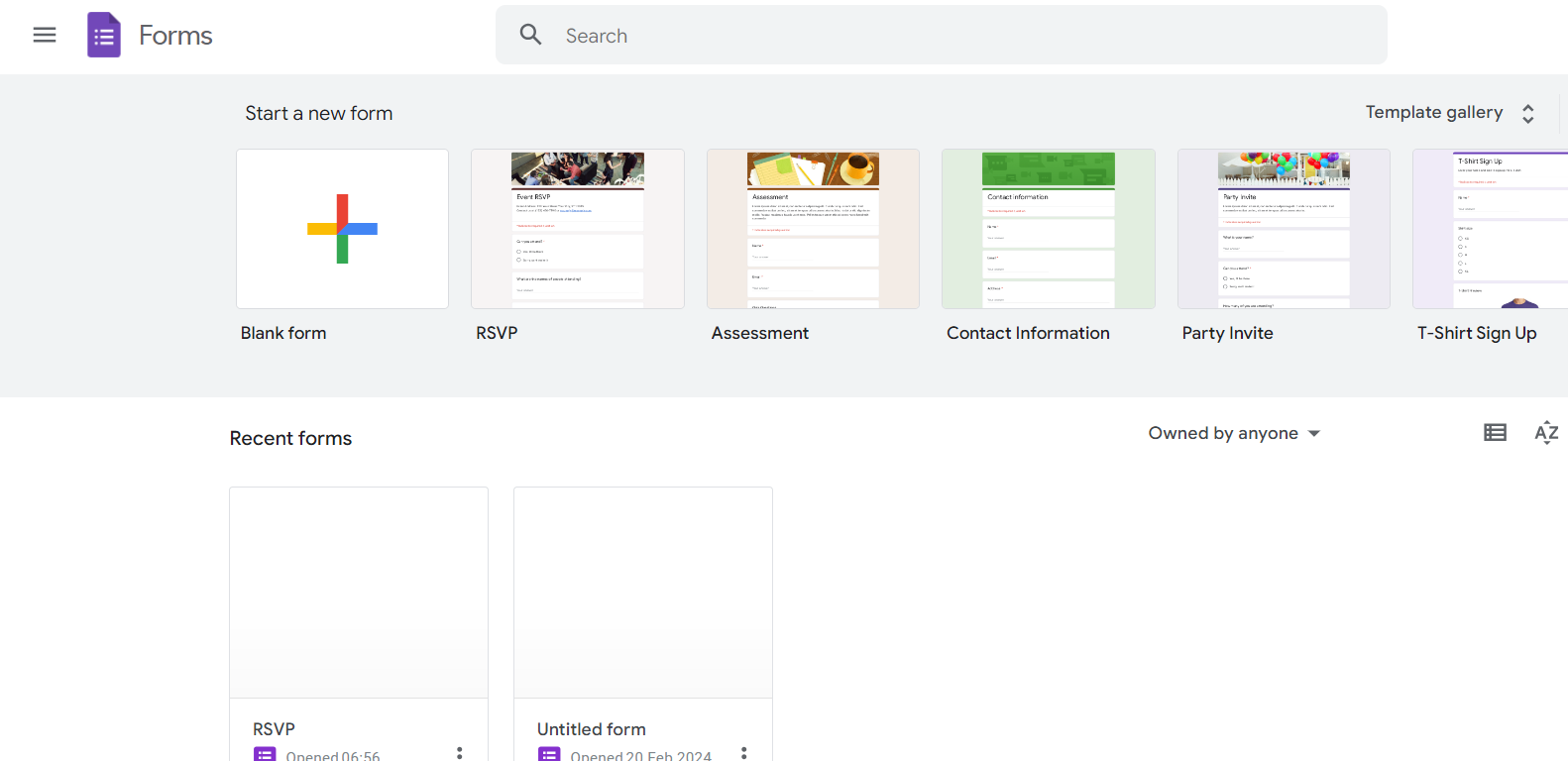
Step 1: Create Your Google Form
Begin by creating the Google Form you wish to save. Design your questions, add response options, and customize the form to meet your specific needs.
Step 2: Access the Form Responses
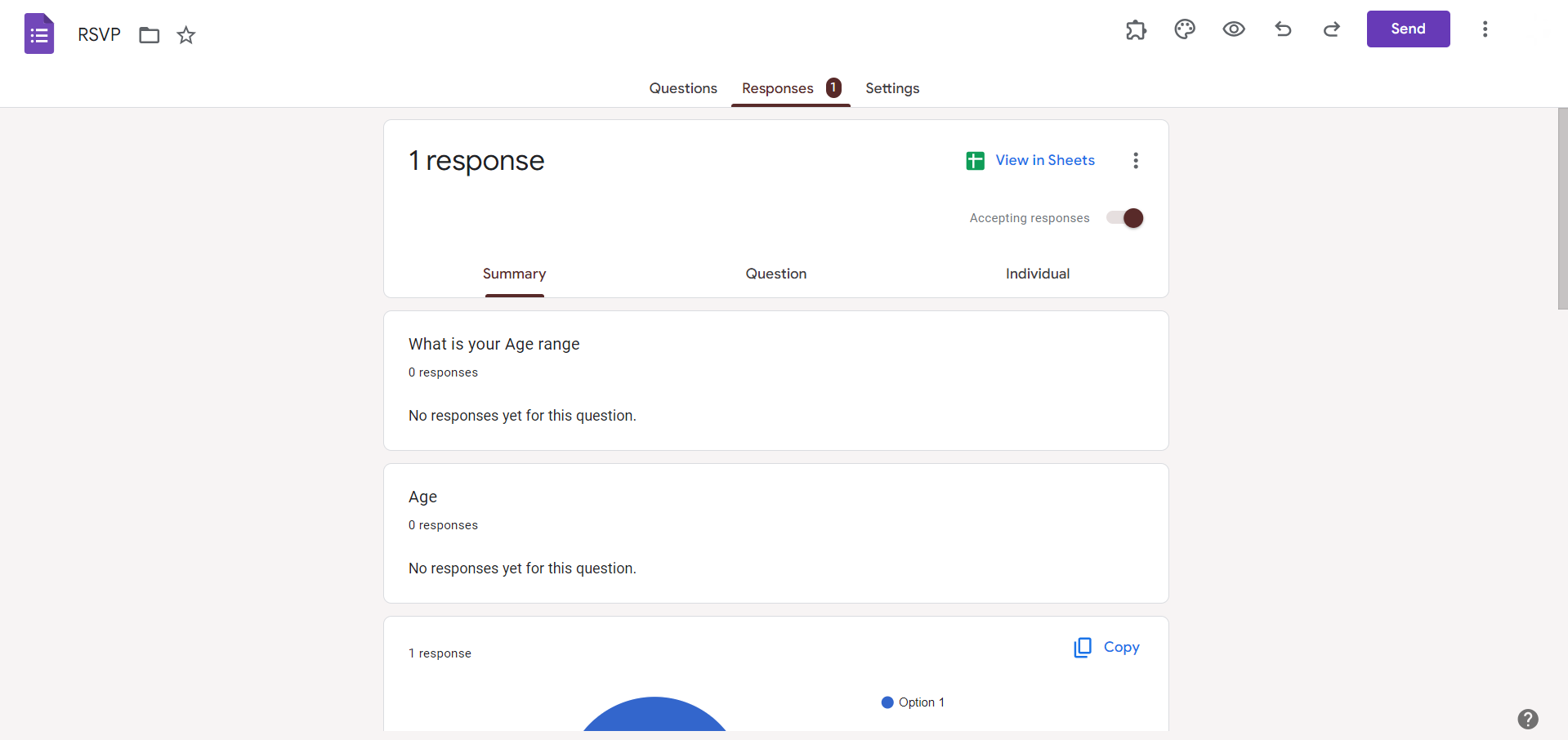
Once your form is created, open the form editor, and click on the "Responses" tab. Here, you'll find the option "Summary" and "Individual." Choose the one that suits your requirements.

Step 3: Choose a Response Destination
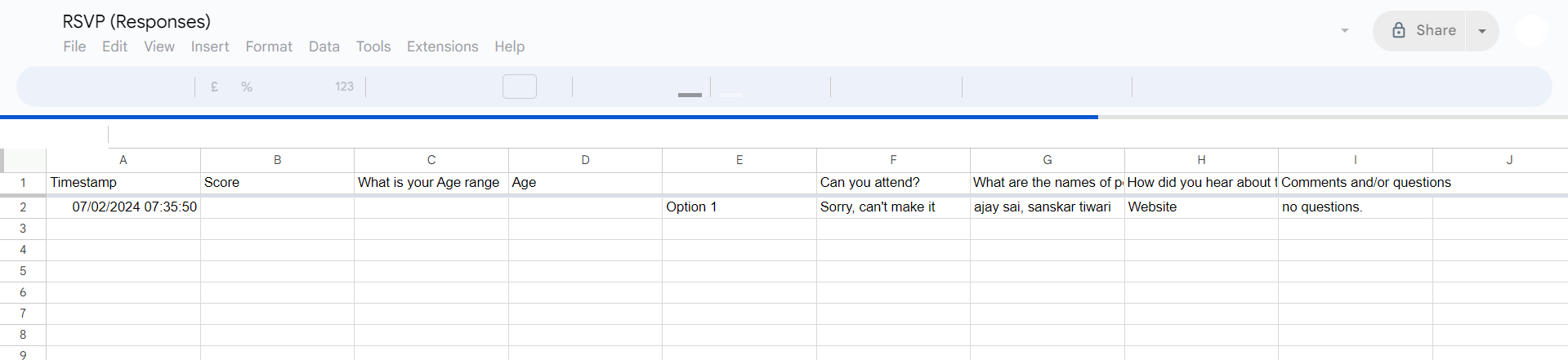
Click on the green Sheets icon to send responses to Google Sheets. This creates a spreadsheet linked to your form, automatically storing responses in a structured format.
Step 4: Save Google Sheets to Your Device
Once the responses are redirected to Google Sheets, open the sheet. Click on "File" in the upper-left corner, then select "Download." Choose a format like Excel or PDF to save the sheet locally on your device.
Step 5: Set Up Email Notifications (Optional)
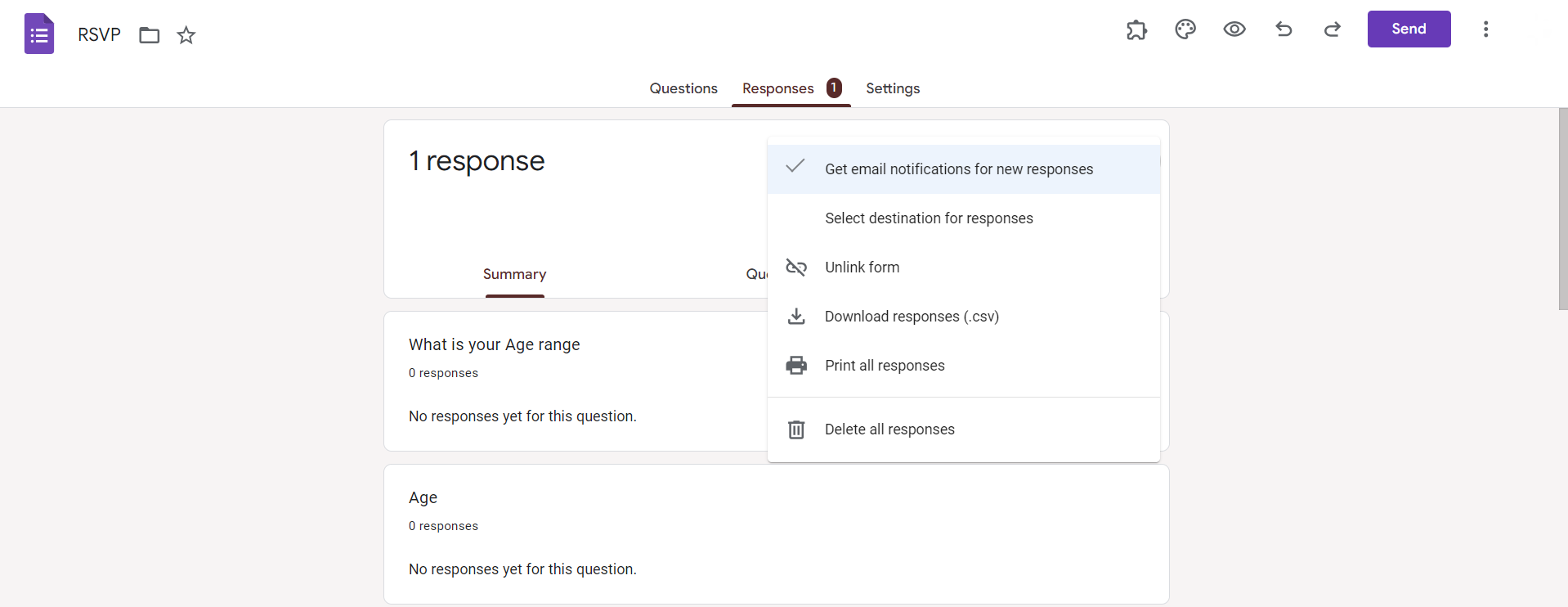
For added convenience, consider setting up email notifications for form responses. Click on the "Responses" tab, select the three dots, and choose "Get email notifications for new responses."
Conclusion:
Saving Google Forms is a fundamental step in preserving your collected data and ensuring its accessibility for future analysis. By seamlessly integrating with Google Sheets, this process not only safeguards your information but also provides a structured format for easy reference and collaboration. Whether you're a Google Forms novice or a seasoned user, these steps empower you to take control of your data, making the entire form management process efficient and secure. With this guide, you're ready to navigate the world of Google Forms confidently, armed with the knowledge to save and protect your valuable information.
Frequently Asked Questions:
Why should I save my Google Forms?
Saving forms ensures a backup, preserving responses for analysis, reference, or sharing data securely.
Can I download form responses in different formats?
Yes, after redirecting responses to Google Sheets, you can download in formats like Excel or PDF.
Is there a limit to the number of responses I can save?
Google Sheets has a limit, but it's substantial. If exceeded, consider archiving or filtering data.
How can I manage and organize saved form responses effectively?
Use Google Sheets functionalities like filters, sorting, and creating multiple sheets for organized and efficient data management.


