How to share Google forms responses


Maximize collaboration and analysis with this guide on effortlessly sharing and managing Google Forms responses
Sharing Google Forms responses efficiently is crucial for collaboration and analysis. Whether for team projects, event planning, or academic research, this guide outlines the step-by-step process to effortlessly share and manage your collected data.
How to share Google forms responses
Open Google Forms:
Start by opening Google Forms and accessing the form for which you want to share responses.
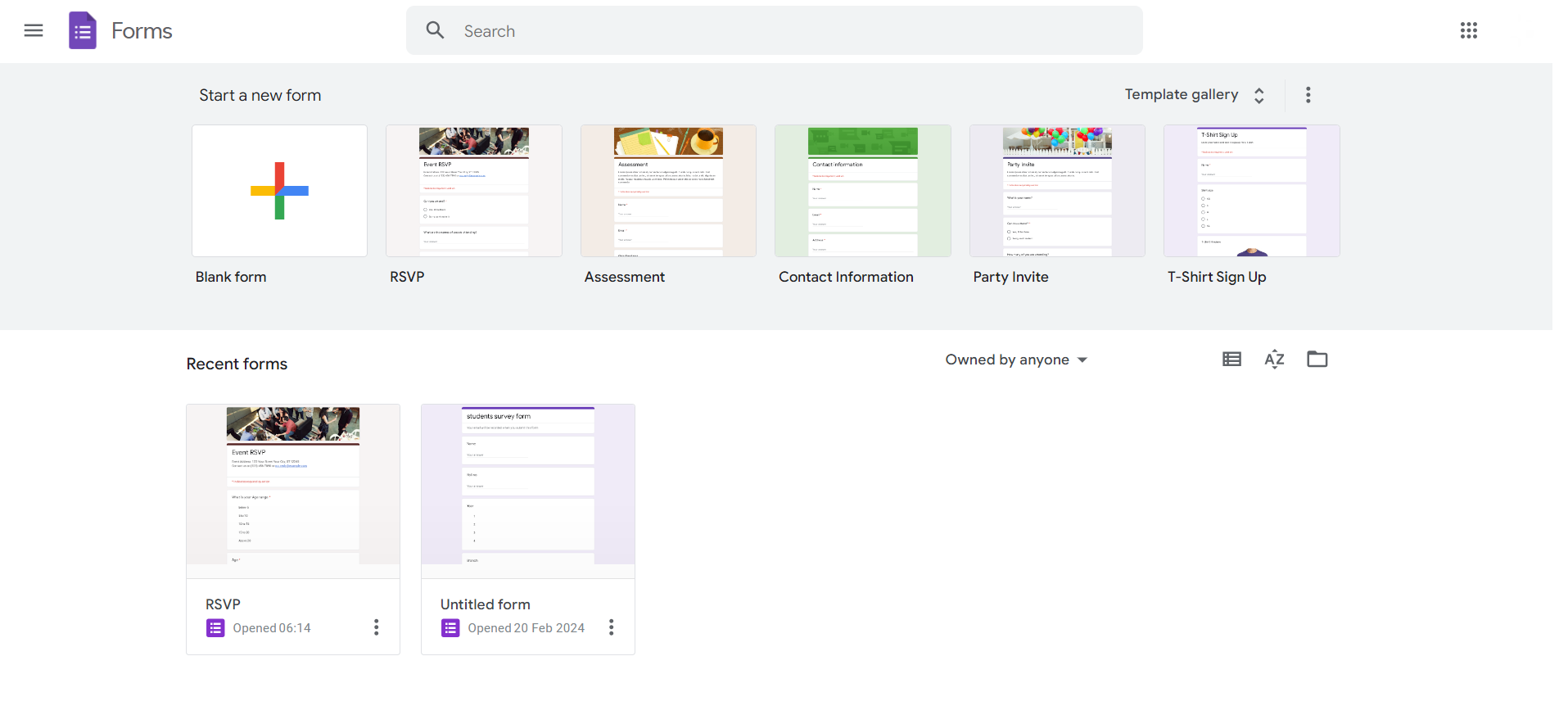
Navigate to Responses:
Click on the "Responses" tab at the top of the form. Select "Summary" for an overview or "Individual" for detailed responses.
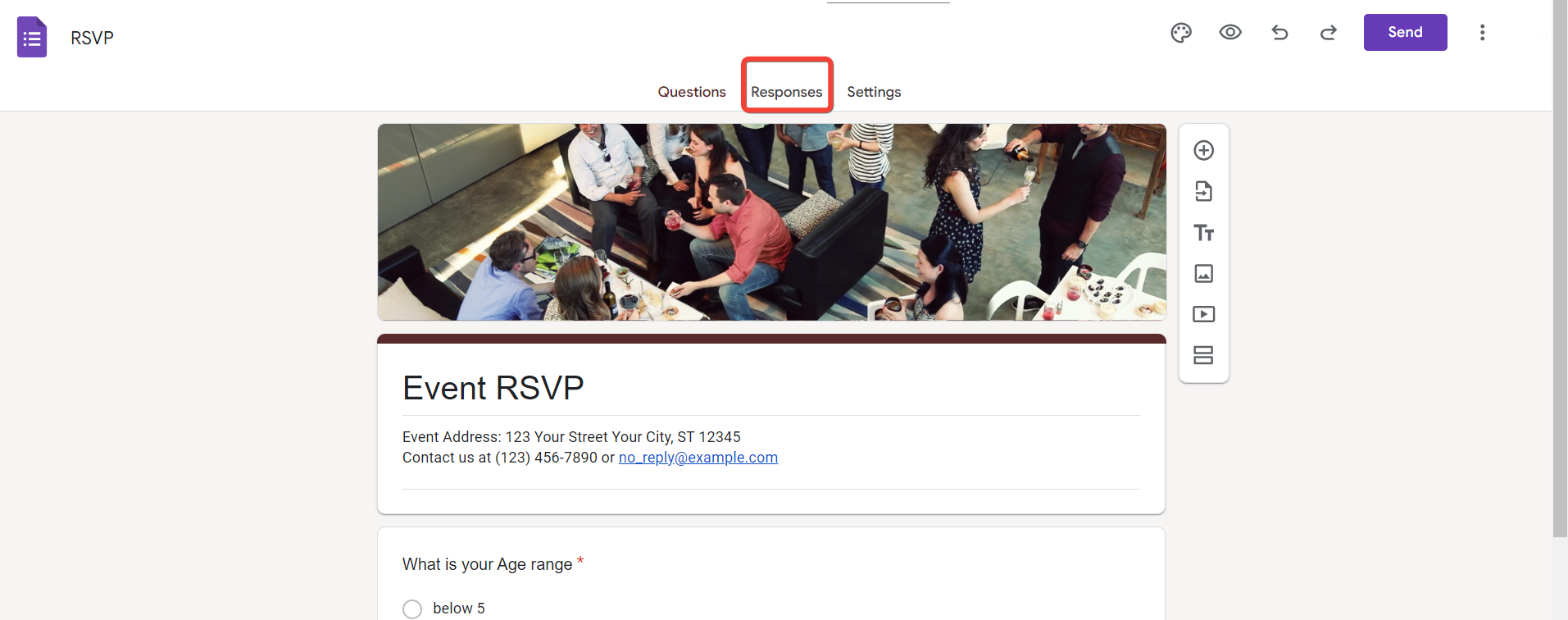
Access Response Settings:
In the top-right corner, click on the green Sheets icon. Choose either "Create a new spreadsheet" or "Select existing spreadsheet" to store your responses.
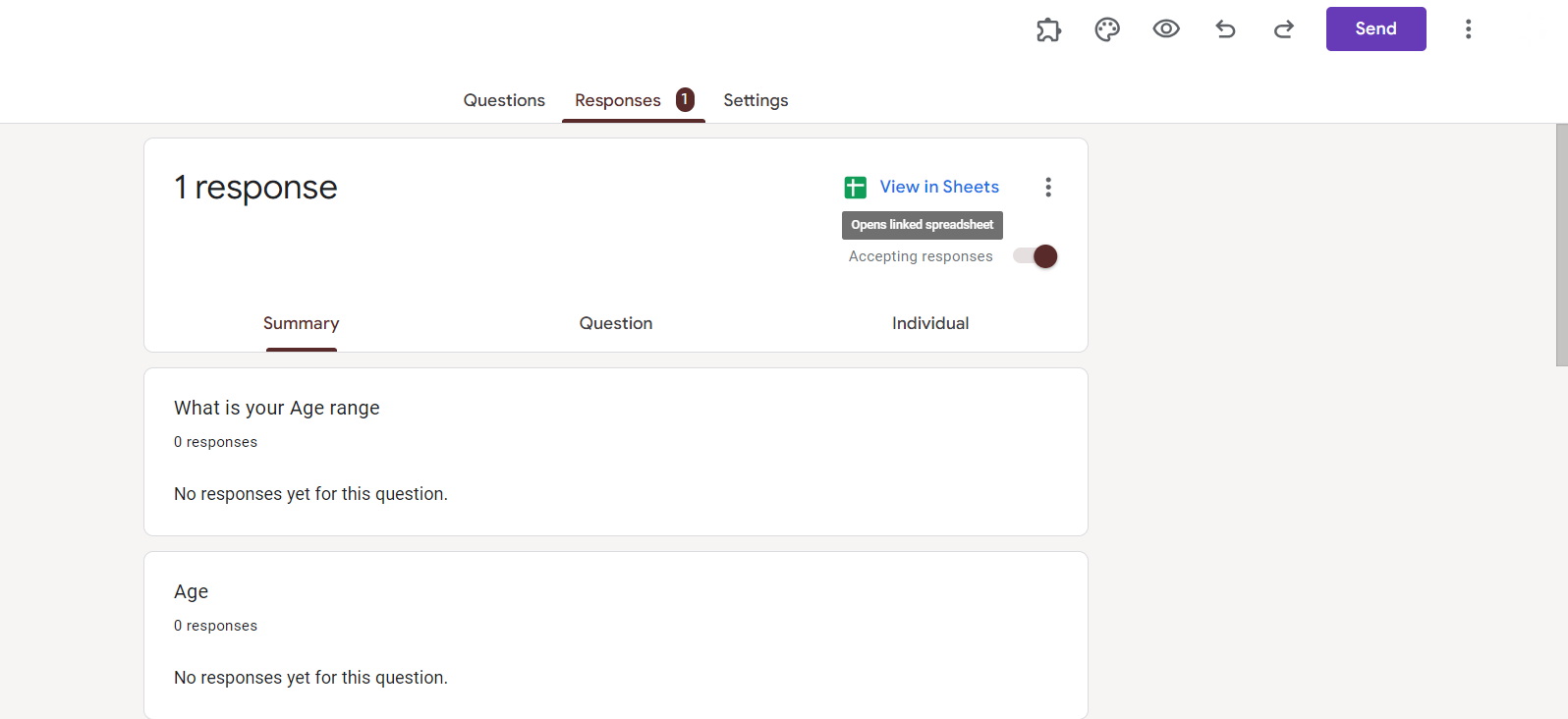
Open Google Sheets:
If you chose to create a new spreadsheet, open the created Google Sheets document. If you selected an existing one, navigate to that spreadsheet.

Share Google Sheets Document:
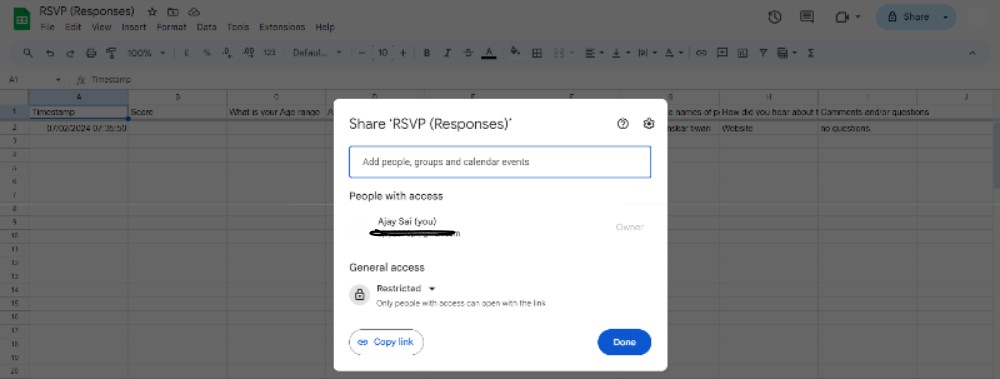
In Google Sheets, click on the "Share" button in the top-right corner. Enter the email addresses of collaborators or generate a shareable link with specified permissions.
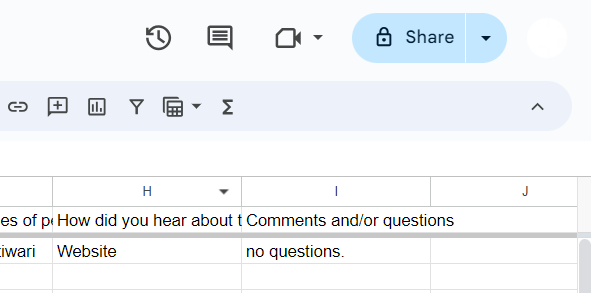
Choose Share Settings:
Determine whether collaborators can edit, comment, or only view the responses. Adjust settings according to the level of access you want to provide.
Email Collaborators (Optional):
If you entered email addresses, collaborators will receive an email notification. If using a shareable link, you can share it through email, messaging apps, or project management tools.
Monitor Real-Time Responses:
Collaborators can access and contribute to the shared Google Sheets document in real-time. Changes made by one person are instantly visible to others.
Conclusion:
Efficiently sharing Google Forms responses streamlines collaboration and ensures a seamless analysis process. Whether you're working on a group project, organizing an event, or conducting research, this step-by-step guide simplifies the process, allowing you to focus on deriving insights from your collected data. Enhance your team's productivity with a hassle-free approach to sharing and managing Google Forms responses.
Frequently Asked Questions:
Can I limit who can access and edit the shared Google Sheets document for Form responses?
Yes, you have control over permissions. Choose from edit, comment, or view-only access for collaborators.
Can collaborators see responses in real-time as they are submitted to the Google Form?
Yes, real-time collaboration is a key feature. Collaborators can view and edit responses instantly.
What happens if I update the original Google Form after sharing responses in Google Sheets?
Updates to the form won't affect existing responses. New responses will reflect any form changes.
Is there a limit to the number of collaborators I can share Google Forms responses with?
Google Sheets has a generous collaboration capacity, allowing multiple users to access and contribute simultaneously.


