How to use AI in PowerPoint


Use AI with MagicSlides Web App to generate and download stunning PowerPoint presentations in minutes
How to Use AI in PowerPoint
Creating professional and engaging PowerPoint presentations has become easier than ever with AI-powered tools like MagicSlides.
If you're wondering how to use AI in PowerPoint, this step-by-step guide using the MagicSlides Web App will help you create slides effortlessly and export them directly into PowerPoint.
Step-by-Step Guide: Using AI for PowerPoint with MagicSlides Web App
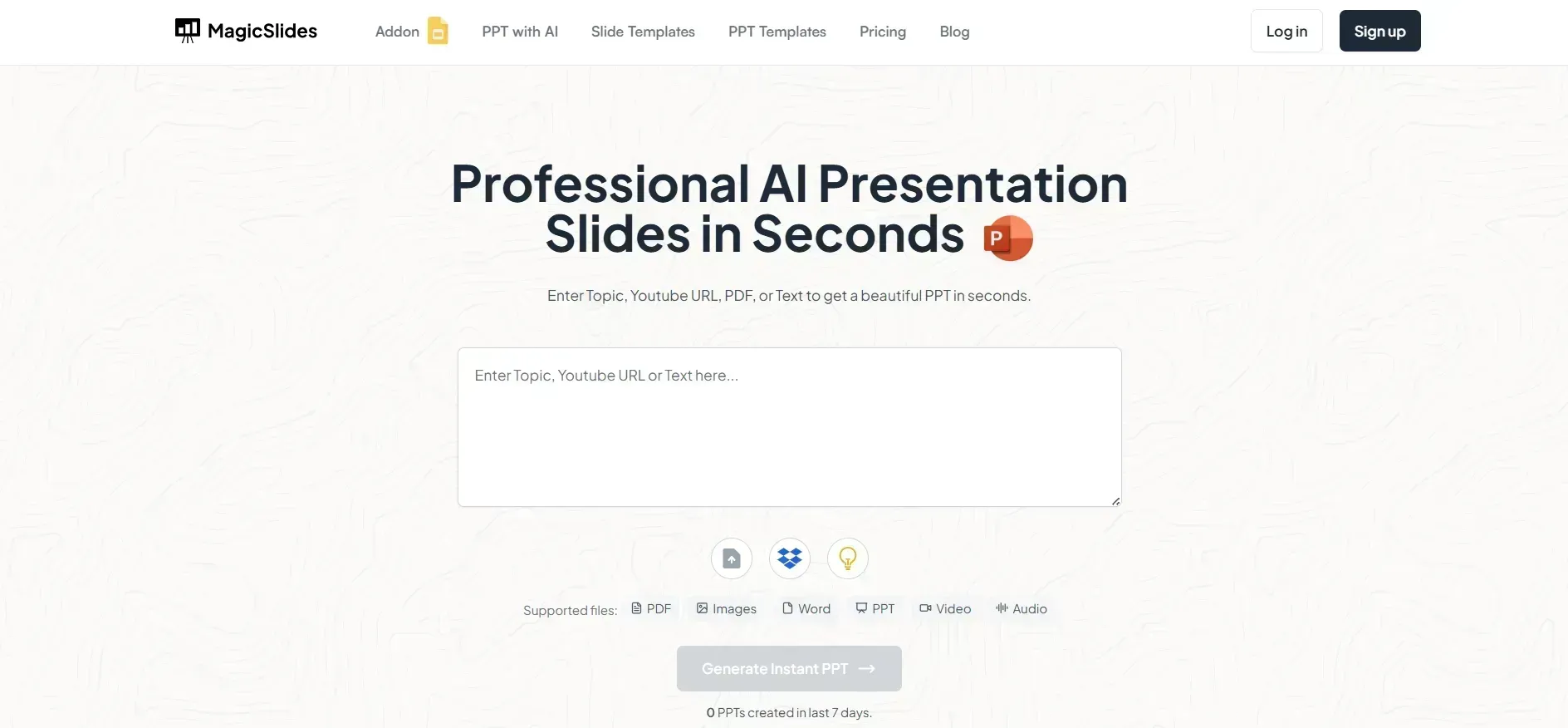
Step 1: Visit the MagicSlides Web App
Head over to www.magicslides.app and sign in using your Google or email account. The platform offers a clean and intuitive interface for creating AI-generated presentations.
Step 2: Enter Your Topic
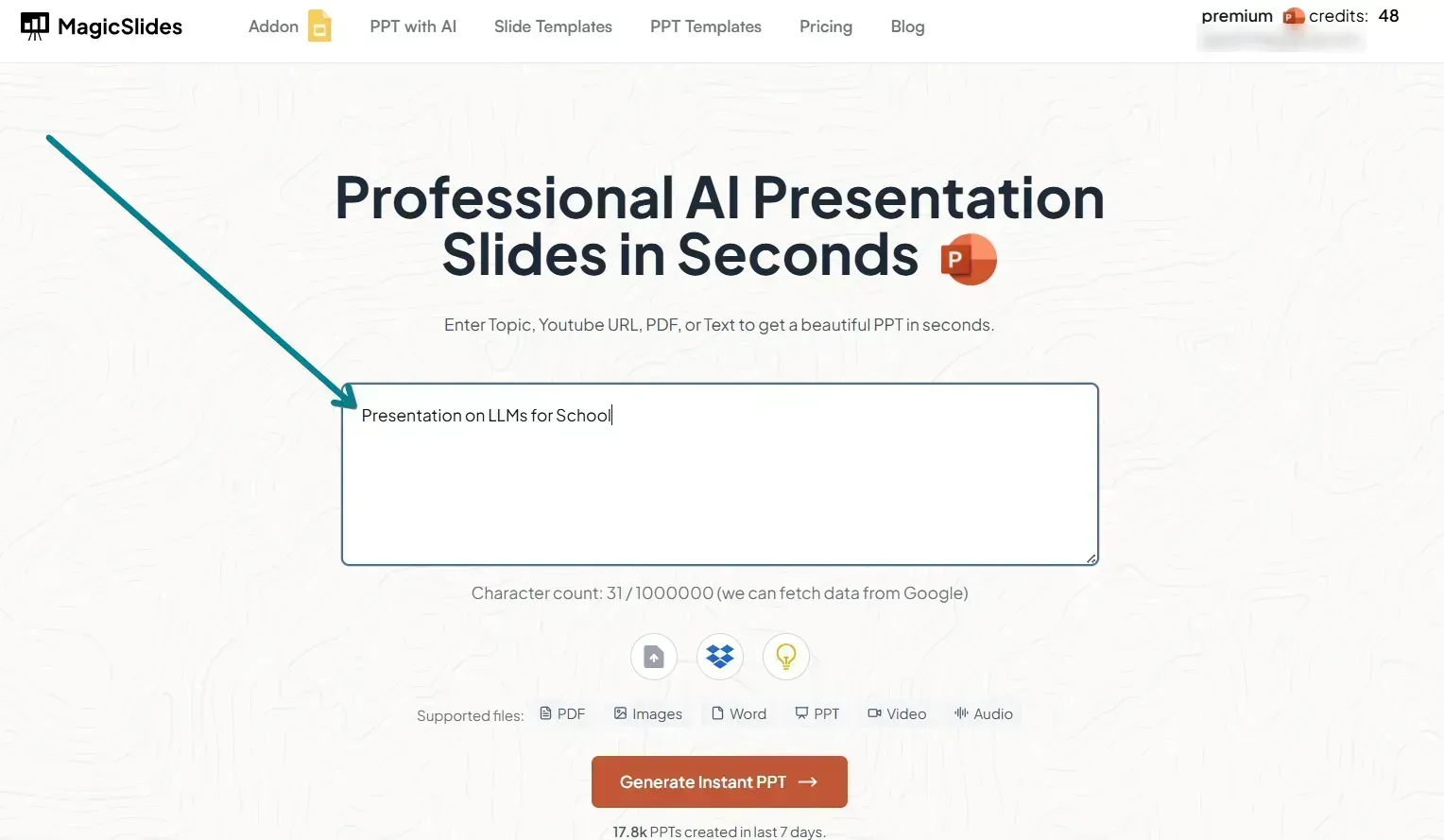
Once logged in, type your presentation topic into the MagicSlides input bar. Be as specific as possible e.g., “Marketing Strategies for 2025” or “Basics of Quantum Computing.”
Step 3: Click ‘Generate Presentation’
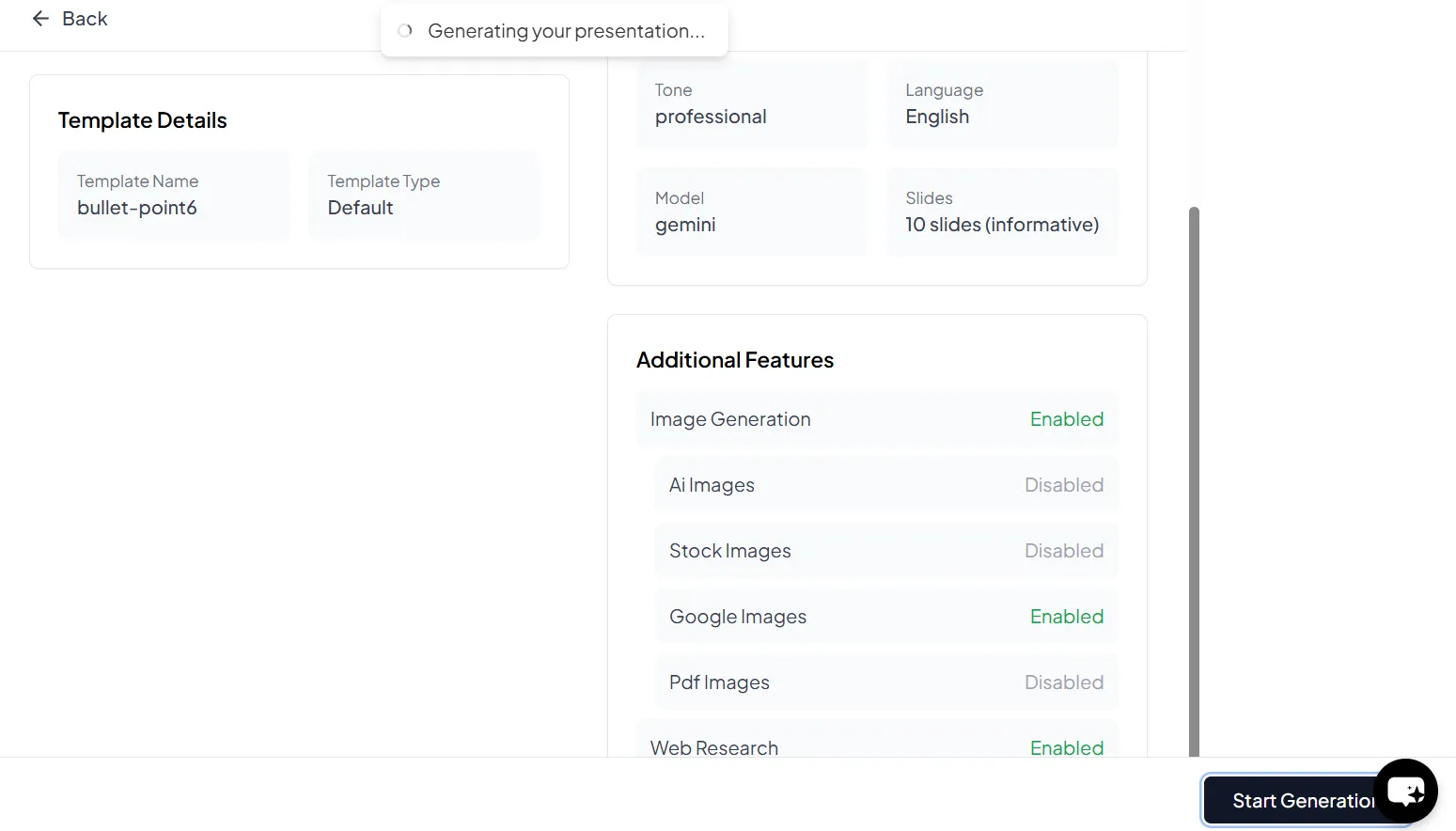
After entering your topic, click the ‘Generate Presentation’ button. MagicSlides will instantly start creating a presentation complete with a structured outline, slide titles, and content.
Step 4: Review the Slides
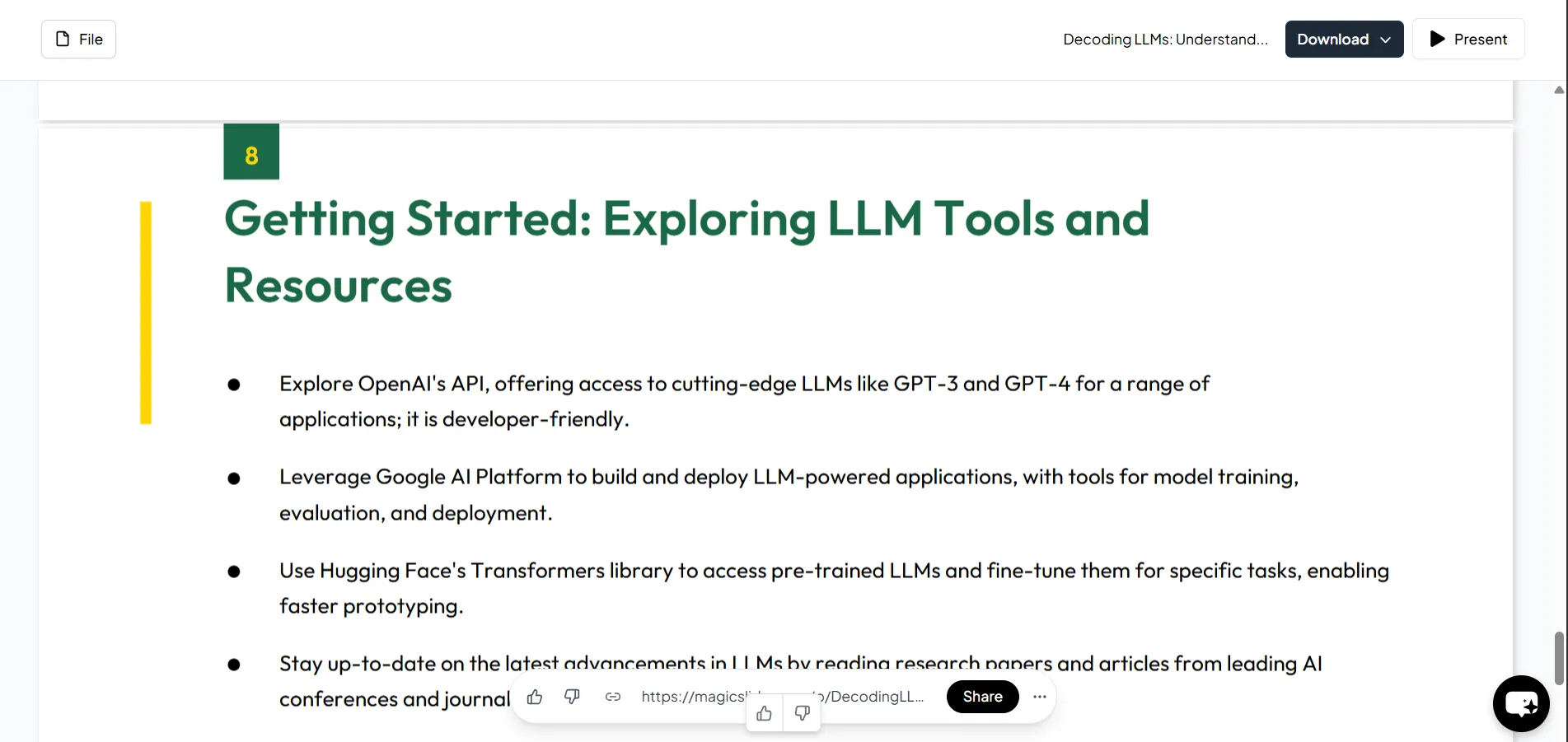
Once the slides are generated, review them carefully. You can edit the text, add visuals, or reorder the slides as needed. The AI gives a solid starting point, but adding your personal touch can enhance impact.
Step 5: Download and Open in PowerPoint
Click the ‘Download’ button to save your presentation as a .pptx file. This file is fully compatible with Microsoft PowerPoint and other presentation software. Simply open it in PowerPoint and present or edit further as needed.
Step 6: Unlock Premium Features (Optional)
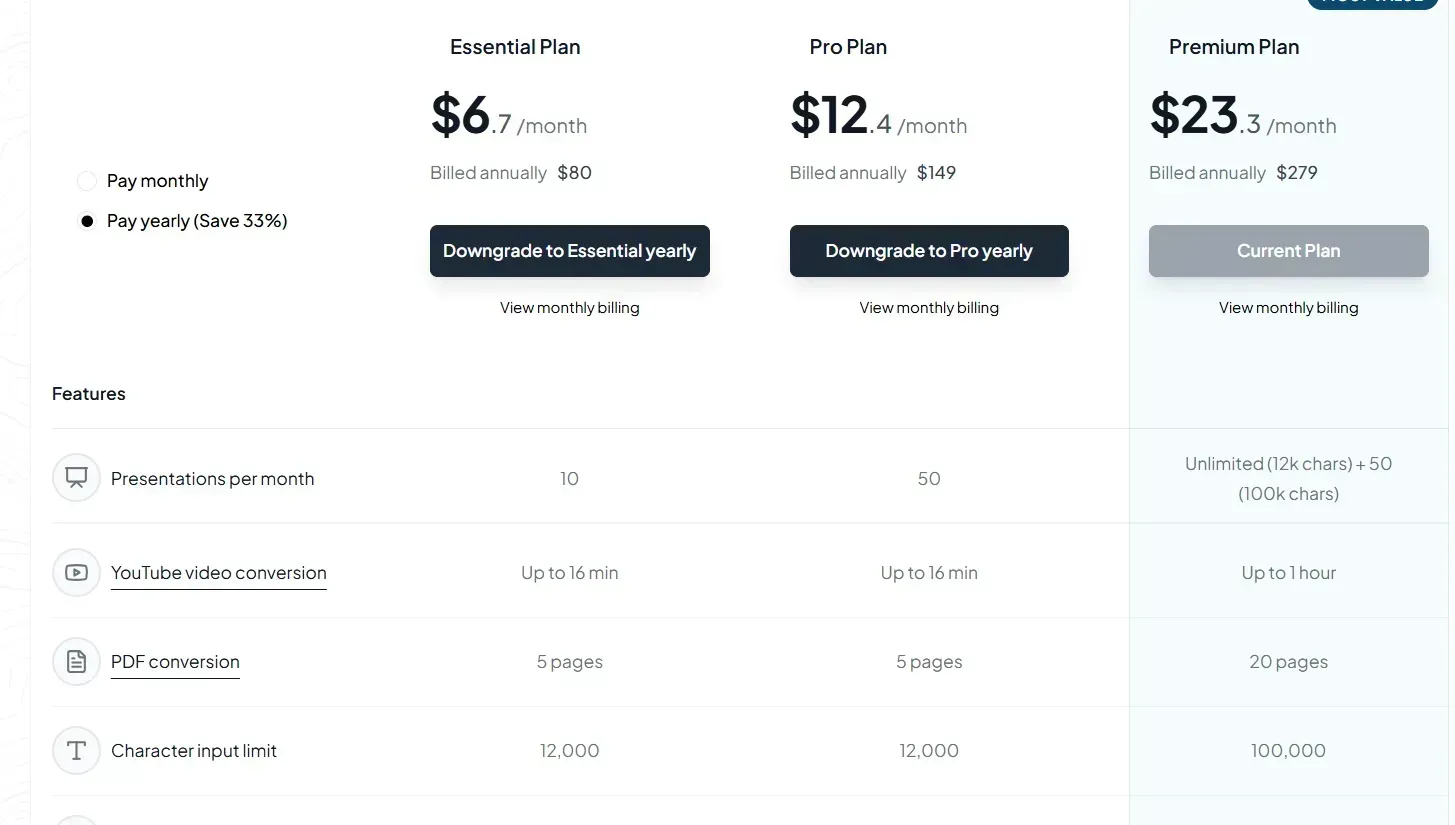
For more advanced capabilities like generating slides from YouTube videos, URLs, or longer documents, consider upgrading to MagicSlides’ Pro or Premium plan. Check out MagicSlides Pricing for full details.
Conclusion
With the help of AI tools like MagicSlides Web App, creating PowerPoint presentations becomes faster, smarter, and more creative.
Use AI to cut down on prep time and focus more on delivering impactful presentations. Try it today and supercharge your productivity!


