What are the Latest Design Trends in PowerPoint for 2024?


Explore the top PowerPoint design trends for 2024, including minimalism, vibrant gradients, interactive elements, and modern tool integration.
Over 500 million people use PowerPoint for their presentations (source). Entering 2024, PowerPoint design trends are advancing with more engaging visuals, easier-to-use interfaces, and innovative techniques that enhance storytelling and audience engagement. This exploration delves into the latest design trends for 2024, providing insights for everyone from casual users to professional designers looking to make an impact with their presentations.
Embracing Minimalism
Simplicity is Key
One of the most enduring trends in presentation design is minimalism. This trend focuses on clean, uncluttered slides that make it easy for the audience to focus on the key message without distractions.
Simple color palettes, sparse text, and plenty of white space help in making presentations look more professional and less overwhelming.
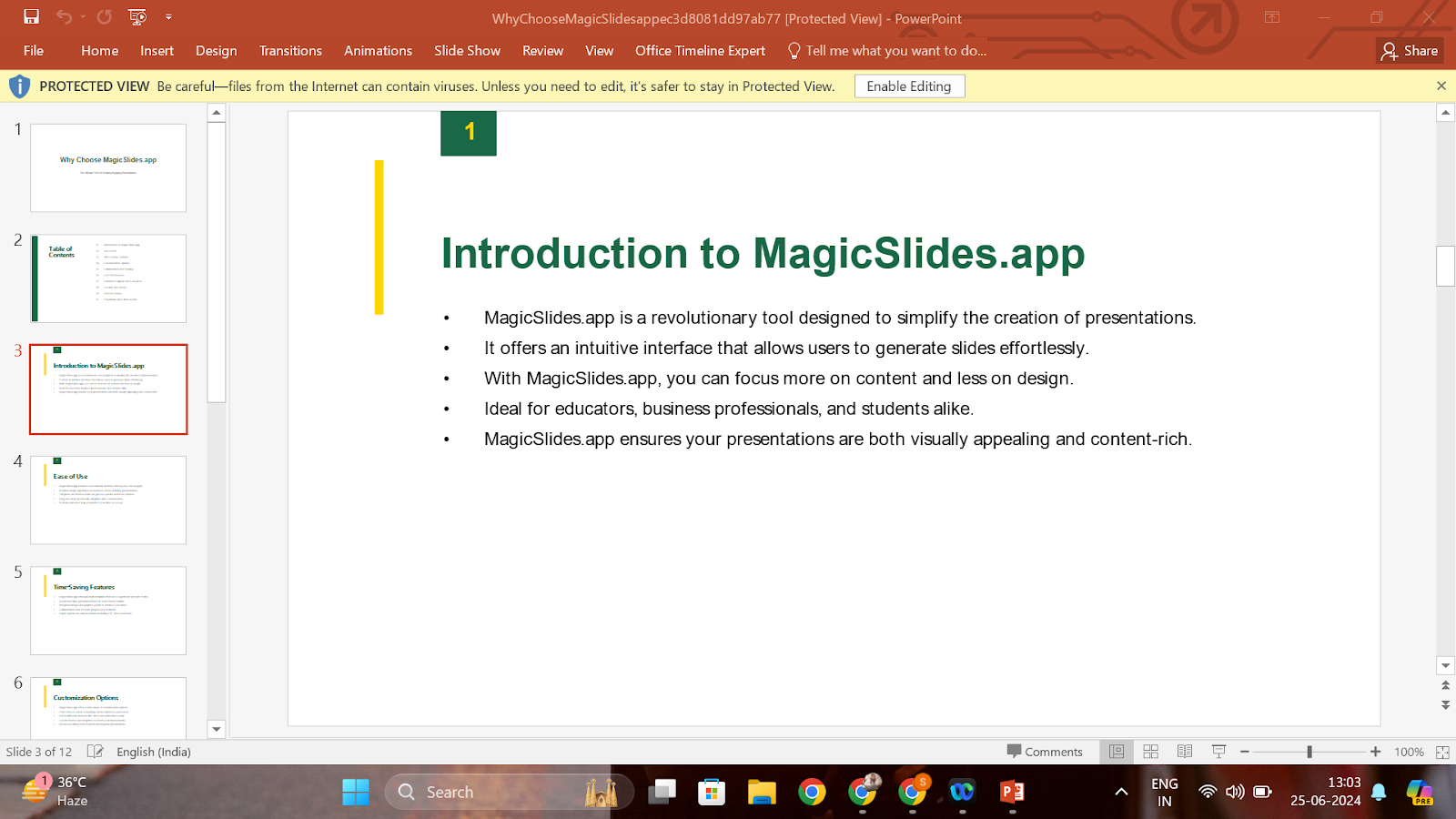
Below is a presentation generated using an AI PPT Maker – magicslides.app. As you can see, it follows a simple and aesthetic theme for your presentation.
Use of Bold Typography
To complement the minimalistic designs, bold typography is making a significant impact. Large, impactful fonts are used to draw attention to key points, making them stand out.
This approach works well with minimalist design philosophies, where the focus is on the content rather than decorative elements.
Infusing Color with Purpose
Gradients are Back
Gradients have made a comeback with a modern twist, blending vibrant colors to create stunning backgrounds and fill elements that captivate the audience.
These aren't just any gradients; they're subtle and strategic, used to direct viewers' attention to the most important parts of the slide.
Pastel Palettes
Alongside vibrant gradients, pastel colors are becoming popular for their soothing and aesthetic appeal. These colors are easy on the eyes and effective in professional settings, providing a fresh, modern look to presentations.
Innovative Data Visualization
Complex Data Made Simple
2024 sees a rise in complex data visualization tools within PowerPoint. Charts and graphs are sleeker and more comprehensive, with enhanced capabilities to handle complex data sets more effectively. This means audiences can understand complicated information through simplified visual formats.
Infographics Integration
Infographics continue to be an excellent tool for making data engaging. PowerPoint’s improved features allow for smoother integration of infographics, enabling presenters to convey their narrative through data-driven storytelling effectively.
Interactive Elements
Engagement Through Interactivity
The introduction of more interactive elements into PowerPoint presentations is a game changer. Features like clickable tabs, hover effects, and embedded videos make presentations more interactive, providing a richer experience for the audience.
Animation and Transitions
Subtle animations and smooth transitions are being used to add professionalism and polish to presentations. These elements are designed to be sleek and quick, ensuring they enhance the presentation without distracting from the main content.
Integration with Modern Tools
Seamless Compatibility with Tools like MagicSlides
Platforms like MagicSlides are transforming how presentations are created by offering an array of design templates and automated tools that sync beautifully with PowerPoint. While not overly promotional, it’s beneficial to highlight how such tools can simplify the design process, enhance creativity, and offer new possibilities in personalization and design flexibility.
Sustainability in Design
Eco-Friendly Themes
With a growing emphasis on sustainability, PowerPoint designs are also reflecting eco-friendly themes. This includes the use of natural color schemes, elements that suggest sustainability, and themes that promote environmental consciousness.
Looking Forward
As we embrace these trends in 2024, it’s clear that PowerPoint’s role in both educational and professional fields is becoming more dynamic. The focus is shifting from static slides to engaging, visually stimulating presentations that resonate with audiences. Whether you are a student, a business professional, or a seasoned designer, staying updated with these trends will help you create more effective and memorable presentations.
Remember, the key to a successful presentation lies not just in the design but also in the story it tells and how it connects with the audience. By integrating these design trends thoughtfully, your PowerPoint presentations can not only look modern but also be impactful.


