How to make PPT to Notes using AI


Convert your PowerPoint presentations into detailed notes easily using MagicSlides AI-powered web application in minutes
How to Make PPT to Notes Using AI with MagicSlides Web App
Creating speaker notes or study materials from PowerPoint presentations can be time-consuming.
Luckily, AI tools like MagicSlides simplify this process by converting your slides into notes in just a few clicks. Whether you're a student, teacher, or professional, MagicSlides can help you generate well-structured, insightful notes from your presentations quickly and efficiently.
Let’s go through the step-by-step guide on how to do this using the MagicSlides web app.
Step-by-Step: Convert PPT to Notes Using MagicSlides Web App
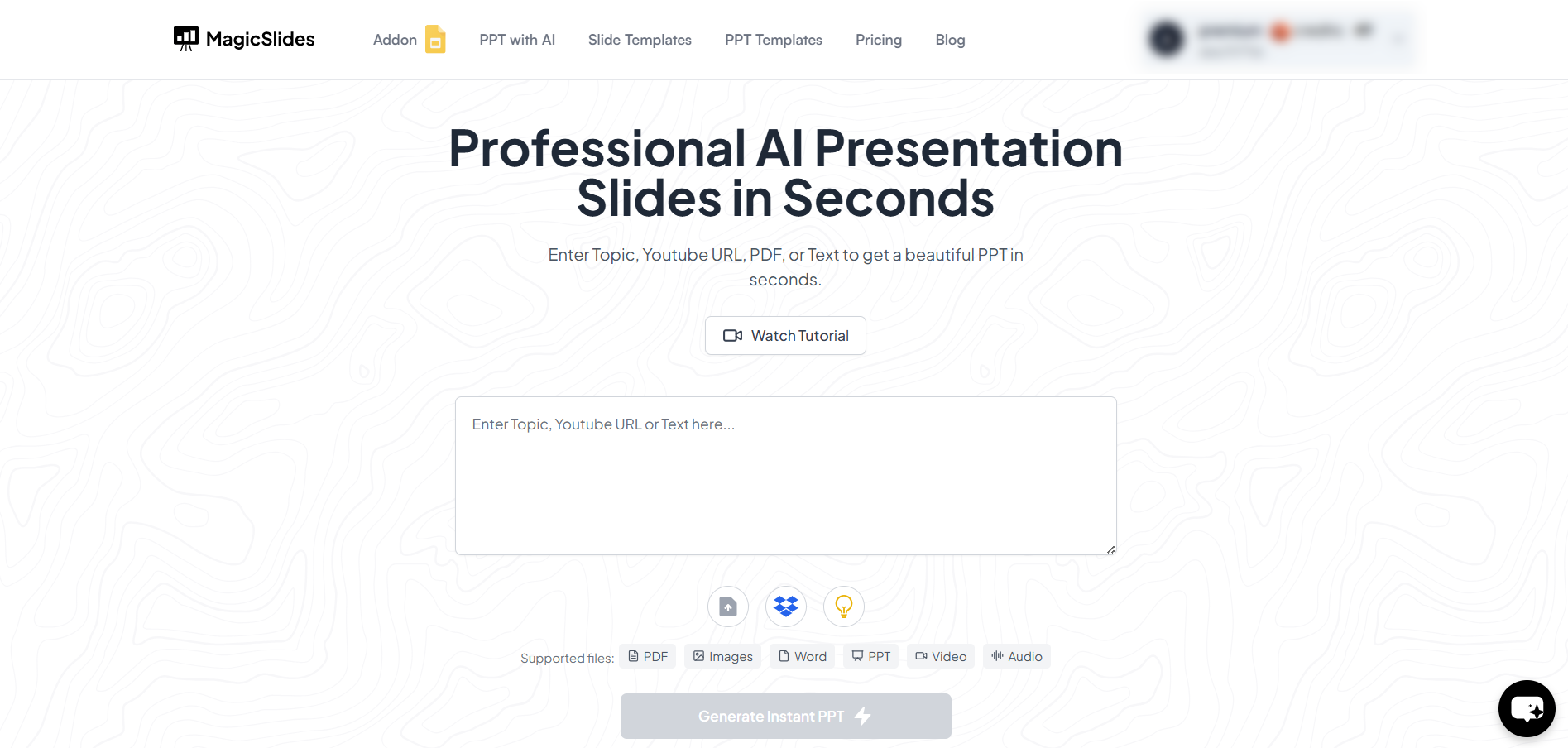
Step 1: Visit MagicSlides Web App
Go to https://www.magicslides.app/ and log in using your Google account. MagicSlides integrates with Google Slides, making the process seamless if your PPT file is uploaded to Google Slides.
Step 2: Upload or Select Your Presentation
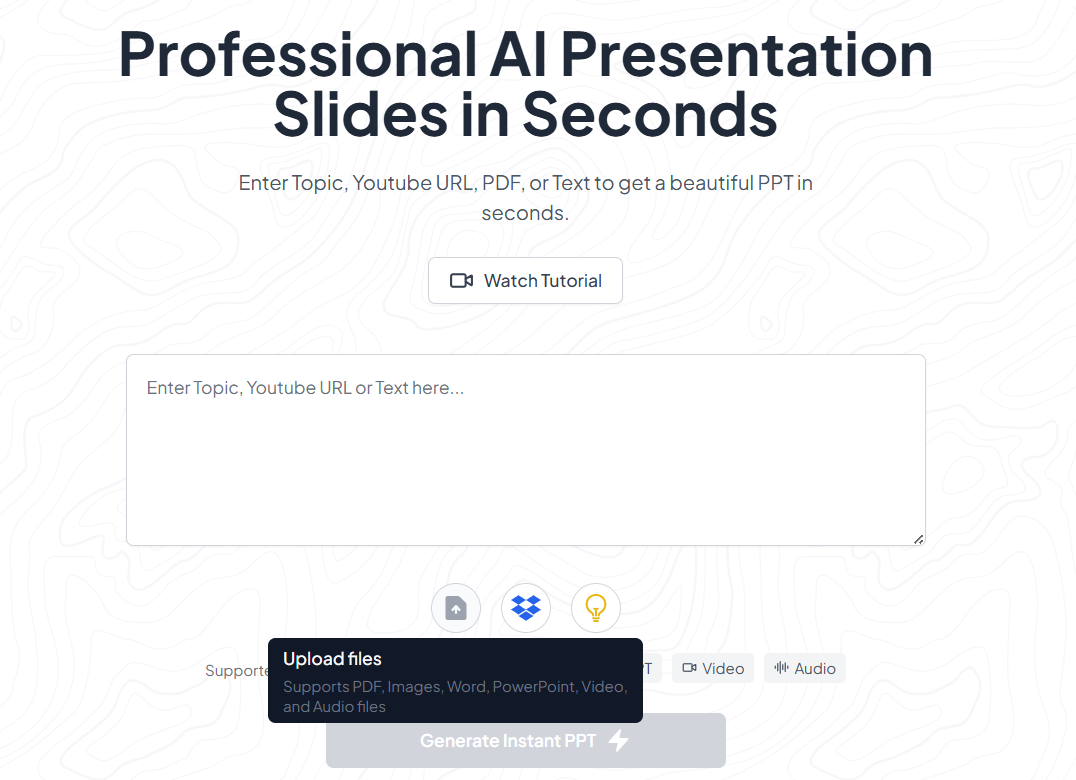
Once logged in, either upload your PowerPoint presentation (PPTX) file or select an existing file from your Google Drive to work with. Make sure the file is properly formatted for best results.
Step 3: Review the Notes from the PPT
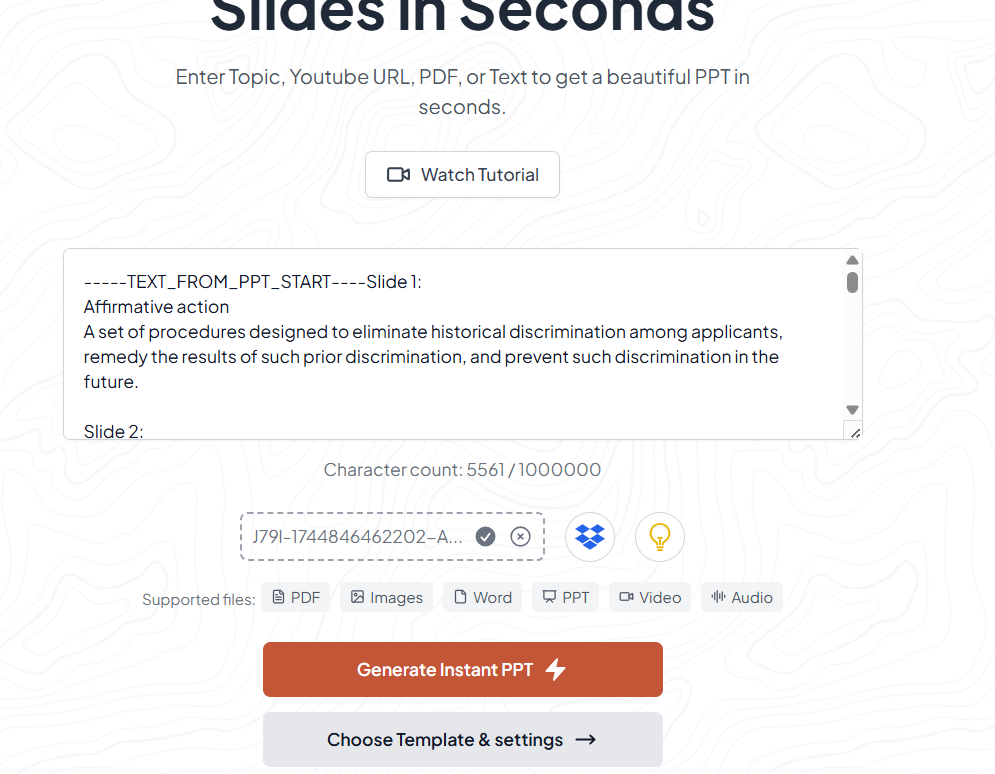
From the MagicSlides dashboard, you can see that as soon as you upload the presentation you will be be able to see the notes from the presentation. You can select and export the text(The Notes) or tweak your presentation more
Step 4: Customize Output (Optional) after exporting
You can choose the level of detail you'd like bullet points, paragraph form, or concise summaries. You may also be able to select the tone or use case (presentation, teaching, studying, etc.).
Step 5: Review and Edit
Once your notes are generated, you’ll be able to review and edit them directly. This ensures that you can fine-tune the content to suit your audience or purpose.
Conclusion
With the help of MagicSlides' AI-powered tools, transforming your PowerPoint presentation into organized and professional notes is faster and easier than ever.
Whether you're prepping for a big talk or studying for exams, this tool can save you hours of manual work while improving your final output.
FAQs are here to help!
Is MagicSlides free to use?
MagicSlides offers both free and premium plans. The free version comes with basic features, but for advanced note generation or large presentations, a premium upgrade might be necessary.
Can I use MagicSlides with PowerPoint files directly?
You can upload PPTX files to Google Slides and then access them via MagicSlides. Currently, MagicSlides integrates best with Google Slides.
Can I generate notes in different languages?
Yes! MagicSlides supports multiple languages. You can choose your preferred language before generating the notes.


