How Can Automated Tools Transform Your Presentation’s Pros/Cons Analysis?


Discover how automated tools can enhance your presentation’s pros and cons analysis, making it more efficient, consistent, and visually appealing.
Presenting ideas, strategies, and goals is becoming a crucial part of working in a variety of businesses in the digital era. Whether you're presenting research findings, giving a class, or delivering a business proposal, the way you communicate may have a big impact on how well your audience understands and makes decisions. The pros and cons analysis is an essential component of any complete presentation. This aids in making well-informed judgments by impartially weighing the advantages and disadvantages of a plan, approach, or product.
With the advent of automated tools, creating presentations has never been easier. These tools are designed to streamline the presentation-making process, offering a range of features that enhance the quality and efficiency of your work. In this blog post, we'll explore how automated tools can transform your pros and cons analysis, making your presentations more effective and engaging.
The Role of Pros and Cons Analysis in Presentations
Pros and cons analysis is a fundamental component of critical thinking. It involves listing the advantages (pros) and disadvantages (cons) of a particular decision, strategy, or product. This analysis helps to:
- Clarify Thinking: By systematically considering both sides of an argument, you can better understand the potential outcomes and impacts of your decisions.
- Facilitate Decision-Making: Presenting a balanced view of the pros and cons helps stakeholders make informed decisions.
- Enhance Persuasiveness: A well-structured pros and cons analysis can make your argument more compelling by demonstrating that you have thoroughly evaluated all aspects.
How Automated Tools Enhance Pros and Cons Analysis
Automated tools offer several features that can significantly improve the process of creating and presenting a pros and cons analysis:
Efficiency and Time-Saving
Automated tools streamline the creation process, allowing you to quickly generate slides that outline the pros and cons of any topic. For example, tools like MagicSlides.app use AI to generate slides based on your input, saving you hours of manual work. By inputting key points, the tool can automatically format and organize your content into visually appealing slides.
Pros:
- Saves time by automating the slide creation process.
- Reduces the need for repetitive manual tasks.
Cons:
- May require a learning curve to understand the tool's features.
- Limited customization options compared to manual creation.
Consistency and Professionalism
Automated tools ensure that your slides maintain a consistent style and format, which is crucial for professional presentations. This consistency helps in maintaining the audience's focus and makes the presentation more visually appealing.
Pros:
- Ensures a uniform and professional look across all slides.
- Reduces the risk of formatting errors.
Cons:
- May limit creative flexibility.
- Can result in presentations that look similar to others using the same tool.
Data Visualization
Advanced automated tools offer features for data visualization, enabling you to present complex data in an easy-to-understand format. This is particularly useful for pros and cons analysis, where data and statistics can support your points.
Pros:
- Makes complex data more accessible and understandable.
- Enhances the visual appeal of your presentation.
Cons:
- May require accurate data input to ensure reliability.
- Potential over-reliance on visuals can detract from the content's depth.
AI-Generated Content
Some automated tools, such as MagicSlides.app, utilize AI to suggest content and structure for your slides. This can be particularly helpful if you're unsure how to start your pros and cons analysis or if you're looking for ways to enhance your arguments.
Pros:
- Provides inspiration and content suggestions.
- Can identify gaps in your analysis and offer improvements.
Cons:
- AI suggestions may not always align with your specific needs or style.
- May require adjustments to better fit your context.
Steps to Create a Pros and Cons Slide Using MagicSlides.app
Here’s a step-by-step guide on how to use MagicSlides.app to create a pros and cons slide:
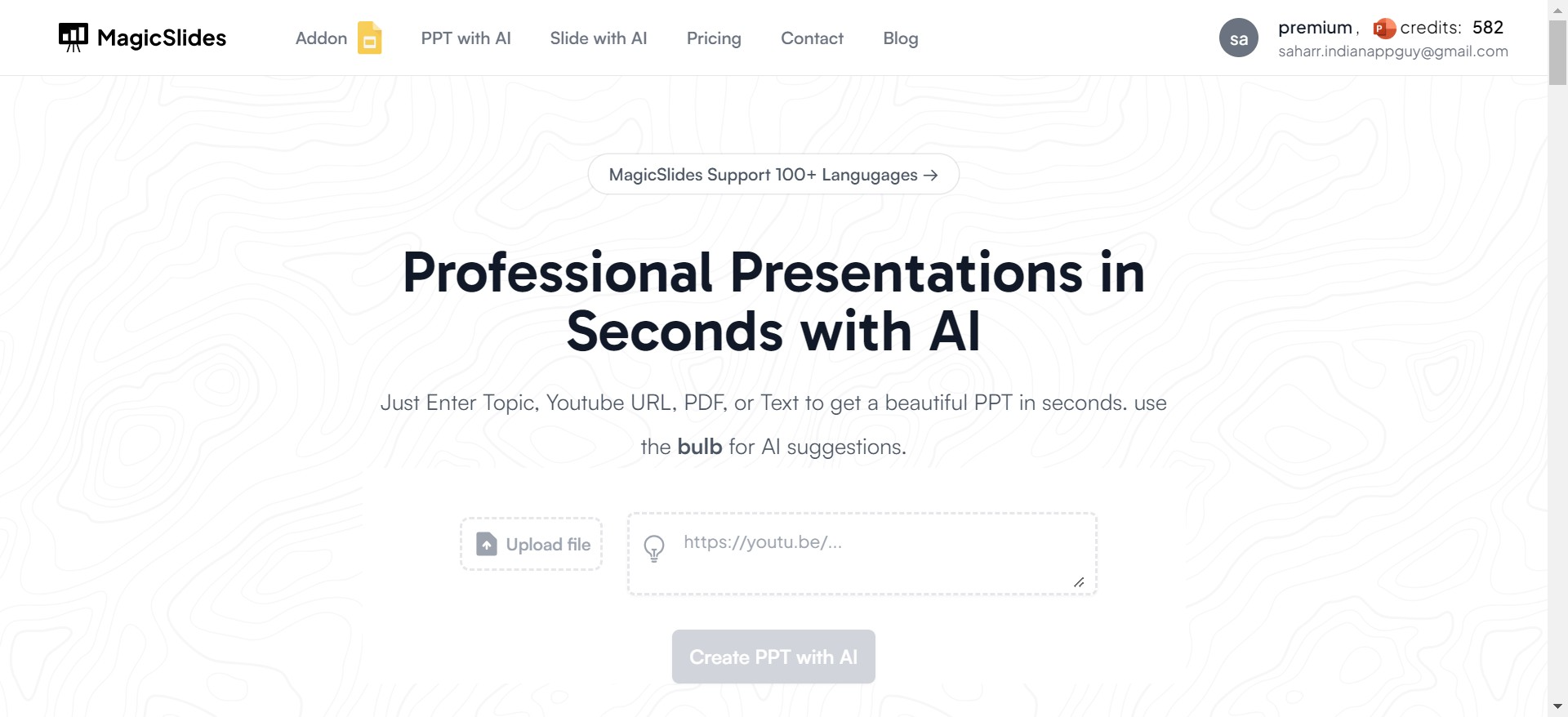
- Visit MagicSlides.app: Open your browser and navigate to MagicSlides.app.
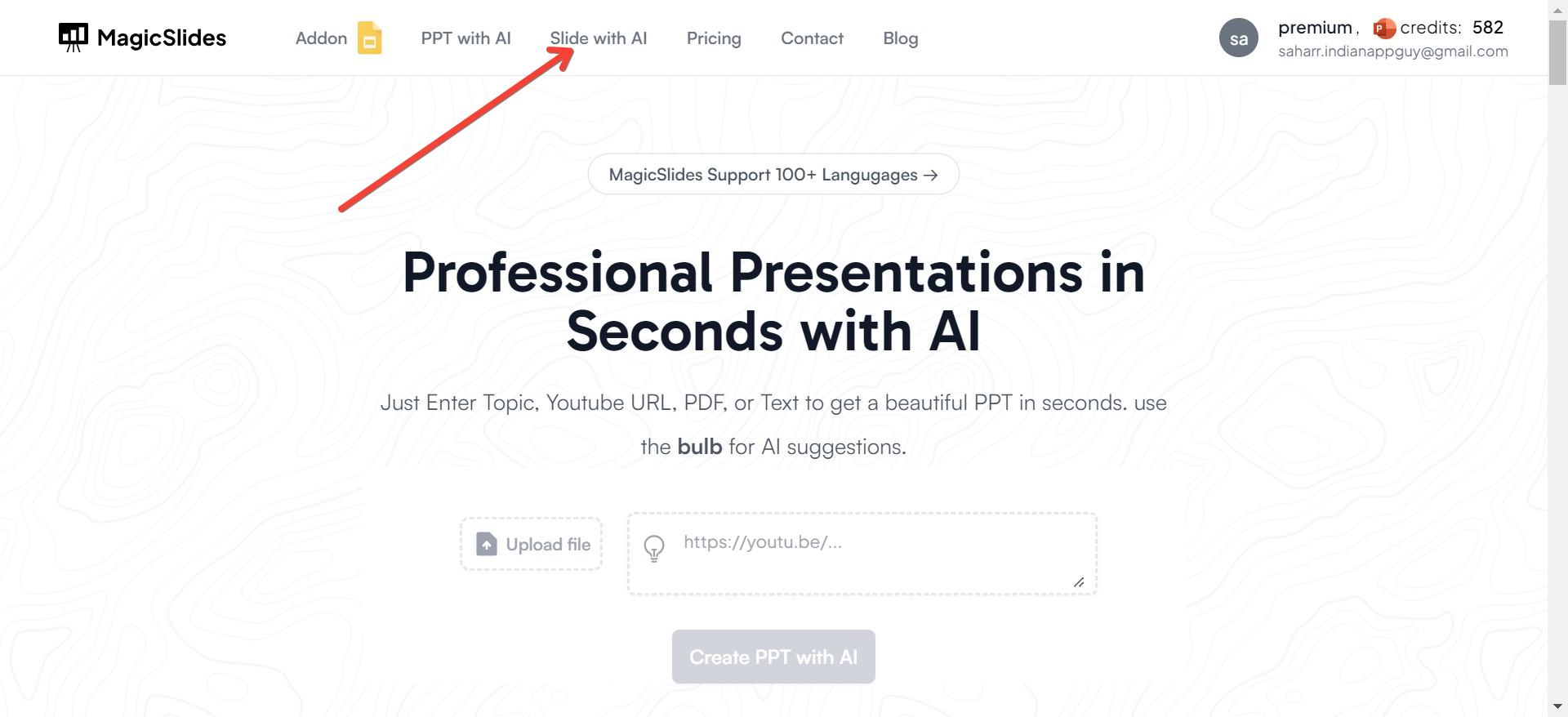
- Click on Slide with AI: Look for the option labeled "Slide with AI" and click on it.
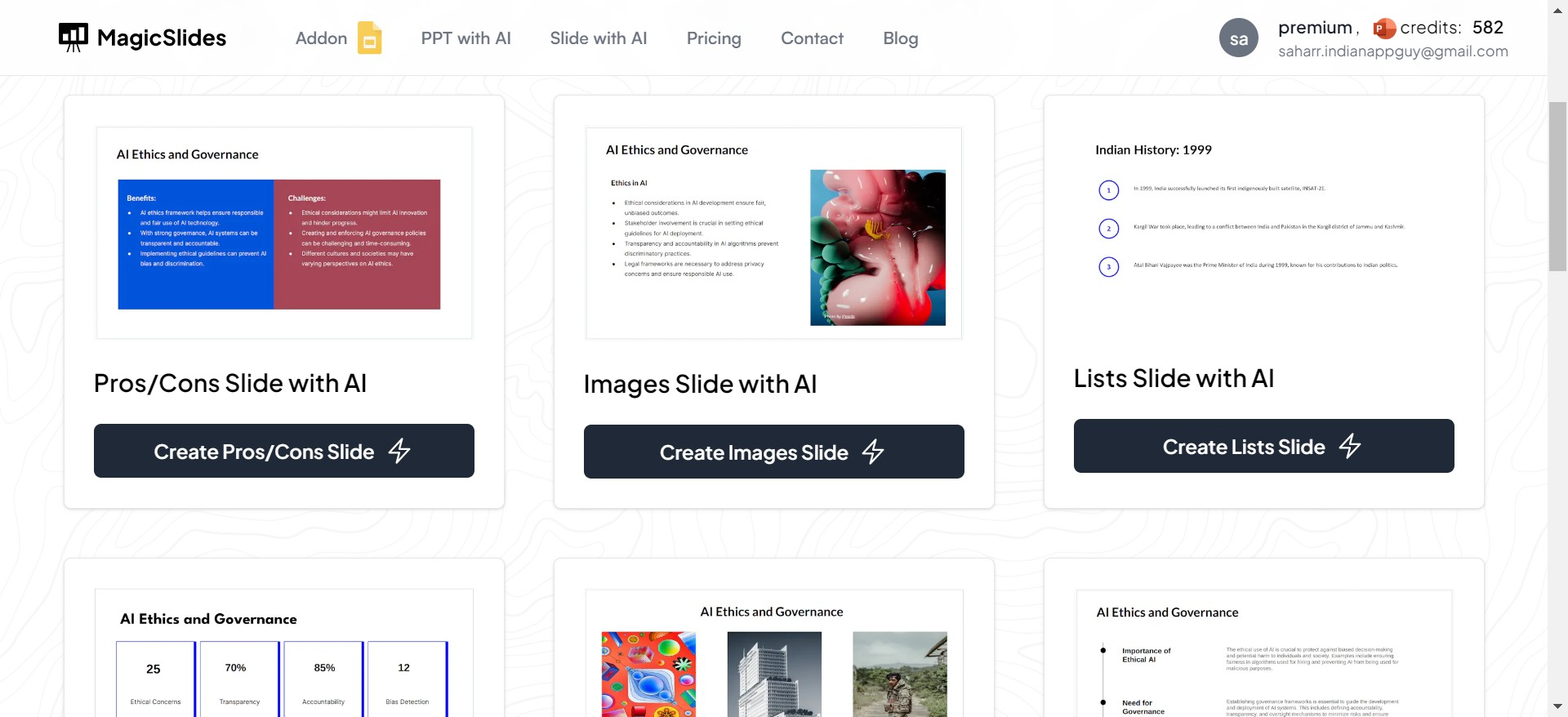
- Choose Pros and Cons Slide: MagicSlides.app offers a variety of features like timeline slides, lists slides, metrics slides, etc. For this purpose, select the "Pros and Cons" slide.
- Enter Your Topic: Input the topic of your pros and cons analysis and choose a template that fits your style and needs.
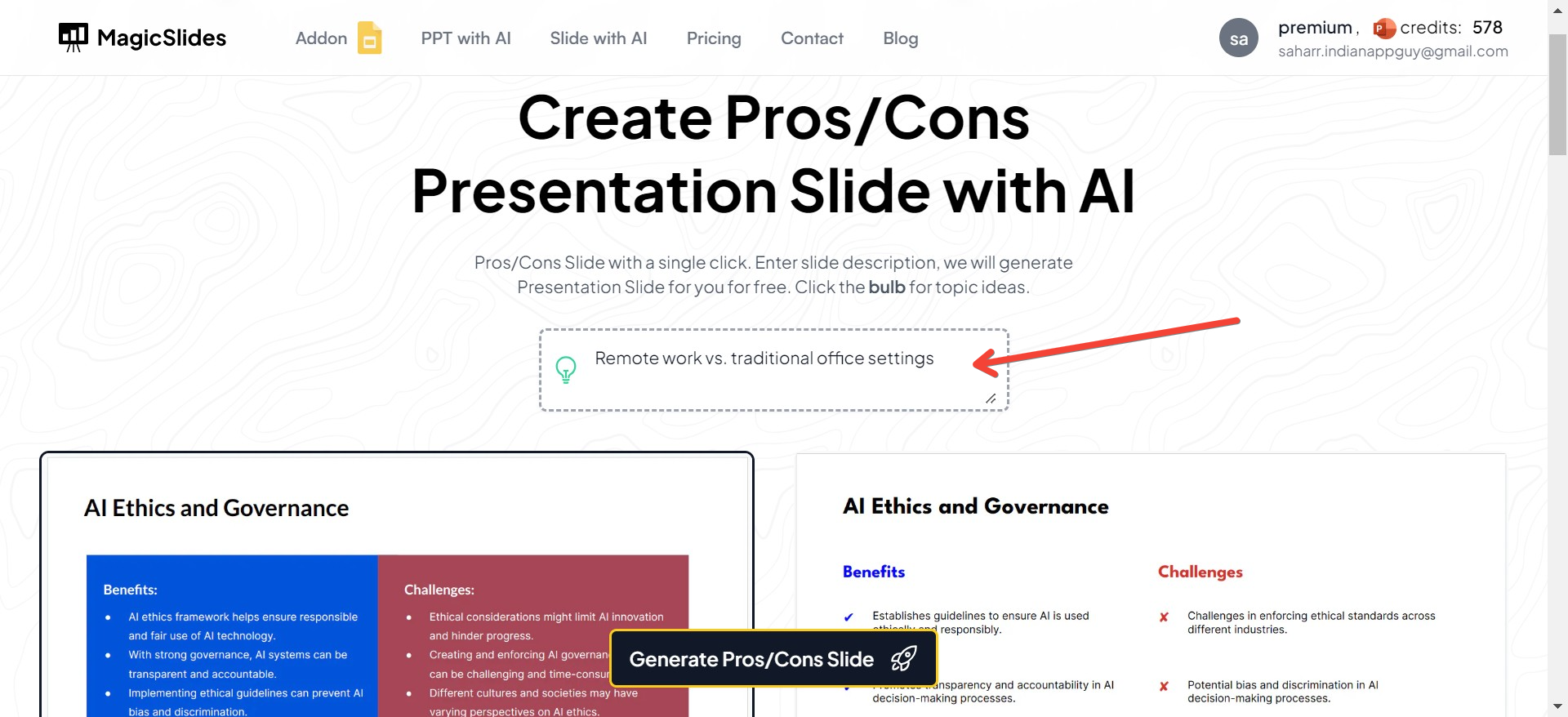
- Generate the Slide: Click on the "Generate Pros/Cons Slide" button.
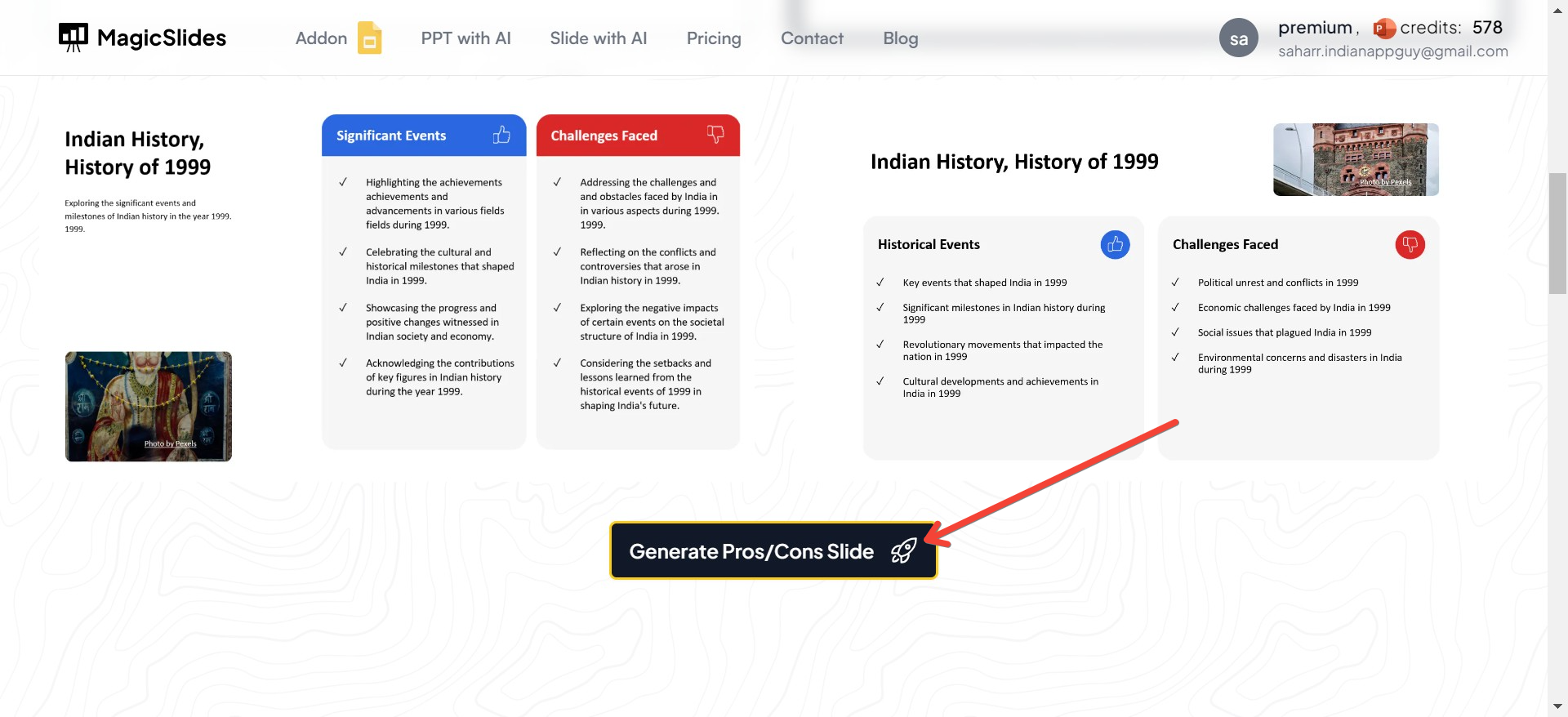
- Download and Insert: You will be redirected to a new tab with your generated slide. Download the slide and insert it into your PowerPoint presentation.
This process not only saves time but also ensures that your pros and cons analysis is clear, concise, and visually appealing.
Conclusion
Automated tools have revolutionized the way we create presentations, offering significant advantages in terms of efficiency, consistency, and data visualization. When it comes to pros and cons analysis, these tools can help you present your arguments in a compelling and professional manner, making it easier for your audience to make informed decisions.
While there are some trade-offs, such as potential limitations in customization and a learning curve for new users, the benefits of using automated tools like MagicSlides.app far outweigh the drawbacks. By leveraging these tools, you can transform your presentations and elevate your communication skills to the next level.
So, next time you’re preparing a presentation, consider using an automated tool to enhance your pros and cons analysis. You'll not only save time but also create a more engaging and professional presentation that resonates with your audience


