What is the best AI Presentation Maker


MagicSlides AI creates stunning presentations instantly via its web app or Google Slides extension, saving time
What Is the Best AI Presentation Maker?
Creating professional presentations has never been easier, thanks to AI-powered tools like MagicSlides.
Whether you prefer a standalone web app or an integrated Google Slides extension, MagicSlides offers a seamless experience to generate high-quality slides effortlessly.
Why Is MagicSlides the Best AI Presentation Maker?
MagicSlides uses advanced AI to create presentations quickly and efficiently. It helps users save time, structure slides effectively, and enhance creativity. Whether you're a student, business professional, or educator, MagicSlides provides a hassle-free way to create presentations.
You can use MagicSlides in two ways:
- MagicSlides Web App – Ideal for those who want a standalone AI tool to generate PowerPoint files.
- MagicSlides Google Slides Extension – Best for users who work directly within Google Slides.
Let’s explore how to use both!
Option 1: Using MagicSlides Web App for AI-Generated Presentations
If you need a fully AI-driven tool that works independently, the MagicSlides Web App is the best choice.
How to Use MagicSlides Web App:
Go to MagicSlides.app – Visit MagicSlides Web App and sign in.
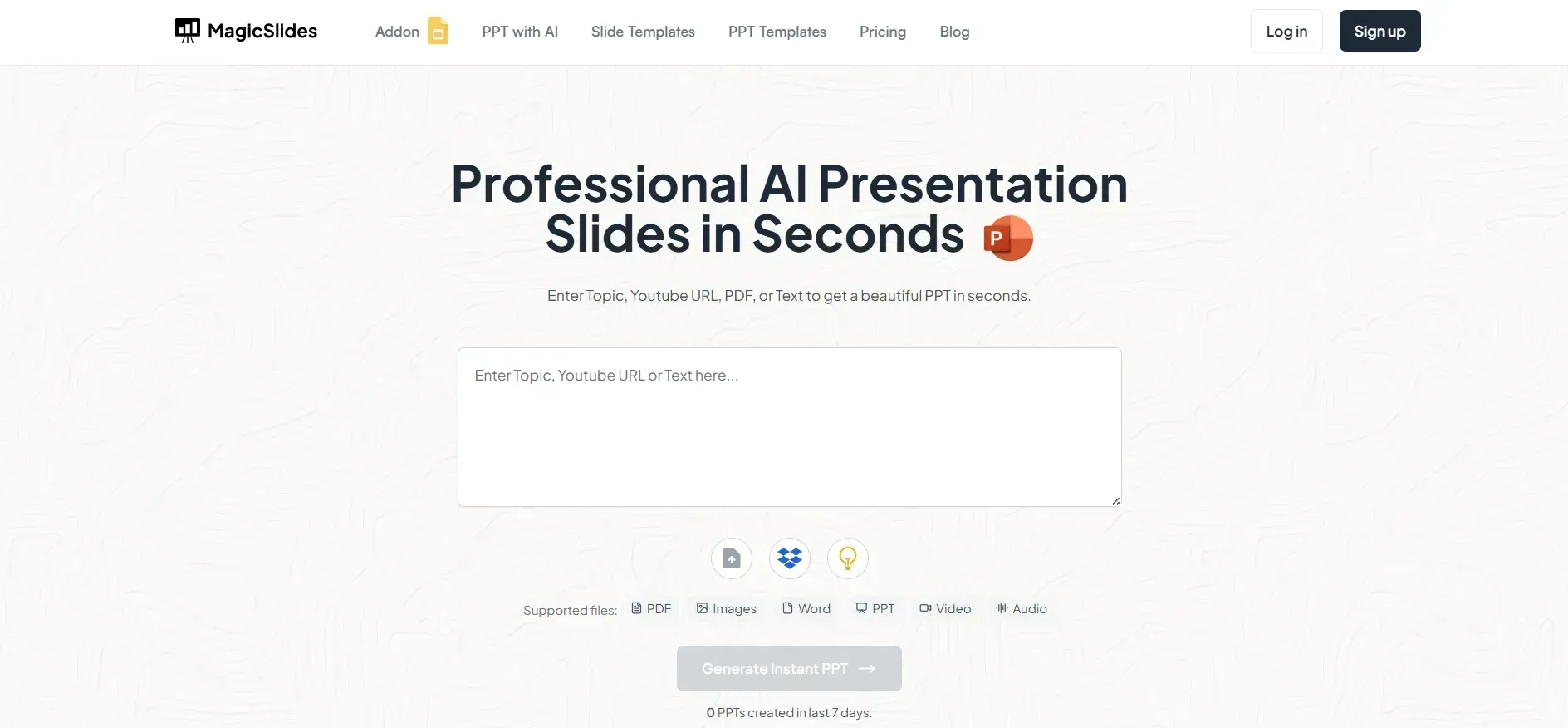
Enter Your Topic – Type in the subject of your presentation in the AI input bar.
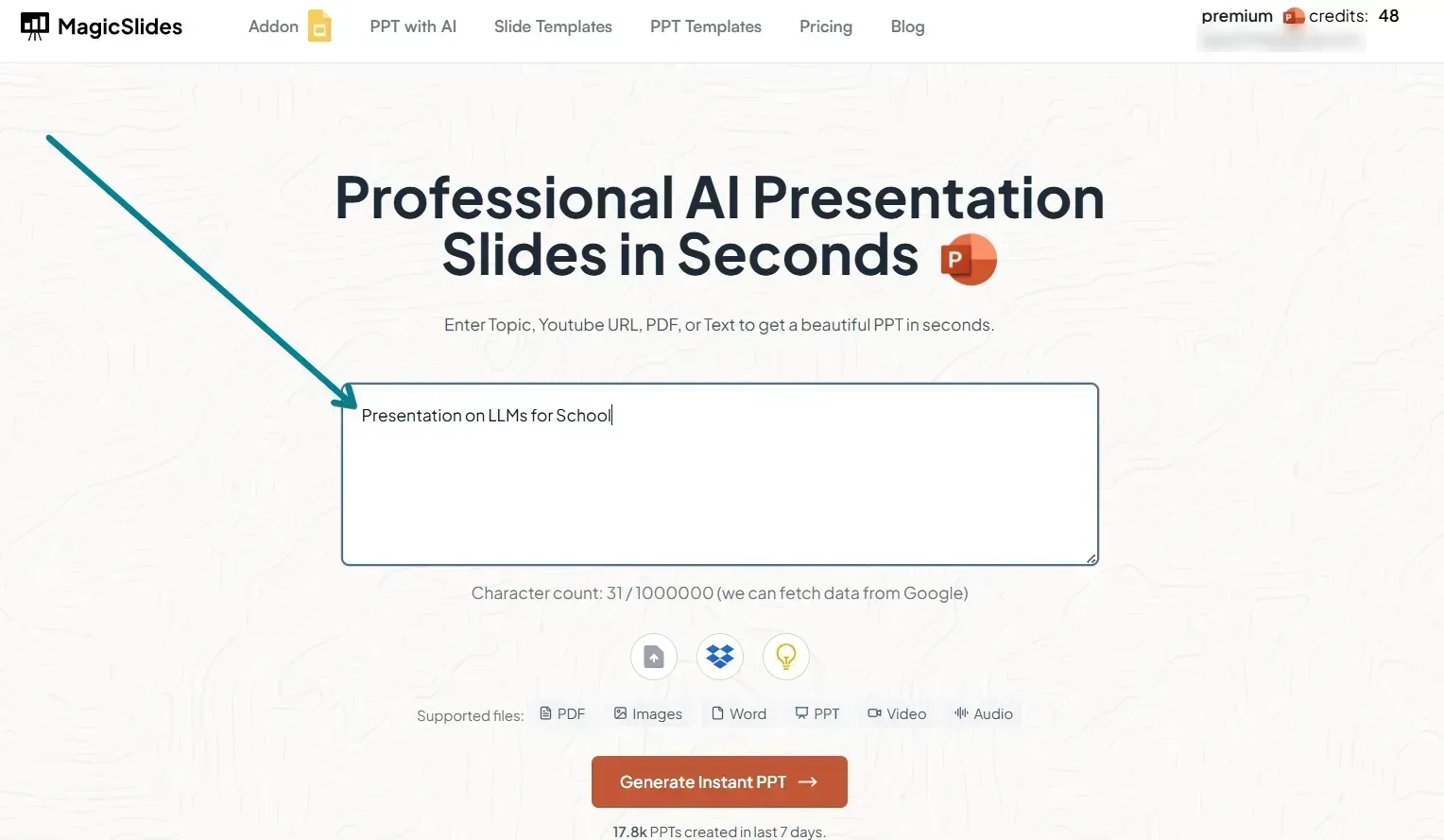
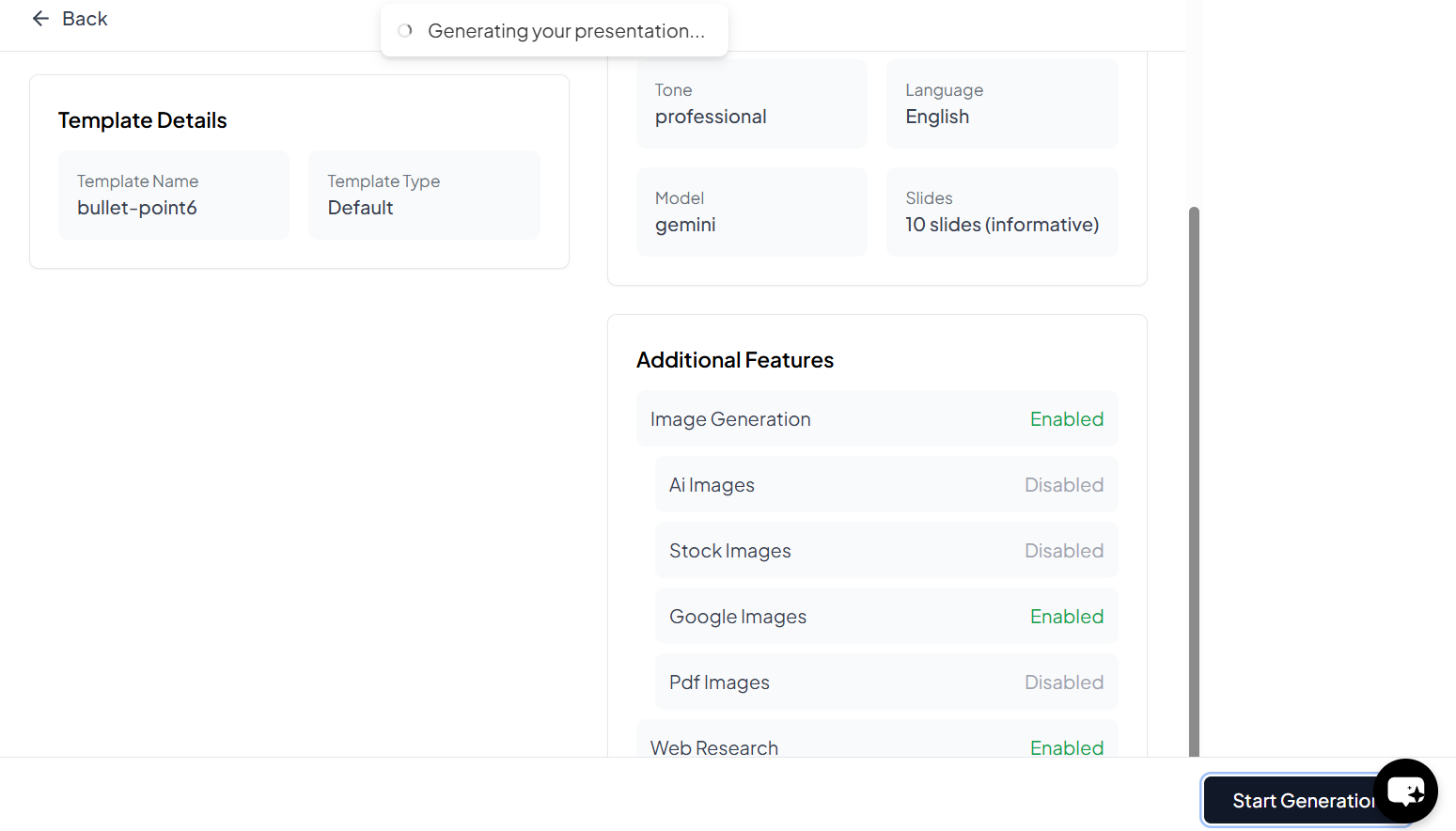
Click ‘Generate Presentation’ – The AI will create structured slides with relevant content and designs.
Review & Edit – Make any necessary changes to fine-tune your presentation.
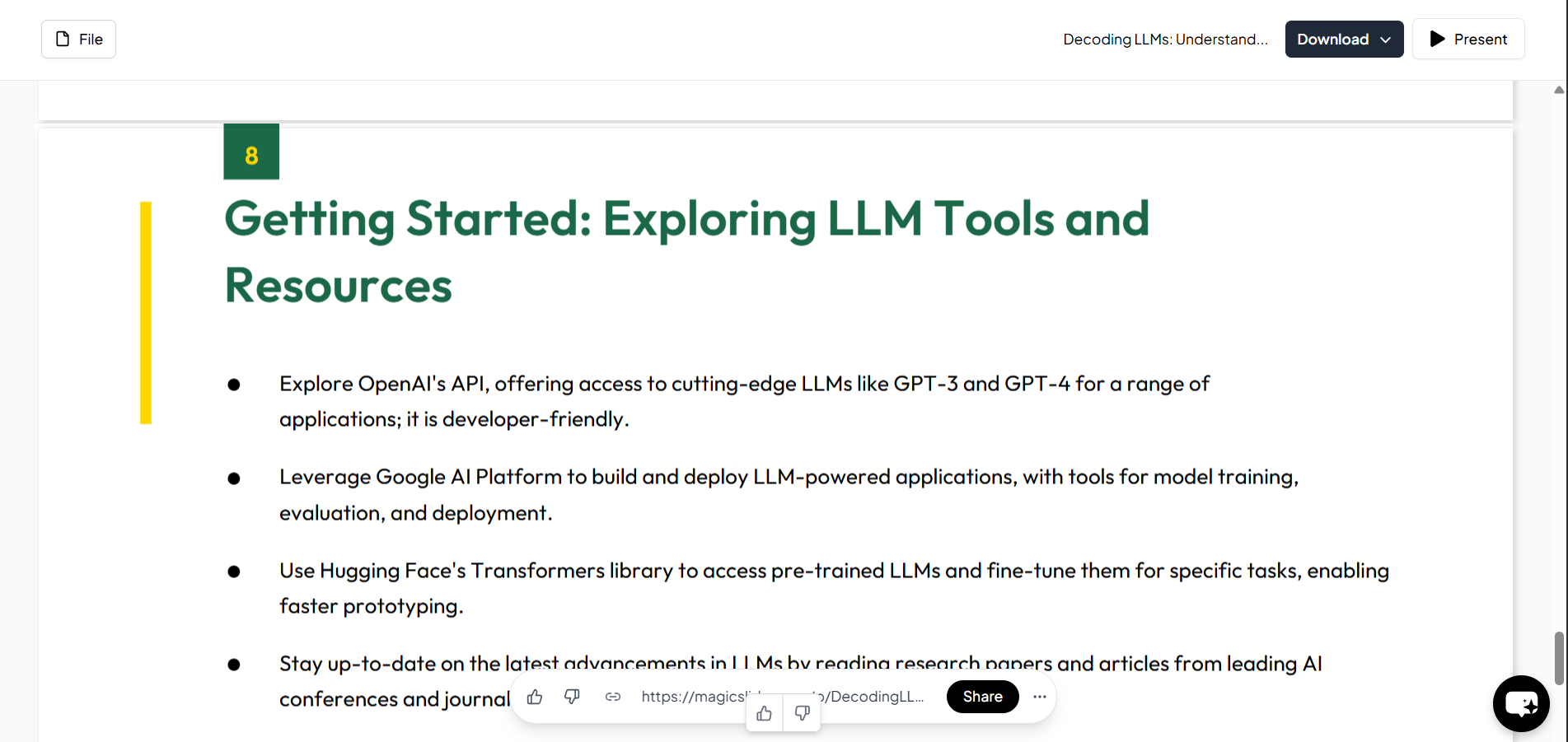
Download & Use Anywhere – Save the .pptx file and open it in PowerPoint, Google Slides, or any other presentation software.
Option 2: Using MagicSlides Google Slides Extension
For those who prefer working within Google Slides, the MagicSlides extension is a great option.
How to Use MagicSlides Google Slides Extension:
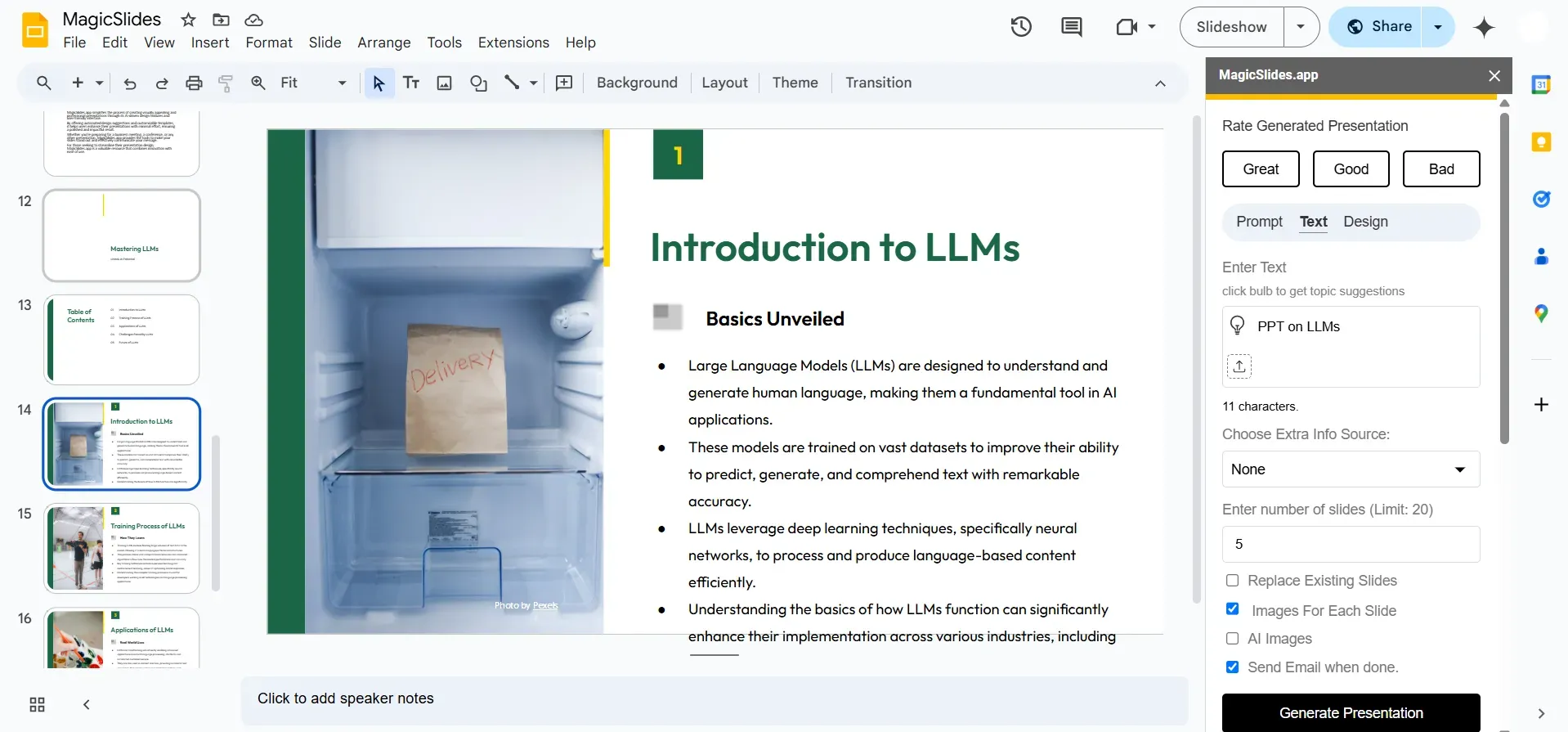
Open Google Slides – Launch Google Slides and open a blank or existing presentation.
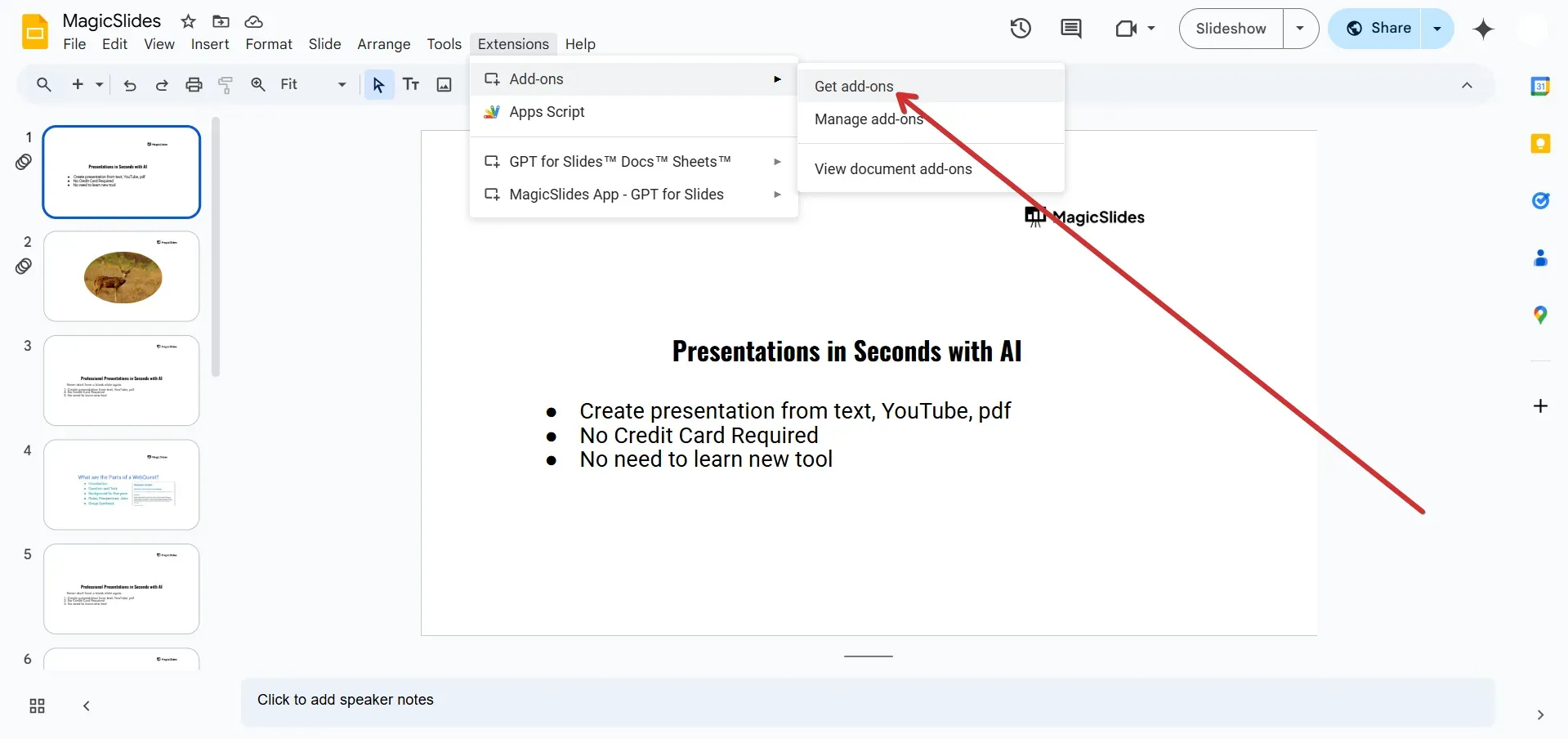
Install MagicSlides Extension – Go to Extensions > Add-ons > Get add-ons and search for MagicSlides. Install it.
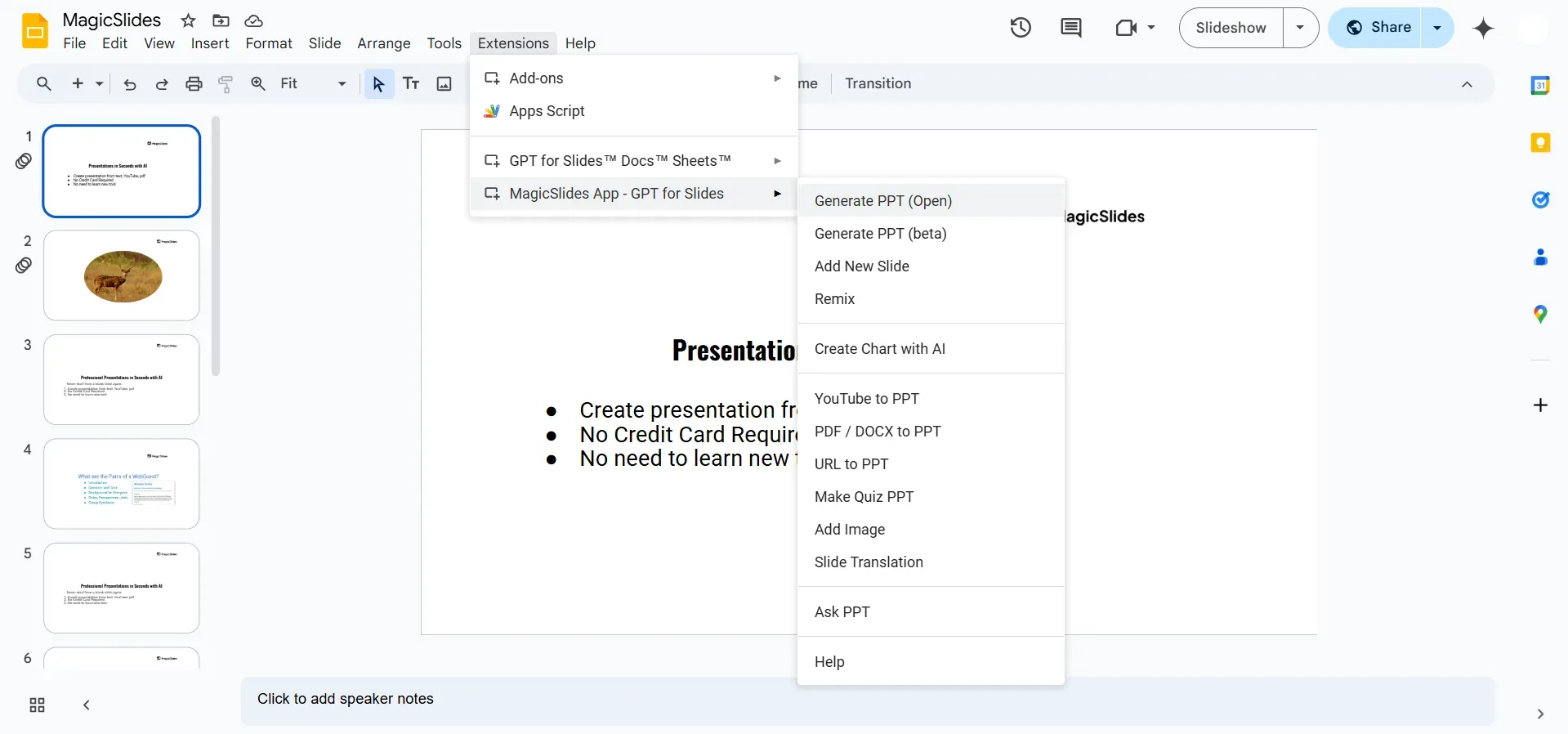
Launch MagicSlides – Click on Extensions > MagicSlides > Generate Presentation.
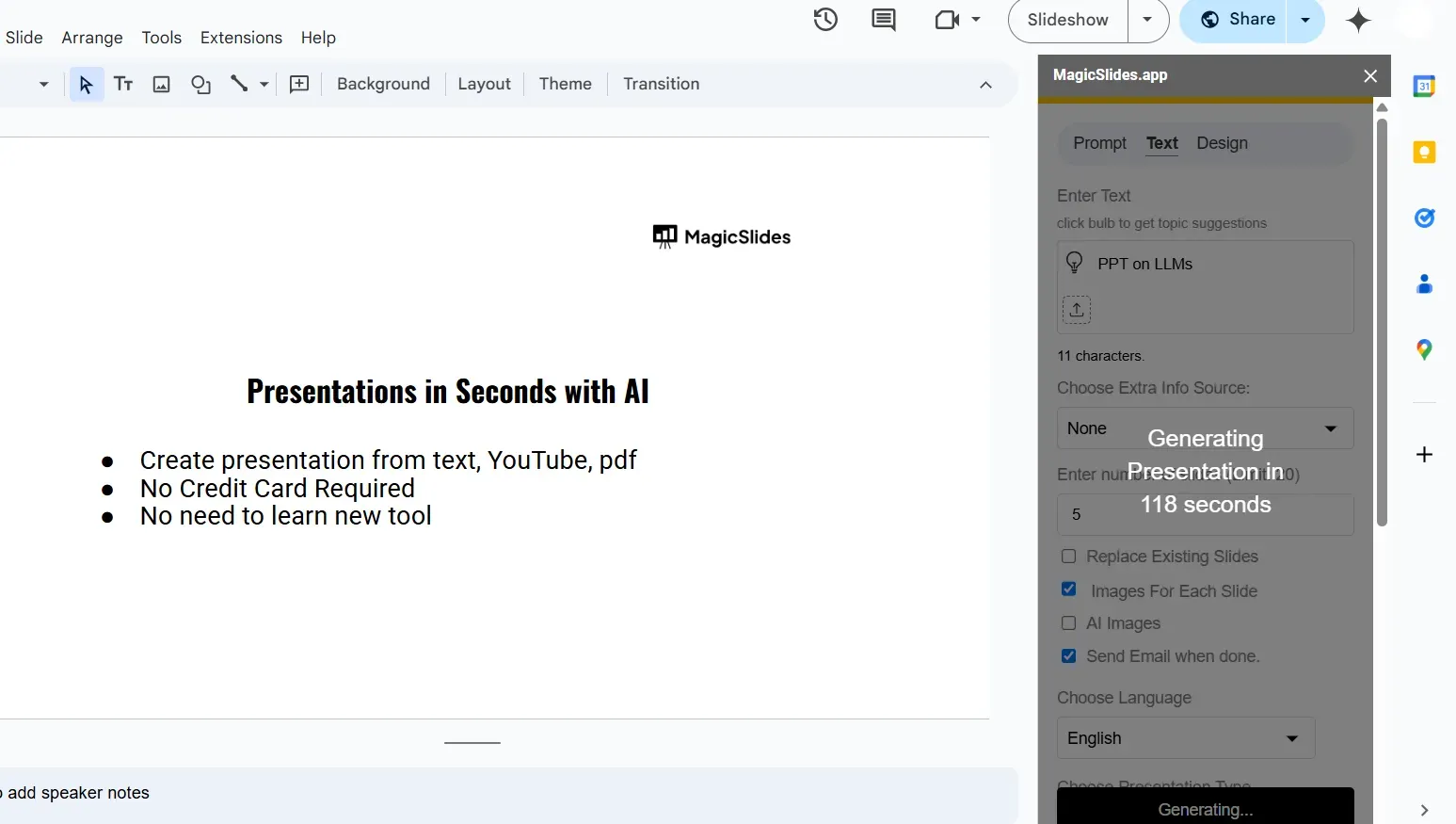
Enter Your Topic – Type in the topic, select preferences, and click Generate PPT.
Review & Modify – Customize your slides, add personal touches, and finalize your presentation.
Which One Should You Use?
Both options offer AI-powered presentations, but the right choice depends on your needs:
- Use MagicSlides Web App if you want a fully independent AI tool to create PowerPoint files.
- Use MagicSlides Google Slides Extension if you prefer to generate slides within Google Slides.
Unlock Advanced Features with MagicSlides Premium
MagicSlides also offers premium features such as:
✅ Converting YouTube videos into slides
✅ Generating presentations from URLs
✅ Advanced slide layouts and designs
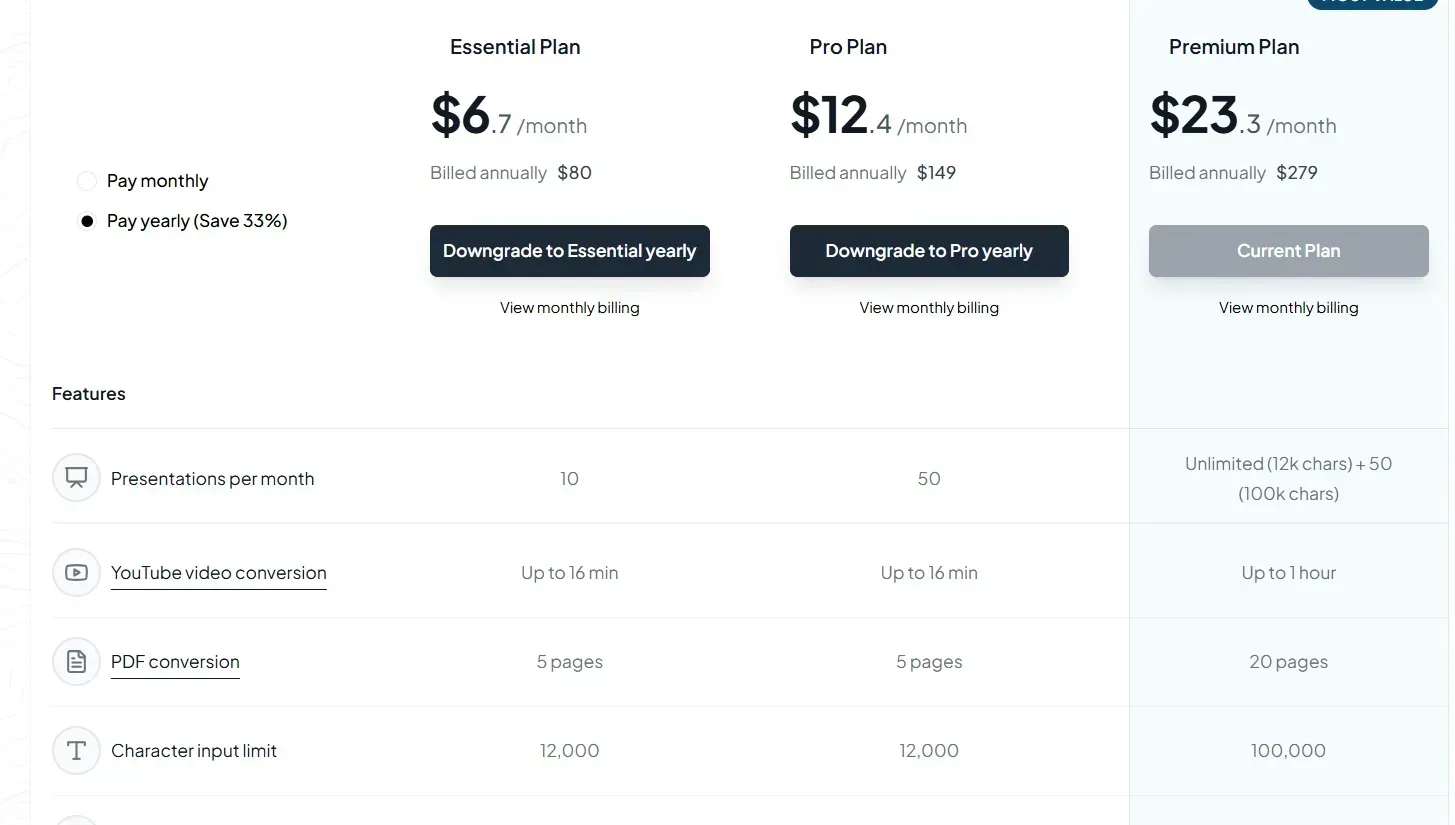
Check out the MagicSlides pricing page to explore additional features.
Conclusion
When it comes to AI-powered presentation makers, MagicSlides stands out as the best option. Whether you choose the MagicSlides Web App or the Google Slides Extension, you’ll save time and create professional-quality slides effortlessly. Try it today and revolutionize your presentation-making process!


