What is the shortcut key for checking the spelling in PowerPoint


Quickly check spelling in PowerPoint using the F7 shortcut key for a polished presentation.
Ensuring that your PowerPoint presentation is free from spelling errors is crucial for maintaining a professional appearance.
Fortunately, PowerPoint offers a quick way to check spelling using a simple keyboard shortcut.
In this blog post, we'll guide you through the steps to check spelling in PowerPoint using the shortcut key, along with some tips for making the most of this feature.
What is the shortcut key for checking the spelling in PowerPoint
Step 1: Open Your PowerPoint Presentation
Start by opening the PowerPoint presentation that you want to check for spelling errors. Make sure all the slides are complete and ready for review.
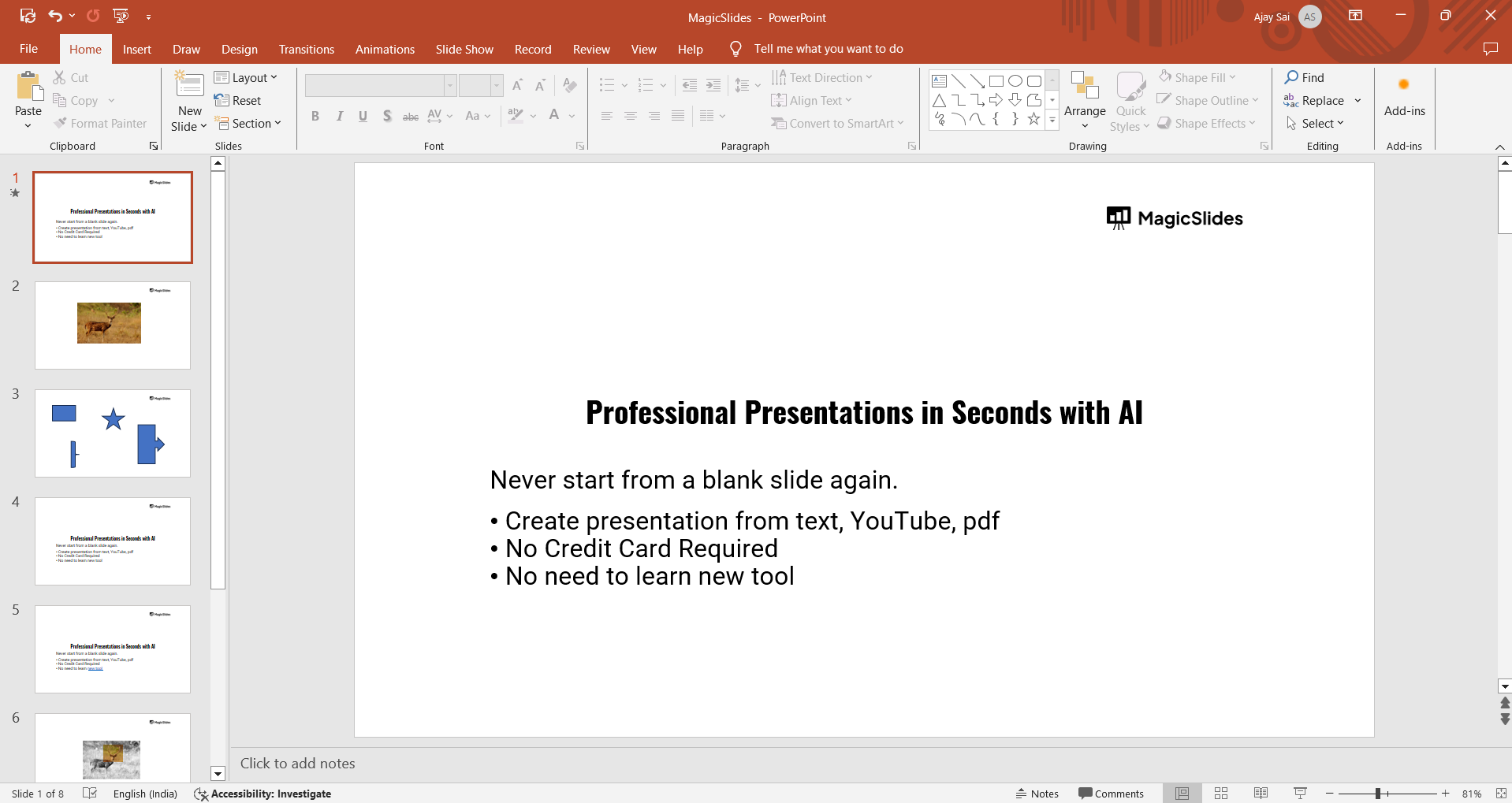
Step 2: Navigate to the Slide You Want to Check
While PowerPoint checks the spelling across the entire presentation, it's helpful to start on the slide where you want to begin your review.
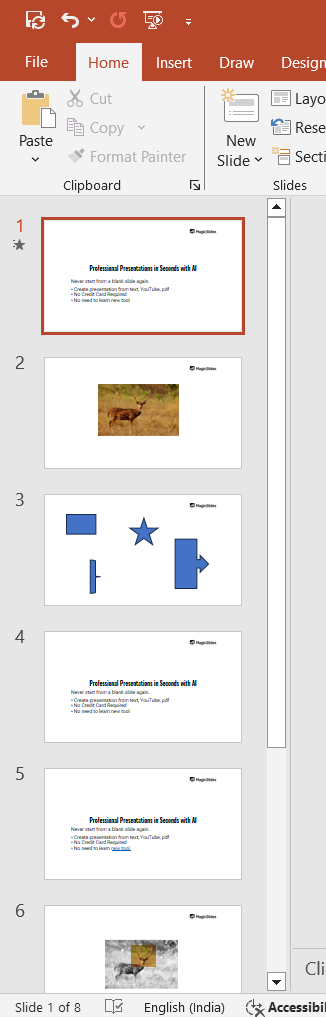
You can navigate to any slide using the slide thumbnails on the left side of the screen.
Step 3: Use the Shortcut Key to Start the Spell Check
To initiate the spell check, simply press F7 on your keyboard. This is the shortcut key for checking spelling in PowerPoint.
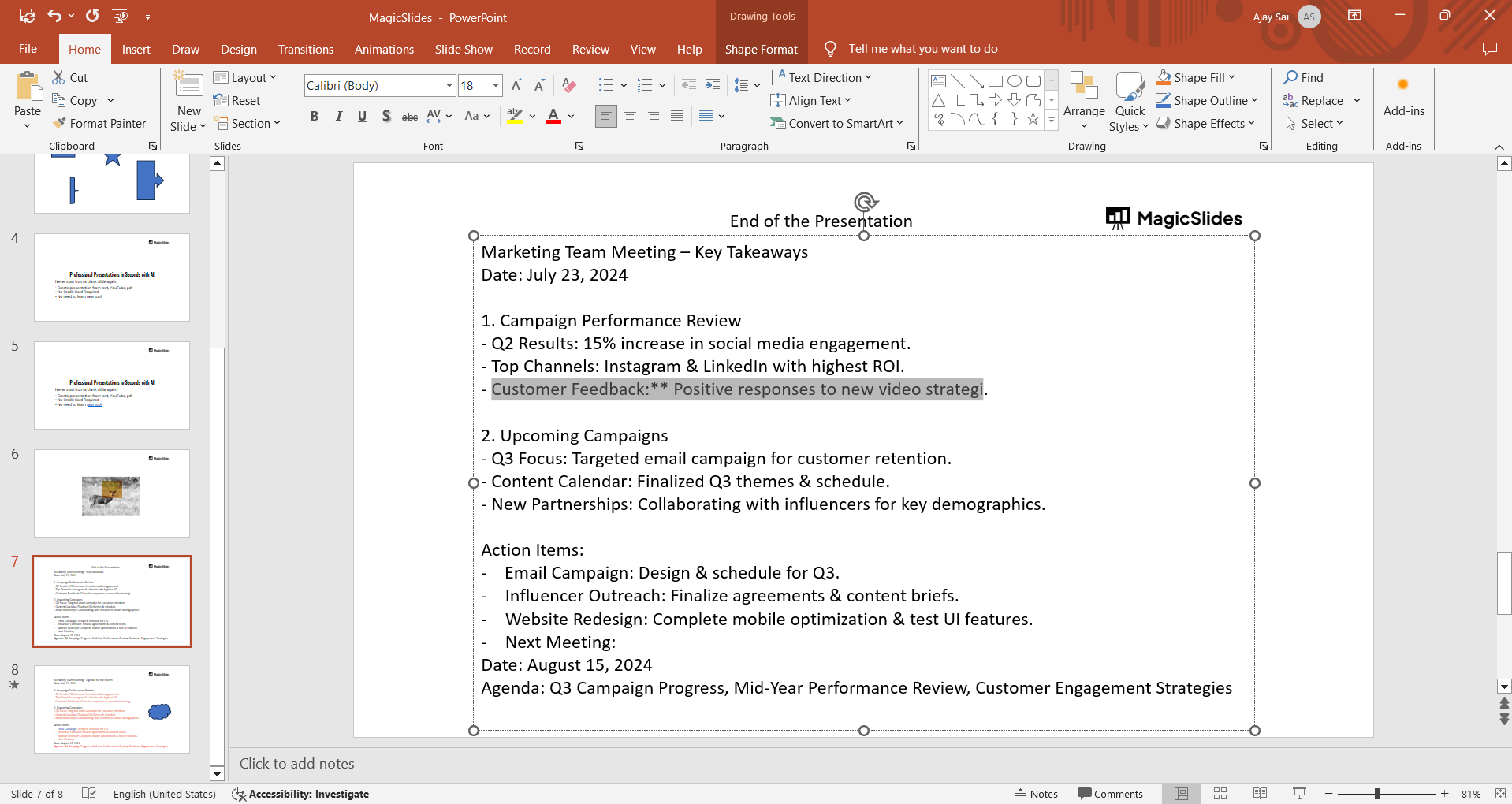
The spell check will start immediately, scanning the text on the current slide and then moving through the entire presentation.
Step 4: Review and Correct Spelling Errors
As PowerPoint identifies potential spelling errors, a dialog box will appear, offering suggestions for corrections. You can choose to:
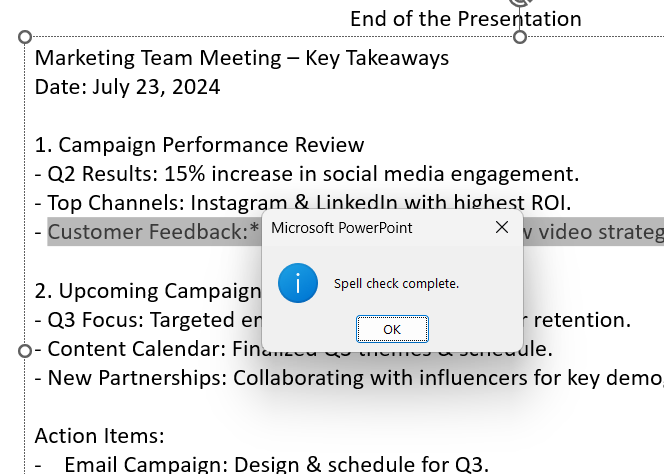
- Change: Replace the misspelled word with one of the suggested corrections.
- Ignore: Skip the highlighted word if it’s correct but not recognized by the dictionary (e.g., brand names).
- Add to Dictionary: Add the word to PowerPoint’s dictionary so it’s recognized in future spell checks.
Step 6: Double-Check the Presentation
Although the spell check is a helpful tool, it's a good idea to manually review your presentation as well.
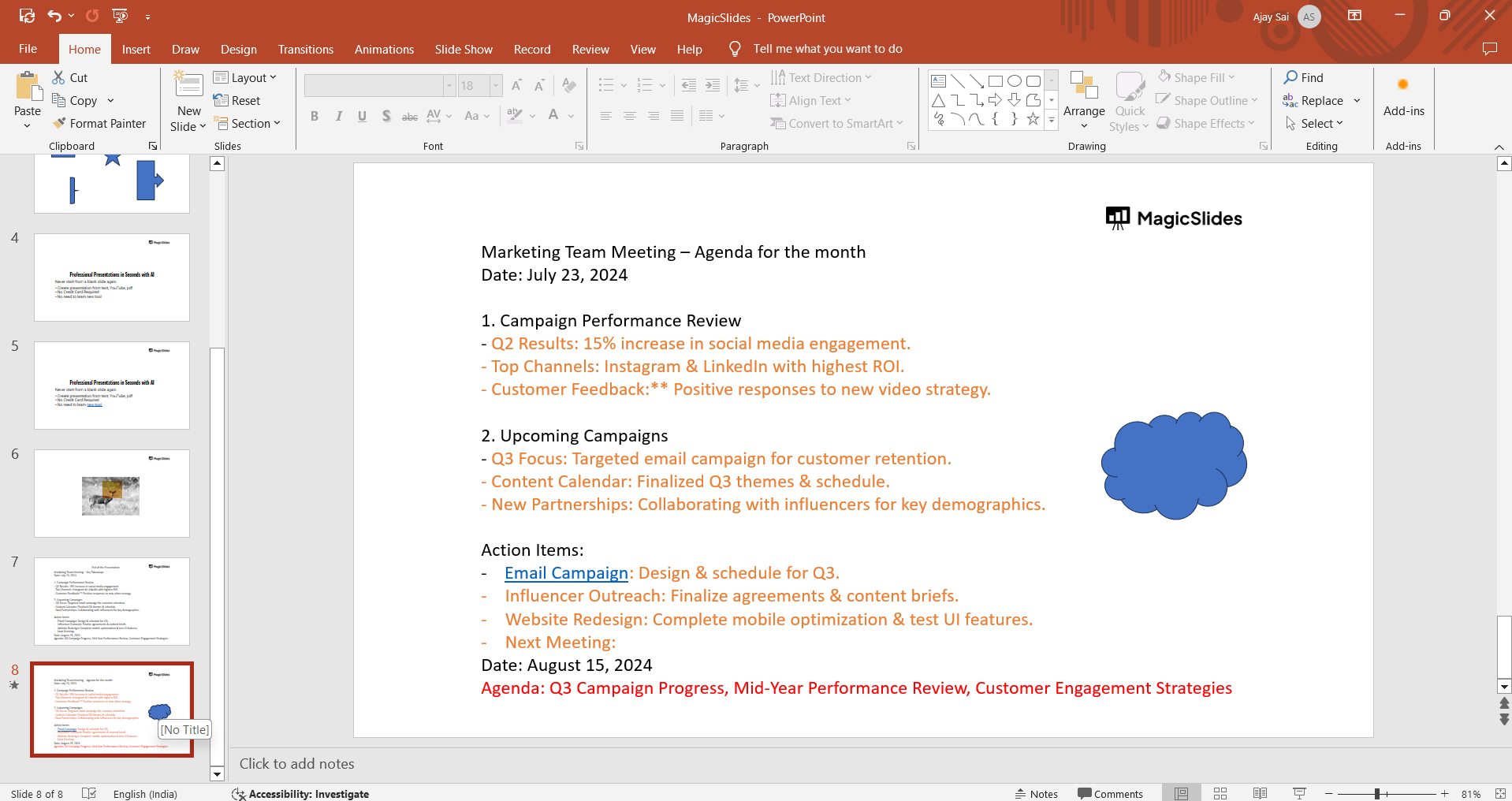
This ensures that any context-specific errors, such as homophones (e.g., "there" vs. "their"), are caught and corrected.
Conclusion
Using the F7 shortcut key to check spelling in PowerPoint is a quick and efficient way to ensure your presentation is error-free and polished.
By following these simple steps, you can easily correct any spelling mistakes and present a more professional and credible presentation.
Remember to always double-check your work for the best results.
FAQs can take you forward 🚀:
What is the shortcut key for checking spelling in PowerPoint?
The shortcut key is F7.
Does F7 check spelling across the entire presentation?
Yes, F7 checks spelling on all slides in your presentation.
Can I add words to the PowerPoint dictionary during spell check?
Yes, you can add words to the dictionary using the "Add to Dictionary" option during spell check.


