Which AI is best for Making PPT


MagicSlides is the best AI for creating PowerPoint presentations, offering efficiency, customization, and professional results
Best AI for Making PPT: MagicSlides Web App
If you're looking for an efficient AI tool to create professional PowerPoint presentations, MagicSlides.app stands out as the best option.
With its seamless integration and AI-powered automation, MagicSlides.app allows users to create stunning, customized slides in minutes.
Here’s why MagicSlides.app is the best AI for making PPT:
1. AI-Powered Presentation Generation
MagicSlides.app leverages the power of AI to instantly generate high-quality presentations.
All you need to do is input the topic, and the app will create a well-structured presentation for you.
It includes slide text, title recommendations, and design suggestions.
2. Ease of Use
The user interface of MagicSlides.app is intuitive and user-friendly. You don’t need any design experience to make a professional presentation.
The app provides an easy flow for creating and editing slides, making it ideal for both beginners and experts.
3. Customization and Flexibility
After MagicSlides.app generates your presentation, you can easily review and modify each slide. Whether it's adjusting text, changing visuals, or reformatting slides, the tool offers flexibility.
You can also customize the design, fonts, colors, and layouts according to your preferences.
4. Access to Multiple Templates
MagicSlides.app comes with a wide range of templates that can be used to enhance your presentation.
Whether you're preparing a business presentation, educational material, or a marketing pitch, you’ll find suitable templates that are easy to customize and adapt.
5. Export to Multiple Formats
Once you're happy with your presentation, MagicSlides.app allows you to export the PPT in .pptx format.
This enables you to import the presentation into other tools like Google Slides or Microsoft PowerPoint, where you can make final tweaks.
6. Affordable Plans
MagicSlides.app offers different subscription tiers, including a free version with basic features.
However, the Pro and Premium plans unlock advanced features such as video-to-PPT, URL-to-PPT, and much more. For frequent users, the paid plans provide an excellent value for money.
7. Time-Saving
MagicSlides.app dramatically reduces the time it takes to create a presentation. By automating content creation and design, you can focus more on your message, leaving the tedious tasks to the AI.
How to Create a PowerPoint Presentation Using MagicSlides.app Web App
Step 1: Visit the MagicSlides.app Web App
To begin, open your browser and navigate to www.magicslides.app.

Step 2: Log in to Your Account
You need to log in or sign up to access the AI-powered presentation features.
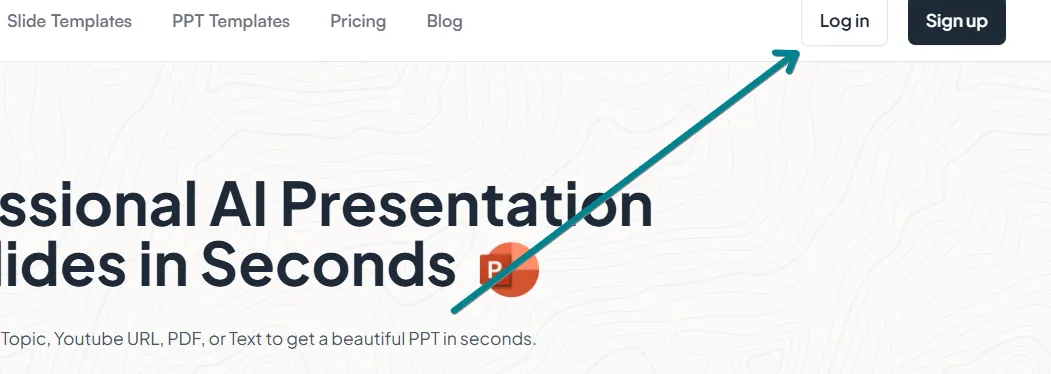
- If you're a new user, create an account using your email or Google login.
- Existing users can simply enter their credentials to continue.
Step 3: Enter Your Presentation Topic
Once logged in:
- Locate the AI input bar on the MagicSlides.app homepage.
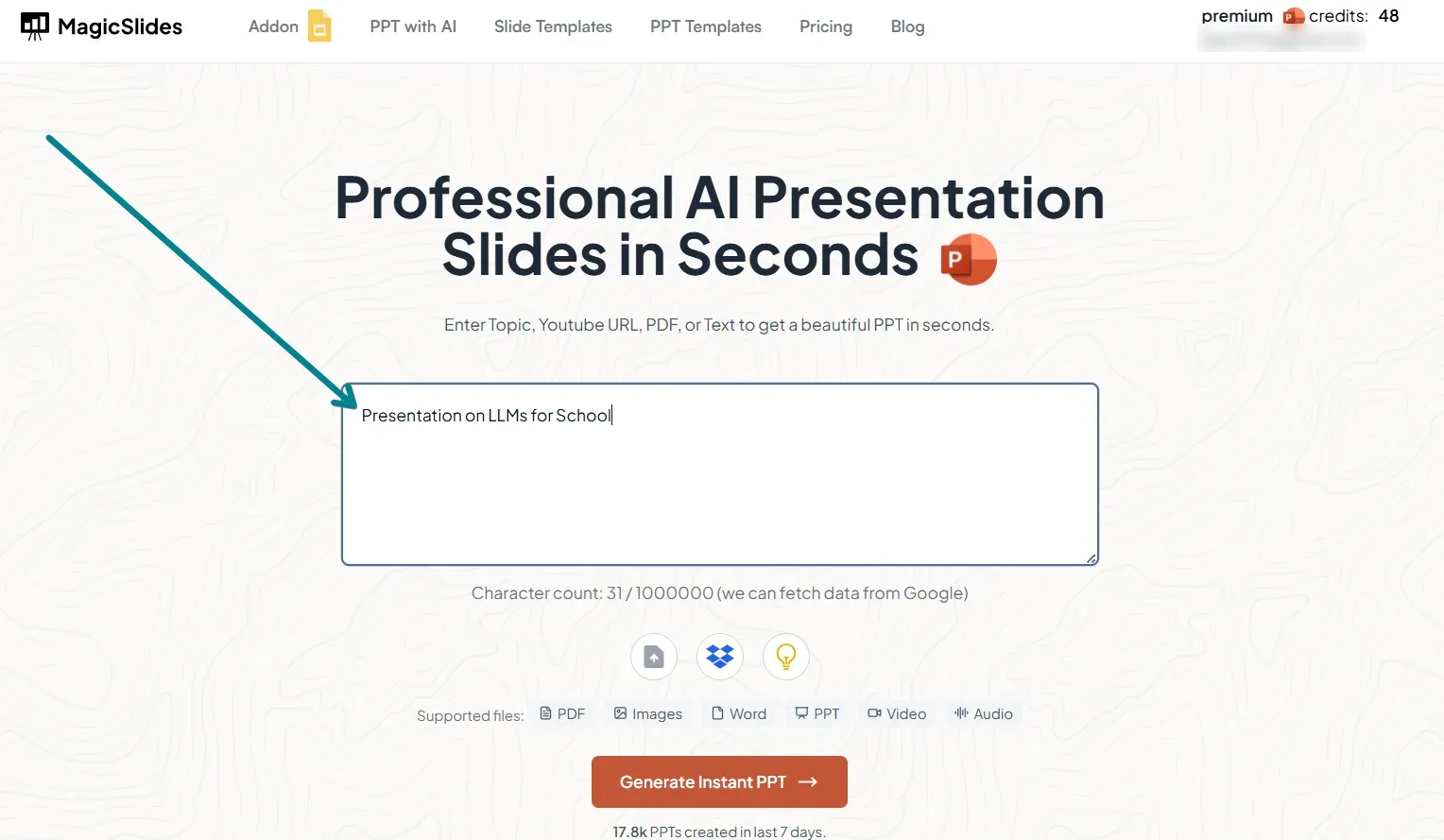
- Type in your presentation topic.
- Optionally, add keywords or descriptions to enhance content relevance.
Step 4: Generate Your AI-Powered Presentation
Click on the “Generate Presentation” button.
- MagicSlides.app AI will process the input and create a complete slide deck.
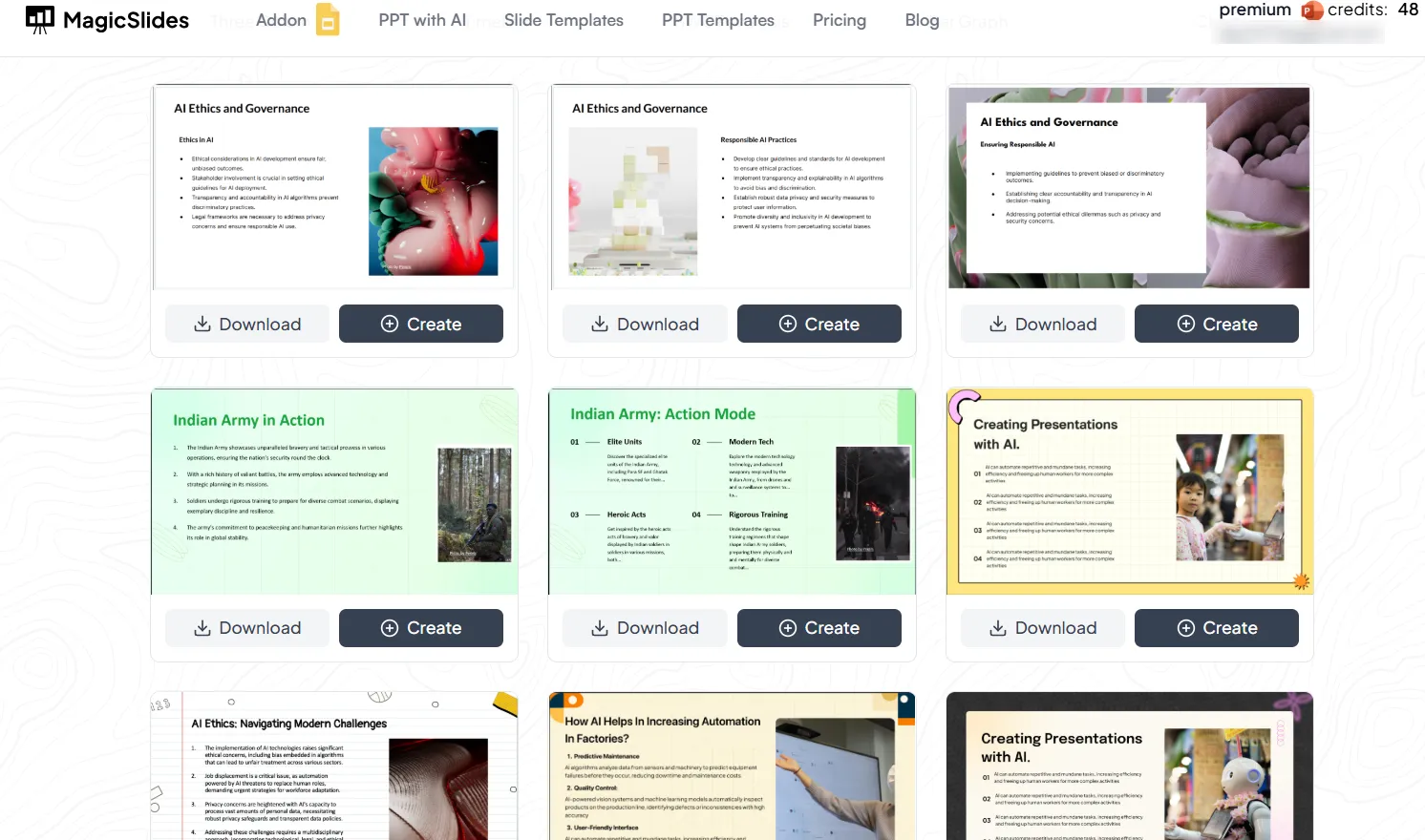
- The slides will include structured content, images, and design elements optimized for clarity and engagement.
Step 5: Review and Download Your Presentation
Once the AI generates your slides:
- Review the content and layout.
- Make any necessary edits to align with your needs.
- Click Download to save the presentation in PPTX format for use in PowerPoint.
Step 6: Unlock Premium Features
MagicSlides.app offers advanced AI-powered features in Pro and Premium plans, including:
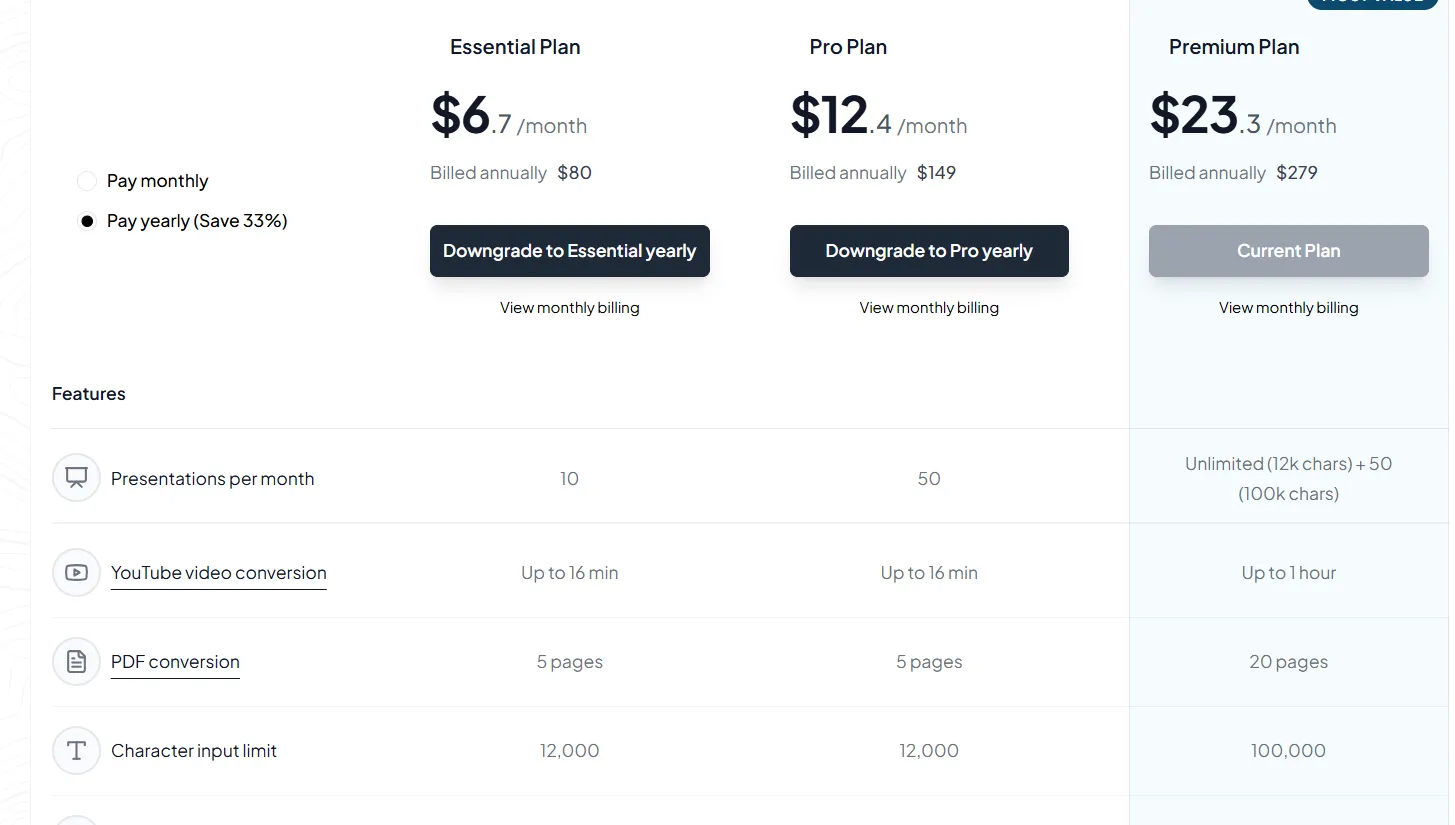
- URL to PPT – Convert website content into slides.
- YouTube Video to PPT – Generate presentations from YouTube video transcripts.
- More AI customization – Enhance slide content, themes, and layouts.
Explore more at MagicSlides Pricing.
Conclusion
When it comes to AI-powered tools for creating PowerPoint presentations, MagicSlides.app is a top contender.
Its combination of efficiency, ease of use, customization, and affordable pricing makes it the best AI for PPT creation.
Whether you're working on a one-time presentation or need to generate presentations regularly, MagicSlides.app can save you valuable time and effort while delivering professional results.


