How to Write Fractions in PowerPoint: A Step-by-Step Guide


Learn how to effectively write fractions in PowerPoint with our easy-to-follow guide and enhance your presentations.
Creating clear and accurate fractions in PowerPoint presentations can be crucial for anyone dealing with mathematical, scientific, or financial data. Whether you're a teacher preparing for a math class, a business professional discussing financial ratios, or a student presenting a project, knowing how to effectively display fractions can make your slides more informative and your message clearer.
In this guide, we'll walk through several methods to write fractions in PowerPoint, and touch upon how tools like MagicSlides.app can enhance your presentation creation process.
Why Use Fractions in Presentations?
Fractions are a vital part of many disciplines. In education, they are key to teaching concepts in mathematics and science. In business, fractions are often used to analyze performance ratios, financial results, and forecast models. By incorporating fractions into your PowerPoint slides, you can present complex information more succinctly and ensure your audience grasps the data as intended.
Method 1: Using PowerPoint's Built-In Equation Editor
One of the easiest and most effective ways to include fractions in your PowerPoint presentation is through the built-in Equation feature. Here's how to use it:
Open Your PowerPoint Presentation
Start by opening the slide where you want to insert the fraction.
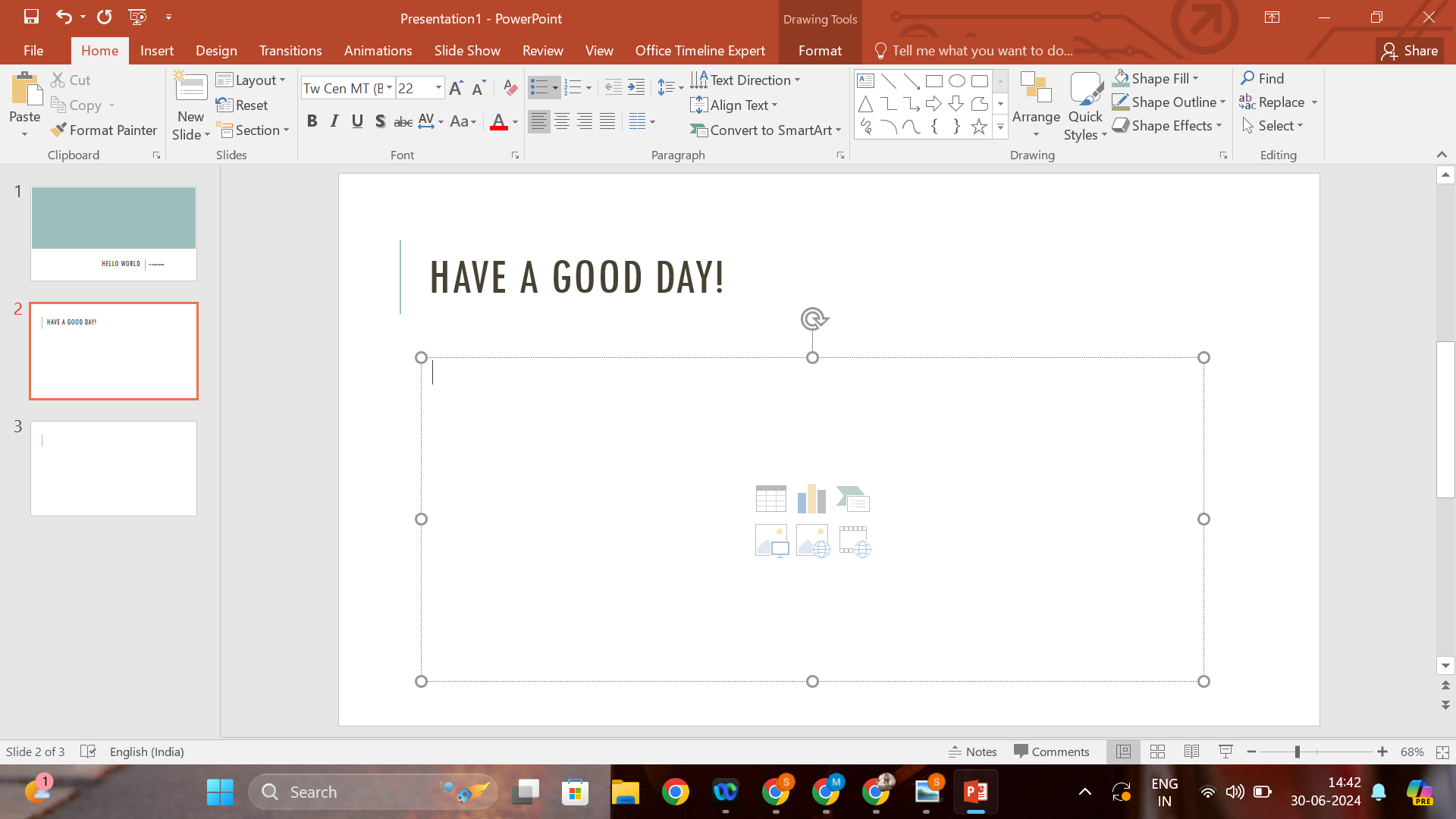
Insert an Equation:
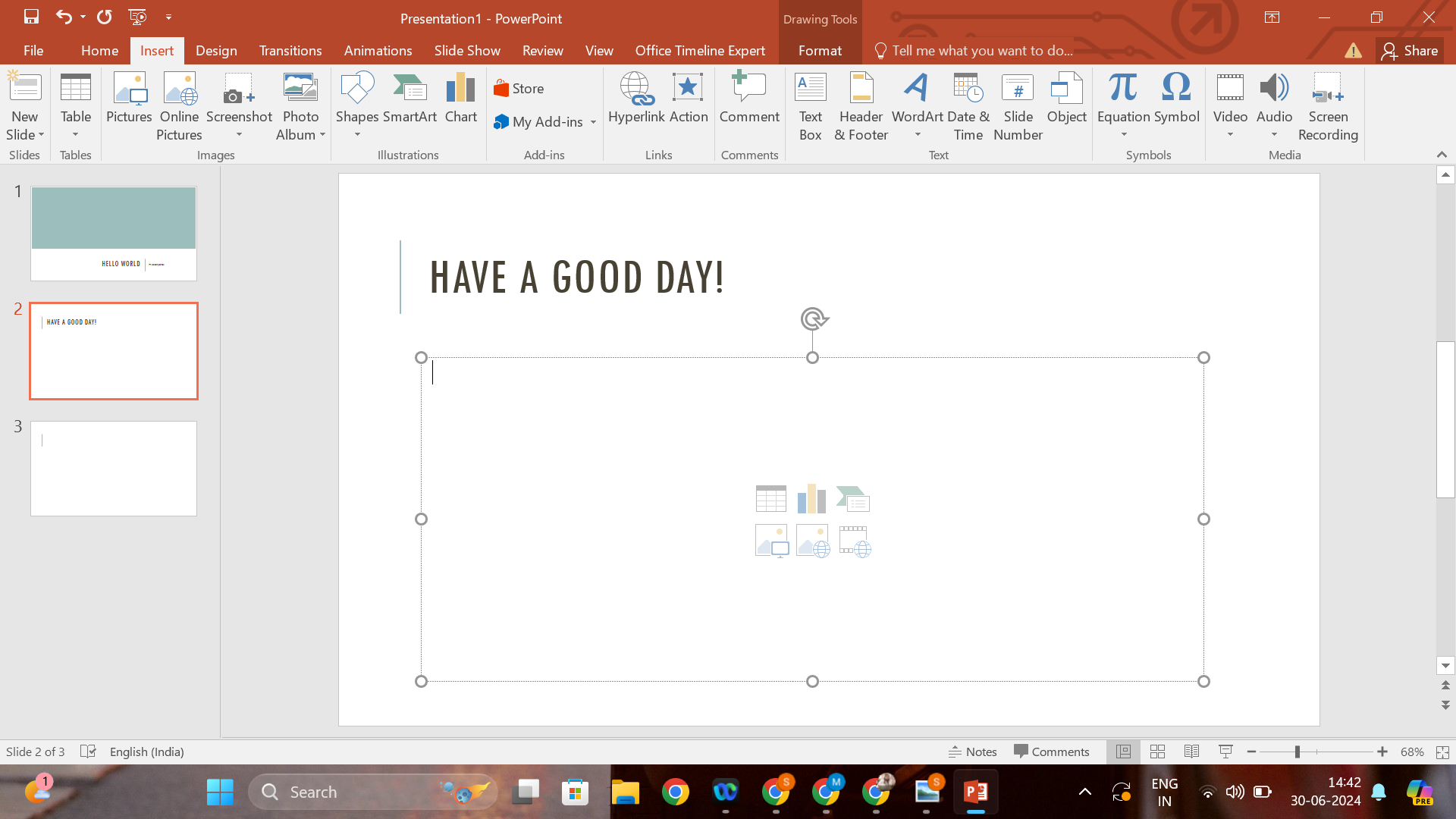
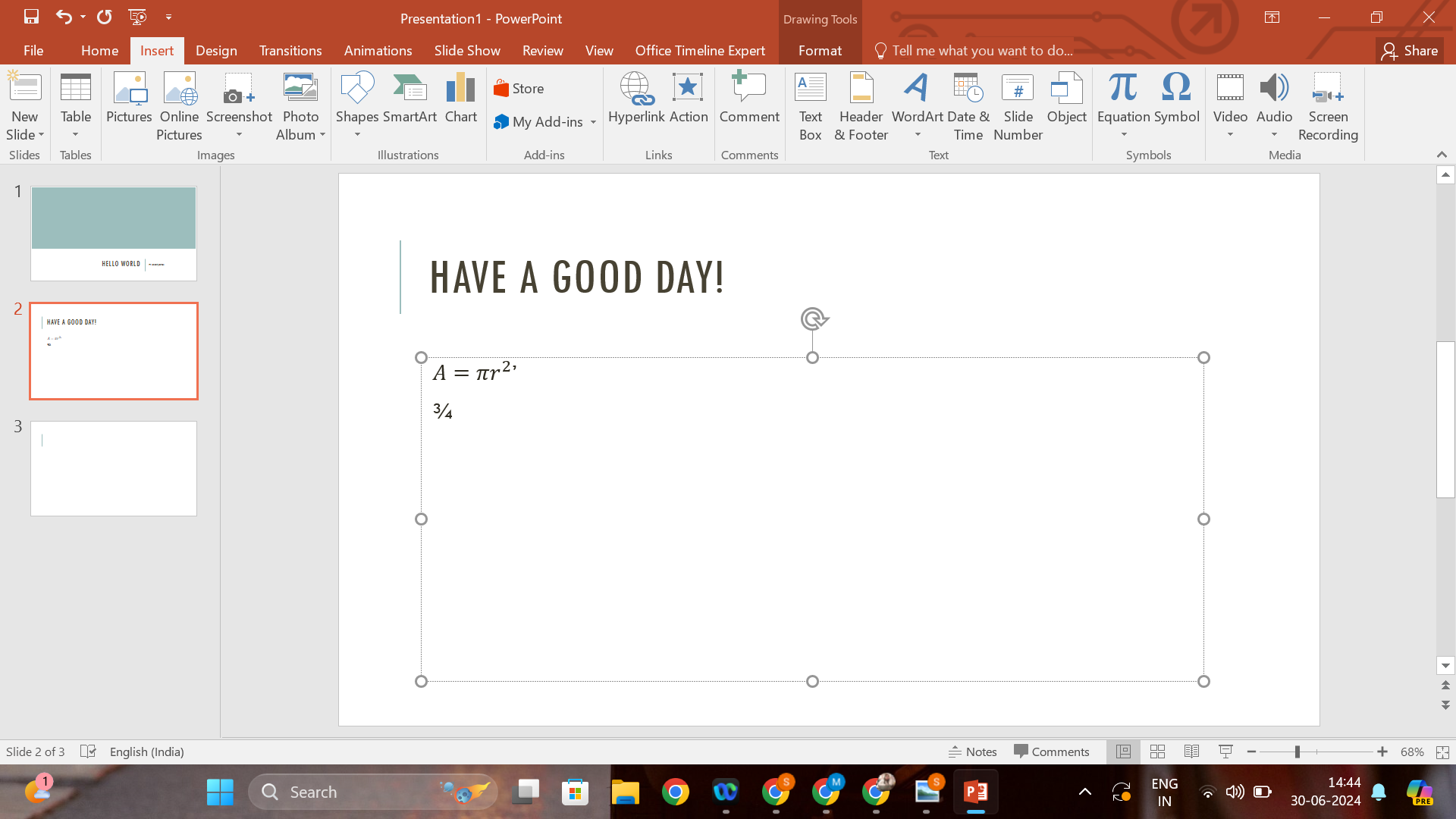
- Go to the
Inserttab on the Ribbon.
- Click on
Equation. This action will bring up a new equation box in your slide.
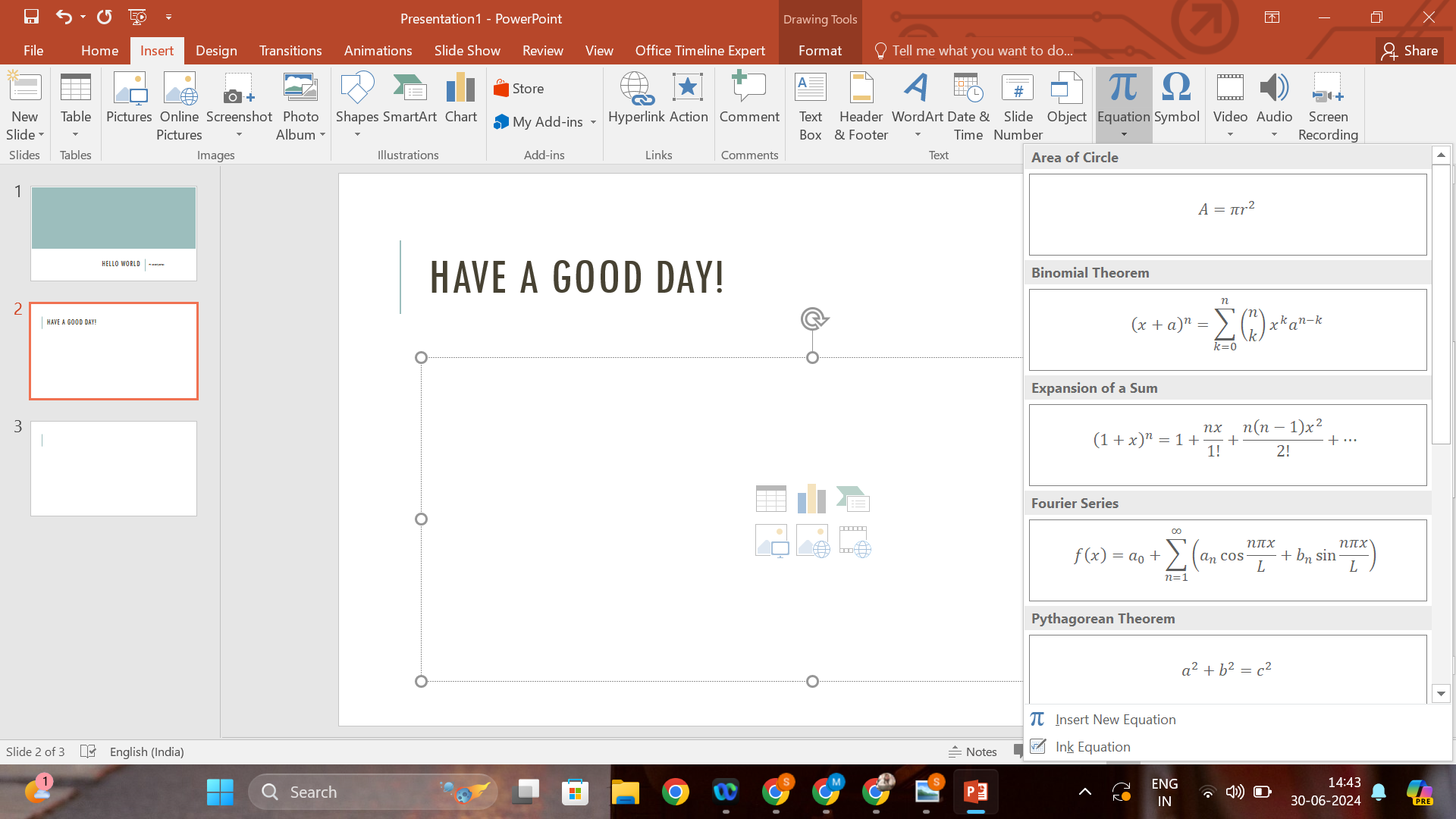
- Select
Insert New Equationto start typing your fraction.
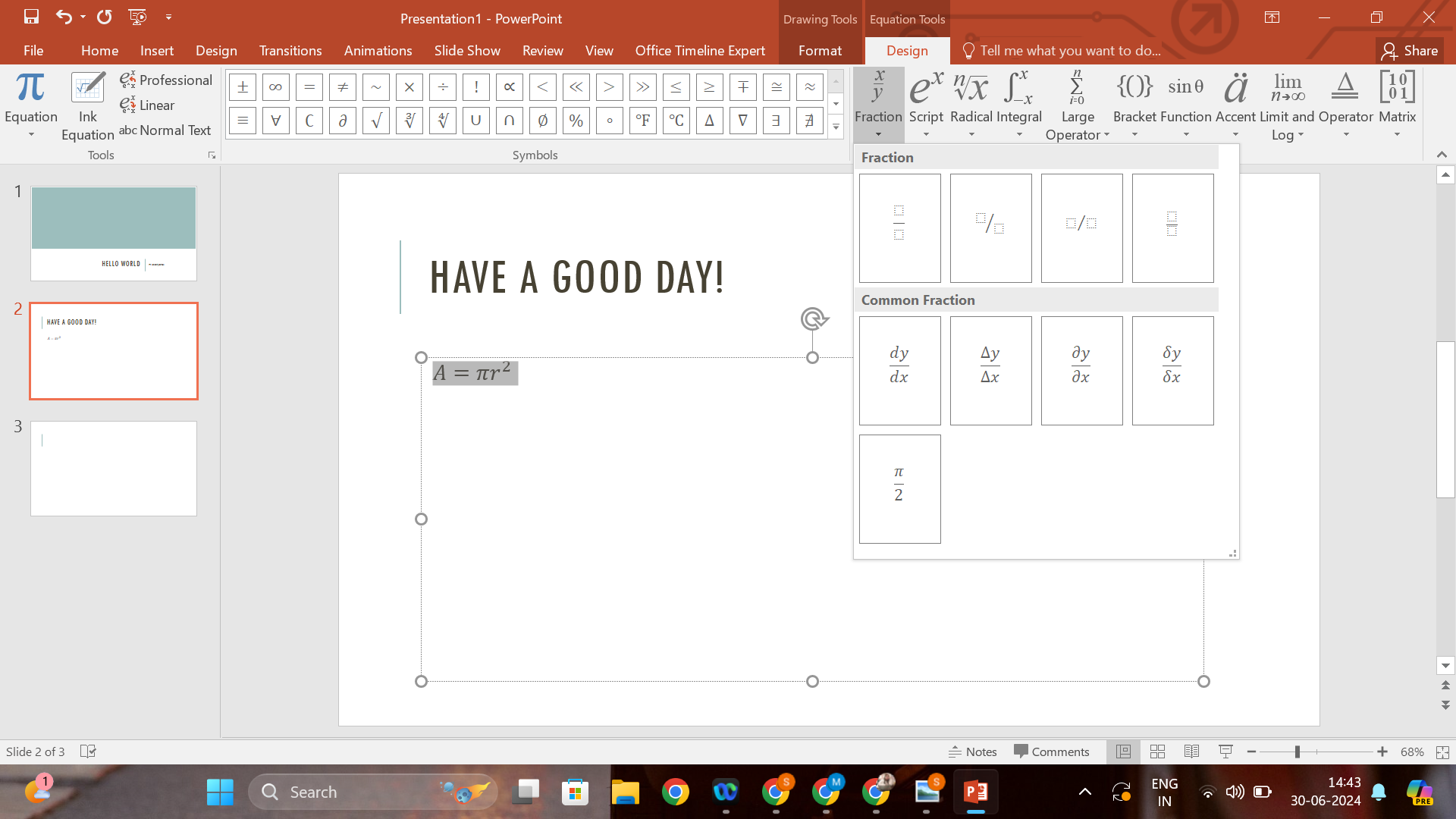
Type Your Fraction:
To insert a fraction, type your equation using the '/' symbol between numbers (e.g., 3/4) and PowerPoint will automatically format it into a fraction.
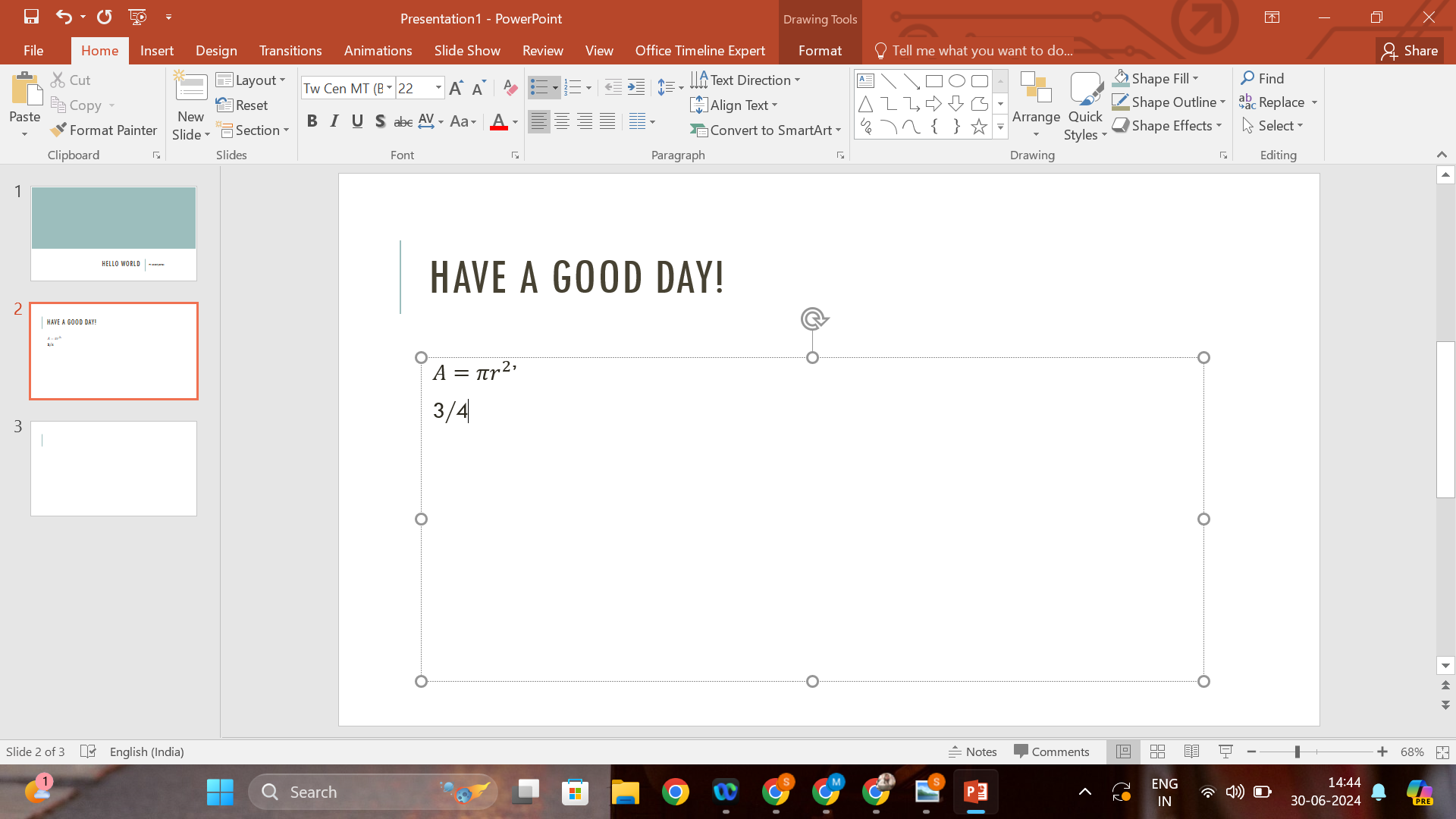
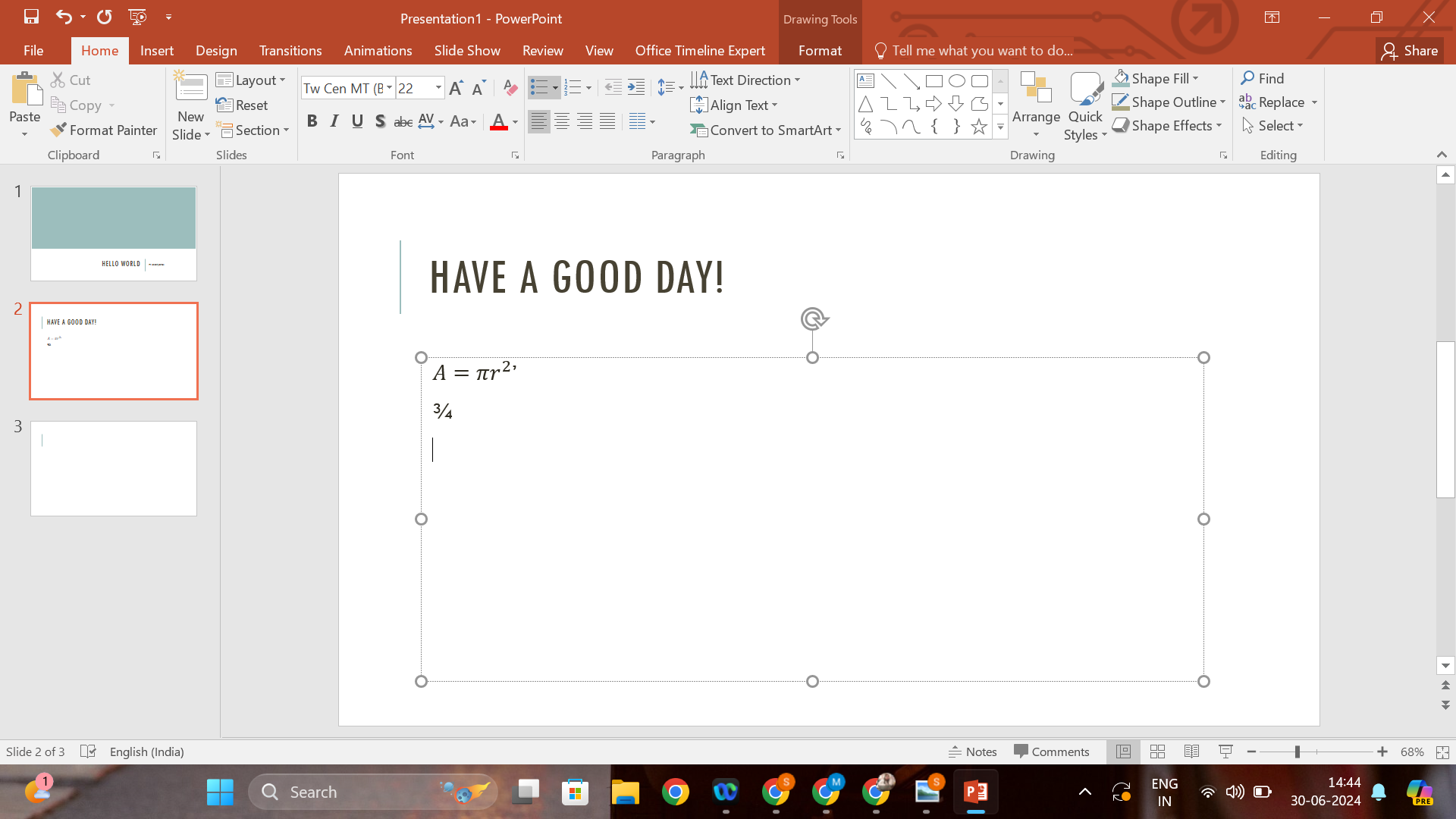
Alternatively, you can use the Fraction structure from the equation design tab that appears when you are editing an equation.
This method is ideal for those who need a quick and straightforward way to input standard fractions.
Method 2: Using the Text Box and Field
For a more manual approach, especially if you want your fraction to stand out stylistically:
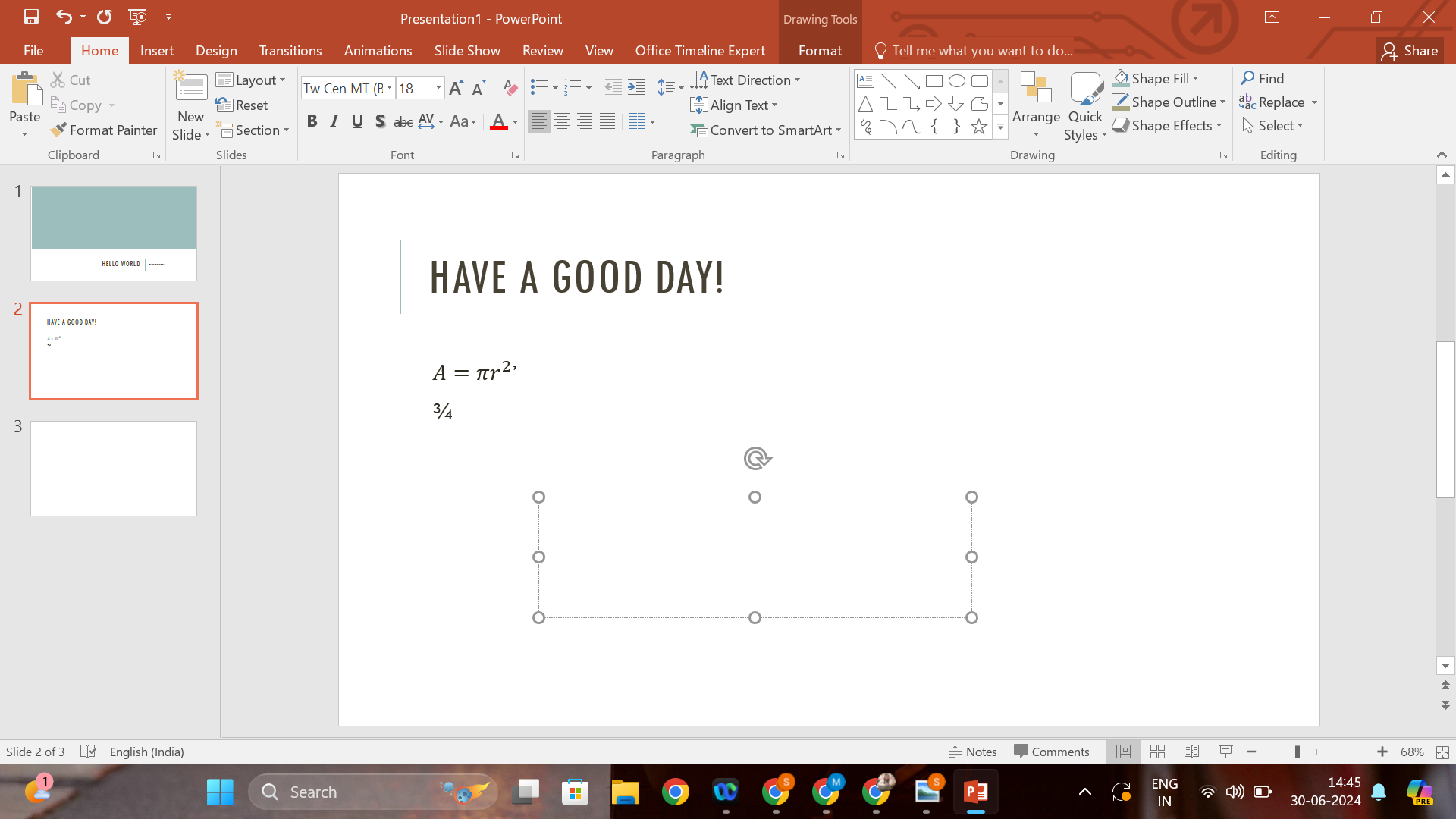
- Insert a Text Box:
- Click on the
Inserttab. - Select
Text Box, then click on the slide to create one.
- Click on the
- Enter and Format Your Fraction:
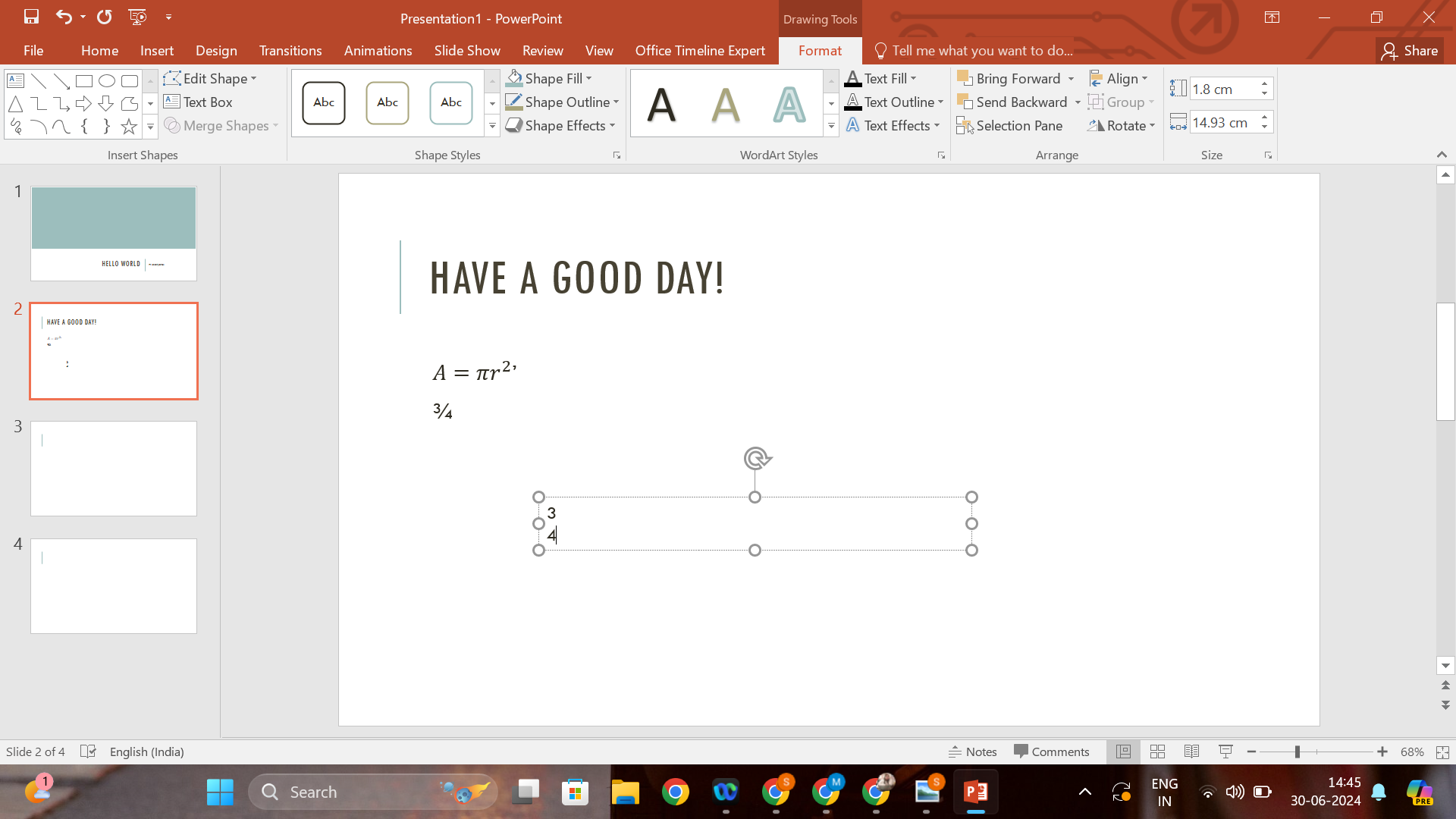
- Type your numerator, press Enter to go to the next line, and type your denominator.
- Highlight the numerator, right-click, select
Font, and then checkSuperscript. - Similarly, highlight the denominator, right-click, choose
Font, and checkSubscript. - To draw a line, use the
Line Shapeunder theShapesoption in theInserttab.
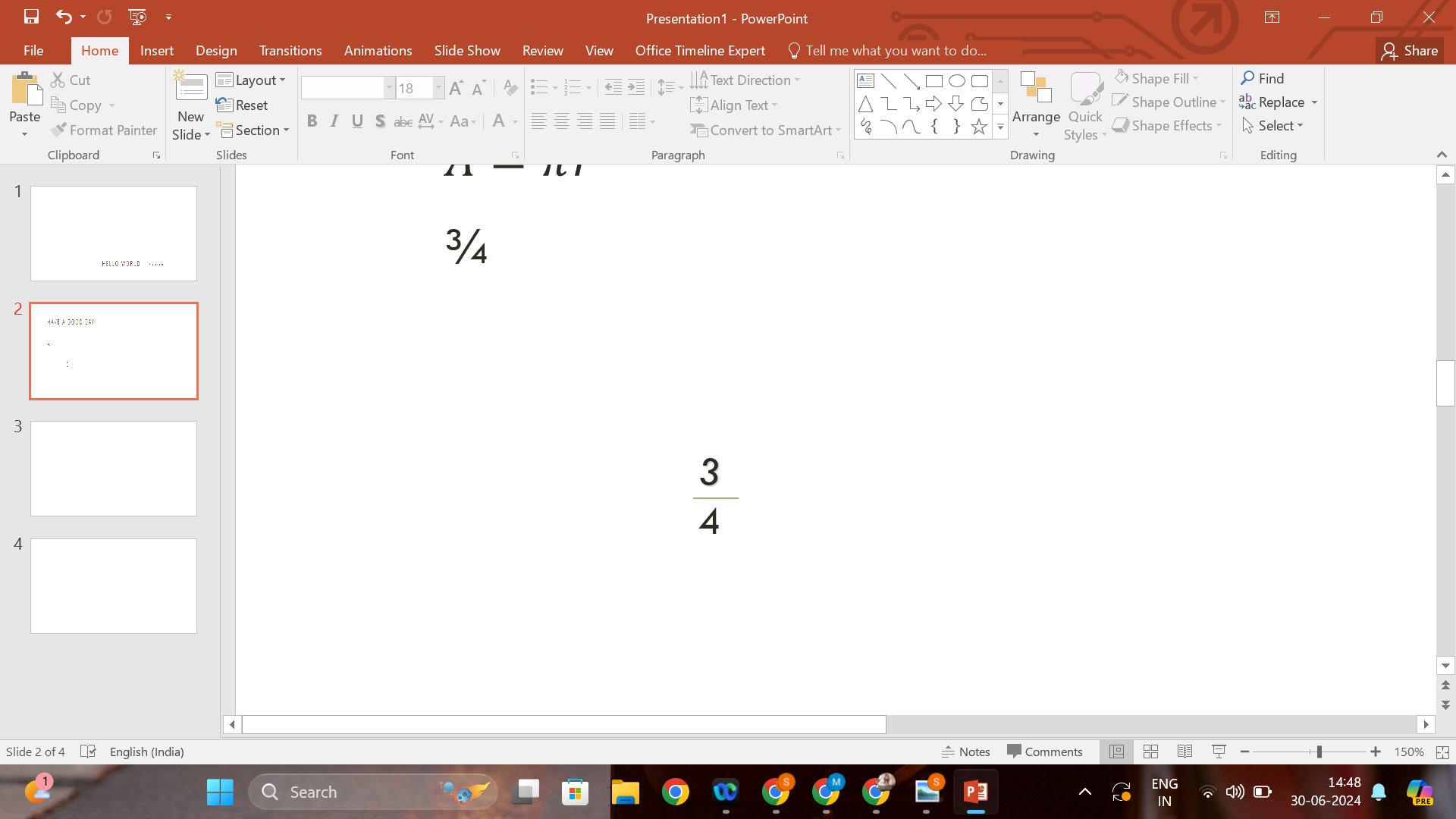
Although more time-consuming, this method gives you greater control over the appearance of your fractions.
Method 3: Using Unicode Characters
For simple fractions such as ½ or ¼, you can use Unicode characters:
- Find the Unicode Character: Search online for the Unicode character of the fraction you need.
- Insert in PowerPoint:
- Copy the Unicode character.
- Paste it directly into your PowerPoint slide.
This method is fast but limited to commonly used fractions.
Enhancing Your Presentations with MagicSlides.app
While PowerPoint offers robust options for creating and managing content, integrating a tool like MagicSlides.app can streamline your presentation process further. MagicSlides.app offers enhanced features that can help you design more dynamic and visually appealing presentations. This includes advanced template selections and creative assets that can make the inclusion of mathematical data, like fractions, more intuitive and impactful.
When you're working on a presentation that requires precise data representation, like fractions, having access to diverse tools can ensure your slides are both accurate and engaging. MagicSlides.app supports your creative process by providing additional resources and functionalities that complement PowerPoint's native capabilities.
Conclusion
Writing fractions in PowerPoint is essential for presenting numerical data effectively. Whether you opt for the built-in equation editor, manual text formatting, or the simplicity of Unicode characters, each method has its advantages. By combining these techniques with advanced presentation tools like MagicSlides.app, you can enhance your ability to communicate complex information clearly and professionally in any setting.
By mastering these methods, you'll be able to make your presentations more effective and tailored to your audience's needs, ensuring your data is as clear and impactful as possible.


