Turn a web page into a PPT with Hermes Agent
Hermes Agent runs all the time, so you can send it a link from Telegram and get a deck back later. Here a founder sent the Wikipedia article on Getting Things Done and got a 6-slide summary of the method plus a weekly routine.
Set up MagicSlides in Hermes Agent (one time)
One command adds the server with OAuth. Hermes opens the login on first use.
hermes mcp add magicslides --url https://www.magicslides.app/api/mcp/mcp --auth oauthmcp_servers:
magicslides:
url: "https://www.magicslides.app/api/mcp/mcp"
auth: oauth- 1.Run hermes mcp add and approve the MagicSlides login in the browser.
- 2.Check it with hermes mcp list.
- 3.Message Hermes, or give it a scheduled task, that asks for a deck or doc.
Example: what you type in Hermes Agent
Read https://en.wikipedia.org/wiki/Getting_Things_Done and send me a 6-slide MagicSlides deck on the method, with a last slide on which parts I could automate each week.
Source used: Getting Things Done - Wikipedia
- Fetched the Wikipedia article on Getting Things Done (about 1,600 words)
- Pulled the five workflow stages, the eight end points, the two-minute rule and the six horizons of focus
- Called get_template_schema (creative-design, 6 slides)
- Wrote the slot copy and called create_presentation_from_slots, then sent the links back in chat
Your GTD deck is ready, 6 slides: the core idea, the system in four numbers, the five-stage workflow, mind like water, and a weekly routine. Present link, PPTX and PDF are below.
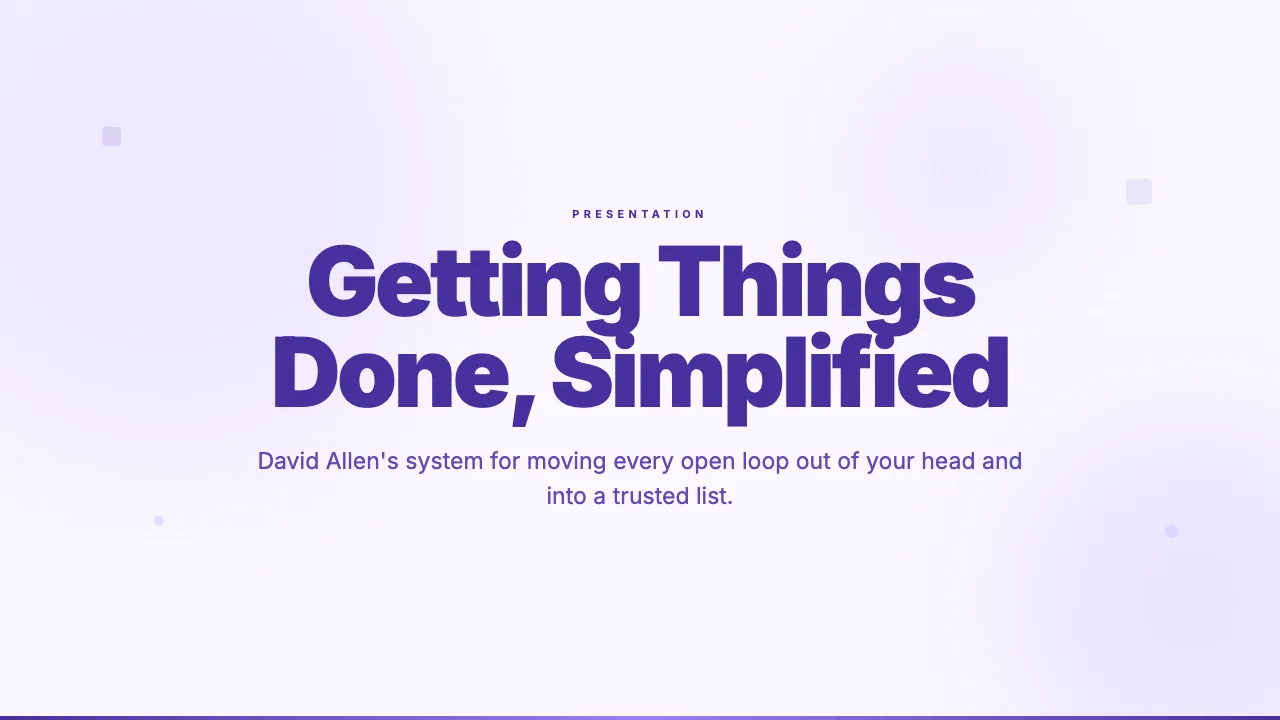
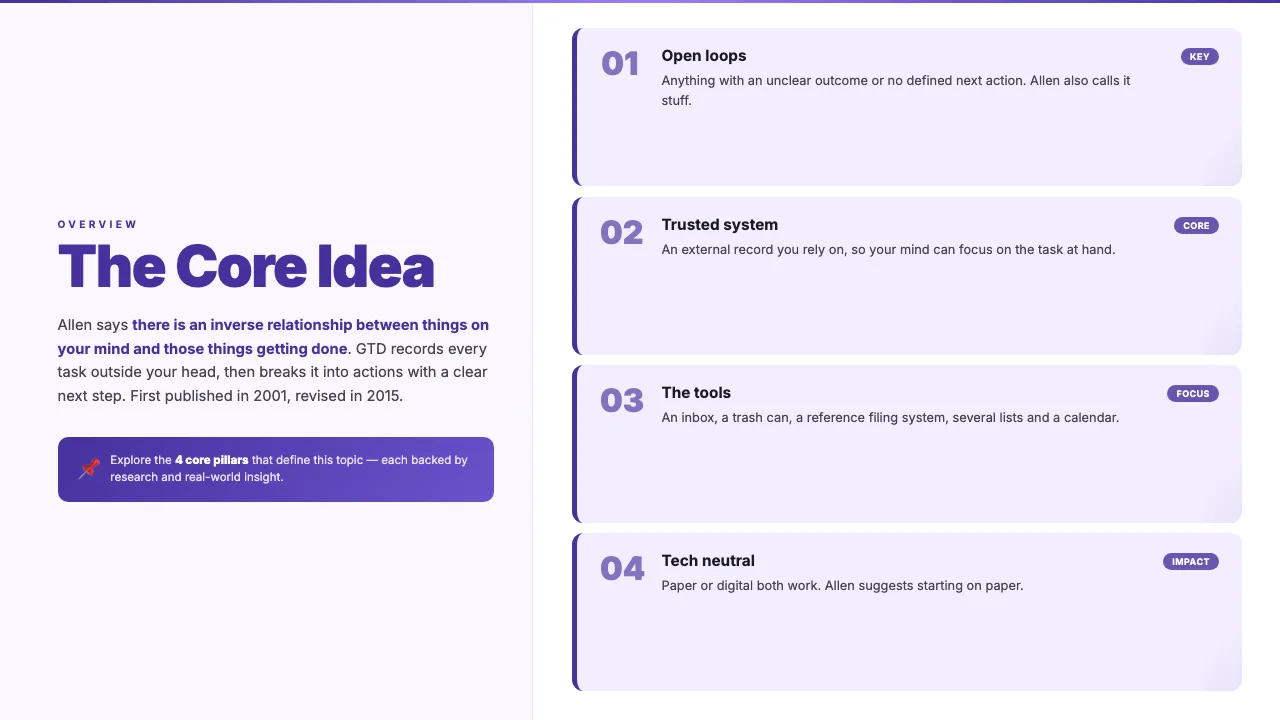
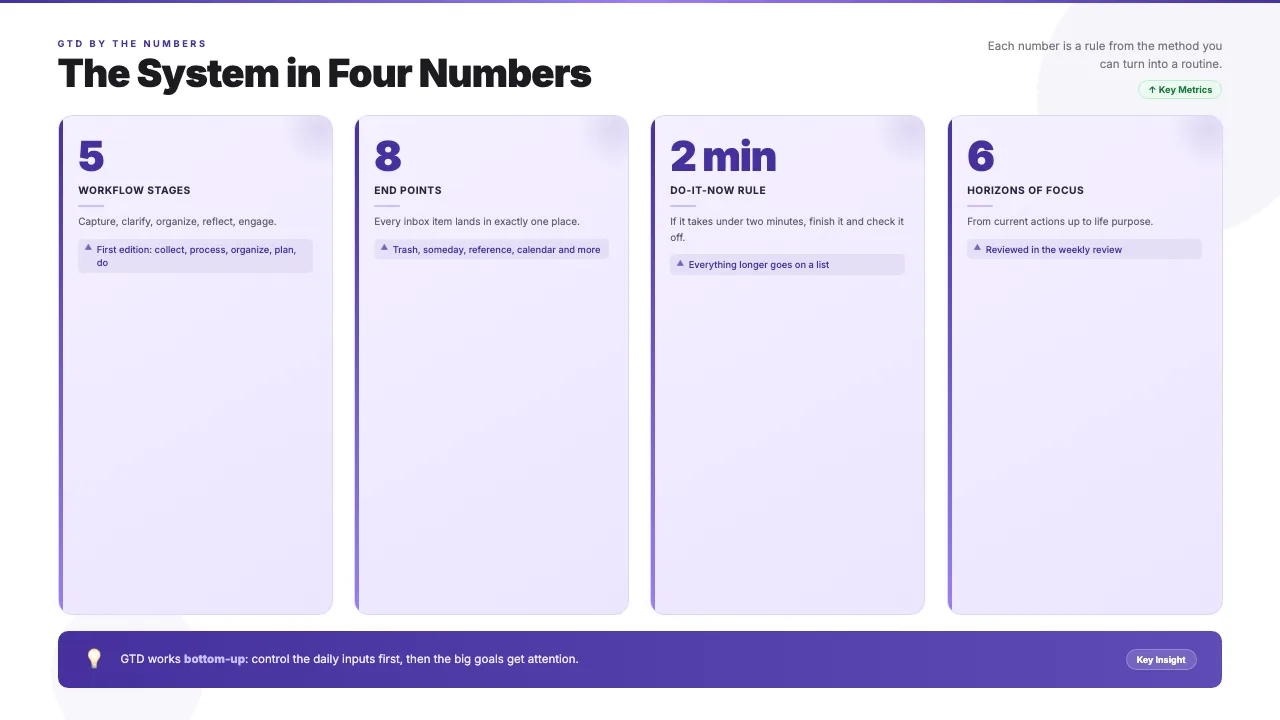
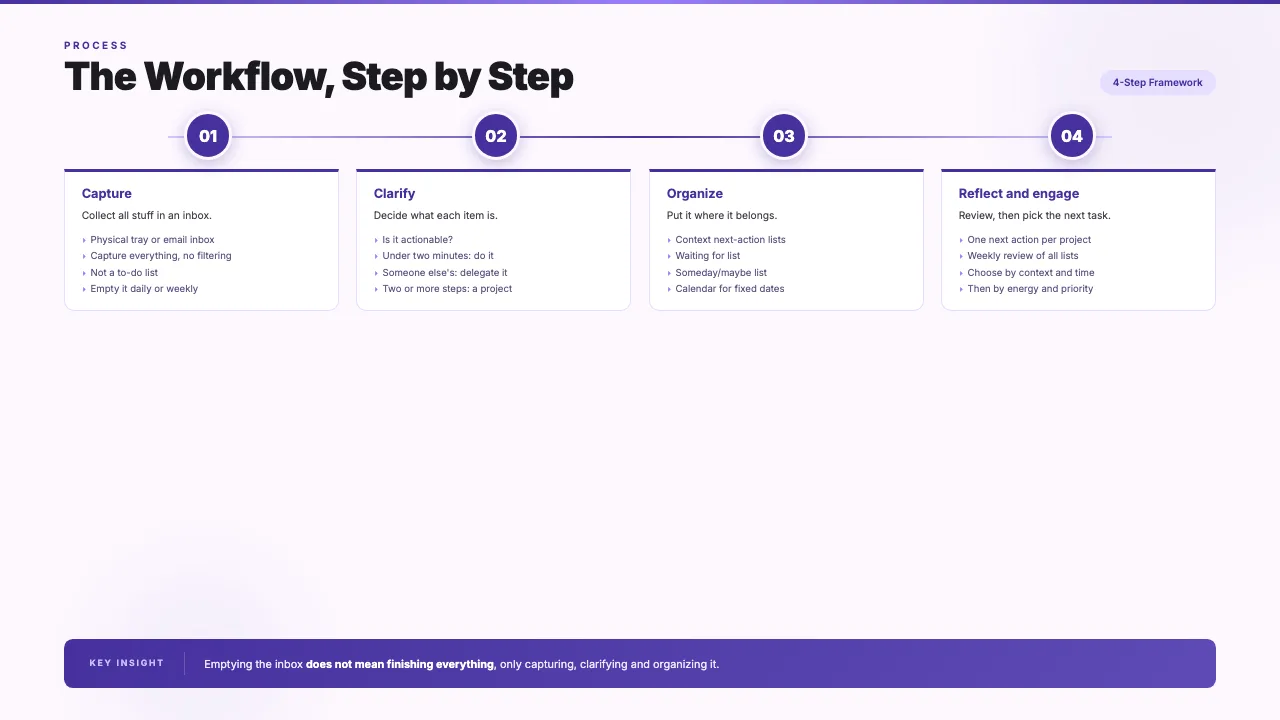
This is the real output from that prompt, made with the MagicSlides MCP. Open it to click through or download it.
How it works
- 1.Run hermes mcp add magicslides --url https://www.magicslides.app/api/mcp/mcp --auth oauth and log in.
- 2.Send Hermes the URL from any connected chat, such as Telegram.
- 3.Say how many slides you want and who the deck is for.
- 4.Open the present link Hermes sends back, or download the PPTX or PDF.
Tool used: create_presentation_from_slots. Prefer a web app? URL to PPT does the same without an agent.
FAQ
Can I send the link from my phone?
Yes. Hermes Agent works through messaging gateways like Telegram, so you can send a URL and get the deck links back in the same chat.
Can Hermes do this on a schedule?
Yes. Hermes supports cron and scheduled tasks, so it can turn a page you choose into a deck at a set time.
How do I connect MagicSlides?
Run hermes mcp add magicslides with the MCP URL and --auth oauth, then log in with MagicSlides.
Does this use AI credits?
No. Hermes writes the slide copy, so the bring-your-own-content path costs 0 MagicSlides AI credits.
More with Hermes Agent
URL to PPT in other agents


Connect MagicSlides to Hermes Agent
One MCP server for decks, docs, sheets and reels. Log in with your MagicSlides account, no API key. Making a deck from your own copy uses no AI credits.


