Turn a web page into a PPT with OpenClaw
OpenClaw is a self-hosted agent you can message from WhatsApp, so turning a link into slides takes one text. Here a founder sent the Wikipedia article on lean startup and got a 6-slide briefing with real cases and the canvas options.
Set up MagicSlides in OpenClaw (one time)
Add the server, then log in. OpenClaw prints the login link if it runs on a remote machine.
openclaw mcp add magicslides --url https://www.magicslides.app/api/mcp/mcp --transport streamable-http
openclaw mcp login magicslides- 1.Run openclaw mcp add, then openclaw mcp login and approve the MagicSlides login.
- 2.Check it with openclaw mcp doctor magicslides --probe.
- 3.Message your OpenClaw agent and ask for a deck. It replies with the links.
Example: what you type in OpenClaw
Read https://en.wikipedia.org/wiki/Lean_startup and make me a 6-slide MagicSlides deck I can share with my cofounder. Include the Zappos and Groupon examples.
Source used: Lean startup - Wikipedia
- Fetched the Wikipedia article on Lean startup (about 3,200 words)
- Pulled the MVP, split testing, pivot and Build-Measure-Learn sections plus the Zappos and Groupon cases
- Called get_template_schema (editorial-pitch, 6 slides)
- Wrote the slot copy and called create_presentation_from_slots, then replied in WhatsApp with the links
Here is the lean startup deck, 6 slides: three real cases, vanity vs actionable metrics, the Build-Measure-Learn loop, the MVP and pivot toolkit, and the four canvases. Present link, PPTX and PDF are attached.
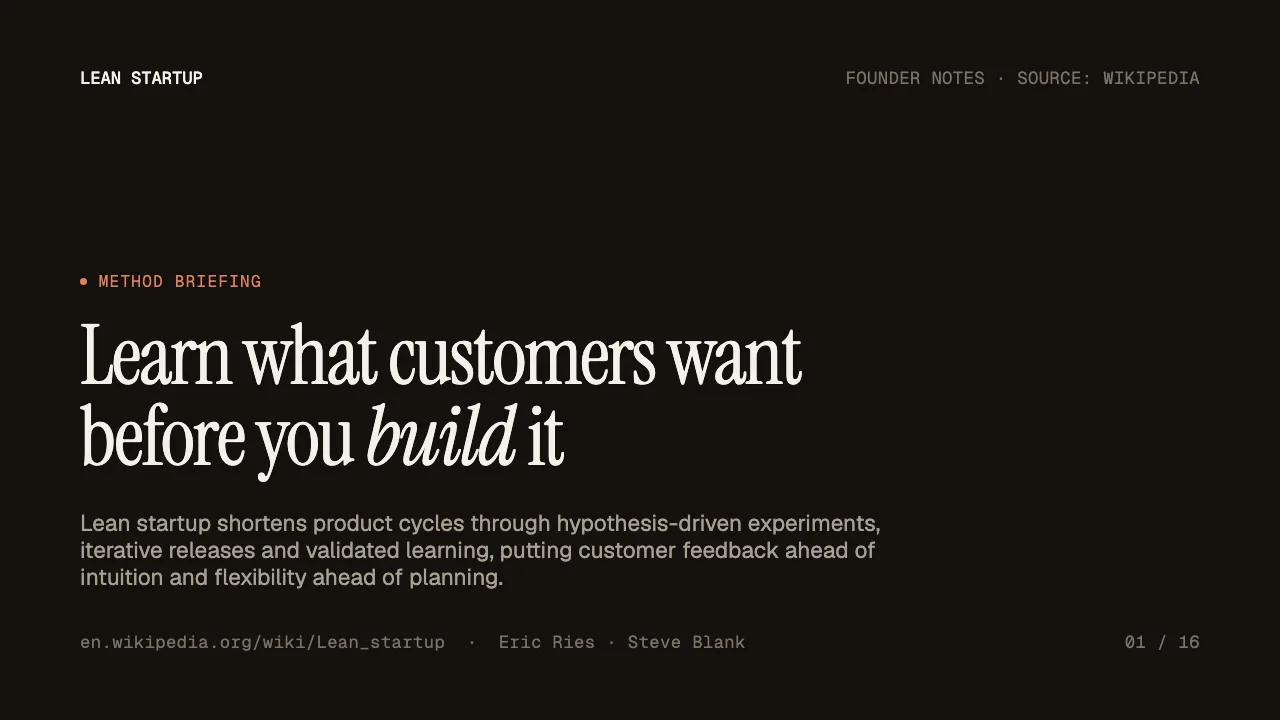
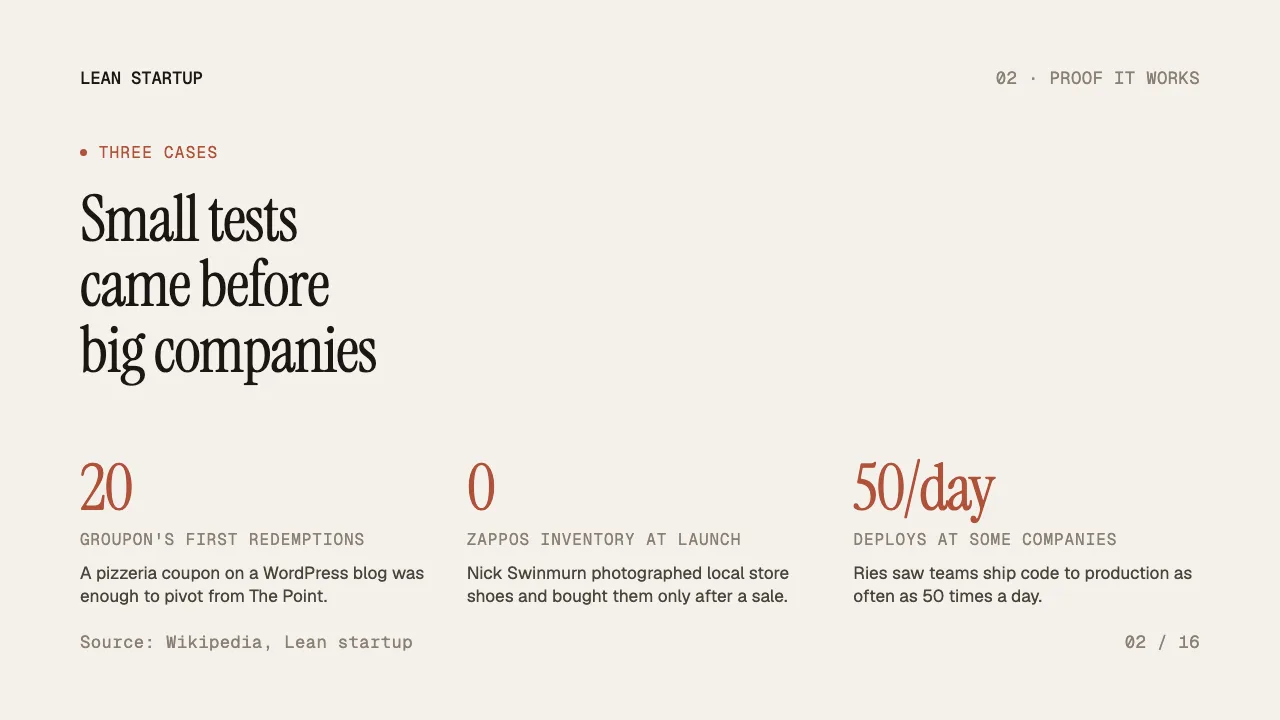
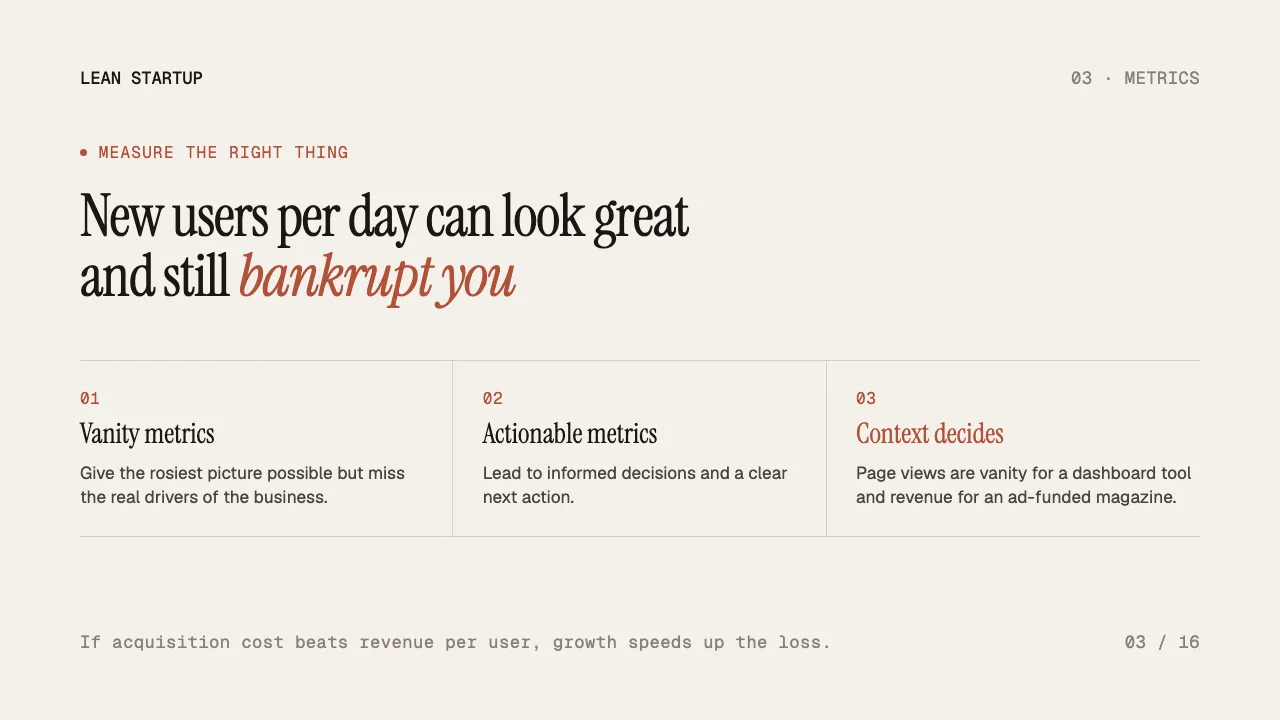
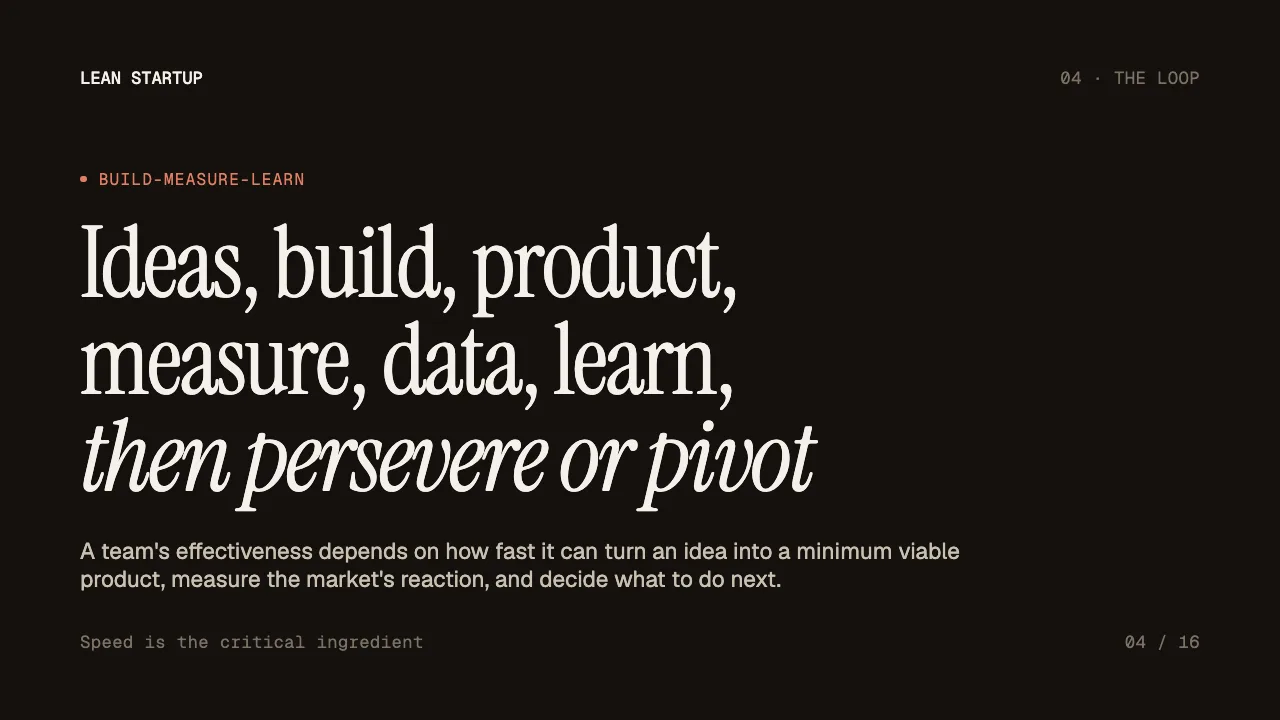
This is the real output from that prompt, made with the MagicSlides MCP. Open it to click through or download it.
How it works
- 1.Run openclaw mcp add magicslides --url https://www.magicslides.app/api/mcp/mcp --transport streamable-http.
- 2.Run openclaw mcp login magicslides and log in.
- 3.Message OpenClaw the URL from WhatsApp, Telegram or another chat app.
- 4.Open the present link it sends back, or download the PPTX or PDF.
Tool used: create_presentation_from_slots. Prefer a web app? URL to PPT does the same without an agent.
FAQ
Do I need a computer to make the deck?
No. Once OpenClaw is running, you can send the URL from a chat app like WhatsApp and get the links back there.
Where does OpenClaw run?
It is self-hosted, so it runs on your own machine or server and calls MagicSlides through the MCP connection.
How do I log in to MagicSlides?
Run openclaw mcp login magicslides. It uses OAuth, so there is no API key to manage.
Can I edit the deck later?
Yes. The deck opens in the MagicSlides editor, and you also get PPTX and PDF downloads.
More with OpenClaw
URL to PPT in other agents


Connect MagicSlides to OpenClaw
One MCP server for decks, docs, sheets and reels. Log in with your MagicSlides account, no API key. Making a deck from your own copy uses no AI credits.


