 Cursor + MagicSlides MCP
Turn a web page into a PPT with Cursor
In Cursor's agent mode you can paste a framework blog post and get a deck for your team without leaving the editor. Here it read the React 19 release post and made a 6-slide summary of Actions, the new hooks and the upgrade plan.
Set up MagicSlides in Cursor (one time)
Use the one-click link, or paste this into your Cursor MCP config.
{
  "mcpServers": {
    "magicslides": {
      "url": "https://www.magicslides.app/api/mcp/mcp"
    }
  }
}- 1.Click the install link, or open Settings → Tools & MCP → Add Custom MCP and paste the JSON.
- 2.Click Connect next to magicslides and log in with MagicSlides.
- 3.Ask the agent for a deck in chat. It calls MagicSlides and returns the links.
Example: what you type in Cursor
Read https://react.dev/blog/2024/12/05/react-19 and make a 6-slide deck for our frontend team with MagicSlides. Cover Actions, the new hooks and what we should change in @src/components/forms.
Source used: React v19 - React Blog
- Fetched the React v19 post on react.dev (about 5,000 words)
- Picked out Actions, useActionState, useFormStatus, useOptimistic, use, ref as a prop and the Server Components note
- Called get_template_schema (noir-bold, 6 slides)
- Wrote the slot copy and called create_presentation_from_slots
The React 19 deck is ready with 6 slides: the problem Actions solve, form actions, the three new hooks, smaller API changes, and next steps for our forms. Present link and PPTX/PDF downloads are below.
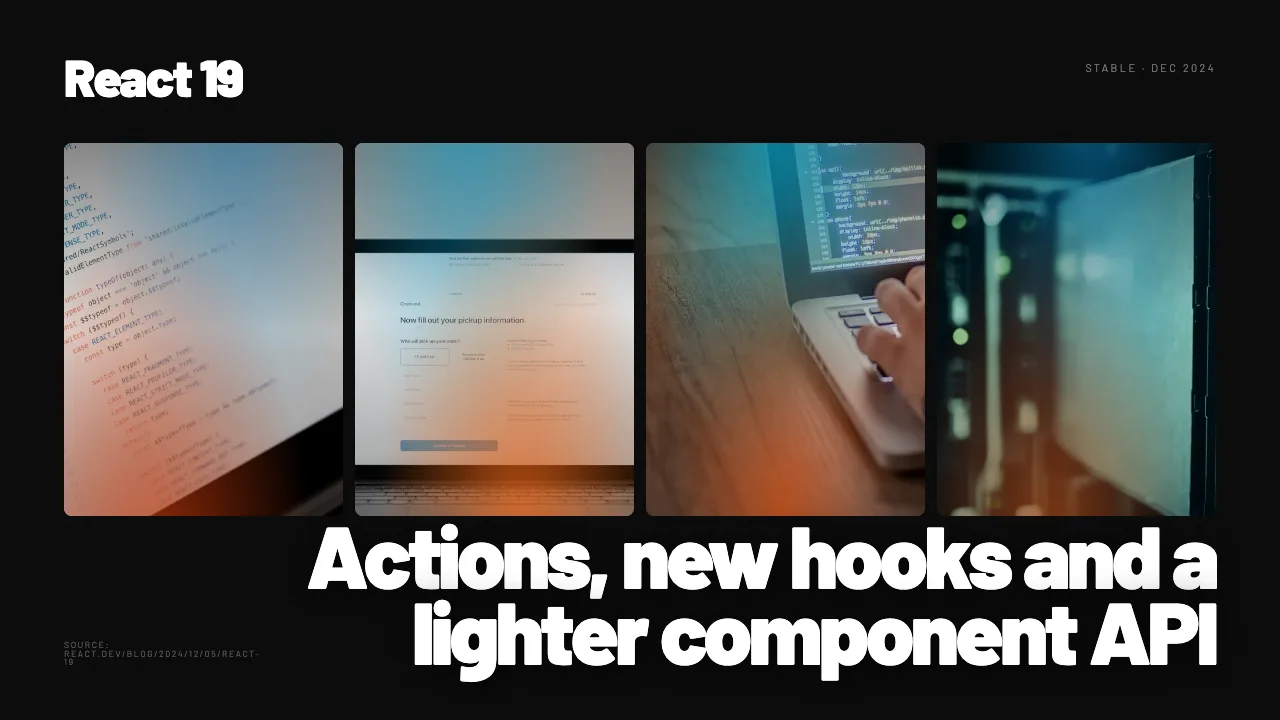
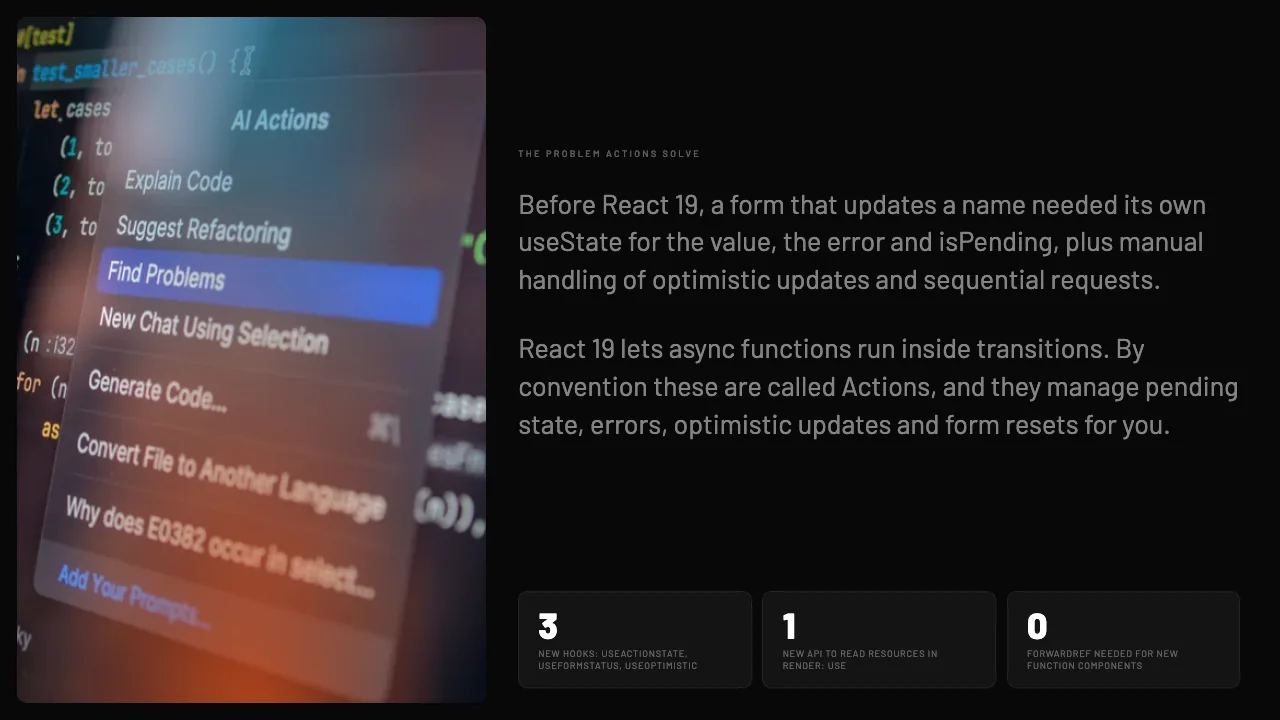
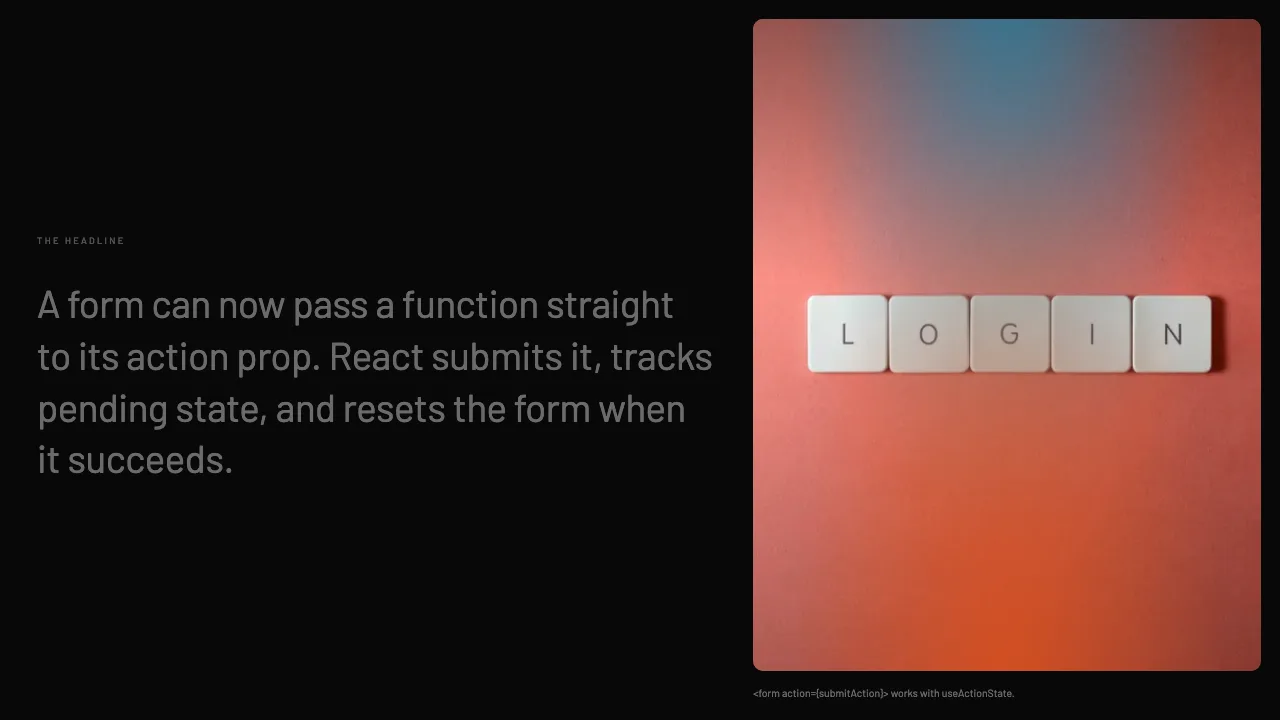

This is the real output from that prompt, made with the MagicSlides MCP. Open it to click through or download it.
How it works
- 1.Add {"mcpServers":{"magicslides":{"url":"https://www.magicslides.app/api/mcp/mcp"}}} to ~/.cursor/mcp.json, or use the one-click install link.
- 2.Log in with MagicSlides when Cursor asks.
- 3.In agent mode, paste the URL and @-mention any files the deck should reference.
- 4.Open the present link or download the PPTX or PDF.
Tool used: create_presentation_from_slots. Prefer a web app? URL to PPT does the same without an agent.
FAQ
Can Cursor tie the article to my code?
Yes. Agent mode reads the open repo, so you can @-mention files and ask which parts of the release affect them.
Where do I add the MagicSlides server?
Add it to ~/.cursor/mcp.json with the URL https://www.magicslides.app/api/mcp/mcp, or use the one-click install link.
Does it need an API key?
No. MagicSlides uses OAuth, so you log in with your MagicSlides account instead.
What formats come back?
A present link, per-slide links, and PPTX and PDF downloads. You can edit the deck in MagicSlides too.
More with Cursor
URL to PPT in other agents


Connect MagicSlides to Cursor
One MCP server for decks, docs, sheets and reels. Log in with your MagicSlides account, no API key. Making a deck from your own copy uses no AI credits.


