 MagicSlides MCP
Make presentations with Cursor
Install the MagicSlides MCP server in Cursor with one click, then ask the agent for decks and docs from your repo.
Set up MagicSlides in Cursor (one time)
Use the one-click link, or paste this into your Cursor MCP config.
{
  "mcpServers": {
    "magicslides": {
      "url": "https://www.magicslides.app/api/mcp/mcp"
    }
  }
}- 1.Click the install link, or open Settings → Tools & MCP → Add Custom MCP and paste the JSON.
- 2.Click Connect next to magicslides and log in with MagicSlides.
- 3.Ask the agent for a deck in chat. It calls MagicSlides and returns the links.
What Cursor can make with MagicSlides
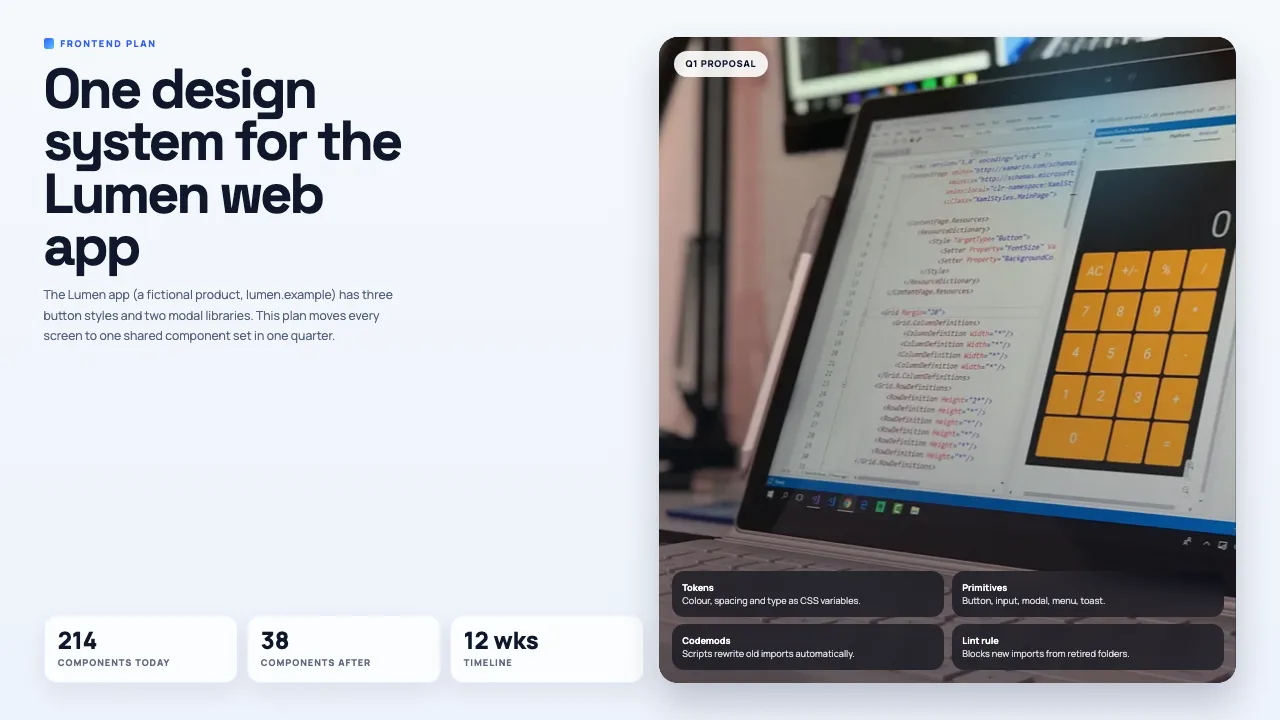
Make a PowerPoint with Cursor
A designed deck on any topic, with PPTX and PDF download.

Make a pitch deck with Cursor
Investor or sales decks with problem, solution and the ask.

Turn a web page into a PPT with Cursor
Any article, doc page or changelog turned into slides.

Turn a spreadsheet into a PPT with Cursor
CSV or Excel data turned into slides with real numbers.
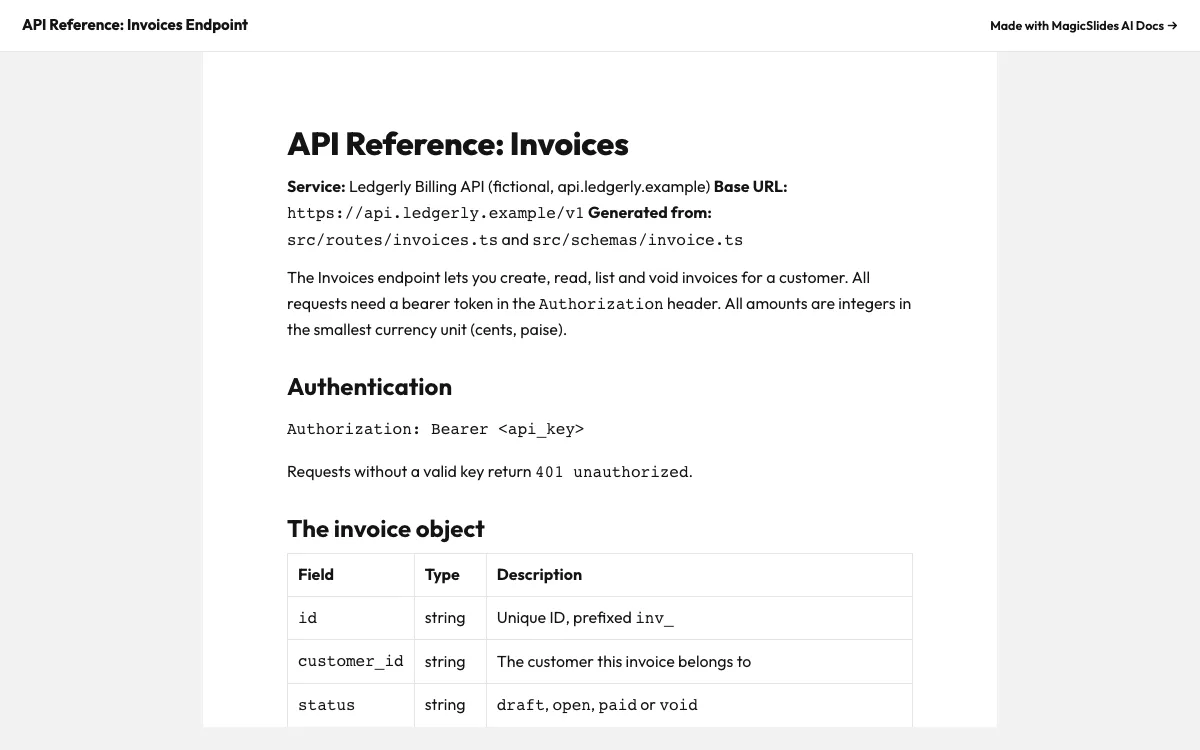
Make a document with Cursor
Reports, briefs and guides with a public share link.
Make a spreadsheet with Cursor
Tables and trackers you can open and edit.
What can you ask Cursor?
Make a 6-slide plan for moving the Lumen web app to one design system: component audit table, cost of duplicate UI, approach, 12-week roadmap and owners. Use responsive-grid.
Pitch deckTurn @pitch/README.md into a 6-slide seed pitch deck for Quietcron. Keep our MRR numbers exactly as written and end with the $1.8M ask.
URL to PPTRead https://react.dev/blog/2024/12/05/react-19 and make a 6-slide deck for our frontend team with MagicSlides. Cover Actions, the new hooks and what we should change in @src/components/forms.
Excel to PPT@data/annual.csv Use the GCAG rows to make a 5-slide deck on global temperature since 1850: decade averages, the warmest years and when each threshold was first crossed.
What is Cursor?
Cursor is an AI code editor. Its agent can read your project and call MCP tools, so it can turn a README, an API spec or a data file into a deck or a doc without you leaving the editor.
FAQ
How do I install MagicSlides in Cursor?
Use the one-click install link on this page, or add {"mcpServers":{"magicslides":{"url":"https://www.magicslides.app/api/mcp/mcp"}}} to ~/.cursor/mcp.json.
Do I need an API key in mcp.json?
No. The config only has the URL. Cursor runs the OAuth login the first time you connect.
Can I add it for one project only?
Yes. Put the same JSON in .cursor/mcp.json at the root of that project instead of your home folder.
Does it work with cursor-agent in the terminal?
Yes. The Cursor CLI reads the same mcp.json files and lists magicslides under cursor-agent mcp list.
Other agents


Connect MagicSlides to Cursor
One MCP server for decks, docs, sheets and reels. Log in with your MagicSlides account, no API key. Making a deck from your own copy uses no AI credits.


