 MagicSlides MCP
Make presentations with Codex CLI
Add MagicSlides to OpenAI Codex with codex mcp add, then turn code, data and docs into decks from the terminal.
Set up MagicSlides in Codex CLI (one time)
Two commands: add the server, then log in.
codex mcp add magicslides --url https://www.magicslides.app/api/mcp/mcp
codex mcp login magicslides[mcp_servers.magicslides]
url = "https://www.magicslides.app/api/mcp/mcp"- 1.Run codex mcp add, then codex mcp login and approve in the browser.
- 2.Start codex (or use codex exec "…" for one-off runs).
- 3.Ask for a deck. Codex calls MagicSlides and prints the present link.
What Codex can make with MagicSlides

Make a PowerPoint with Codex
A designed deck on any topic, with PPTX and PDF download.

Make a pitch deck with Codex
Investor or sales decks with problem, solution and the ask.

Turn a YouTube video into a PPT with Codex
A talk or lecture transcript turned into slides.
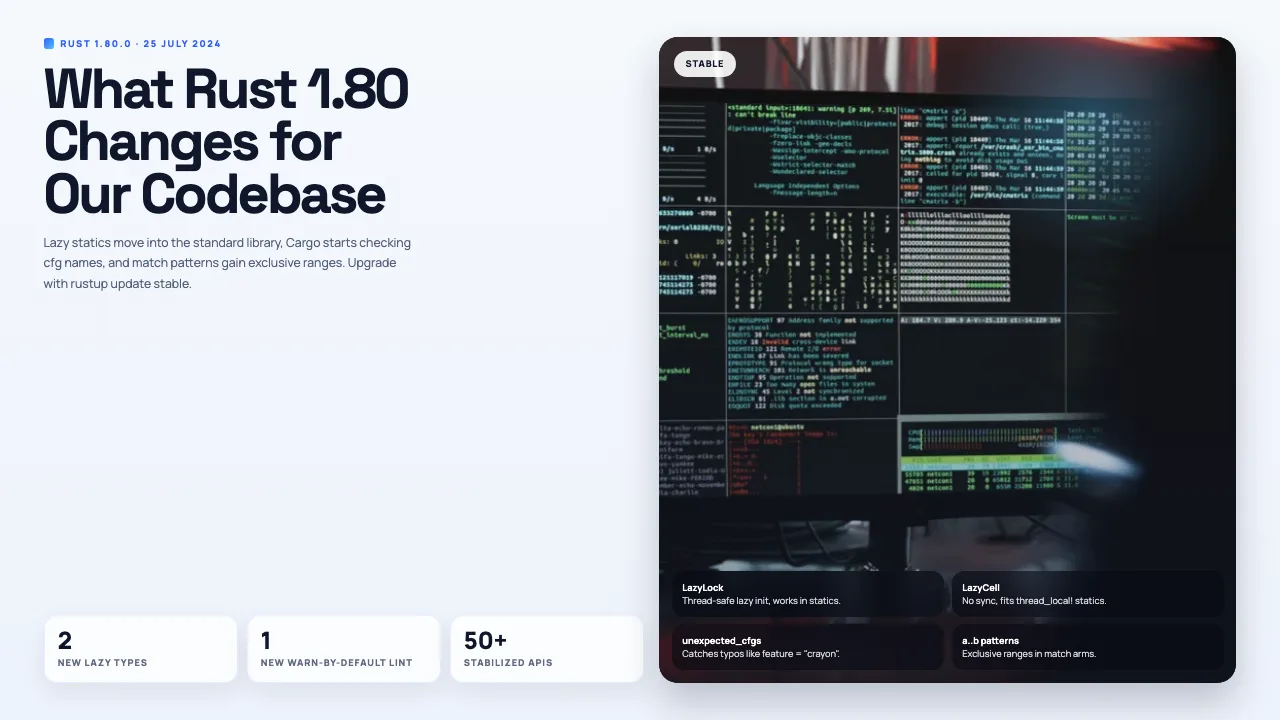
Turn a web page into a PPT with Codex
Any article, doc page or changelog turned into slides.

Turn a spreadsheet into a PPT with Codex
CSV or Excel data turned into slides with real numbers.
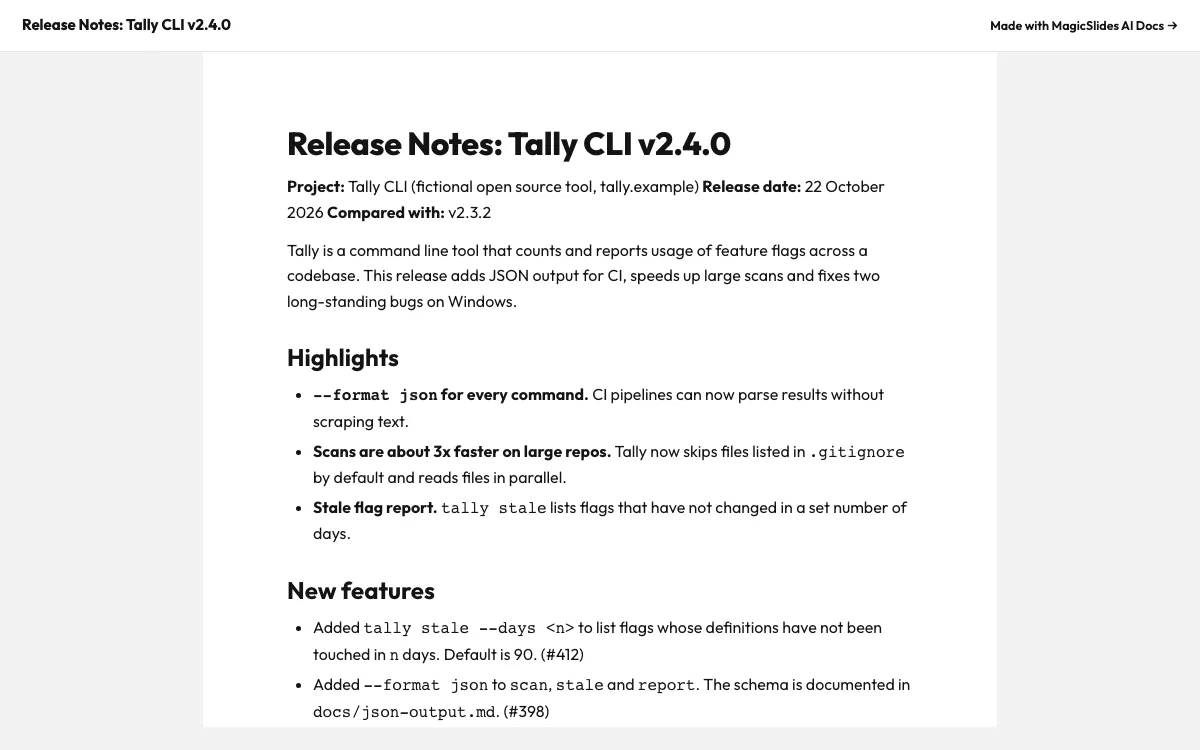
Make a document with Codex
Reports, briefs and guides with a public share link.
Make a spreadsheet with Codex
Tables and trackers you can open and edit.
What can you ask Codex?
Make a 6-slide design review deck for adding per-key rate limiting to our public API: the problem, token bucket proposal, limits, rollout plan, and the decision we need. Use noir-bold.
Pitch deckcodex exec "Use the numbers in metrics/design-partners.csv to make a 6-slide seed pitch deck for Flakewatch, our flaky test detector. End with a $2.5M ask."
YouTube to PPTcodex exec "Fetch the English captions for https://www.youtube.com/watch?v=SxdOUGdseq4 with yt-dlp, read the transcript, and make a 6-slide lesson on Simple Made Easy for our engineering reading group."
URL to PPTcodex exec "Curl https://blog.rust-lang.org/2024/07/25/Rust-1.80.0/ and make a 5-slide upgrade brief for our Rust team with MagicSlides. Include a before and after table."
What is Codex CLI?
Codex is OpenAI’s coding agent for the terminal. It reads your repo, runs commands and calls MCP servers. With MagicSlides added, it can summarise a changelog, a dataset or a transcript straight into slides.
FAQ
How do I add MagicSlides to Codex?
Run codex mcp add magicslides --url https://www.magicslides.app/api/mcp/mcp, then codex mcp login magicslides to log in.
Do I need a feature flag for remote MCP servers?
No. Current Codex versions support streamable HTTP servers with OAuth out of the box.
Can I use it in codex exec?
Yes. After you log in once, codex exec "make a 6-slide deck from CHANGELOG.md" can call MagicSlides without prompts.
Does it work in the Codex IDE extension?
The IDE extension reads the same ~/.codex/config.toml, so a server you add in the CLI shows up there too.
Other agents


Connect MagicSlides to Codex CLI
One MCP server for decks, docs, sheets and reels. Log in with your MagicSlides account, no API key. Making a deck from your own copy uses no AI credits.


