Make presentations with Perplexity
Connect MagicSlides to Perplexity and turn cited research into a deck or a brief in one chat.
Set up MagicSlides in Perplexity (one time)
Custom connectors are on paid Perplexity plans (Pro, Max and Enterprise).
https://www.magicslides.app/api/mcp/mcp- 1.Open Plugins in the sidebar, then Add custom → Connector → Add MCP connector.
- 2.Paste the URL, pick Streamable HTTP and OAuth 2.0, and save.
- 3.Log in with MagicSlides, then turn the connector on in a thread.
What Perplexity can make with MagicSlides

Make a PowerPoint with Perplexity
A designed deck on any topic, with PPTX and PDF download.
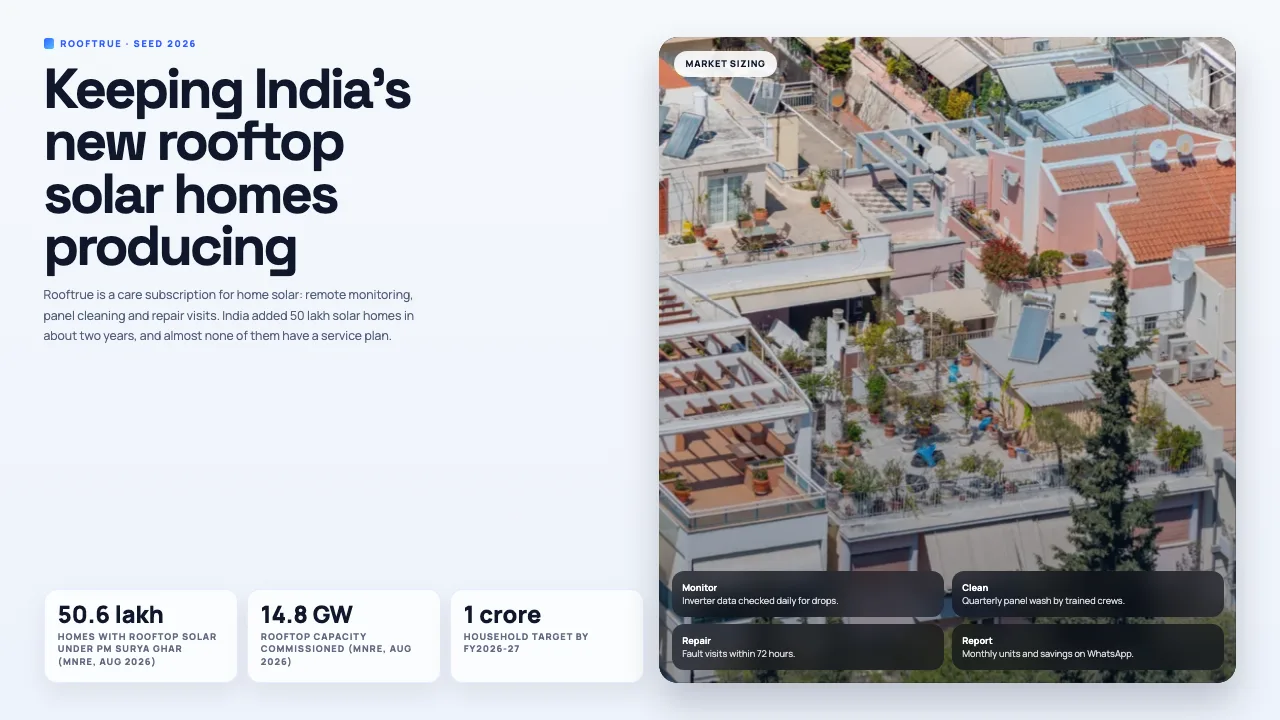
Make a pitch deck with Perplexity
Investor or sales decks with problem, solution and the ask.
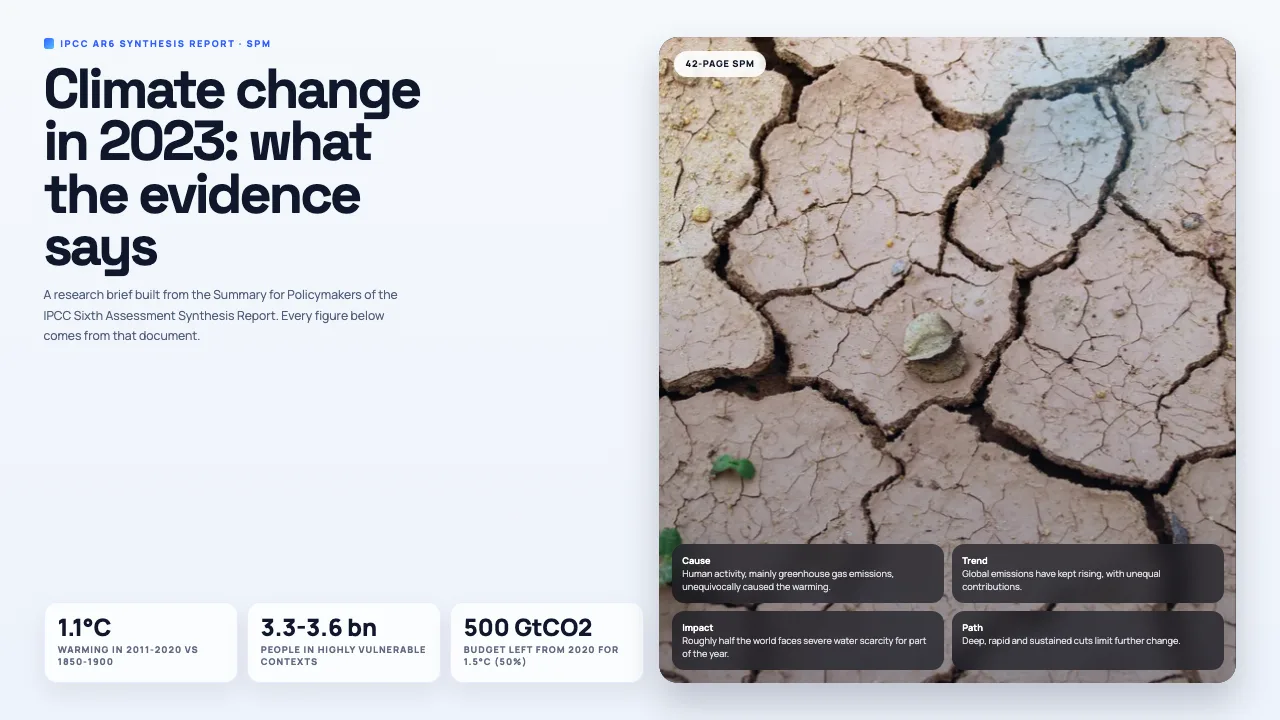
Turn a PDF into a PPT with Perplexity
Reports, papers and handouts turned into slides.
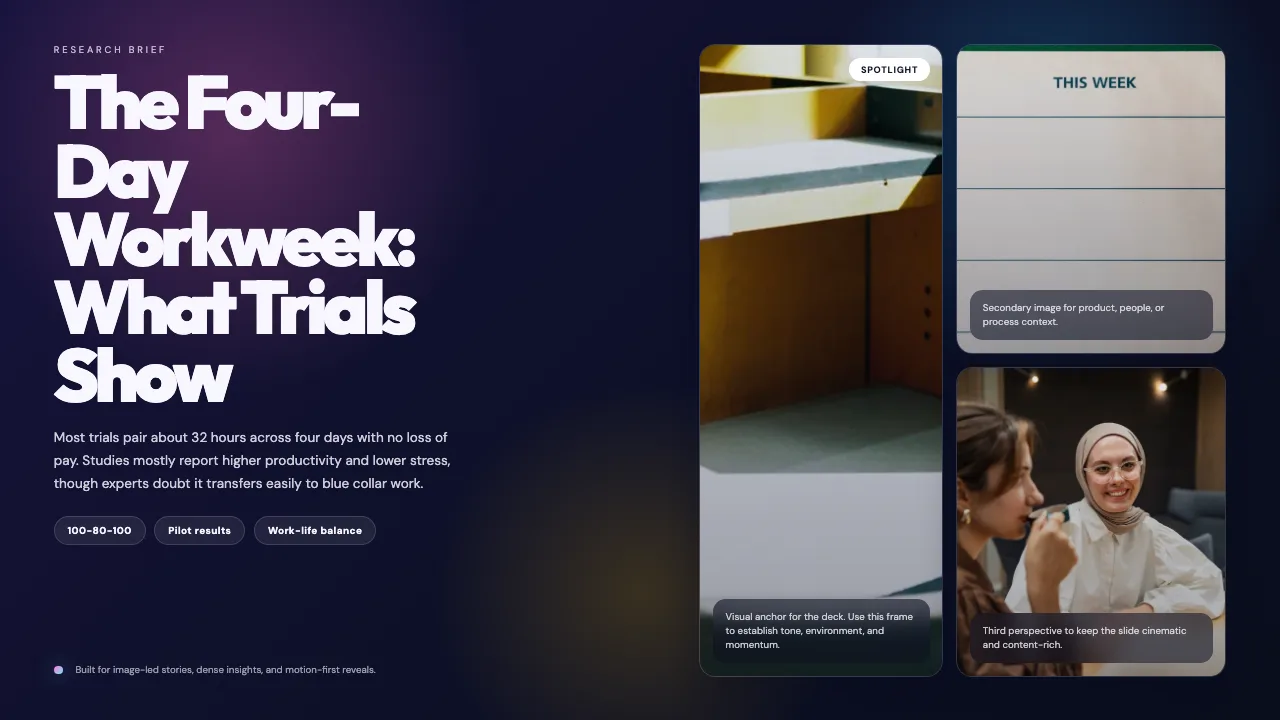
Turn a web page into a PPT with Perplexity
Any article, doc page or changelog turned into slides.
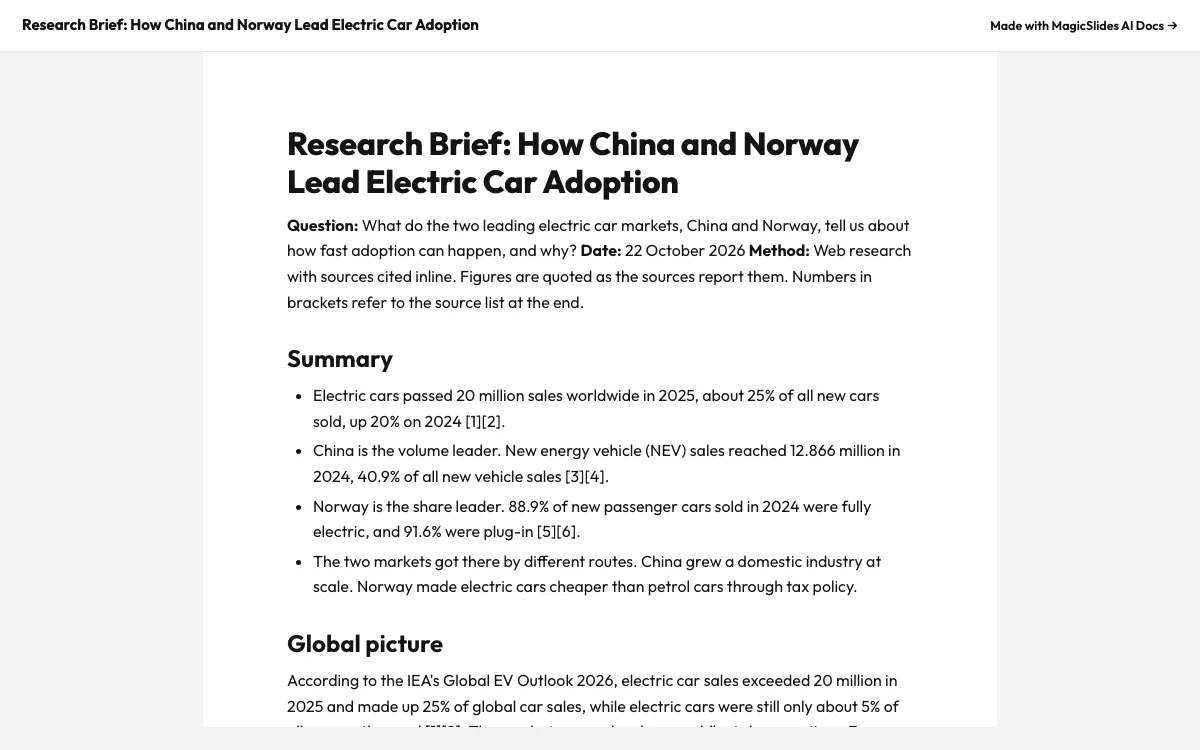
Make a document with Perplexity
Reports, briefs and guides with a public share link.
What can you ask Perplexity?
Research the urban heat island effect and make a 5-slide brief: causes, the two types, impacts on energy, health and water, and a sources slide. Use editorial-magazine.
Pitch deckSize the market for a home rooftop solar care subscription in India using official PM Surya Ghar data, then make a 7-slide seed pitch deck for Rooftrue with TAM, SAM and SOM and a sources slide.
PDF to PPTRead the IPCC AR6 Synthesis Report Summary for Policymakers at https://www.ipcc.ch/report/ar6/syr/downloads/report/IPCC_AR6_SYR_SPM.pdf and make a 6-slide research brief with the key numbers and the section each one comes from.
URL to PPTRead https://en.wikipedia.org/wiki/Four-day_workweek and make a 6-slide research brief with MagicSlides. Chart the 2022 pilots and add a table of the main trials.
What is Perplexity?
Perplexity is an answer engine that searches the web and cites sources. Custom MCP connectors let it hand that research to MagicSlides, so you get a designed deck or document instead of a long answer.
FAQ
Which Perplexity plans support custom connectors?
Paid plans: Pro, Max and Enterprise. The Free plan does not take custom MCP connectors.
Do the citations end up in the deck?
If you ask for them. Perplexity writes the slide copy, so ask it to put sources on the last slide and it will.
Does it work in the Perplexity desktop app?
Yes. Connectors you add on the web are available in the desktop apps on the same account.
Other agents


Connect MagicSlides to Perplexity
One MCP server for decks, docs, sheets and reels. Log in with your MagicSlides account, no API key. Making a deck from your own copy uses no AI credits.


