 MagicSlides MCP
Make presentations with Claude
Add MagicSlides as a connector in claude.ai, Claude Desktop or the Claude mobile app, then ask for slides in chat.
Set up MagicSlides in Claude (one time)
Add MagicSlides once as a custom connector. It works on every Claude plan; the Free plan allows one custom connector.
https://www.magicslides.app/api/mcp/mcp- 1.In Claude, open Customize → Connectors and click Add custom connector.
- 2.Name it MagicSlides and paste the URL above.
- 3.Click Connect and log in with MagicSlides. There is no API key.
What Claude can make with MagicSlides

Make a PowerPoint with Claude
A designed deck on any topic, with PPTX and PDF download.
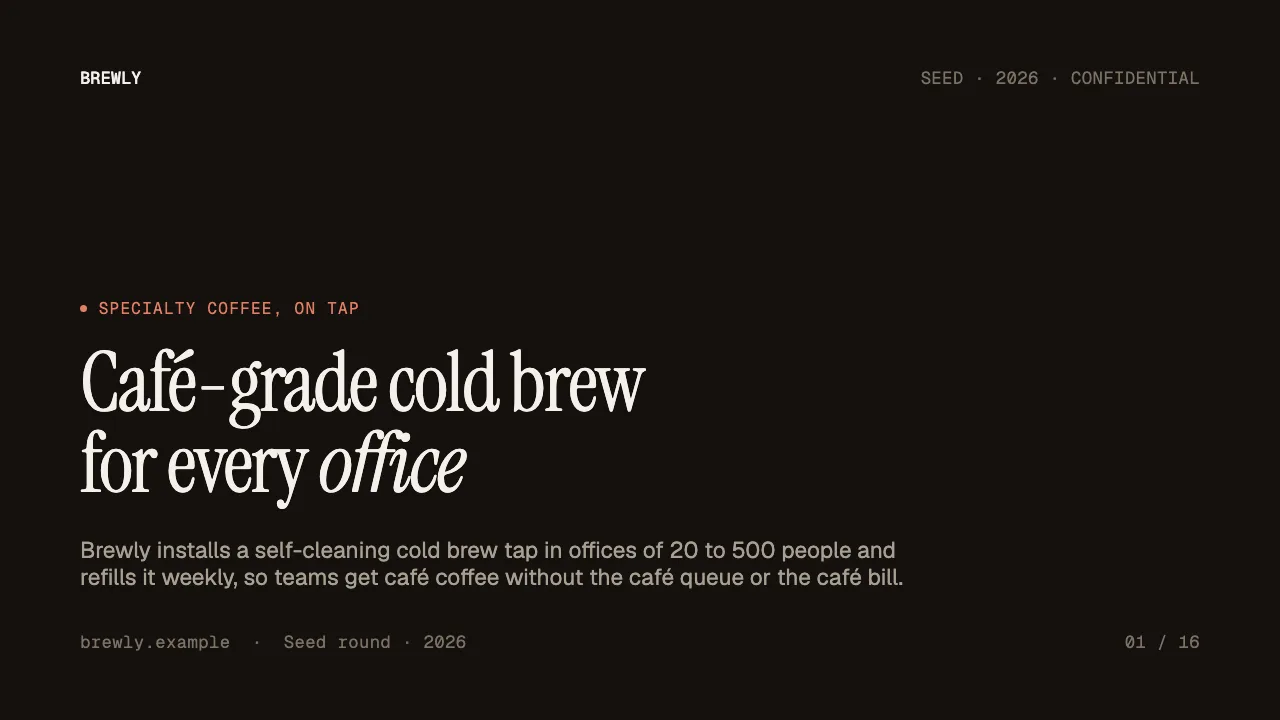
Make a pitch deck with Claude
Investor or sales decks with problem, solution and the ask.

Make Google Slides with Claude
A deck you open and edit in Google Slides.
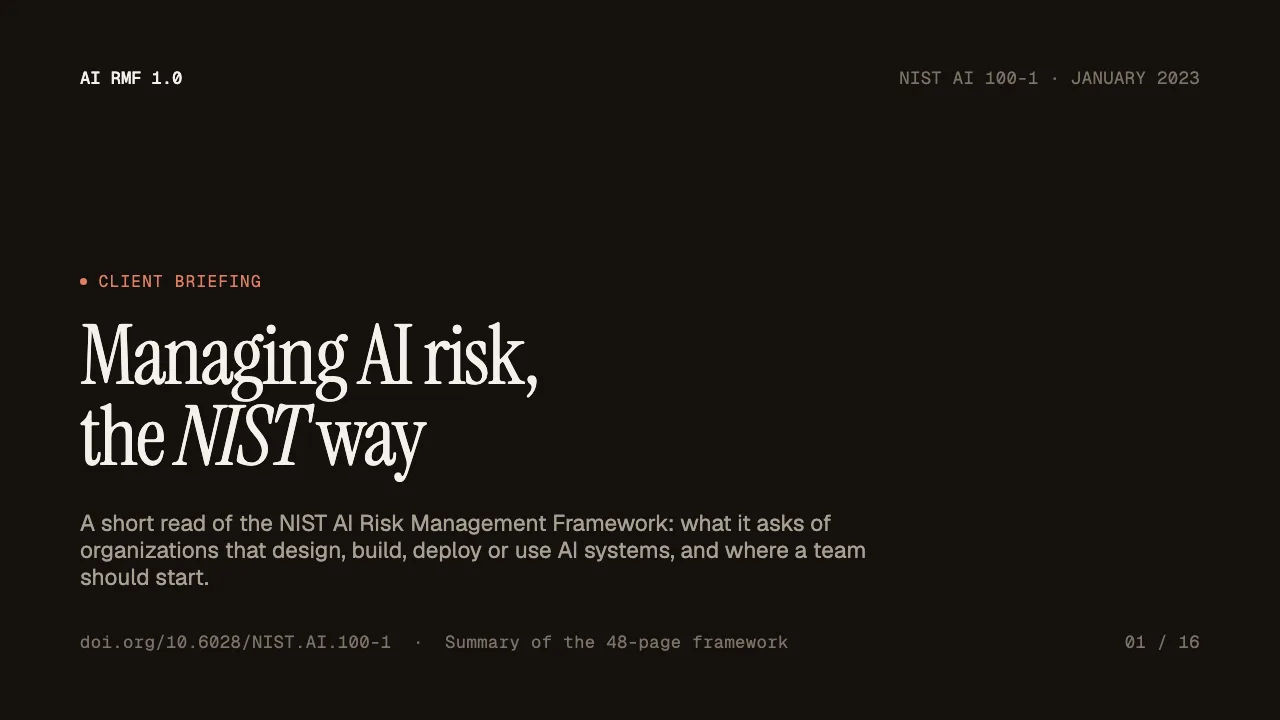
Turn a PDF into a PPT with Claude
Reports, papers and handouts turned into slides.
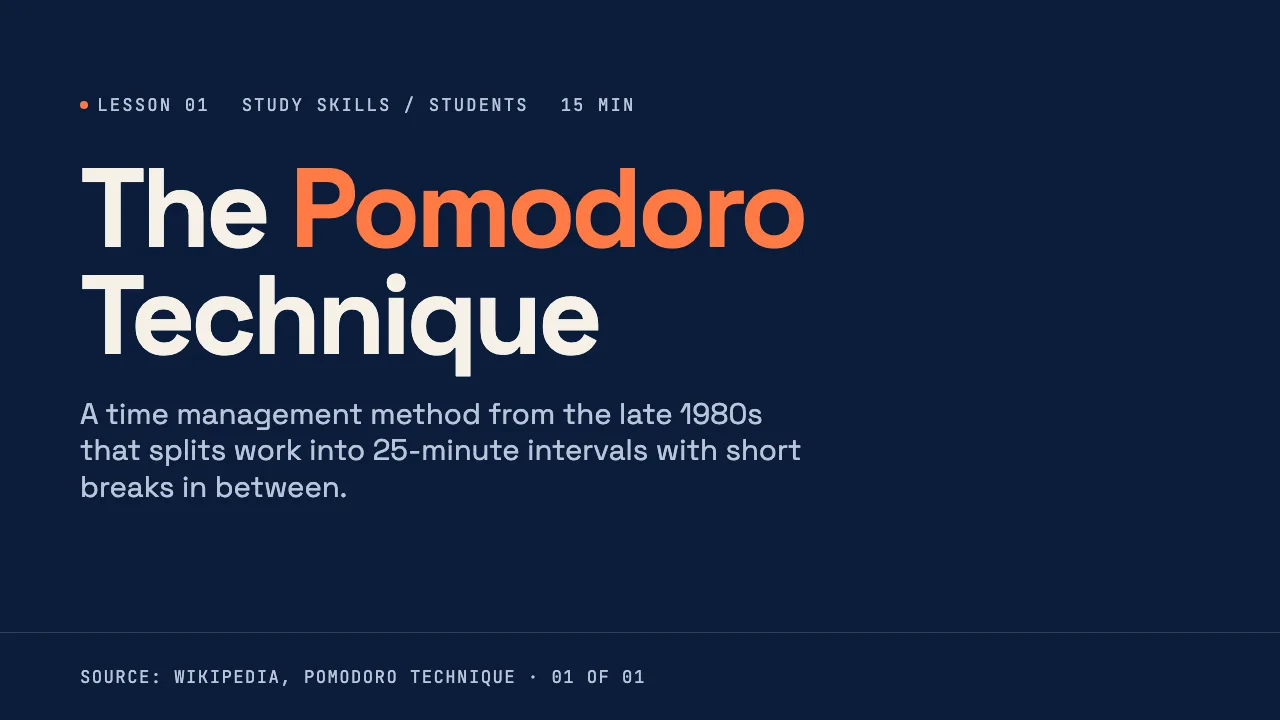
Turn a web page into a PPT with Claude
Any article, doc page or changelog turned into slides.

Turn a spreadsheet into a PPT with Claude
CSV or Excel data turned into slides with real numbers.
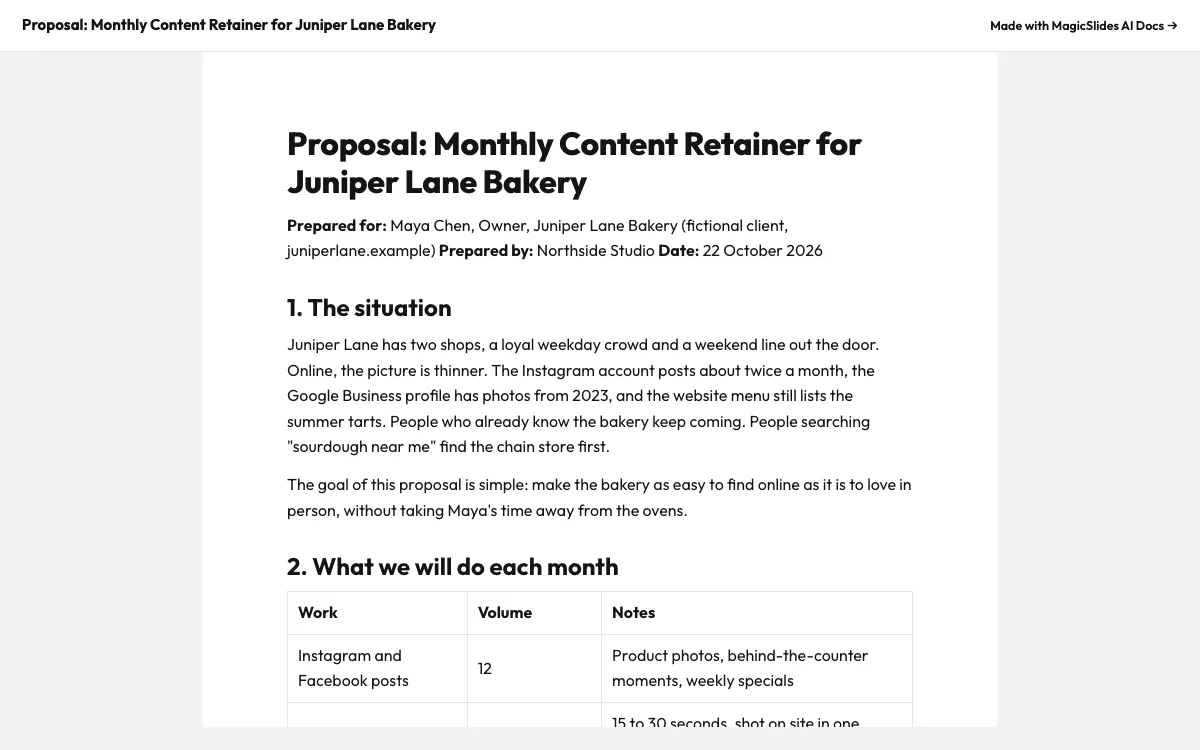
Make a document with Claude
Reports, briefs and guides with a public share link.
Make a spreadsheet with Claude
Tables and trackers you can open and edit.
What can you ask Claude?
Make a 5-slide intro lesson on supply and demand for first-year economics students, 25 minutes, with a hook question about concert tickets. Use the lesson-101 template.
Pitch deckMake a 5-slide seed pitch deck for Brewly, a cold brew subscription for offices. Cover, the problem with office coffee, why now, the solution, and an ask of 4 crore rupees. Use the editorial pitch template.
Google SlidesMake a 6-slide lesson for high school students on spaced repetition for exam prep. I will teach from Google Slides, so give me the PPTX.
PDF to PPTI've attached NIST's AI Risk Management Framework (NIST.AI.100-1.pdf). Turn it into a 6-slide client briefing: what the framework is, the trustworthy AI traits, the four core functions, and where a team should start.
What is Claude?
Claude is Anthropic’s assistant on the web, desktop and mobile. Custom connectors let it call remote MCP servers such as MagicSlides, so a deck, doc or sheet comes back as a link inside the conversation.
FAQ
Can Claude make a PowerPoint?
Claude writes the content, and the MagicSlides connector turns it into a designed deck with a present link, PPTX and PDF download. Without a connector Claude can only describe slides or write code that builds a basic file.
Does the MagicSlides connector work on the Claude Free plan?
Yes. Custom connectors are available on Free, Pro, Max, Team and Enterprise. The Free plan is limited to one custom connector.
Do I need an API key?
No. You log in with your MagicSlides account when you add the connector. Claude never sees a key.
Does it work in Claude Desktop and on mobile?
Yes. A connector you add on claude.ai is available in Claude Desktop and the mobile apps signed in to the same account.
Claude says it cannot see MagicSlides. What do I check?
Open the tools menu in the chat and make sure the MagicSlides connector is switched on for that conversation. If it shows a login prompt, click Connect again.
Other agents


Connect MagicSlides to Claude
One MCP server for decks, docs, sheets and reels. Log in with your MagicSlides account, no API key. Making a deck from your own copy uses no AI credits.


