 MagicSlides MCP
Make presentations with Claude Code
One terminal command adds MagicSlides to Claude Code. Then turn files, repos and notes into decks without leaving the terminal.
Set up MagicSlides in Claude Code (one time)
Run this once. Add --scope user to make MagicSlides available in every project.
claude mcp add --transport http magicslides https://www.magicslides.app/api/mcp/mcp/mcpPick magicslides and log in with MagicSlides in the browser tab that opens.
- 1.Run the command in your terminal.
- 2.Start claude, type /mcp, select magicslides and log in.
- 3.Ask for a deck. Claude Code calls the MagicSlides tools and prints the links.
What Claude Code can make with MagicSlides

Make a PowerPoint with Claude Code
A designed deck on any topic, with PPTX and PDF download.

Make a pitch deck with Claude Code
Investor or sales decks with problem, solution and the ask.

Turn a PDF into a PPT with Claude Code
Reports, papers and handouts turned into slides.

Turn a YouTube video into a PPT with Claude Code
A talk or lecture transcript turned into slides.
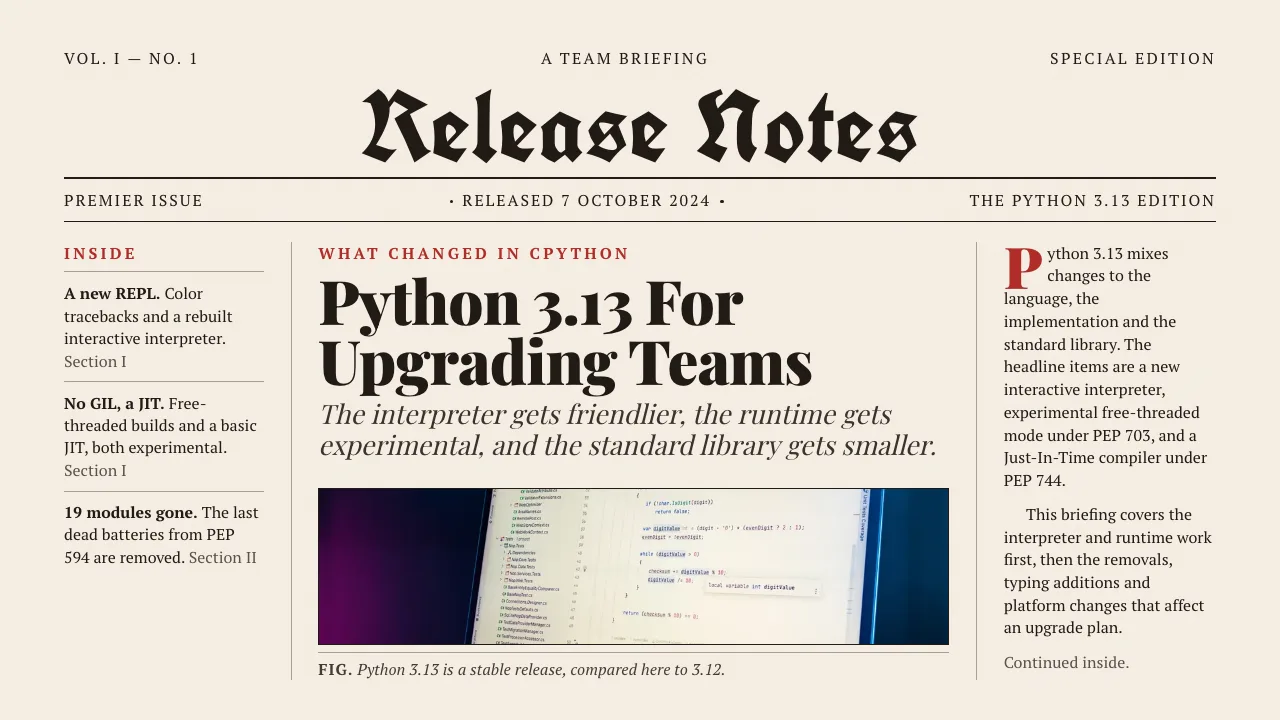
Turn a web page into a PPT with Claude Code
Any article, doc page or changelog turned into slides.

Turn a spreadsheet into a PPT with Claude Code
CSV or Excel data turned into slides with real numbers.
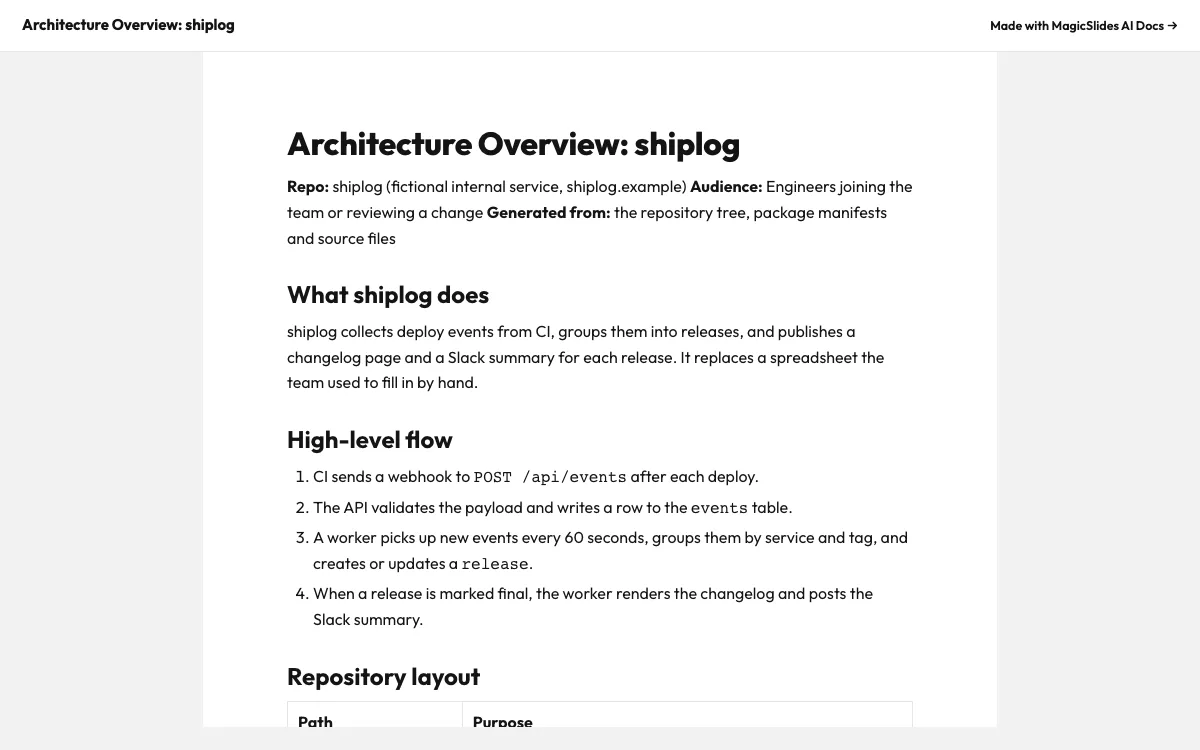
Make a document with Claude Code
Reports, briefs and guides with a public share link.
Make a spreadsheet with Claude Code
Tables and trackers you can open and edit.
What can you ask Claude Code?
Make a 6-slide engineering review deck on how we cut CI from 22 to 7 minutes: where the time went, the four changes, before and after numbers, lessons, next quarter. Use creative-pulse.
Pitch deckRead README.md and docs/traction.md in this repo and make a 6-slide pre-seed pitch deck for Shiplog. End with a $600k ask and our use of funds.
PDF to PPTDownload https://arxiv.org/pdf/1706.03762, read it with pdftotext, and make a 6-slide walkthrough for our paper club: the claim, the core idea, the architecture, training setup and results.
YouTube to PPTUse yt-dlp to grab the English captions for https://www.youtube.com/watch?v=zjkBMFhNj_g, read the transcript, and make a 6-slide summary for our team with the key numbers from the talk.
What is Claude Code?
Claude Code is Anthropic’s coding agent for the terminal and IDEs. It reads your files, runs shell commands and calls MCP servers, so it can read a PDF, a CSV or a README and hand the content to MagicSlides to lay out.
FAQ
How do I add MagicSlides to Claude Code?
Run claude mcp add --transport http magicslides https://www.magicslides.app/api/mcp/mcp, then type /mcp inside Claude Code and log in.
Is the MagicSlides MCP server the same one Claude.ai uses?
Yes. It is one remote server. Claude Code connects to it over HTTP and logs in with OAuth, the same account you use on magicslides.app.
Can I use it with claude -p in scripts?
Yes, once you have logged in interactively with /mcp. After that, non-interactive runs reuse the saved login.
Does Claude Code need to write any slide code?
No. Claude Code writes the content and MagicSlides does the layout, images and export, so there is no python-pptx script to maintain.
Other agents


Connect MagicSlides to Claude Code
One MCP server for decks, docs, sheets and reels. Log in with your MagicSlides account, no API key. Making a deck from your own copy uses no AI credits.


