 Claude Code + MagicSlides MCP
Turn a web page into a PPT with Claude Code
Claude Code can pull a long docs page with WebFetch or curl, boil it down, and send the result to MagicSlides as a deck. Here it turned the official What's New in Python 3.13 page into a 6-slide upgrade briefing for an engineering team.
Set up MagicSlides in Claude Code (one time)
Run this once. Add --scope user to make MagicSlides available in every project.
claude mcp add --transport http magicslides https://www.magicslides.app/api/mcp/mcp/mcpPick magicslides and log in with MagicSlides in the browser tab that opens.
- 1.Run the command in your terminal.
- 2.Start claude, type /mcp, select magicslides and log in.
- 3.Ask for a deck. Claude Code calls the MagicSlides tools and prints the links.
Example: what you type in Claude Code
Fetch https://docs.python.org/3/whatsnew/3.13.html and make a 6-slide upgrade briefing for our backend team with MagicSlides. Focus on the interpreter changes and the removed modules.
Source used: What's New In Python 3.13 - Python documentation
- Fetched docs.python.org/3/whatsnew/3.13.html with curl and stripped the HTML (about 17,000 words)
- Took the facts from the Summary and Release Highlights: new REPL, PEP 703, PEP 744, PEP 594 removals, typing PEPs
- Called get_template_schema (editorial-magazine, 6 slides)
- Wrote the slot copy and called create_presentation_from_slots
Done. The 6-slide Python 3.13 briefing covers the new REPL, free-threaded mode and the JIT, the 19 removed modules and the new typing PEPs. Present link, PPTX and PDF are below.
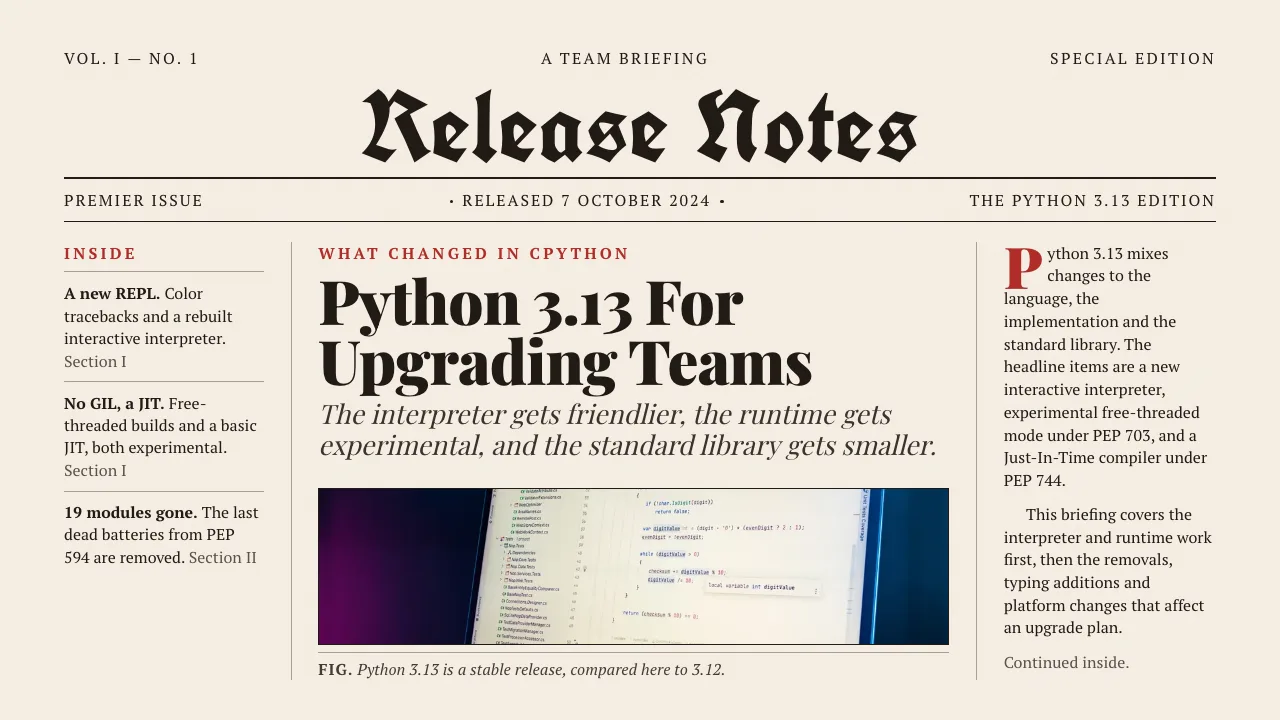
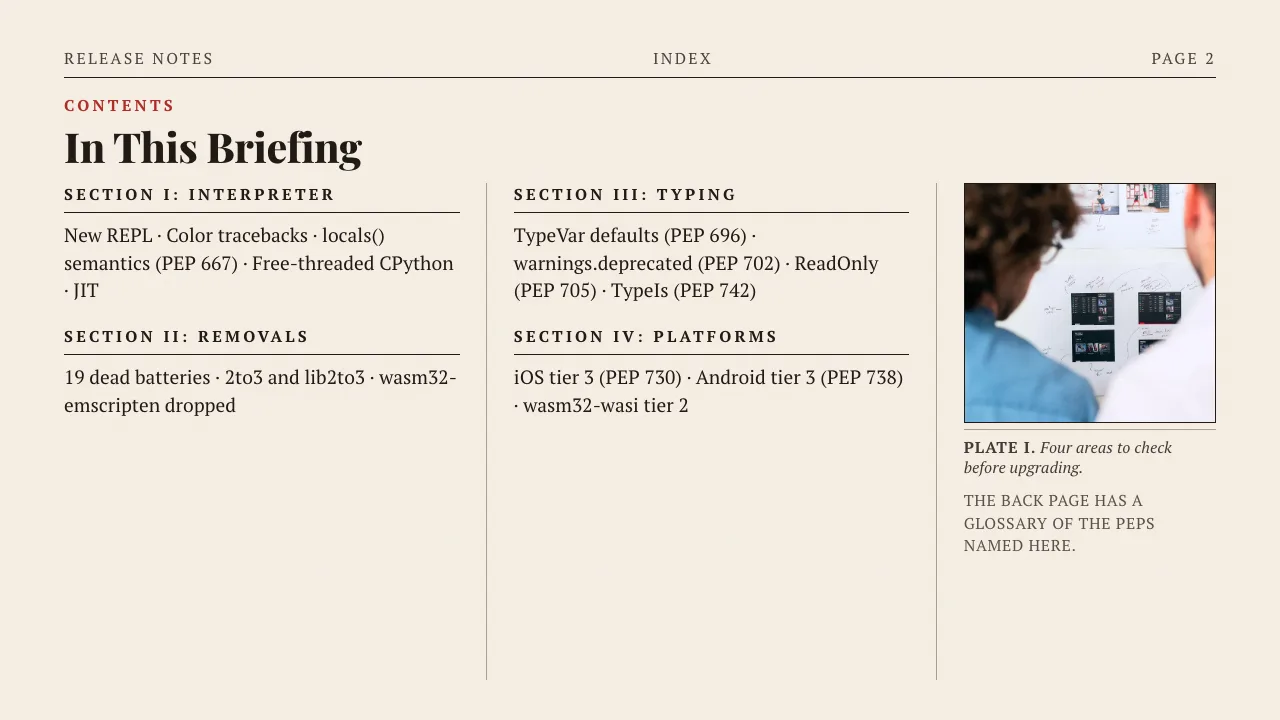
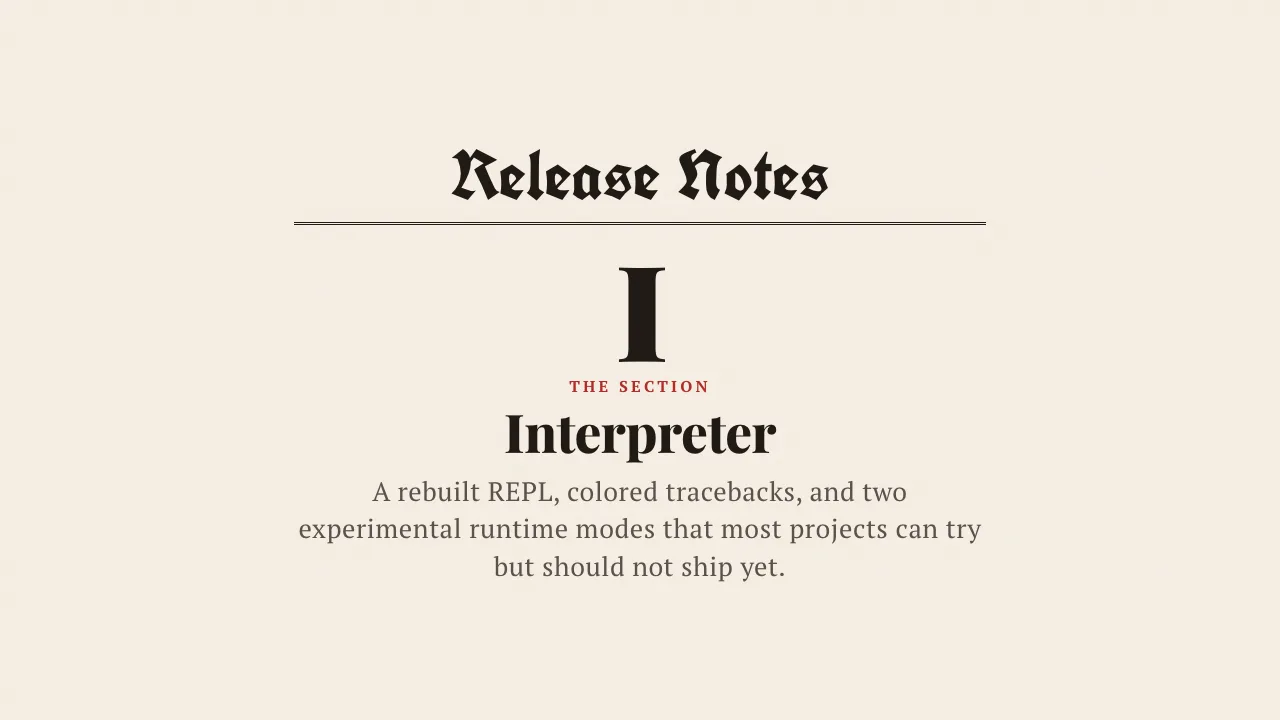
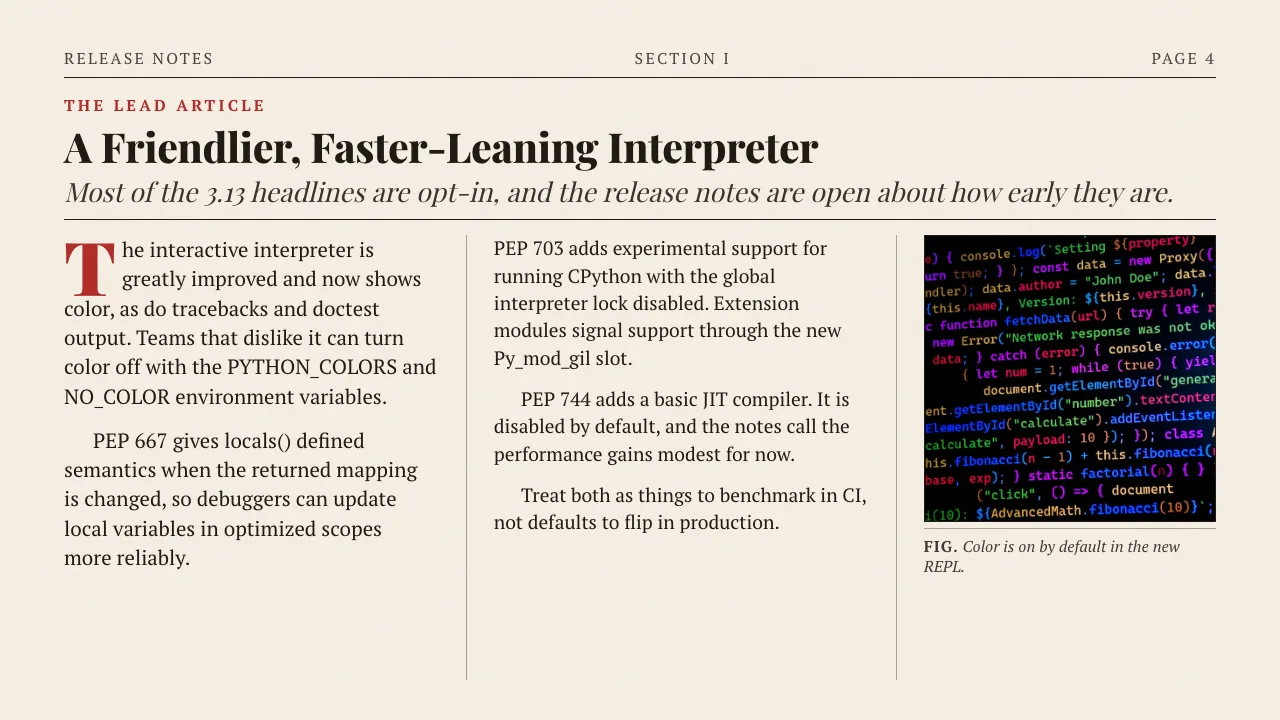
This is the real output from that prompt, made with the MagicSlides MCP. Open it to click through or download it.
How it works
- 1.Run claude mcp add --transport http magicslides https://www.magicslides.app/api/mcp/mcp.
- 2.Type /mcp inside Claude Code and log in with MagicSlides.
- 3.Ask Claude Code to fetch the URL and make a deck, with a slide count.
- 4.Open the present link, or grab the PPTX and PDF links from the reply.
Tool used: create_presentation_from_slots. Prefer a web app? URL to PPT does the same without an agent.
FAQ
How does Claude Code read the page?
It uses WebFetch or runs curl in your shell, then reads the text. Long pages like release notes work fine.
Can it combine the URL with files in my repo?
Yes. Claude Code reads local files too, so you can ask it to compare a changelog URL with your requirements file or code.
Does the deck cost AI credits?
No. Claude Code writes the slide copy, so the bring-your-own-content path costs 0 MagicSlides AI credits.
What do I get back?
A present link, a link per slide, and PPTX and PDF downloads. The deck also opens in the MagicSlides editor.
More with Claude Code
URL to PPT in other agents


Connect MagicSlides to Claude Code
One MCP server for decks, docs, sheets and reels. Log in with your MagicSlides account, no API key. Making a deck from your own copy uses no AI credits.


