 Claude + MagicSlides MCP
Turn a web page into a PPT with Claude
Paste a link into Claude and it reads the page, then writes a short deck from what the page says. Here a student turned the Wikipedia article on the Pomodoro Technique into a 5-slide study lesson with the steps and the research findings.
Set up MagicSlides in Claude (one time)
Add MagicSlides once as a custom connector. It works on every Claude plan; the Free plan allows one custom connector.
https://www.magicslides.app/api/mcp/mcp- 1.In Claude, open Customize → Connectors and click Add custom connector.
- 2.Name it MagicSlides and paste the URL above.
- 3.Click Connect and log in with MagicSlides. There is no API key.
Example: what you type in Claude
Read https://en.wikipedia.org/wiki/Pomodoro_Technique and turn it into a 5-slide lesson for my study group using MagicSlides. Keep the steps and the research part.
Source used: Pomodoro Technique - Wikipedia
- Fetched the Wikipedia article on the Pomodoro Technique (about 420 words)
- Pulled out the five steps, the 25 and 5 to 10 minute timings, and the two research findings
- Called get_template_schema (lesson-101, 5 slides)
- Wrote the slot copy and called create_presentation_from_slots with stock images
Your 5-slide lesson on the Pomodoro Technique is ready. It covers Cirillo's five-step cycle and the study comparing 25 Pomodoro students with 35 self-paced ones. You can present it, or download the PPTX or PDF.

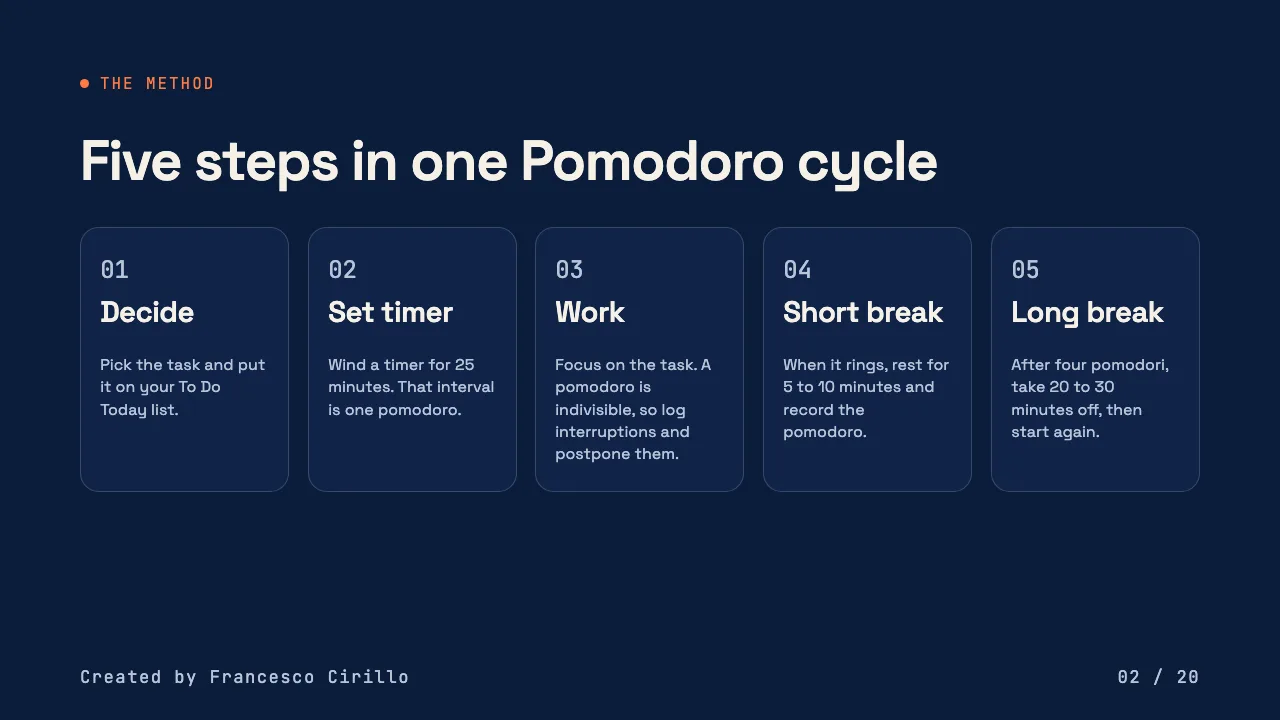
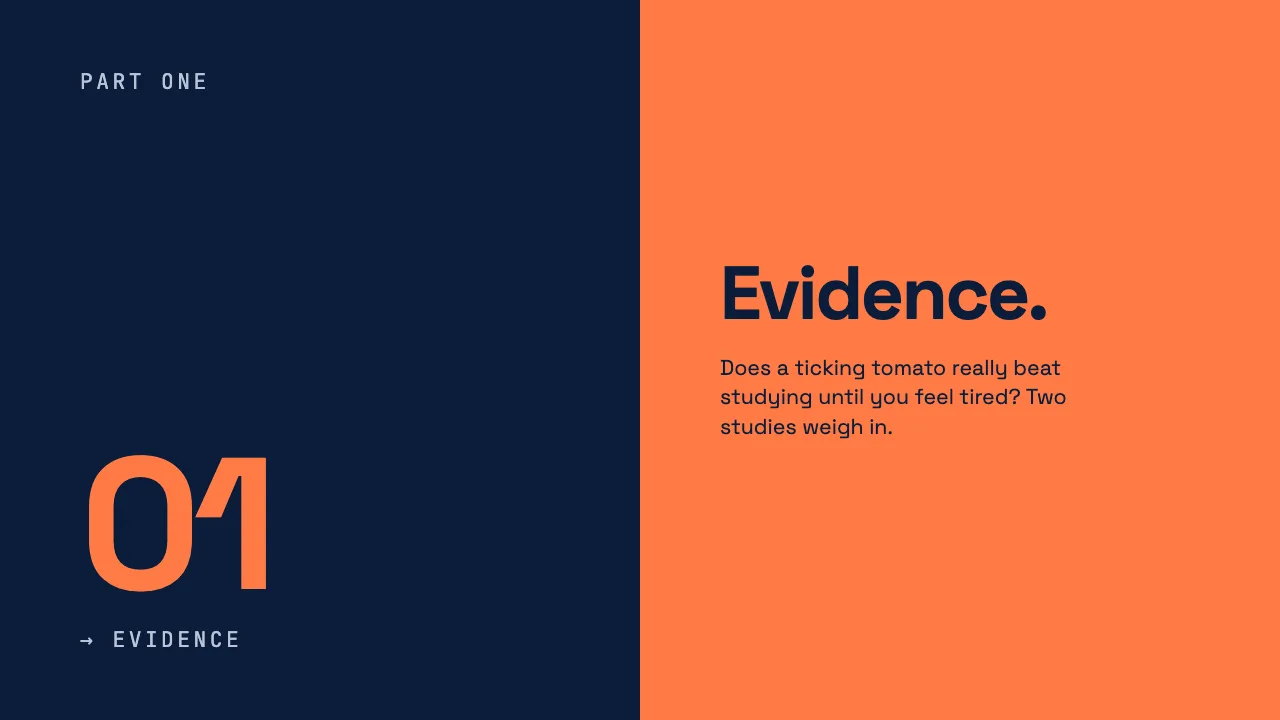

This is the real output from that prompt, made with the MagicSlides MCP. Open it to click through or download it.
How it works
- 1.In Claude, open Customize, then Connectors, then Add custom connector, and paste https://www.magicslides.app/api/mcp/mcp.
- 2.Log in with MagicSlides when Claude asks.
- 3.Paste the page URL in chat and say how many slides you want.
- 4.Open the present link Claude returns, or download the PPTX or PDF.
Tool used: create_presentation_from_slots. Prefer a web app? URL to PPT does the same without an agent.
FAQ
Can Claude read the web page itself?
Yes. Claude can fetch a public URL, so you only paste the link. It builds the slides from what the page says.
Does this work on the free Claude plan?
Yes. The free plan allows one custom connector, which is enough for MagicSlides.
Does turning a URL into slides use AI credits?
No. Claude writes the slide copy itself and MagicSlides only lays it out, so this path costs 0 MagicSlides AI credits.
Can I edit the deck after Claude makes it?
Yes. The deck opens in the MagicSlides editor, and you also get PPTX and PDF downloads.
More with Claude
URL to PPT in other agents


Connect MagicSlides to Claude
One MCP server for decks, docs, sheets and reels. Log in with your MagicSlides account, no API key. Making a deck from your own copy uses no AI credits.


