 Claude + MagicSlides MCP
Turn a PDF into a PPT with Claude
Claude reads a PDF you upload into the chat and can turn a long framework or report into a short briefing. With the MagicSlides connector added, it writes the slide copy itself and hands back a deck you can present or download as PPTX.
Set up MagicSlides in Claude (one time)
Add MagicSlides once as a custom connector. It works on every Claude plan; the Free plan allows one custom connector.
https://www.magicslides.app/api/mcp/mcp- 1.In Claude, open Customize → Connectors and click Add custom connector.
- 2.Name it MagicSlides and paste the URL above.
- 3.Click Connect and log in with MagicSlides. There is no API key.
Example: what you type in Claude
I've attached NIST's AI Risk Management Framework (NIST.AI.100-1.pdf). Turn it into a 6-slide client briefing: what the framework is, the trustworthy AI traits, the four core functions, and where a team should start.
Source used: NIST AI 100-1: Artificial Intelligence Risk Management Framework (AI RMF 1.0), January 2023
- Read the uploaded NIST.AI.100-1.pdf (48 pages)
- Pulled the seven trustworthy AI characteristics and the Govern, Map, Measure, Manage definitions
- Called get_template_schema (editorial-pitch, 6 slides)
- Wrote the slot copy and called create_presentation_from_slots with stock images
Your 6-slide briefing is ready. It covers the 2020 law behind the framework, the seven trustworthy AI traits, Govern as the cross-cutting function, and Map, Measure and Manage per system, with a start-here slide at the end.
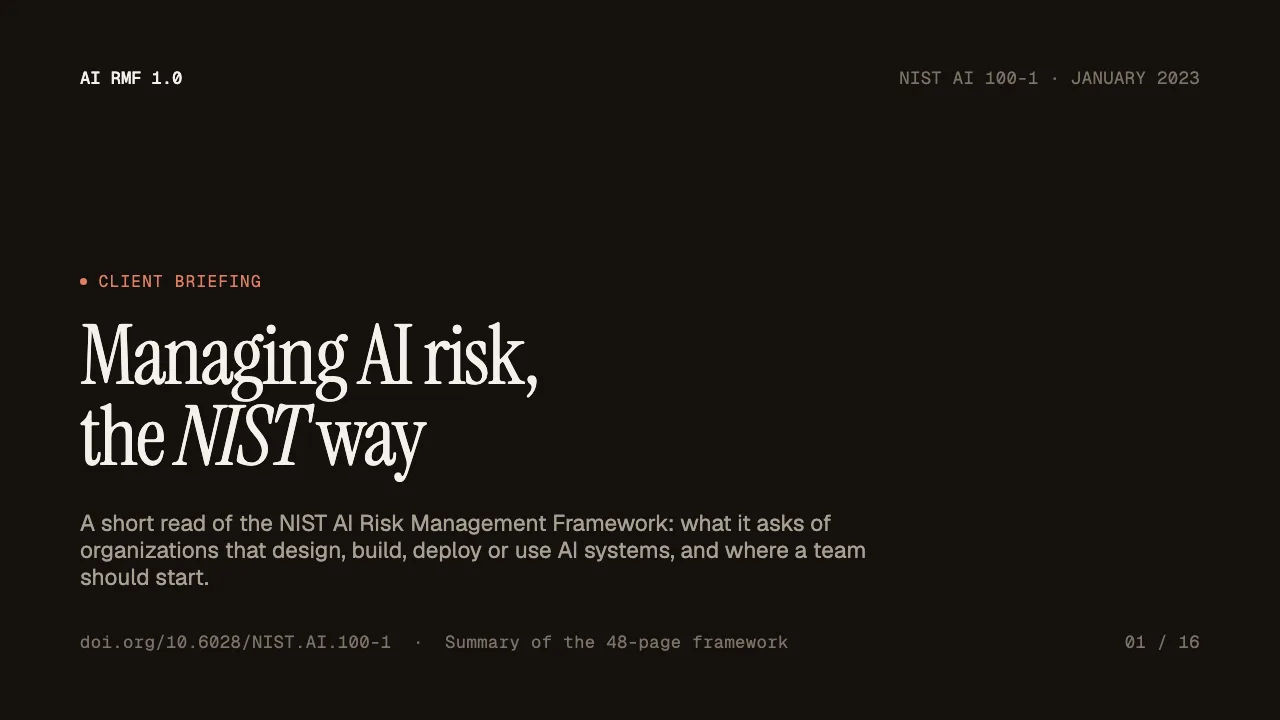
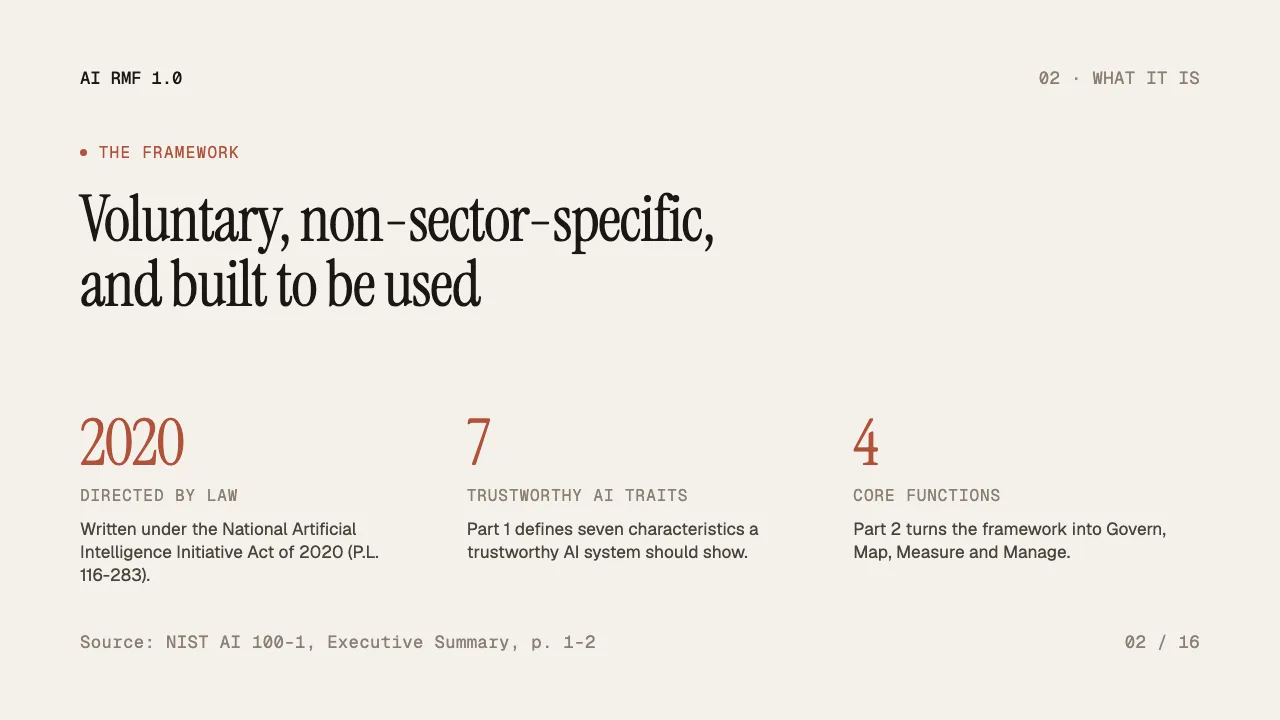
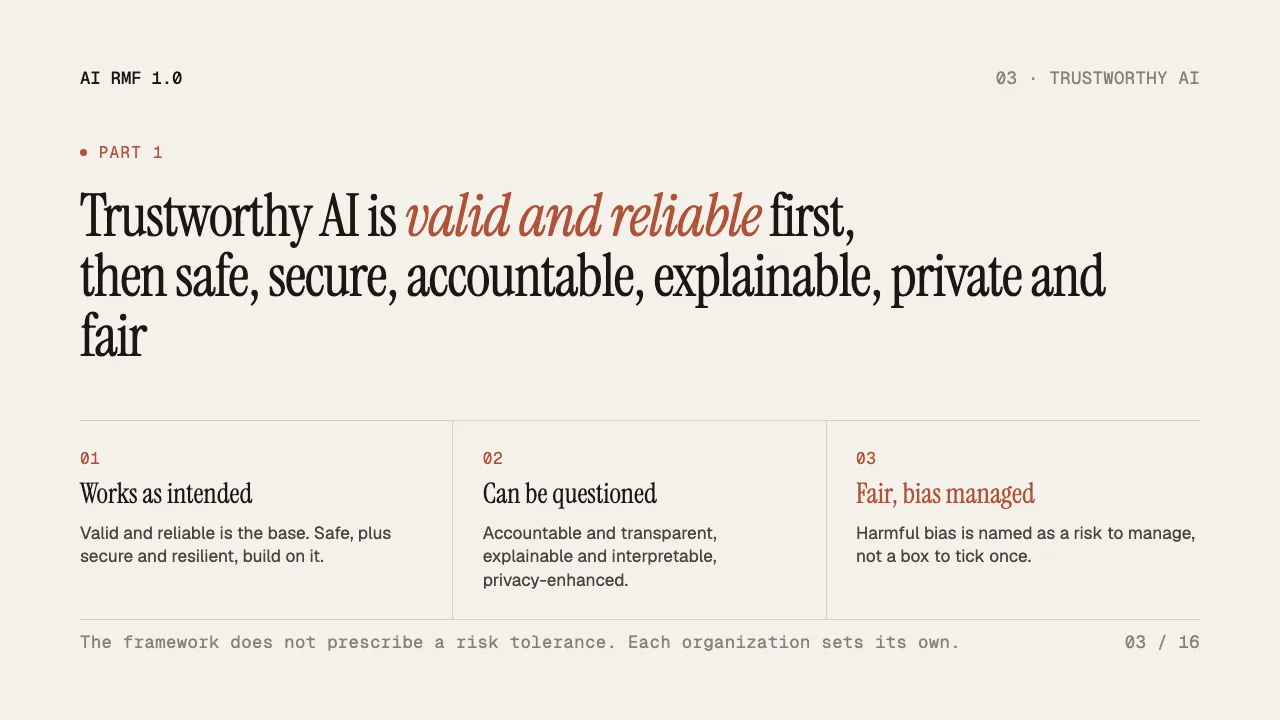
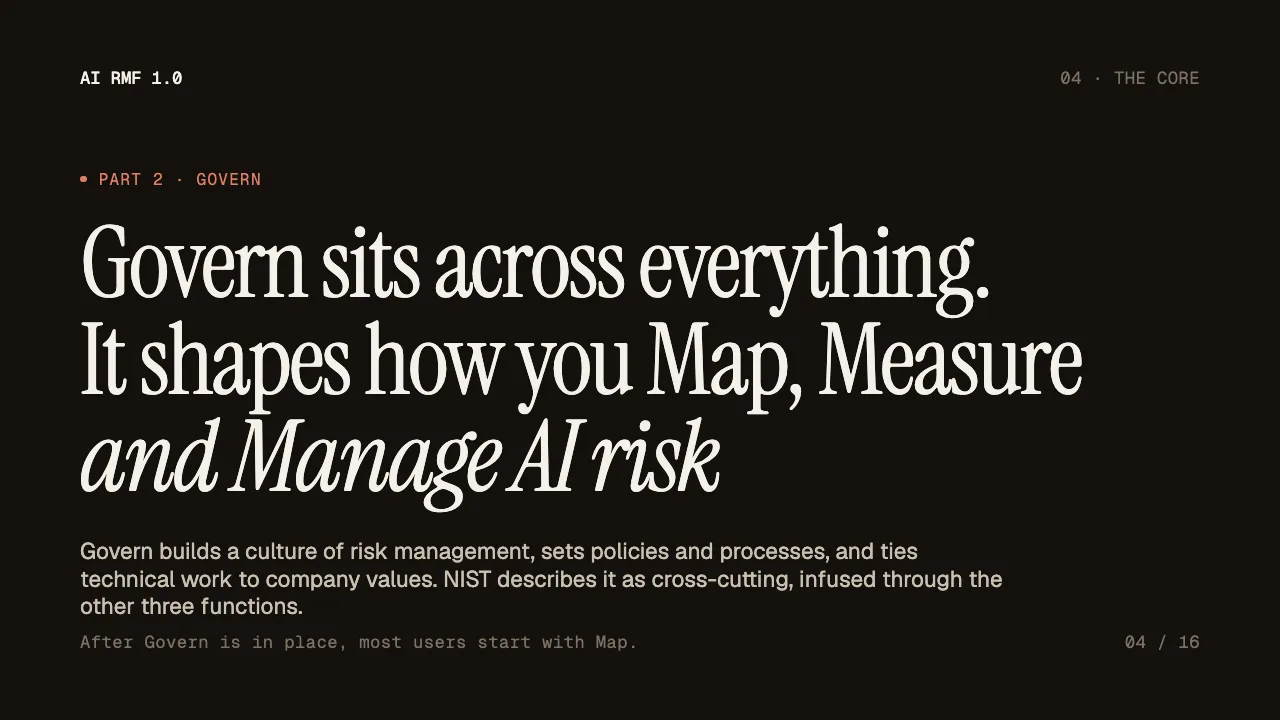
This is the real output from that prompt, made with the MagicSlides MCP. Open it to click through or download it.
How it works
- 1.In Claude, open Customize, then Connectors, then Add custom connector, and paste https://www.magicslides.app/api/mcp/mcp.
- 2.Click Log in with MagicSlides to connect your account.
- 3.Upload the PDF into the chat and say how many slides you want and who the audience is.
- 4.Open the present link, or download the PPTX or PDF from the reply.
Tool used: create_presentation_from_slots. Prefer a web app? PDF to PPT does the same without an agent.
FAQ
Can I upload a PDF straight into Claude?
Yes. Claude accepts PDF uploads in the chat, reads the text, and uses it to write the slide copy.
Does the free Claude plan work?
Yes. The free plan allows 1 custom connector, which is enough for MagicSlides.
Will the slides stick to what the PDF says?
Ask Claude to use only the document. In this example every figure, such as the 7 traits and 4 functions, comes from the NIST PDF.
Does it cost MagicSlides AI credits?
No. Claude writes the copy, and the bring-your-own-content path costs 0 AI credits.
More with Claude
PDF to PPT in other agents


Connect MagicSlides to Claude
One MCP server for decks, docs, sheets and reels. Log in with your MagicSlides account, no API key. Making a deck from your own copy uses no AI credits.


