 Cursor + MagicSlides MCP
Make a PowerPoint with Cursor
In Cursor's agent mode, the agent can read your repo and then build a deck about it with MagicSlides. This example is a 6-slide plan for moving a fictional web app to one design system.
Set up MagicSlides in Cursor (one time)
Use the one-click link, or paste this into your Cursor MCP config.
{
  "mcpServers": {
    "magicslides": {
      "url": "https://www.magicslides.app/api/mcp/mcp"
    }
  }
}- 1.Click the install link, or open Settings → Tools & MCP → Add Custom MCP and paste the JSON.
- 2.Click Connect next to magicslides and log in with MagicSlides.
- 3.Ask the agent for a deck in chat. It calls MagicSlides and returns the links.
Example: what you type in Cursor
Make a 6-slide plan for moving the Lumen web app to one design system: component audit table, cost of duplicate UI, approach, 12-week roadmap and owners. Use responsive-grid.
- Outlined six slides for a migration plan
- Called get_template_schema (responsive-grid, 6 slides)
- Wrote the audit table, chart, roadmap and owner map
- Called create_presentation_from_slots with stock images
Your 6-slide design system migration plan is ready, with an audit table, a 12-week roadmap and owners. Present link and PPTX are below.
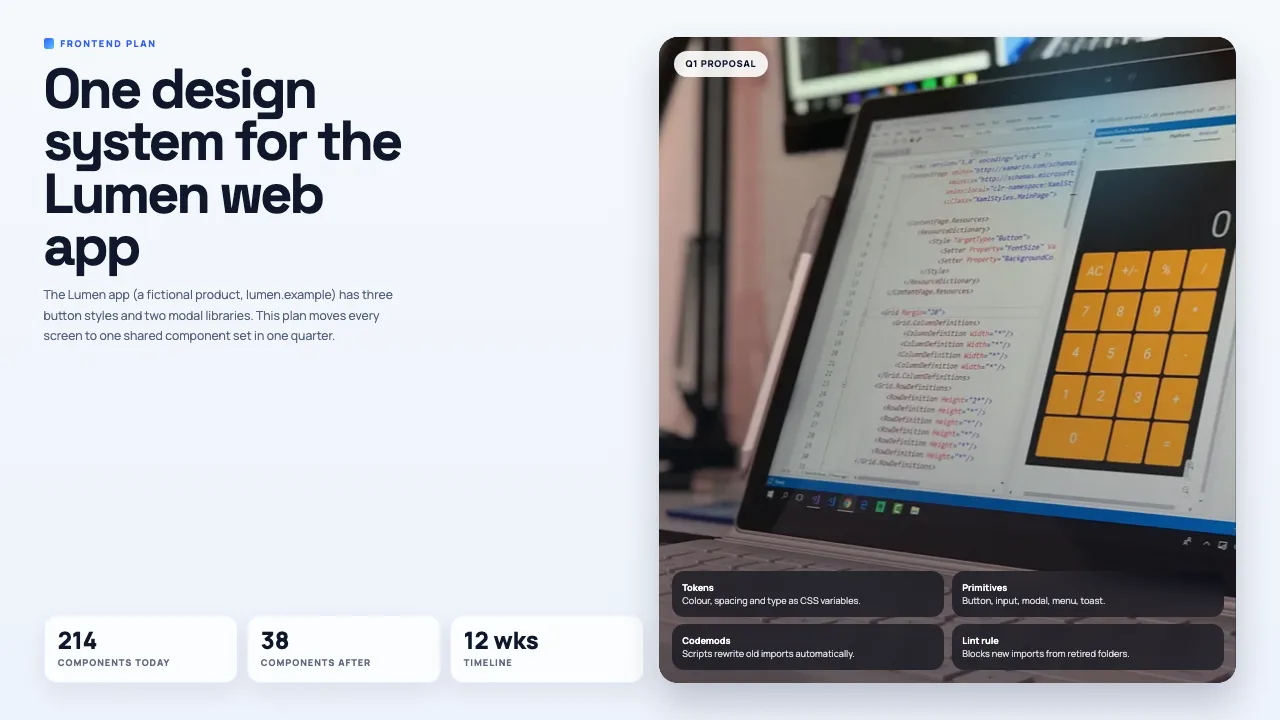
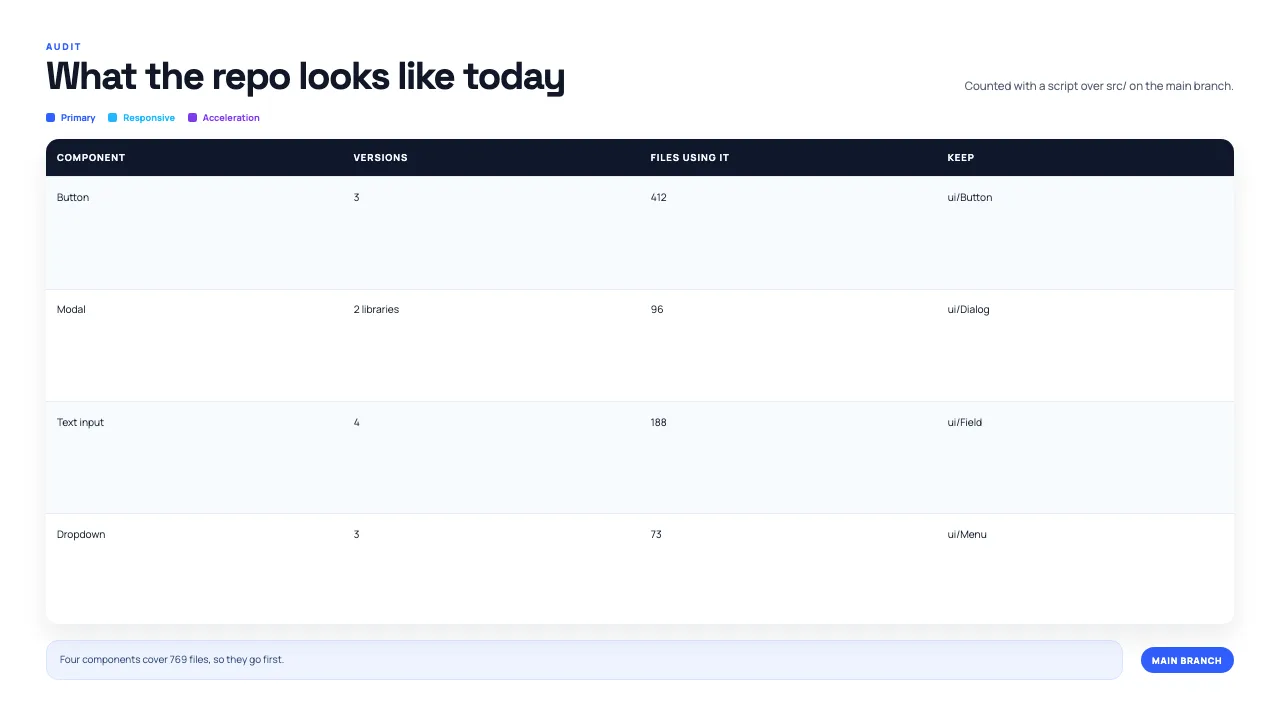
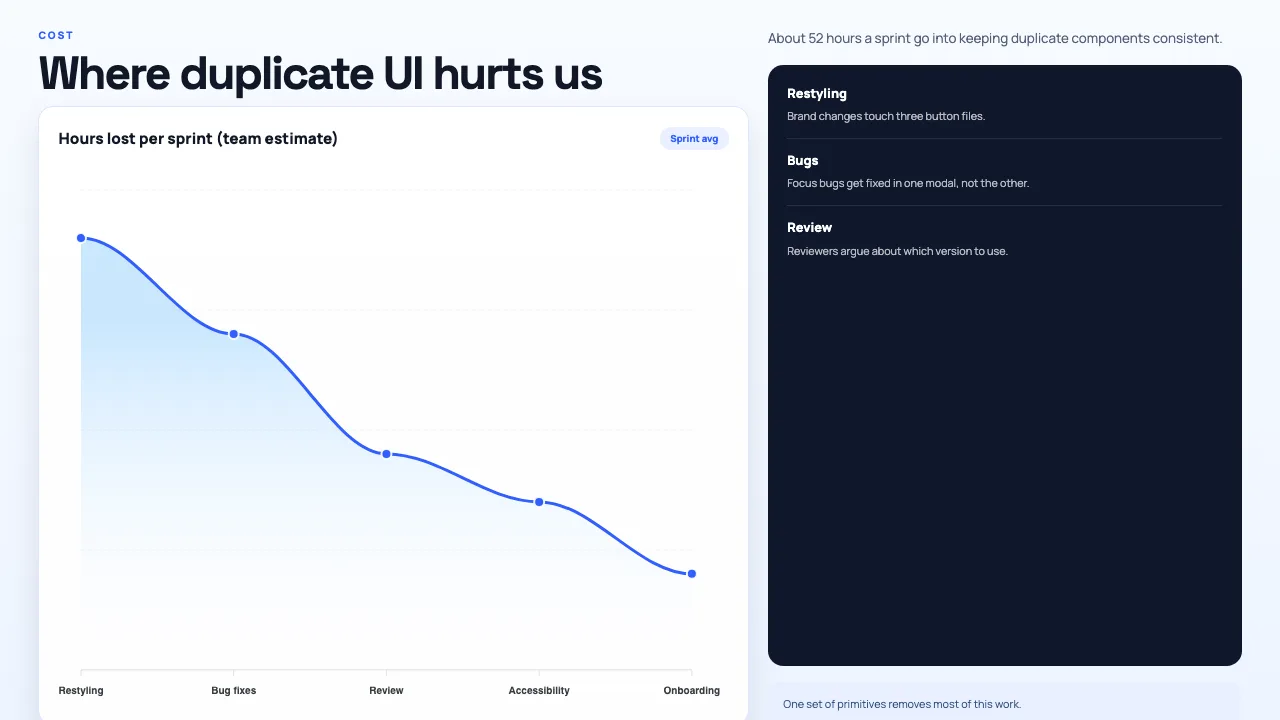

This is the real output from that prompt, made with the MagicSlides MCP. Open it to click through or download it.
How it works
- 1.Add {"mcpServers":{"magicslides":{"url":"https://www.magicslides.app/api/mcp/mcp"}}} to ~/.cursor/mcp.json, or use the one-click install link
- 2.Log in with MagicSlides when Cursor asks
- 3.In agent mode, @-mention the files and ask for the deck
- 4.Open the present link or download the PPTX
Tool used: create_presentation_from_slots. Prefer a web app? Topic to PPT does the same without an agent.
FAQ
Can the deck be based on my actual code?
Yes. Agent mode reads the open repo, and you can @-mention files or folders so the slides reflect them.
How do I install it?
Add the server URL to ~/.cursor/mcp.json or use the one-click install link, then log in with MagicSlides.
Does it use AI credits?
No. The Cursor agent writes the slide content, so this costs 0 MagicSlides AI credits.
Can I change slides later?
Yes. The deck opens in the MagicSlides editor and also downloads as PPTX.
More with Cursor
PowerPoint in other agents


Connect MagicSlides to Cursor
One MCP server for decks, docs, sheets and reels. Log in with your MagicSlides account, no API key. Making a deck from your own copy uses no AI credits.


