Elevate Your Slides With These 10 Best Presentation Websites


Dive into the diverse world of presentation websites, each offering unique features for captivating slides.
Embark on a journey to transform your presentations with the power of cutting-edge online platforms. These presentation websites bring forth a wealth of resources, tools, and templates, eliminating the need for intricate design skills. Elevate your content effortlessly and engage your audience with these user-friendly platforms.
10 Presentation Websites to Ignite & Elevate Your Creativity:
MagicSlides.app – Create presentations in seconds
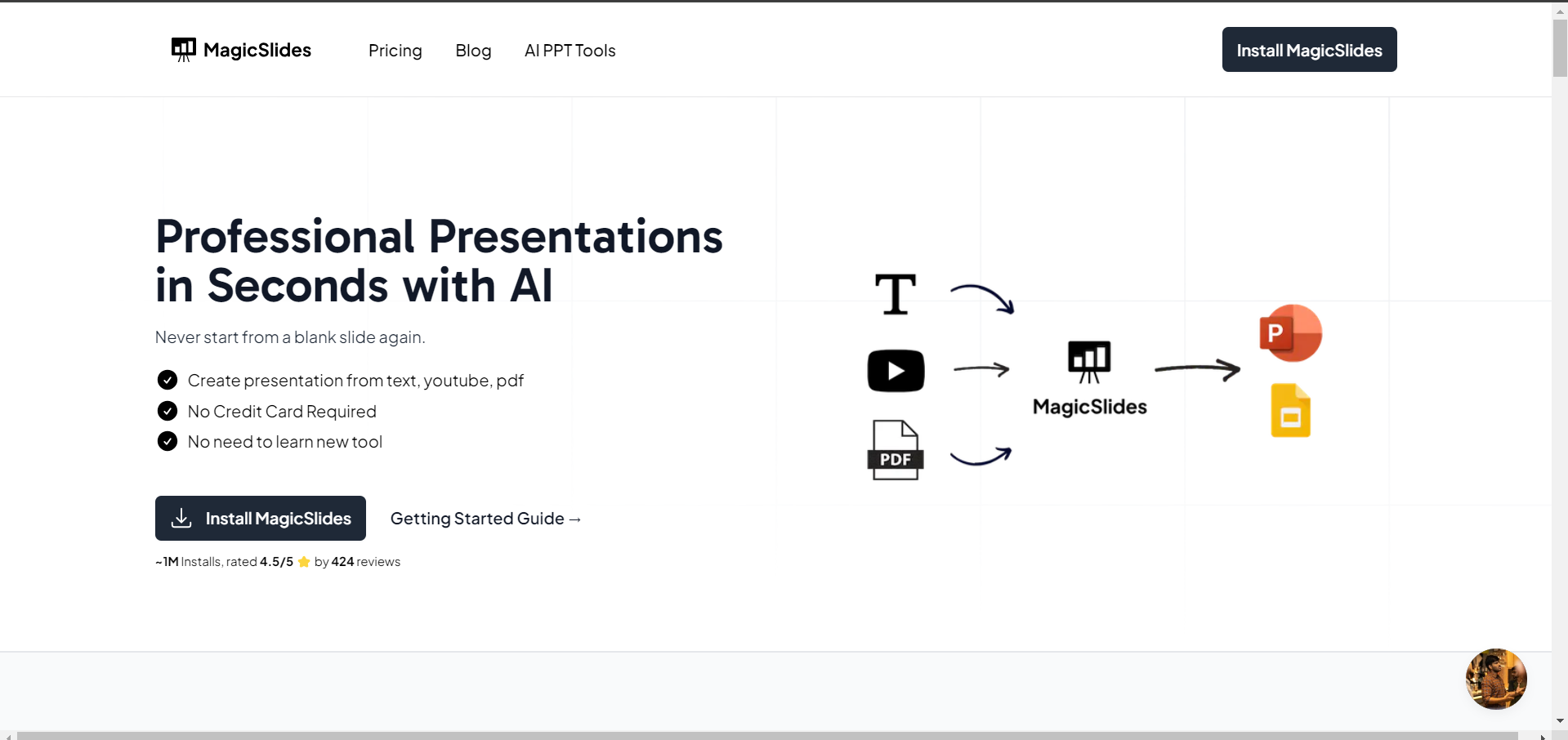
Experience the magic of effortless presentations with MagicSlides.app. This AI-powered tool eliminates the blank slide struggle, transforming text, YouTube content, and PDFs into professional presentations. Compatible with Google Slides, PowerPoint, Figma, and ChatGPT, it's a versatile solution supporting 100+ languages.
Link: https://www.magicslides.app/
Advantages:
- Instant Professional Presentations: AI enables quick creation, sparing you from starting with a blank canvas.
- Diverse Content Integration: Seamlessly craft presentations from text, YouTube, and PDFs without learning a new tool.
- Wide Compatibility: Works seamlessly with Google Slides, PowerPoint, Figma, and even ChatGPT.
- Language Support: With 100+ supported languages, MagicSlides accommodates diverse linguistic needs.
Disadvantages:
- Need to upgrade: You can create limited presentations, with a free account, upgrade to enjoy seamless access to MagicSlides app Presentation features
- Dependency on Internet: Requires an internet connection for processing AI-driven transformative Presentations.
Key Features:
- AI-Powered Presentation Creation: Effortlessly turn various content types into polished presentations.
- Compatibility Across Platforms: Integrates with Google Slides, PowerPoint, Figma, and ChatGPT for versatile usage.
- Language Diversity: Supports presentations in over 100 languages, ensuring global accessibility.
- Simplified Licensing: No need for license keys; the process involves upgrading an account tied to your Gmail/GSuite ID.
- User-Friendly Purchase Process: A straightforward process involves account upgrade, eliminating the need for complex post-purchase steps.
- Support Period Inclusions: Access support via support@magicslides.app for installation, licensing, and usage queries during the valid support period. (Note: excludes customization and new feature requests.)
Mentimeter – Interactive Excellence
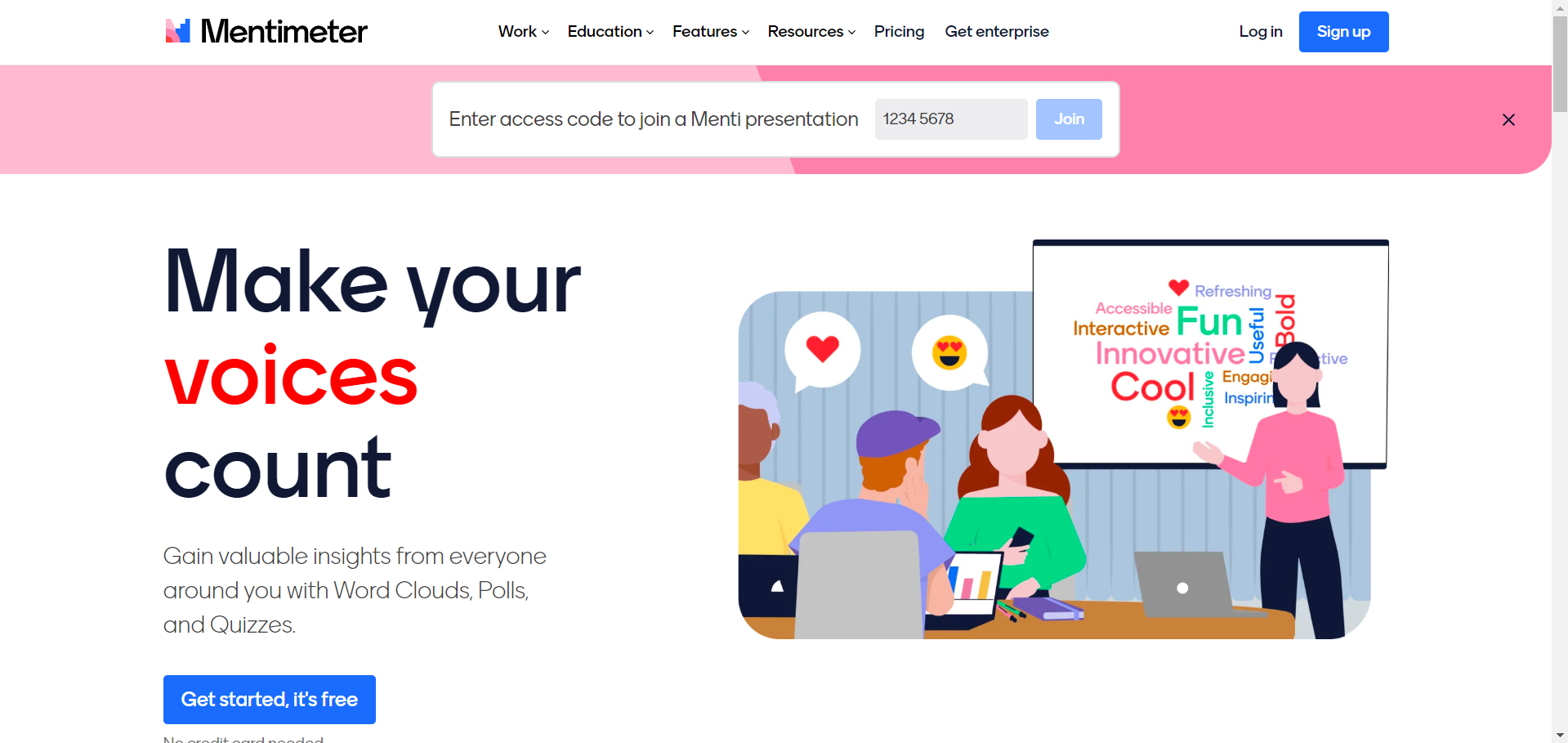
Engage your audience dynamically with Mentimeter's interactive features, including live polls, quizzes, and word clouds. Seamless integration with popular apps amplifies its impact on your presentations.
Link: https://www.mentimeter.com/
Advantages:
- Interactive Features: Live polls, quizzes, and word clouds enhance audience engagement.
- Remote Mobile Presentation: Facilitates presenting from mobile devices for added flexibility.
- Multi-Language Support: Ideal for international presentations with a multiple-language translator.
Disadvantages:
- Learning Curve: Some users may find the platform’s array of features initially challenging to navigate.
Key Features:
- Fully stocked slide library.
- Remote mobile presentation.
- Multiple language translator.
- Interactive pin-on-image slide type.
- Markdown support for text formatting.
Canva – Design Simplicity
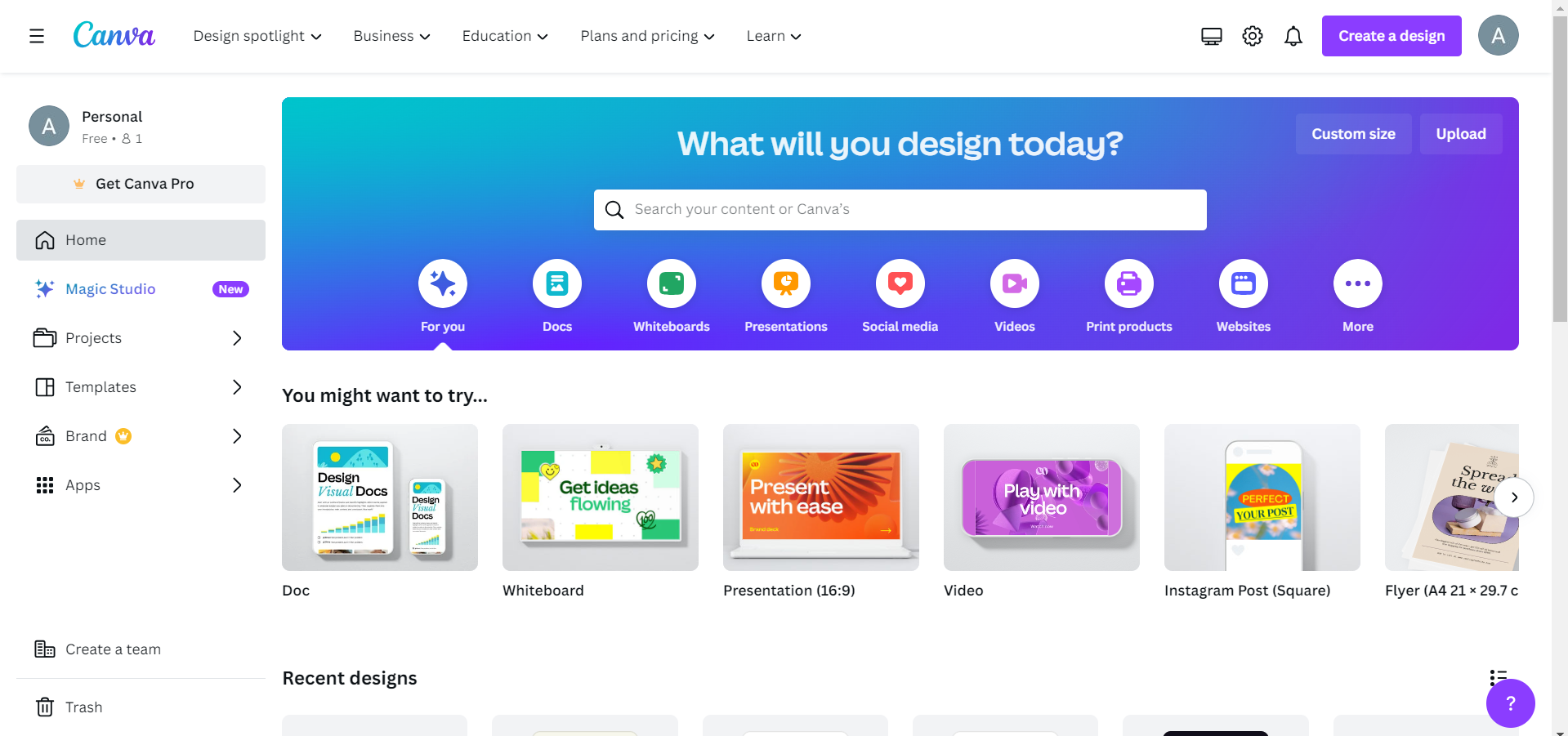
Experience design simplicity with Canva's free presentation app. Its AI-powered tools and vast template library make professional presentations accessible to everyone.
Link: https://www.canva.com/
Advantages:
- User-Friendly Interface: Canva's intuitive design makes it accessible for users with varying design skills.
- Wide Range of Templates: Offers a vast array of pre-designed templates for different presentation needs.
- Collaborative Capabilities: Allows easy collaboration and sharing options.
Disadvantages:
- Limited Animation Features: Canva may not be as feature-rich for animations compared to some other platforms.
Key Features:
- Free presentation app with a user-friendly interface.
- Collaborative capabilities and easy sharing.
- Ability to turn slide decks into videos and interactive conversations.
Prezi – Animation Mastery
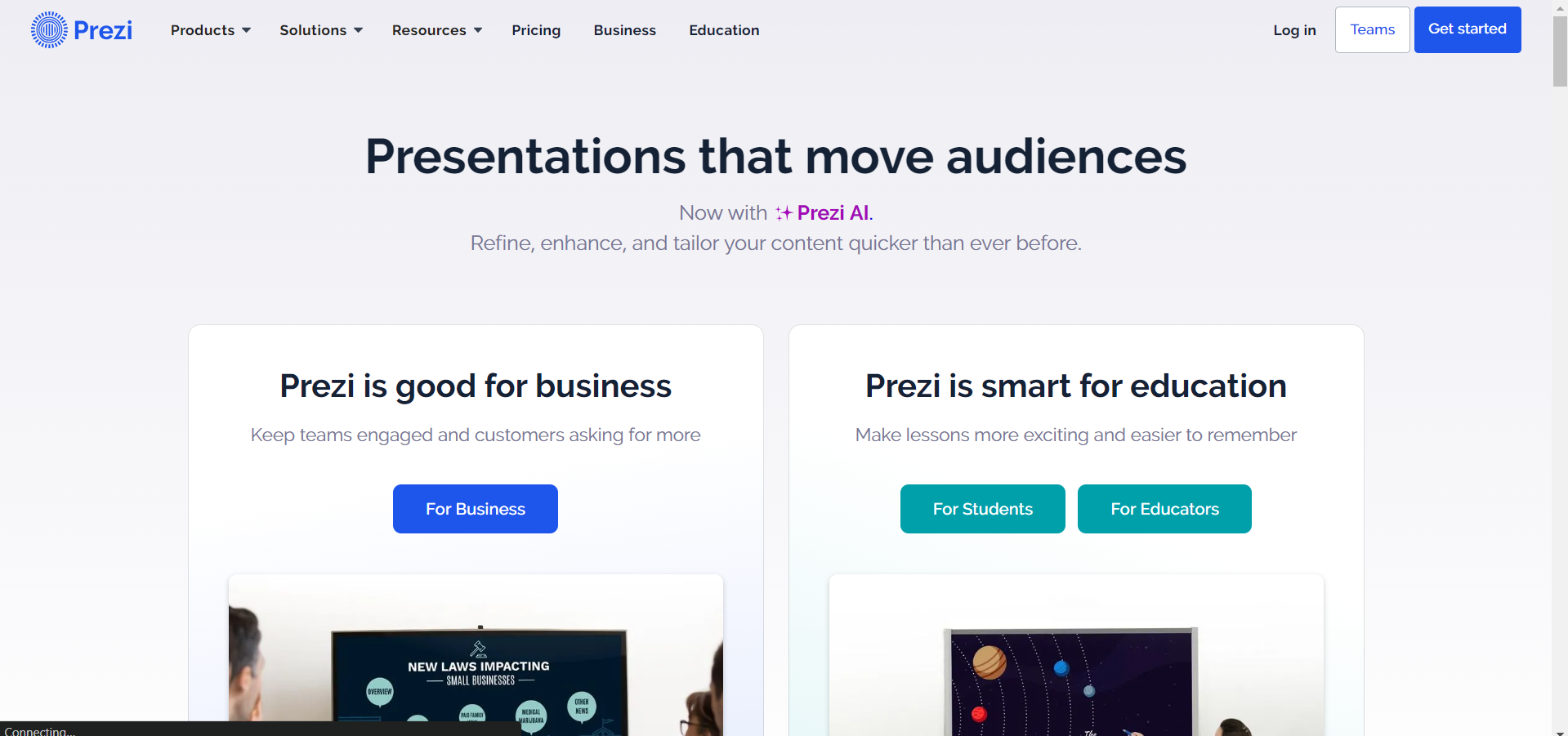
Unleash your creativity with Prezi's non-linear, animated presentations. Though design skills are beneficial, its engaging visual effects and unique storytelling features make it a standout choice.
Link: https://prezi.com/
Advantages:
- Non-Linear Presentation Style: Offers a unique, conversational presentation style with dynamic visual effects.
- Engaging Transitions: Zooming user interface and engaging transitions set Prezi apart.
- Cloud-Based Collaboration: Collaborate seamlessly with cloud-based storage.
Disadvantages:
- Learning Curve: Requires some time to get accustomed to the non-linear approach, and design skills are beneficial for optimal results.
Key Features:
- Non-linear, conversational presentation style.
- Engaging visual effects and transitions.
- Zooming user interface.
- Collaboration features and cloud-based storage.
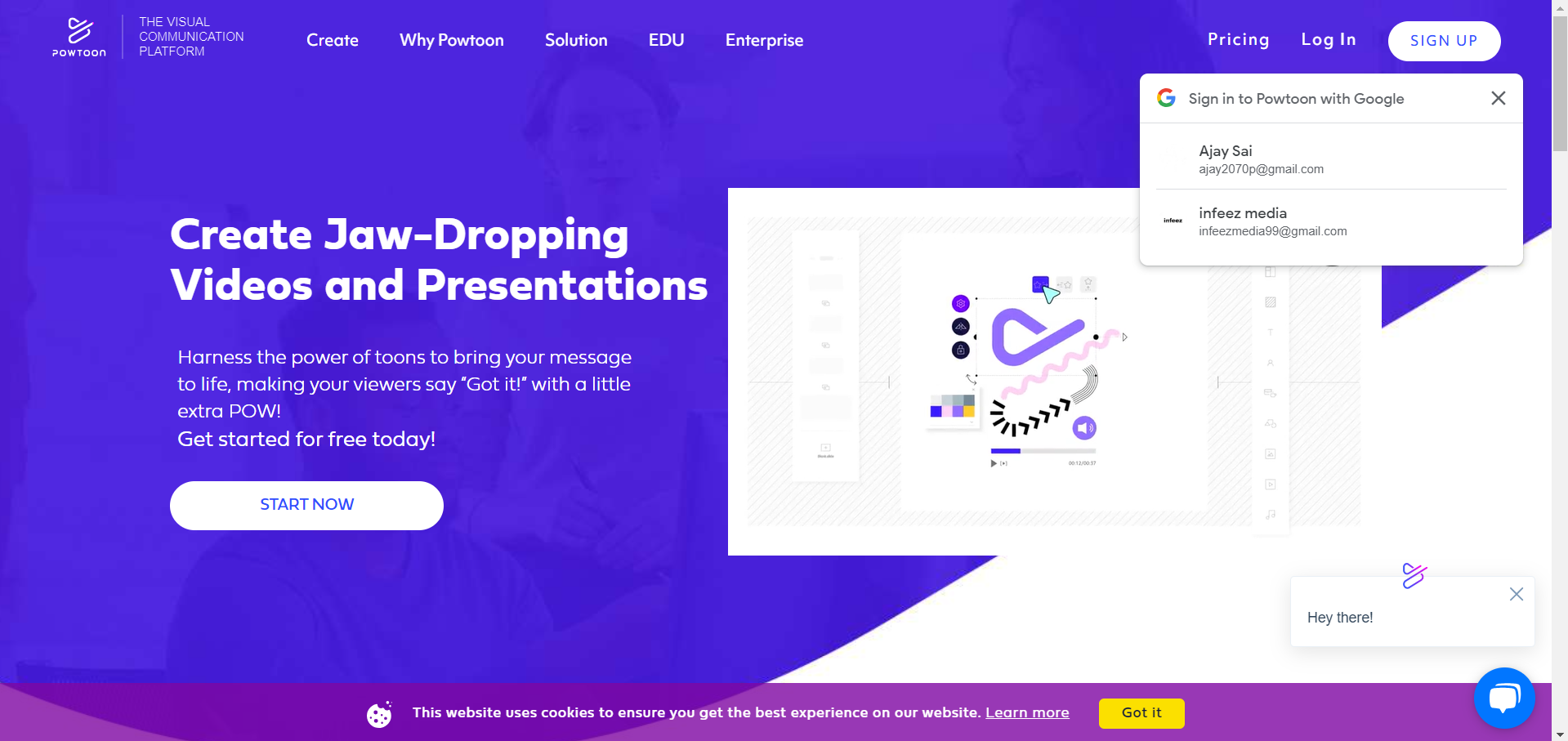
Powtoon – Video Presentation Brilliance
Elevate your presentations with Powtoon's focus on video content. Its customizable layouts and versatile animation options create dynamic and professional animations effortlessly.
Link: https://www.powtoon.com/
Advantages:
- Video Presentation Focus: Specializes in creating engaging video presentations.
- Wide Range of Templates: Offers a variety of customizable templates for versatile presentations.
- User-Friendly Interface: Simple interface makes it accessible for users with minimal design skills.
Disadvantages:
- Learning Curve for Advanced Features: Mastery of advanced features may require some time and practice.
Key Features:
- Specializes in creating video presentations.
- Wide range of customizable templates.
- Animation and video editing features.
- Supports voice-over narration and audio syncing.
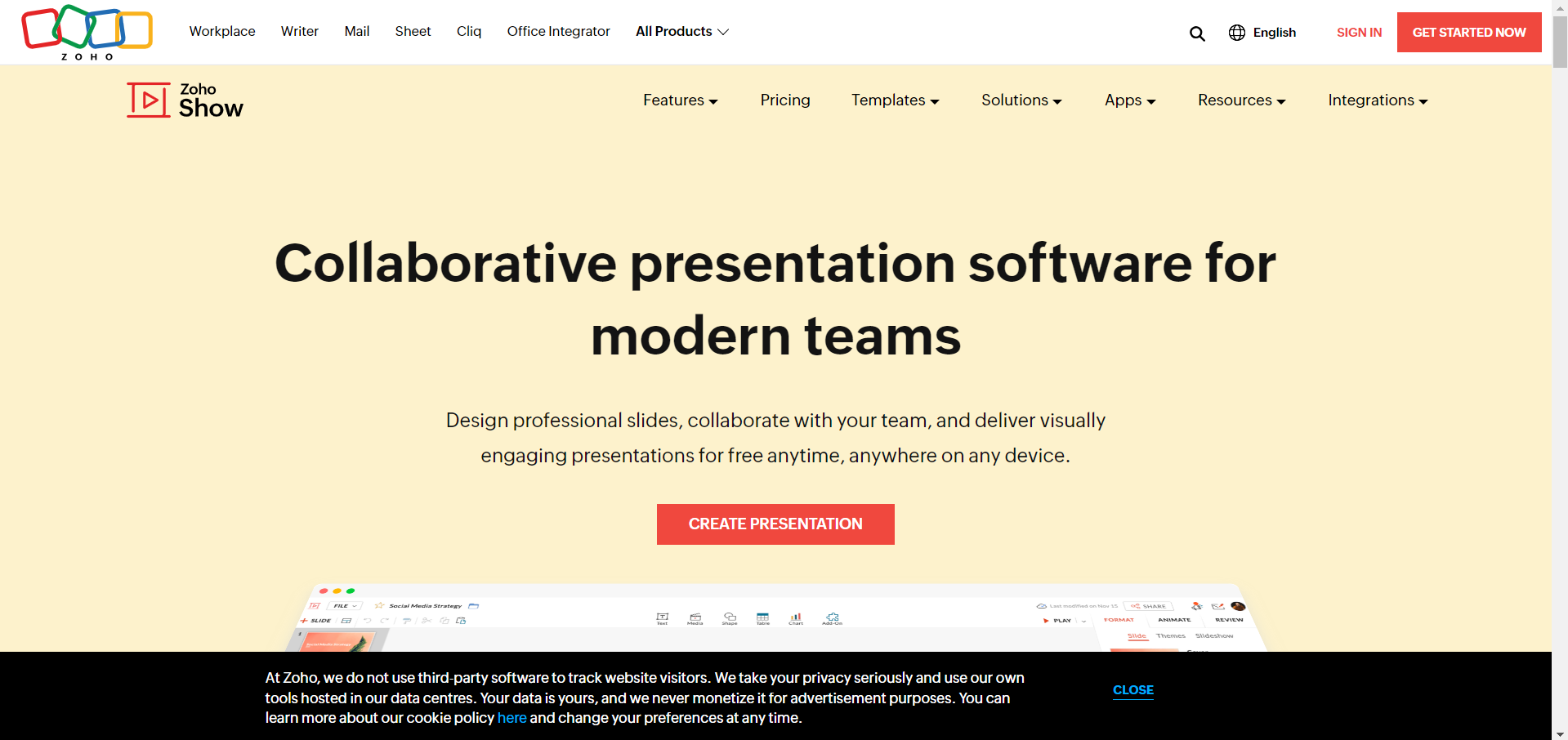
Zoho Show – Versatile Collaboration
Navigate the presentation landscape effortlessly with Zoho Show's collaboration features. Its clean interface, customizable templates, and integration with other Zoho apps make it a comprehensive solution.
Link: https://www.zoho.com/show/
Advantages:
- Versatile and User-Friendly: Zoho Show combines versatility with user-friendly features.
- Seamless Integration: Integrates seamlessly with other Zoho apps for a comprehensive business solution.
- Extensive Tools: Offers a wide range of themes, fonts, and customizable templates.
Disadvantages:
- Limited Animation Options: Might have fewer advanced animation options compared to specialized animation tools.
Key Features:
- Clean and clutter-free interface design.
- Wide range of themes, fonts, and customizable templates.
- Extensive tools for organizing and enhancing data.
- Seamless import of PowerPoint files.
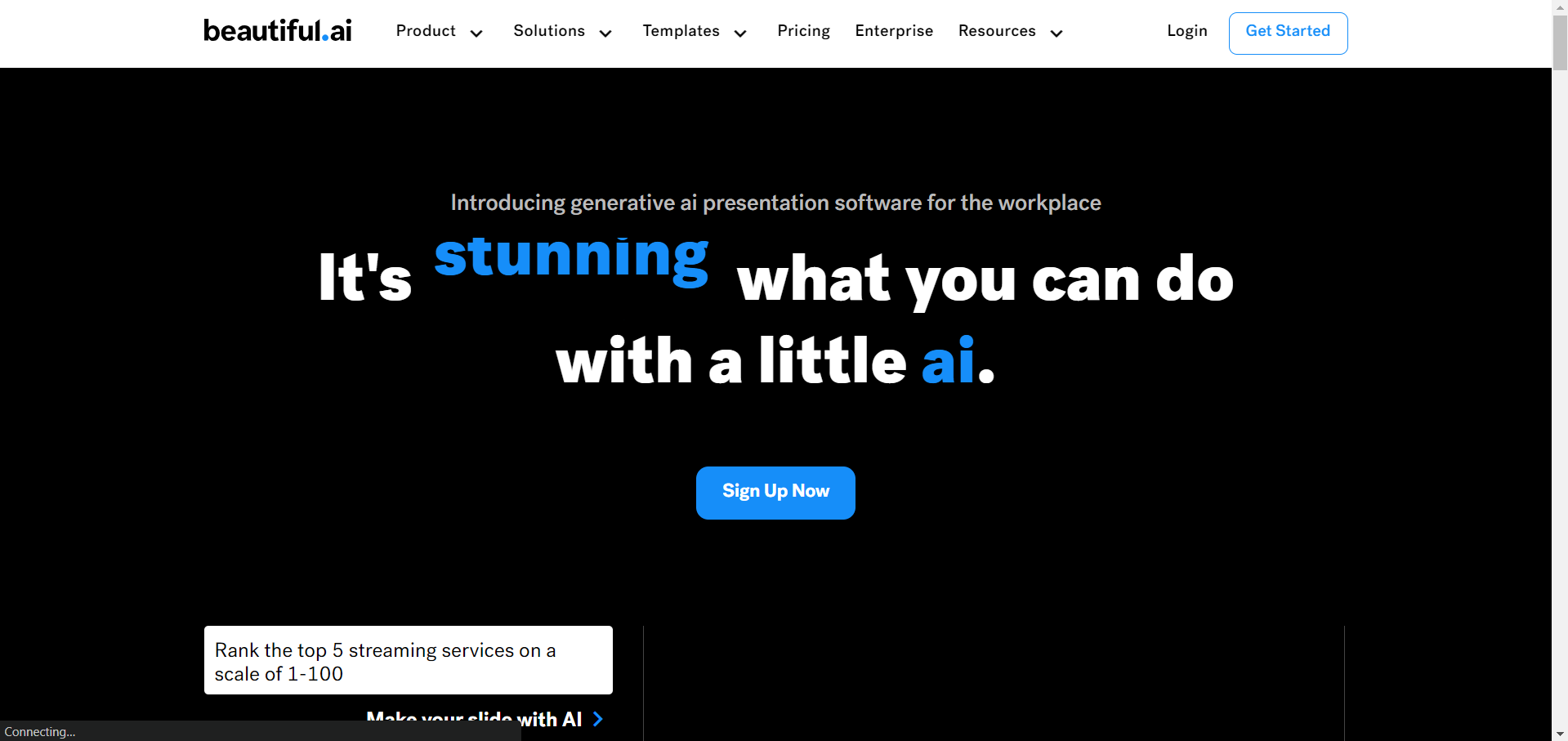
Beautiful.ai – AI-Driven Design
Embrace Beautiful.ai's AI-powered design technology for visually stunning presentations. Its smart templates and real-time formatting simplify the presentation creation process.
Link: https://www.beautiful.ai/
Advantages:
- AI-Driven Design Recommendations: Beautiful.ai offers AI-driven design recommendations for a polished look.
- Real-Time Collaboration: Allows real-time collaboration for team presentations.
- User-Friendly Interface: A user-friendly interface makes it accessible for all users.
Disadvantages:
- Limited Template Customization: Users looking for extensive template customization may find it slightly limiting.
Key Features:
- User-friendly interface.
- Smart slide templates.
- Real-time slide formatting.
- Total brand control.
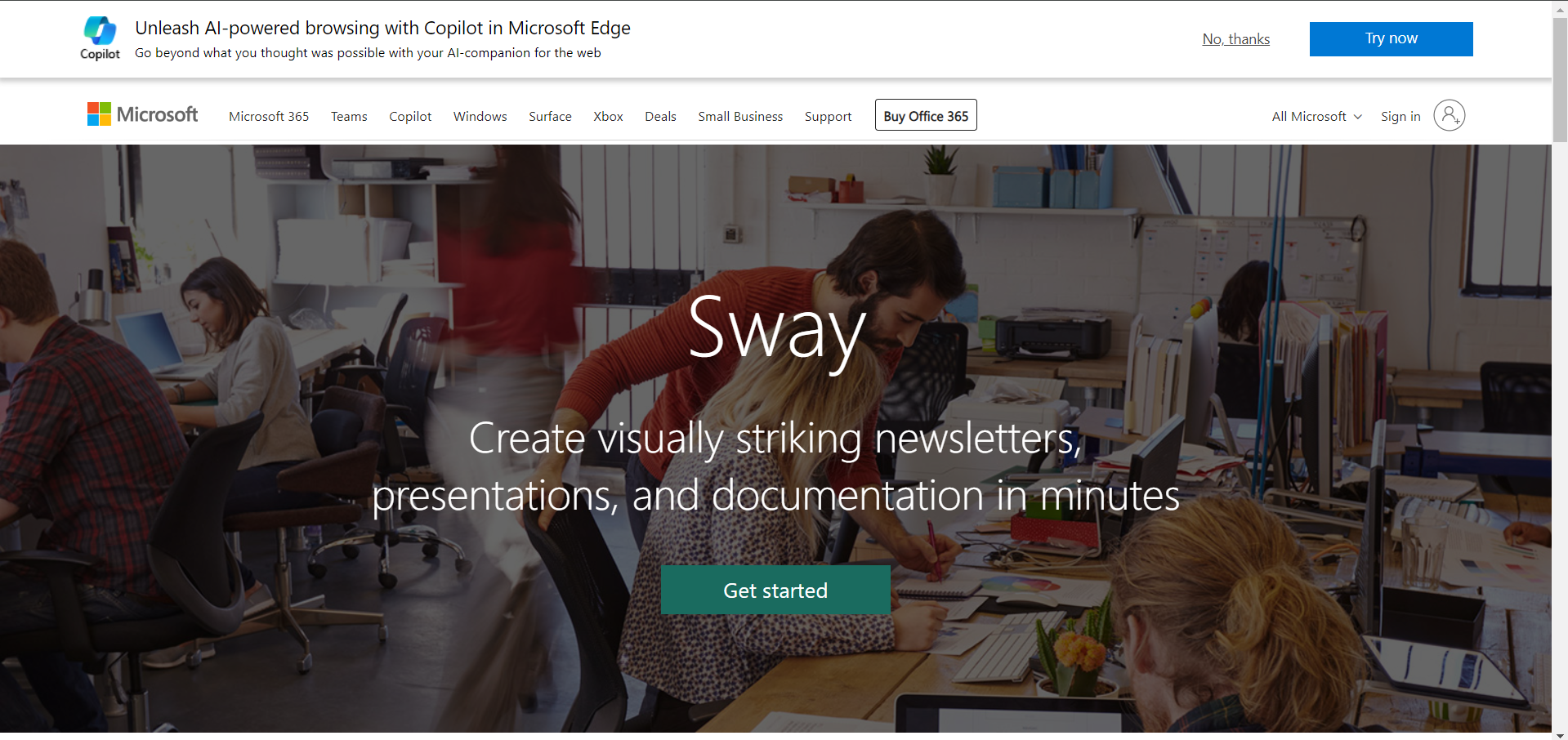
Microsoft Sway – Multimedia Innovation
Unleash creativity with Microsoft Sway's interactive presentations. Seamlessly integrating with other Microsoft Office tools, it offers endless possibilities for professional communication.
Link: https://sway.cloud.microsoft/
Advantages:
- Innovative Design Engine: Microsoft Sway offers an innovative design engine for interactive presentations.
- Responsive and Accessible: Ensures presentations are responsive and accessible across devices.
- Integration with Microsoft Office: Seamlessly integrates with other Microsoft Office offerings.
Disadvantages:
- Learning Curve: Users unfamiliar with the Microsoft ecosystem may experience a learning curve.
Key Features:
- Multiple document layouts and styles.
- Multimedia and embedded content.
- Built-in design engine.
- Responsive and accessible design.
Visme – Customization Master
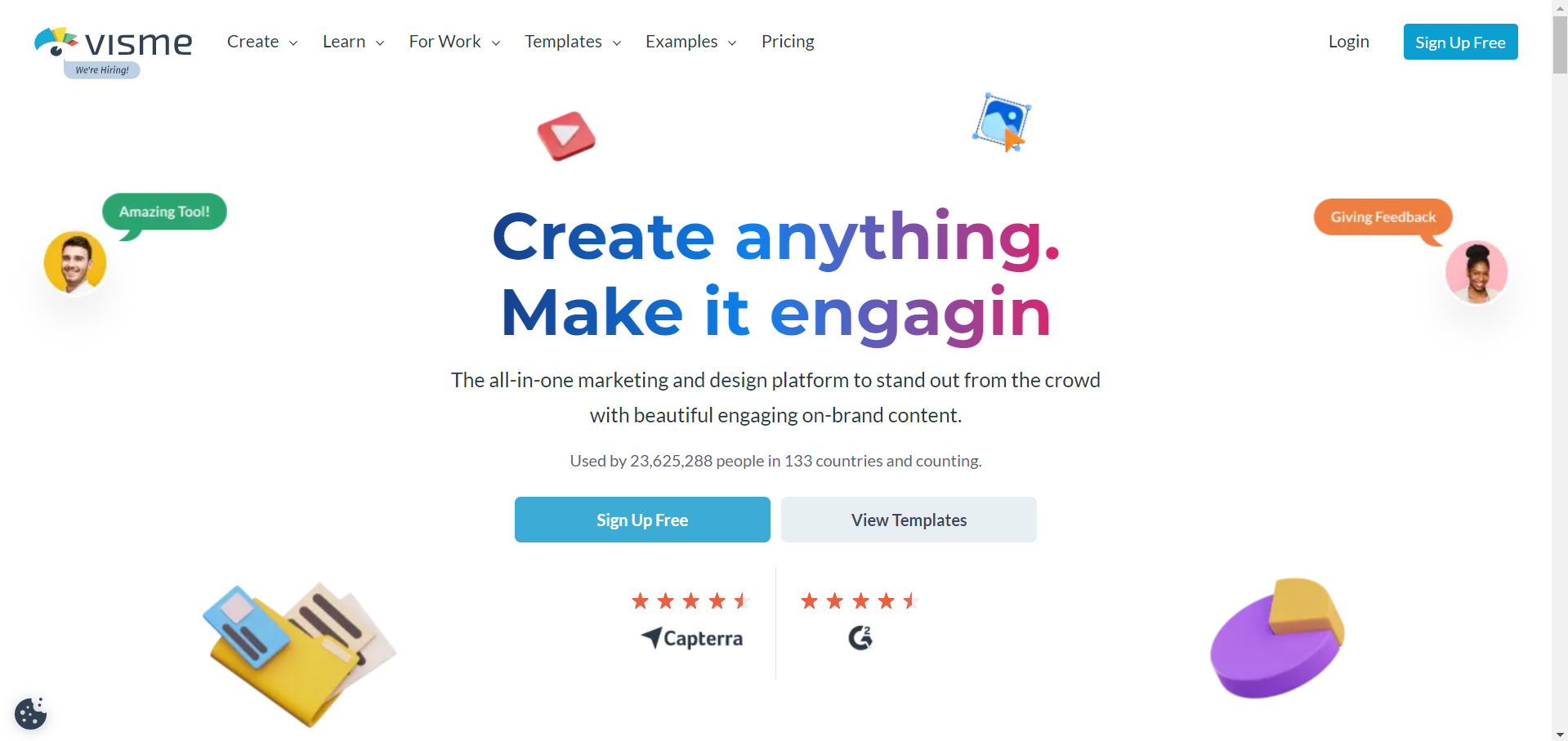
Explore Visme's diverse customization options for stunning presentations. From infographic templates to advanced design tools, Visme caters to a wide range of presentation needs.
Link: https://www.visme.co/
Advantages:
- Wide Range of Templates: Visme offers a diverse assortment of customizable templates for various presentation needs.
- Advanced Design Tools: Provides advanced design and layout options, including infographic templates.
- Interactive Content: Allows the creation of interactive content experiences within presentations.
Disadvantages:
- Learning Curve for Advanced Features: Mastery of advanced features may take some time.
Key Features:
- Wide range of customizable templates.
- Variety of infographic templates and design tools.
- Comprehensive document creation features.
- Interactive content experiences.
Slidebean – Design Revolution
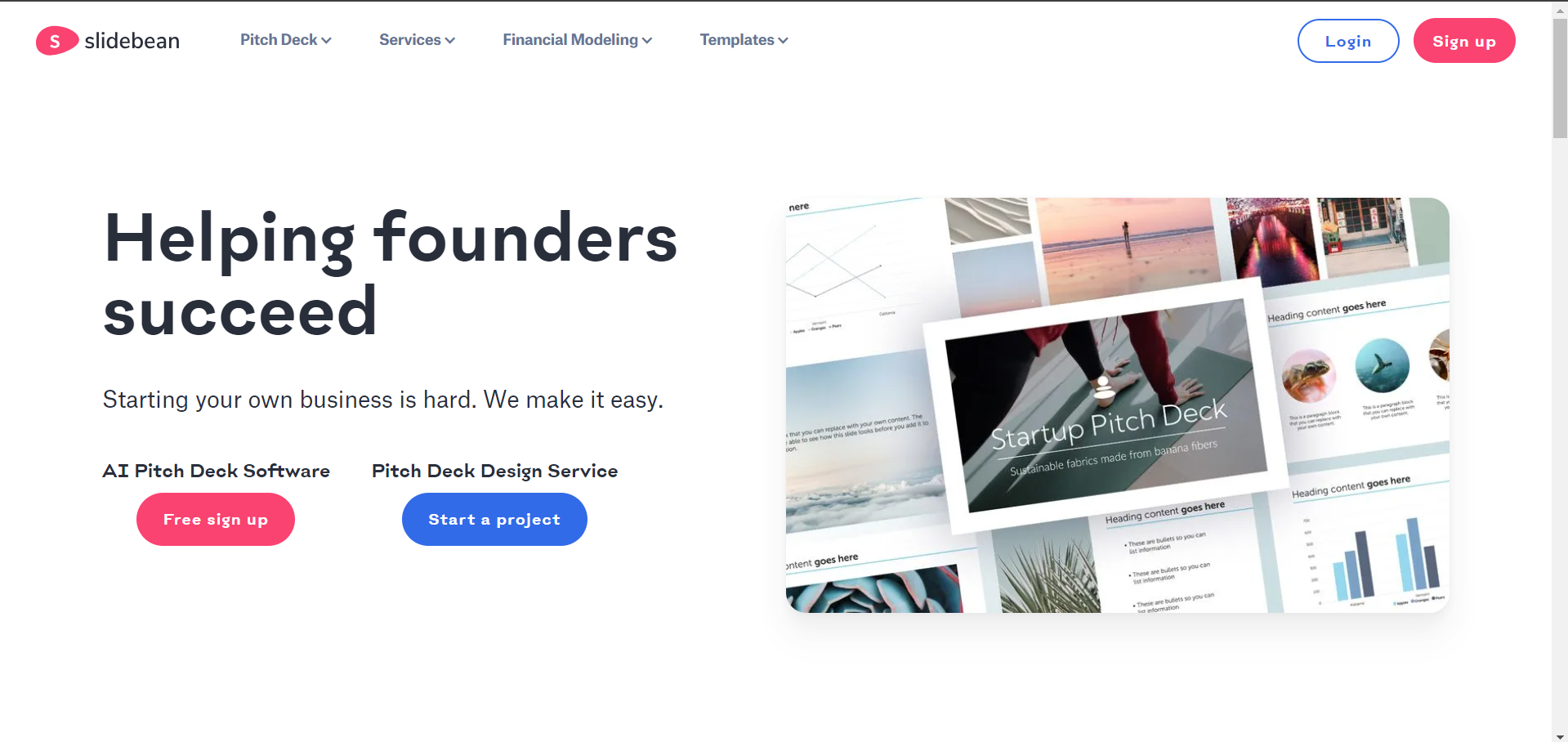
Experience innovation with Slidebean's combination of top-notch design software and online convenience. Its diverse templates and unique sharing approach make it a standout choice for compelling presentations.
Link: https://slidebean.com/
Advantages:
- AI-Assisted Slide Layout: Slidebean offers AI-assisted slide layout for efficient presentation creation.
- Easy Text Formatting: Simplifies text formatting for a polished look.
- Unique Sharing Approach: Revolutionizes sharing slideshows with a link-based approach.
Disadvantages:
- Learning Curve for AI Features: Users may need time to fully grasp and leverage the AI-assisted features.
Key Features:
- AI-assisted slide layout.
- Easy text formatting.
- Formattable visual elements.
- Create custom-branded themes.
Conclusion:
Revolutionize your presentation approach with these ten exceptional websites, each offering a unique set of features to enhance your creative prowess. From AI-powered assistance to interactive elements, these platforms cater to diverse presentation styles, making your content stand out in the crowded digital landscape.
Frequently Asked Questions:
What are some websites to make a presentation? Canva, Visme, Google Slides, and many others offer robust features for creating captivating presentations.
On which website can we make a presentation? Google Slides is an excellent starting point, and when paired with the MagicSlides extension, it streamlines the process for creating compelling slides with just a prompt and many more features.
What are three popular online presentation tools? Google Slides, Prezi, and Canva are widely used online presentation tools.
Name four popular presentation software. Google Slides, Canva, Zoho Show, and Visme are among the popular choices for presentation software.


