AI Prompt Examples for Creating Impactful AI Presentations


Create impactful AI presentations effortlessly with AI prompt examples. Learn how to use MagicSlides.app for instant, high-quality slides. Explore pricing and features.
AI-powered tools are transforming the way professionals and businesses create presentations. Whether you're preparing a business pitch, an educational lecture, or a marketing strategy, AI can help generate well-structured and visually appealing slides in minutes.
This guide explores AI prompt examples for creating impactful AI presentations and provides a step-by-step process for using MagicSlides.app to streamline your workflow. Additionally, we will cover pricing options to help you choose the best plan for your needs.
Why Use AI for Creating Presentations?
Traditional presentation design requires time and effort, from researching content to designing slides. AI-powered tools automate this process by:
- Generating high-quality slides instantly based on a given topic.
- Organizing information into a well-structured format.
- Saving time and effort in content creation and design.
Using effective AI prompts ensures that your presentation is engaging, informative, and well-organized.
Best AI Prompt Examples for Creating Impactful AI Presentations
To maximize the effectiveness of AI-powered tools, it is important to use well-structured prompts. Below are examples of AI prompts for different types of presentations.
1. Business & Sales Presentations
Prompt Example:
"Create a sales pitch presentation for a SaaS product targeting small businesses. Include market analysis, key features, pricing comparison, and customer testimonials."
Possible Slide Breakdown:
- Introduction to the SaaS product
- Market trends and opportunities
- Key benefits and features
- Pricing plans and comparisons
- Testimonials and case studies
- Call to action
2. Educational Presentations
Prompt Example:
"Generate an educational PowerPoint on climate change for high school students. Include causes, effects, and solutions with relevant images and statistics."
Possible Slide Breakdown:
- Introduction to climate change
- Causes (human and natural factors)
- Impact on ecosystems and societies
- Solutions and sustainable practices
- Key statistics and images
3. Startup Pitch Deck
Prompt Example:
"Create a startup pitch deck for an AI-driven healthcare app. Include problem statement, solution, business model, market analysis, competitive landscape, and funding requirements."
Possible Slide Breakdown:
- Introduction and vision
- Problem and solution
- Product demo and features
- Market size and opportunity
- Business model
- Competitive analysis
- Financial projections and funding ask
4. Marketing Strategy Presentations
Prompt Example:
"Create a marketing strategy presentation for an e-commerce brand selling sustainable fashion. Include target audience analysis, marketing channels, content strategy, and key performance indicators."
Possible Slide Breakdown:
- Market research insights
- Buyer personas
- Marketing channels and strategies
- Budget and performance metrics
- Content plan and execution
5. Project Proposal
Prompt Example:
"Generate a project proposal for a new digital transformation initiative in a manufacturing company. Cover project goals, implementation plan, expected benefits, timeline, and cost analysis."
Possible Slide Breakdown:
- Project introduction
- Goals and objectives
- Implementation roadmap
- Expected outcomes
- Budget and timeline
How to Use MagicSlides.app to Generate Instant Presentations
MagicSlides.app is an AI-powered tool that allows users to create high-quality presentations with minimal effort. Follow these steps to generate a presentation:
- Visit MagicSlides.app.
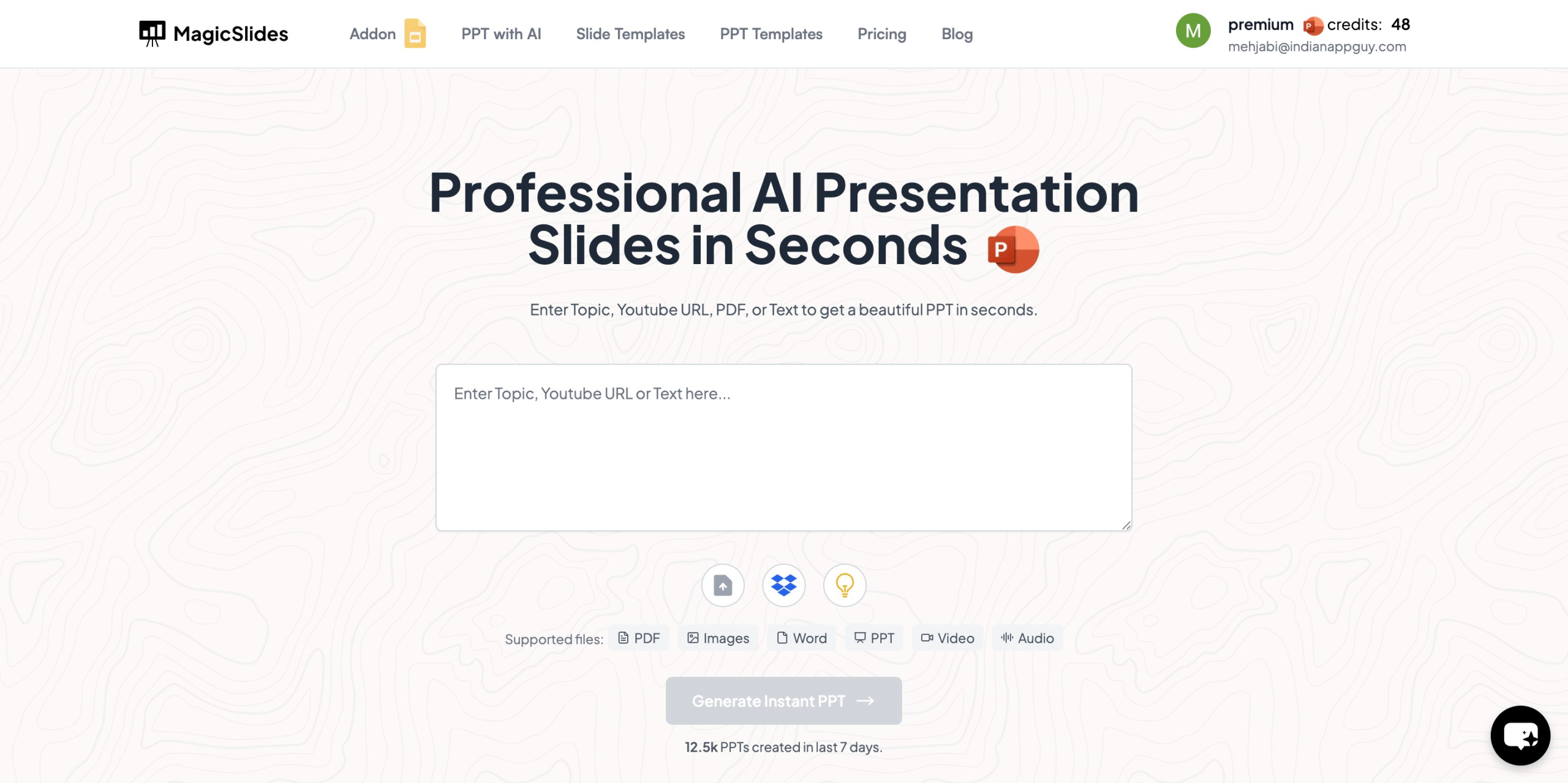
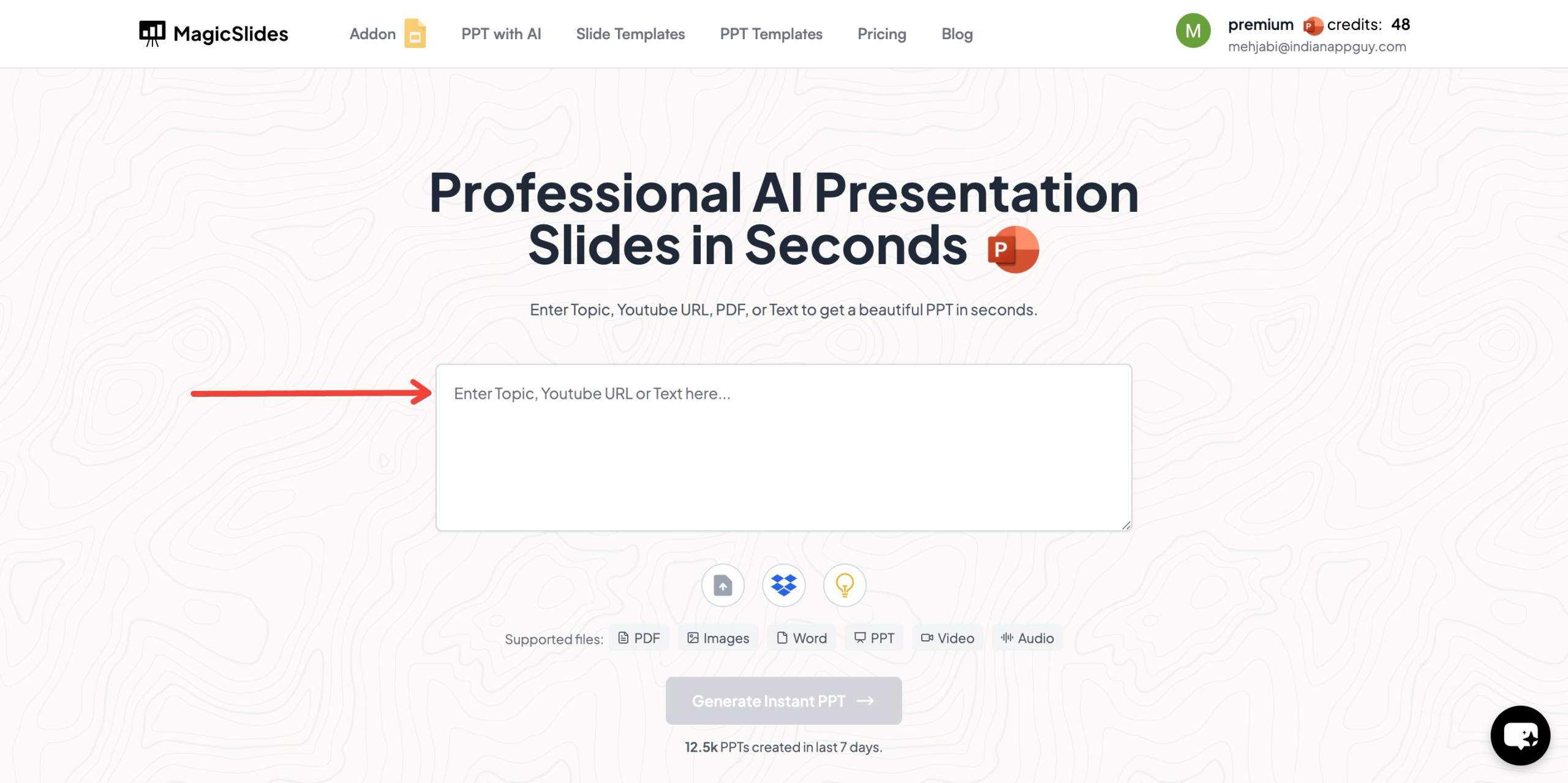
- Enter your topic in the provided input field.
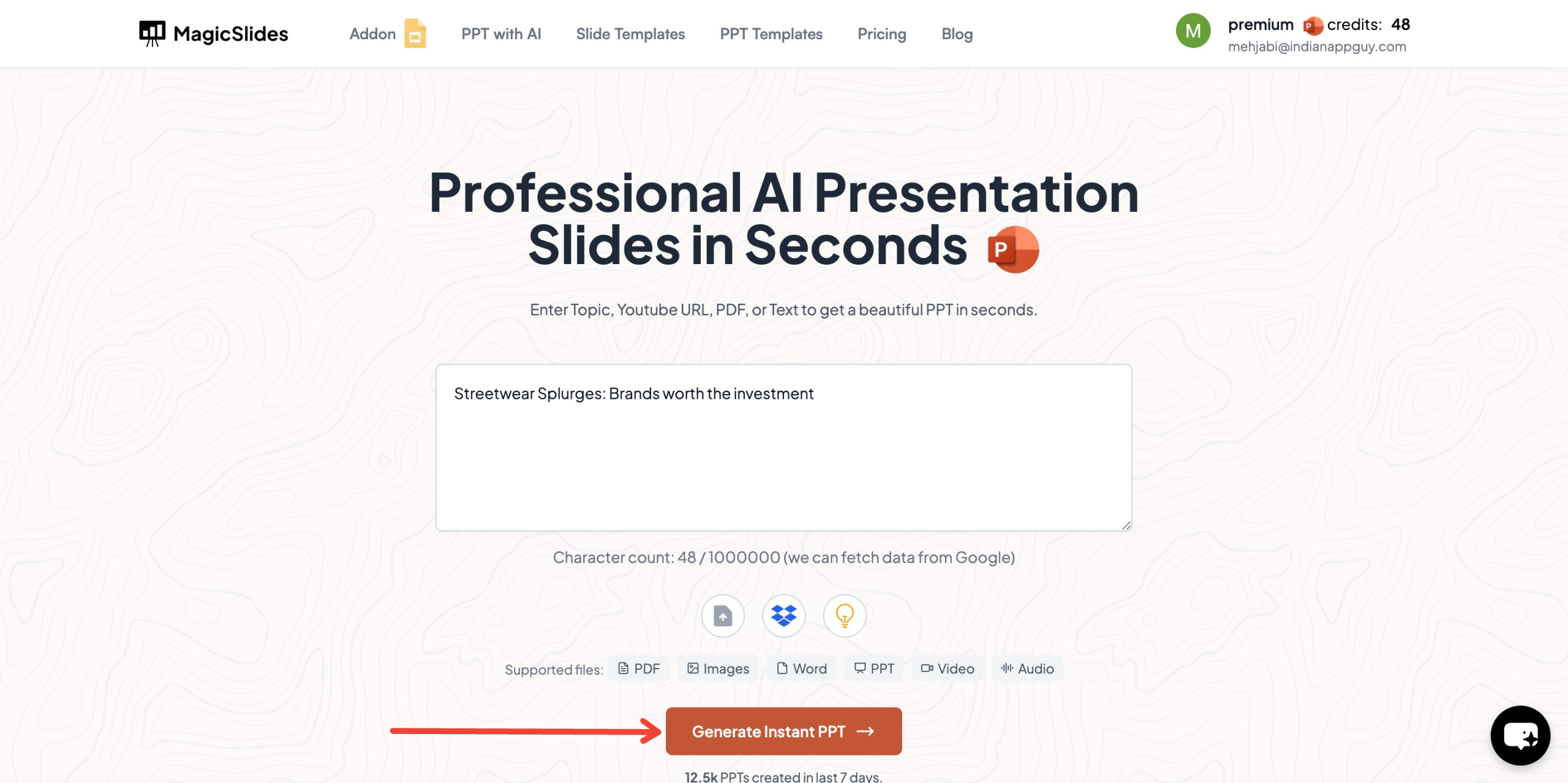
- Click "Generate Instant PPT" to proceed.
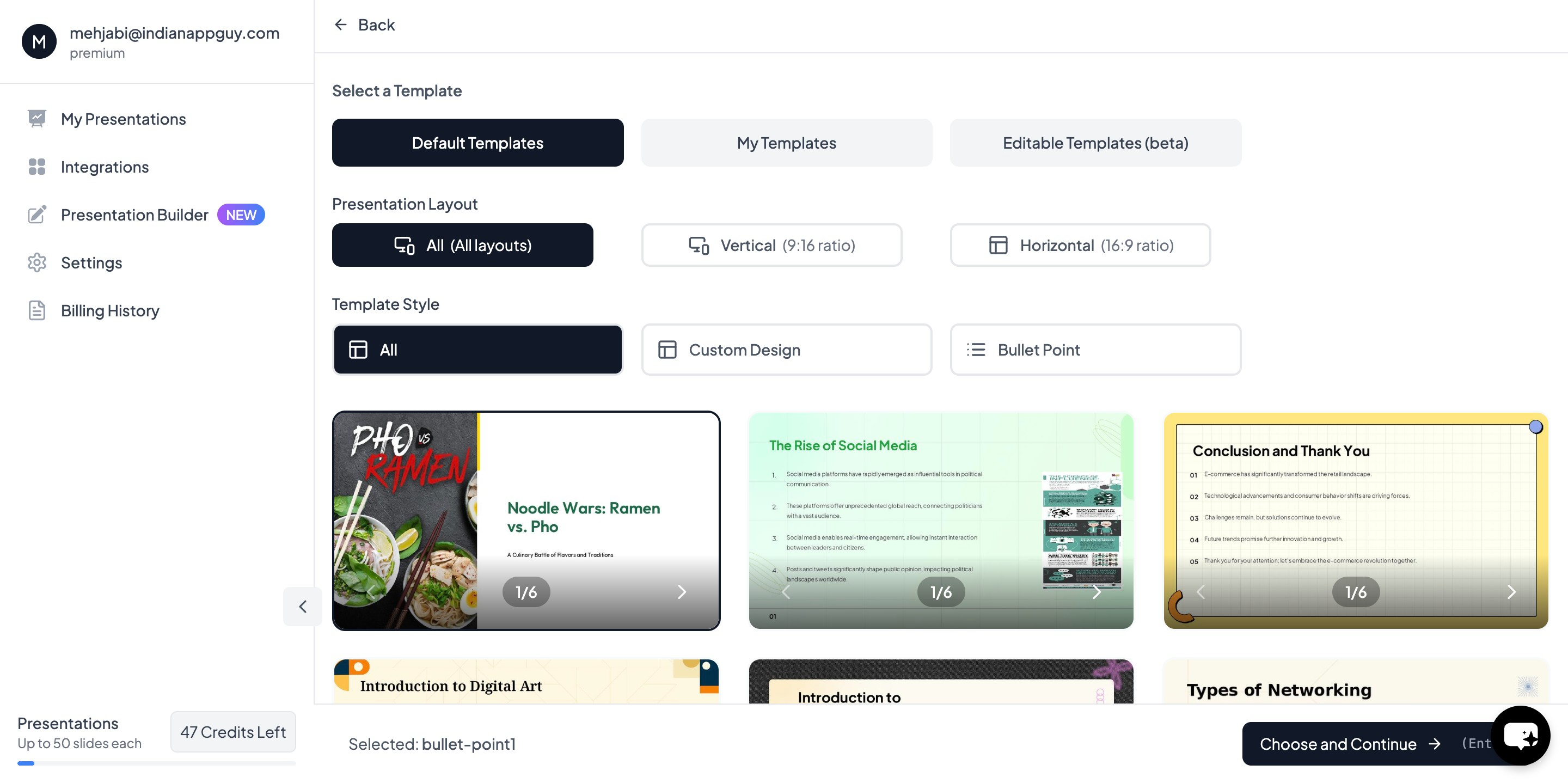
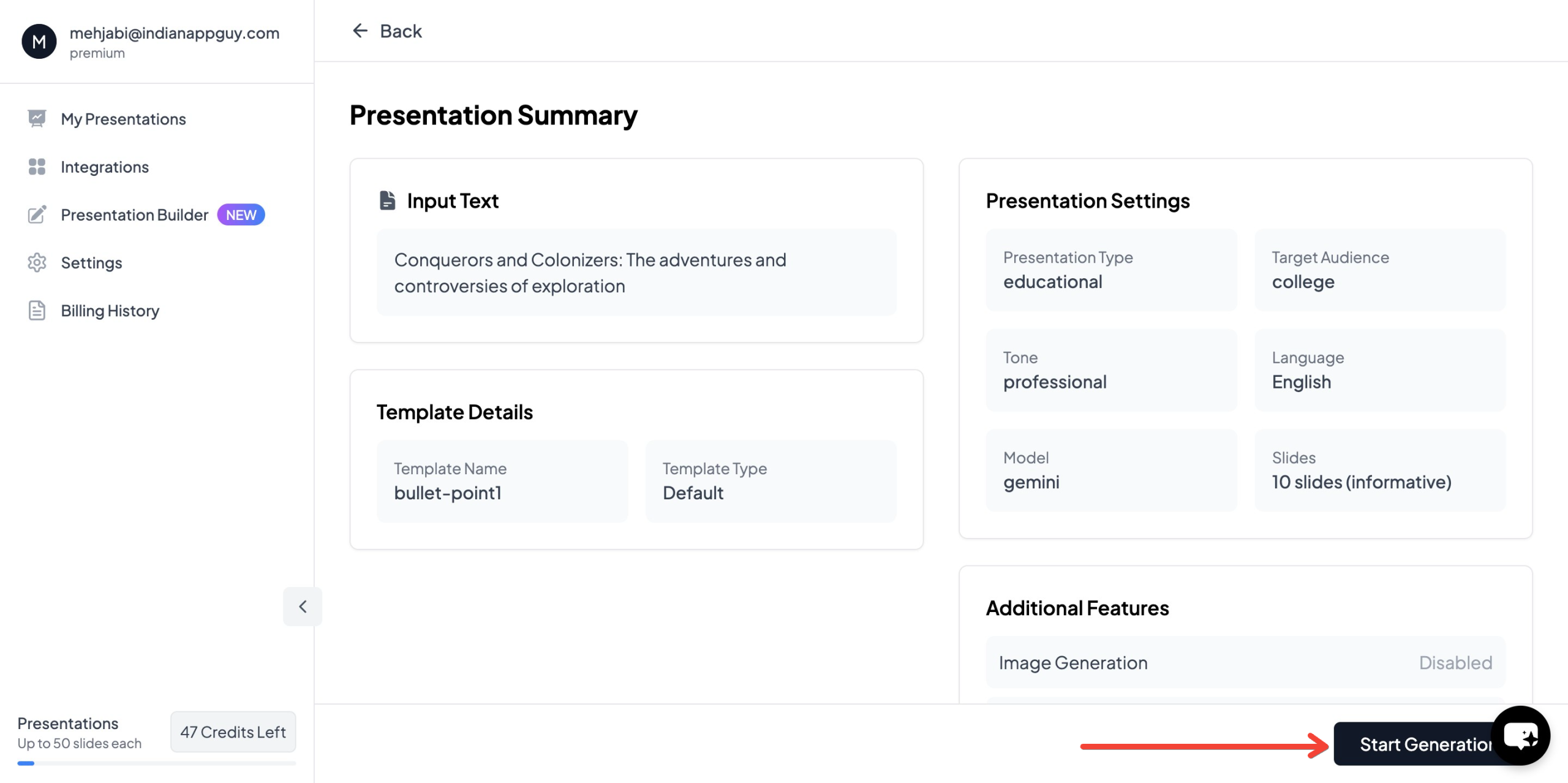
- Choose your template and select the number of slides based on your preference. Fill in additional details as prompted to refine your presentation.
- Click "Generate Instant PPT" to finalize the content.
- Download and edit the generated PowerPoint as needed.
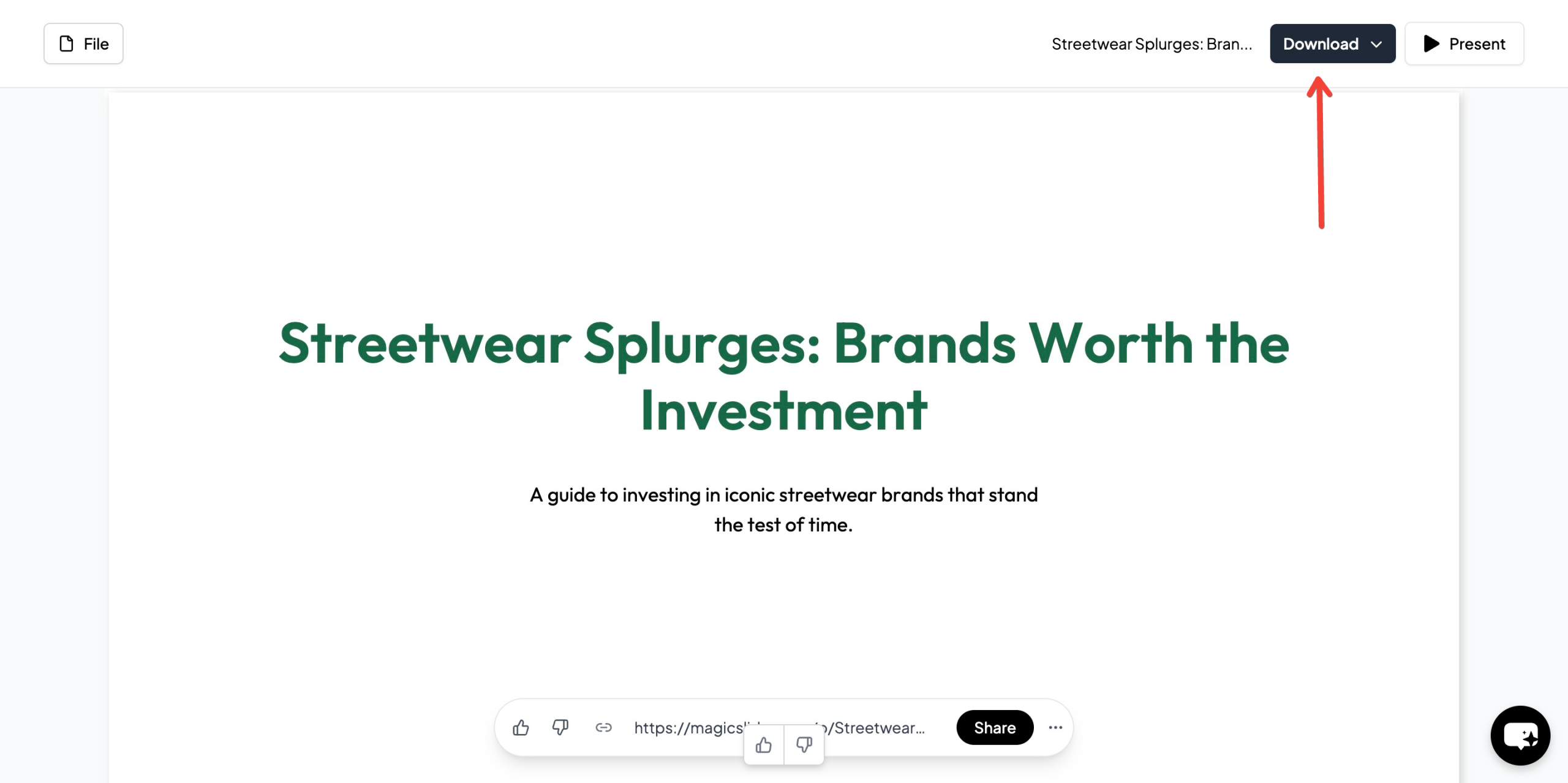
Within minutes, you will have a structured and well-designed presentation ready to use.
MagicSlides App Pricing & Plans
MagicSlides offers multiple pricing plans tailored to different user needs.
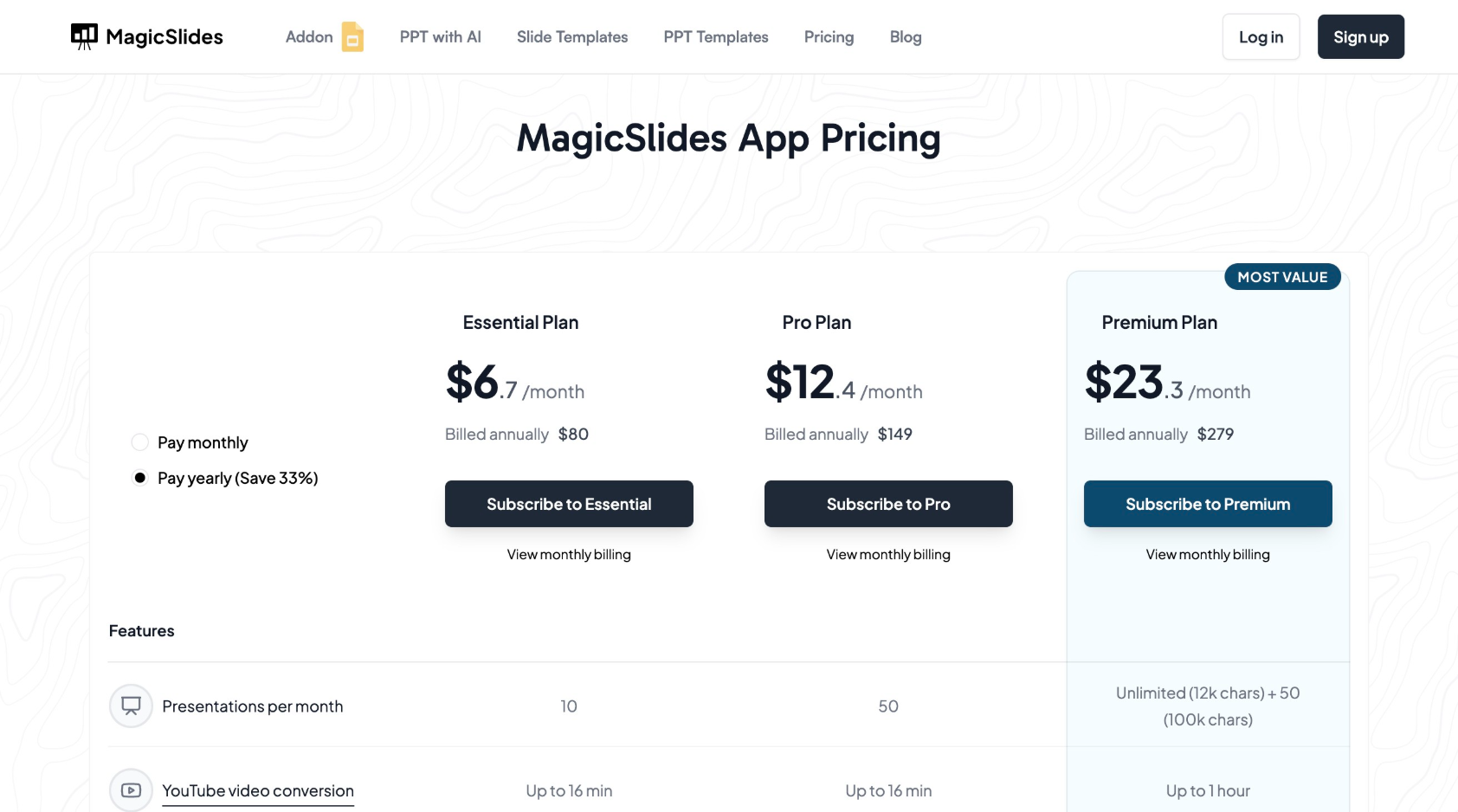
If you are unsure which plan best suits your needs, MagicSlides provides a Plan Calculator on the website to help users make an informed decision.
Why Choose MagicSlides.app?
MagicSlides provides several advantages over traditional presentation-making methods:
- Time Efficiency – Generates slides instantly, reducing the time spent on manual content creation.
- AI-Optimized Content – Ensures that slides are structured, informative, and visually appealing.
- Customizable Templates – Allows users to select templates and adjust slides according to their needs.
- Seamless Integrations – Supports Google Slides, Figma, and Zapier for improved workflow.
- Affordable Pricing – Offers flexible pricing plans that cater to different user requirements.
MagicSlides is a valuable tool for professionals, educators, students, and businesses looking to create high-quality presentations with minimal effort.
Final Thoughts
AI-powered presentation tools like MagicSlides.app provide a fast, efficient, and professional way to create impactful slides. By using well-structured AI prompts, users can generate engaging and informative presentations for business, education, marketing, and more.
For those looking for an easy and cost-effective solution, MagicSlides.app is an excellent choice. It streamlines the process of creating high-quality presentations, saving both time and effort.
Visit MagicSlides.app today to explore its features and enhance your presentation workflow.


