Can AI create a PowerPoint Presentation


AI-powered MagicSlides creates professional presentations effortlessly using either its web app or Google Slides extension
Can AI Create a PowerPoint Presentation?
Yes! AI-powered tools like MagicSlides make it easier than ever to create PowerPoint presentations effortlessly.
Whether you prefer using a web app or a Google Slides extension, MagicSlides offers a seamless experience, saving time while generating high-quality, professional slides.
Let’s explore how you can use MagicSlides Web App and MagicSlides Google Slides Extension to create AI-powered presentations based on your convenience.
Option 1: Using MagicSlides Web App to Create a PowerPoint Presentation
If you want a standalone AI tool for creating presentations, the MagicSlides Web App is the perfect choice.
How to Use MagicSlides Web App:
Visit MagicSlides.app – Go to MagicSlides Web App and log in or sign up.
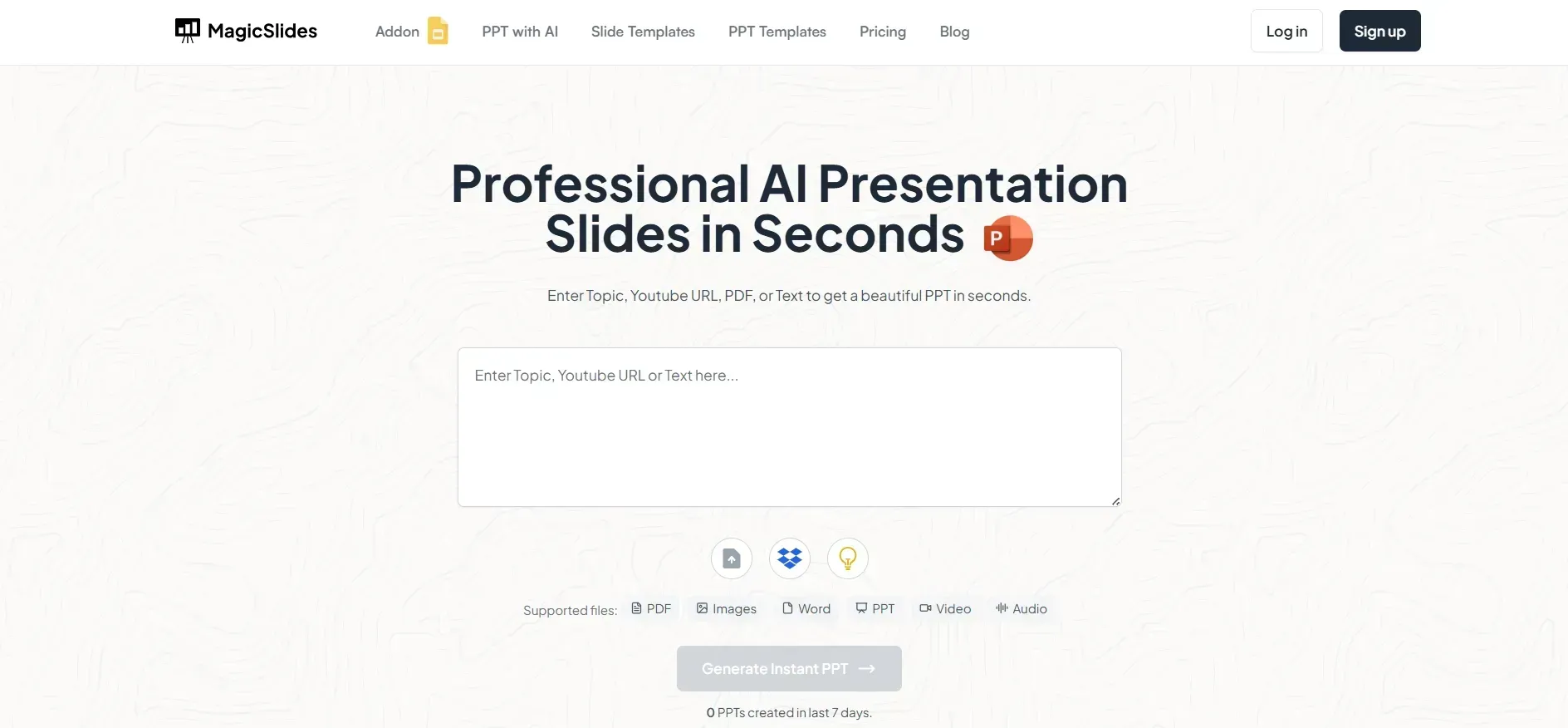
Enter Your Topic – Type in the topic of your presentation in the AI input bar.
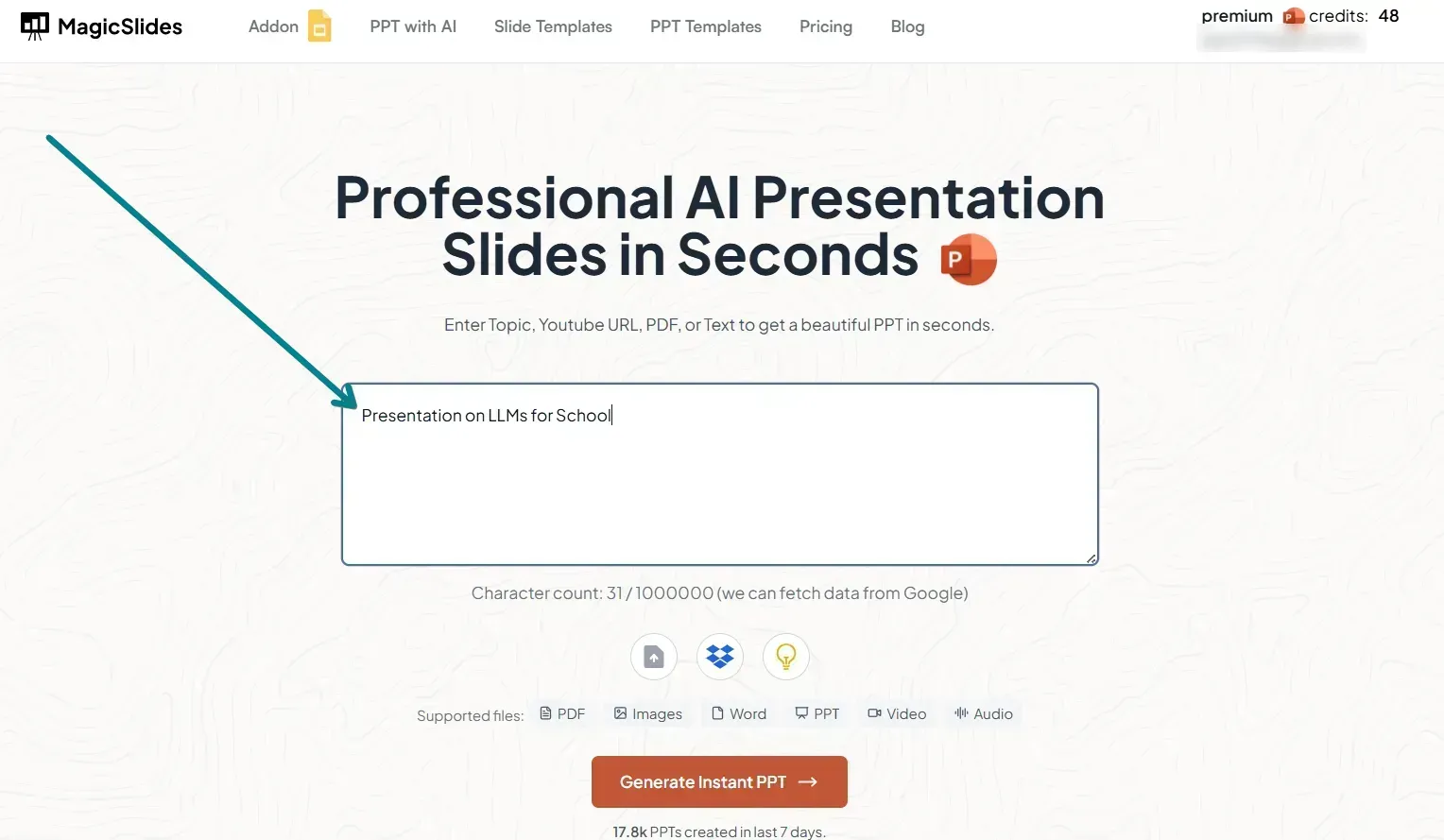
Click ‘Generate Presentation’ – MagicSlides will instantly create slides with relevant content, layout, and design.
Review & Customize – Edit slides as needed, add your own content, and finalize your presentation.
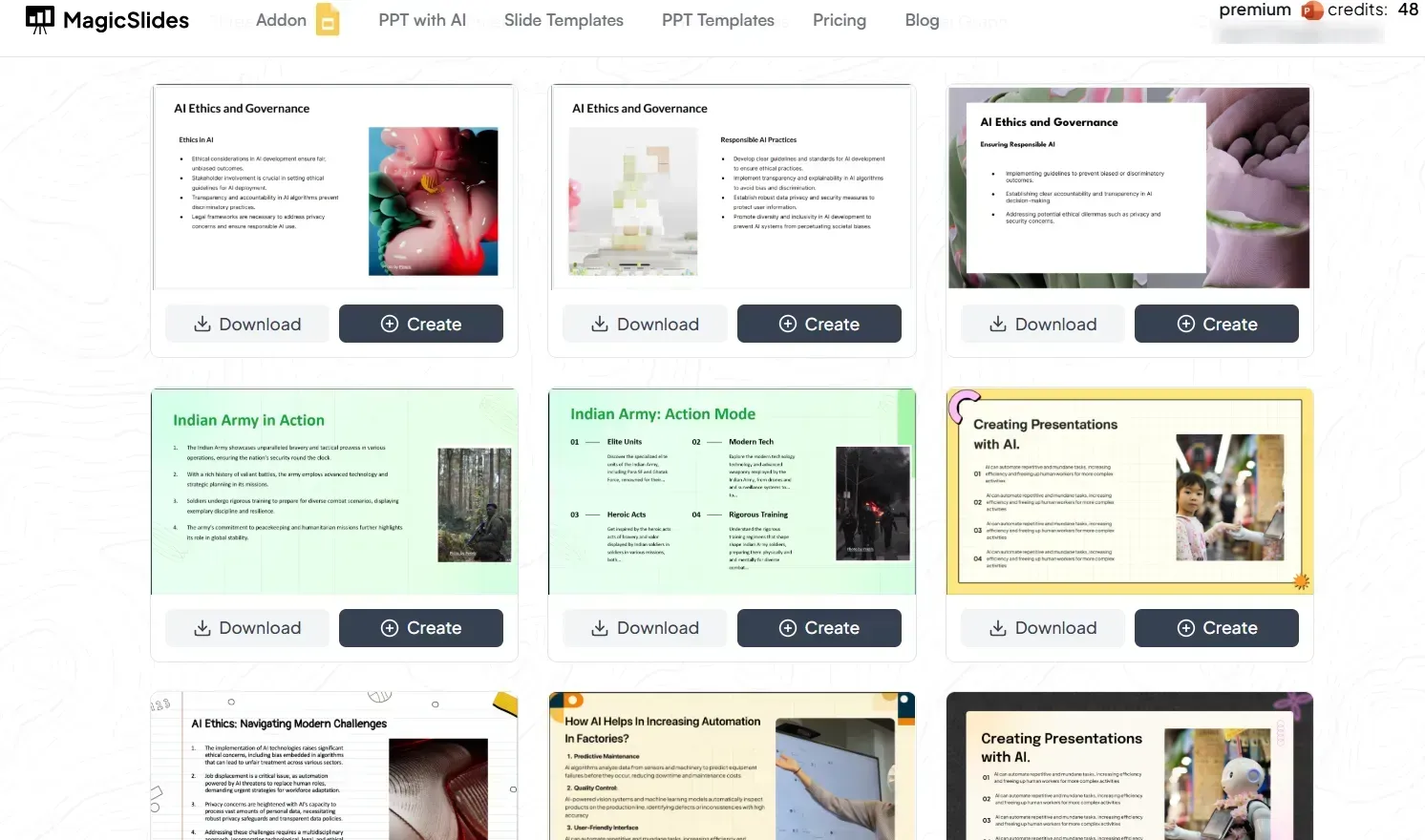
Download & Use Anywhere – Save the PowerPoint (.pptx) file and use it in Google Slides, PowerPoint, or any other presentation software.
Option 2: Using MagicSlides Google Slides Extension
If you prefer working directly within Google Slides, the MagicSlides extension is the best option.
How to Use MagicSlides Google Slides Extension:
Open Google Slides – Launch Google Slides and open the presentation where you want to generate slides.
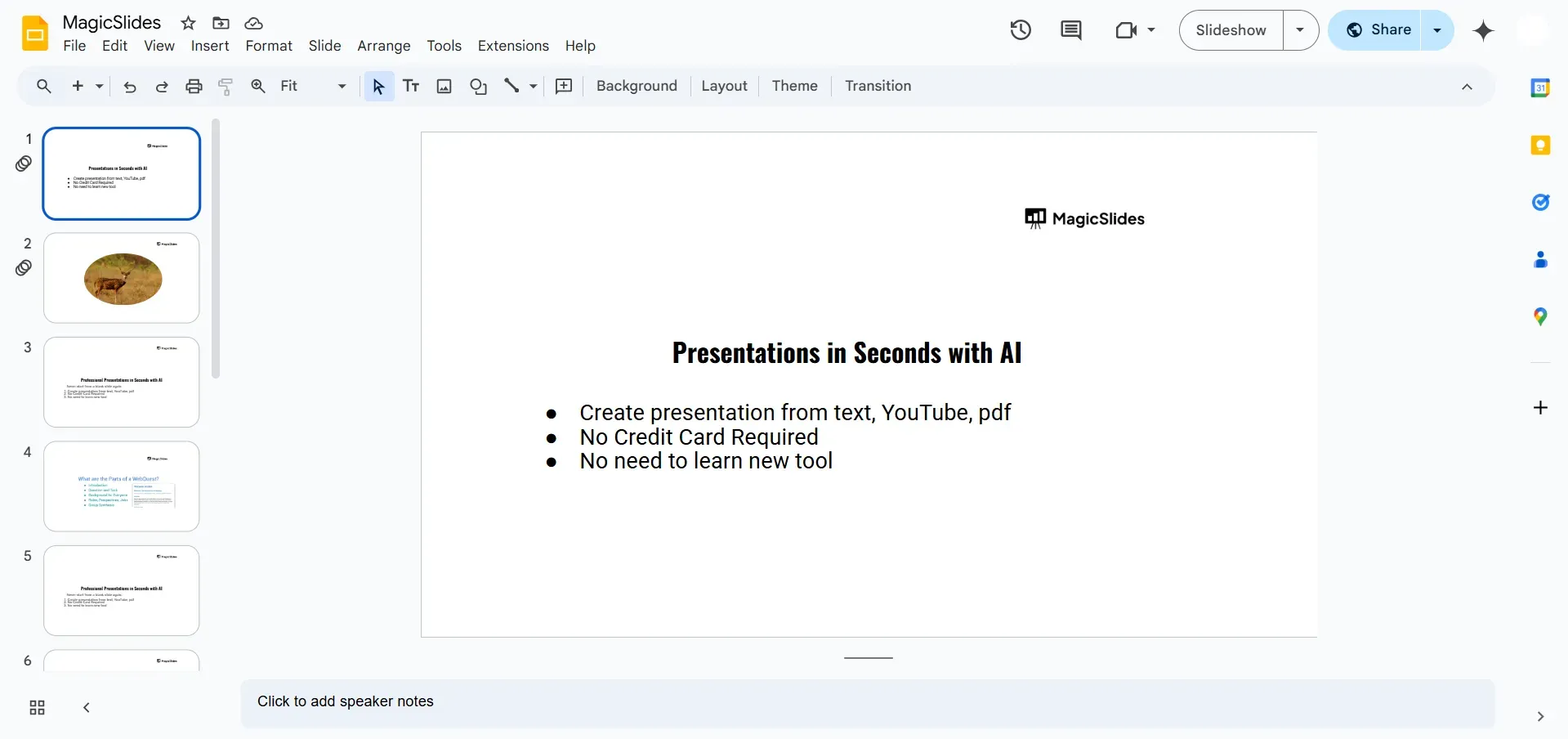
Install MagicSlides Extension – Click on Extensions > Add-ons > Get add-ons and search for MagicSlides. Install it.
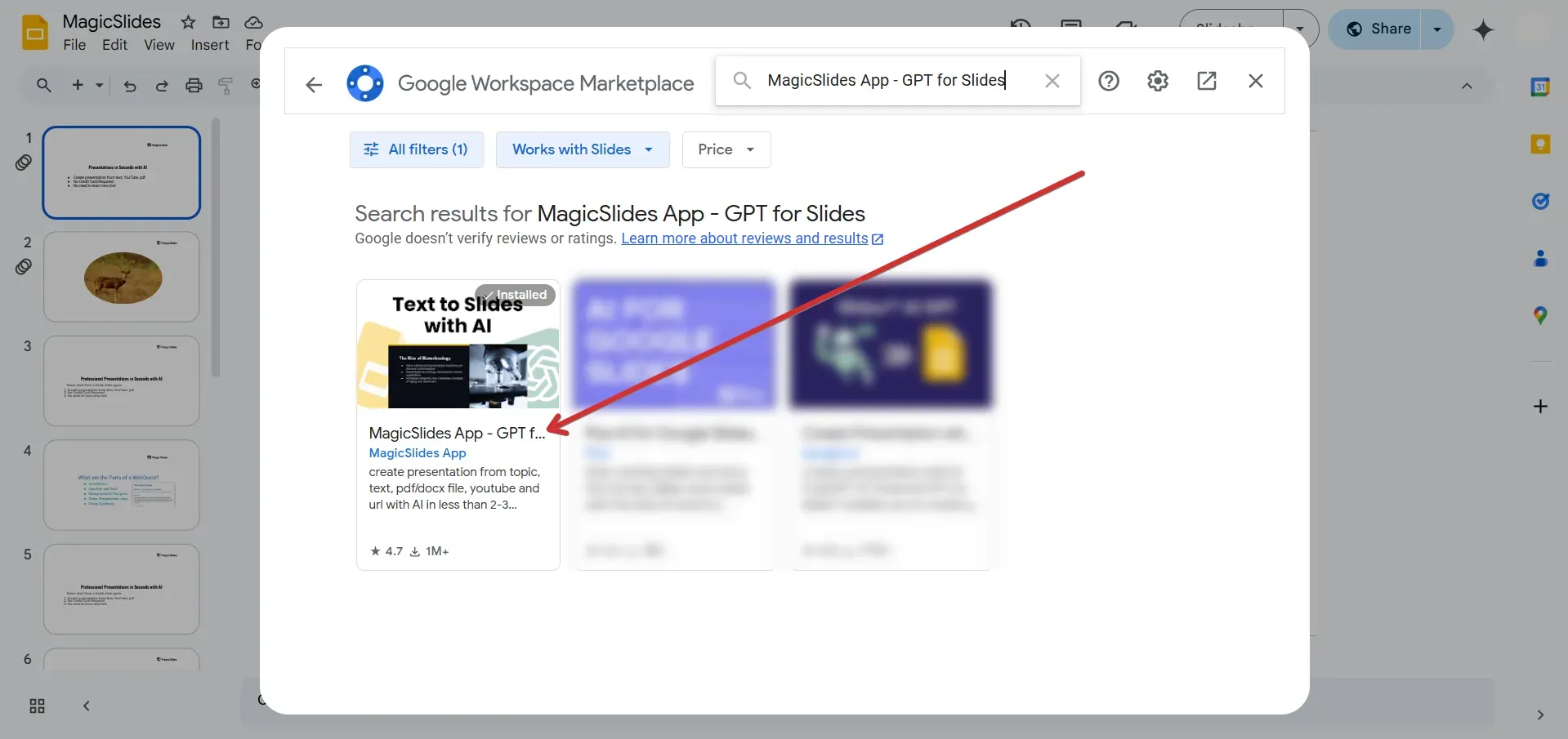
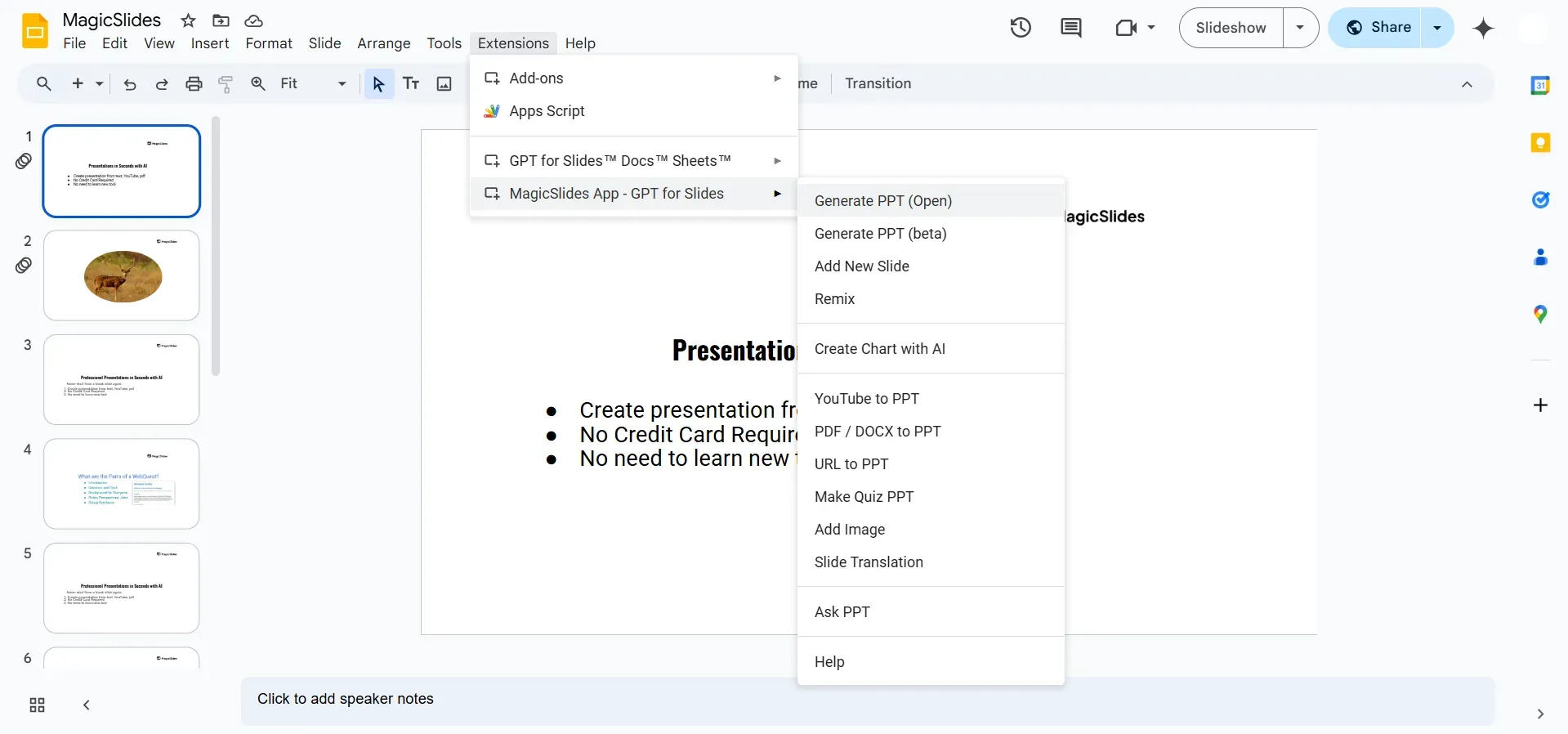
Launch the Extension – After installation, go to Extensions > MagicSlides > Generate Presentation.
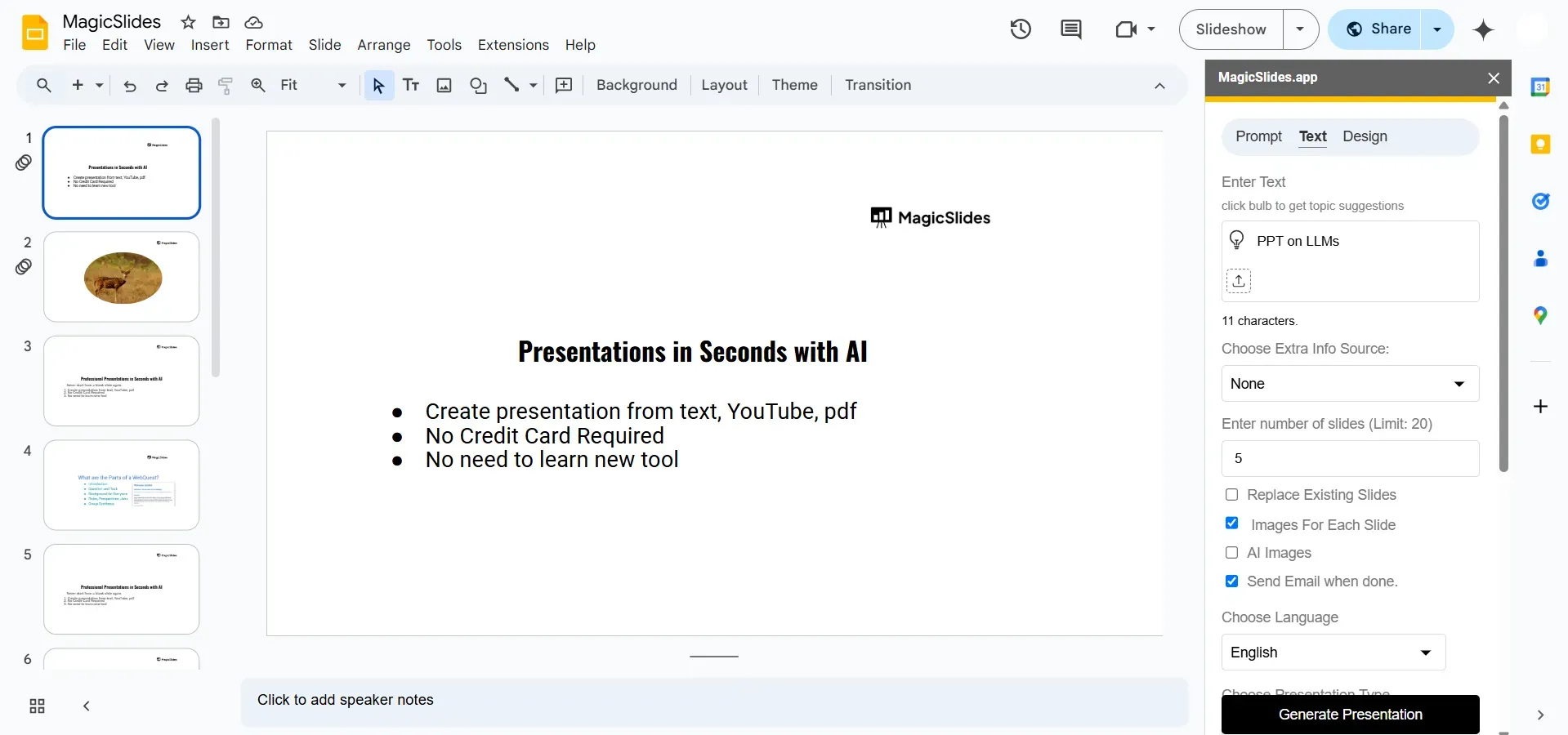
Enter Your Topic – Type in the topic, select any preferences, and click Generate PPT.
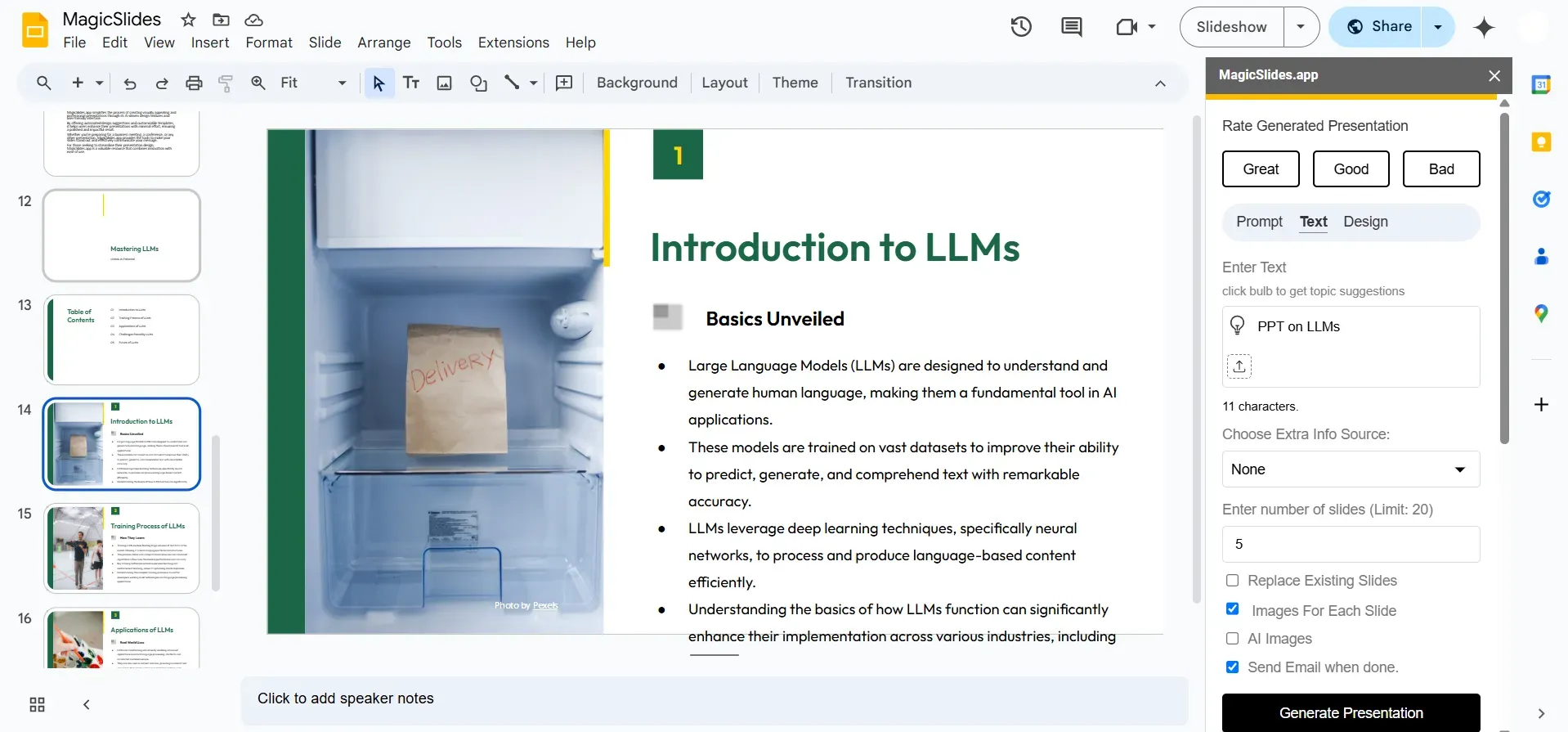
Review & Modify – Customize your slides if necessary, and your AI-generated presentation is ready to use!
Which One Should You Use?
Both the web app and the Google Slides extension offer AI-generated presentations, and you can choose based on your needs:
- Use the MagicSlides Web App if you want a fully AI-driven tool that works independently and lets you create PowerPoint files directly.
- Use the MagicSlides Google Slides Extension if you prefer to work within Google Slides and generate AI-powered slides instantly.
Upgrade for Advanced Features
MagicSlides offers premium features such as converting YouTube videos into slides, generating presentations from URLs, and more.
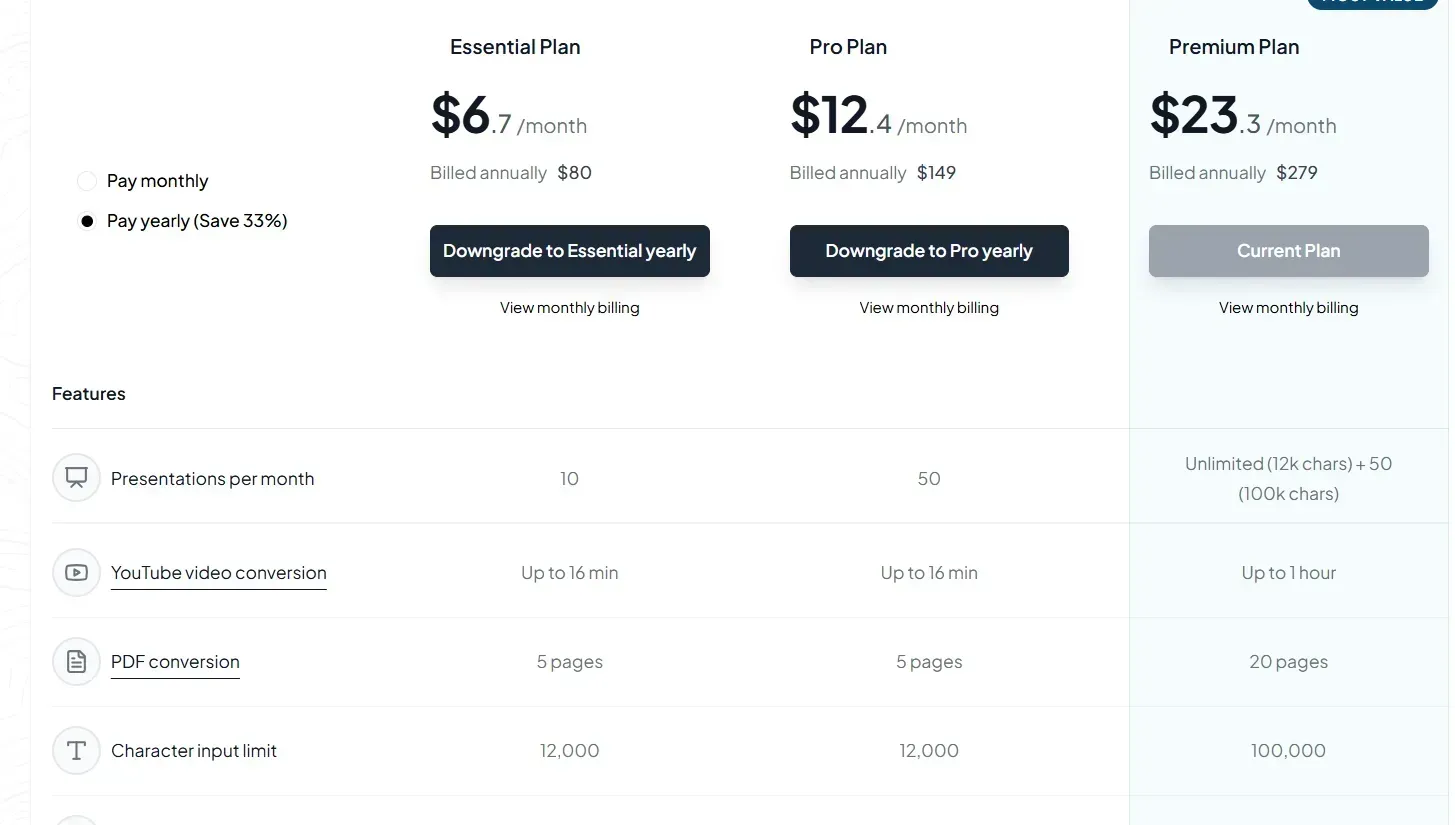
Explore the MagicSlides pricing page for more details on upgrading.
Conclusion
AI-powered tools like MagicSlides have transformed the way we create presentations.
Whether you use the MagicSlides Web App or the Google Slides extension, you can generate professional presentations in seconds—saving time, effort, and enhancing creativity.


