Can we Embed Forms on Canva Website


Easily embed forms on your Canva website using Google Forms, Typeform, or JotForm for seamless interaction
Can We Embed Forms on a Canva Website?
Embedding a form on your Canva website can help collect user responses, feedback, or sign-ups efficiently.
While Canva doesn’t have a built-in form feature, you can embed forms from third-party platforms like Google Forms, Typeform, or JotForm using a simple link or embed code.
Follow this step-by-step guide to seamlessly add a form to your Canva website.
Steps to Embed a Form on a Canva Website
Step 1: Create Your Form
Use a form builder like Google Forms, Typeform, or JotForm. Customize your form by adding fields, questions, and submission options.
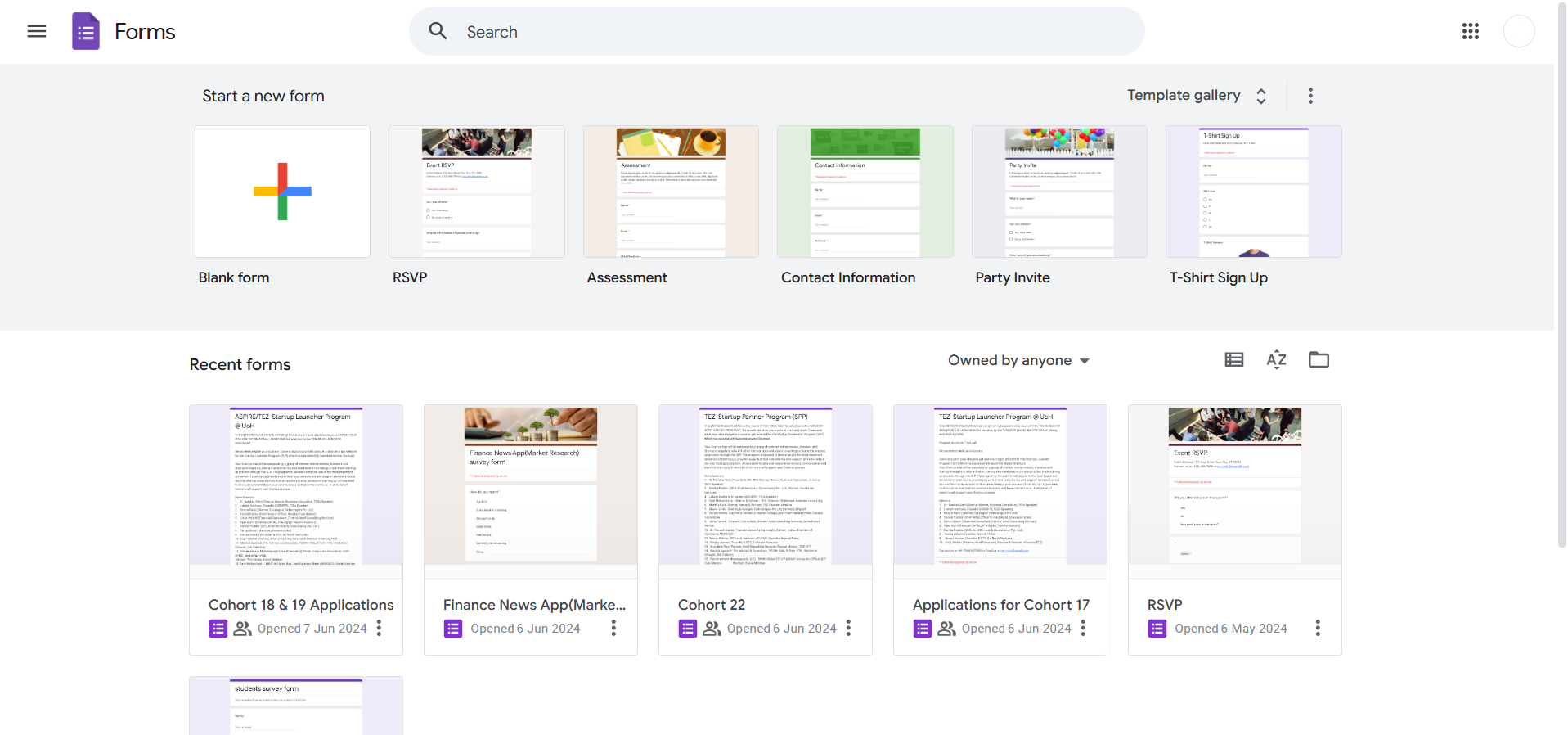
Once ready, click on Send or Share to get the form link or embed code.
Step 2: Copy the Form Link or Embed Code
If using Google Forms, click Send, then select Link and copy it.
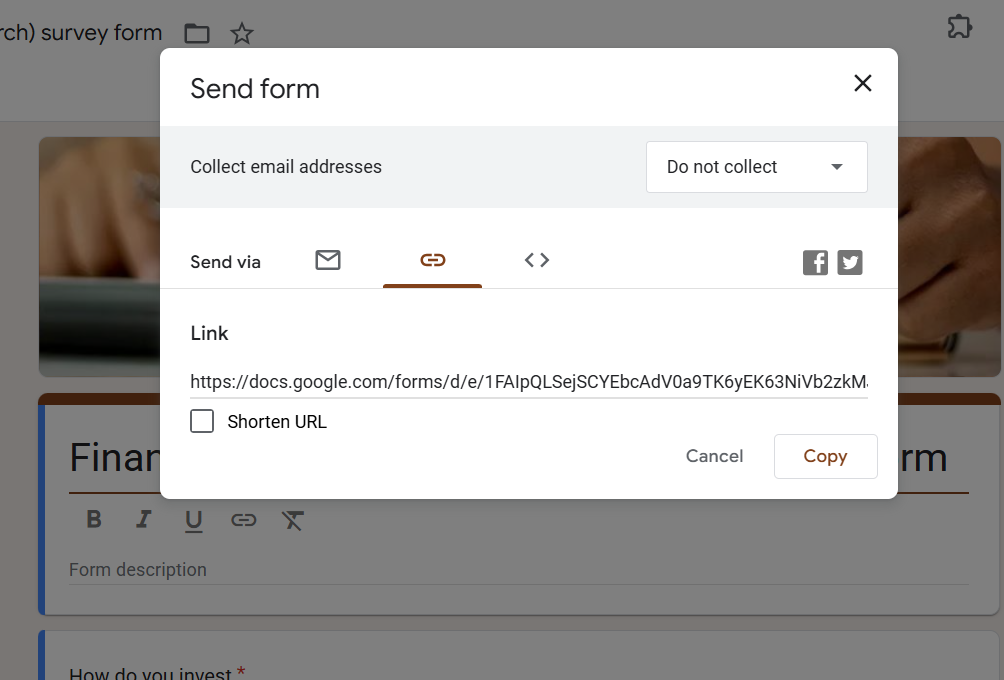
For Typeform or JotForm, copy the embed code from the "Embed" or "Share" section.
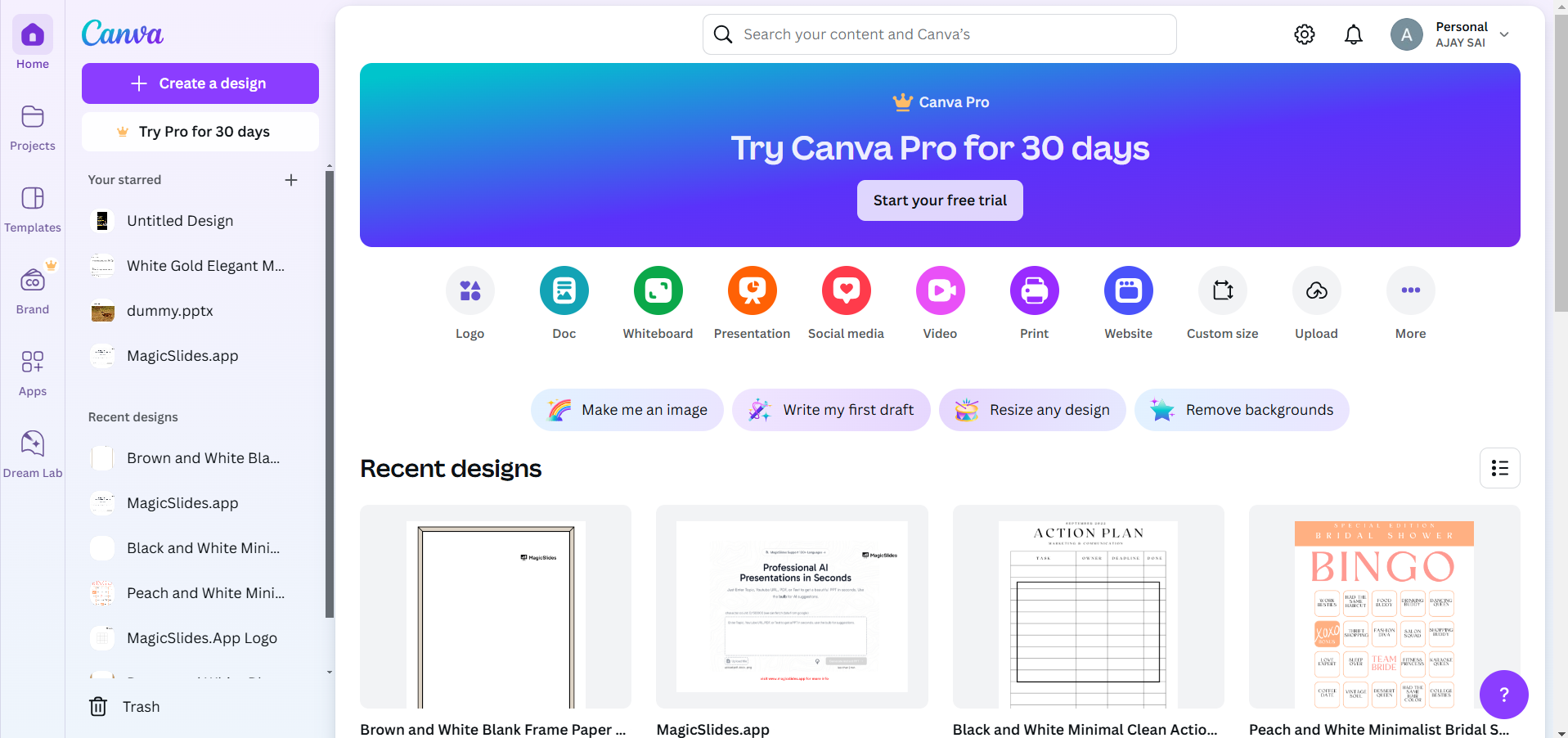
Step 3: Open Canva and Access Your Website Design
Log in to Canva and open your website project. Ensure you are in the website creation mode.
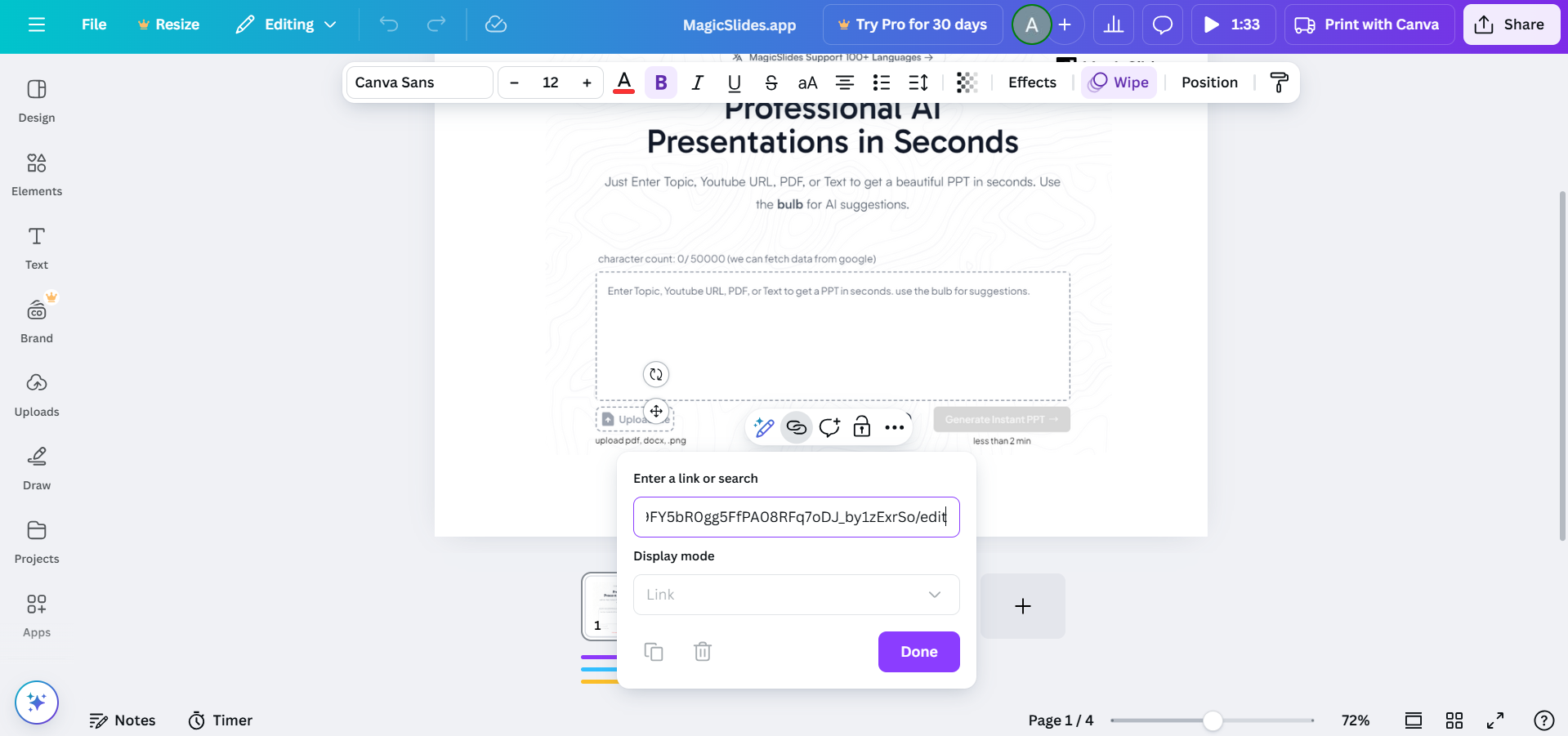
Step 4: Add the Form to Canva
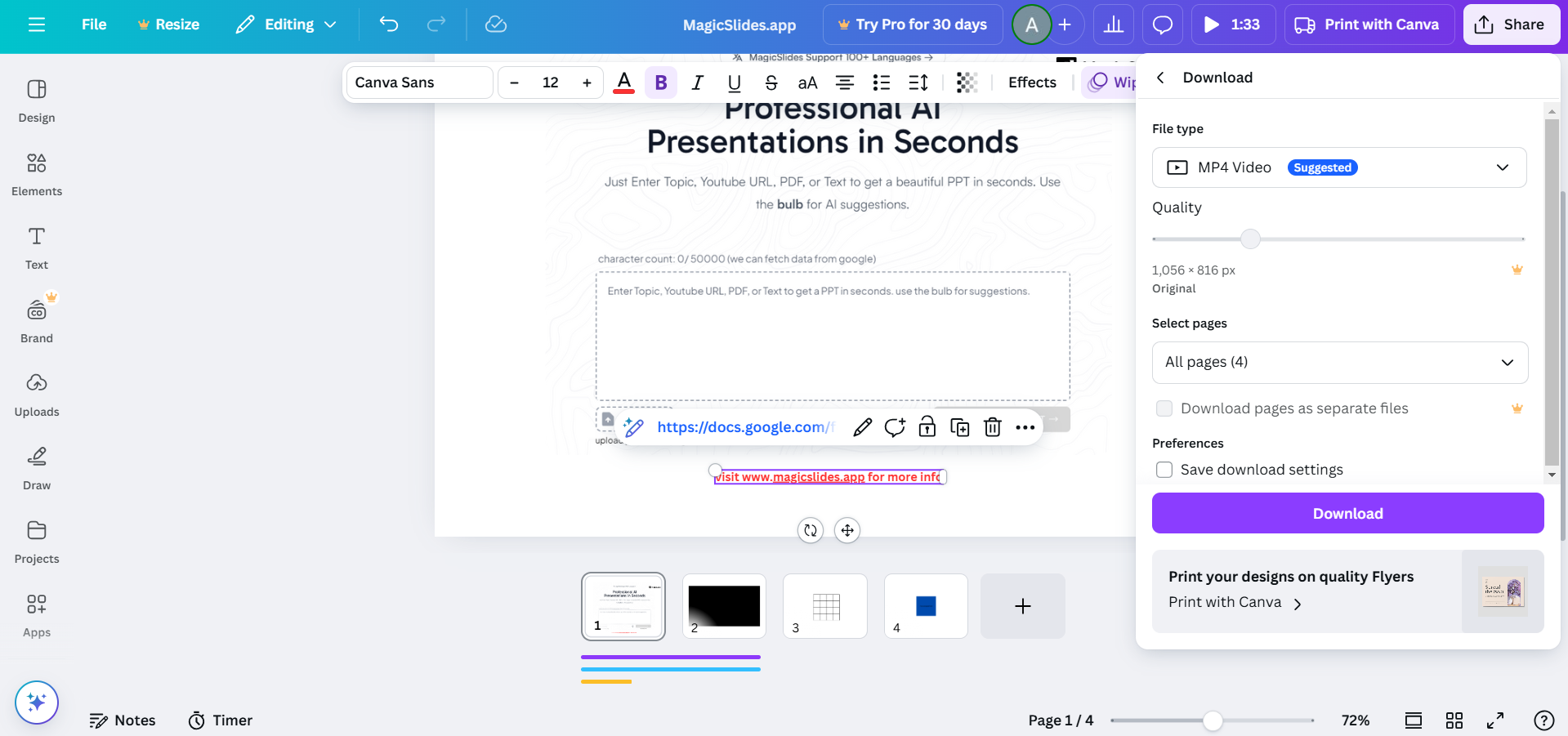
To add a link, select a text box, button, or image and click the Link icon (🔗).
Paste the form link and press Apply.
If using an embed code, Canva does not support direct embedding, but you can use a tool like Google Sites or Notion and link it within Canva.
Step 5: Publish and Share Your Canva Website
Click Publish as Website in Canva.
When visitors click on the linked button or text, they will be directed to the form.
Embedding forms on a Canva website is possible, but if you need a smarter way to generate presentations, try MagicSlides.app. Convert topics, PDFs, and even YouTube videos into stunning slides instantly!
Conclusion
Although Canva does not directly support form embedding, you can easily add external forms using a clickable link.
This allows you to collect responses effectively while maintaining a seamless user experience on your Canva website.
FAQs on Embedding Forms in Canva Websites
Can I embed a Google Form directly in Canva?
No, Canva does not support direct embeds, but you can link to the form.
What form builders work best with Canva?
Google Forms, Typeform, and JotForm are great options for adding forms to Canva websites.
Will the form open inside the Canva website?
No, clicking the link will open the form in a new browser tab.
Now you can easily collect responses using forms on your Canva website! 🚀


