How to create market research questions using AI


Market Research helps in informs strategic decisions, identifies customer needs, minimizes risks, maximizes opportunities,
In today's fast-paced world, gathering accurate and timely data is paramount, whether you're a politician seeking insights from constituents, or a business aiming to understand your customers better. Traditional market research methods can be time-consuming and labor-intensive. Enter MagicForm, a free AI-powered market research question generator that simplifies the process of conducting surveys, making it an invaluable tool for political campaigns, businesses, and educators alike.
Unleashing the Power of MagicForm
MagicForm is a Google Forms add-on that seamlessly integrates AI technology to generate survey questions efficiently. Its versatility makes it suitable for a range of applications, from political surveys conducted amongst constituencies to companies seeking feedback on their products and services.
How It Works
MagicForm is remarkably user-friendly, requiring just a few simple steps to create comprehensive surveys:
Step 1: Installing the add on The journey with MagicForm begins by installing the user-friendly add-on by visiting https://www.magicform.app/. This seamless installation process ensures that educators can quickly integrate it into their existing educational technology toolkit.
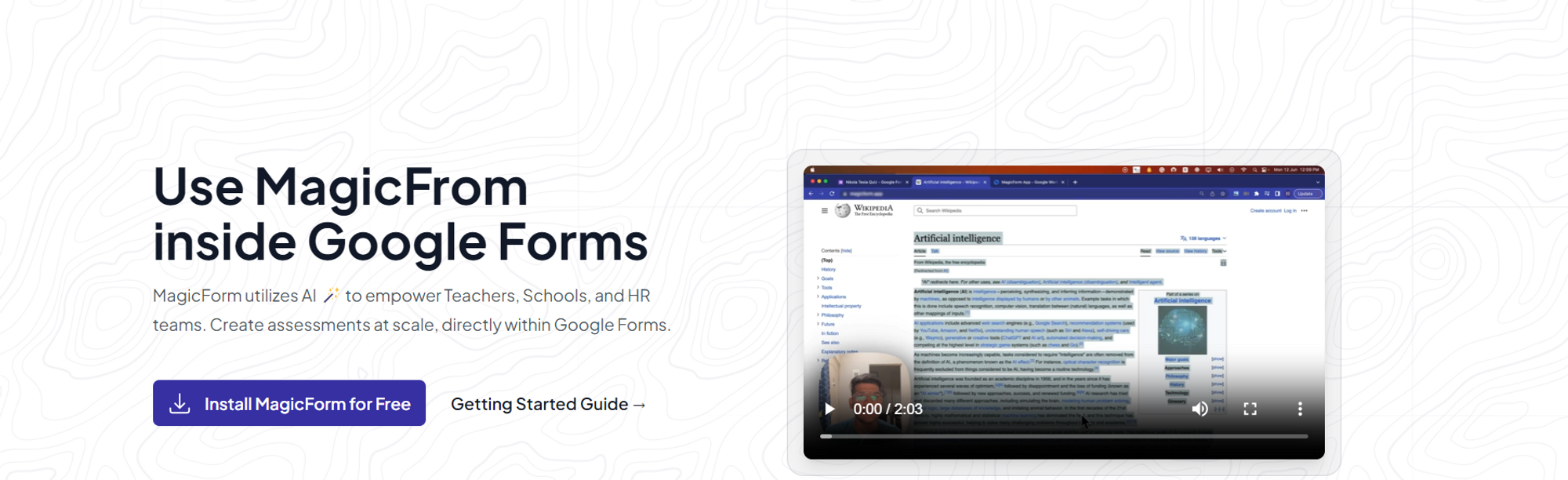
Step 2: head over to Google Forms Next, open Google Forms, the widely-used survey creation platform. MagicForm will now be visible in the extensions tab, waiting to assist you.
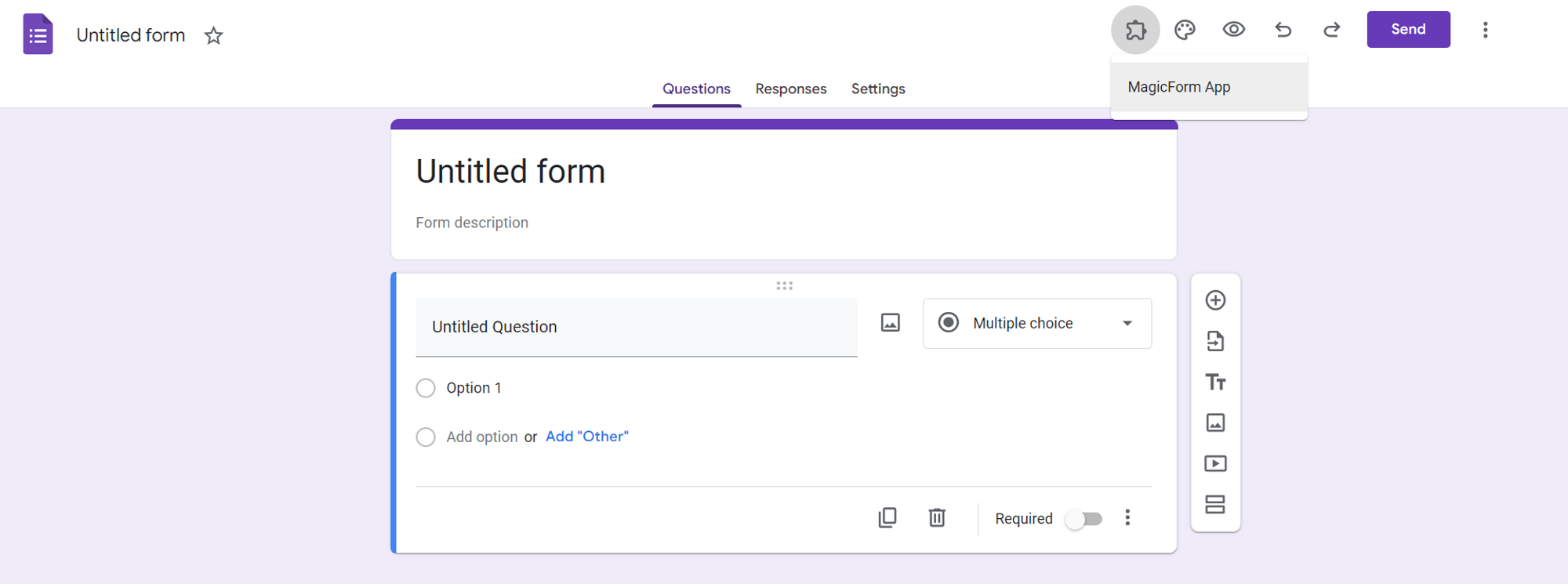
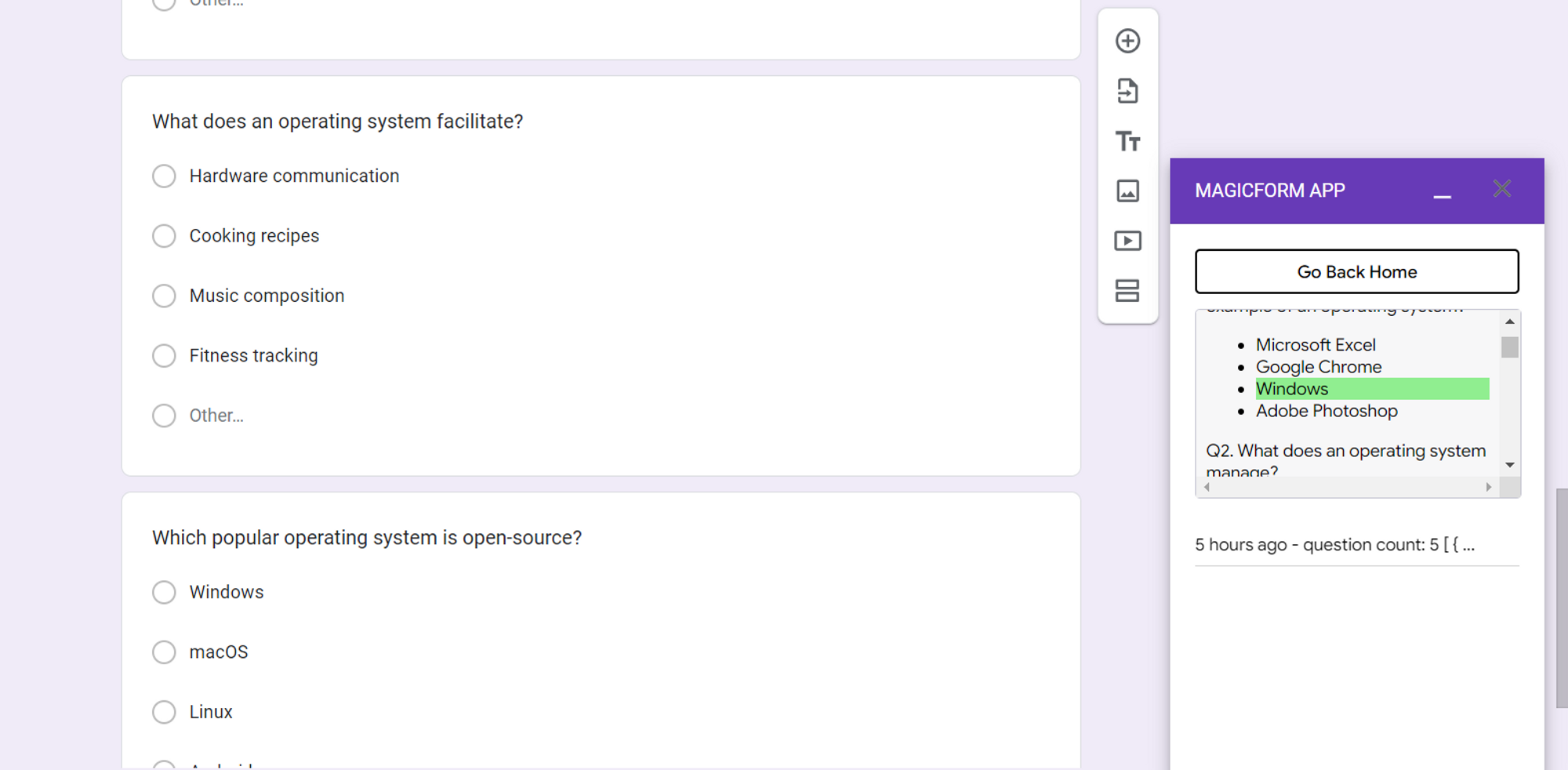
Step 3: Input Your Topic to the tool Click on the MagicForm extension within Google Forms and provide the survey topic. Whether you're polling constituents on political issues or seeking feedback on your company's products, MagicForm adapts to your needs.
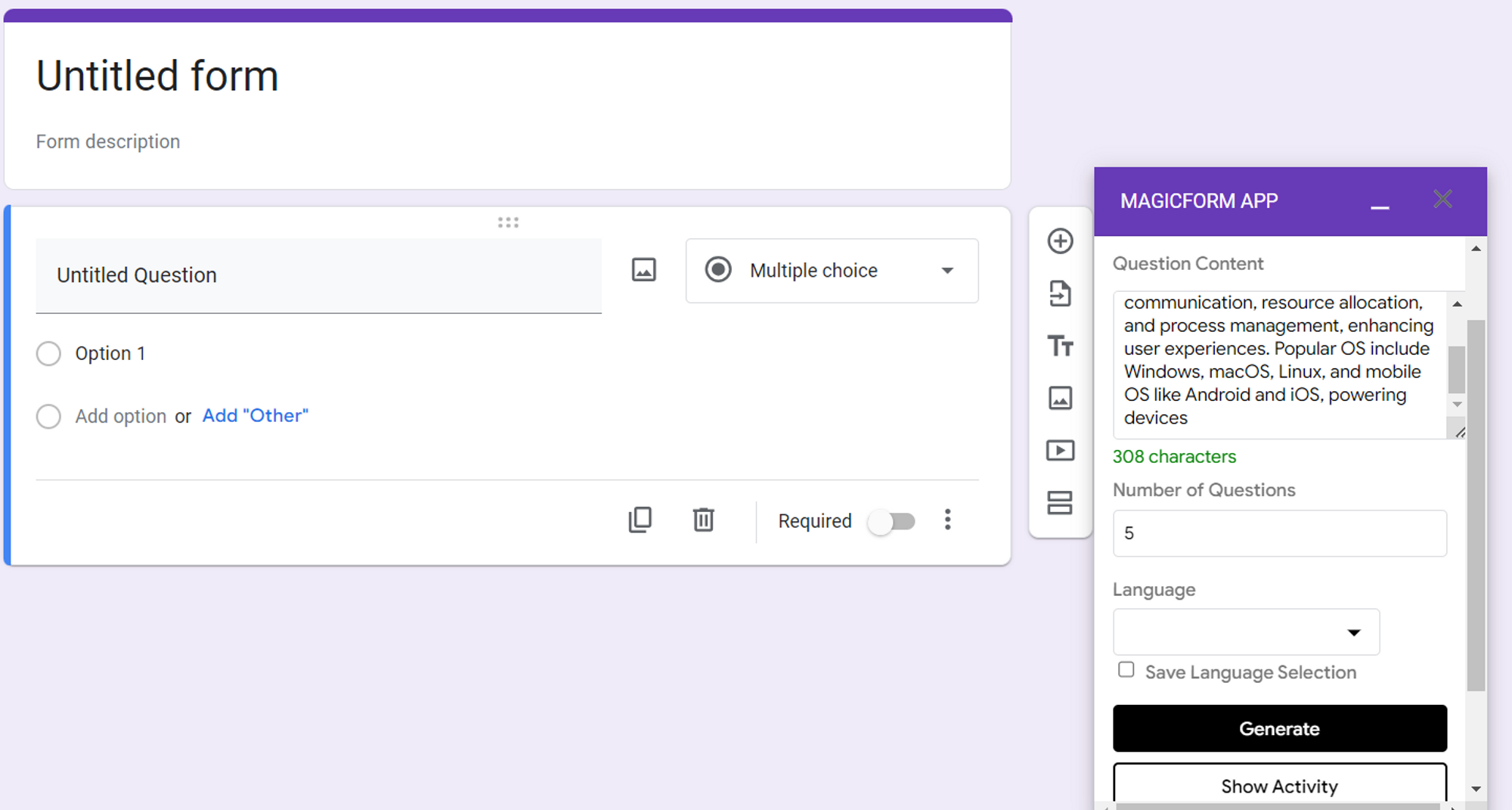
Step 4: Choose the number of Questions for your survey Specify how many questions you'd like to generate. MagicForm allows you to customize your survey according to your objectives.
Step 5: Generate and Share With a single click, MagicForm generates the survey questions for you. Share the survey link with your target audience, whether they are students, constituents, or customers, effortlessly.
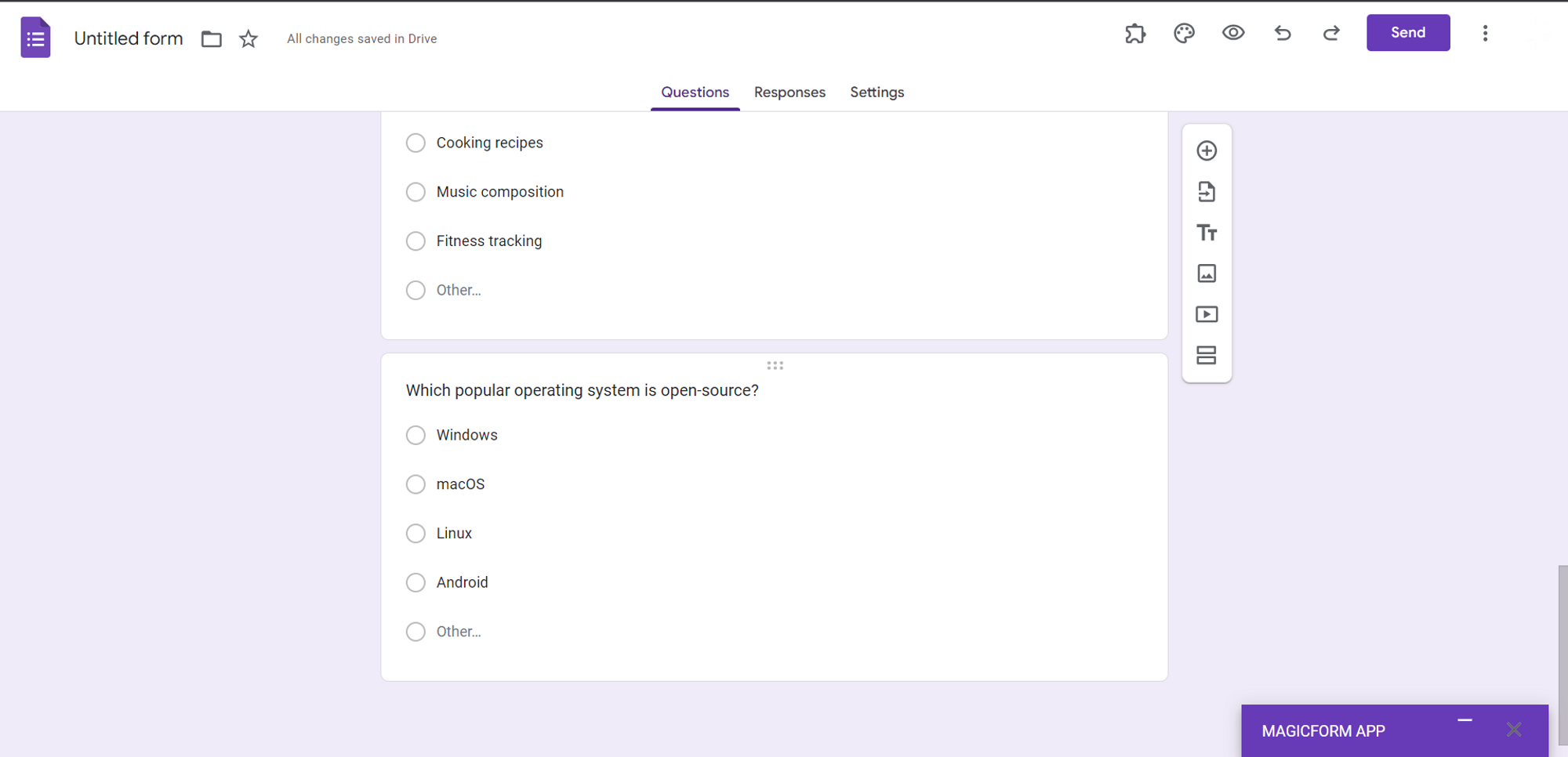
Step 6: Monitor Progress Privately As responses start coming in, you can keep a close watch on the survey's progress. MagicForm's "Show Activity" tab allows you to review answers, a feature that is private and exclusive to you, ensuring data confidentiality.
In a world where data-driven decisions are paramount, MagicForm emerges as a game-changer for anyone seeking to conduct surveys efficiently. Its simplicity, adaptability, and AI-powered question generation capabilities make it an indispensable tool for politicians, businesses, and educators. With MagicForm, you can gather valuable insights, streamline your research process, and make informed decisions that drive success in your endeavors. Welcome to the future of survey creation; welcome to MagicForm.


