How to duplicate slide in Powerpoint


Learn how to duplicate a slide in Microsoft Powerpoint in just 3 simple steps with images…..
Duplicating a slide in PowerPoint is a straightforward process. Here's how you can do it:
Step 1: Open PowerPoint: Launch Microsoft PowerPoint and open the presentation that contains the slide you want to duplicate.
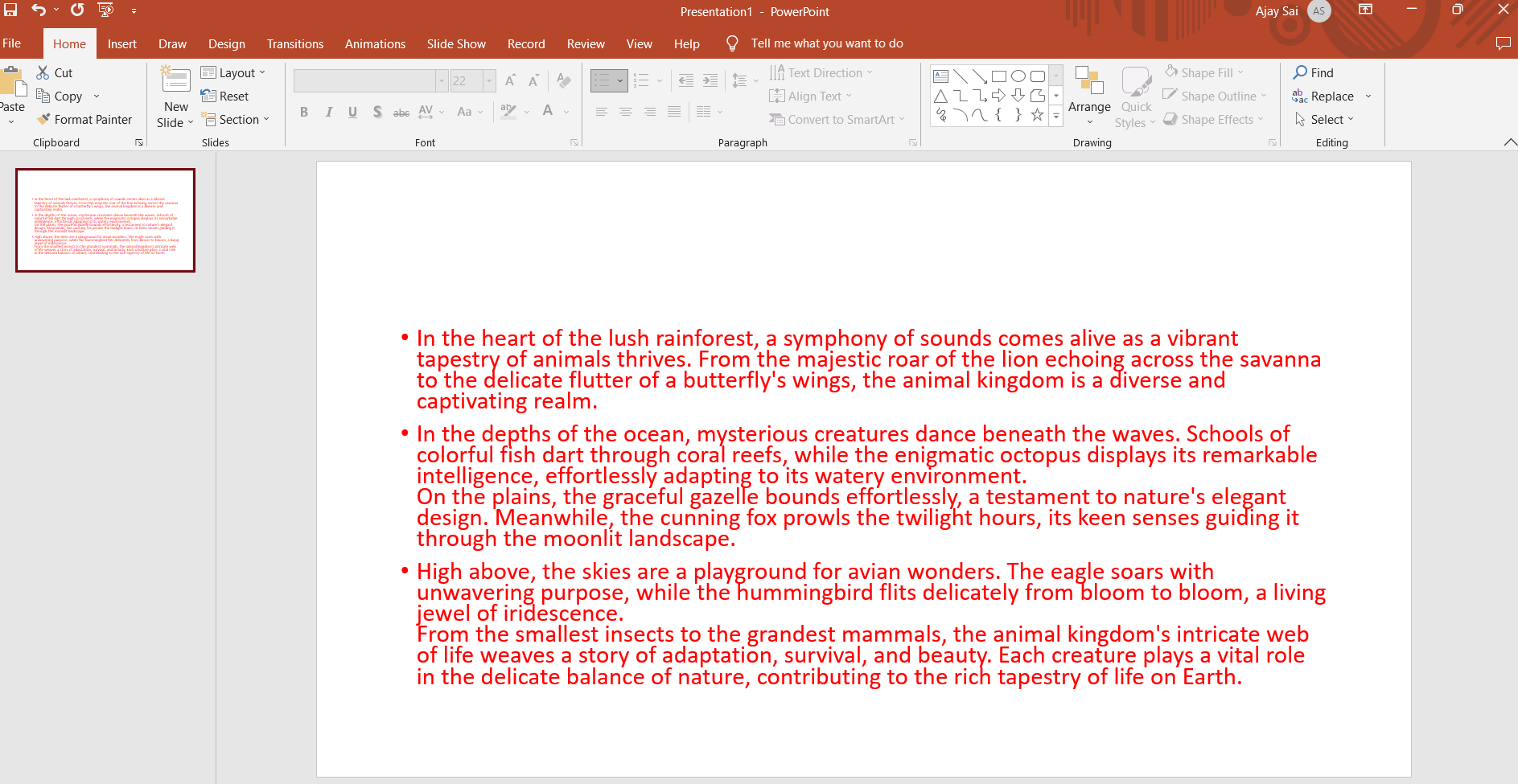
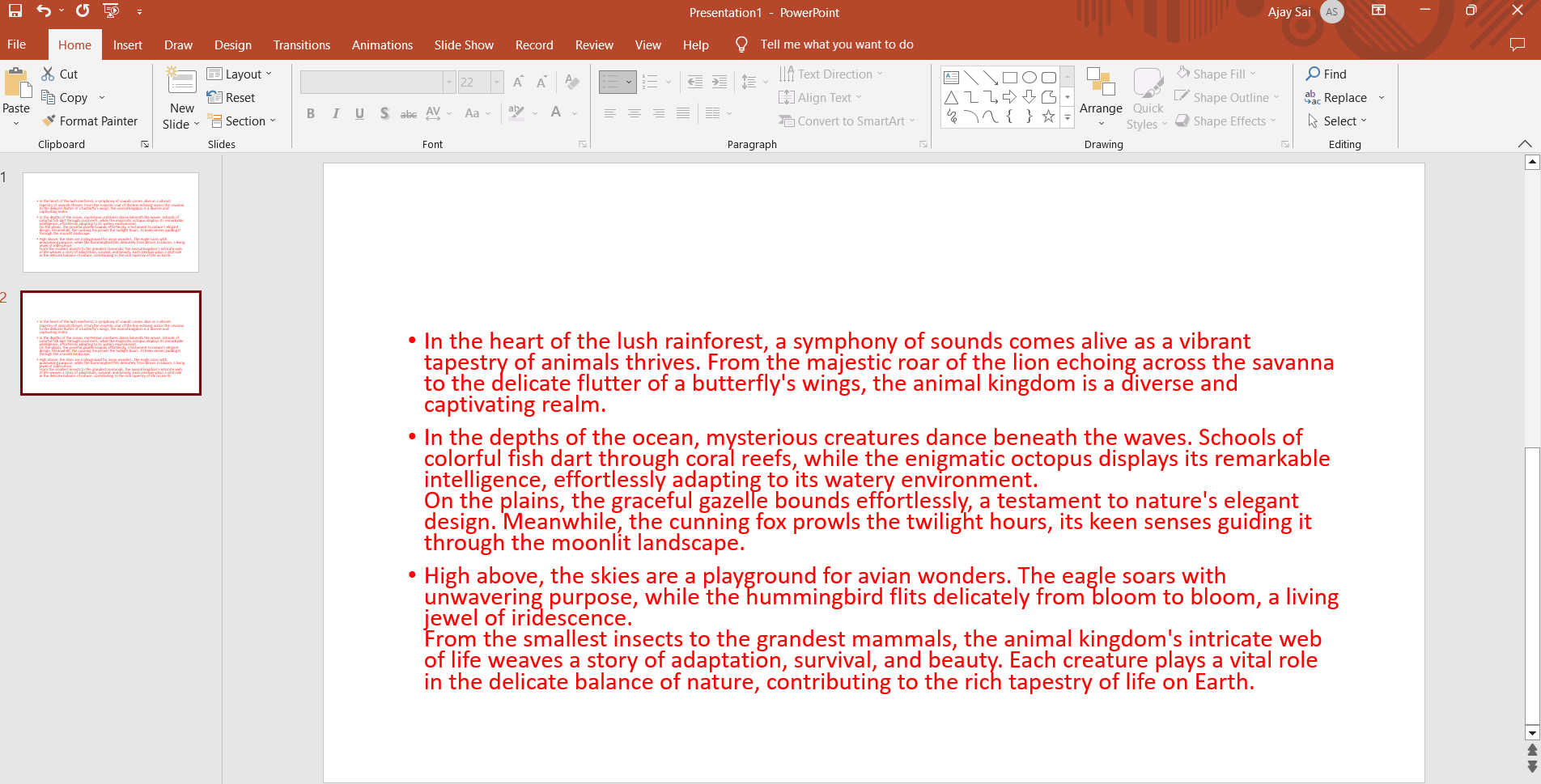
Step 2: Slide Pane: On the left-hand side of the PowerPoint window, you'll see the "Slides" pane, which displays a list of all your presentation slides.
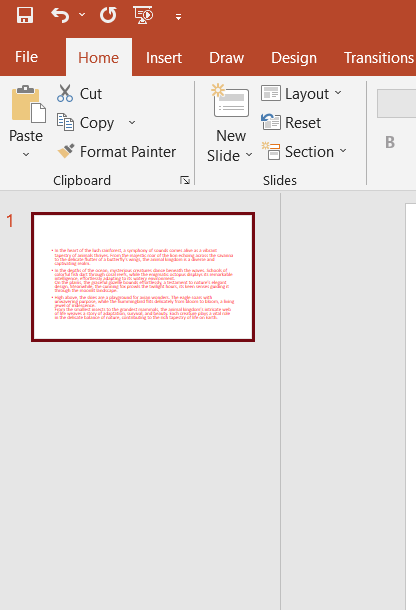
Step 3: Select Slide: Click on the slide that you want to duplicate. This will highlight the slide in the "Slides" pane.
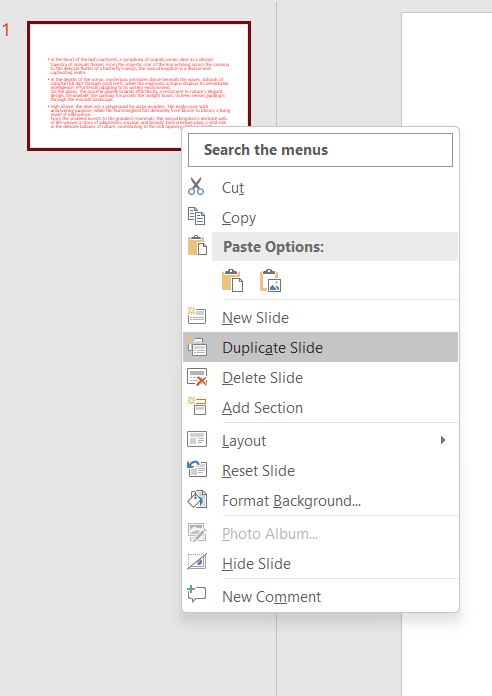
Step 4: Duplicate Slide: There are a few ways to duplicate the slide:
- Right-click on the highlighted slide in the "Slides" pane. From the context menu that appears, select "Duplicate Slide."
- Use the keyboard shortcut: Press
Ctrl+D(on Windows) orCommand+D(on Mac) while the slide is selected.
Step 5: New Slide: After duplicating, you'll see that a copy of the selected slide has been created directly beneath the original slide in the "Slides" panel.
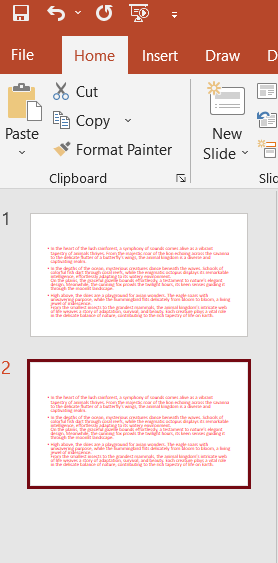
Step 6: Repeat if Necessary: If you need to duplicate more slides, follow the same steps for each slide you want to copy.
Step 7: Save: Don't forget to save your presentation after making any changes, including duplicating slides.
Remember that duplicating slides can save you time when you want to maintain the same layout or design while making slight content modifications for a new slide.
Here's to a day of limitless possibilities, just like AI


