Gamma AI Presentation Tool Review + Best Alternatives (2025 Guide)

Approved By

Admin

Published On

Reading Time

5 min read

Explore Gamma AI’s presentation tool, its pros and cons, and discover top alternatives like MagicSlides for better slide creation in 2025.

In 2025, creating professional presentations isn’t what it used to be, and that’s a good thing. Thanks to tools like Gamma AI, more teams and individuals are ditching manual slides in favor of fast, AI-assisted solutions that save time without sacrificing design.
Gamma AI has gained serious popularity this year for its sleek web-based interface and the promise of slide creation without slide stress. But is it the right tool for everyone?
This guide reviews Gamma AI's presentation tool, its pros and cons, and explores some of the best Gamma AI alternatives, like MagicSlides, Tome, Beautiful.ai, and Canva’s Magic Design, that might better suit specific workflows or preferences.

What Is Gamma AI?

notion image
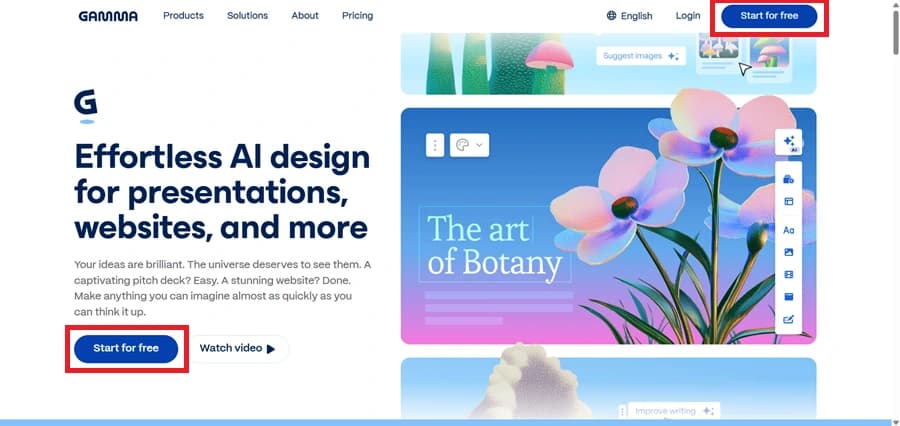
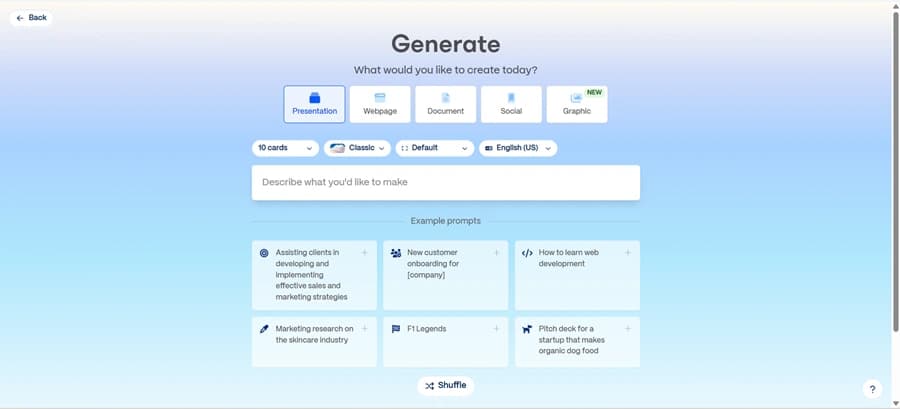
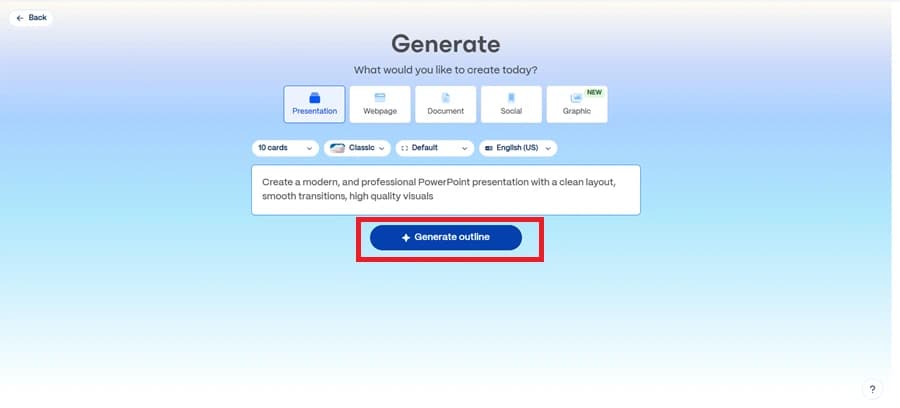
Gamma AI is a web-based presentation and document creation tool that uses generative AI to help users build decks and reports with minimal effort. Instead of starting from a blank slide, users type a prompt (e.g., “Marketing plan for Q3”) and Gamma generates a structured, modern-looking presentation.

Core Features:

  • AI Slide Generation: Start with a prompt and get a complete deck.
  • Web-Based Editor: A clean, Notion-style interface designed for content-first storytelling.
  • Design Templates: Sleek, minimalist styles that look good out of the box.
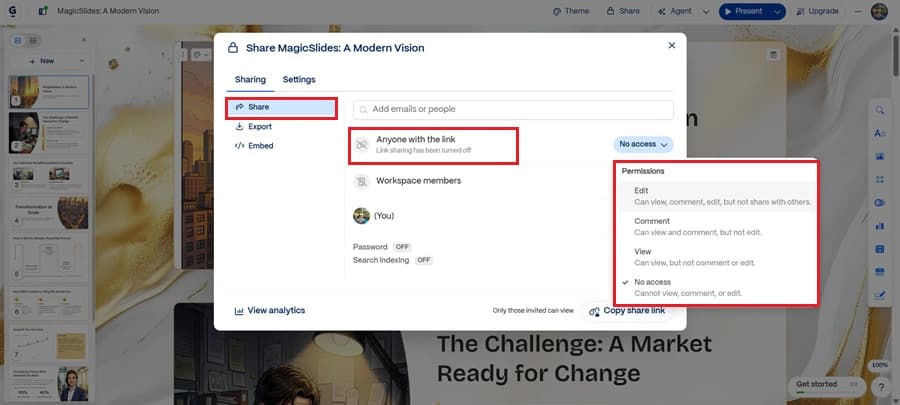
  • Embedding & Sharing: Presentations are shared via web links instead of traditional files.

Common Questions About Gamma AI:

Is Gamma AI free?
Yes, Gamma offers a free plan with basic generation and sharing capabilities. However, premium features like advanced styling, analytics, and unlimited generations may require a paid plan.
How to use Gamma AI?
notion image
  • Click on create new
notion image
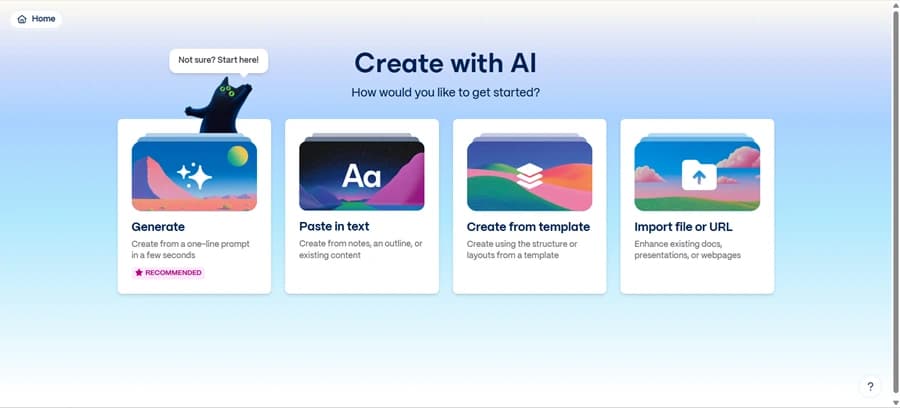
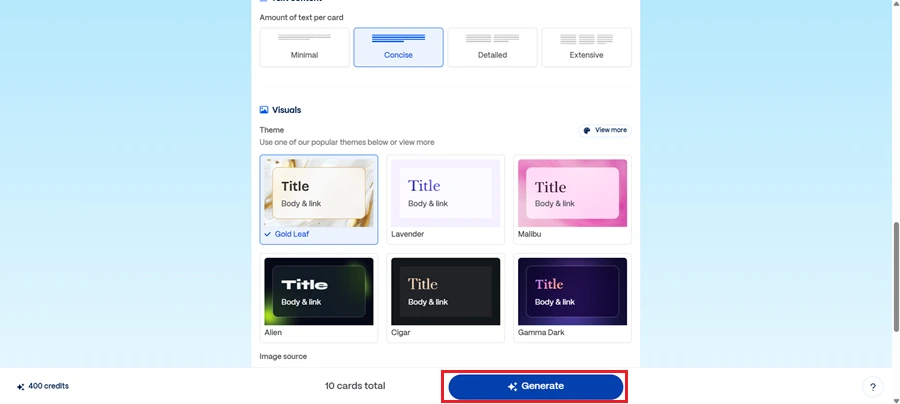
  • Here, you have three options: either paste your topic, which might be a brief statement or phrase; paste in text if you have content on hand; or import a file or URL that works with Google Drive, blog posts, etc.
notion image
notion image
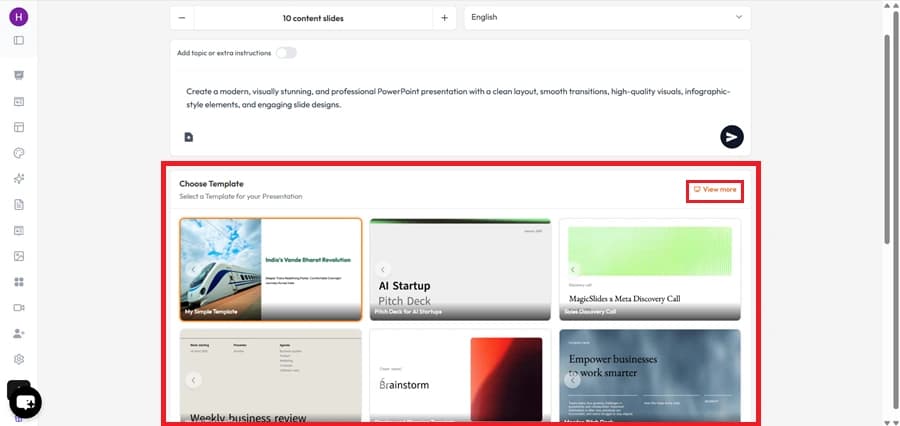
  • Choose a theme or template
notion image
  • Edit, rearrange, or regenerate content as needed
    • notion image
Can you export/download Gamma AI presentations?
Gamma is primarily a web-based tool. As of 2025, it does not offer direct PowerPoint or Google Slides export. You can share your deck via a live web link, but offline editing is not supported natively.

Pros and Cons of Gamma AI

Pros

  • Modern, clean design: Presentations feel fresh and visually appealing.
  • Fast AI generation: Create slide structures in seconds.
  • No design skills required: Ideal for non-designers.
  • Great for storytelling: Content flows naturally, like a doc.

Cons

  • Limited branding options: Teams may struggle with brand consistency.
  • No PPT/Slides export: Inconvenient for offline or traditional presentation settings.
  • Web-only editing: No desktop or mobile app for offline use.
  • Template variety is limited: Especially if you want unique visual styles.
Gamma AI is great for early-stage content and internal storytelling, but less ideal for teams needing branded slides, advanced customization, or export flexibility.

Best Gamma AI Alternatives in 2025

If Gamma isn’t the perfect fit for your workflow, here are four excellent alternatives, each with their own strengths.

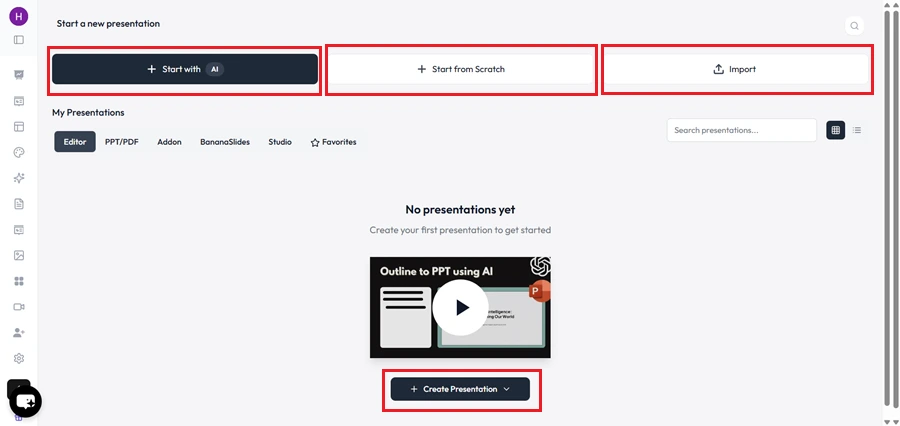
1. MagicSlides

notion image
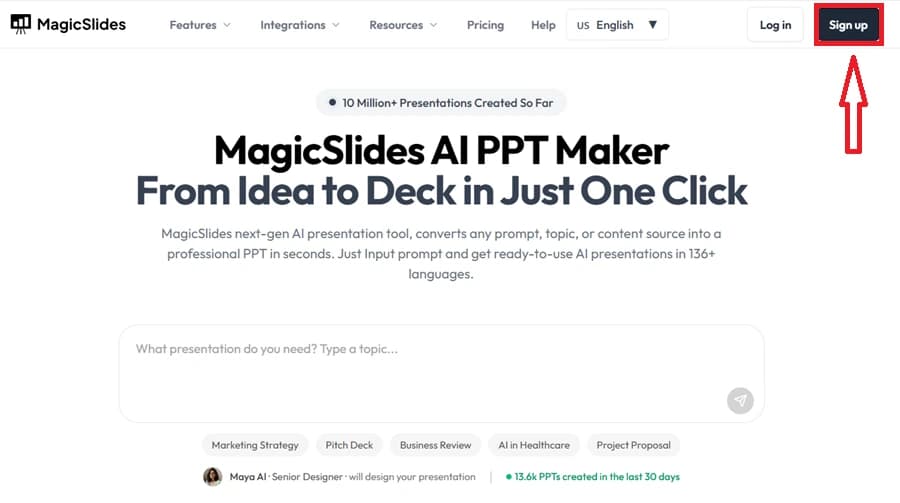
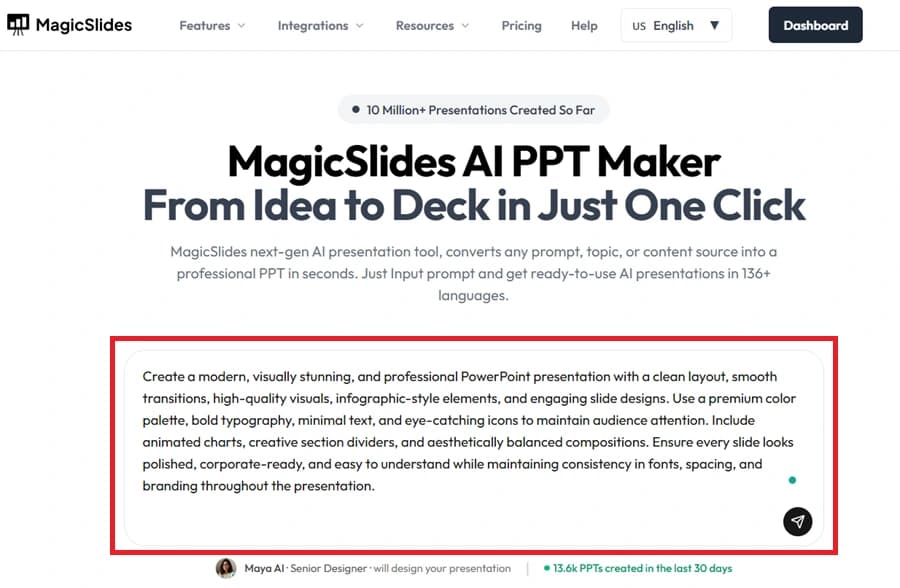
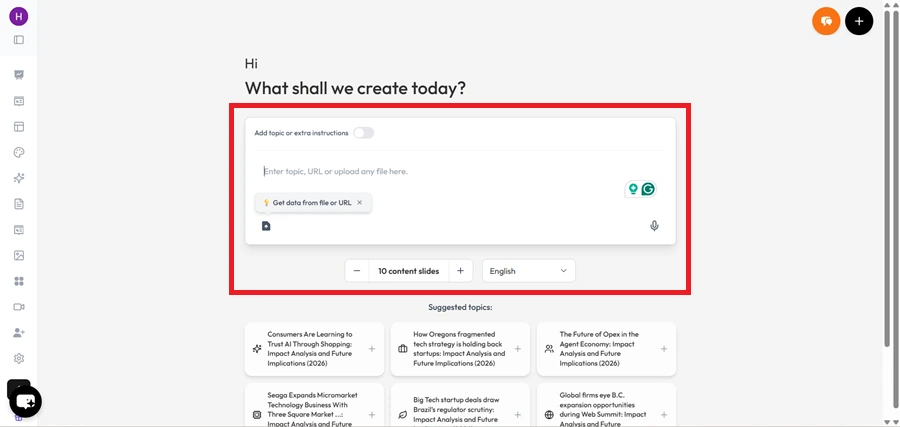
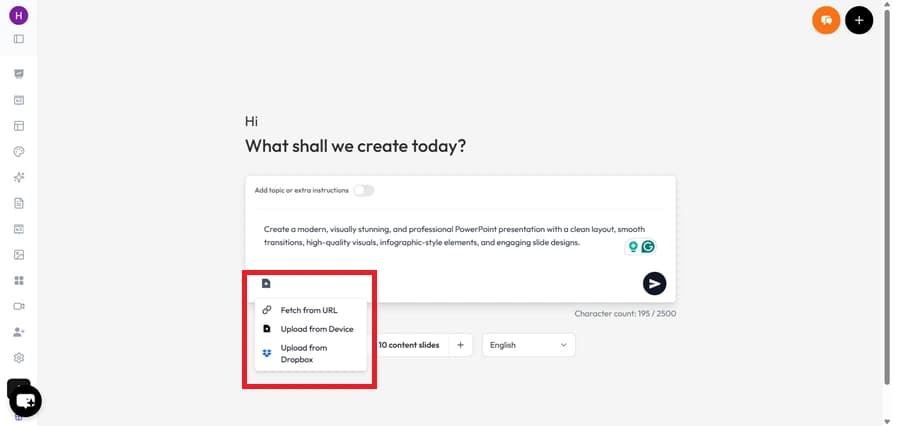
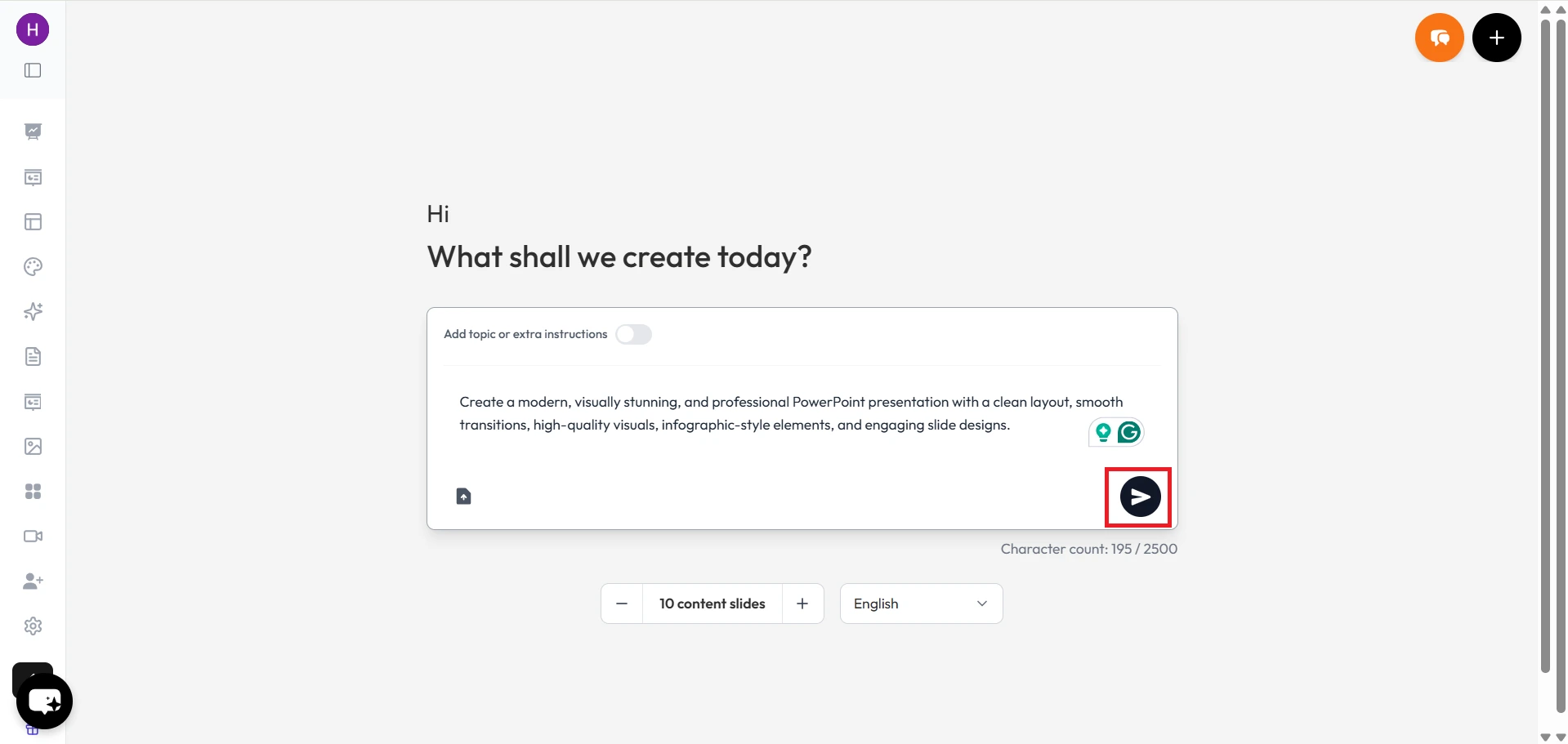
MagicSlides is an AI-powered slide maker built for speed and structure. Unlike Gamma, it allows you to upload PDFs, enter URLs, paste meeting notes, or write plain text, and turns that input into a full Google Slides or PowerPoint deck.
Why it's a great Gamma AI alternative:
  • Supports PPT and Google Slides export
  • Works with multiple content formats (not just prompts)
  • Ideal for internal decks, reports, and onboarding
Use case: An HR team uploads an onboarding checklist PDF and instantly gets a 10-slide deck with timelines, policies, and team introductions, ready to customize in Google Slides.

2. Tome

Tome is another AI-first tool for storytelling, blending content and visuals in a polished way. It works well for pitch decks, product briefs, and narrative-style content.
How it compares to Gamma:
  • Strong design focus, with a slightly more flexible interface
  • Includes AI-generated visuals (DALL·E integration)
  • Also web-first with limited export options
Best for: Founders and teams who value a polished narrative over traditional slide formatting.

3. Beautiful.ai

Beautiful.ai isn’t entirely AI-generated like Gamma, but it automates the design process by enforcing smart layouts and consistency across your slides. You manually input content, and the tool arranges it beautifully.
Why it’s a contender:
  • Excellent for brand-consistent decks
  • Includes a large slide layout library
  • Great export options (PPT, PDF)
Best for: Marketing teams, agencies, or anyone needing strict visual consistency.

4. Canva’s Magic Design (AI)

Canva’s presentation builder now includes Magic Design, a tool that helps you auto-generate slide content based on text inputs.
Strengths:
  • Huge template and visual library
  • Easy team collaboration
  • Design-heavy, with branding support
Downsides:
  • AI capabilities are more limited than Gamma or MagicSlides
  • Slightly overwhelming UX for new users
Best for: Educators, marketers, or teams already using Canva for other creative work.

Why Many Teams Prefer MagicSlides

While Gamma is a strong choice for quick web-based storytelling, MagicSlides shines in team-based, multi-format, high-efficiency workflows.

Key Reasons:

  • Input flexibility: Paste text, upload PDFs, or drop a YouTube URL, MagicSlides structures it all.
  • Real export options: Instantly download as PPT or edit in Google Slides.
  • Works well for remote teams: Ideal for distributed ops or marketing teams using internal docs.

Example Workflows:

Sales Enablement Decks: A sales team drops their feature list + use cases into MagicSlides, selects a template, and gets a deck aligned to buyer journeys.
HR Onboarding: HR uploads their Notion-based onboarding doc and gets a clean slide deck for new hires, with timelines and responsibilities structured clearly.
These use cases show where MagicSlides supports real-world workflows, without the limitations of online-only presentation tools.

Conclusion: Gamma AI Is Great, But It’s Not the Only Option

Gamma AI has earned its popularity for a reason. It’s easy to use, visually pleasing, and ideal for storytelling-style decks. But depending on your needs, whether it's exporting to PPT, uploading PDFs, or working offline, it may fall short.
That’s where alternatives like MagicSlides, Tome, and Beautiful.ai come in. Each has its strengths, depending on your team’s workflow, design needs, and content style.
Try a few tools. Build the same deck in Gamma and MagicSlides. See what works best for your process.
For fast, export-ready presentations powered by multiple input types, MagicSlides.app remains one of the smartest alternatives to try in 2025.

Share on socials

Create Stunning Presentations with AI in Seconds ✨

Transform any topic, text, YouTube video, PDF or URL into beautiful presentations instantly with MagicSlides AI.

MagicSlides AI Presentation